How do I use the Luxury Mirror Selfie Fashion Prompt template?
Choose the primary action to open PicX Studio with the available template settings. Review the model and format, personalize the creative direction, and generate when ready.
A detailed prompt for creating a photorealistic mirror selfie of a woman in a luxury dressing room, focusing on maintaining identity from a reference image whil
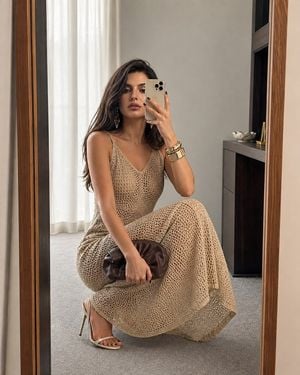
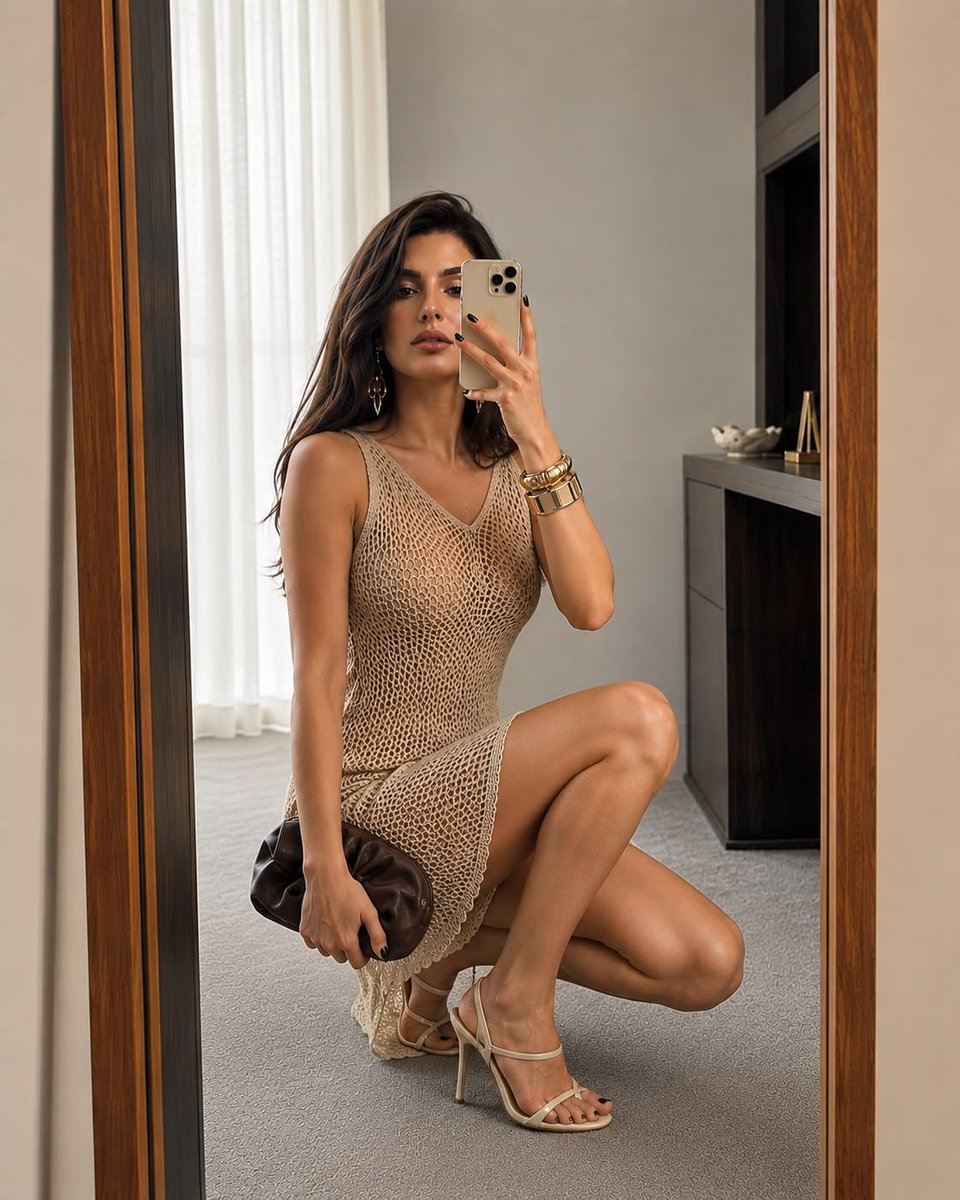
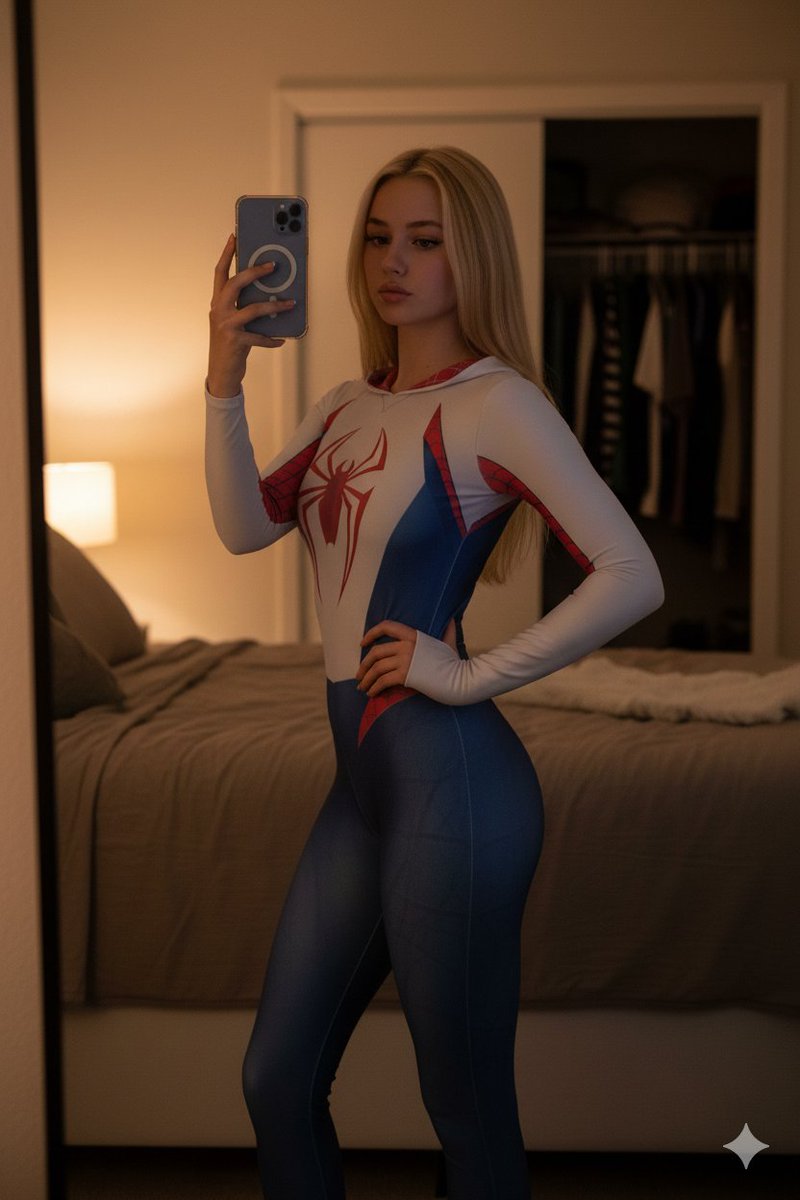
Use {argument name="reference image" default="image 1"} as the sole identity reference and preserve the subject’s facial features, proportions, skin tone, and overall appearance exactly. Create an ultra-photorealistic 4:5 mirror selfie inside a {argument name="room type" default="refined luxury dressing room"}. The woman is captured in a deep, natural squat in front of a tall full-length mirror with a warm wooden frame. She holds a light-colored smartphone in her right hand, partially obscuring her face, while her left hand carries a dark brown leather clutch. She is dressed in a {argument name="outfit" default="flowing sand-beige open-weave crochet maxi dress"} with delicate shoulder straps and a plunging V-shaped neckline, without any waist belt. Complete the outfit with cream-colored stiletto sandals, oversized statement bracelets, elegant drop earrings, and sleek, straight hair falling naturally over her shoulders. The room features soft neutral walls, a gray carpet, and diffused natural daylight that creates realistic HDR lighting, true-to-life reflections, lifelike skin texture, accurate anatomy, and the feel of a candid high-end fashion photograph. Negative prompt: different face or identity, facial distortion, plastic-looking skin, unrealistic anatomy, malformed or extra fingers, fused limbs, incorrect mirror reflection, warped proportions, belt added, incorrect outfit, missing clutch, low quality, cartoon, CGI, text, logo, watermark.
Luxury Mirror Selfie Fashion Prompt needs input media to work. Open it in the studio and these load alongside the prompt — pick whichever ones your chosen model can take.
Choose the primary action to open PicX Studio with the available template settings. Review the model and format, personalize the creative direction, and generate when ready.
Yes. You can change the subject, setting, lighting, mood, format, and available model controls before creating your image.
This template is free to open and customize. Generation usage is shown in PicX Studio before you create.
Start with GPT Image 2, which is the model associated with this template. You can compare another compatible model for a different finish.
Follow a topic to a crawlable collection of related PicX Studio templates.











































![Nano Banana — One Day In [CITY] Travel Route](https://cdn.picxstudio.com/cdn-cgi/image/format=auto,quality=100,fit=scale-down,onerror=redirect,width=828,dpr=2,metadata=none/uploads/ai_gezgini_travel_d9a86f2e-c1f5-41a8-a4ef-5d96a8a7a023.jpg)