
Minimalist Business Exhibition Poster
A meta-prompt for generating professional business posters with olive green tones, city skylines, and clear typographic hierarchy using GPT Image 2.
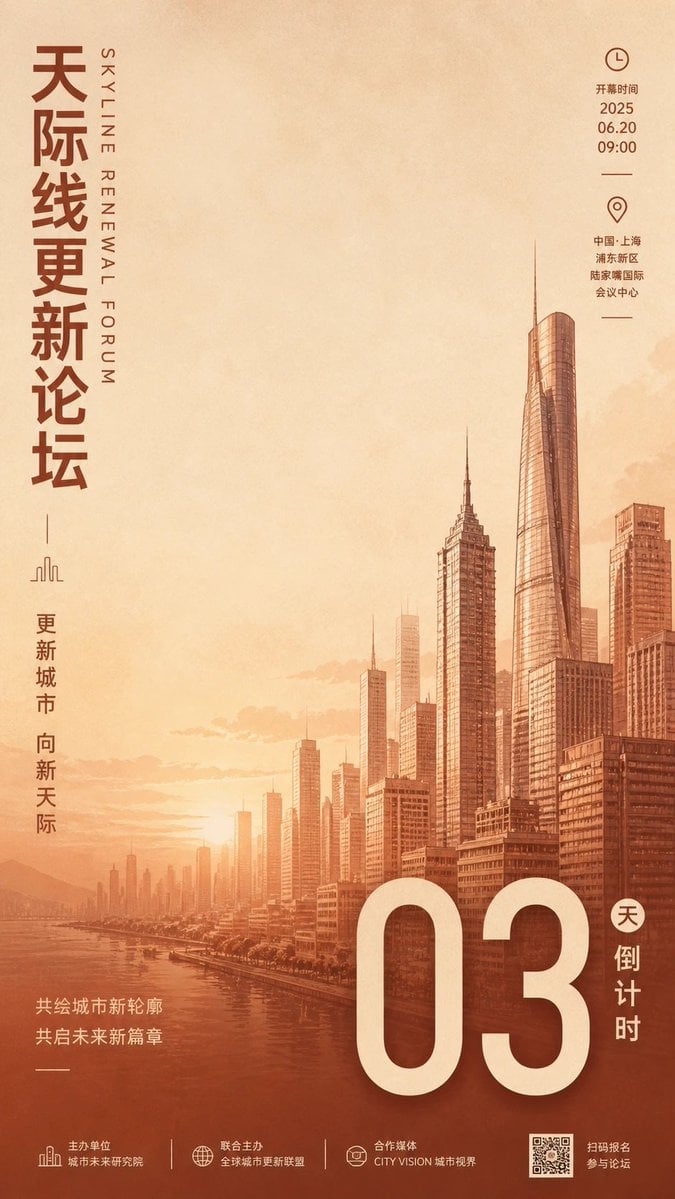
- Prompt included
- Model and format preset
- Free template
The prompt behind this image
Copy the exact prompt behind Minimalist Business Exhibition Poster, or open it in the studio and make it yours.
围绕{argument name="主题对象" default="任意主题对象"}生成极简商务展会海报。画面采用橄榄绿至草绿色的软调温和单色系背景,辅以淡雅纸张微纹理与柔和环境光影。下半部分采用精细线描手绘结合淡描影调方式呈现城市天际线建筑剪影群,左侧与右侧前景建筑突出拉高,中间以层次渐远的中远景轮廓衬托,勾勒出极具层次感与空间纵深的地标化建筑背景。上半部分留出大面积呼吸感负空间,上方居中布置超大字号亮白无衬线粗体数字与关键展位号/核心主题标识,上下错落排布微型图标(如时钟、定位指针)、辅助小字号英文及中文信息行。右侧边缘纵向贯穿大字号半透明浅绿无衬线水印文字,形成右侧视觉锚定。整体字形清晰规整,文字层级极具秩序感,线描建筑与柔和单色基调完美融合,呈现现代化、高品质且典雅干练的展会邀请函视觉气韵。
How to use Minimalist Business Exhibition Poster in 3 steps
- 1
Open
The prompt is already in the box next to the preview, with the template's model and format selected.
- 2…a portrait of your subject in softgolden-hour light, 85mm…
Personalize
Edit the subject and creative details for your destination.
- 3Generate
Generate
Press Generate — your image is created in PicX Studio, so you can compare it with the original and refine one variable at a time.
More like this
Templates with the same subject, style or setup. Open one to see its prompt.

Premium Vintage Travel Poster Landscape

Japan Travel Brochure Poster

Cartoon TV Show Poster Pack

Trendy Cafe Drink Promo Poster

Urban Fashion Editorial Collage Streetwear Poster

Premium Fashion Editorial Cover Layout System

Polo Ralph Lauren Luxury American Heritage Fashion Campaign

Monochrome Halftone Editorial Fashion Poster

Retro Mirror Luxury Fashion Campaign Poster

Luxury Fashion Campaign Typography Poster System

Premium Fashion Editorial Campaign Poster System

Korean Streetwear Minimalist Campaign Portrait
Make it yours
Minimalist Business Exhibition Poster works as-is. These are the safest ways to change it without losing the look.
Change one field
Copy a single group, rewrite it, and generate again so you can see what that field is doing.
Keep the frame, change the subject
Hold the composition and light of Minimalist Business Exhibition Poster, then swap wardrobe, props or the person for a new take.
| If the result… | Why | Fix |
|---|---|---|
| The result drifts from the preview | Too many fields changed at once. | Reuse Minimalist Business Exhibition Poster as-is first, then change one group — subject, light, or setting. |
| The model over-stylizes the scene | The prose prompt leaves finish and camera underspecified. | Add one camera or lighting sentence and stay on GPT Image 2. |
More GPT Image 2 templates
Other prompts made for GPT Image 2.

Six VTuber Japanese Logo Sheet

Realistic Portrait of Woman and Deer

The Vista Modular Condo Poster

AI Model Routing Comparison Infographic

2.5D Anime Art Board

Isometric Productivity Desk Scene

New York Double Exposure Poster

Four-Panel AI Landscape Comparison

Japanese Tatami Lifestyle Magazine Cover

NESCAFÉ Coffee Map Poster
More image prompts
Fresh picks from across the catalog.
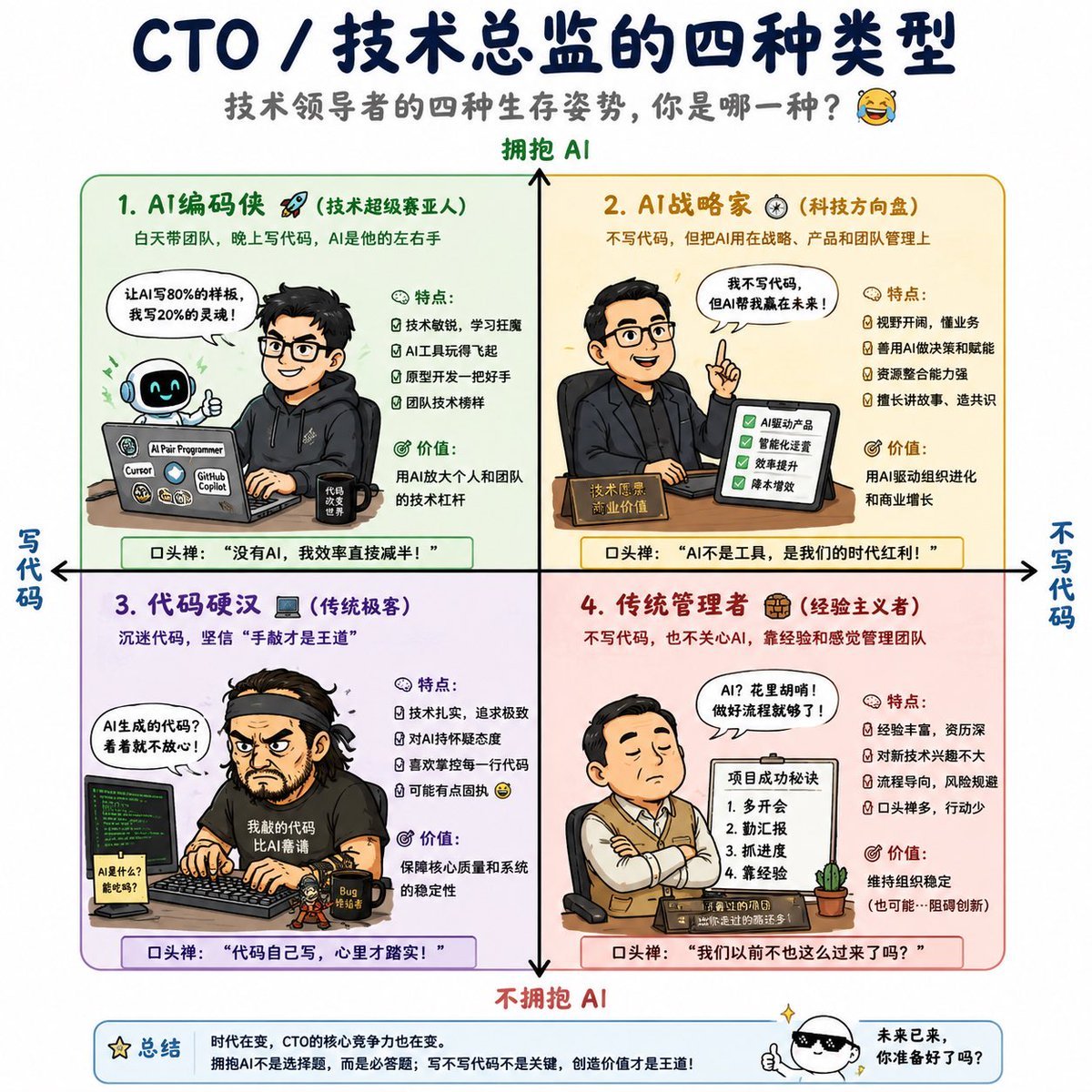
Four Types of CTO Infographic
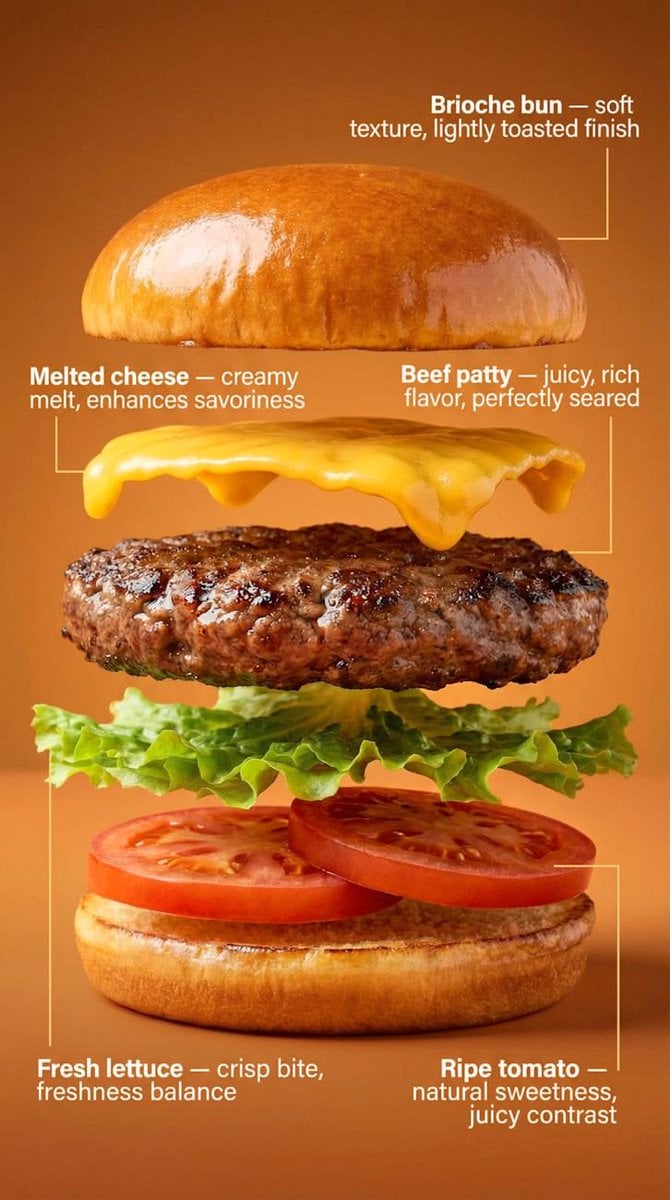
Exploded-View Burger Composition with Annotations
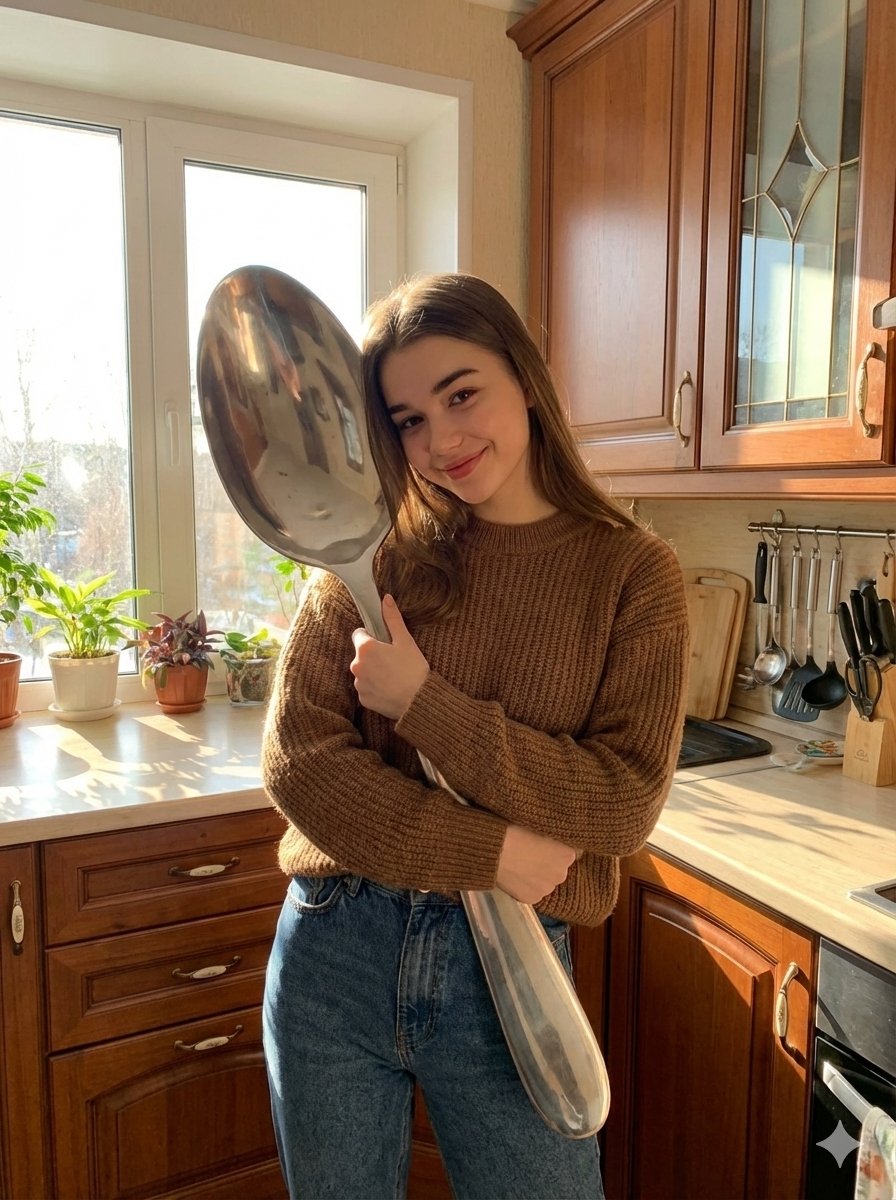
Photorealistic Woman Hugging Giant Spoon in Kitchen Prompt

Low-Poly Geometric Character Art
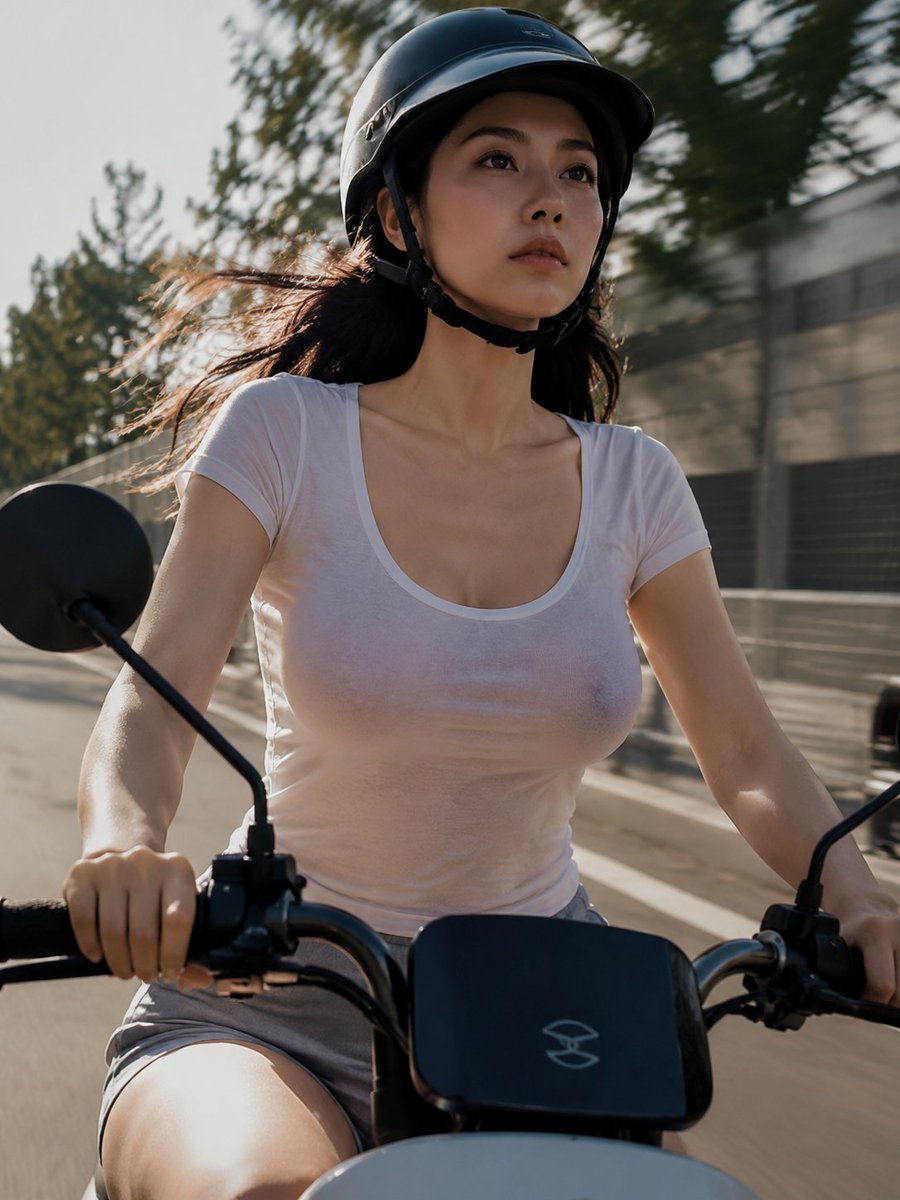
Helmeted Scooter Rider With Face Block
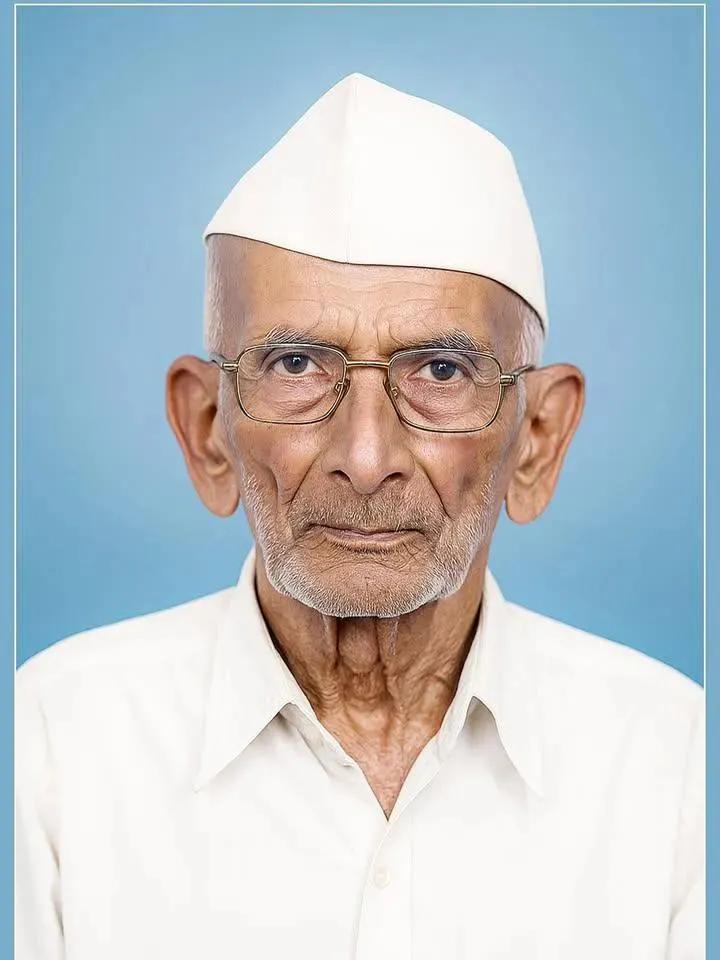
Old Photo Restoration and Modernization
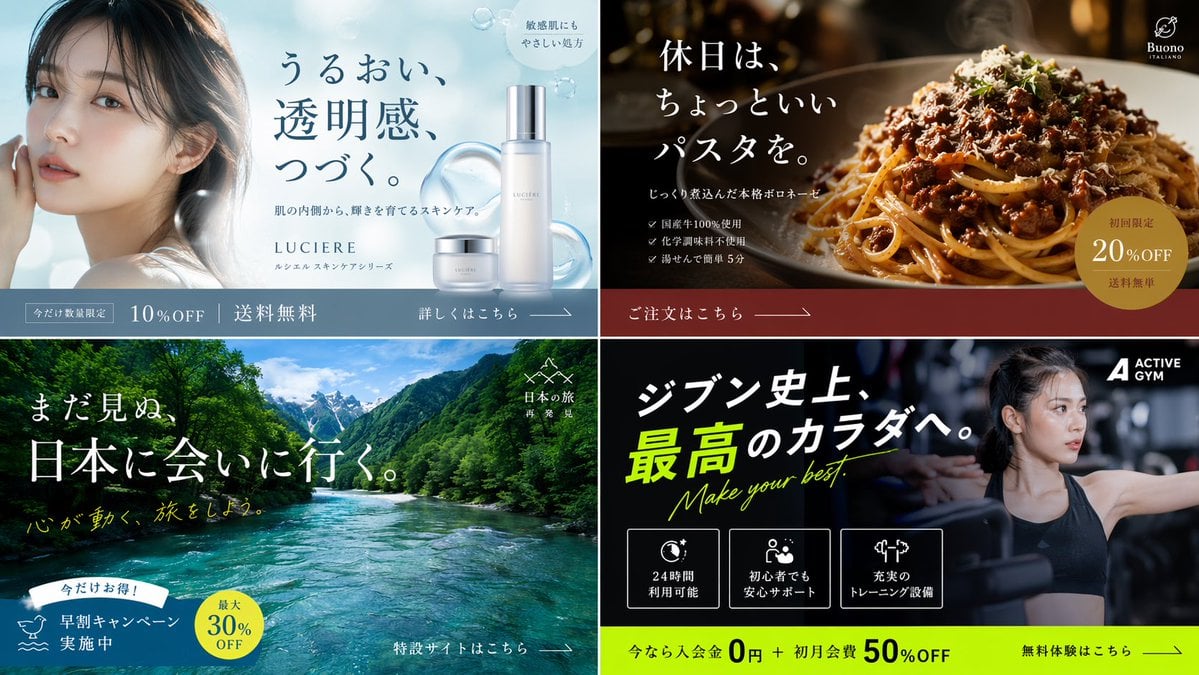
2x2 Japanese Banner Ad Grid
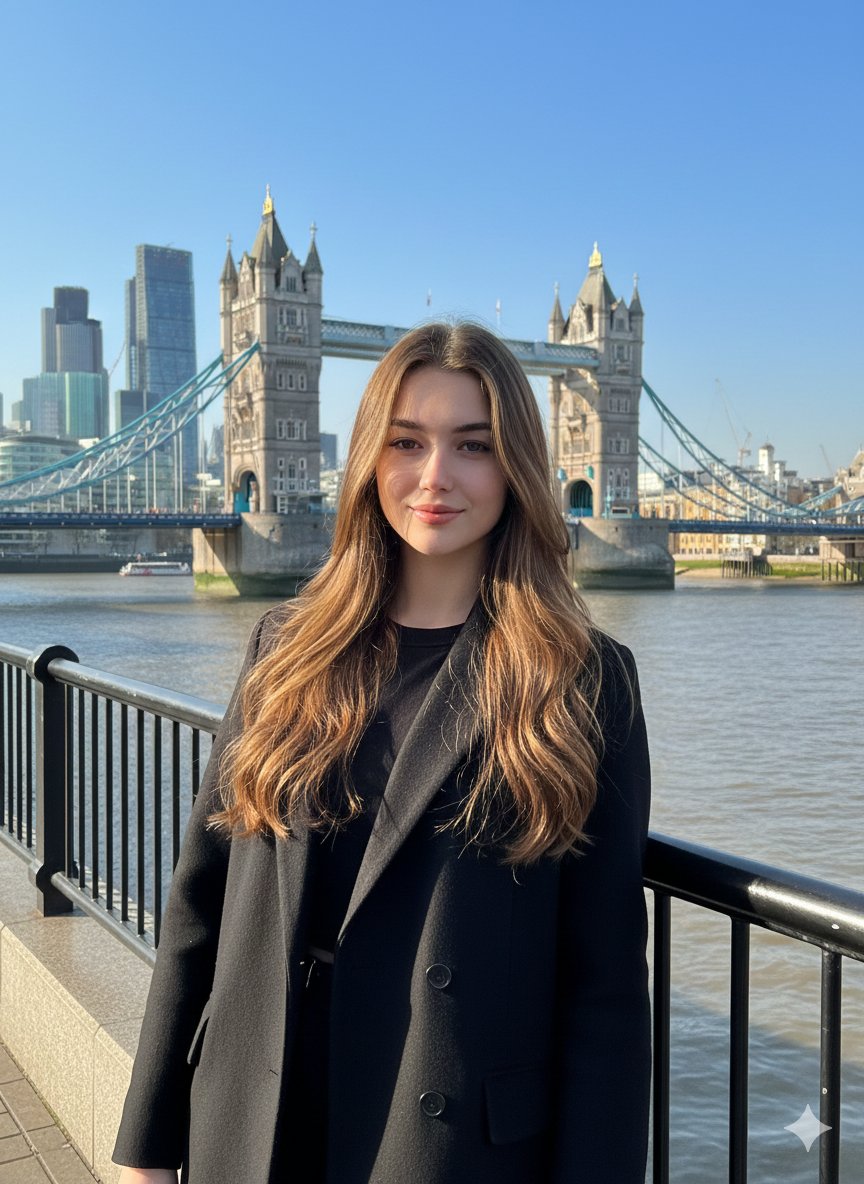
Photorealistic Travel Portrait with Identity Lock
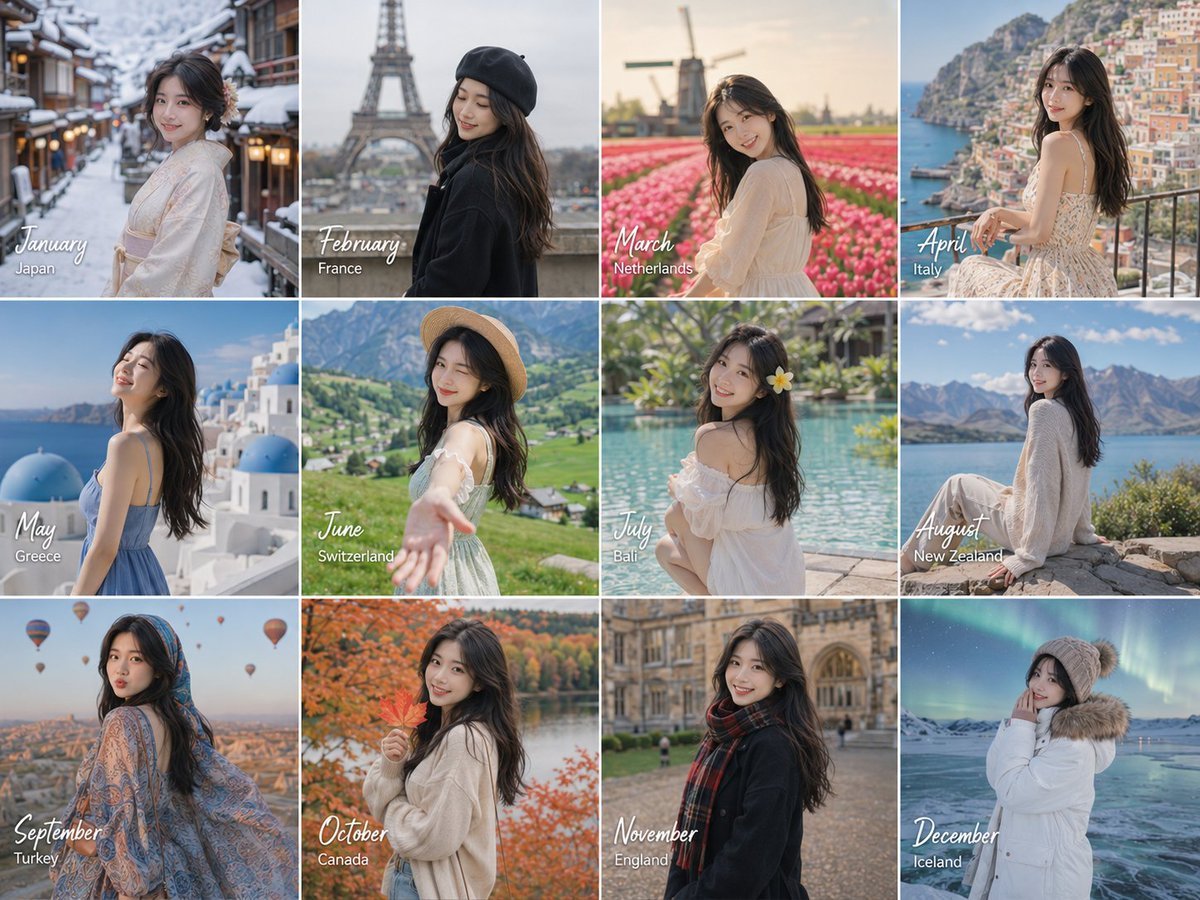
Month Travel Memory Grid
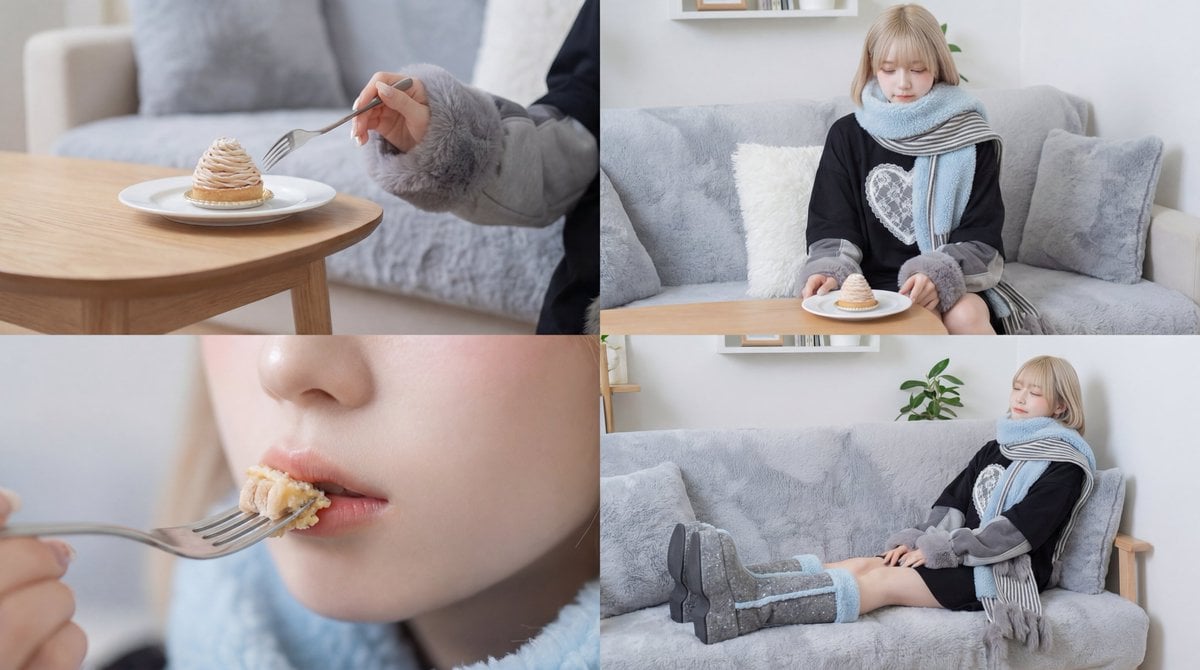
Cinematic Video of a Woman Enjoying Sweets
Browse template categories
Minimalist Business Exhibition Poster questions
How do I use the Minimalist Business Exhibition Poster template?
Add your photo if the template asks for one, edit the prompt if you like — the template's model and format are already selected — and press Generate. Your version opens in PicX Studio.
Can I customize the Minimalist Business Exhibition Poster template?
Yes. You can change the subject, setting, lighting, mood, format, and available model controls before creating your image.
Is the Minimalist Business Exhibition Poster template free?
Opening and editing this template is free. Generating uses credits, shown on the Generate button when you are signed in.
Which AI model should I use?
Start with GPT Image 2, which is the model associated with this template. You can compare another compatible model for a different finish.
Looking for something else? Browse all templates.

Your photo, any look
Thousands of ready templates for every top image and video model, from one credit balance.