
Cinematic Monochrome Fantasy Portrait
A dramatic black-and-white fantasy editorial portrait prompt featuring a central subject surrounded by mysterious hooded figures, emphasizing high contrast and cinematic depth.
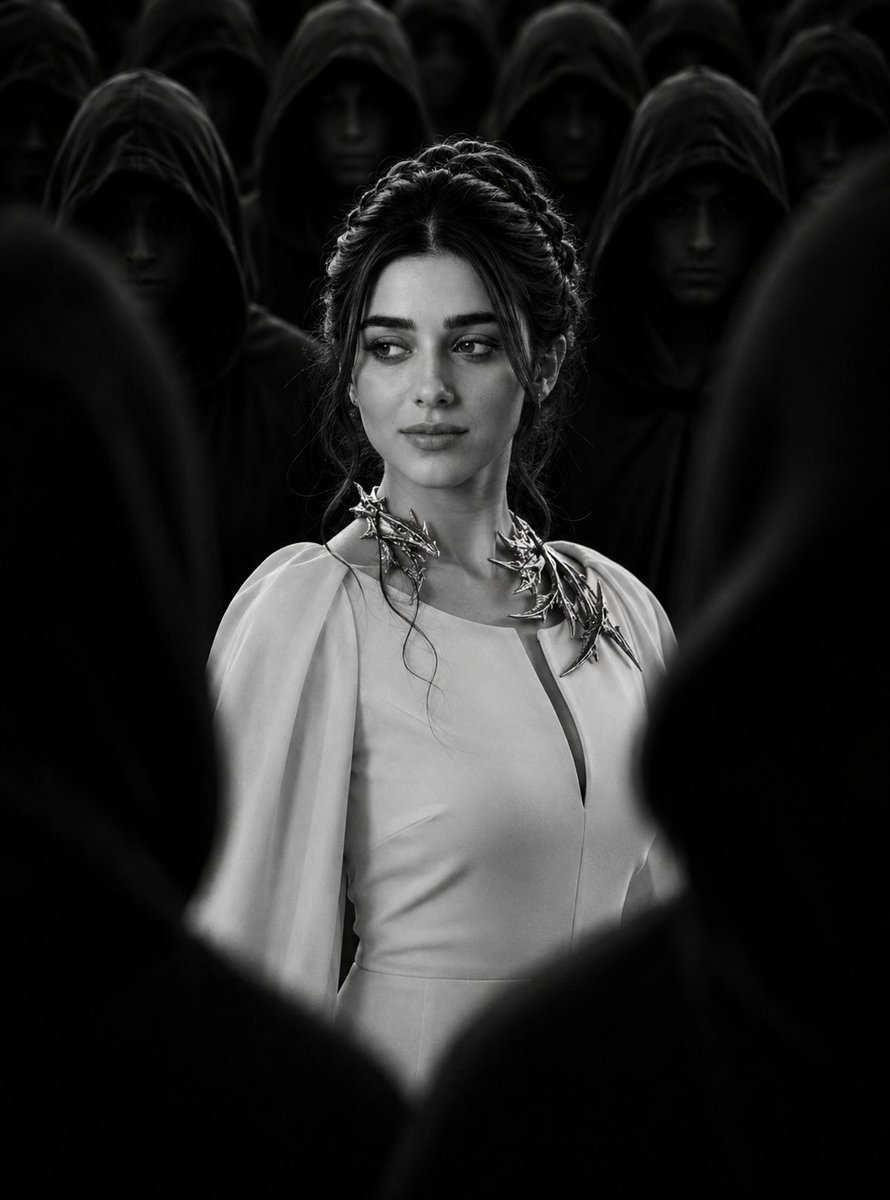
- Prompt included
- Model and format preset
- Free template
The prompt behind this image
Copy the exact prompt behind Cinematic Monochrome Fantasy Portrait, or open it in the studio and make it yours.
Create a cinematic black-and-white fantasy editorial portrait of {argument name="subject" default="me standing confidently in the center of a large mysterious crowd"}. The camera is positioned at approximately chest-to-eye level, with me as the clear focal subject. My body is shown from approximately the waist/chest up, while several {argument name="figures" default="dark hooded figures"} surround me in the foreground and background. Pose & expression: I am standing upright and composed, looking slightly to the side rather than directly at the camera, with a calm, serious, powerful expression. Natural posture, elegant presence. Hair: Keep my natural hair color converted to monochrome and style it into an elegant, intricate braided updo with soft loose strands framing the face. The hairstyle should look sophisticated and cinematic. Clothing: Replace my clothing with an {argument name="outfit" default="elegant light-colored formal/fantasy dress"}, long sleeves, refined high-fashion design, modest neckline, smooth flowing fabric. Add an elaborate statement collar/neckpiece with metallic ornamental details. Crowd: Surround me with many mysterious figures wearing deep black hooded robes. Their faces should remain mostly hidden in shadow, creating a dramatic anonymous crowd. The foreground figures should partially obscure the lower and side portions of the frame, naturally creating a tunnel-like composition that draws attention toward me. Lighting: Extremely dramatic cinematic lighting. The central woman is brightly illuminated while the surrounding hooded figures remain almost completely black and shadowed. Strong subject separation, soft highlights on the face, deep shadows, atmospheric contrast. Color & style: Strictly black and white monochrome, high contrast, cinematic film photography, dark fantasy editorial aesthetic, subtle film grain, realistic skin texture, detailed fabric, dramatic atmosphere, sophisticated composition. Composition: Vertical portrait, central symmetrical framing, shallow depth of field, central subject in sharp focus, background crowd slightly softer, foreground silhouettes blurred and dark, cinematic depth and perspective. Important identity instructions: My uploaded face must remain recognizable as the exact same person. Do not change my facial features or make me resemble a different person. Do not add glasses or sunglasses. No text, watermark, logo, or extra objects.
How to use Cinematic Monochrome Fantasy Portrait in 3 steps
- 1Upload ImagePNG, JPG or paste
Add your photo
Upload the photo the template builds on. The prompt, model and format are already set.
- 2…a portrait of your subject in softgolden-hour light, 85mm…
Personalize
Edit the subject and creative details for your destination.
- 3Generate
Generate
Press Generate — your image is created in PicX Studio, so you can compare it with the original and refine one variable at a time.
More like this
Templates with the same subject, style or setup. Open one to see its prompt.

Found Photograph: Us, 1970

80s Couple Studio Portrait

80s Bollywood Star

80s Golden Hour Cinema

Me in 1985

1985 Studio Portrait

Hyper-Realistic Minecraft POV Portrait
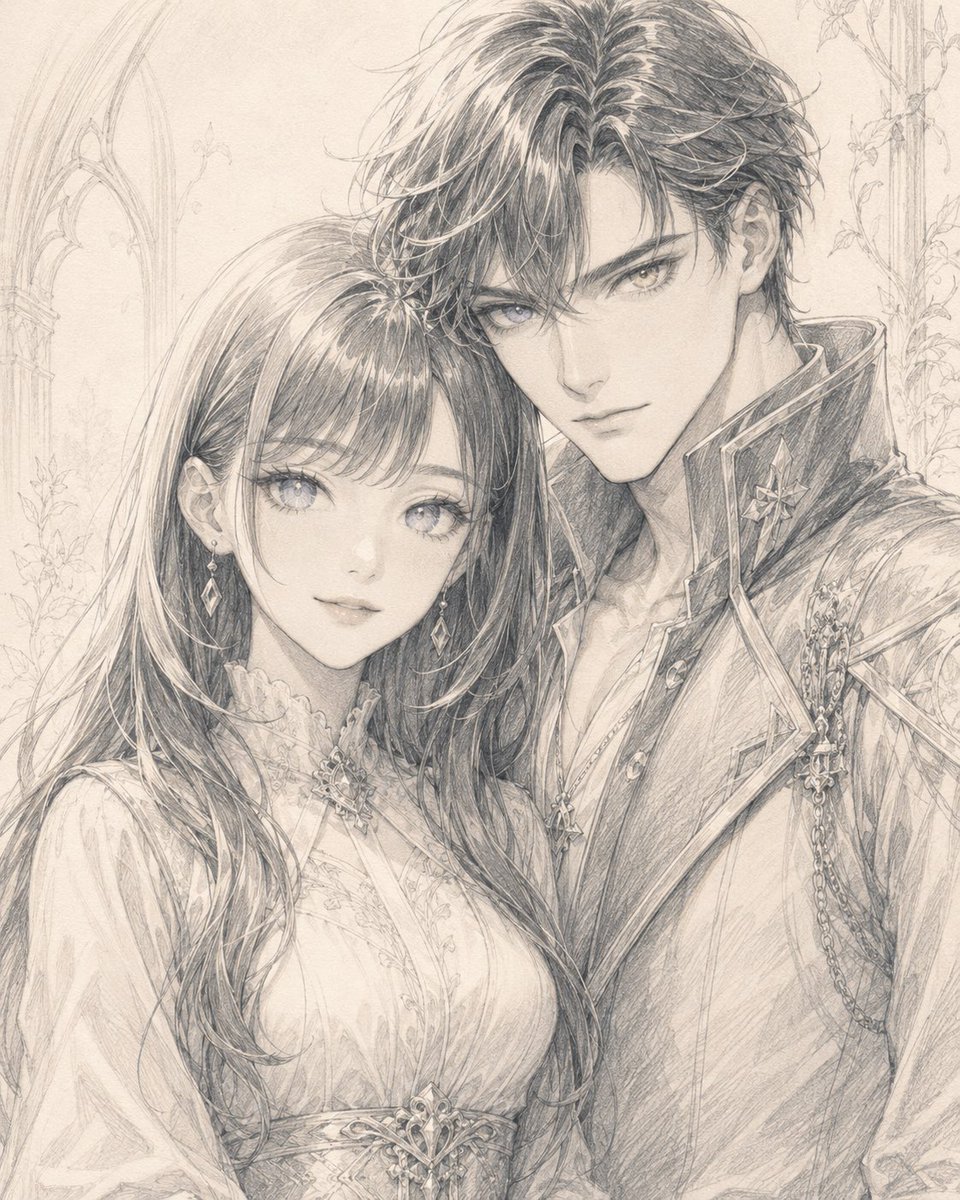
Monochrome Fantasy Noble Couple

Rooftop Fisheye — Cat-Ear Balaclava at Golden Hour

Rainy Café Window Moody Portrait
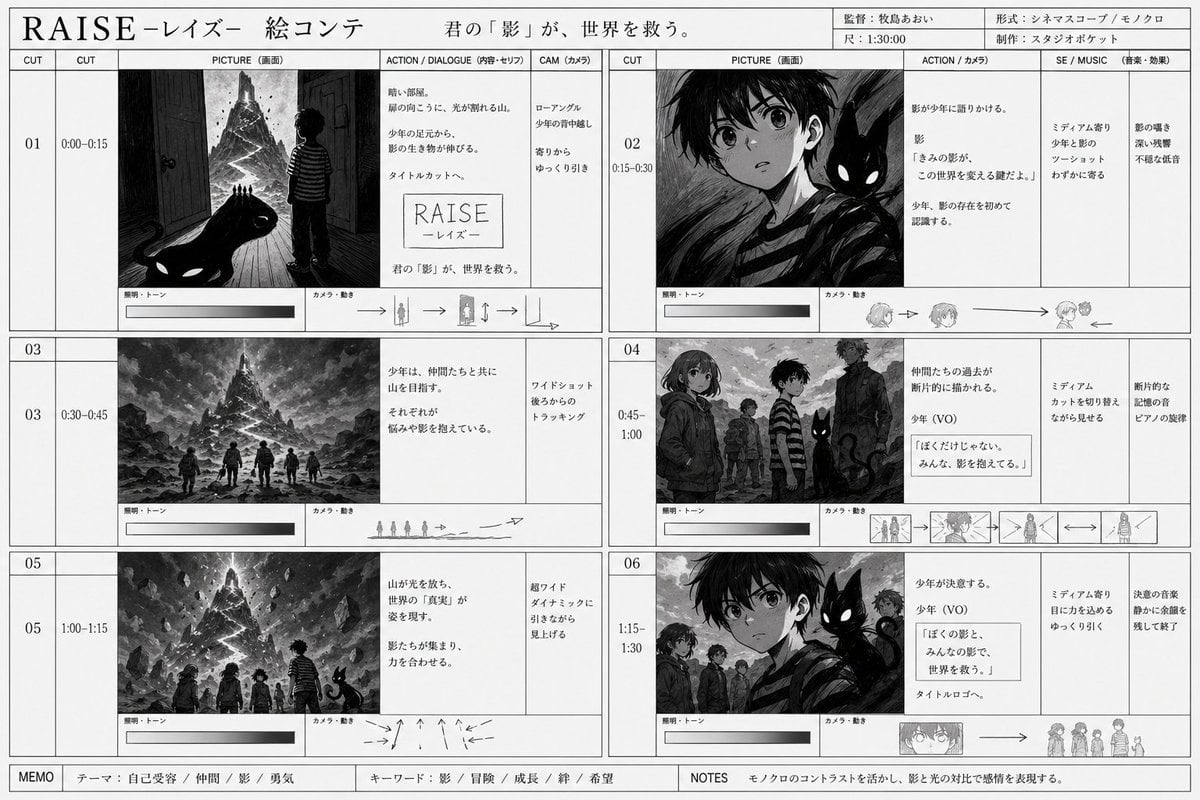
Monochrome Fantasy Storyboard Sheet

untitled
Make it yours
Cinematic Monochrome Fantasy Portrait works as-is. These are the safest ways to change it without losing the look.
Change one field
Copy a single group, rewrite it, and generate again so you can see what that field is doing.
Keep the frame, change the subject
Hold the composition and light of Cinematic Monochrome Fantasy Portrait, then swap wardrobe, props or the person for a new take.
| If the result… | Why | Fix |
|---|---|---|
| The result drifts from the preview | Too many fields changed at once. | Reuse Cinematic Monochrome Fantasy Portrait as-is first, then change one group — subject, light, or setting. |
| The model over-stylizes the scene | The prose prompt leaves finish and camera underspecified. | Add one camera or lighting sentence and stay on GPT Image 2. |
More GPT Image 2 templates
Other prompts made for GPT Image 2.

Six VTuber Japanese Logo Sheet

Realistic Portrait of Woman and Deer

The Vista Modular Condo Poster

AI Model Routing Comparison Infographic

2.5D Anime Art Board

Isometric Productivity Desk Scene

New York Double Exposure Poster

Four-Panel AI Landscape Comparison

Japanese Tatami Lifestyle Magazine Cover

NESCAFÉ Coffee Map Poster
More image prompts
Fresh picks from across the catalog.
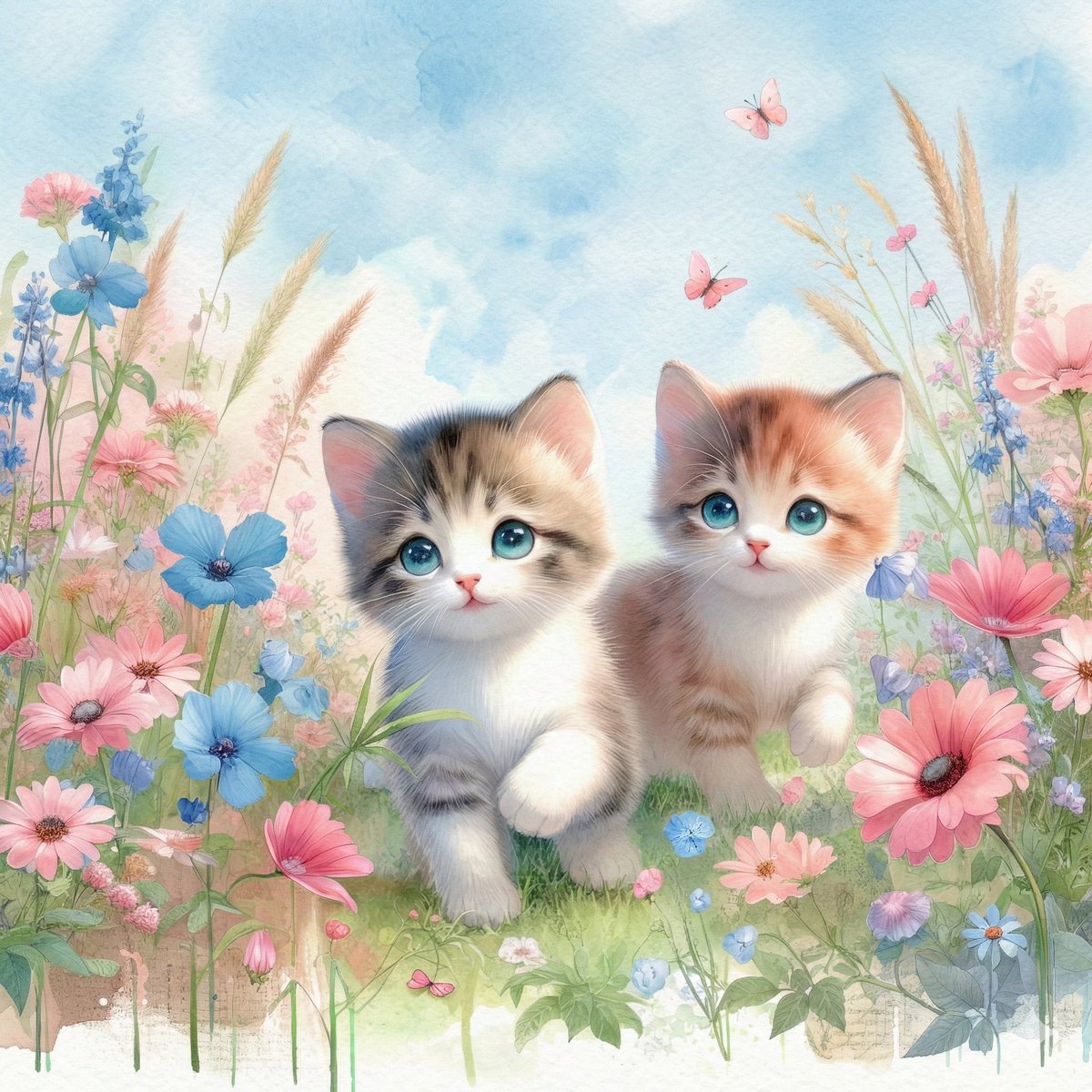
Watercolor Illustration of Kittens in a Garden
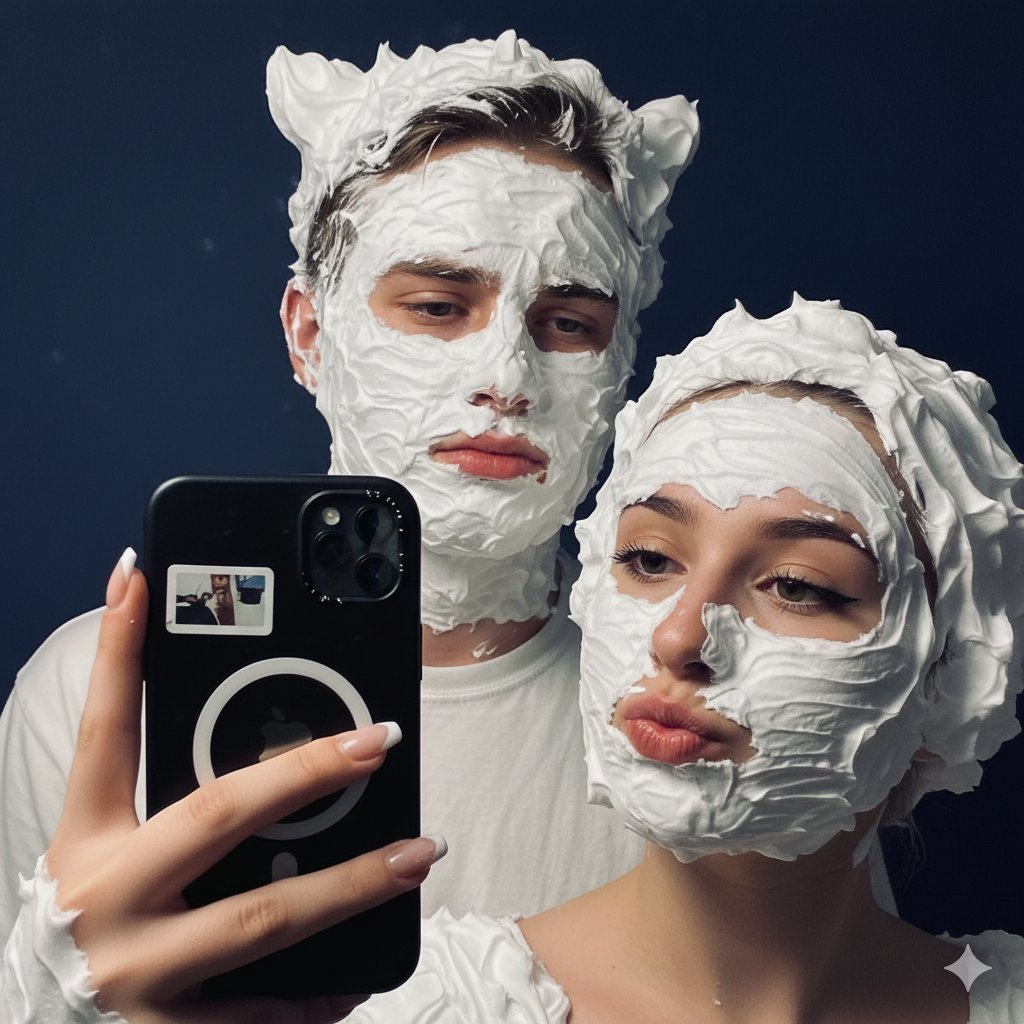
Playful Shaving Cream Mirror Selfie Prompt
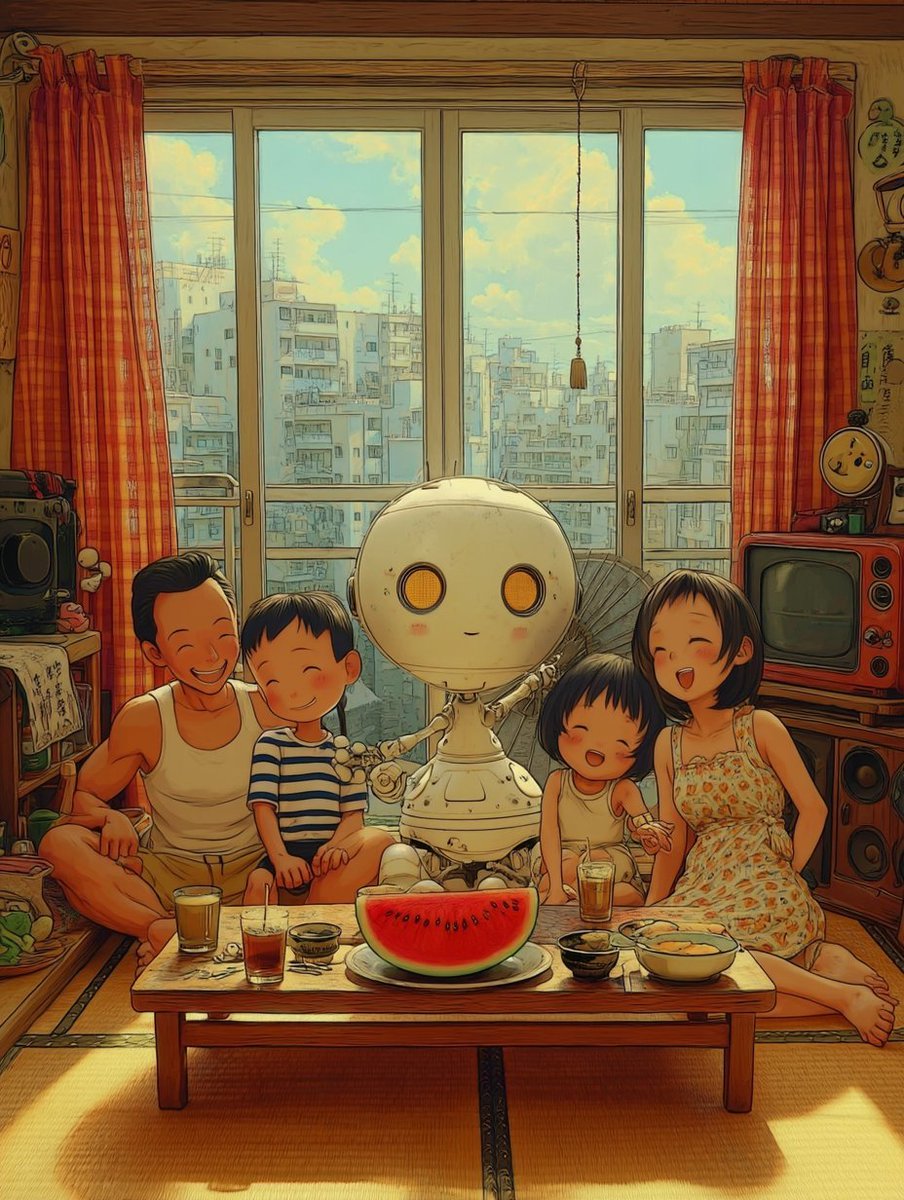
Retro Futuristic Family Fan Robot
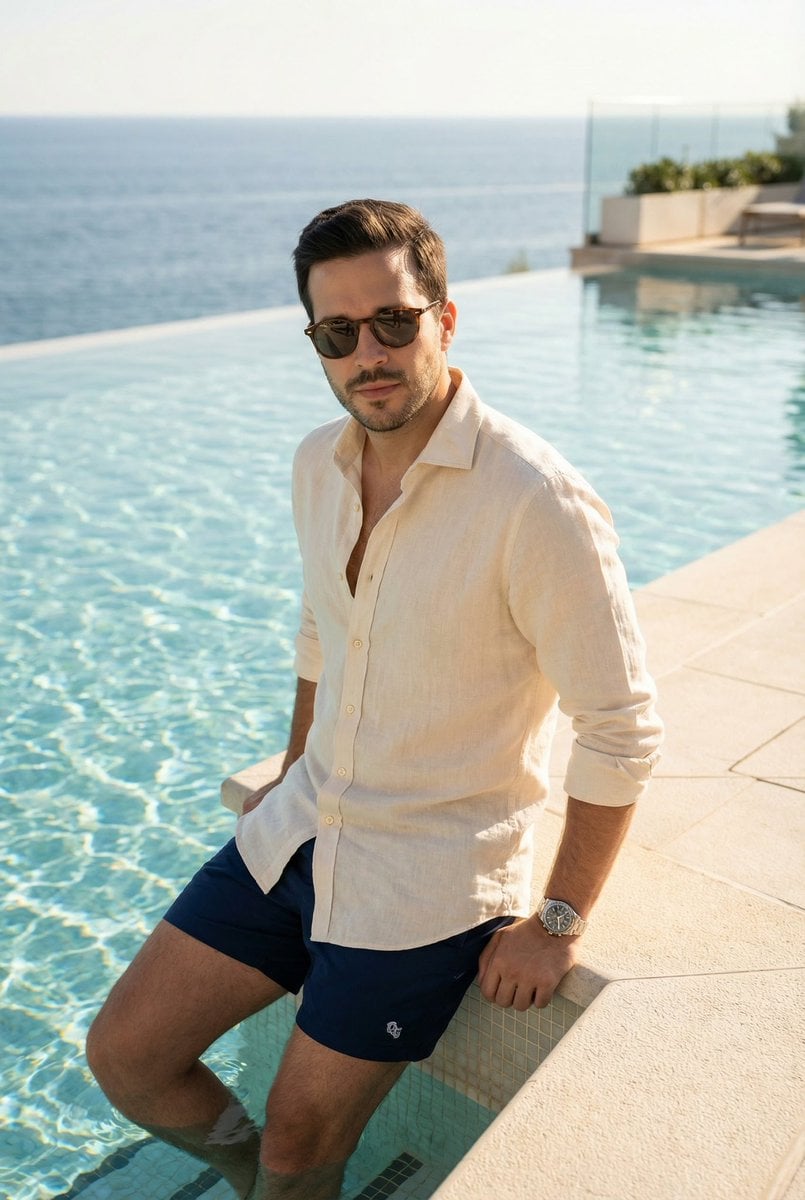
Editorial poolside fashion photoshoot of a man
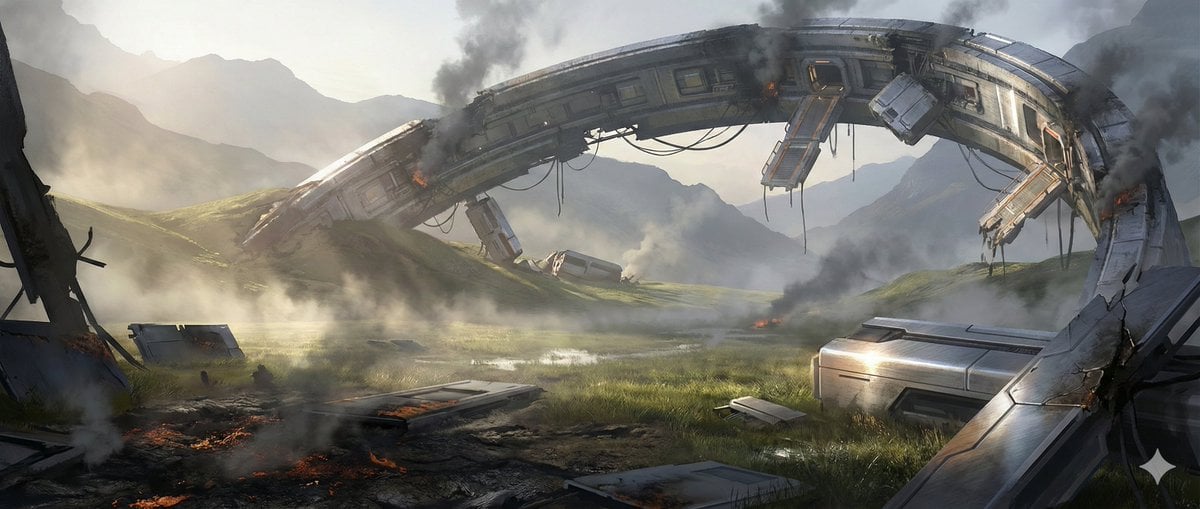
Crashed Orbital Ring Segment Concept Art
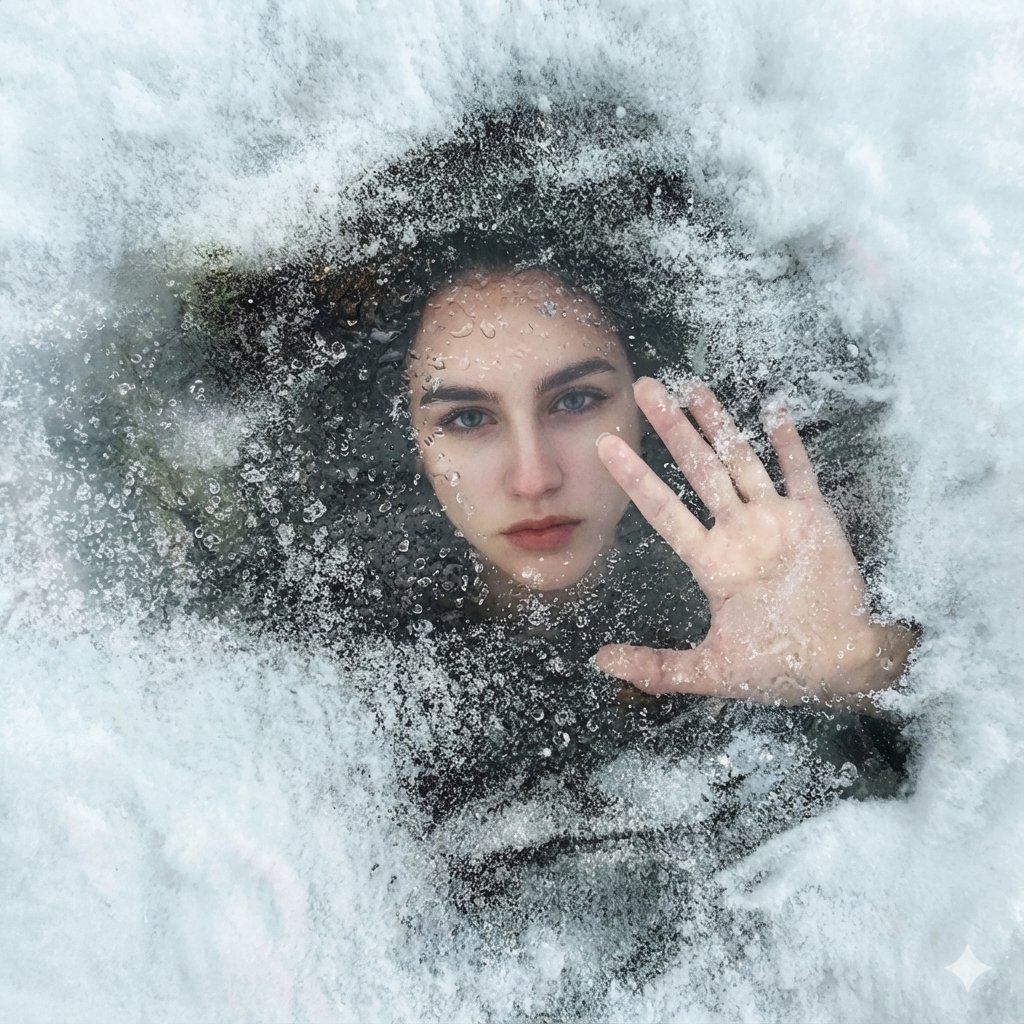
Surreal Conceptual Portrait Submerged Under Ice (JSON Format)
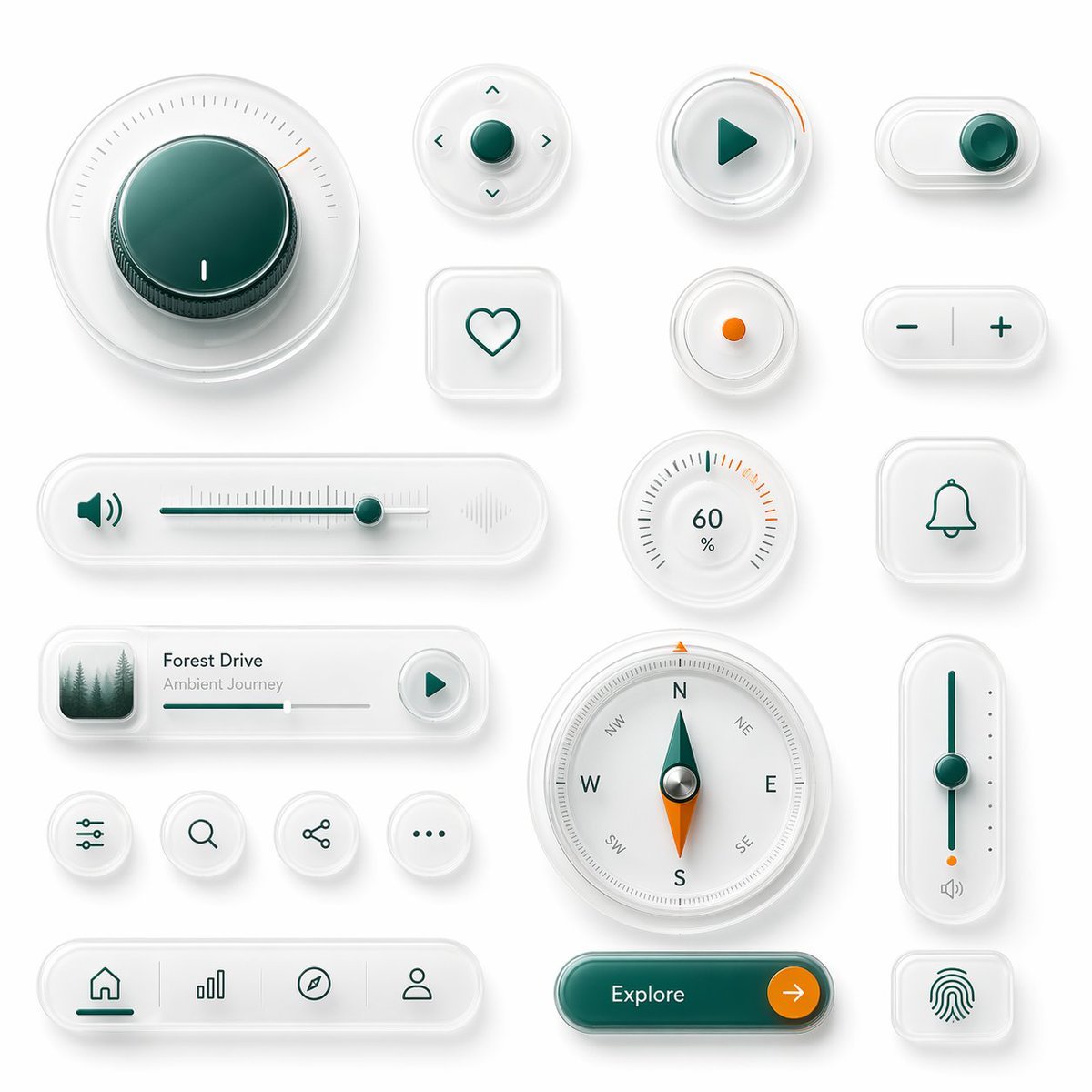
Neumorphic Glass UI Kit Board
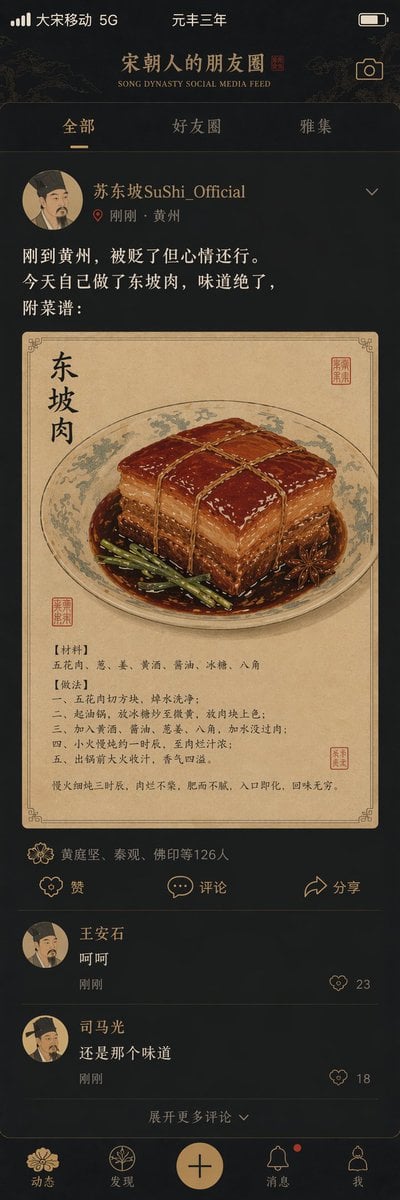
Song Dynasty Social Media Feed
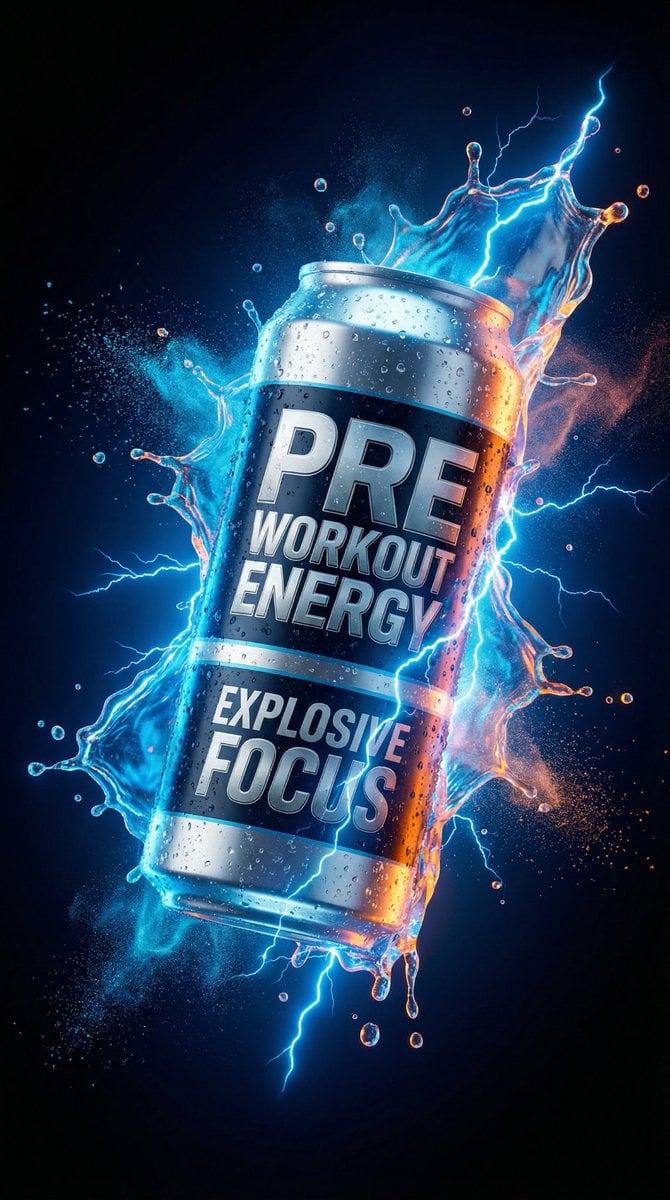
Energy Drink Product Explosion Commercial Prompt Template
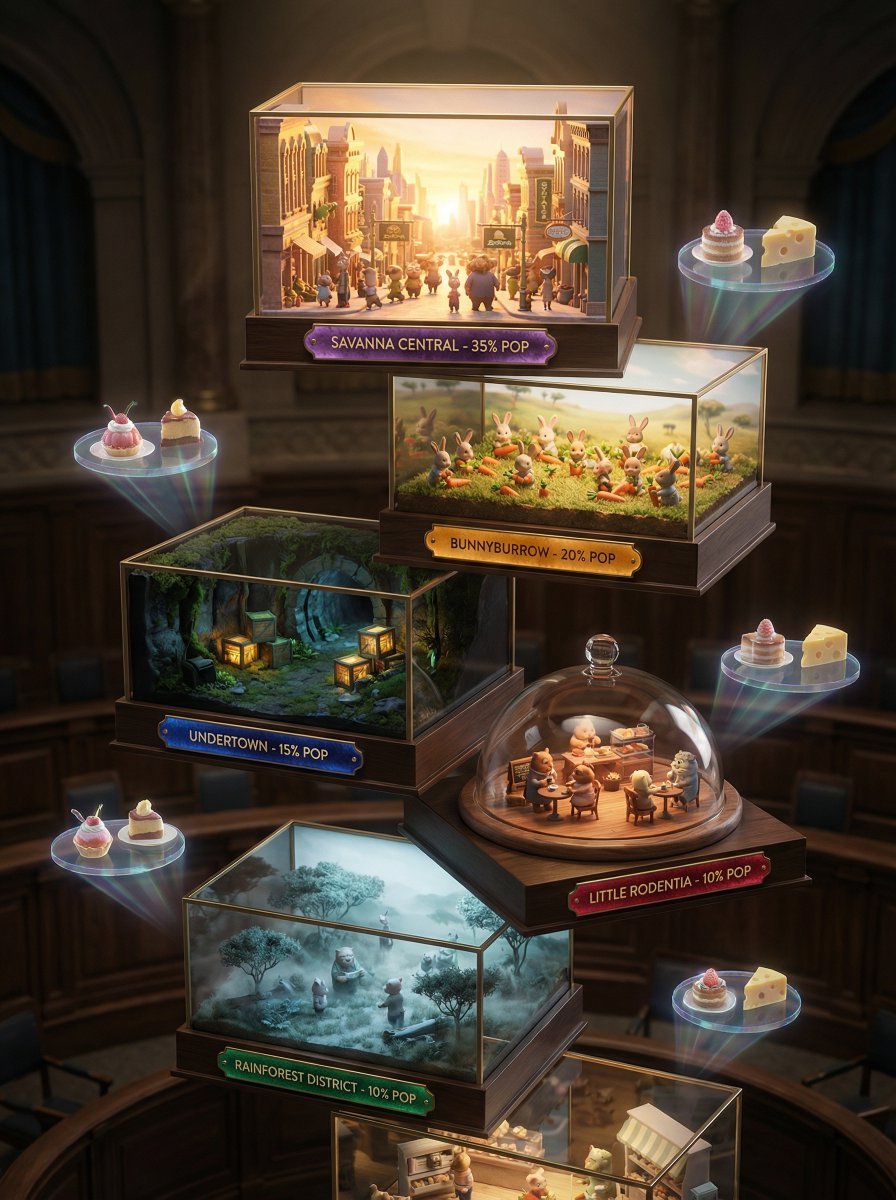
High-Fashion Zootopia Miniature Visualization
Browse template categories
Cinematic Monochrome Fantasy Portrait questions
How do I use the Cinematic Monochrome Fantasy Portrait template?
Add your photo if the template asks for one, edit the prompt if you like — the template's model and format are already selected — and press Generate. Your version opens in PicX Studio.
Can I customize the Cinematic Monochrome Fantasy Portrait template?
Yes. You can change the subject, setting, lighting, mood, format, and available model controls before creating your image.
Is the Cinematic Monochrome Fantasy Portrait template free?
Opening and editing this template is free. Generating uses credits, shown on the Generate button when you are signed in.
Which AI model should I use?
Start with GPT Image 2, which is the model associated with this template. You can compare another compatible model for a different finish.
Looking for something else? Browse all templates.

Your photo, any look
Thousands of ready templates for every top image and video model, from one credit balance.