
Alina Ai Cozy Split Scene
A detailed prompt for creating a warm split-screen fantasy lifestyle artwork with miniature versions of a woman in a kitchen and shelf-wall interior.
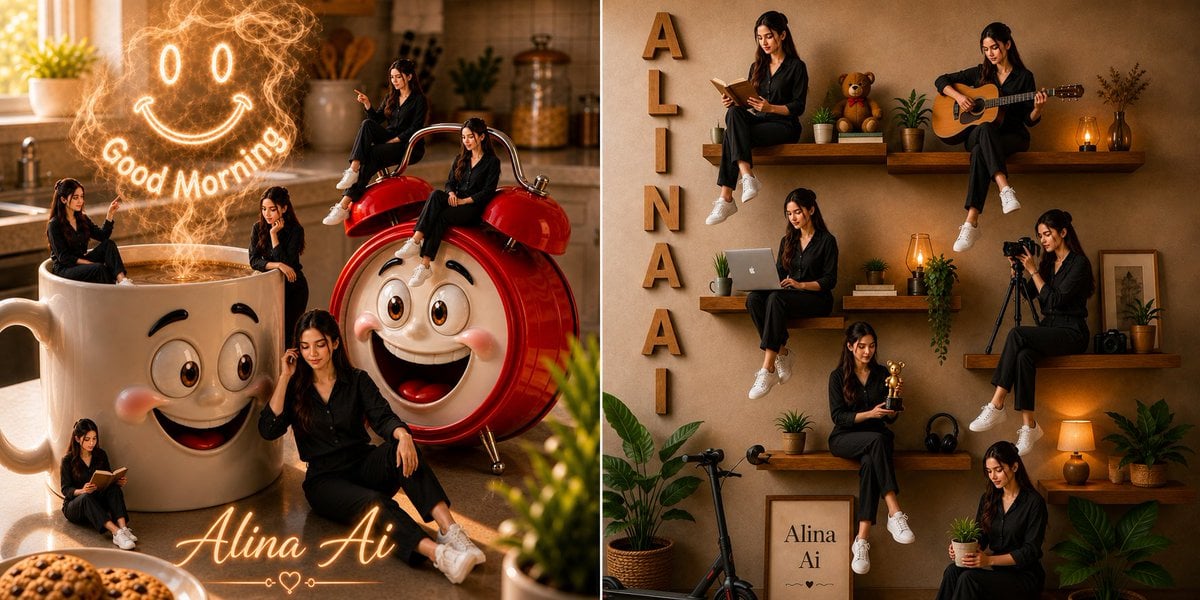
- Prompt included
- Model and format preset
- Free template
The prompt behind this image
Copy the exact prompt behind Alina Ai Cozy Split Scene, or open it in the studio and make it yours.
Create a split-screen whimsical photorealistic social-media artwork featuring {argument name="character name" default="Alina Ai"}, a young woman with long dark hair wearing a black button-up outfit and white sneakers, shown as multiple tiny versions of herself in cozy lifestyle scenes. Canvas: wide horizontal 2:1 composition divided into two equal panels with warm golden morning light, cinematic depth of field, realistic textures, and a polished editorial look. Left panel: a cozy modern kitchen at sunrise with a giant white ceramic coffee mug in the foreground and a giant glossy red retro alarm clock beside it. Both oversized objects have cute expressive cartoon faces: large brown eyes, raised brows, rosy cheeks, and big cheerful smiles. The coffee mug is filled with glowing coffee or steam, and above it a magical swirling steam drawing forms a neon-like smiley face with two oval eyes and a curved smile. Add the glowing words "Good Morning" arcing under the steam face. Show exactly 5 miniature versions of the woman in this left panel: 1 sitting on the mug rim and pointing toward the glowing steam, 1 seated on top of the alarm clock bell, 1 sitting on the red alarm clock body, 1 sitting on the floor reading a small book near the mug, and 1 larger foreground version sitting casually on the counter with one hand near her hair. Add warm kitchen details in the background such as a sunlit window, plant, jars, utensils, and soft bokeh. At the bottom center, write the glowing cursive signature {argument name="signature text" default="Alina Ai"} with a small heart ornament. Right panel: a warm beige textured interior wall with floating wooden shelves arranged like a lifestyle collage. Place vertical wooden letters spelling {argument name="vertical wall letters" default="ALINAAI"} down the left side. Show exactly 7 miniature versions of the same woman on and around the shelves: 1 sitting on the upper left shelf reading an open book, 1 sitting on the upper right shelf playing an acoustic guitar, 1 sitting on the middle left shelf using a laptop, 1 sitting on the middle right shelf operating a camera on a tripod, 1 sitting on the lower middle shelf holding a small golden trophy, 1 sitting near the lower right holding a small potted plant, and 1 seated low near the floor among plants. Surround her with cozy decor: teddy bear, potted plants, stacked books, amber lanterns, headphones, framed print reading {argument name="framed print text" default="Alina Ai"}, small camera, scooter, leafy floor plants, and warm lamp glow. Keep the overall palette amber, beige, cream, red, and black, with soft shadows and realistic lighting. Constraints: Make all miniature figures resemble the same person and outfit consistently. Use exactly 5 mini-women in the kitchen panel and exactly 7 mini-women in the shelf-wall panel. Keep all visible text legible: "Good Morning", the cursive signature, the vertical wall letters, and the framed print. No watermark, no extra labels, no distorted faces or hands.
How to use Alina Ai Cozy Split Scene in 3 steps
- 1Upload ImagePNG, JPG or paste
Add your photo
Upload the photo the template builds on. The prompt, model and format are already set.
- 2…a portrait of your subject in softgolden-hour light, 85mm…
Personalize
Edit the subject and creative details for your destination.
- 3Generate
Generate
Press Generate — your image is created in PicX Studio, so you can compare it with the original and refine one variable at a time.
More like this
Templates with the same subject, style or setup. Open one to see its prompt.

Nostalgic Digicam Café Afternoon Portrait

Pixar-Style Chibi Café Morning Scene

Japanese Café Sketch Duo Illustration

Delicate Japanese Café Lifestyle Illustration

Parisian Outdoor Café Silver-Hair Portrait
Pixar-Style Chibi Café Morning Scene
Japanese Café Sketch Duo Illustration
Delicate Japanese Café Lifestyle Illustration
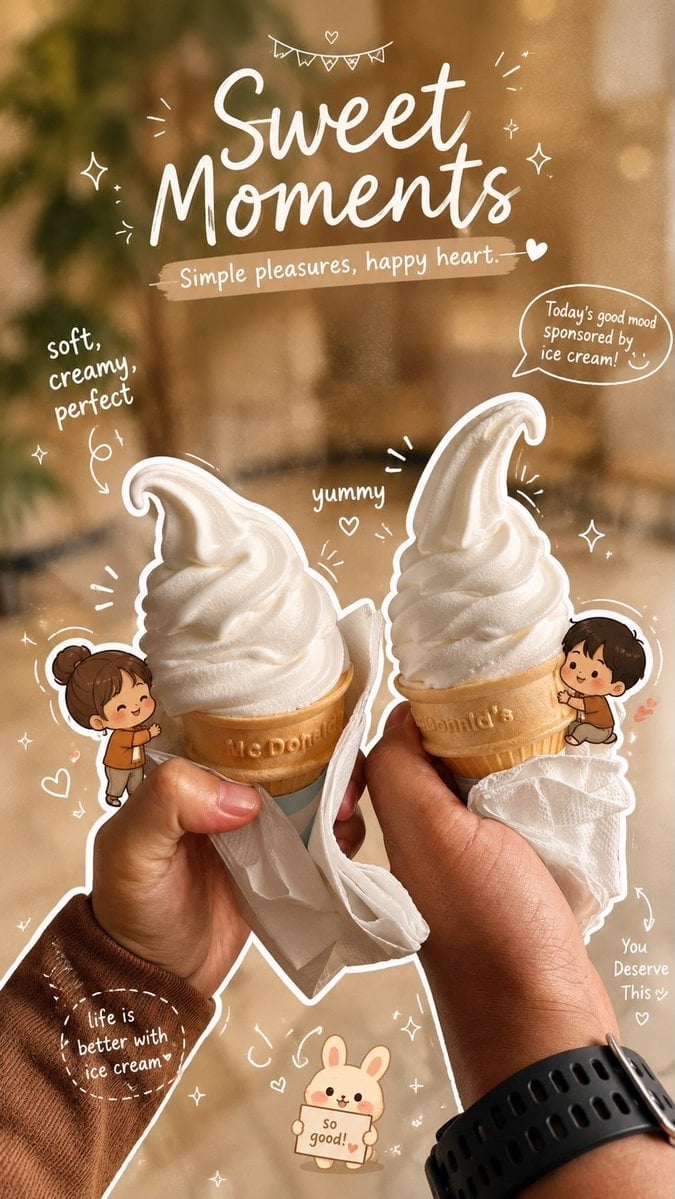
Cozy Café Ice Cream Hands Close-Up

Watercolor Café Cheesecake Editorial Illustration

Automotive Blueprint Split Composition

Rainy Café Window Moody Portrait
Make it yours
Alina Ai Cozy Split Scene works as-is. These are the safest ways to change it without losing the look.
Change one field
Copy a single group, rewrite it, and generate again so you can see what that field is doing.
Keep the frame, change the subject
Hold the composition and light of Alina Ai Cozy Split Scene, then swap wardrobe, props or the person for a new take.
| If the result… | Why | Fix |
|---|---|---|
| The result drifts from the preview | Too many fields changed at once. | Reuse Alina Ai Cozy Split Scene as-is first, then change one group — subject, light, or setting. |
| The model over-stylizes the scene | The prose prompt leaves finish and camera underspecified. | Add one camera or lighting sentence and stay on GPT Image 2. |
More GPT Image 2 templates
Other prompts made for GPT Image 2.

Six VTuber Japanese Logo Sheet

Realistic Portrait of Woman and Deer

The Vista Modular Condo Poster

AI Model Routing Comparison Infographic

2.5D Anime Art Board

Isometric Productivity Desk Scene

New York Double Exposure Poster

Four-Panel AI Landscape Comparison

Japanese Tatami Lifestyle Magazine Cover

NESCAFÉ Coffee Map Poster
More image prompts
Fresh picks from across the catalog.

Spaceship Female Android Concept
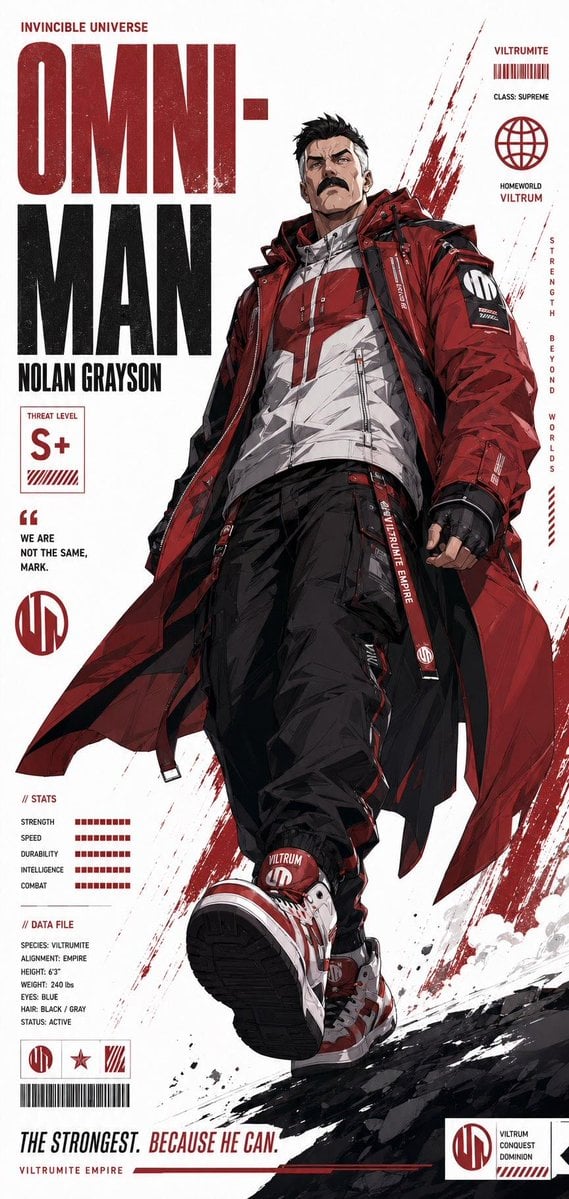
Futuristic Anime Superhero Techwear Poster
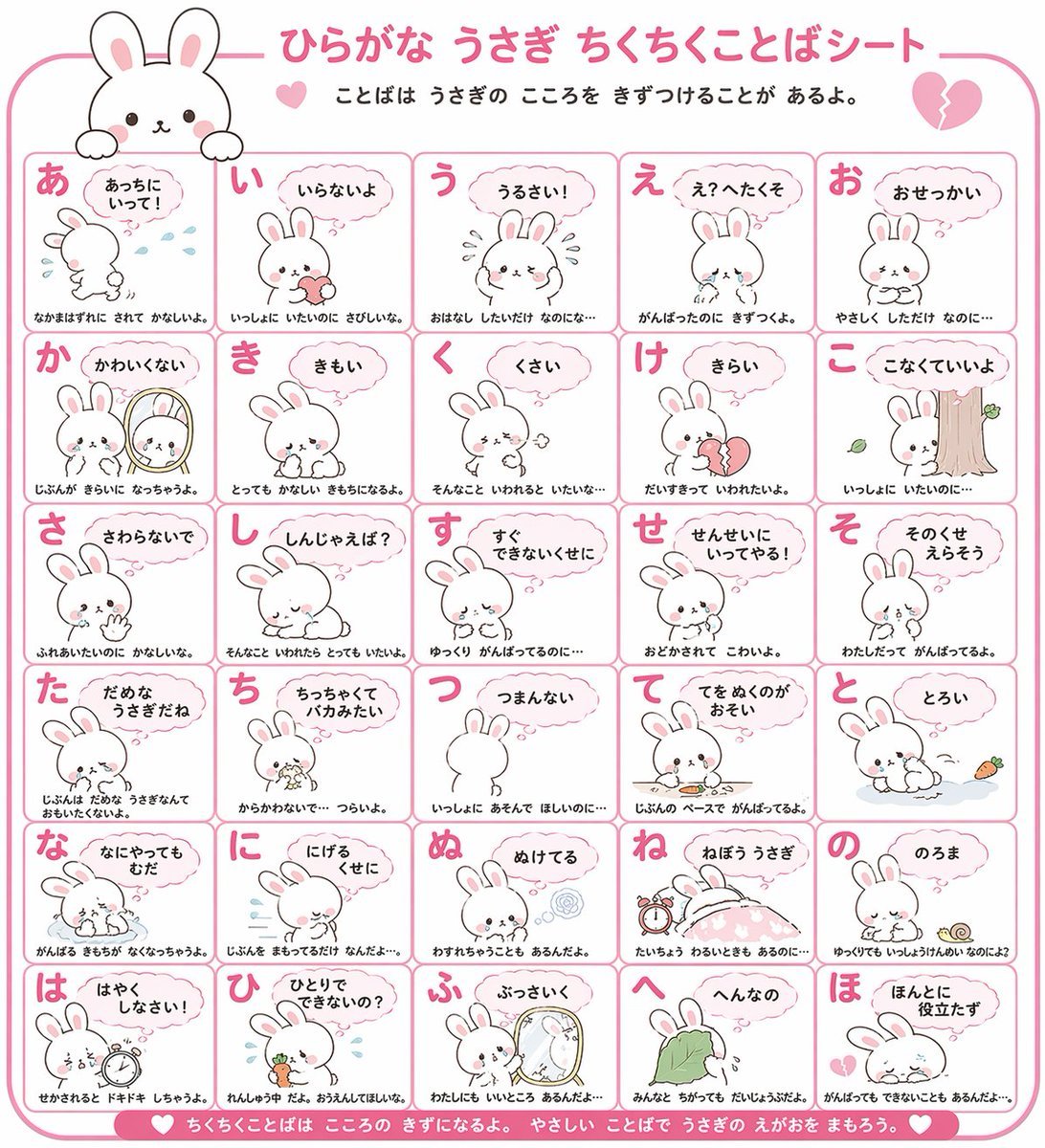
Animal Hiragana Study Sheet

Penguin Martial Arts Dojo Duel
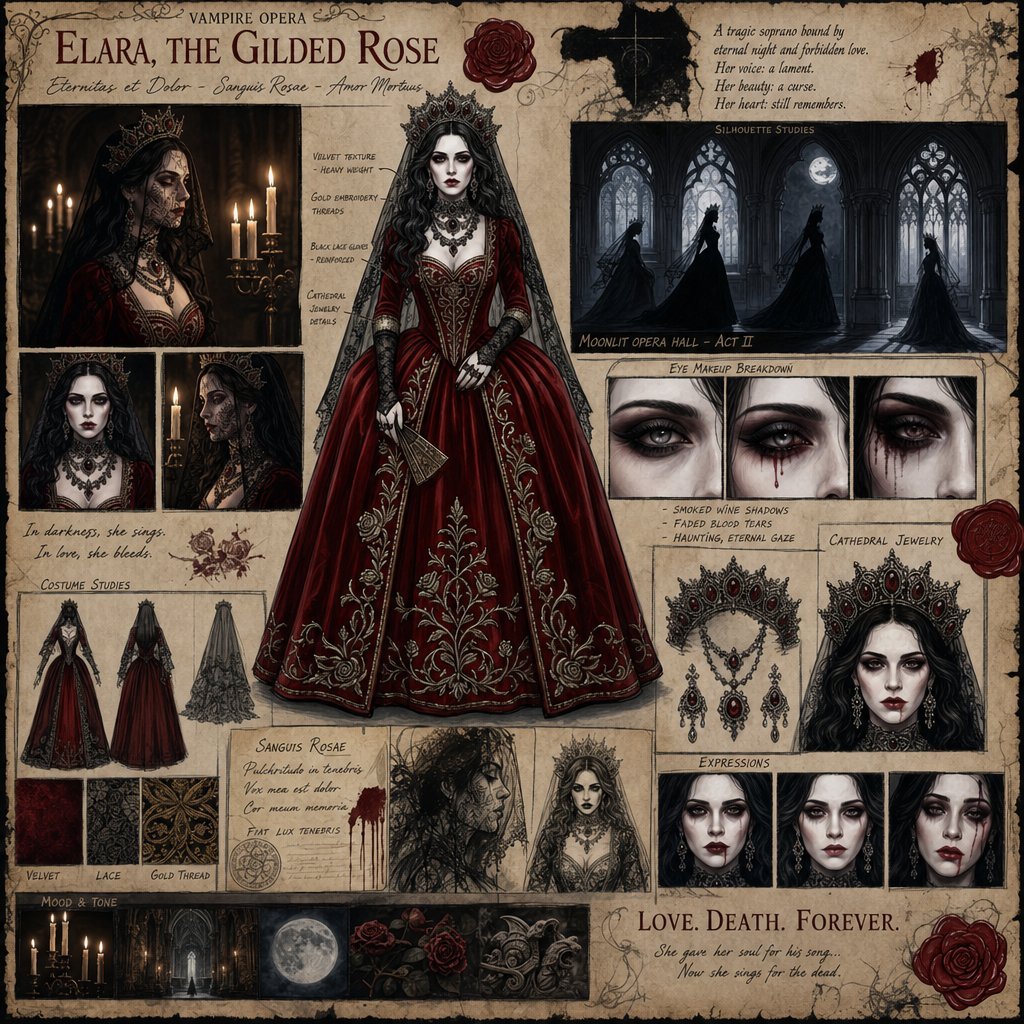
Dark Gothic Vampire Opera Character Design
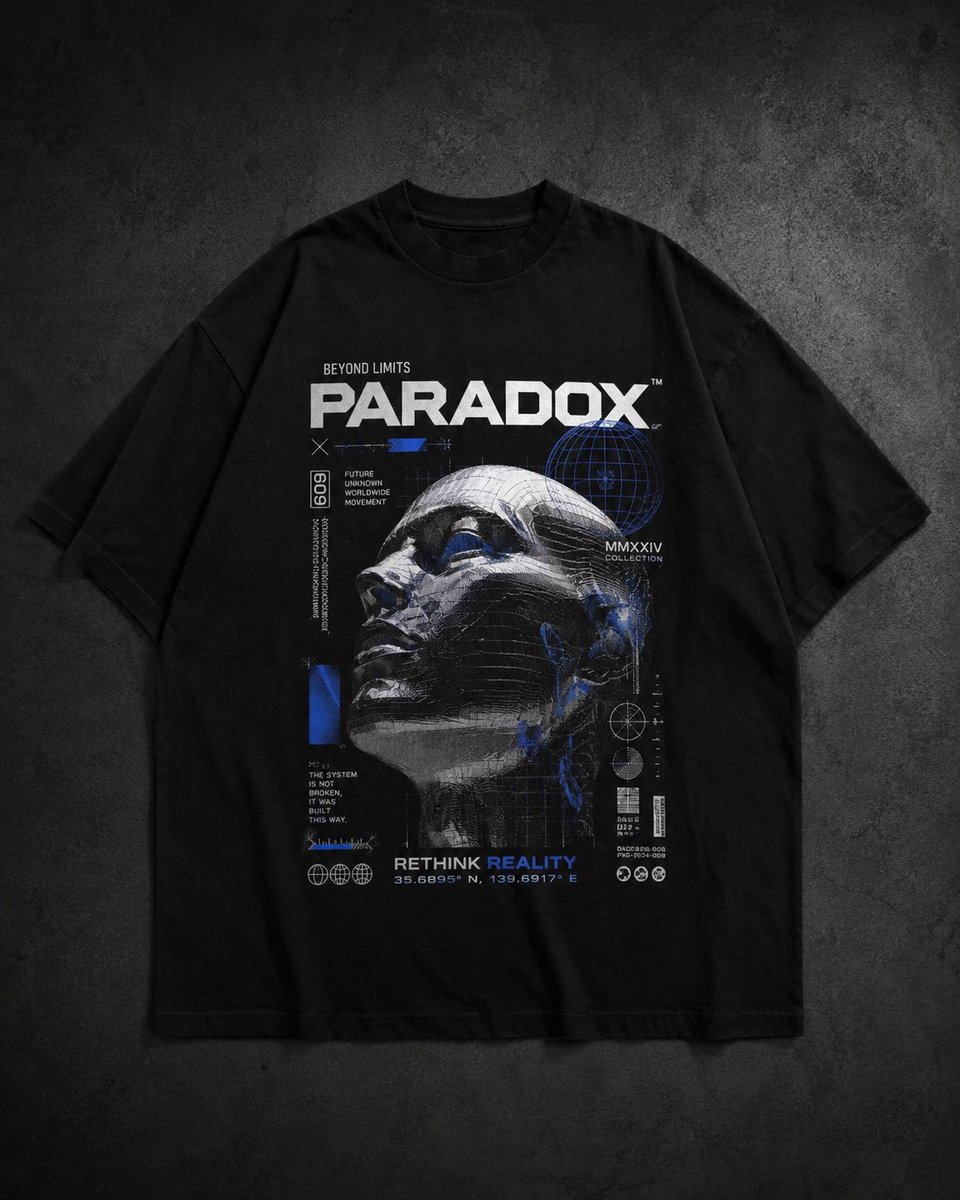
Modern Streetwear and Luxury T-Shirt Designs

Cinematic Falconer Portrait
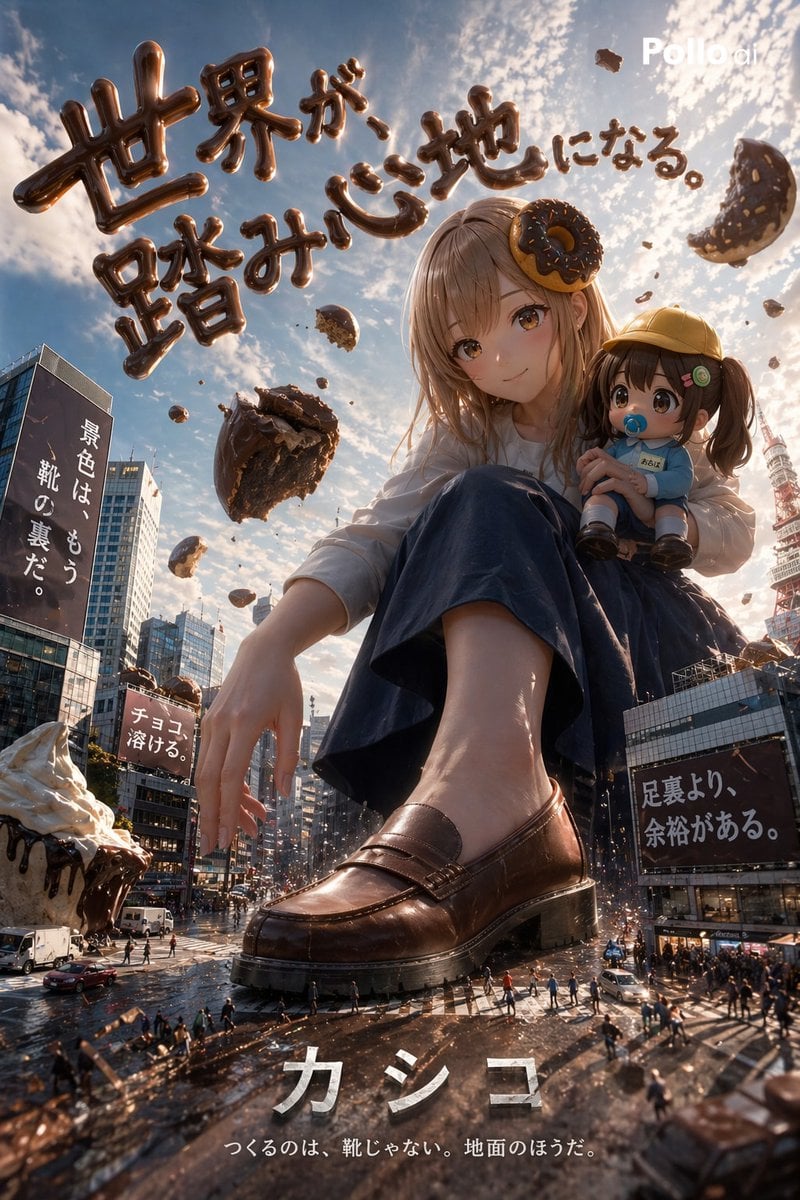
Hyper-realistic Surreal Poster Design Prompt

Fictional Science Infographic Generator
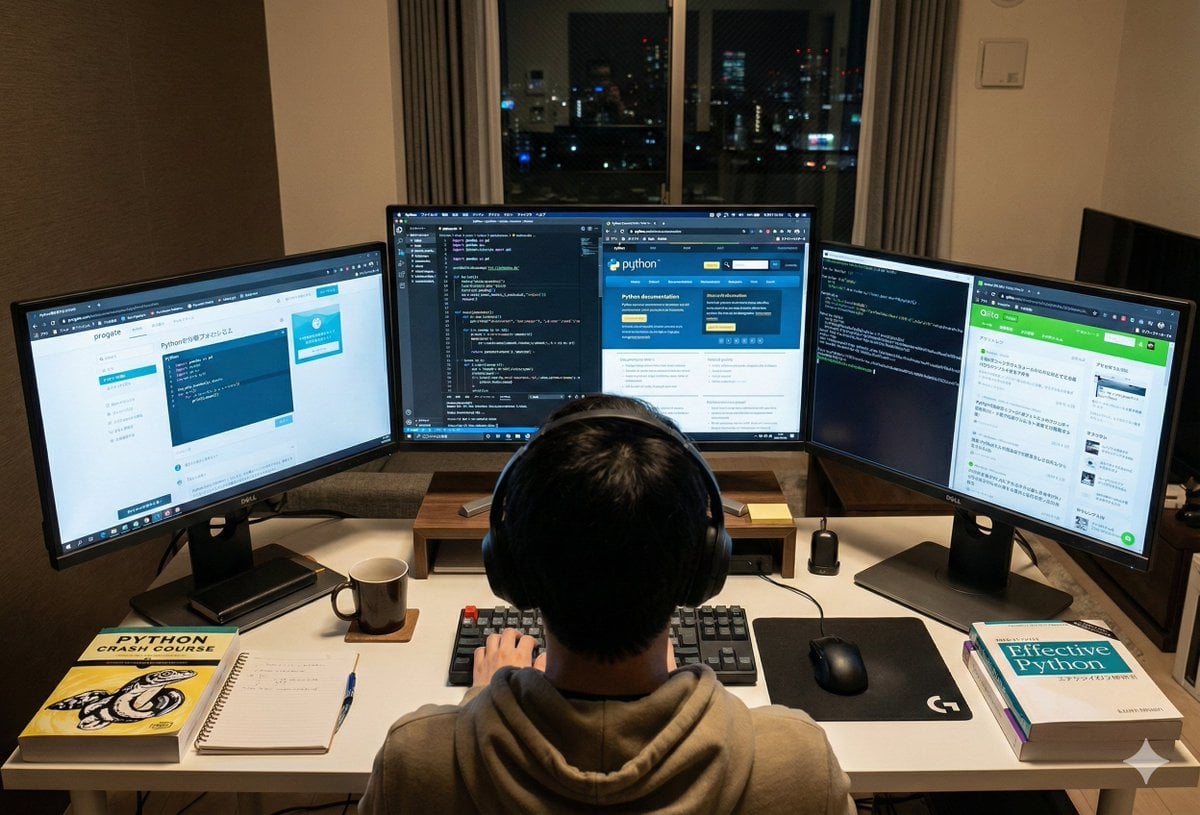
Japanese Web Engineer Studying Python Image Prompt
Browse template categories
Alina Ai Cozy Split Scene questions
How do I use the Alina Ai Cozy Split Scene template?
Add your photo if the template asks for one, edit the prompt if you like — the template's model and format are already selected — and press Generate. Your version opens in PicX Studio.
Can I customize the Alina Ai Cozy Split Scene template?
Yes. You can change the subject, setting, lighting, mood, format, and available model controls before creating your image.
Is the Alina Ai Cozy Split Scene template free?
Opening and editing this template is free. Generating uses credits, shown on the Generate button when you are signed in.
Which AI model should I use?
Start with GPT Image 2, which is the model associated with this template. You can compare another compatible model for a different finish.
Looking for something else? Browse all templates.

Your photo, any look
Thousands of ready templates for every top image and video model, from one credit balance.