
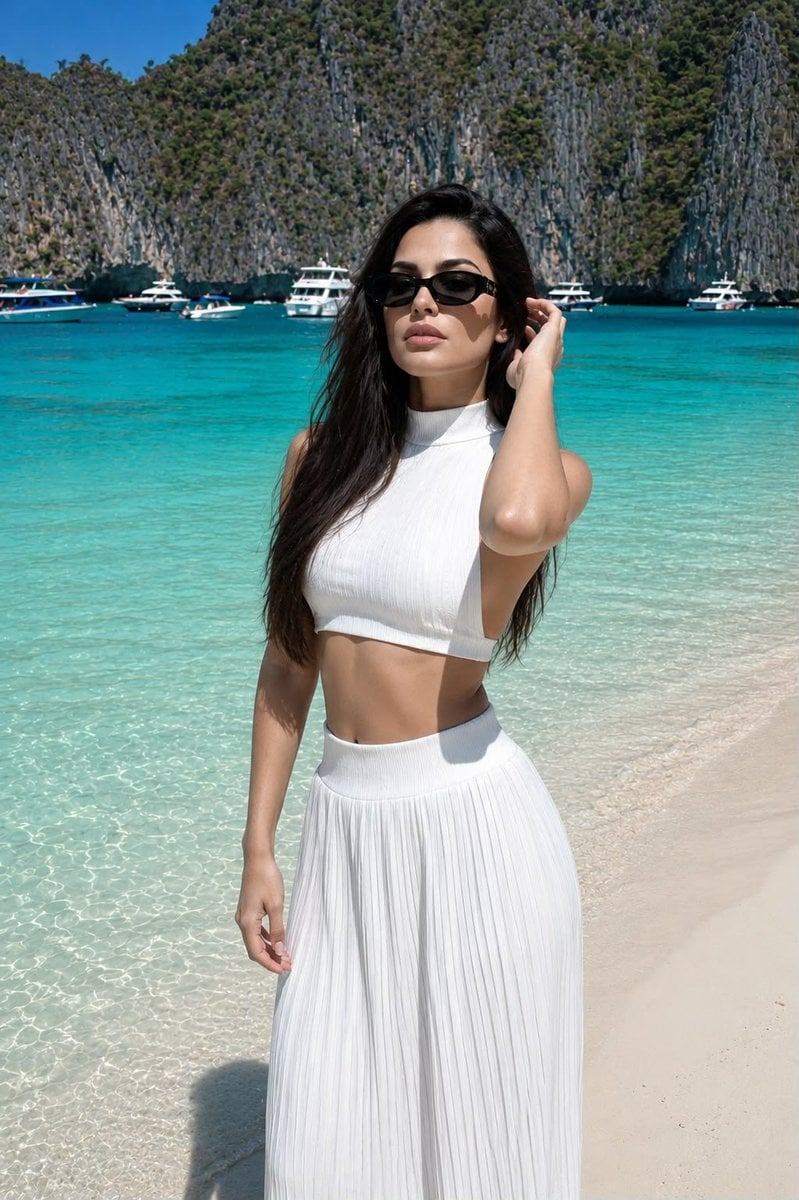
Realistic Beach Lifestyle Portrait
A highly detailed prompt for a realistic lifestyle photograph on a tropical beach, focusing on facial consistency from a reference image.

- Prompt included
- Model and format preset
- Free template
The prompt behind this image
Copy the exact prompt behind Realistic Beach Lifestyle Portrait, or open it in the studio and make it yours.
Create a highly realistic lifestyle photograph of the {argument name="subject" default="same clearly adult girl from the reference image"}, preserving her exact facial identity, facial structure, proportions, skin tone, and natural facial features without altering or beautifying her face. Shot on a Canon G7 X Mark III, knee-length composition with the camera positioned around chest level. She is standing naturally at the water’s edge on a {argument name="location" default="pristine snow-white sandy beach"}, with crystal-clear turquoise water surrounding the shoreline. Behind her, tall tropical limestone cliffs rise dramatically, with several elegant white yachts and small boats visible farther out on the water. Keep the entire background sharp, detailed, and naturally in focus — no artificial background blur or bokeh. Her body is turned slightly into a soft profile while her head gently tilts to one side. Both arms are raised naturally toward her head, with her palms lightly touching her temples and hair. Her eyes are closed and her lips are slightly parted, creating a calm, relaxed expression. She wears stylish sunglasses. She has a very slim waist and naturally toned feminine figure. Her hair is extremely long, reaching her waist, smooth and straight with a polished layered cascade haircut. The hair is arranged neatly over her back, with softly inward-curled ends and no waves or curls. Her skin has a subtle natural sun-kissed tan with realistic pores, fine texture, and authentic tonal variation. She wears a {argument name="clothing" default="sophisticated white pleated two-piece set"} consisting of a cropped high-collar top with an open back and a matching high-rise long pleated skirt. Minimalistic jewelry and accessories, nothing distracting. Short square-shaped nails with a clean French manicure. Bright tropical summer atmosphere, intense turquoise water, deep blue cloudless sky, crisp natural sunlight, realistic shadows and reflections, natural daylight with absolutely no flash. Premium authentic travel photography aesthetic, realistic Canon G7 X Mark III rendering, natural colors, lifelike skin texture, subtle camera imperfections, high detail, realistic fabric texture, true-to-life proportions. Do not change the reference girl’s identity or facial features. No face reshaping, no excessive retouching, no plastic skin, no artificial beauty filter, no CGI appearance, no excessive HDR, no background blur, no text, no logos, no watermark.
Reference images included
Realistic Beach Lifestyle Portrait needs input media to work. They load alongside the prompt when you open it in the studio.
How to use Realistic Beach Lifestyle Portrait in 3 steps
- 1Upload ImagePNG, JPG or paste
Add your photo
Upload the photo the template builds on. The prompt, model and format are already set.
- 2…a portrait of your subject in softgolden-hour light, 85mm…
Personalize
Edit the subject and creative details for your destination.
- 3Generate
Generate
Press Generate — your image is created in PicX Studio, so you can compare it with the original and refine one variable at a time.
More like this
Templates with the same subject, style or setup. Open one to see its prompt.

Miniature Self Portrait Collage

Found Photograph: Us, 1970

80s Couple Studio Portrait

80s Bollywood Star

80s Golden Hour Cinema

Me in 1985

1985 Studio Portrait

Hyper-Realistic Minecraft POV Portrait

Rooftop Fisheye — Cat-Ear Balaclava at Golden Hour

A k.pop idol on the stage with mic

Rainy Café Window Moody Portrait

untitled
Make it yours
Realistic Beach Lifestyle Portrait works as-is. These are the safest ways to change it without losing the look.
Change one field
Copy a single group, rewrite it, and generate again so you can see what that field is doing.
Keep the frame, change the subject
Hold the composition and light of Realistic Beach Lifestyle Portrait, then swap wardrobe, props or the person for a new take.
| If the result… | Why | Fix |
|---|---|---|
| The result drifts from the preview | Too many fields changed at once. | Reuse Realistic Beach Lifestyle Portrait as-is first, then change one group — subject, light, or setting. |
| The model over-stylizes the scene | The prose prompt leaves finish and camera underspecified. | Add one camera or lighting sentence and stay on GPT Image 2. |
More GPT Image 2 templates
Other prompts made for GPT Image 2.

Six VTuber Japanese Logo Sheet

Realistic Portrait of Woman and Deer

The Vista Modular Condo Poster

AI Model Routing Comparison Infographic

2.5D Anime Art Board

Isometric Productivity Desk Scene

New York Double Exposure Poster

Four-Panel AI Landscape Comparison

Japanese Tatami Lifestyle Magazine Cover

NESCAFÉ Coffee Map Poster
More image prompts
Fresh picks from across the catalog.
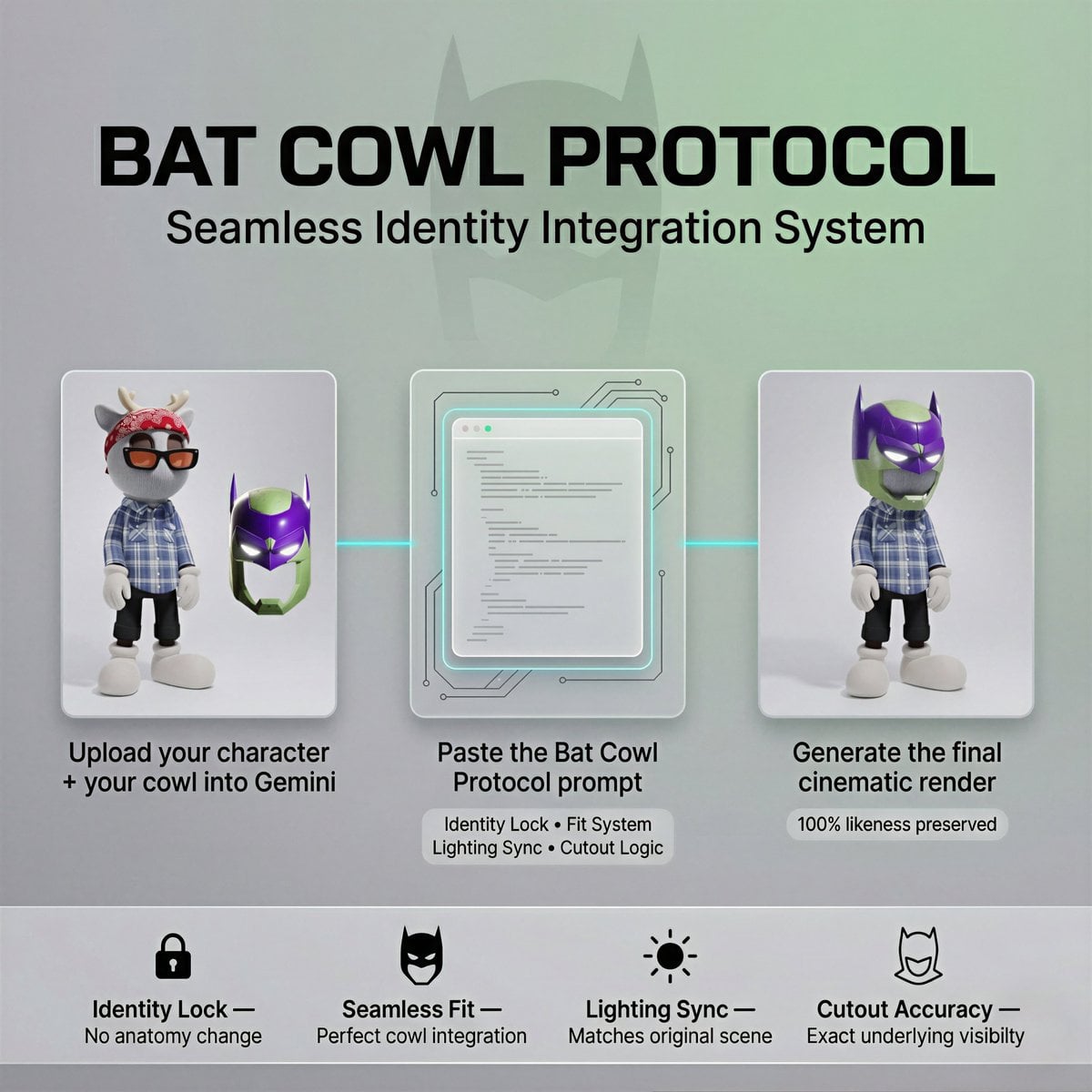
Bat Cowl Protocol Character Prompt
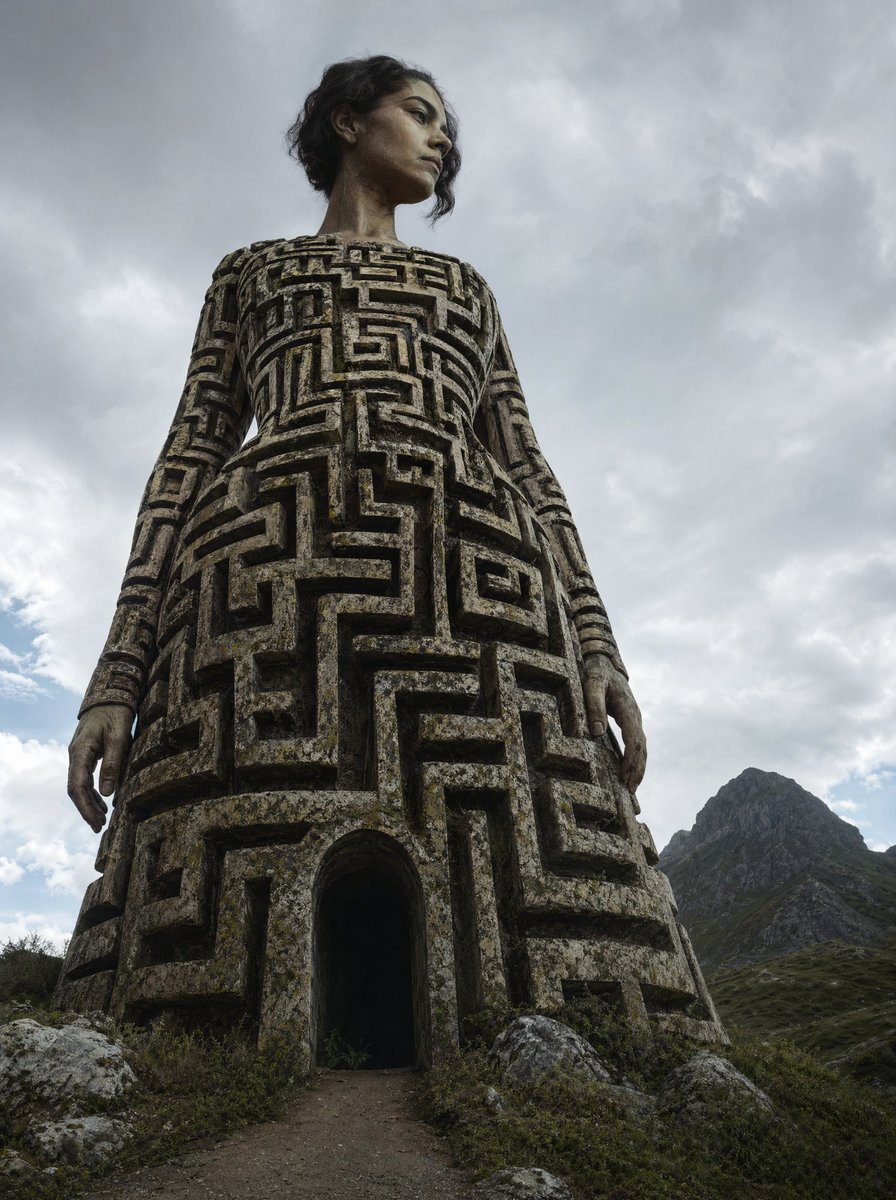
Colossal Labyrinth Woman Monument
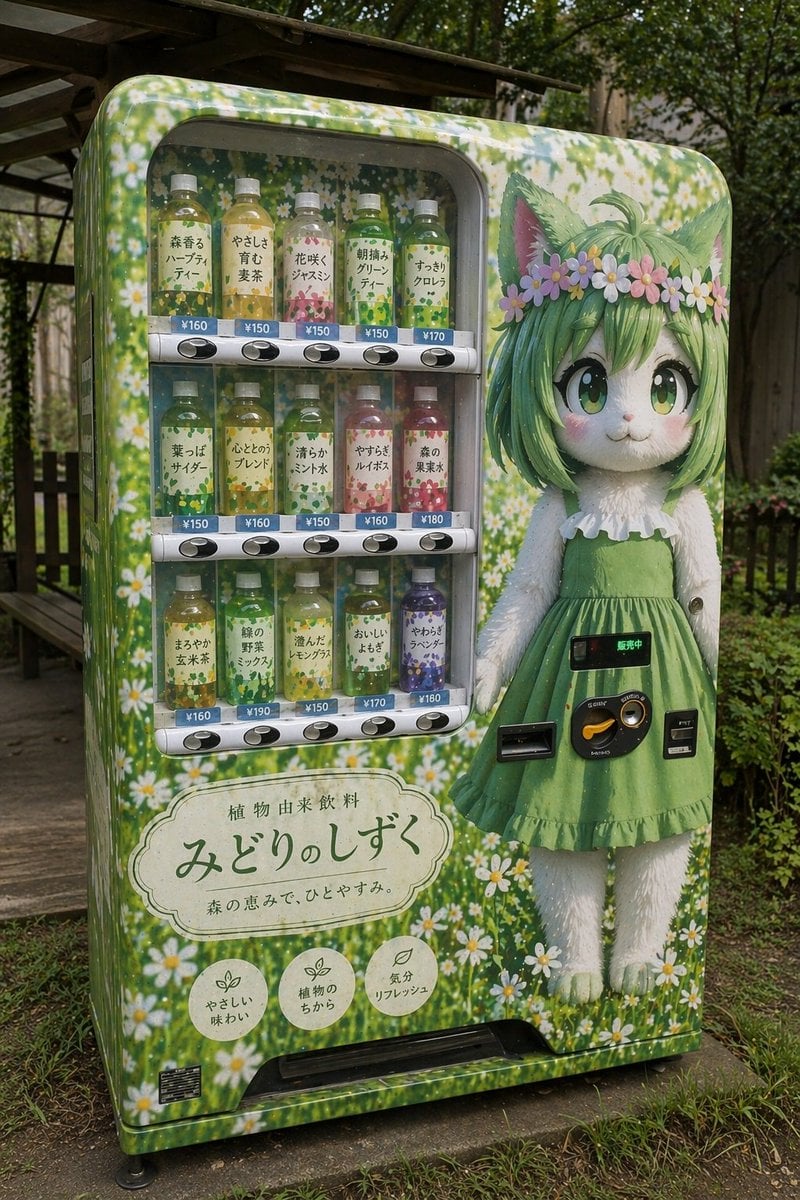
Custom Anime Vending Machine Design

YouTube Unboxing Thumbnail Prompt
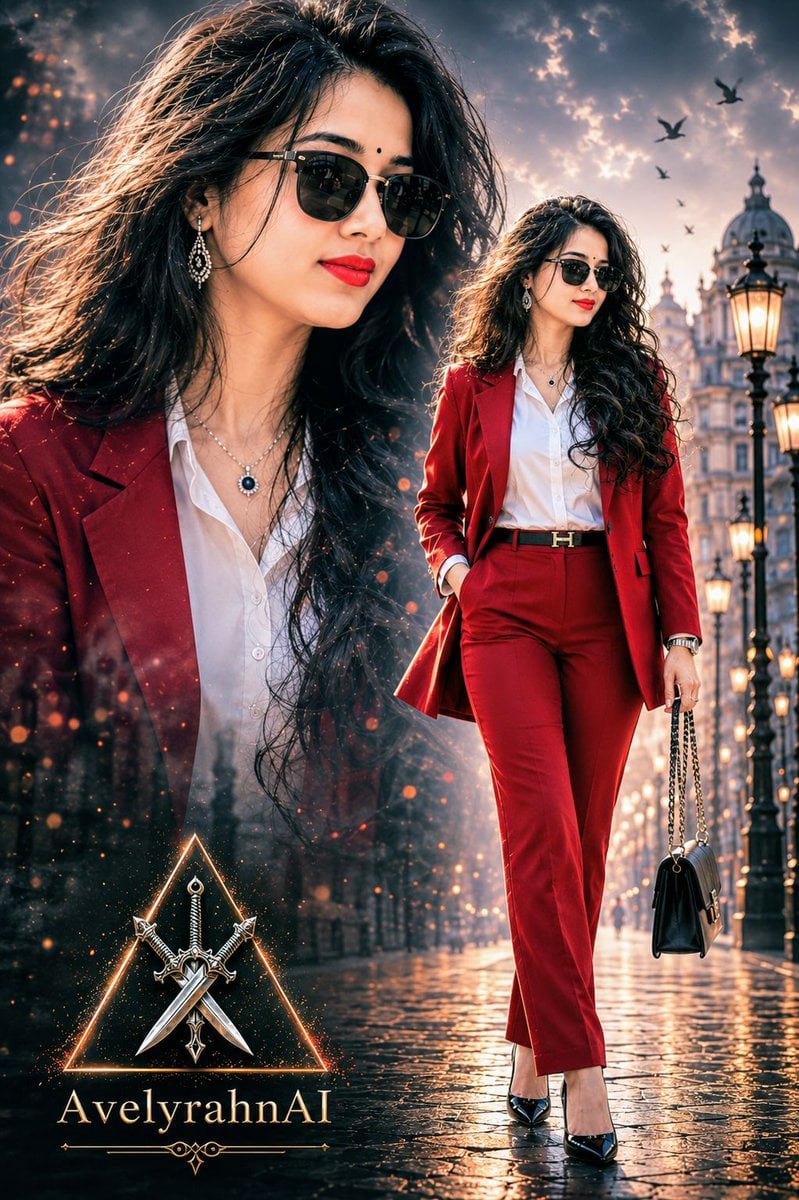
Multi-Exposure Indian Woman Fashion Poster
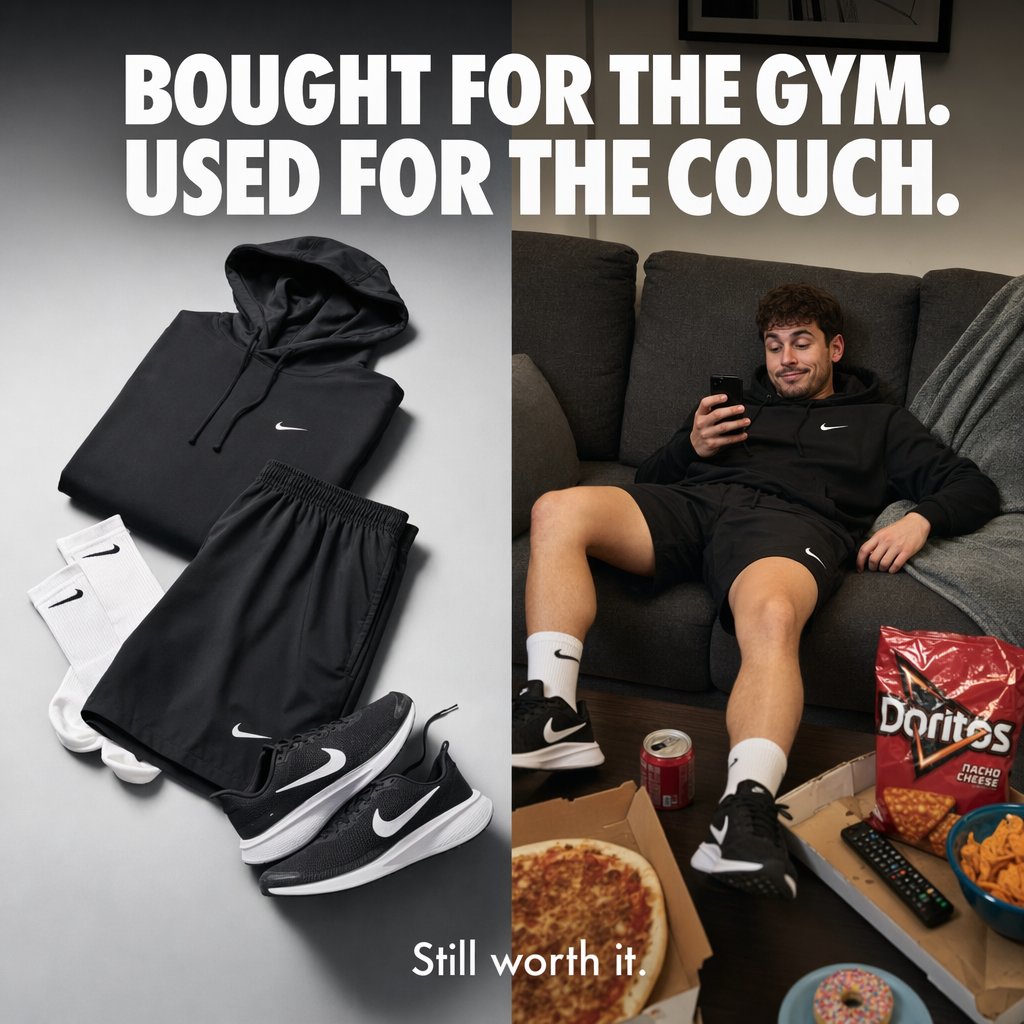
Split-Screen Athleisure Couch Ad
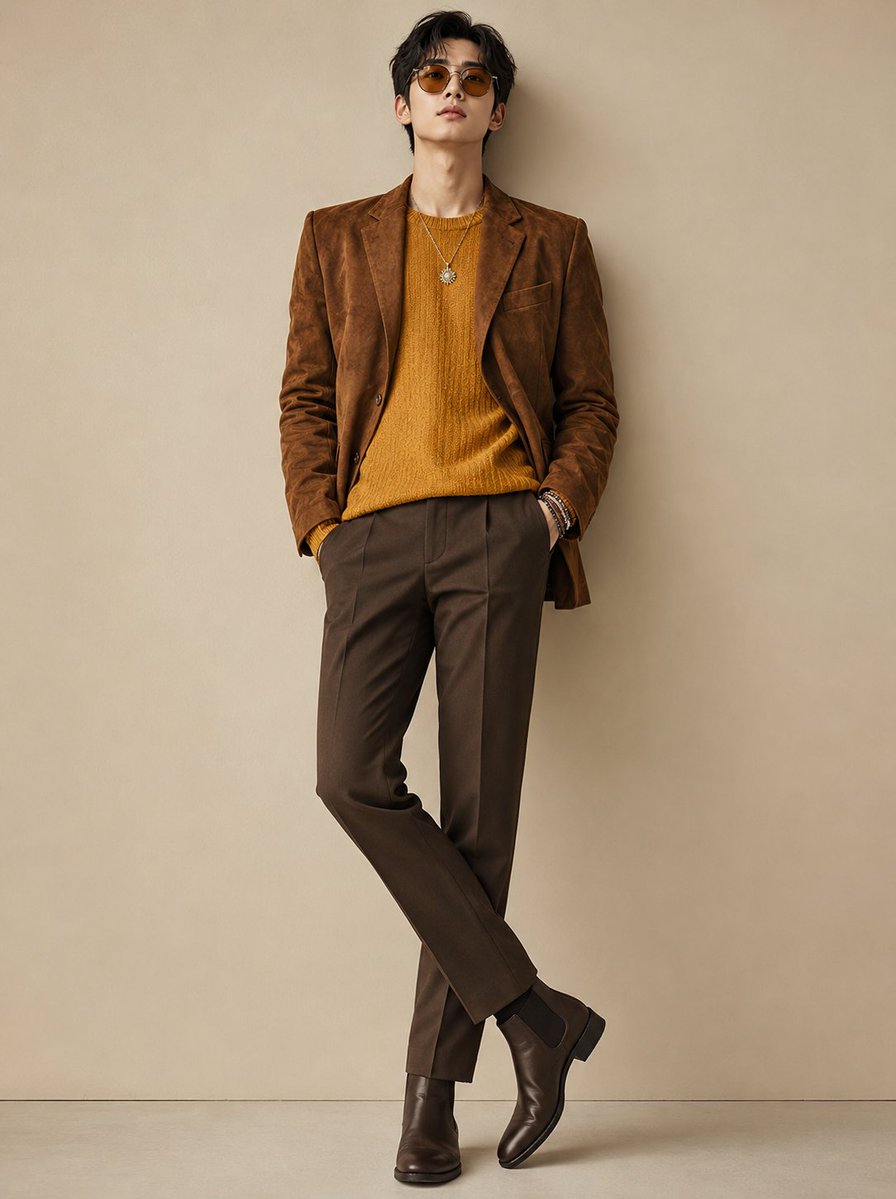
Modern Korean Men's Fashion Editorial
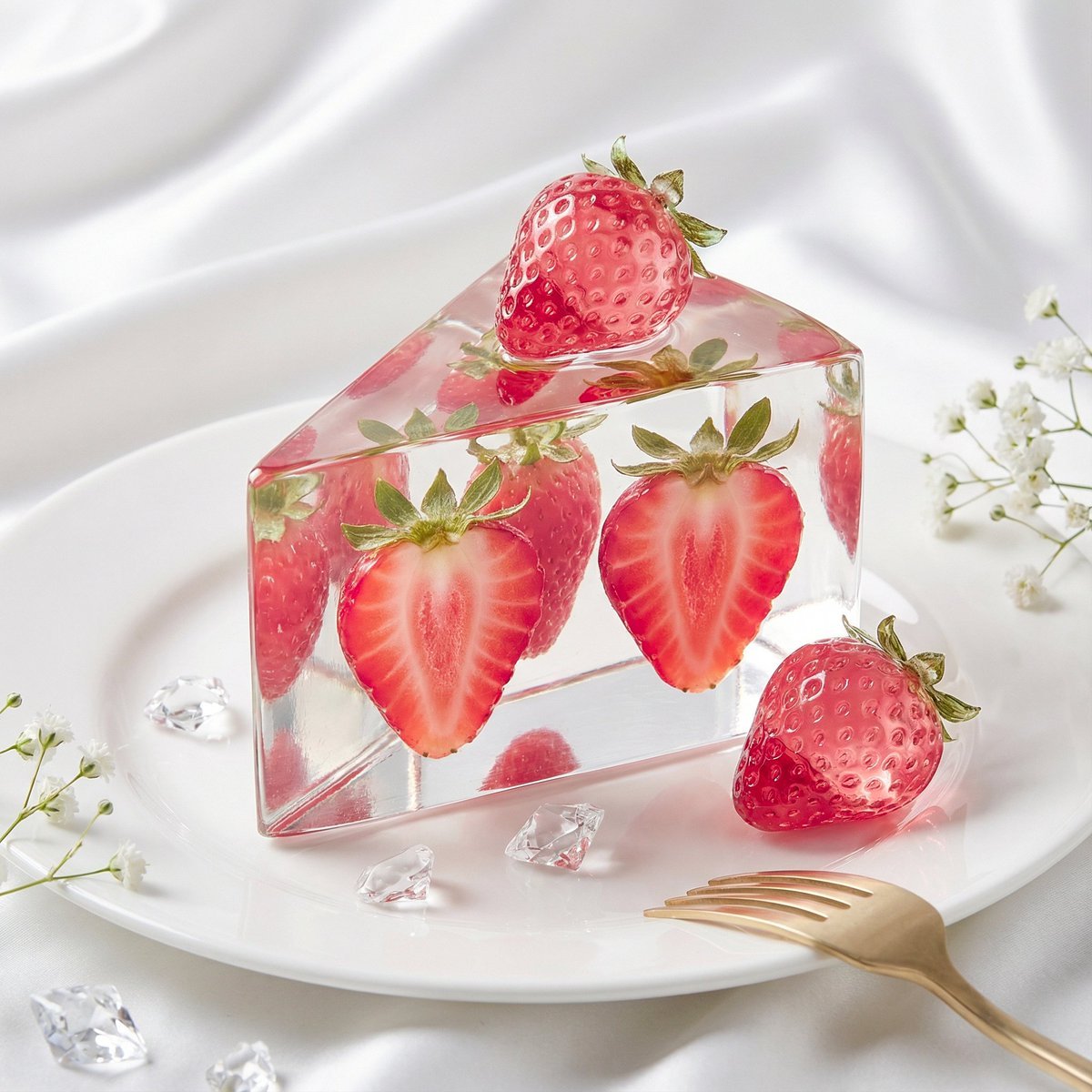
Glass Dessert Art Still Life Prompt (Fruit Crystal Cake)
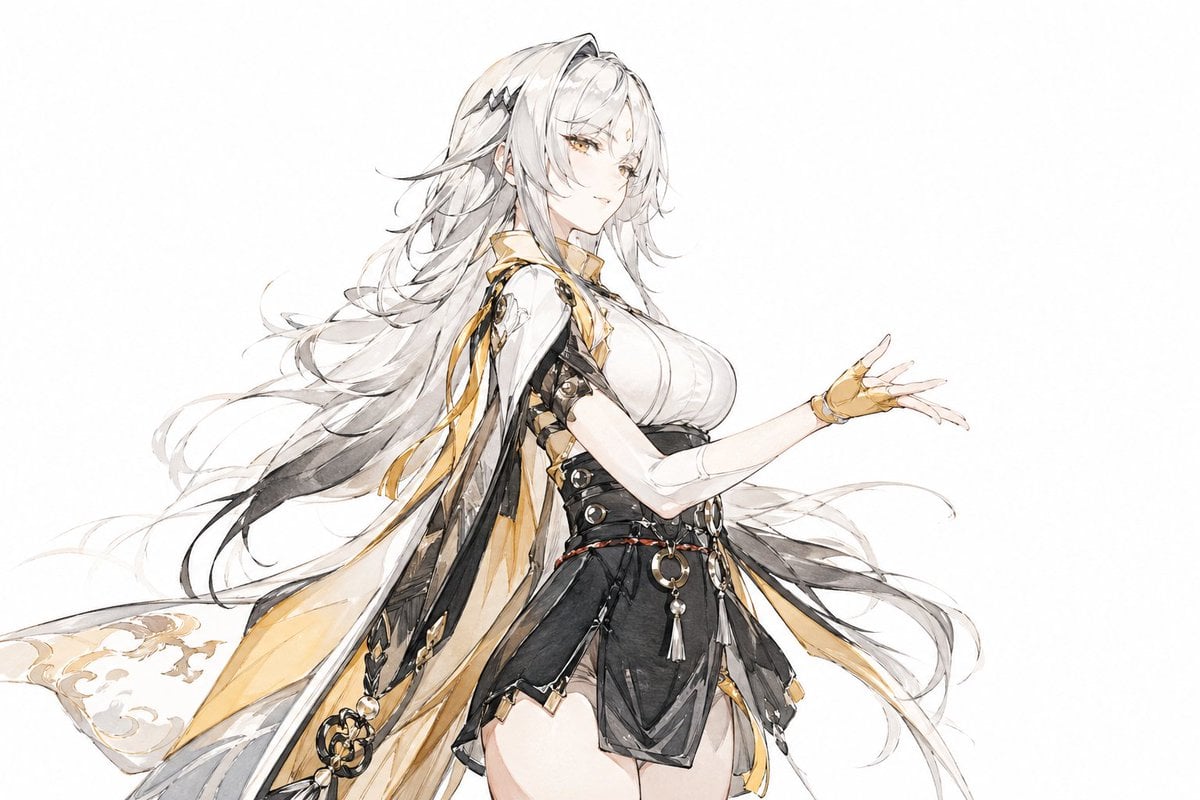
Traditional Chinese Ink Illustration Style
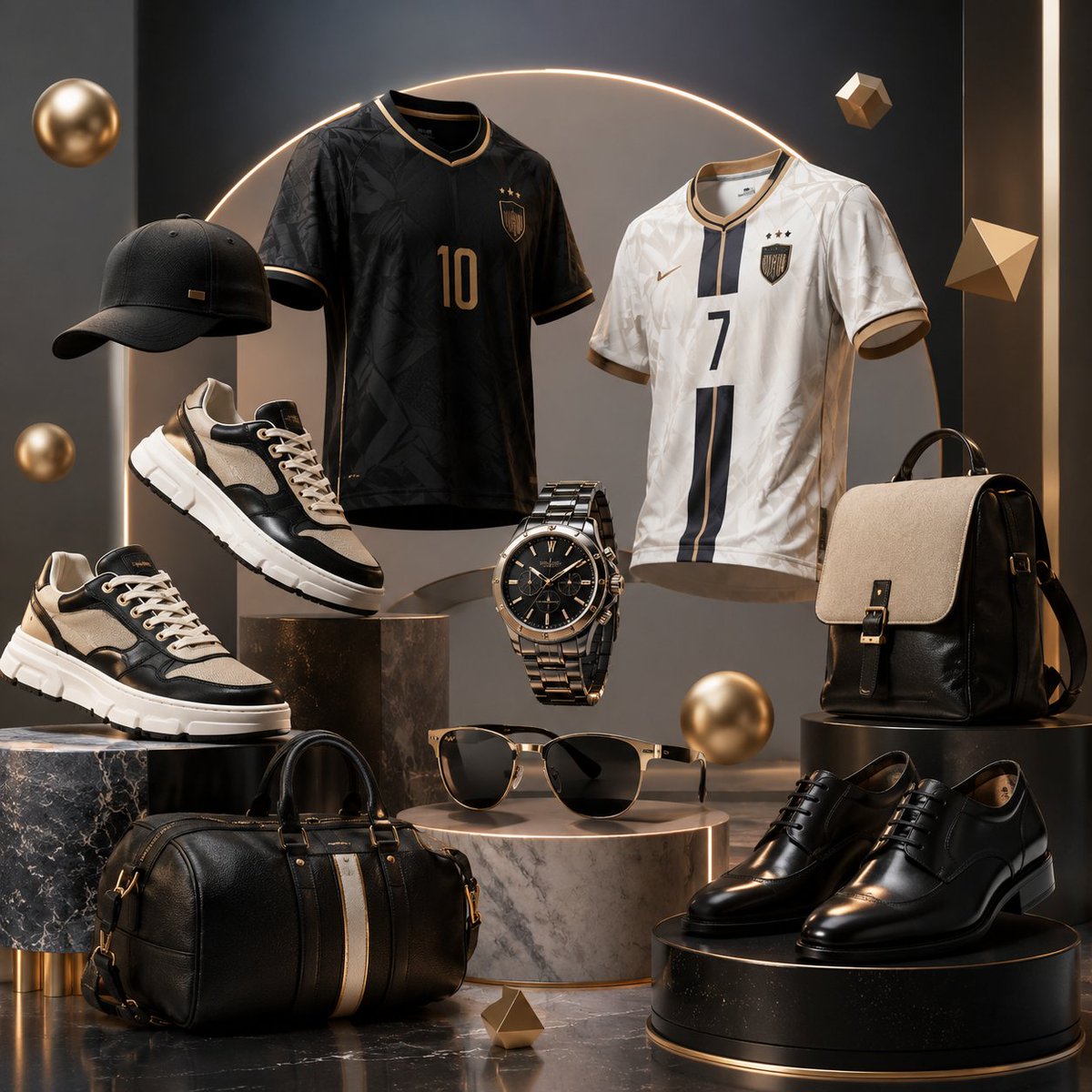
Luxury 3D Fashion Product Showcase
Browse template categories
Realistic Beach Lifestyle Portrait questions
How do I use the Realistic Beach Lifestyle Portrait template?
Add your photo if the template asks for one, edit the prompt if you like — the template's model and format are already selected — and press Generate. Your version opens in PicX Studio.
Can I customize the Realistic Beach Lifestyle Portrait template?
Yes. You can change the subject, setting, lighting, mood, format, and available model controls before creating your image.
Is the Realistic Beach Lifestyle Portrait template free?
Opening and editing this template is free. Generating uses credits, shown on the Generate button when you are signed in.
Which AI model should I use?
Start with GPT Image 2, which is the model associated with this template. You can compare another compatible model for a different finish.
Looking for something else? Browse all templates.

Your photo, any look
Thousands of ready templates for every top image and video model, from one credit balance.