
Vintage Halftone Portrait Poster
A sophisticated prompt for creating 1960s-70s inspired halftone posters, using high-contrast ink linework and bold graphic elements to capture a subject's likeness.
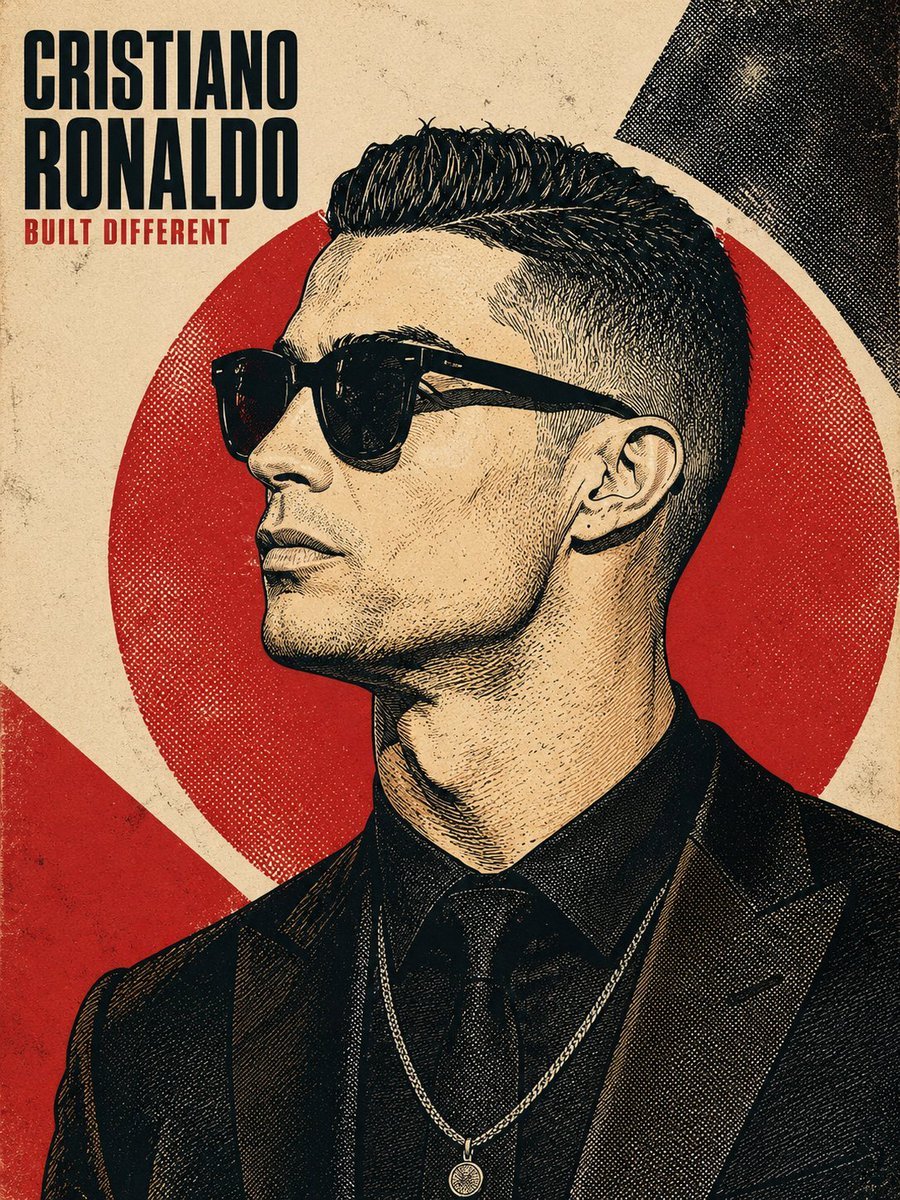
- Prompt included
- Model and format preset
- Free template
The prompt behind this image
Copy the exact prompt behind Vintage Halftone Portrait Poster, or open it in the studio and make it yours.
Create a refined vintage halftone poster-art portrait of {argument name="subject name" default="PERSON_NAME"}. Use the uploaded reference photo when provided; otherwise, create the likeness from the named person. The final image must be a full-bleed illustration only, with no reference-photo thumbnail or inset image. Render the subject in a bold 1960s–70s screen-printed / offset-lithograph aesthetic, inspired by vintage political posters, protest art, retro magazine covers, concert posters, and stencil-based graphic illustration. Preserve recognizable facial proportions and identity while translating the face into high-contrast ink linework, cross-hatching, stippling, halftone dots, and engraved-style shading. Avoid photorealism, airbrushing, and smooth gradients. Composition: strict 90-degree side profile facing left, eyes looking forward, chin slightly lifted, confident neutral expression. Frame the head and upper shoulders/chest vertically in a 4:5 or 3:4 composition, with the subject occupying roughly 70–85% of the frame. Place a large solid-color sun/halo circle behind the head, with the hair and shoulders slightly breaking its edge. Make the hair highly detailed, with flowing individual strands, directional movement, and graphic highlight streaks. Background: aged cream, paper, or canvas texture with asymmetric geometric color blocks, subtle halftone patterns, crosshatching, analog print grain, and slight screen-print imperfections. Keep the design sophisticated and cohesive rather than cluttered. Color direction: automatically choose one limited, high-contrast palette of 2–4 colors. Default to warm aged cream + poster red + near-black ink, but allow tasteful alternatives such as deep navy + muted red/orange + cream, charcoal + burnt orange + cream, or a striking mustard/gold + black duotone. No photographic color gradients. Typography: place the subject's name prominently in the top-left, using an extra-bold condensed grotesque sans-serif or slab-serif in ALL CAPS, tightly kerned and stacked across 1–2 lines. Add a short 2–4 word epithet or descriptor beneath it in a smaller bold condensed typeface, using the poster's accent color. Keep typography integrated into the composition and visually balanced. Clothing: use simple modern or era-appropriate clothing with flat colors, visible fabric-fold linework, and the same halftone/engraving treatment. Preserve recognizable accessories from the reference when appropriate, but keep them minimal. Lighting: use one hard directional light source across the profile, creating bold graphic shadow shapes. Build shadows using cross-hatching, stippling, and halftone density rather than gradients. Final quality: crisp, highly detailed, print-ready poster illustration, sharp facial linework, authentic vintage print texture, strong graphic hierarchy, recognizable likeness, balanced negative space, and premium editorial-art direction. Maintain the same overal
How to use Vintage Halftone Portrait Poster in 3 steps
- 1Upload ImagePNG, JPG or paste
Add your photo
Upload the photo the template builds on. The prompt, model and format are already set.
- 2…a portrait of your subject in softgolden-hour light, 85mm…
Personalize
Edit the subject and creative details for your destination.
- 3Generate
Generate
Press Generate — your image is created in PicX Studio, so you can compare it with the original and refine one variable at a time.
More like this
Templates with the same subject, style or setup. Open one to see its prompt.

Found Photograph: Us, 1970

80s Couple Studio Portrait

80s Bollywood Star

Monochrome Halftone Editorial Fashion Poster
Vintage Halftone Poster Illustration

Two Tickets, One Night

If We Met in 1985

One Dance Before Midnight

Before We said Goodbye

Our Song was on a Cassette

Meet Me When It Rains

The Date After College
Make it yours
Vintage Halftone Portrait Poster works as-is. These are the safest ways to change it without losing the look.
Change one field
Copy a single group, rewrite it, and generate again so you can see what that field is doing.
Keep the frame, change the subject
Hold the composition and light of Vintage Halftone Portrait Poster, then swap wardrobe, props or the person for a new take.
| If the result… | Why | Fix |
|---|---|---|
| The result drifts from the preview | Too many fields changed at once. | Reuse Vintage Halftone Portrait Poster as-is first, then change one group — subject, light, or setting. |
| The model over-stylizes the scene | The prose prompt leaves finish and camera underspecified. | Add one camera or lighting sentence and stay on GPT Image 2. |
More GPT Image 2 templates
Other prompts made for GPT Image 2.

Six VTuber Japanese Logo Sheet

Realistic Portrait of Woman and Deer

The Vista Modular Condo Poster

AI Model Routing Comparison Infographic

2.5D Anime Art Board

Isometric Productivity Desk Scene

New York Double Exposure Poster

Four-Panel AI Landscape Comparison

Japanese Tatami Lifestyle Magazine Cover

NESCAFÉ Coffee Map Poster
More image prompts
Fresh picks from across the catalog.
Kawaii Paper-Cut Travel Diorama
Fictional World Map Attempts Collage
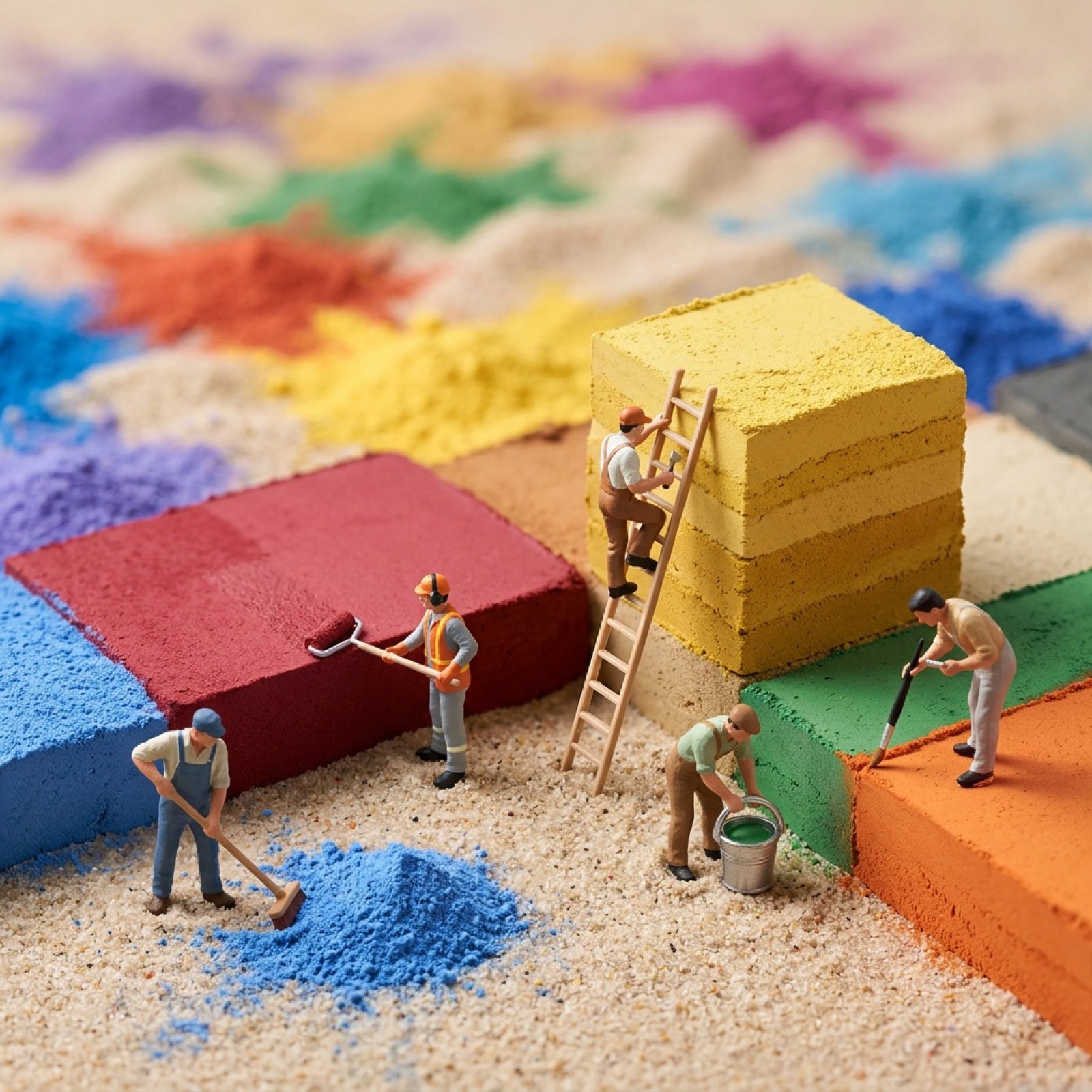
Image-to-Image Transformation with Tiny Workers
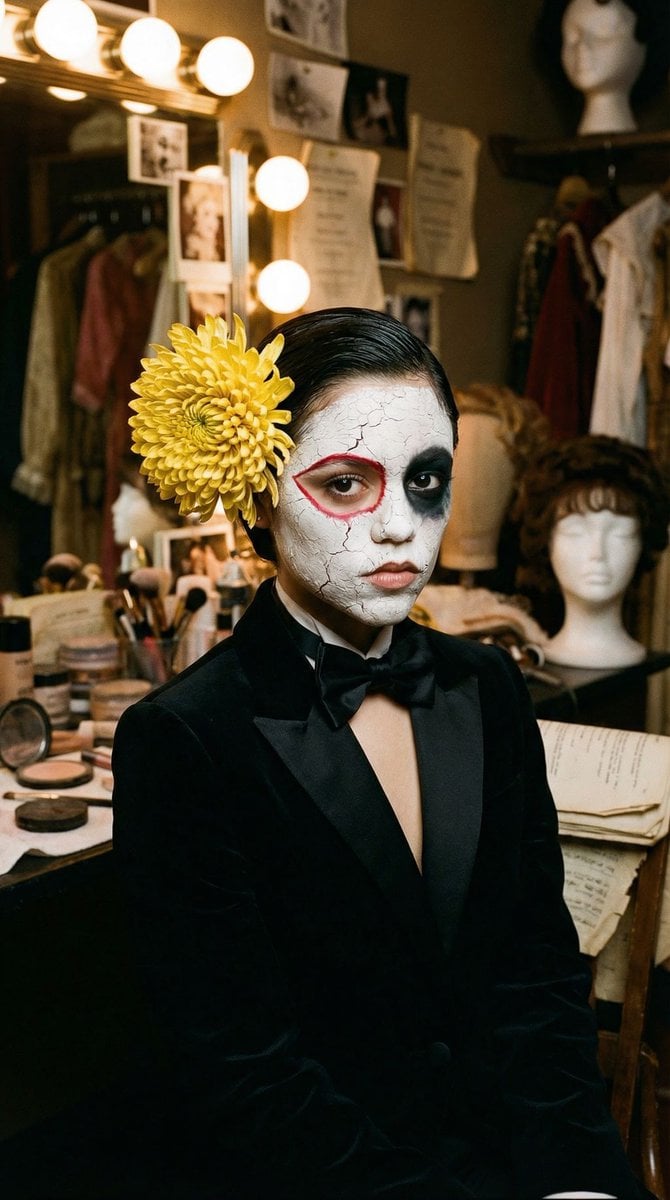
Surrealist Backstage Chaos: Jenna Ortega Editorial Portrait
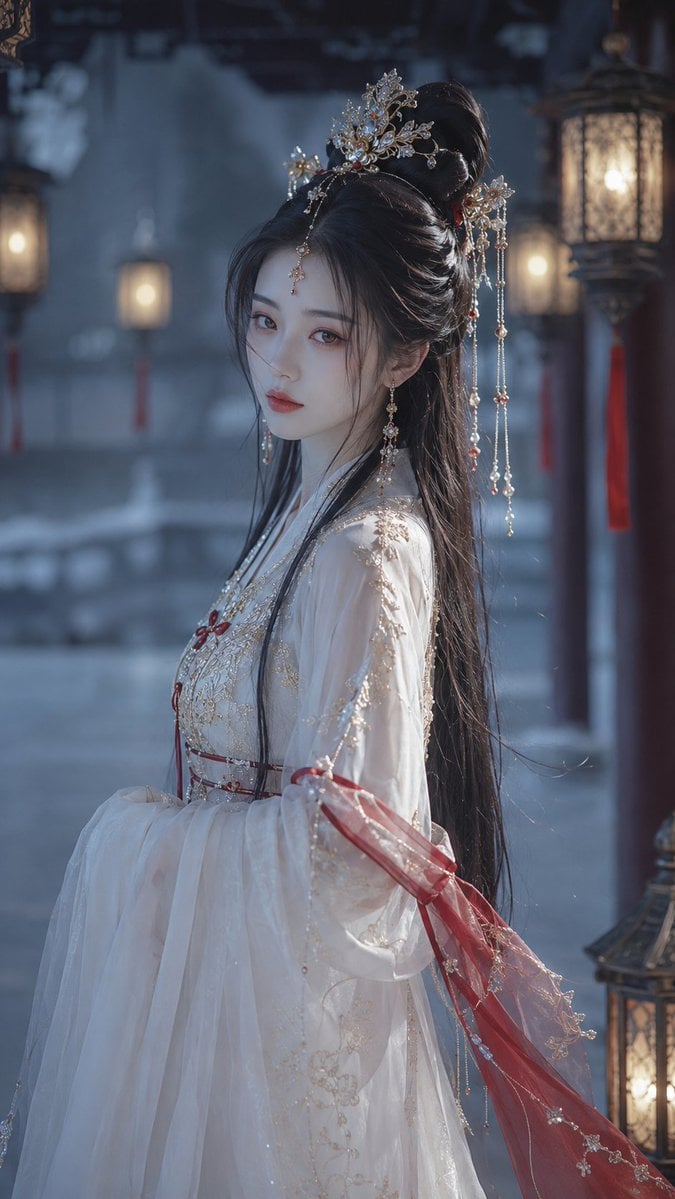
Cold Ethereal Chinese Fairy Portrait
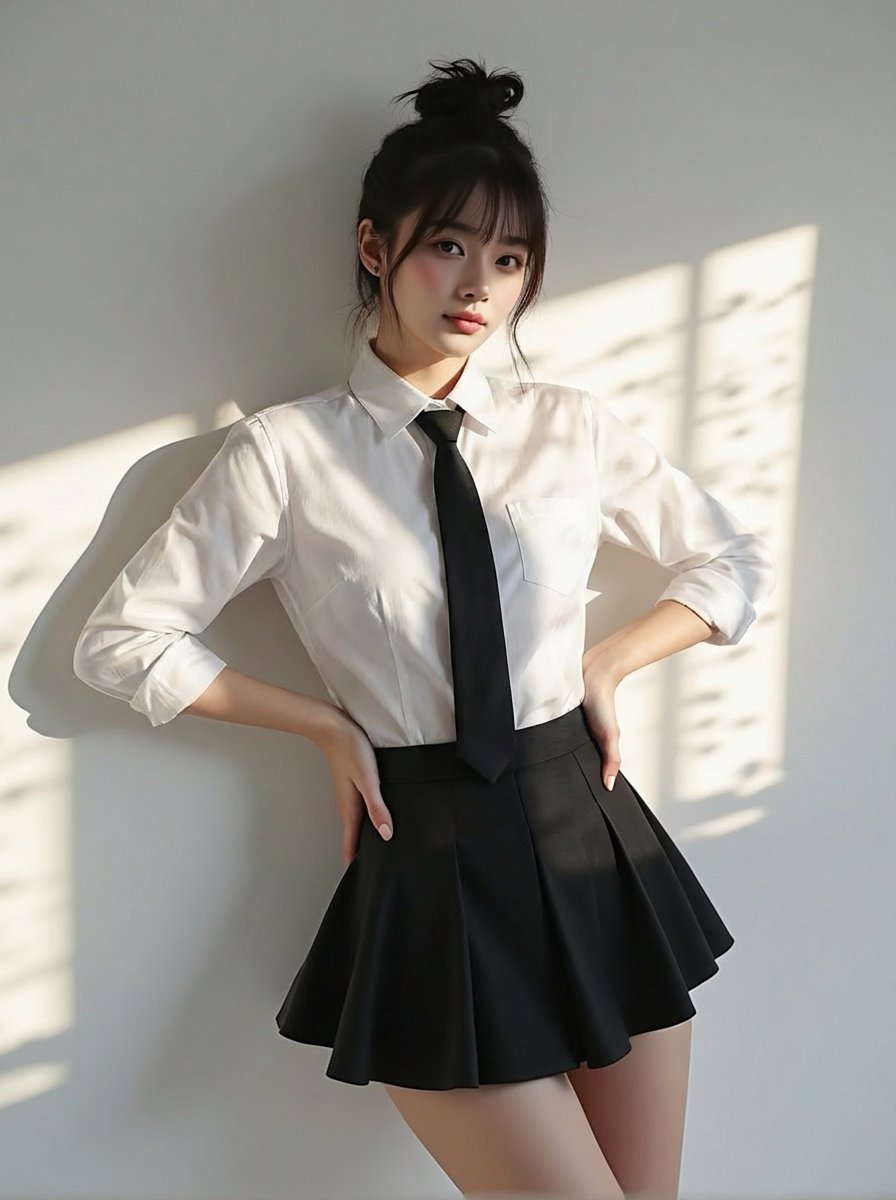
Change clothing to match reference outfit
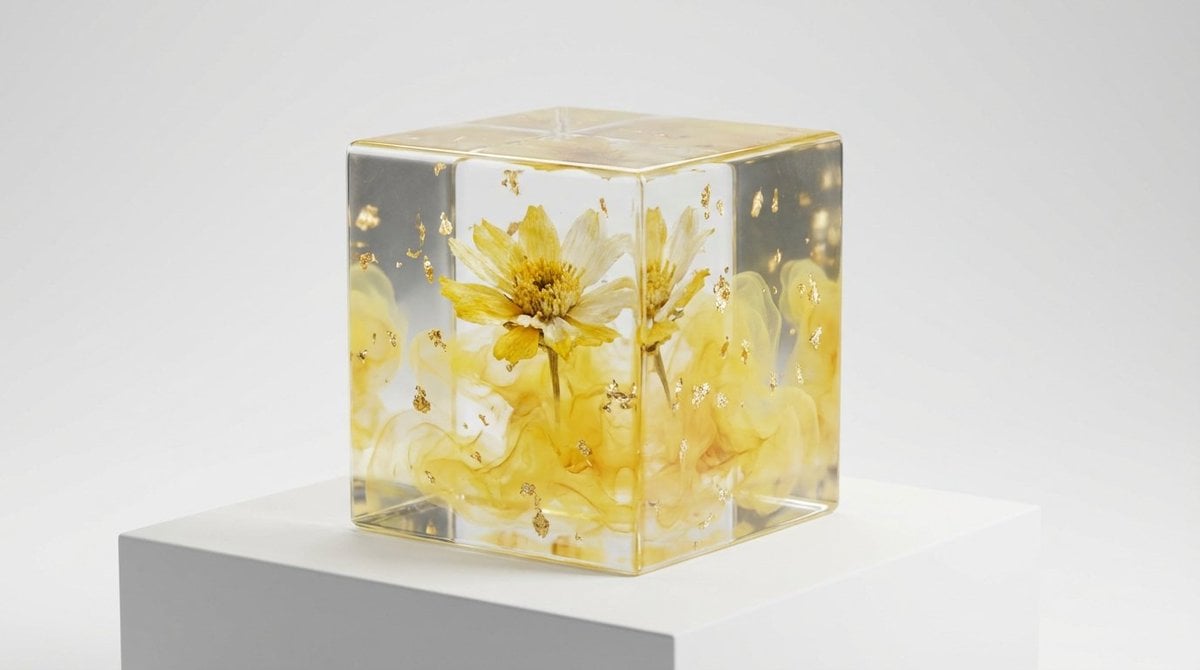
Epoxy Resin Art Cube Generation
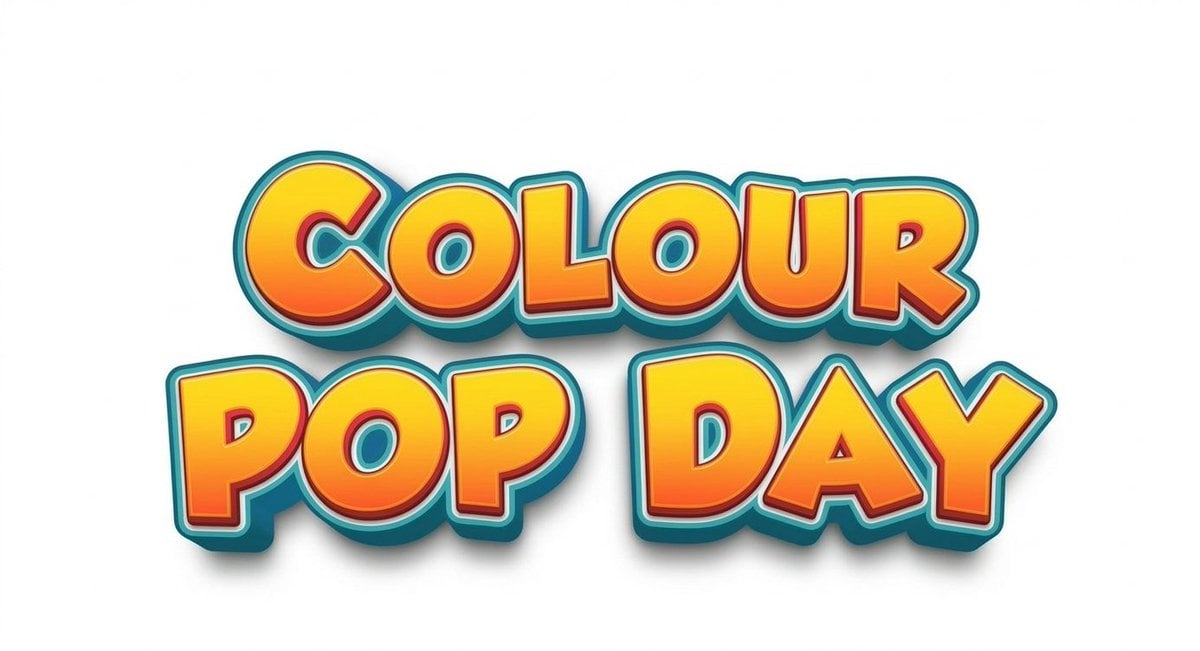
Text Replacement Prompt for Image Editing
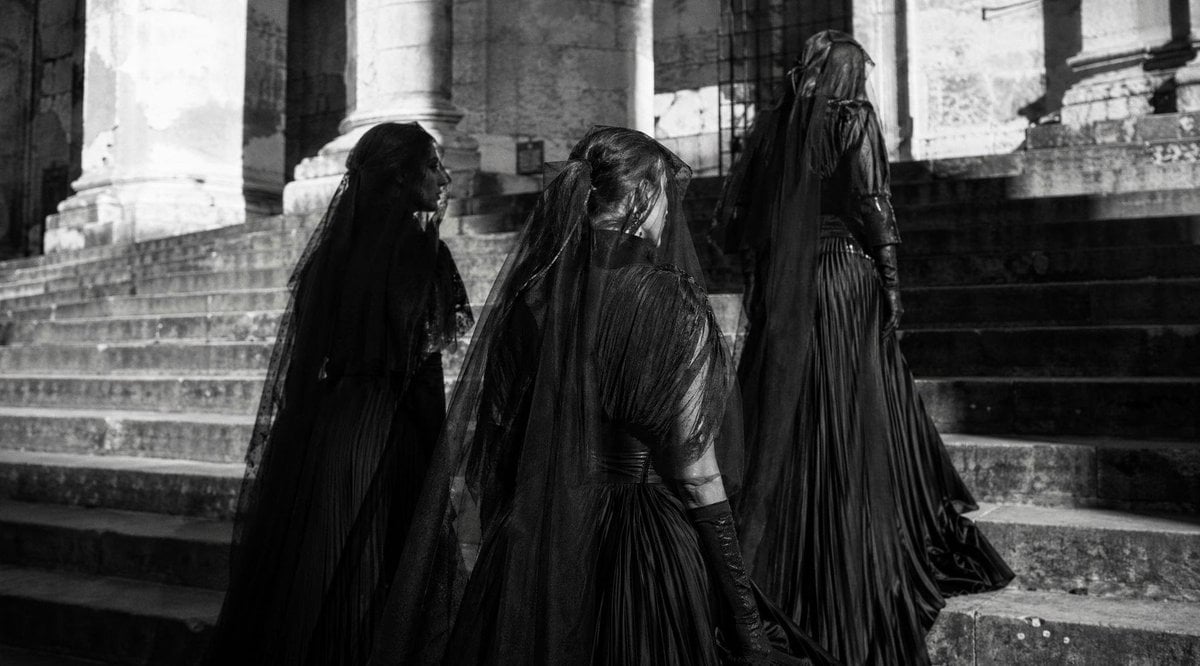
Gothic Mourning Procession
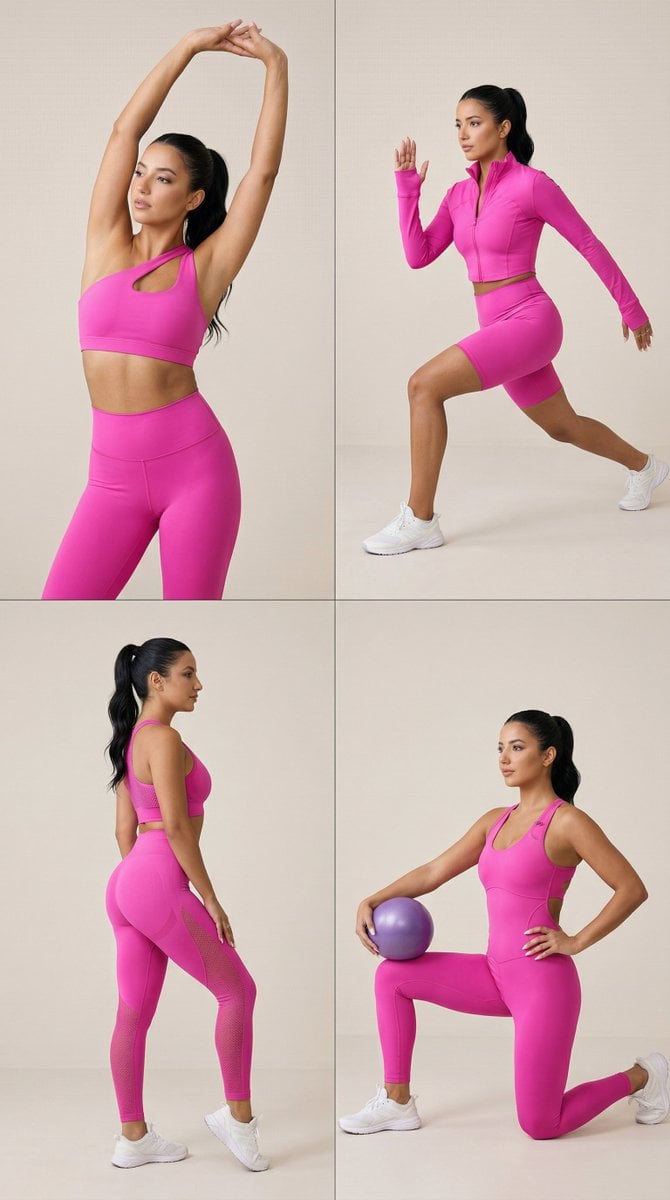
Nano Banana Pro Fitness Editorial Grid Prompt (Pink Activewear)
Browse template categories
Vintage Halftone Portrait Poster questions
How do I use the Vintage Halftone Portrait Poster template?
Add your photo if the template asks for one, edit the prompt if you like — the template's model and format are already selected — and press Generate. Your version opens in PicX Studio.
Can I customize the Vintage Halftone Portrait Poster template?
Yes. You can change the subject, setting, lighting, mood, format, and available model controls before creating your image.
Is the Vintage Halftone Portrait Poster template free?
Opening and editing this template is free. Generating uses credits, shown on the Generate button when you are signed in.
Which AI model should I use?
Start with GPT Image 2, which is the model associated with this template. You can compare another compatible model for a different finish.
Looking for something else? Browse all templates.

Your photo, any look
Thousands of ready templates for every top image and video model, from one credit balance.