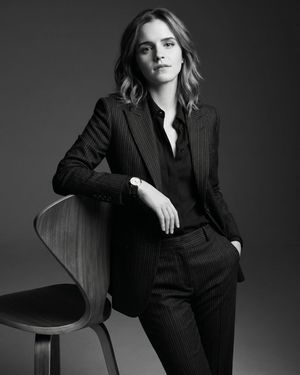
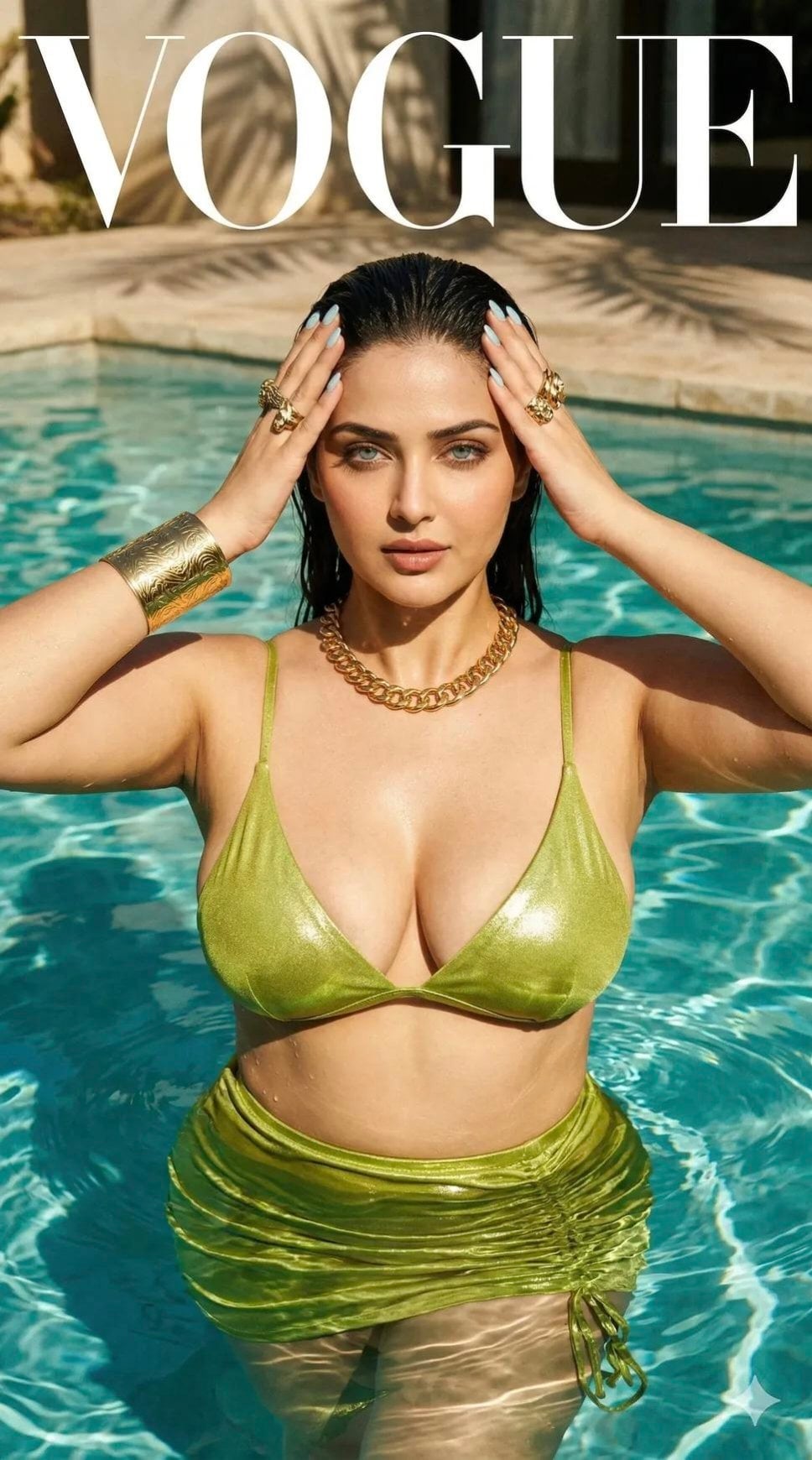
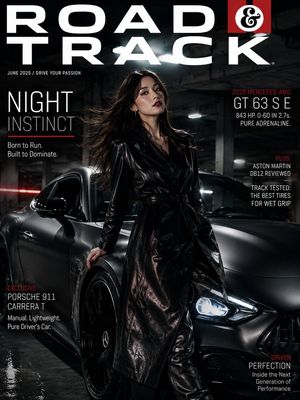
How do I use the Lifestyle Magazine Campaign Portrait template?
Choose the primary action to open PicX Studio with the available template settings. Review the model and format, personalize the creative direction, and generate when ready.
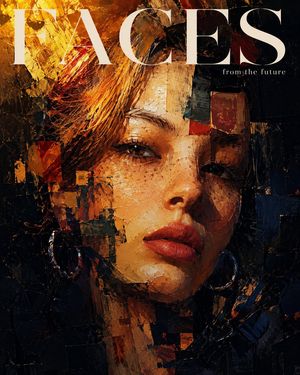
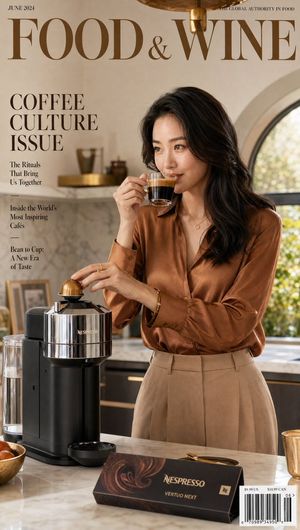
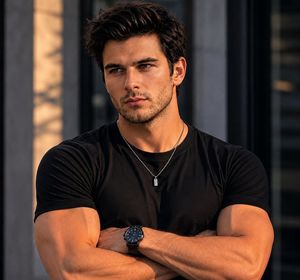
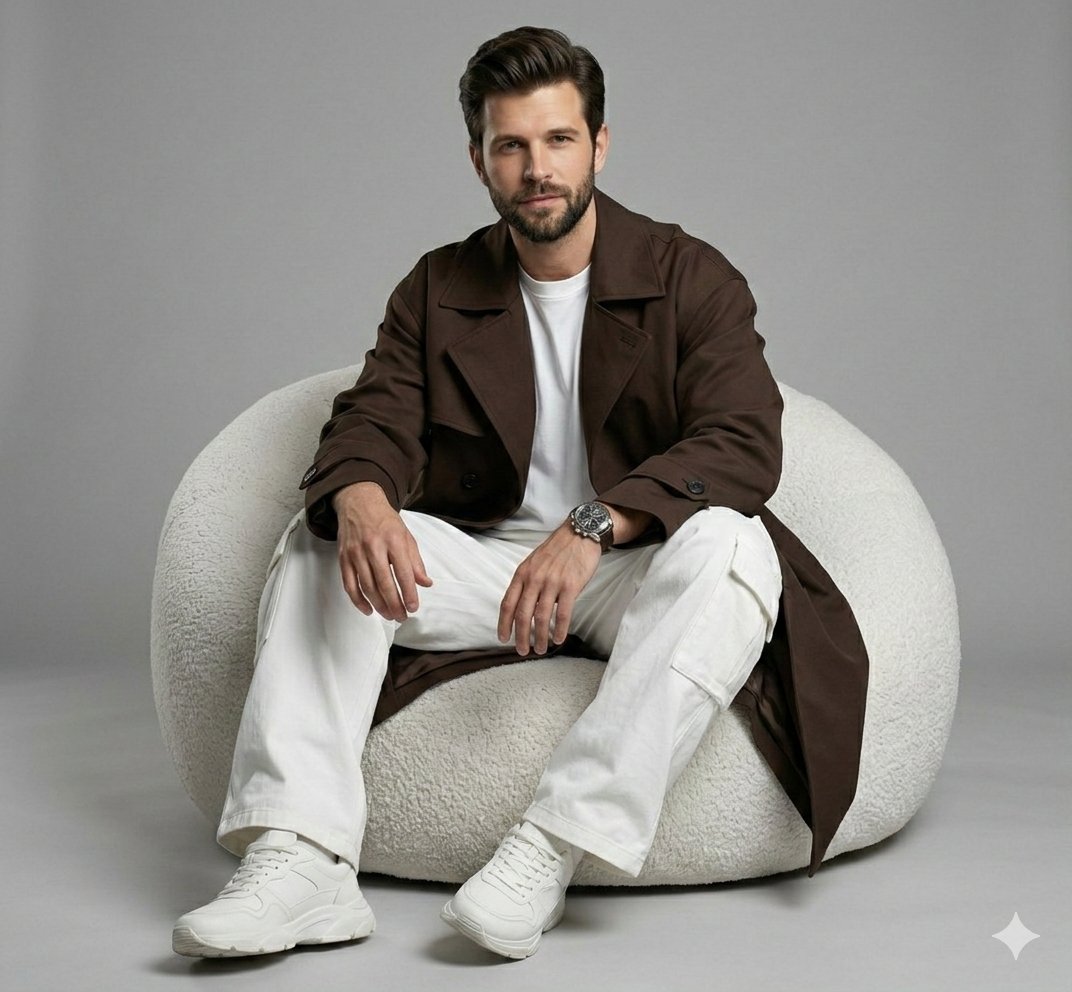
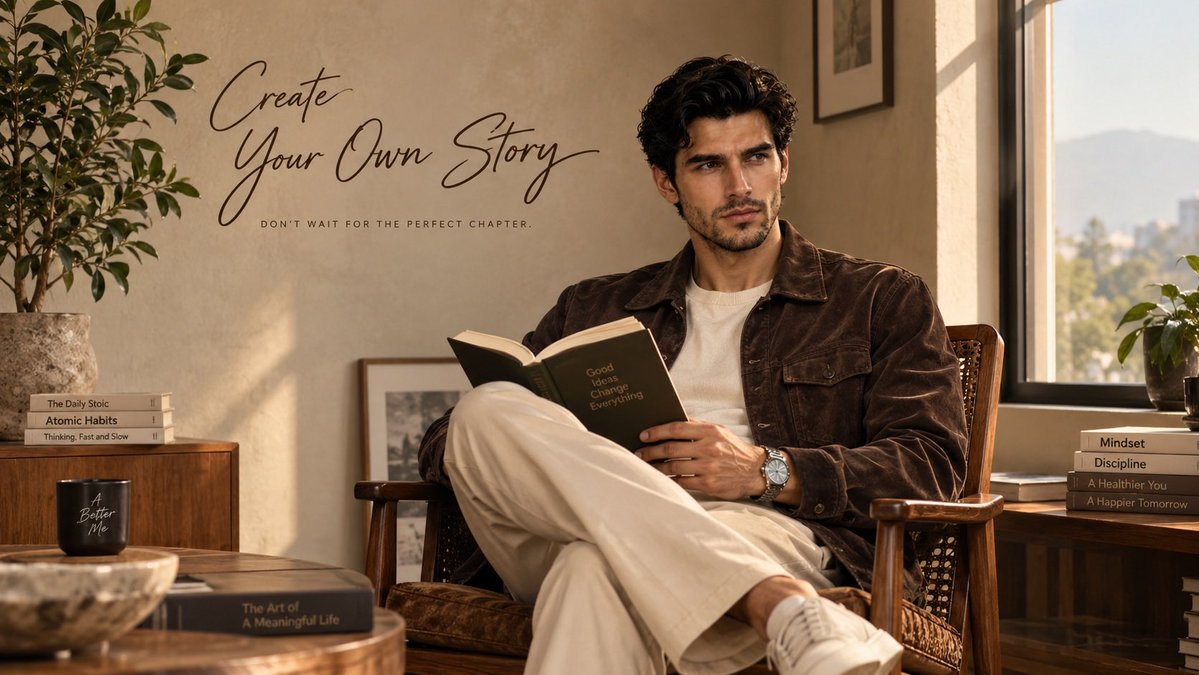
Creates a premium lifestyle editorial portrait with integrated typography, featuring a man reading in an elegant interior setting.
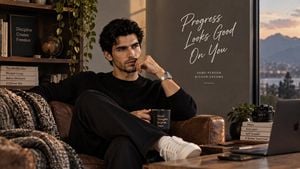
Create a premium, hyper-realistic lifestyle editorial portrait using {argument name="identity reference" default="my uploaded male face"} as the ONLY identity reference for the main male subject. Preserve my exact facial identity and natural appearance — facial structure, skin tone, eyes, eyebrows, nose, lips, jawline, facial hair, hairstyle, facial proportions, and overall likeness. Keep me instantly recognizable. Do not beautify, reshape, feminize, age, de-age, or alter my facial features. Recreate the overall composition and mood of the reference image: a sophisticated young man sitting comfortably in a warm, elegant interior beside a large window, holding an open book and casually reading. He is seated in a classic wooden lounge chair with woven detailing, one leg crossed naturally over the other. His expression is calm, thoughtful, confident, and relaxed, looking slightly away from the camera. Outfit: {argument name="outfit" default="premium dark chocolate-brown suede/corduroy-style overshirt jacket with structured pockets, layered over a simple warm ivory/cream crew-neck T-shirt, paired with loose tailored cream/beige trousers"}. Add a refined silver metal wristwatch for a subtle luxury touch. Environment: {argument name="setting" default="minimalist upscale apartment or reading room with warm beige plaster walls, a tall architectural window on the right, soft natural daylight streaming through the window, subtle indoor greenery on the left, wooden furniture, and an understated luxury aesthetic"}. Lighting: soft golden natural window light, gentle shadows, warm cinematic tones, realistic skin texture, subtle highlights, premium editorial color grading. Composition: vertical fashion-editorial framing, subject positioned slightly right of center, generous negative space above and to the left for typography. Full seated body visible, natural proportions, realistic hands and fingers, authentic fabric textures. Add elegant handwritten-style typography in the upper-left area: “Create Your Own Story” Underneath in small clean uppercase text: “DON’T WAIT FOR THE PERFECT CHAPTER.” Make the typography look naturally integrated into the wall, like a premium lifestyle magazine campaign. Style: ultra-photorealistic, premium fashion editorial, sophisticated masculine aesthetic, cinematic photography, natural skin texture, realistic materials, shallow depth of field, high-end magazine campaign, extremely detailed, no artificial-looking AI features. Aspect ratio: 16:9 landscape.
Lifestyle Magazine Campaign Portrait needs input media to work. Open it in the studio and these load alongside the prompt — pick whichever ones your chosen model can take.
Choose the primary action to open PicX Studio with the available template settings. Review the model and format, personalize the creative direction, and generate when ready.
Yes. You can change the subject, setting, lighting, mood, format, and available model controls before creating your image.
This template is free to open and customize. Generation usage is shown in PicX Studio before you create.
Start with GPT Image 2, which is the model associated with this template. You can compare another compatible model for a different finish.
Follow a topic to a crawlable collection of related PicX Studio templates.