How do I use the Cinematic Streetwear Fashion Portrait template?
Choose the primary action to open PicX Studio with the available template settings. Review the model and format, personalize the creative direction, and generate when ready.
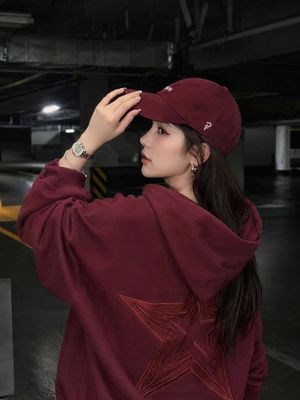
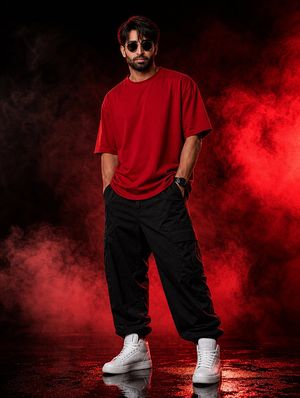
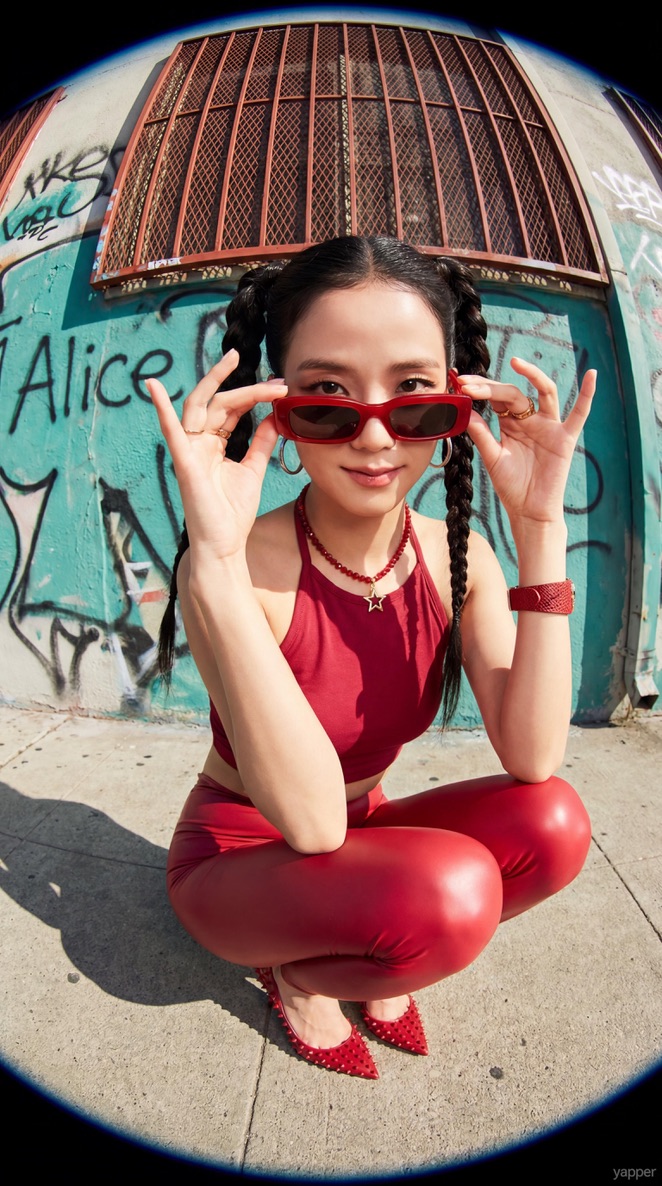
A detailed fashion photography prompt for generating a photorealistic portrait of a woman in red streetwear on a rooftop parking lot.
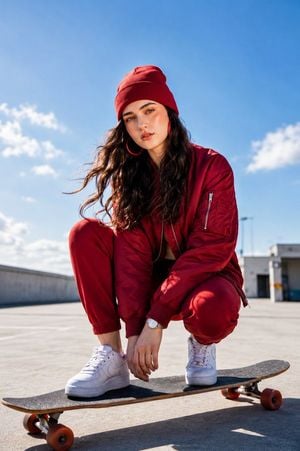
stunning {argument name="subject" default="young woman with long wavy dark brown hair, fair glowing skin, soft natural makeup, and expressive hazel eyes"}, wearing a {argument name="outfit" default="stylish monochrome deep red streetwear outfit consisting of a red beanie, oversized bomber jacket, jogger pants, and large red hoop earrings"}. She is crouching confidently on a skateboard in an {argument name="setting" default="open rooftop parking lot under a bright blue sky with soft clouds"}. White sneakers, elegant wristwatch, relaxed confident expression, wind gently blowing through her hair. Low-angle perspective, cinematic composition, natural daylight, ultra-realistic photography, DSLR quality, 85mm lens, shallow depth of field, crisp focus, highly detailed skin texture, realistic fabric folds, vibrant colors, HDR, 8K, photorealistic, masterpiece, editorial fashion shoot.
Choose the primary action to open PicX Studio with the available template settings. Review the model and format, personalize the creative direction, and generate when ready.
Yes. You can change the subject, setting, lighting, mood, format, and available model controls before creating your image.
This template is free to open and customize. Generation usage is shown in PicX Studio before you create.
Start with GPT Image 2, which is the model associated with this template. You can compare another compatible model for a different finish.
Follow a topic to a crawlable collection of related PicX Studio templates.