
Retro Fashion Cloud Portrait
A nostalgic 1960s-inspired portrait of a woman sitting among soft clouds, featuring vintage aesthetics and pastel colors.
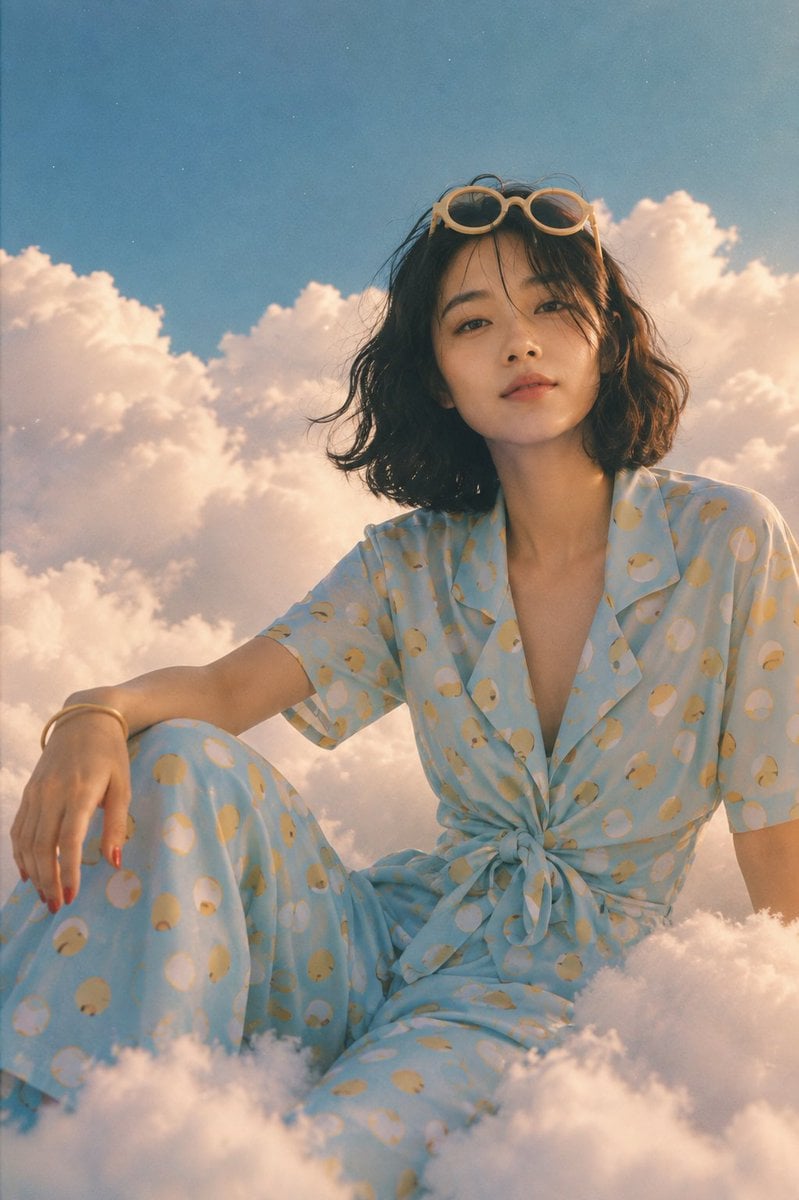
- Prompt included
- Model and format preset
- Free template
The prompt behind this image
Copy the exact prompt behind Retro Fashion Cloud Portrait, or open it in the studio and make it yours.
Dreamy retro-fashion portrait of a beautiful young woman sitting among soft clouds high in the sky, vertical 9:16 composition. She has a delicate oval face, fair warm skin, soft natural features, subtle rosy lips, and a calm, confident expression. She has short {argument name="hair color" default="dark brown-black"} hair in a voluminous vintage bob, slightly wavy with soft outward-curled ends and straight, wispy bangs across her forehead. She wears large round vintage sunglasses with thick {argument name="sunglasses frame color" default="cream/off-white"} frames and warm brown tinted lenses, giving her a playful 1960s–70s fashion aesthetic. Outfit She wears a light pastel sky-blue two-piece wrap-style outfit covered in a playful {argument name="clothing pattern" default="polka-dot"} pattern. The top is a short-sleeved, relaxed button-front blouse with a deep V neckline and a gathered/tied waist. The blouse is loosely wrapped and tied into a soft knot at the front. The matching bottom is high-waisted, wide-leg flowing pants, made from lightweight fabric that drapes naturally around her legs and blends beautifully with the surrounding clouds. The polka dots are a mix of mustard yellow, soft cream, pale orange, and subtle beige, varying slightly in size for a charming vintage look. The fabric should appear soft, lightweight, slightly textured, and naturally wrinkled. Pose & Composition She is seated casually on thick fluffy white clouds, one leg bent toward the side and the other extending naturally through the cloud formations. Her arms are relaxed outward, creating an effortless editorial pose. Capture her from a slightly low camera angle, making her appear elevated against the sky. Environment A vast pastel blue sky filled with enormous soft white and peach-tinted cumulus clouds surrounds her. Clouds partially overlap her lower body and foreground, creating a surreal floating-in-the-sky effect. Add tiny atmospheric particles and subtle haze for a dreamy cinematic feeling. Visual Style Dreamy vintage surrealism, 1960s fashion photography, soft cinematic film aesthetic, pastel color grading, nostalgic analog photography, subtle film grain, gentle lens bloom, slightly faded colors, realistic fabric texture, natural skin texture, soft atmospheric perspective, whimsical editorial fashion campaign, highly detailed, elegant and ethereal. Lighting: warm late-afternoon sunlight, soft diffused highlights on her face and clothing, gentle rim light around her hair, natural cloud shadows, subtle golden glow. Negative prompt: modern digital look, harsh lighting, plastic skin, CGI, 3D render, anime, cartoon, distorted anatomy, malformed hands, extra fingers, unrealistic clouds, overly saturated colors, excessive makeup, blurry face, text, watermark, logo.
How to use Retro Fashion Cloud Portrait in 3 steps
- 1
Open
The prompt is already in the box next to the preview, with the template's model and format selected.
- 2…a portrait of your subject in softgolden-hour light, 85mm…
Personalize
Edit the subject and creative details for your destination.
- 3Generate
Generate
Press Generate — your image is created in PicX Studio, so you can compare it with the original and refine one variable at a time.
More like this
Templates with the same subject, style or setup. Open one to see its prompt.

Found Photograph: Us, 1970

80s Couple Studio Portrait

80s College Gate

1988 Mall Style

80s Polka Dot Saree

Nano Banana 2 High Fashion Sports Campai

Couture Fashion Editorial Woman and Drag

Ive Yujin Fashion Portrait in Blue

Nano Banana 2 Editorial Fashion Portrait

Caution Tape Fashion — Industrial Editorial
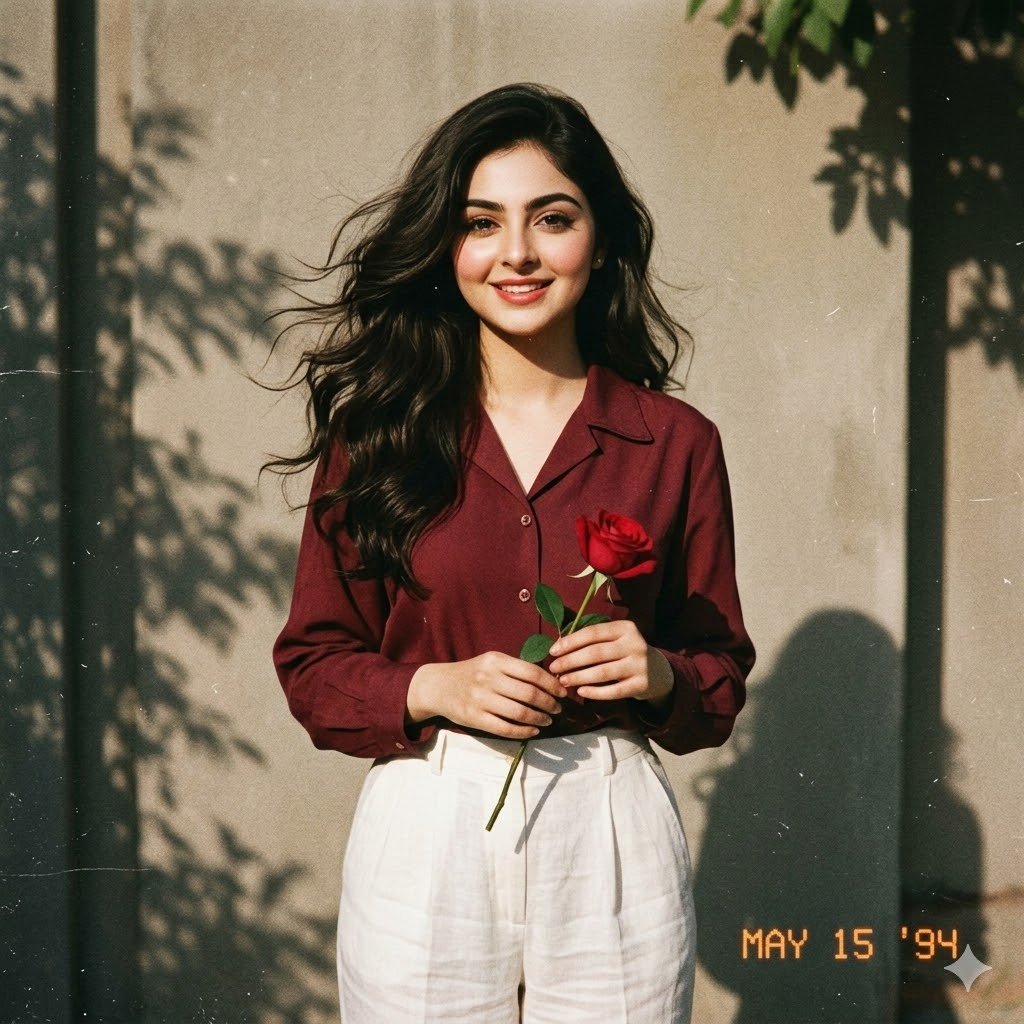
Retro 90s Movie Fashion Portrait

Miniature Self Portrait Collage
Make it yours
Retro Fashion Cloud Portrait works as-is. These are the safest ways to change it without losing the look.
Change one field
Copy a single group, rewrite it, and generate again so you can see what that field is doing.
Keep the frame, change the subject
Hold the composition and light of Retro Fashion Cloud Portrait, then swap wardrobe, props or the person for a new take.
| If the result… | Why | Fix |
|---|---|---|
| The result drifts from the preview | Too many fields changed at once. | Reuse Retro Fashion Cloud Portrait as-is first, then change one group — subject, light, or setting. |
| The model over-stylizes the scene | The prose prompt leaves finish and camera underspecified. | Add one camera or lighting sentence and stay on GPT Image 2. |
More GPT Image 2 templates
Other prompts made for GPT Image 2.

Six VTuber Japanese Logo Sheet

Realistic Portrait of Woman and Deer

The Vista Modular Condo Poster

AI Model Routing Comparison Infographic

2.5D Anime Art Board

Isometric Productivity Desk Scene

New York Double Exposure Poster

Four-Panel AI Landscape Comparison

Japanese Tatami Lifestyle Magazine Cover

NESCAFÉ Coffee Map Poster
More image prompts
Fresh picks from across the catalog.
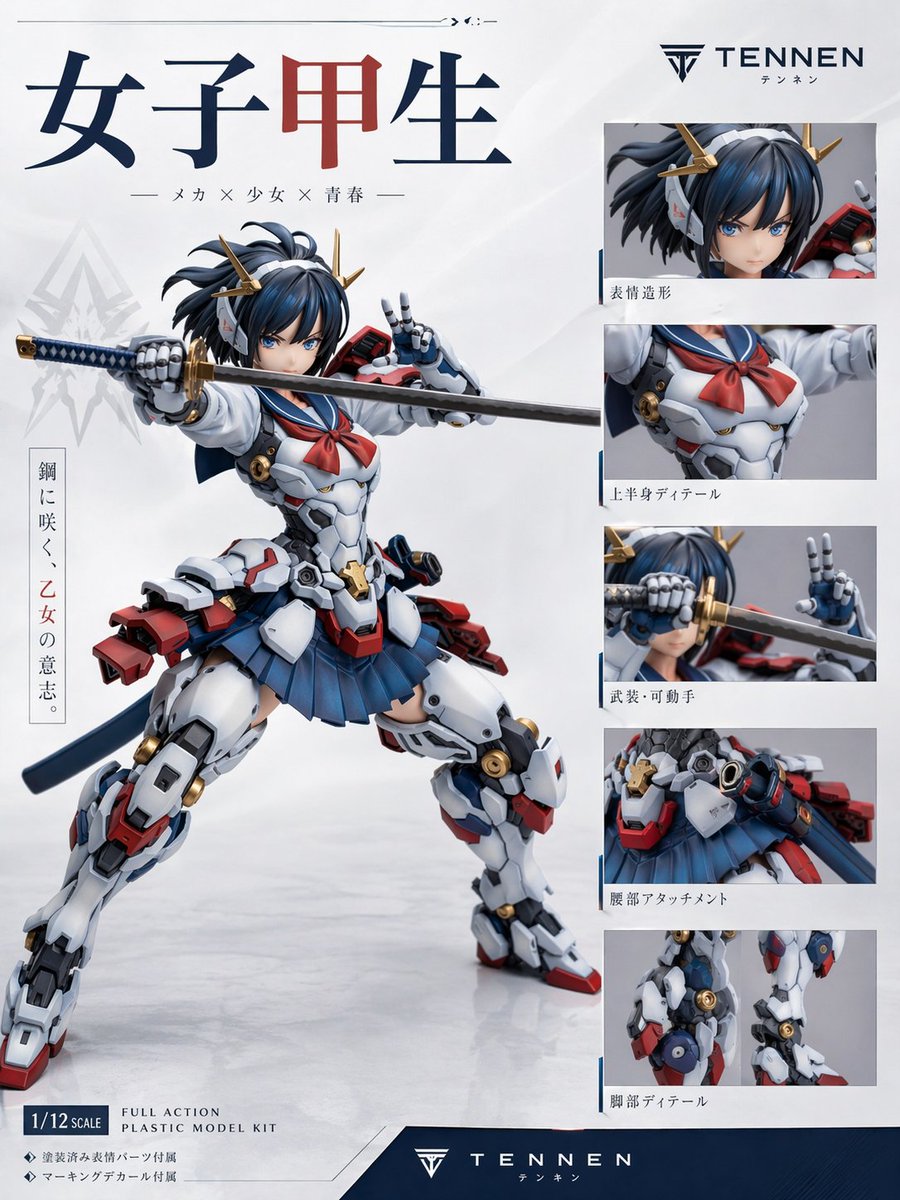
Japanese Mecha Girl Figure Ad Poster
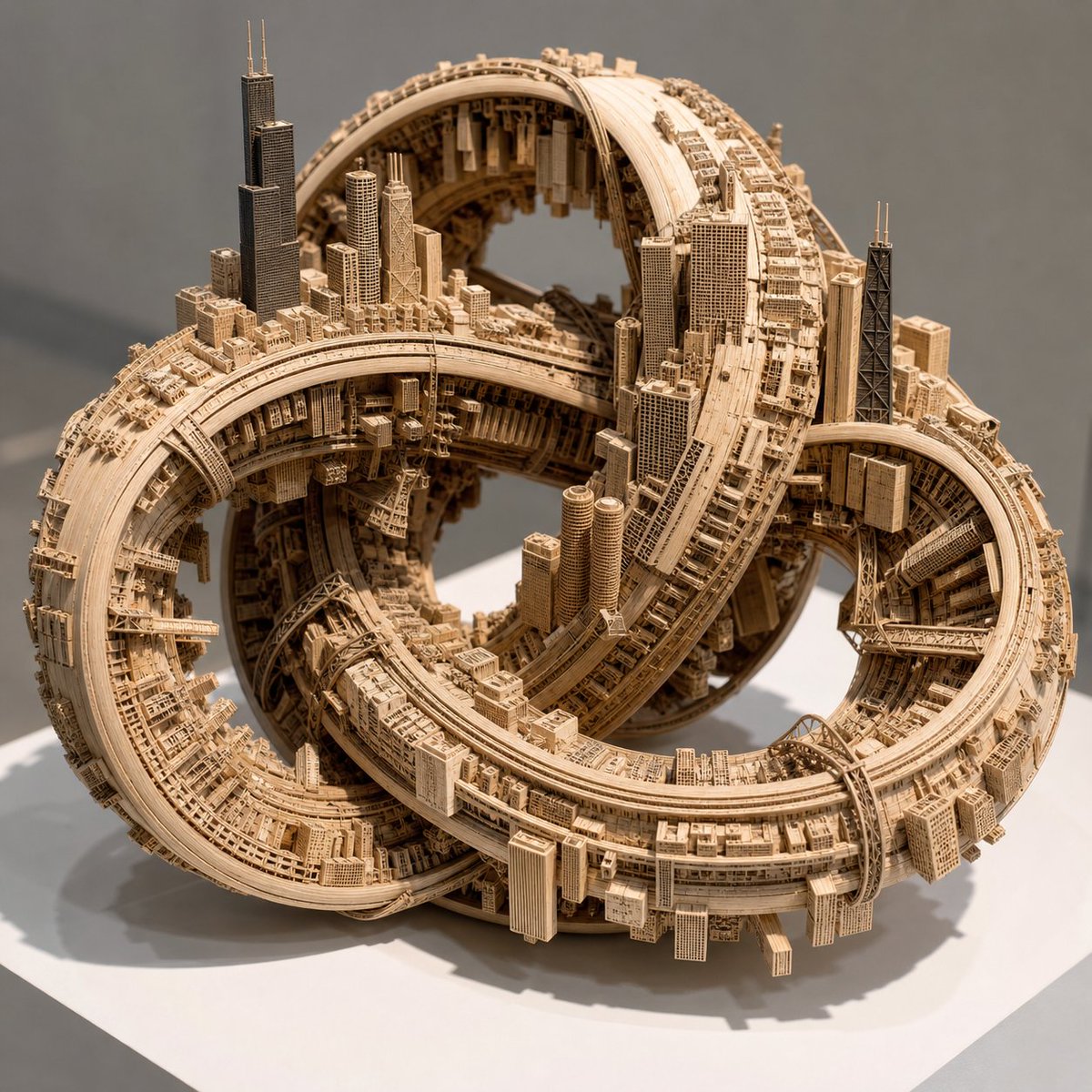
Impossible Wooden Chicago Knot City
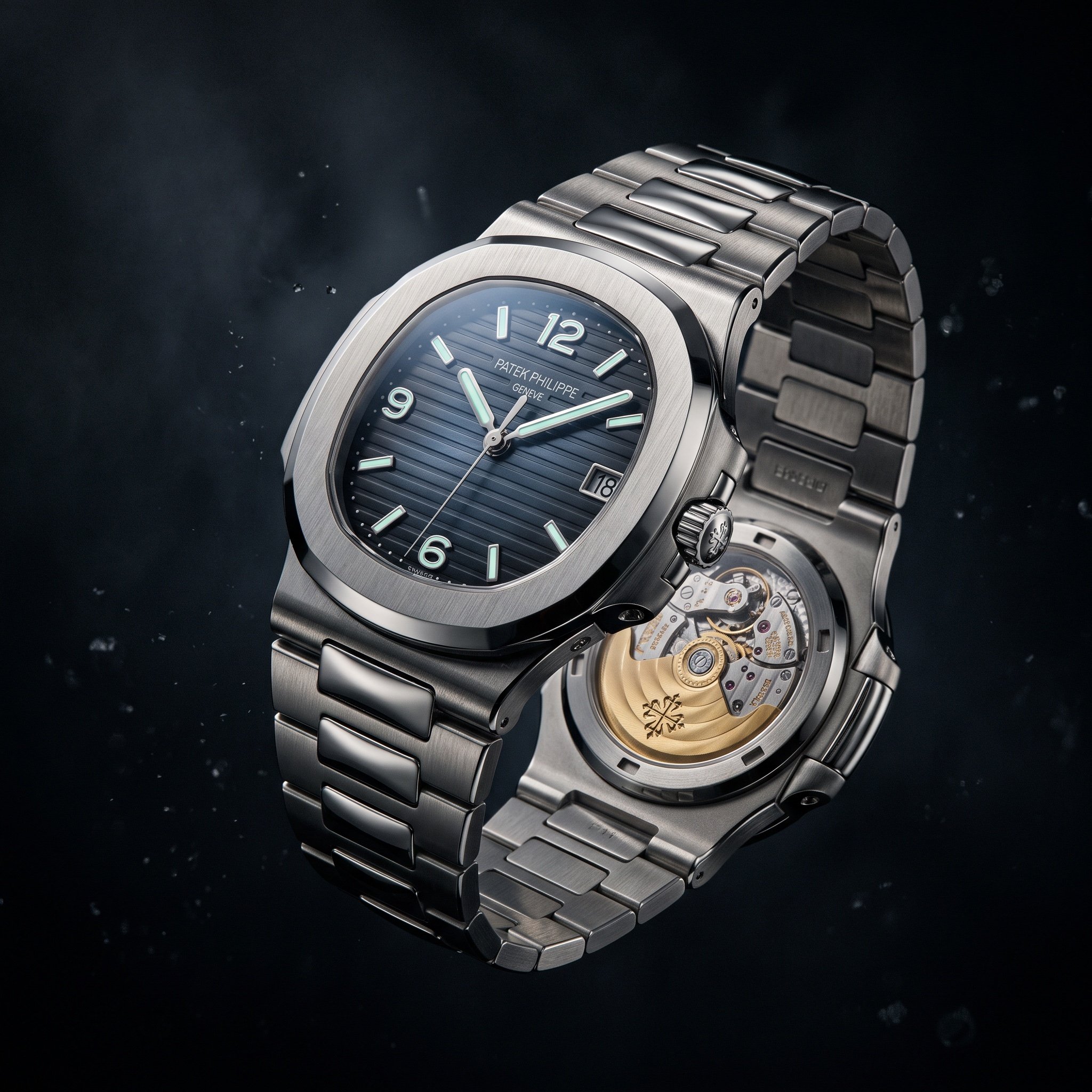
Cinematic Luxury Watch Advertisement
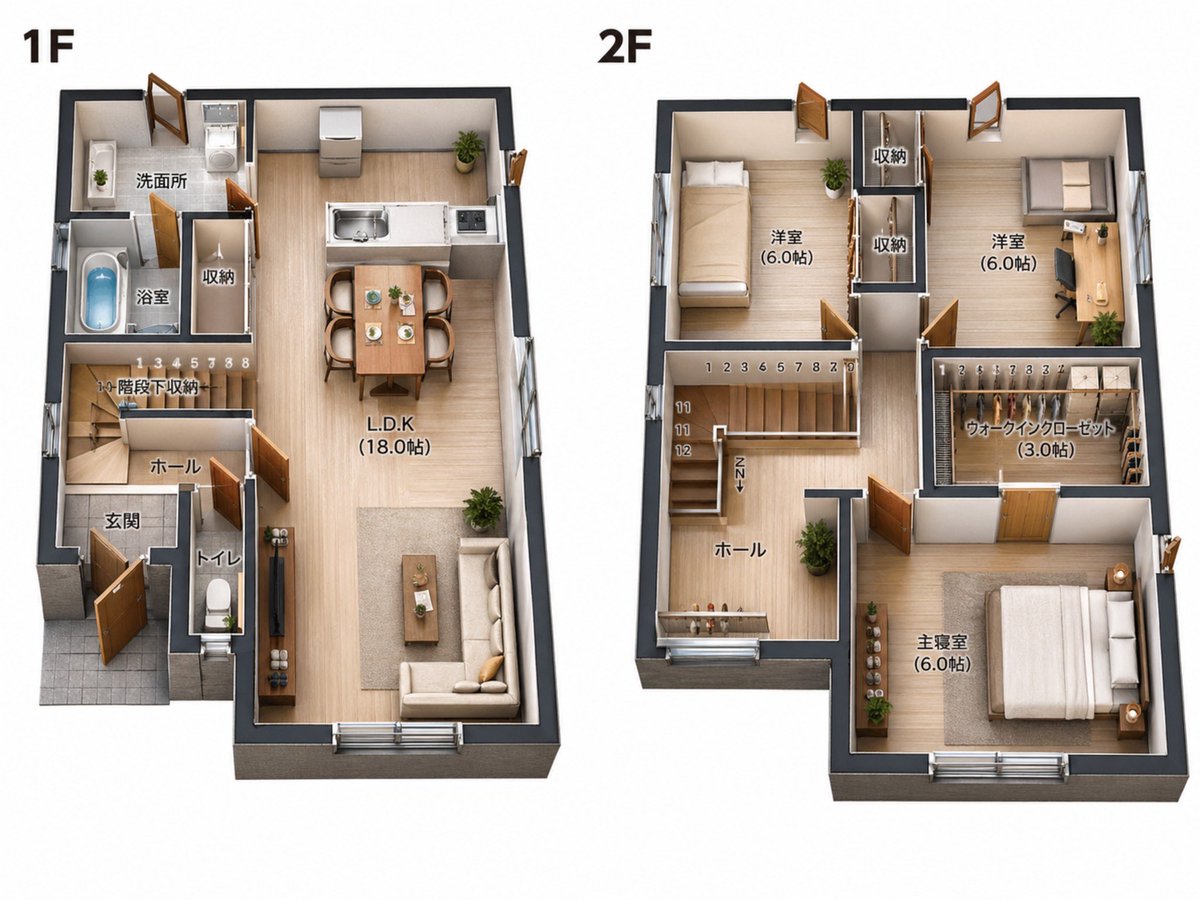
2D Floor Plan to 3D Real Estate Render

Celestial Planet Champagne Fan Art
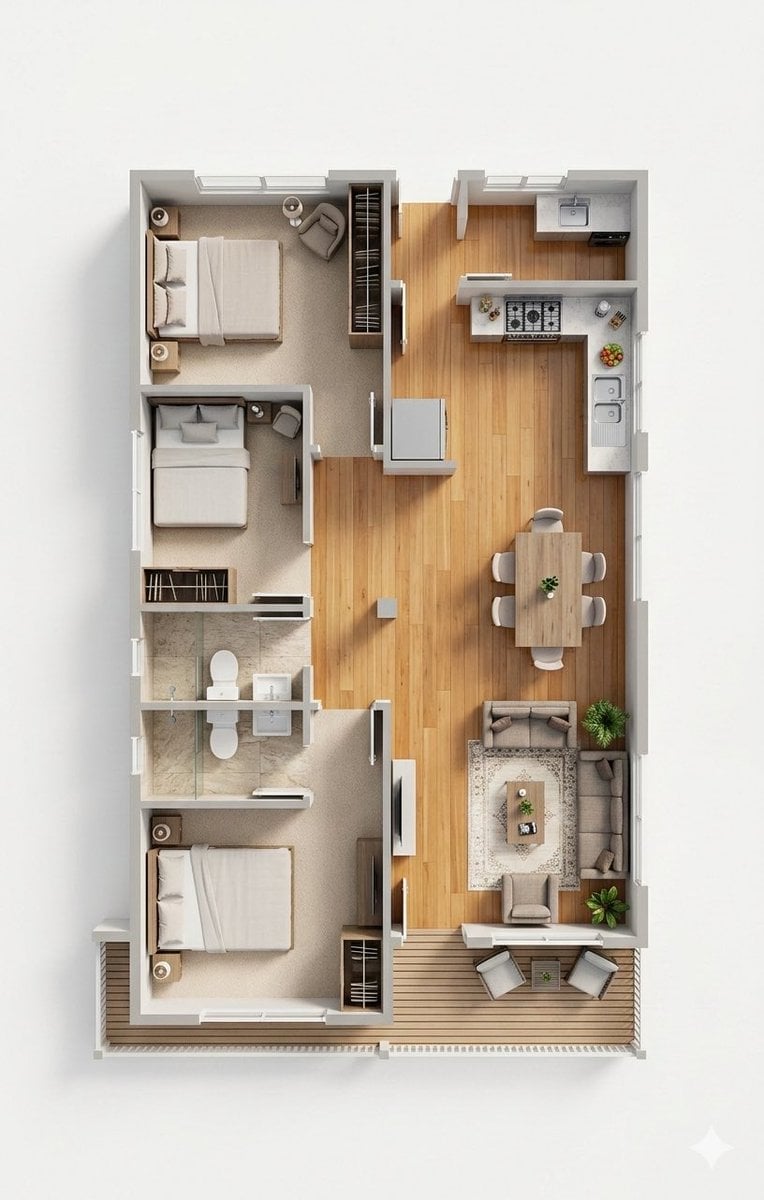
Photorealistic 3D Floor Plan Render with Furniture
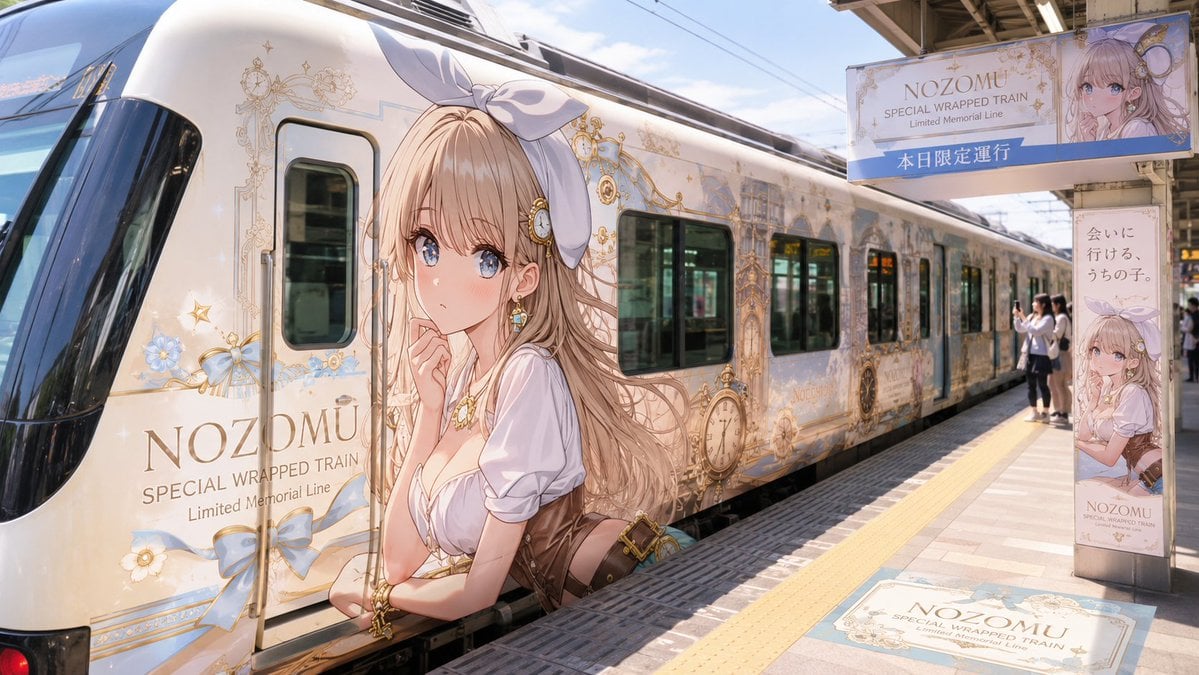
Anime Wrapped Train at Japanese Station
Image Editing Prompt: Adding a Shelf to a Panel
Bit Arcade Character Generator
X Aiwithlariab Image on Nano Banana 2
Browse template categories
Retro Fashion Cloud Portrait questions
How do I use the Retro Fashion Cloud Portrait template?
Add your photo if the template asks for one, edit the prompt if you like — the template's model and format are already selected — and press Generate. Your version opens in PicX Studio.
Can I customize the Retro Fashion Cloud Portrait template?
Yes. You can change the subject, setting, lighting, mood, format, and available model controls before creating your image.
Is the Retro Fashion Cloud Portrait template free?
Opening and editing this template is free. Generating uses credits, shown on the Generate button when you are signed in.
Which AI model should I use?
Start with GPT Image 2, which is the model associated with this template. You can compare another compatible model for a different finish.
Looking for something else? Browse all templates.

Your photo, any look
Thousands of ready templates for every top image and video model, from one credit balance.