
Anime AI Model Comparison Balcony Scene
Generates a square side-by-side comparison image of two AI model outputs using a sunny anime balcony scene with chibi shark-hood characters.
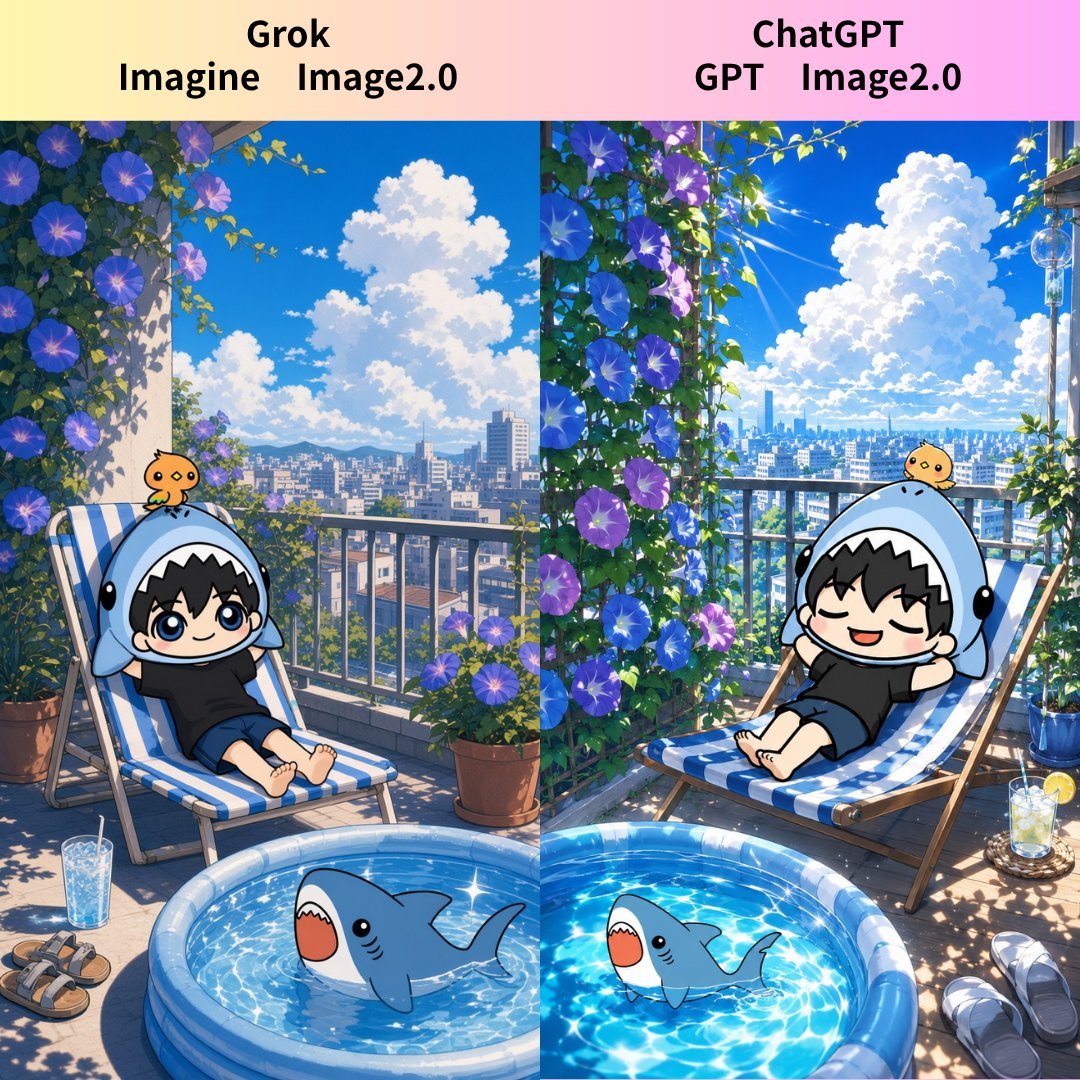
- Prompt included
- Model and format preset
- Free template
The prompt behind this image
Copy the exact prompt behind Anime AI Model Comparison Balcony Scene, or open it in the studio and make it yours.
Goal: Create a square side-by-side comparison image showing two AI image model results for the same cheerful anime summer balcony scene, with a soft pastel header comparing the two models. Canvas: 1:1 square image, high-resolution anime illustration. The composition is divided vertically into exactly 2 equal panels by a straight center split. Add a top header band with a pale yellow-to-pink gradient background. Text content: In the header, place exactly 2 bold black labels centered above each panel. Left label reads “Grok” on the first line and “Imagine Image2.0” on the second line. Right label reads “ChatGPT” on the first line and “GPT Image2.0” on the second line. Use large rounded sans-serif type, clean and readable. Layout and scene: Both panels depict the same sunny rooftop balcony or terrace overlooking a bright modern city skyline under a vivid blue sky with towering white cumulus clouds. The balcony has metal railings, potted morning glory vines with blue and purple flowers climbing along the left and center divider areas, and strong summer sunlight with crisp leaf shadows. At the bottom center, a small round inflatable kiddie pool straddles the split between the two panels, filled with sparkling blue water. Discrete visible elements to include: exactly 2 comparison panels, exactly 2 reclining chibi boys, exactly 2 blue-and-white striped lounge chairs, exactly 2 cartoon shark figures in the pool, exactly 2 small yellow chick mascots sitting on the boys’ shark hoods, exactly 2 drinks with straws, exactly 2 pairs of sandals/slippers on the floor, exactly 1 central potted plant at the split, and exactly 1 wind chime hanging in the upper-right panel. Subject details: Each panel contains a cute chibi anime boy with {argument name="hair color" default="black"}, big expressive eyes or happy closed eyes, wearing a black shirt and shorts, reclining barefoot on a blue-and-white striped deck chair. Each boy wears an oversized light-blue shark hood shaped like a shark head with a white toothy opening around the face and black side eyes. A tiny yellow chick character sits on top of each hood. In the pool, include two toy-like blue sharks with rounded bodies, simple fins, black dot eyes, and open red mouths, one on each side of the split. Visual style: Bright polished Japanese anime background art, highly detailed but cute, saturated summer colors, sparkling water caustics, clean linework on characters, soft painterly background, warm sunlight, playful vacation mood. The left panel should look slightly softer and more natural, while the right panel should look sharper, glossier, and more contrasty, emphasizing the comparison. Constraints: Keep the vertical split visible through the whole image, align the two scenes as a direct comparison, do not add extra panels, do not add logos or watermarks, and keep all header text exactly as specified.
How to use Anime AI Model Comparison Balcony Scene in 3 steps
- 1Upload ImagePNG, JPG or paste
Add your photo
Upload the photo the template builds on. The prompt, model and format are already set.
- 2…a portrait of your subject in softgolden-hour light, 85mm…
Personalize
Edit the subject and creative details for your destination.
- 3Generate
Generate
Press Generate — your image is created in PicX Studio, so you can compare it with the original and refine one variable at a time.
More like this
Templates with the same subject, style or setup. Open one to see its prompt.

AI Model Routing Comparison Infographic
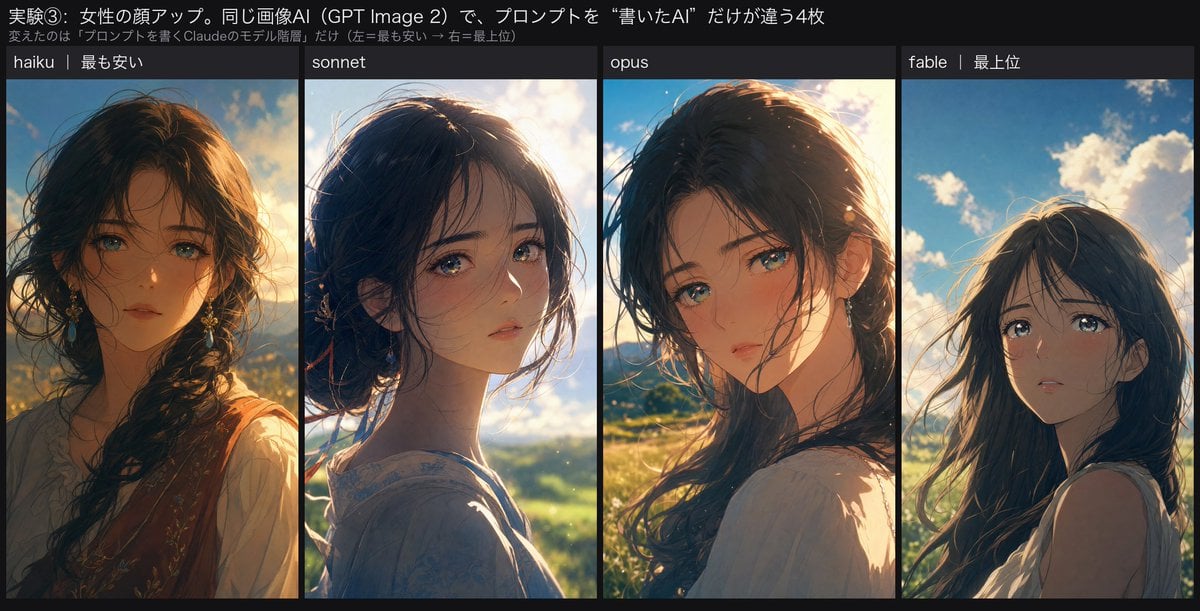
Four-Panel Anime Face Comparison
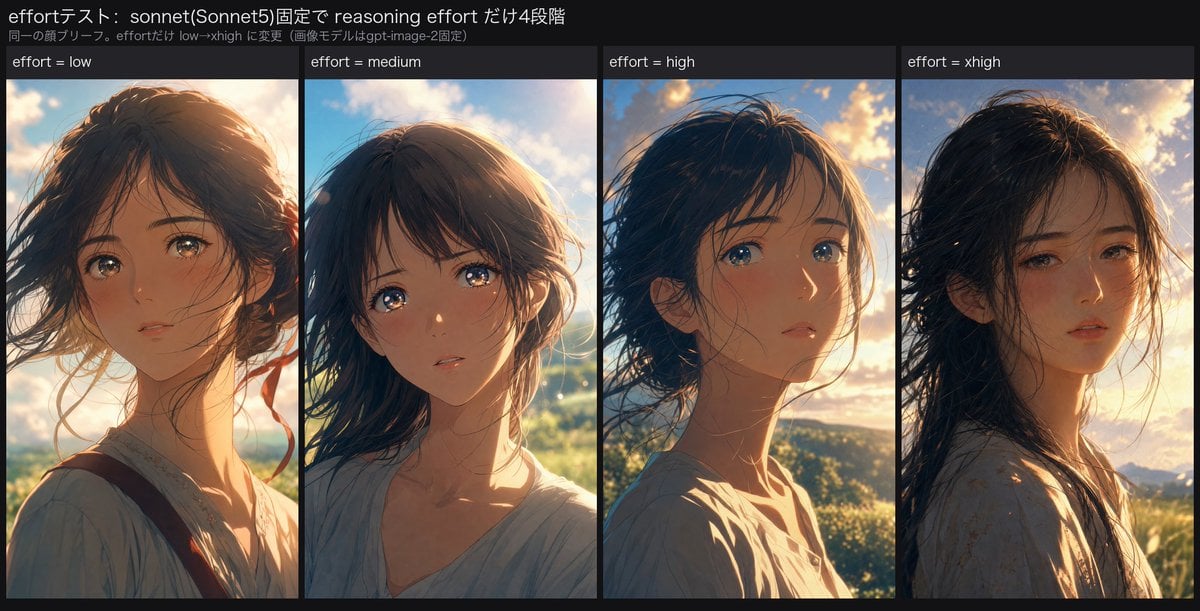
Reasoning Effort Anime Comparison
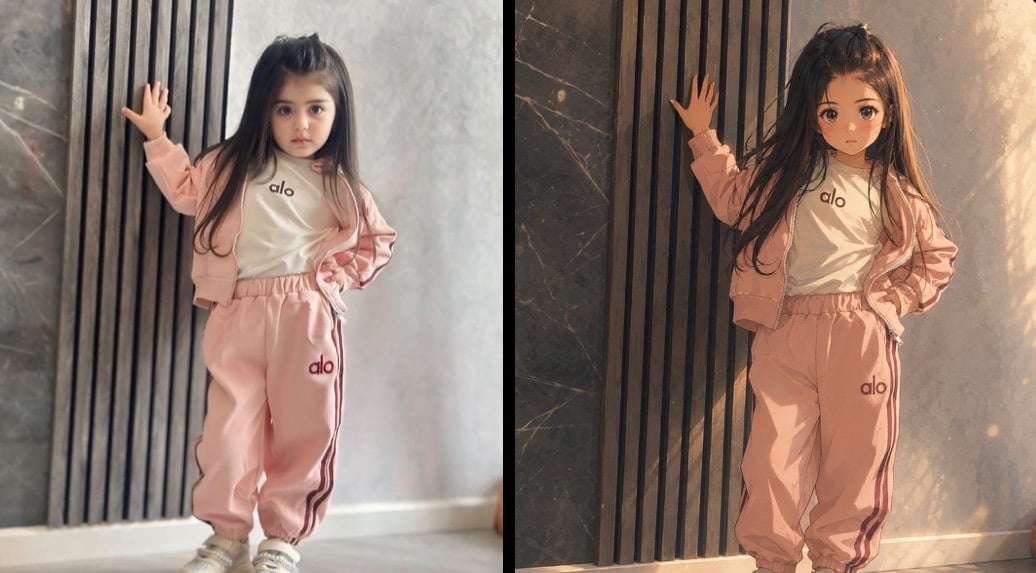
Cinematic Anime Photo Comparison
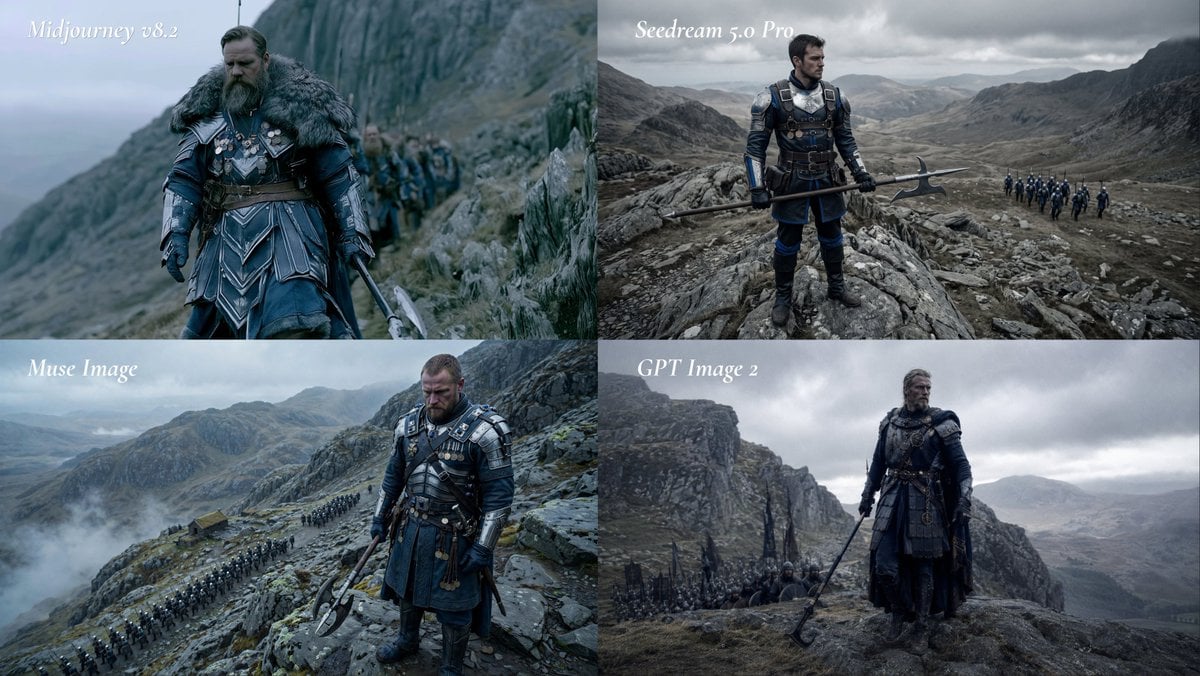
Fantasy Model Comparison Grid
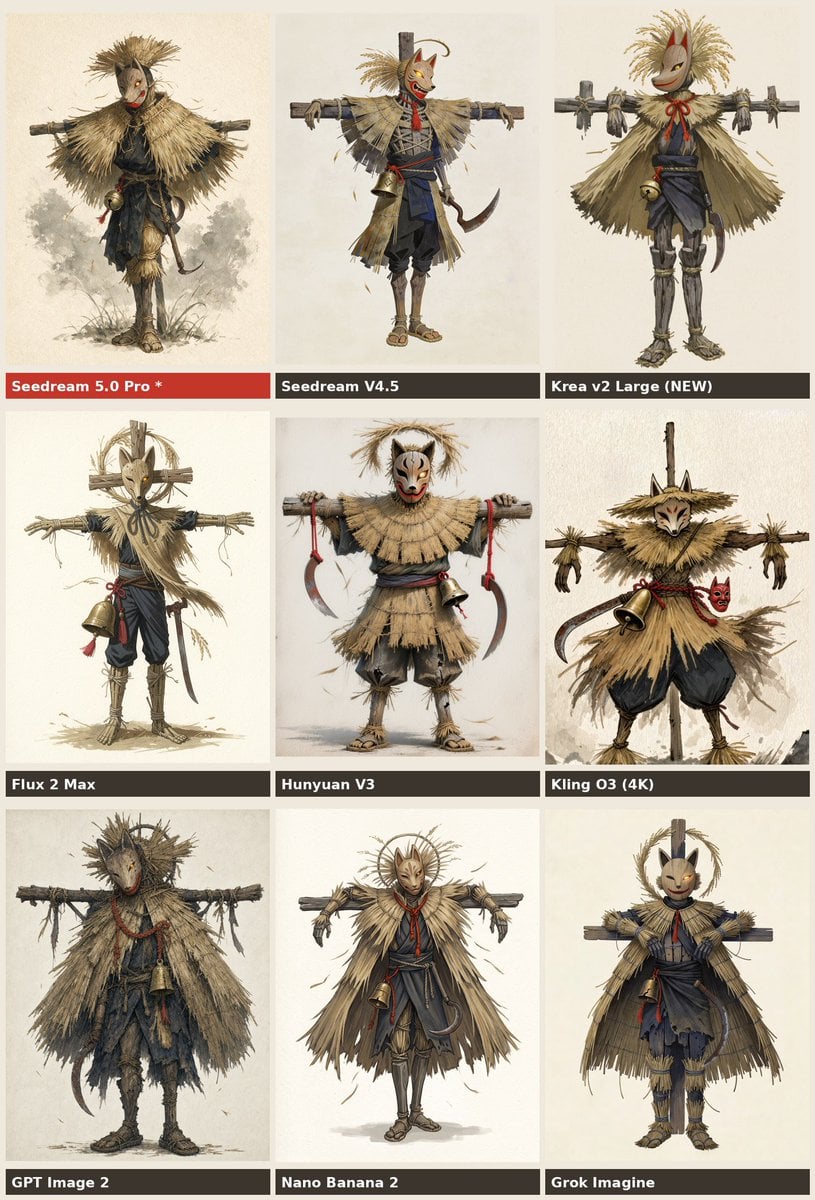
Nine-Model Scarecrow Yokai Comparison

Cel 2D Finale Fireworks

Cel 2D Garden Maze
Cel 2D Rooftop Concert
Cel 2D Bicycle Coast

Cel 2D Castle Gate
Cel 2D Kitchen Chaos
Make it yours
Anime AI Model Comparison Balcony Scene works as-is. These are the safest ways to change it without losing the look.
Change one field
Copy a single group, rewrite it, and generate again so you can see what that field is doing.
Keep the frame, change the subject
Hold the composition and light of Anime AI Model Comparison Balcony Scene, then swap wardrobe, props or the person for a new take.
| If the result… | Why | Fix |
|---|---|---|
| The result drifts from the preview | Too many fields changed at once. | Reuse Anime AI Model Comparison Balcony Scene as-is first, then change one group — subject, light, or setting. |
| The model over-stylizes the scene | The prose prompt leaves finish and camera underspecified. | Add one camera or lighting sentence and stay on GPT Image 2. |
More GPT Image 2 templates
Other prompts made for GPT Image 2.

Six VTuber Japanese Logo Sheet

Realistic Portrait of Woman and Deer

The Vista Modular Condo Poster

2.5D Anime Art Board

Isometric Productivity Desk Scene

New York Double Exposure Poster

Four-Panel AI Landscape Comparison

Japanese Tatami Lifestyle Magazine Cover

NESCAFÉ Coffee Map Poster

Brutalist Cogito Chinese Typography Poster
More image prompts
Fresh picks from across the catalog.

Ultra-Photoreal BTS Superhero Selfie
mirror
NewJeans Danielle Portrait Prompt for Nano Banana Pro
One-page color manga about the Banana Revolution
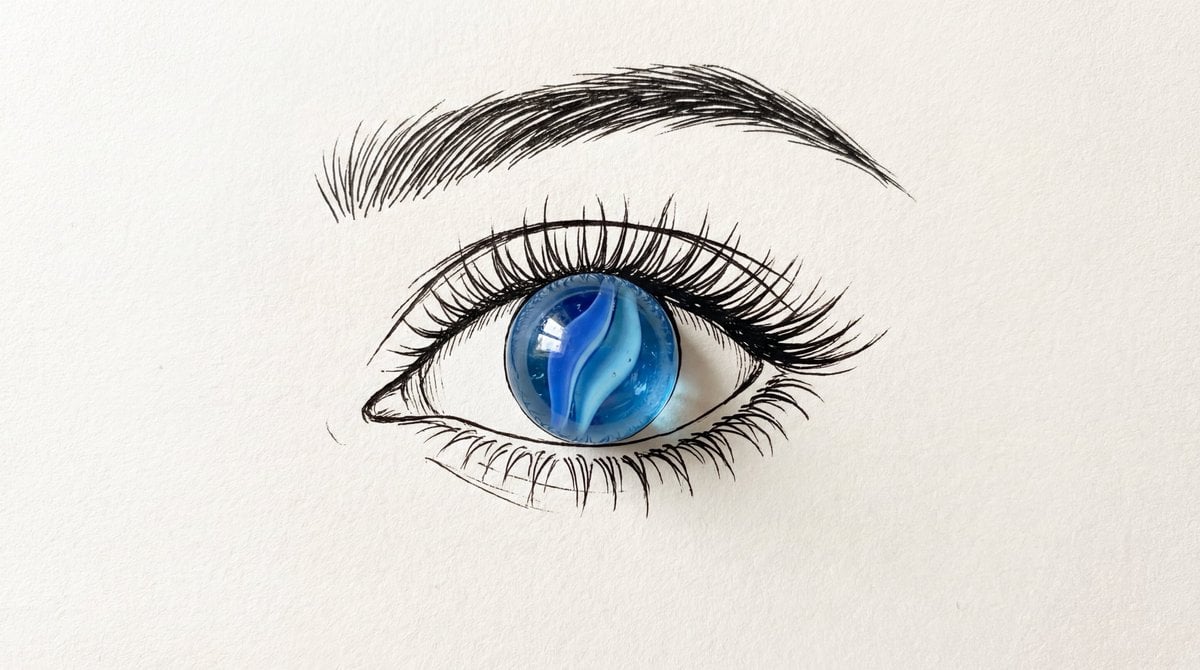
Minimalist Mixed-Media Eye Illustration
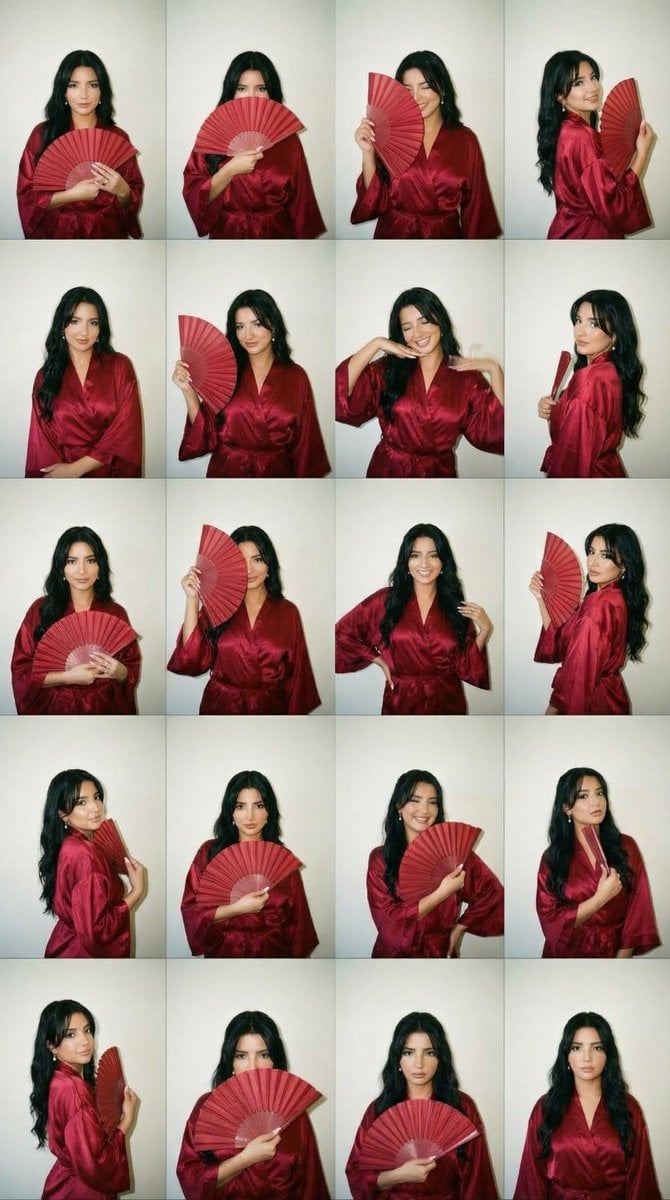
2000s Photobooth Contact Sheet Grid Prompt
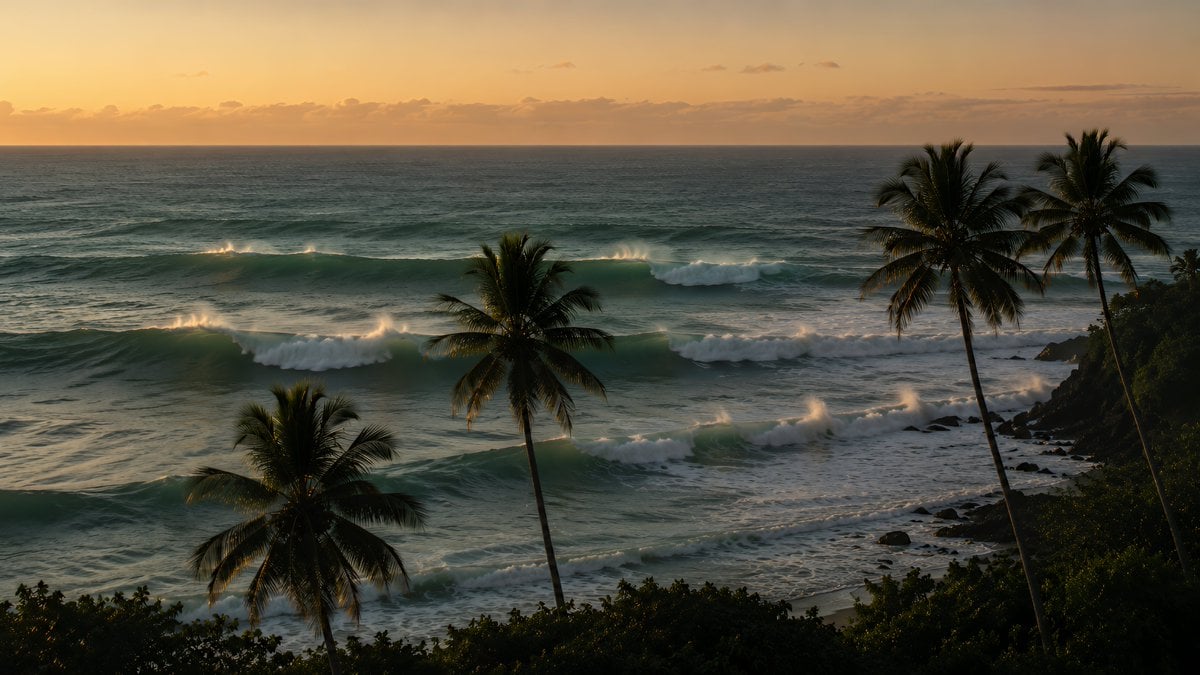
Tropical Sunset Ocean Wallpaper
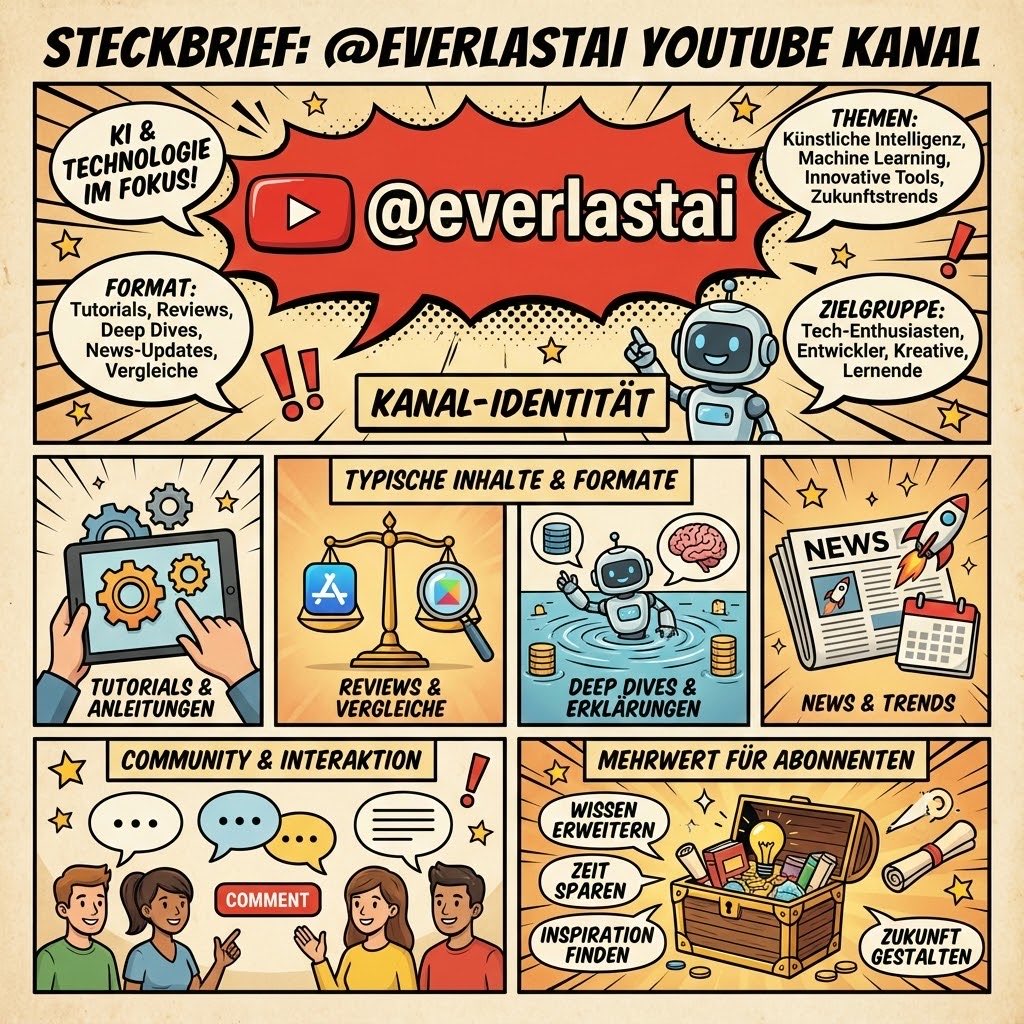
YouTube channel infographic design
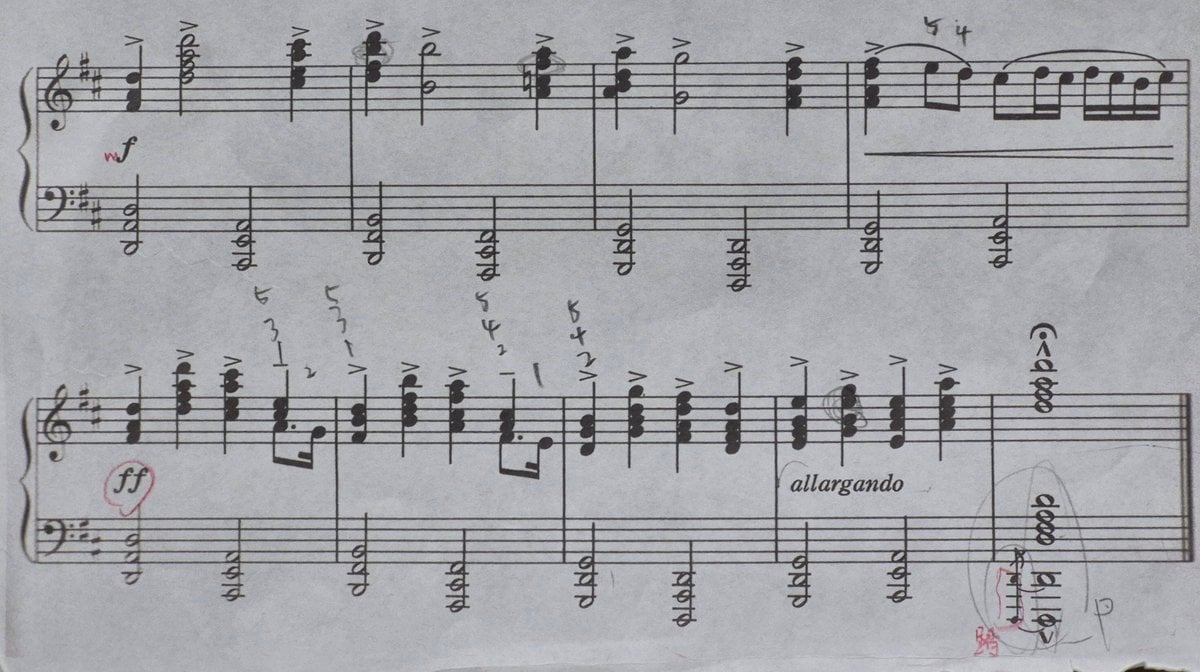
Generating Clean Sheet Music from Scanned Image
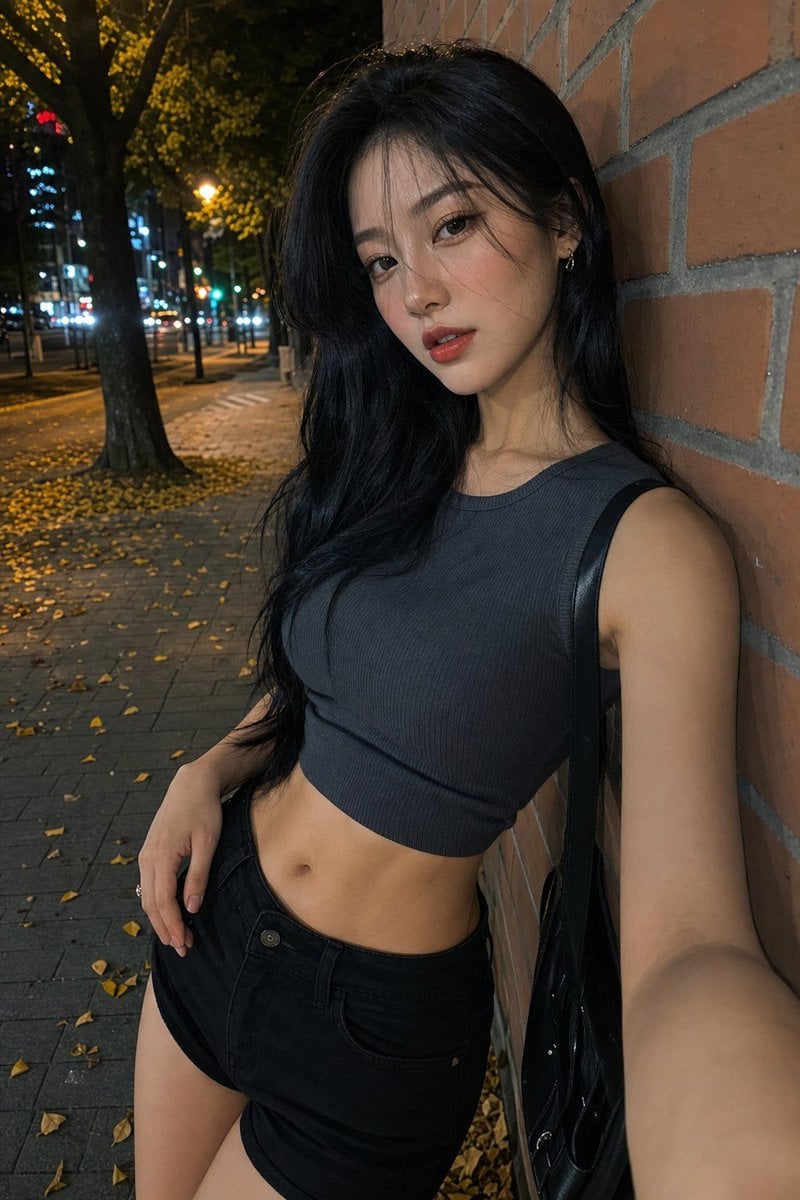
Night Street Fashion Selfie
Browse template categories
Anime AI Model Comparison Balcony Scene questions
How do I use the Anime AI Model Comparison Balcony Scene template?
Add your photo if the template asks for one, edit the prompt if you like — the template's model and format are already selected — and press Generate. Your version opens in PicX Studio.
Can I customize the Anime AI Model Comparison Balcony Scene template?
Yes. You can change the subject, setting, lighting, mood, format, and available model controls before creating your image.
Is the Anime AI Model Comparison Balcony Scene template free?
Opening and editing this template is free. Generating uses credits, shown on the Generate button when you are signed in.
Which AI model should I use?
Start with GPT Image 2, which is the model associated with this template. You can compare another compatible model for a different finish.
Looking for something else? Browse all templates.

Your photo, any look
Thousands of ready templates for every top image and video model, from one credit balance.