
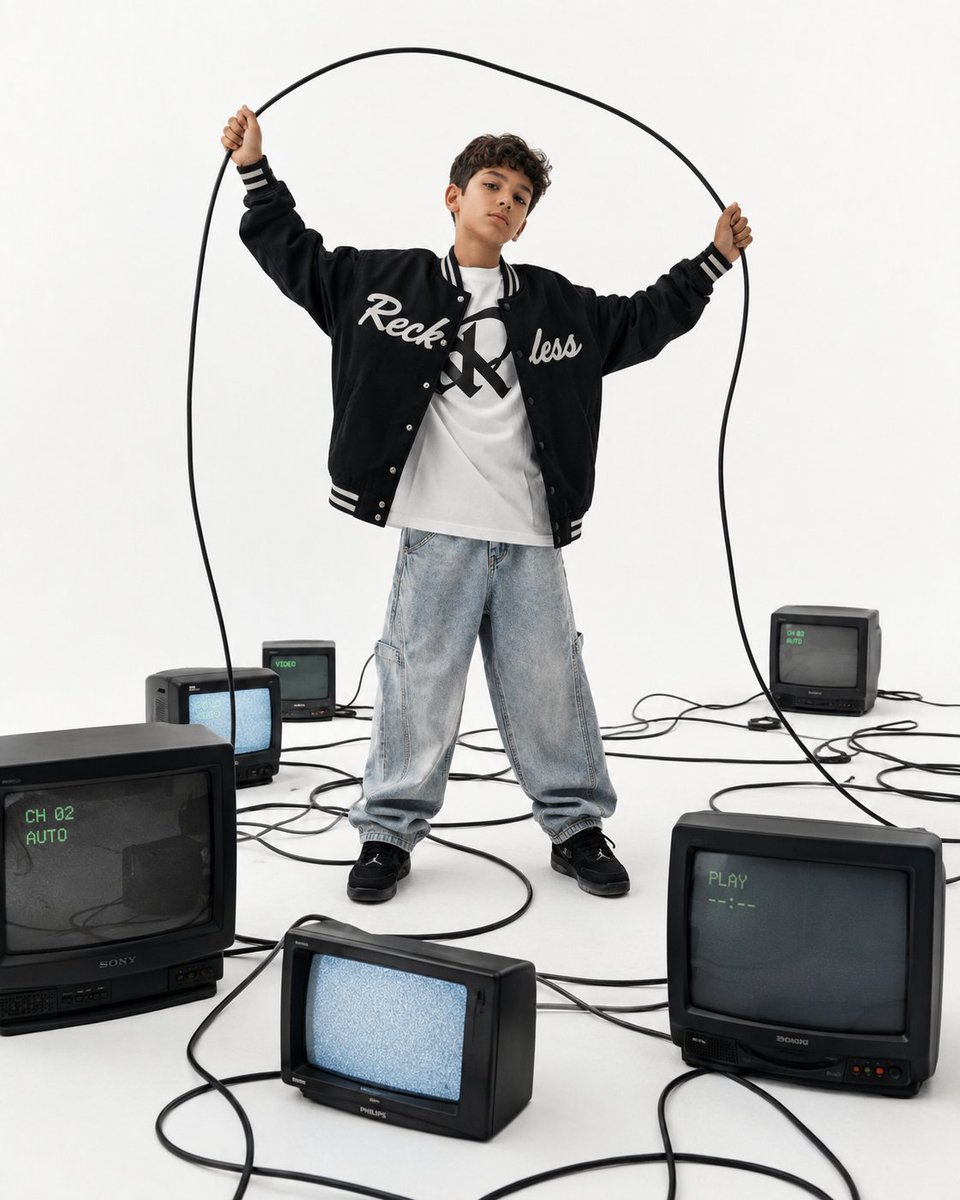
Streetwear fashion campaign vintage TVs
A minimalist luxury streetwear campaign prompt featuring a boy in an oversized varsity jacket surrounded by vintage CRT televisions and tangled cables.
- Prompt included
- Model and format preset
- Free template
The prompt behind this image
Copy the exact prompt behind Streetwear fashion campaign vintage TVs, or open it in the studio and make it yours.
A premium editorial fashion campaign photographed in a seamless white cyclorama studio with a clean minimalist aesthetic. A stylish boy around 10 years old stands confidently in the center, holding a long black power cable stretched above his head, creating an abstract curved frame. He wears an oversized black varsity jacket with bold white embroidered script lettering, an oversized white graphic T shirt, light wash baggy jeans, and black athletic sneakers. Around him are multiple vintage CRT televisions of different sizes scattered across the white floor, each connected by long tangled black cables that flow naturally through the composition. Bright high key studio lighting from large softboxes creates soft shadows and clean highlights. Shot on a full frame camera with a 35mm lens from a low eye level angle. Minimalist luxury streetwear editorial, Y2K nostalgia, retro technology aesthetic, premium fashion campaign, cinematic composition, ultra realistic, highly detailed fabric textures, natural skin tones, magazine quality, 8K.
How to use Streetwear fashion campaign vintage TVs in 3 steps
- 1
Open
The prompt is already in the box next to the preview, with the template's model and format selected.
- 2…a portrait of your subject in softgolden-hour light, 85mm…
Personalize
Edit the subject and creative details for your destination.
- 3Generate
Generate
Press Generate — your image is created in PicX Studio, so you can compare it with the original and refine one variable at a time.
More like this
Templates with the same subject, style or setup. Open one to see its prompt.











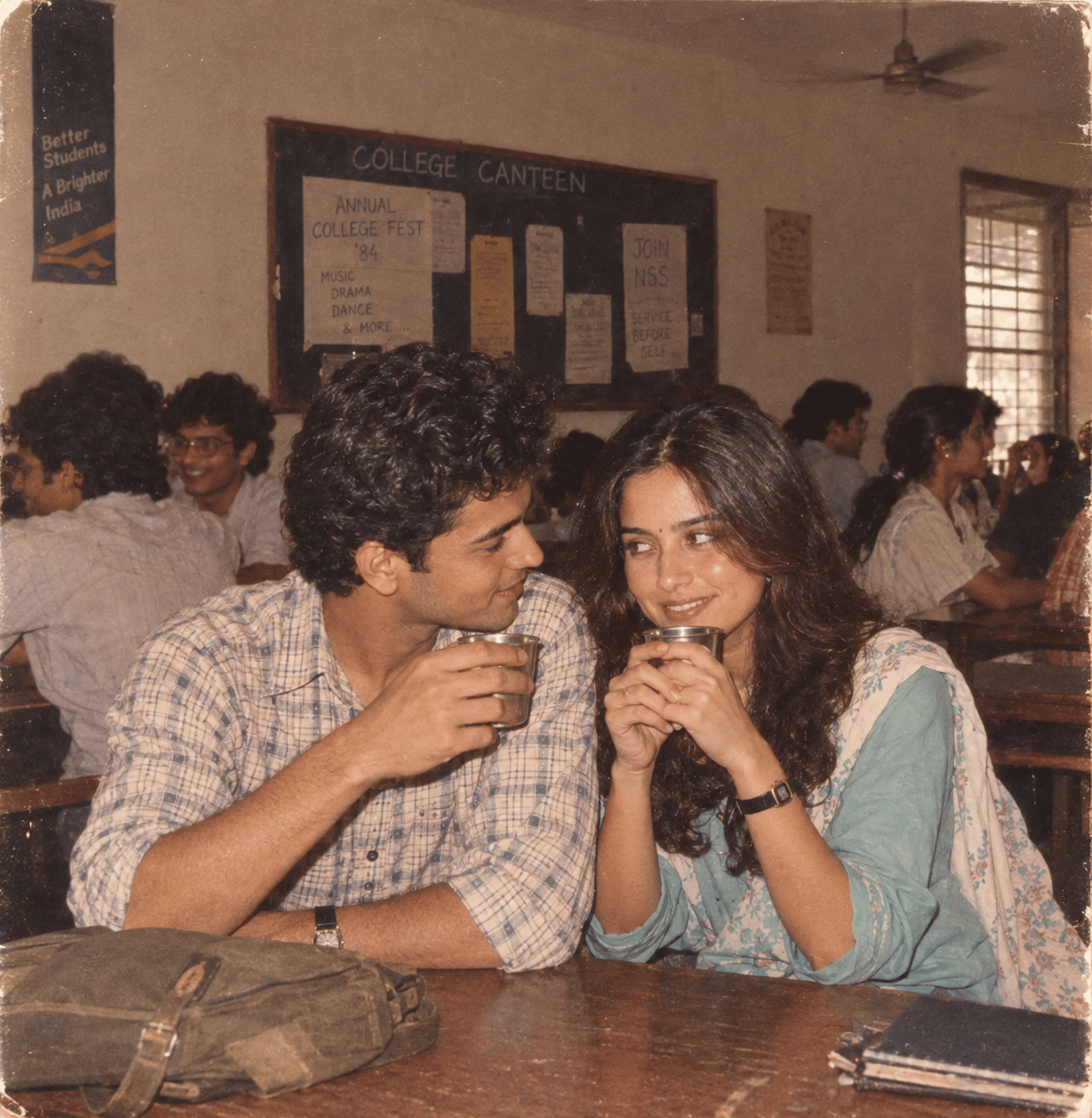
Make it yours
Streetwear fashion campaign vintage TVs works as-is. These are the safest ways to change it without losing the look.
Change one field
Copy a single group, rewrite it, and generate again so you can see what that field is doing.
Keep the frame, change the subject
Hold the composition and light of Streetwear fashion campaign vintage TVs, then swap wardrobe, props or the person for a new take.
| If the result… | Why | Fix |
|---|---|---|
| The result drifts from the preview | Too many fields changed at once. | Reuse Streetwear fashion campaign vintage TVs as-is first, then change one group — subject, light, or setting. |
| The model over-stylizes the scene | The prose prompt leaves finish and camera underspecified. | Add one camera or lighting sentence and stay on GPT Image 2. |
More GPT Image 2 templates
Other prompts made for GPT Image 2.

Six VTuber Japanese Logo Sheet

Realistic Portrait of Woman and Deer

The Vista Modular Condo Poster

AI Model Routing Comparison Infographic

2.5D Anime Art Board

Isometric Productivity Desk Scene

New York Double Exposure Poster

Four-Panel AI Landscape Comparison

Japanese Tatami Lifestyle Magazine Cover

NESCAFÉ Coffee Map Poster
More image prompts
Fresh picks from across the catalog.
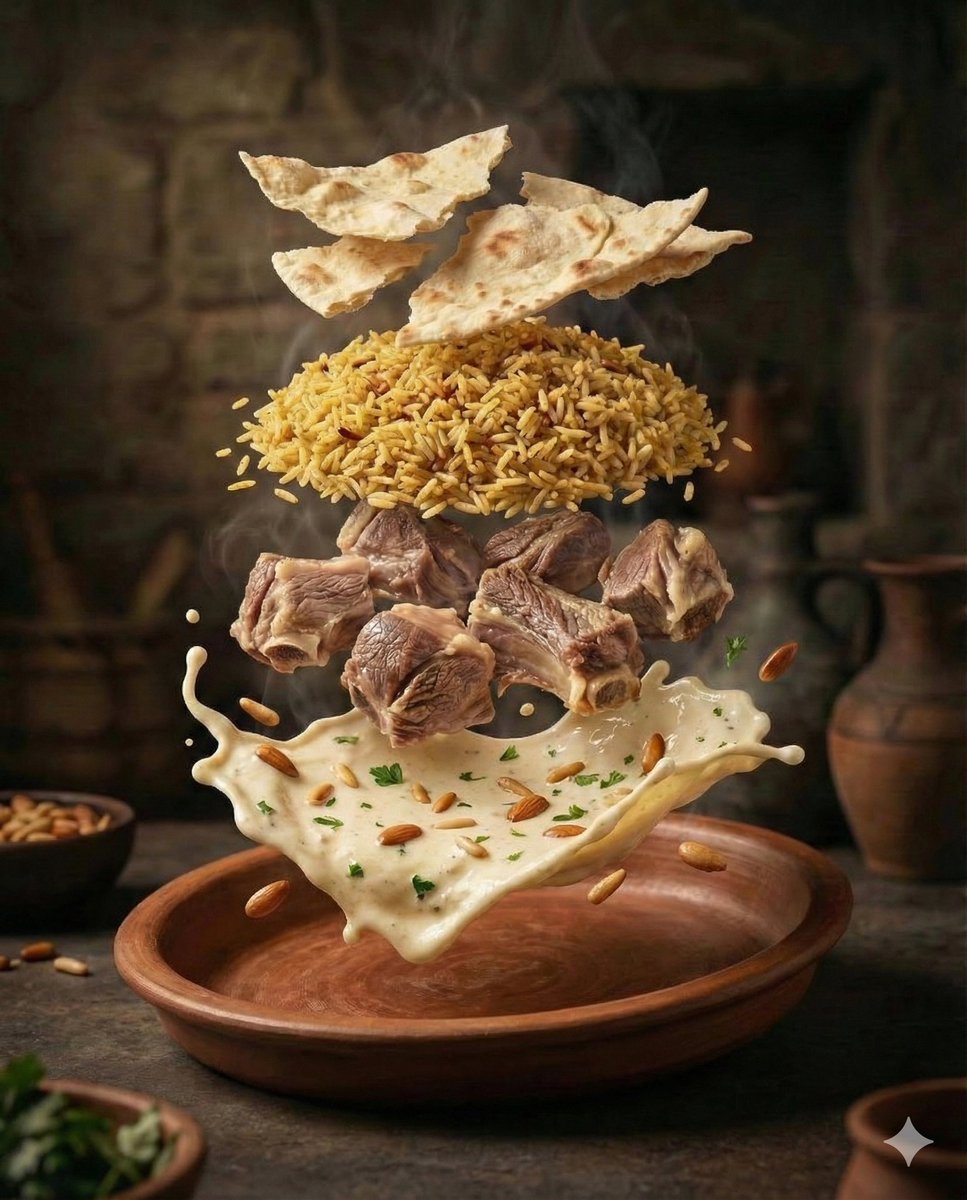
Cinematic Food Photography of Deconstructed Middle Eastern Cuisine
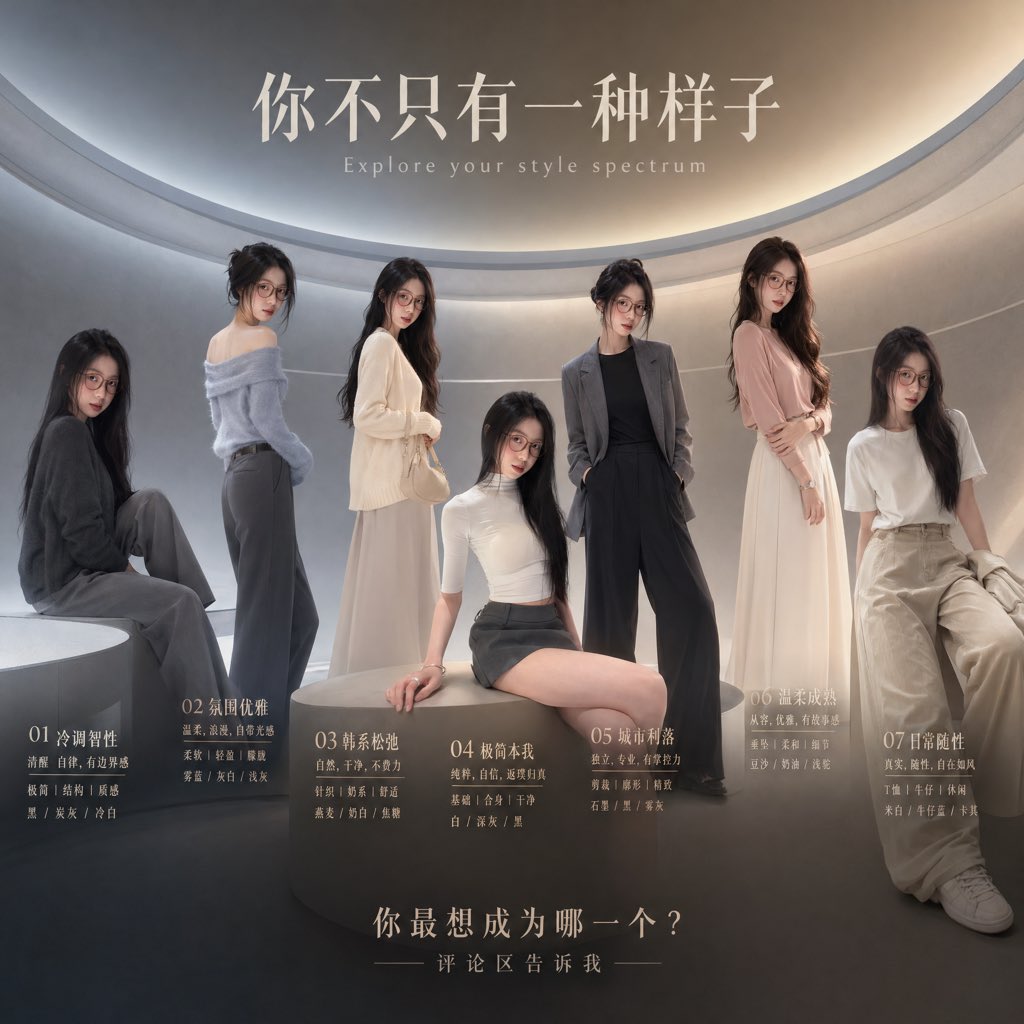
Fashion Style Spectrum Poster
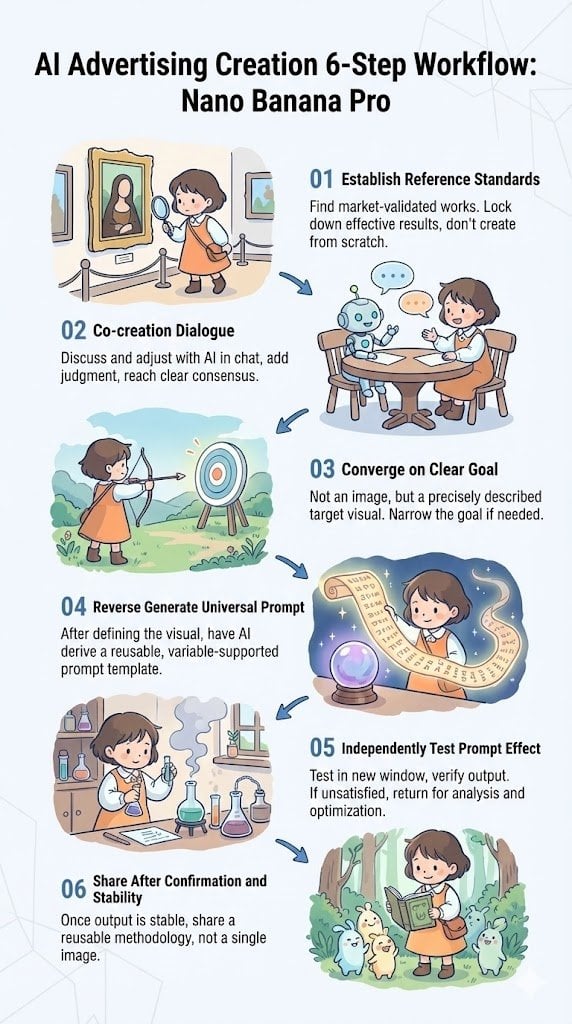
Reverse-Engineering Reusable Prompt Templates for Advertising
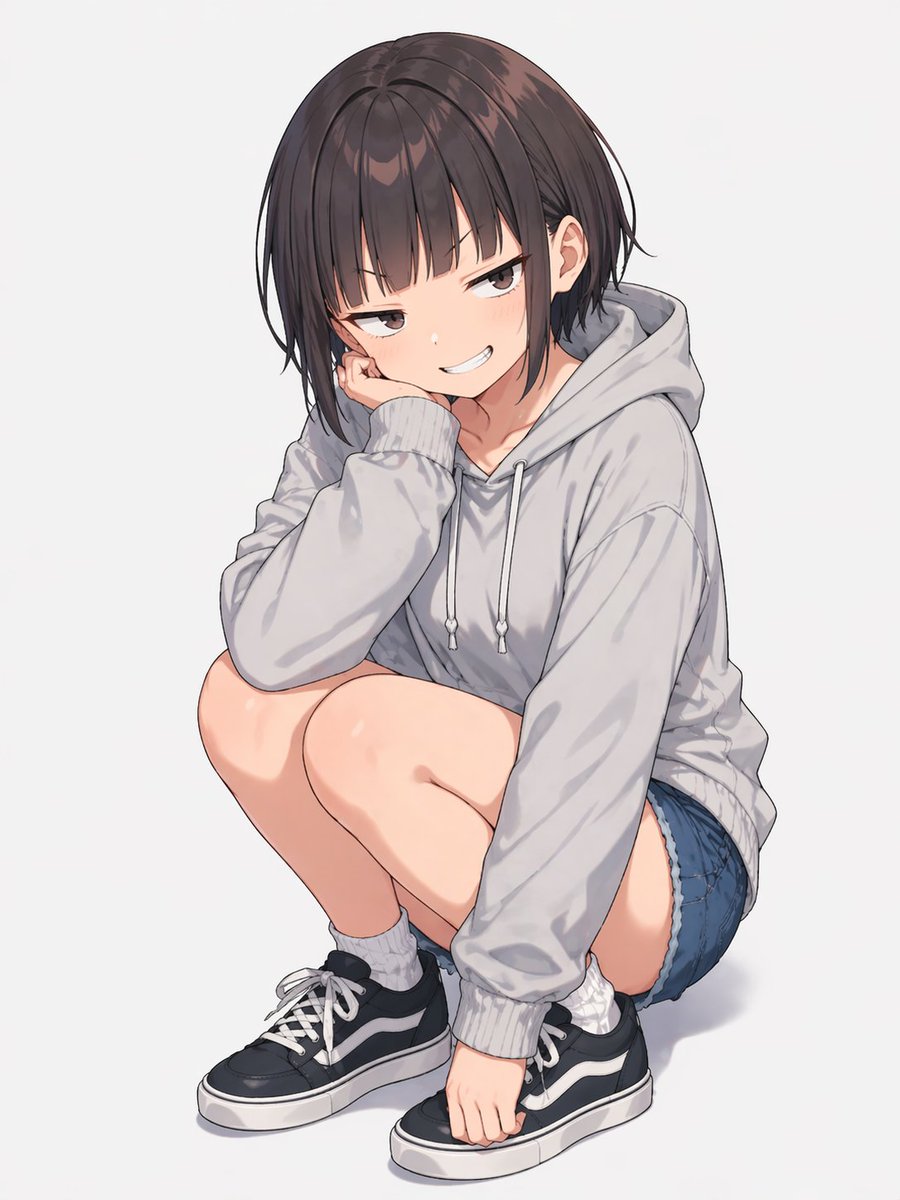
Anime Girl Squatting in Oversized Hoodie
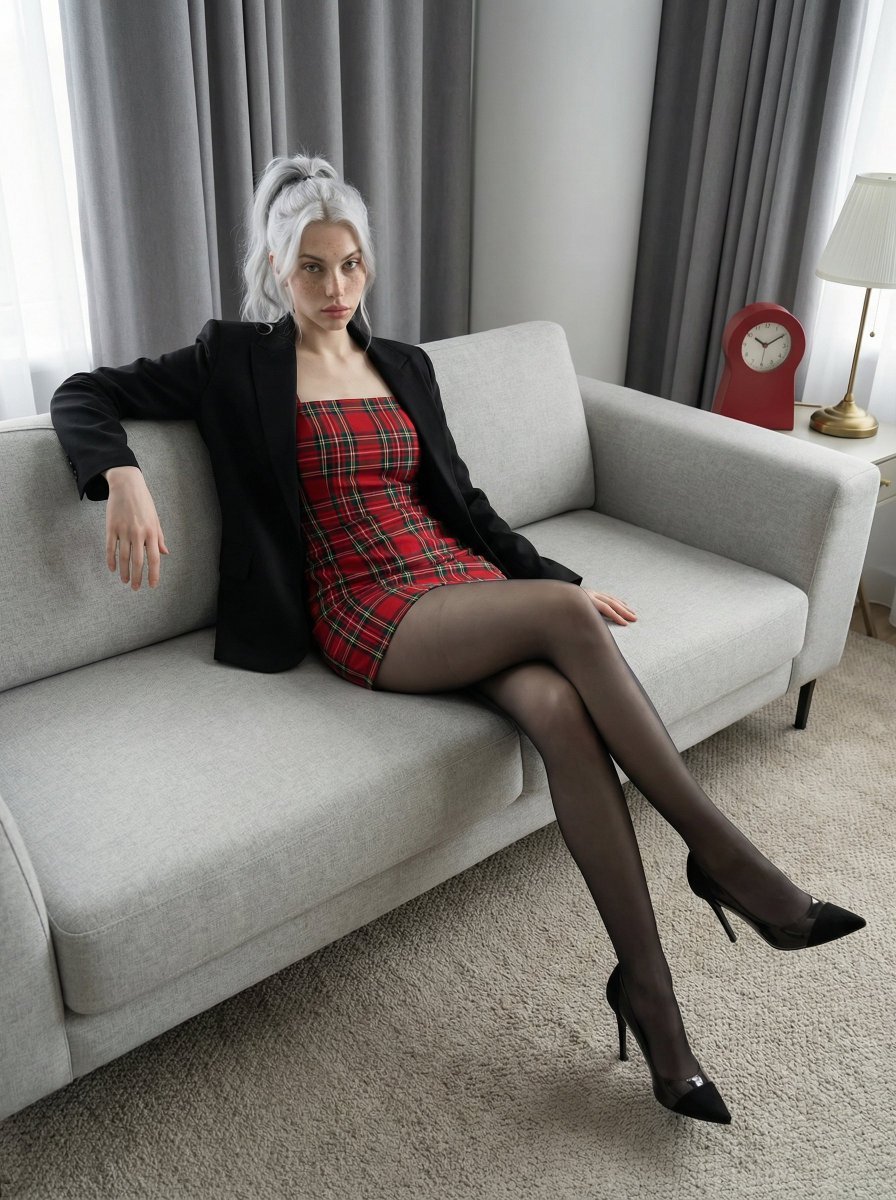
Fashion Editorial Portrait on Modern Sofa Prompt
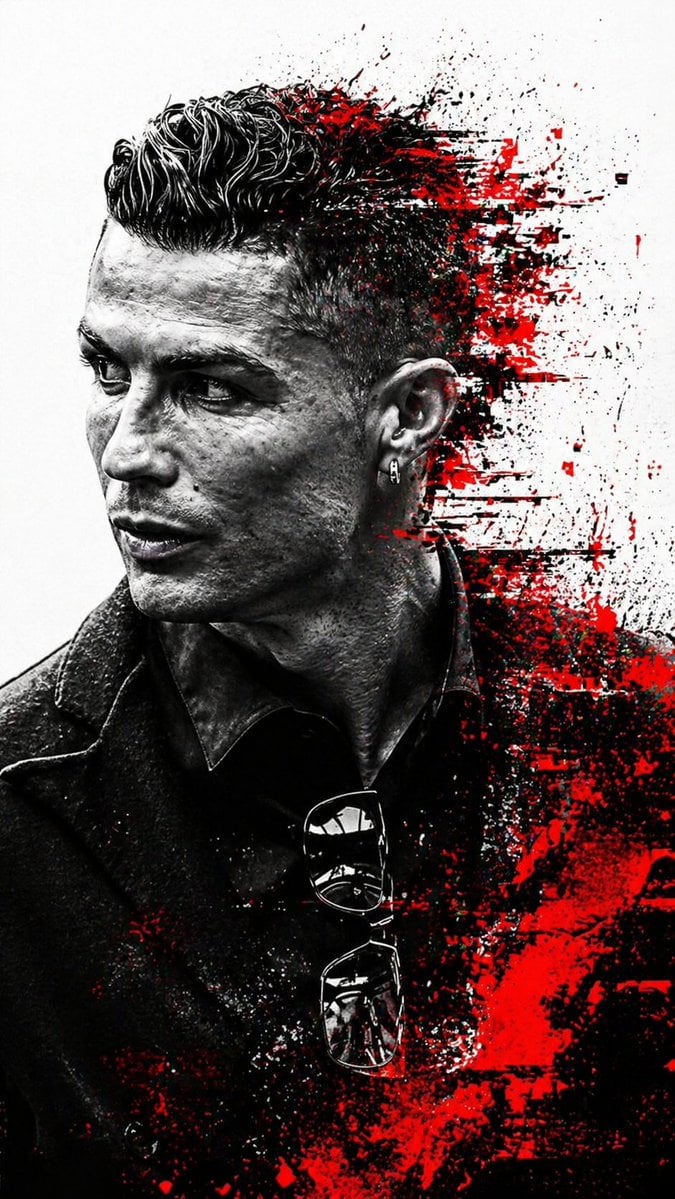
Cyberpunk Glitch Art Portrait
Hyper-Realistic Street Photography Portrait in Times Square
Ultra-Realistic Cinematic Product Photography Prompt
Extreme Height Urban Exploration Portrait at Sunset
Cinematic Autonomous AI Mood Board
Browse template categories
Streetwear fashion campaign vintage TVs questions
How do I use the Streetwear fashion campaign vintage TVs template?
Add your photo if the template asks for one, edit the prompt if you like — the template's model and format are already selected — and press Generate. Your version opens in PicX Studio.
Can I customize the Streetwear fashion campaign vintage TVs template?
Yes. You can change the subject, setting, lighting, mood, format, and available model controls before creating your image.
Is the Streetwear fashion campaign vintage TVs template free?
Opening and editing this template is free. Generating uses credits, shown on the Generate button when you are signed in.
Which AI model should I use?
Start with GPT Image 2, which is the model associated with this template. You can compare another compatible model for a different finish.
Looking for something else? Browse all templates.

Your photo, any look
Thousands of ready templates for every top image and video model, from one credit balance.