How do I use the Editorial Travel Photo and Watercolor Split template?
Choose the primary action to open PicX Studio with the available template settings. Review the model and format, personalize the creative direction, and generate when ready.
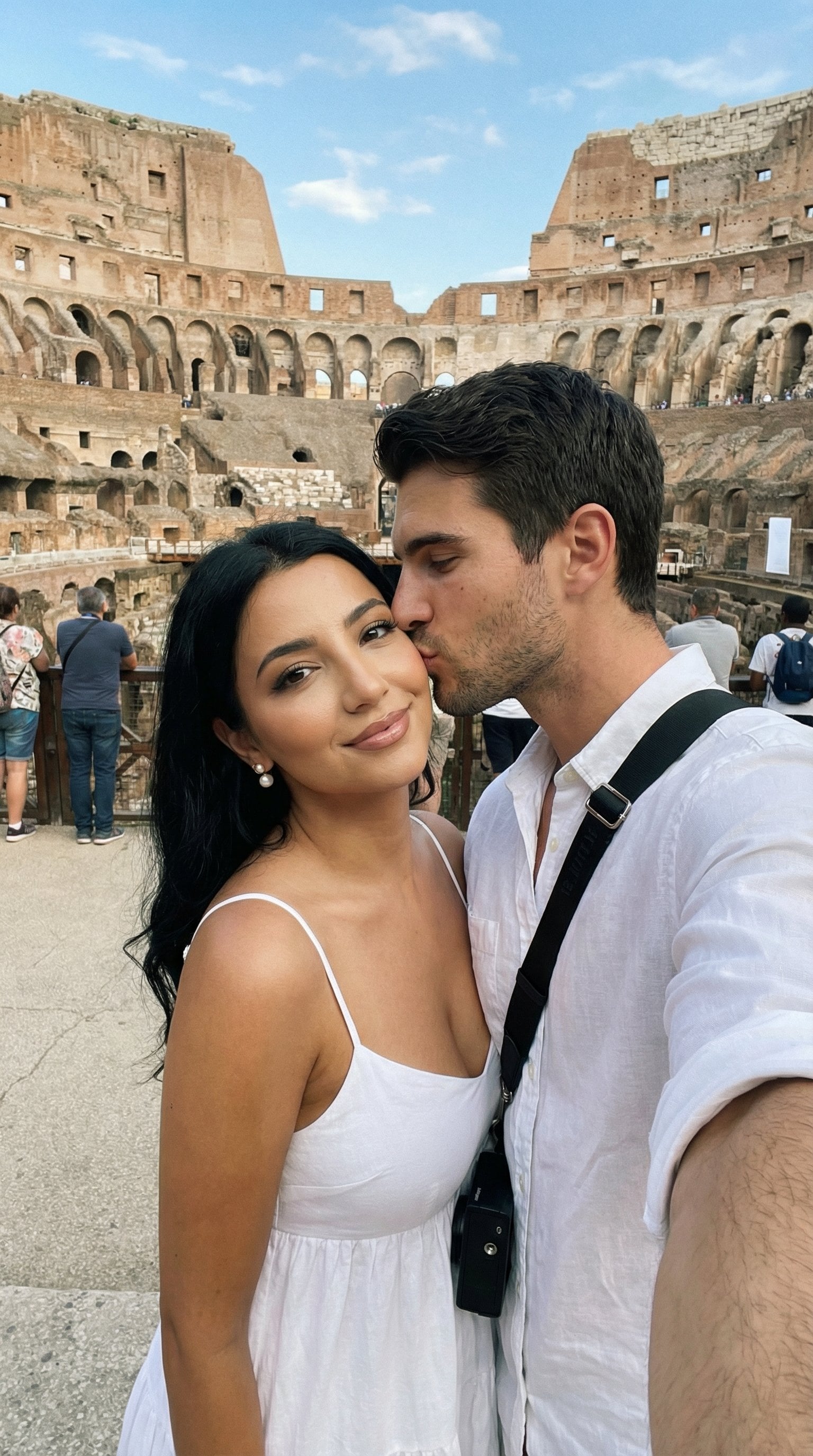
A refined prompt that generates a vertical split-screen artwork, transforming a realistic cinematic travel photograph into a delicate hand-painted watercolor il
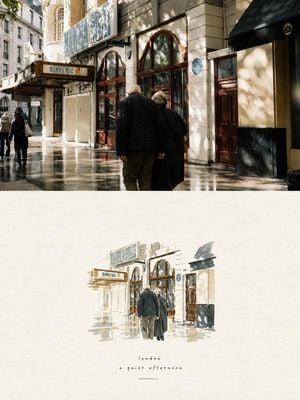
Create a refined editorial travel-art composition based on a reference photograph. The image is divided vertically into two parts: the upper section is a realistic cinematic travel photograph, while the lower section transforms the exact same scene into a delicate hand-painted watercolor illustration. Upper section: authentic candid travel photography, natural daylight, soft shadows, subtle film grain, realistic textures, sophisticated European atmosphere, documentary-style composition, people naturally walking through the scene, beautiful architectural details, slightly muted elegant colors, high-end travel magazine photography. Lower section: a minimalist handmade watercolor painting of the exact same scene, preserving the recognizable composition, architecture, people, poses, perspective and major visual elements from the photograph. Loose translucent watercolor washes, delicate ink details, visible paper texture, soft edges, imperfect brushwork, subtle pigment bleeding, airy negative space, understated pastel tones, artistic but realistic. Leave generous warm ivory/off-white textured paper space surrounding the watercolor illustration. Add a small elegant handwritten caption near the bottom, such as “{argument name="caption" default="summer days"}”, with a thin minimalist horizontal line underneath. Overall aesthetic: luxury travel journal, fine-art watercolor postcard, contemporary editorial design, nostalgic European summer, understated elegance, tactile handmade paper, sophisticated and serene. Portrait orientation, clean composition, premium art direction, no clutter, no borders, natural proportions, highly detailed photograph transitioning into an airy watercolor illustration.
Choose the primary action to open PicX Studio with the available template settings. Review the model and format, personalize the creative direction, and generate when ready.
Yes. You can change the subject, setting, lighting, mood, format, and available model controls before creating your image.
This template is free to open and customize. Generation usage is shown in PicX Studio before you create.
Start with GPT Image 2, which is the model associated with this template. You can compare another compatible model for a different finish.
Follow a topic to a crawlable collection of related PicX Studio templates.





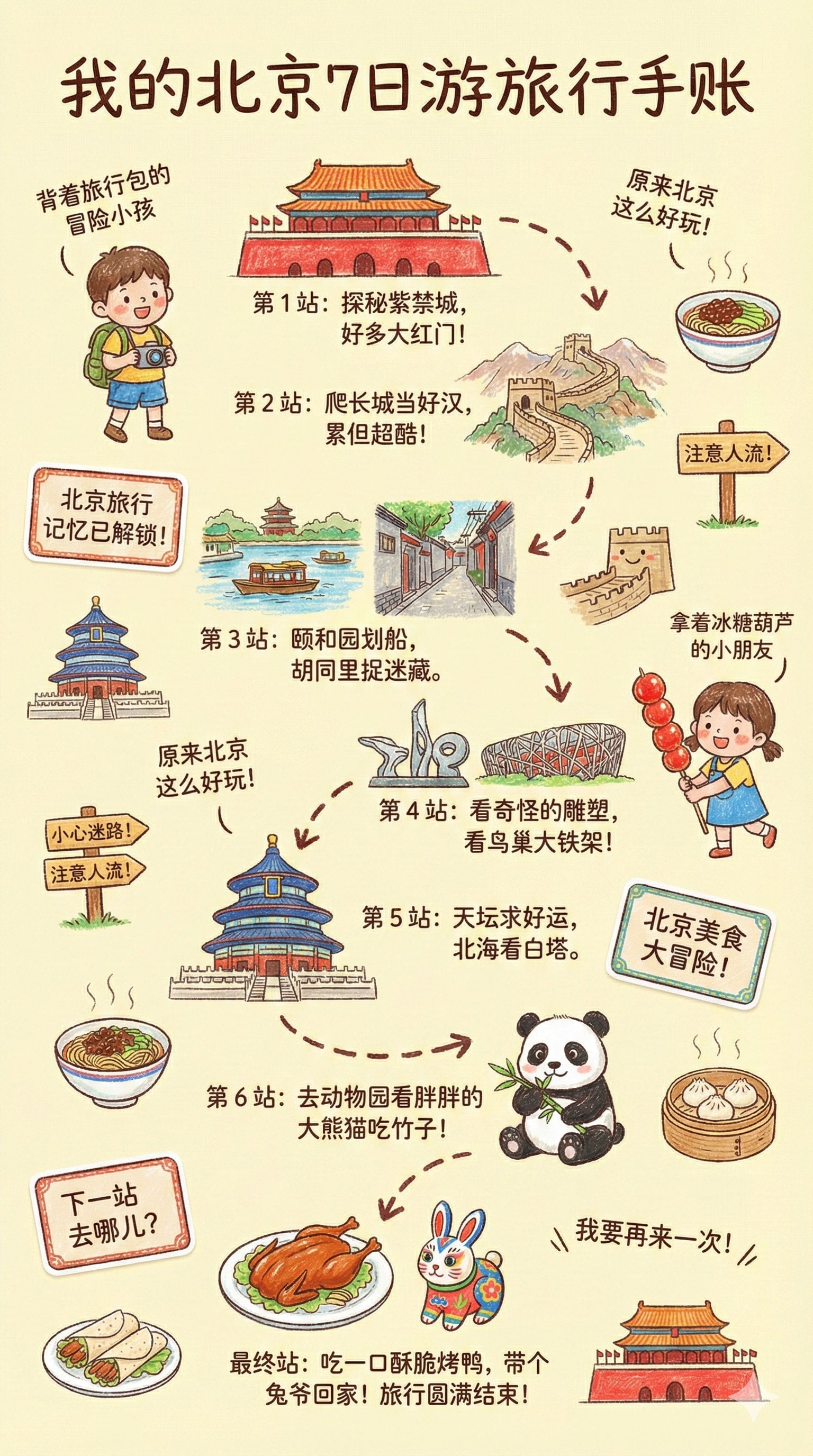










![Nano Banana — One Day In [CITY] Travel Route](https://cdn.picxstudio.com/cdn-cgi/image/format=auto,quality=100,fit=scale-down,onerror=redirect,width=828,dpr=2,metadata=none/uploads/ai_gezgini_travel_d9a86f2e-c1f5-41a8-a4ef-5d96a8a7a023.jpg)