
Luxury Asian Fashion Boulevard Photography
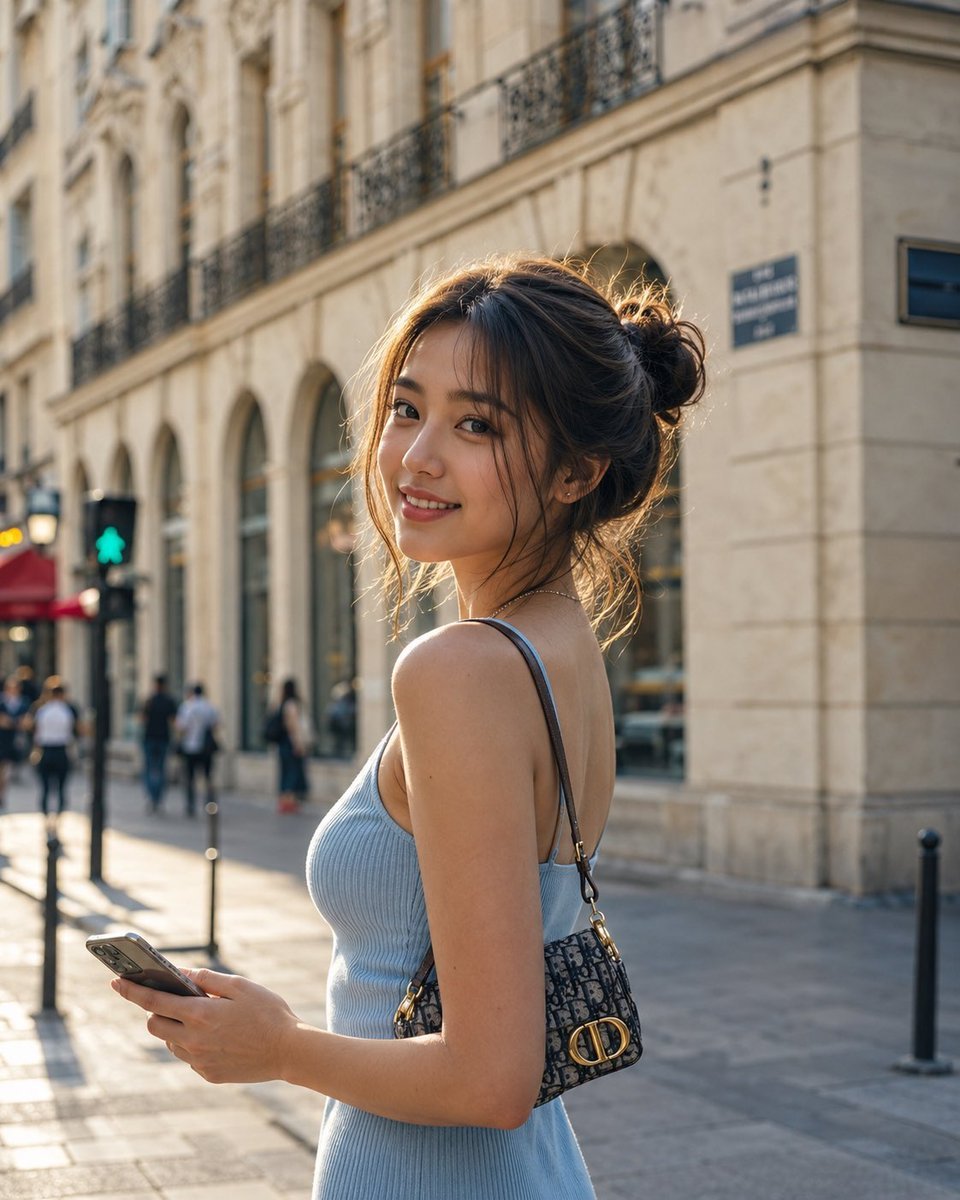
A prompt for a premium fashion campaign photograph of a young Asian woman on an elegant European boulevard during golden hour.
- Prompt included
- Model and format preset
- Free template
The prompt behind this image
Copy the exact prompt behind Luxury Asian Fashion Boulevard Photography, or open it in the studio and make it yours.
A photorealistic luxury fashion editorial featuring a young {argument name="ethnicity" default="Asian"} woman in her early 20s, wearing her naturally brown hair in a relaxed, slightly undone low bun with a few wispy strands falling around her cheeks. She looks warmly toward the camera with a subtle, effortless smile, holding a modern smartphone while a refined designer mini handbag hangs naturally from her shoulder. Her outfit consists of a {argument name="outfit" default="fitted powder-blue ribbed camisole"} and a fine silver pendant necklace for a clean, understated aesthetic. She stands along an elegant European boulevard lined with historic stone façades, softly illuminated by {argument name="lighting" default="late-afternoon sunlight"}. Warm golden-hour rays create a refined glow across her face and hair, with realistic skin translucency, fine pores, natural complexion details, and delicate highlights. Captured as a premium fashion campaign photograph using an 85mm portrait lens at f/1.8, with creamy background bokeh, strong subject separation, cinematic tonal depth, natural proportions, and exceptional photographic realism. Ultra-detailed, sophisticated, high-end editorial photography, 8K quality.
How to use Luxury Asian Fashion Boulevard Photography in 3 steps
- 1
Open
The prompt is already in the box next to the preview, with the template's model and format selected.
- 2…a portrait of your subject in softgolden-hour light, 85mm…
Personalize
Edit the subject and creative details for your destination.
- 3Generate
Generate
Press Generate — your image is created in PicX Studio, so you can compare it with the original and refine one variable at a time.
More like this
Templates with the same subject, style or setup. Open one to see its prompt.

Artistic portrait of an elegant Asian woman wearing a black silk

A luxury brand advertisement featuring three stylish arranged
Luxury Asian Fashion Editorial

19 Luxury Helicopter Travel — California Series

08 Rodeo Drive Luxury Exit — California Series

80s College Gate

1988 Mall Style

80s Polka Dot Saree

Avant-Garde Asian Fashion Model

Flower Petal Sunglasses Couture Portrait

Mountain Valley Lifestyle Portrait

青蛇小青写真大片,绿色紧身蛇鳞裙,湿发红唇,妖娆妩媚
Make it yours
Luxury Asian Fashion Boulevard Photography works as-is. These are the safest ways to change it without losing the look.
Change one field
Copy a single group, rewrite it, and generate again so you can see what that field is doing.
Keep the frame, change the subject
Hold the composition and light of Luxury Asian Fashion Boulevard Photography, then swap wardrobe, props or the person for a new take.
| If the result… | Why | Fix |
|---|---|---|
| The result drifts from the preview | Too many fields changed at once. | Reuse Luxury Asian Fashion Boulevard Photography as-is first, then change one group — subject, light, or setting. |
| The model over-stylizes the scene | The prose prompt leaves finish and camera underspecified. | Add one camera or lighting sentence and stay on GPT Image 2. |
More GPT Image 2 templates
Other prompts made for GPT Image 2.

Six VTuber Japanese Logo Sheet

Realistic Portrait of Woman and Deer

The Vista Modular Condo Poster

AI Model Routing Comparison Infographic

2.5D Anime Art Board

Isometric Productivity Desk Scene

New York Double Exposure Poster

Four-Panel AI Landscape Comparison

Japanese Tatami Lifestyle Magazine Cover

NESCAFÉ Coffee Map Poster
More image prompts
Fresh picks from across the catalog.
Cinematic horror sequence from base image
Time-Observing Machine Prompt (Conceptual)
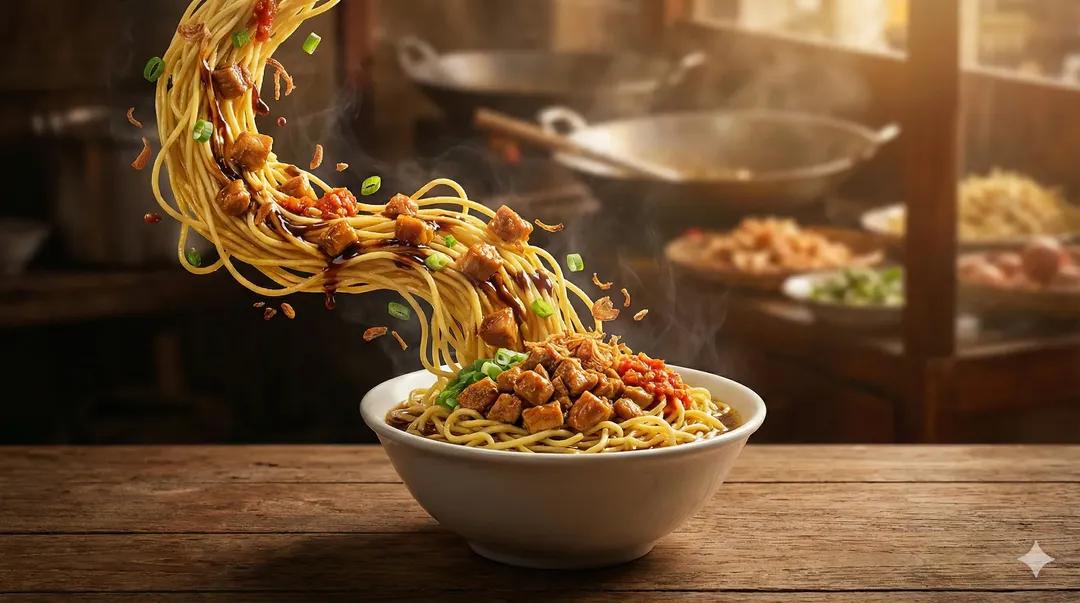
Ultra-Realistic Cinematic Food Photography of Noodles
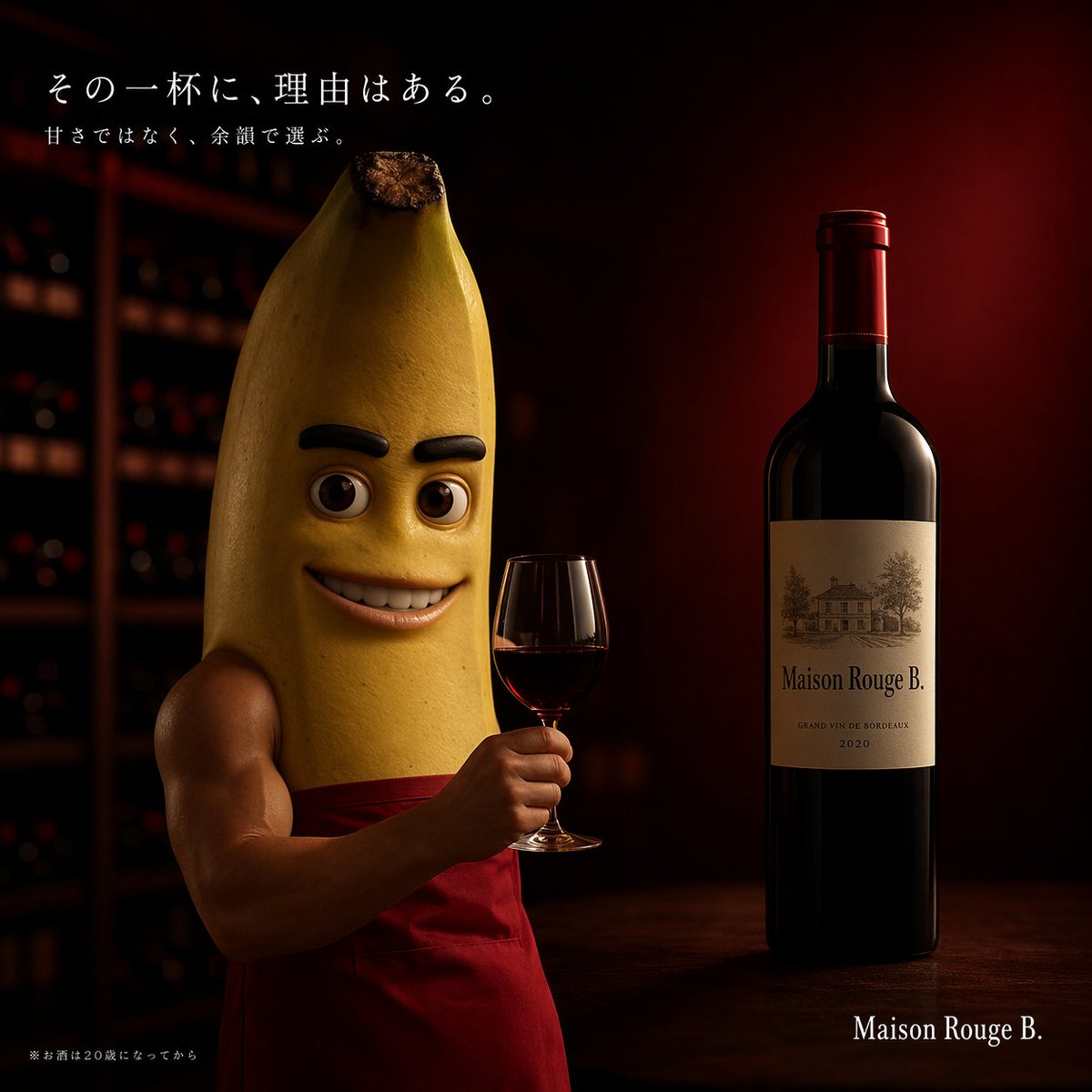
Cinematic Banana Wine Advertisement

Pokémon World Icon Generation Prompt
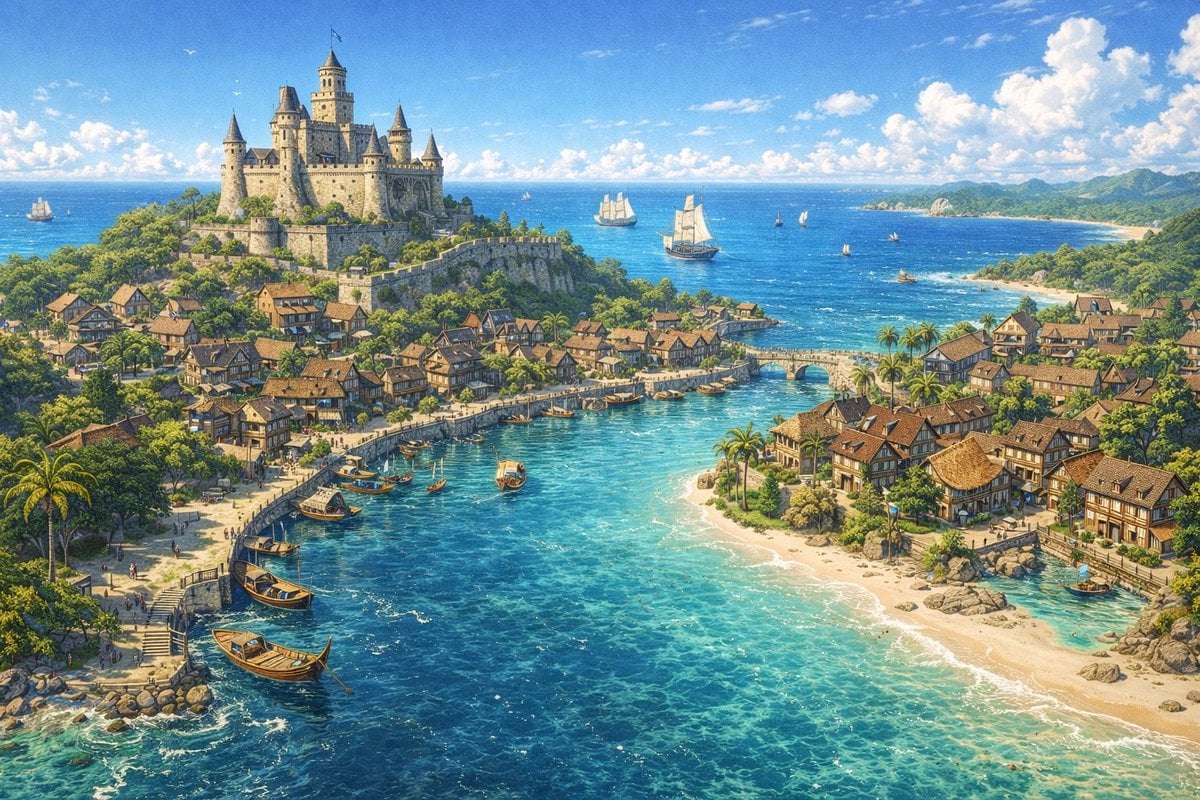
Fantasy Coastal City Landscape
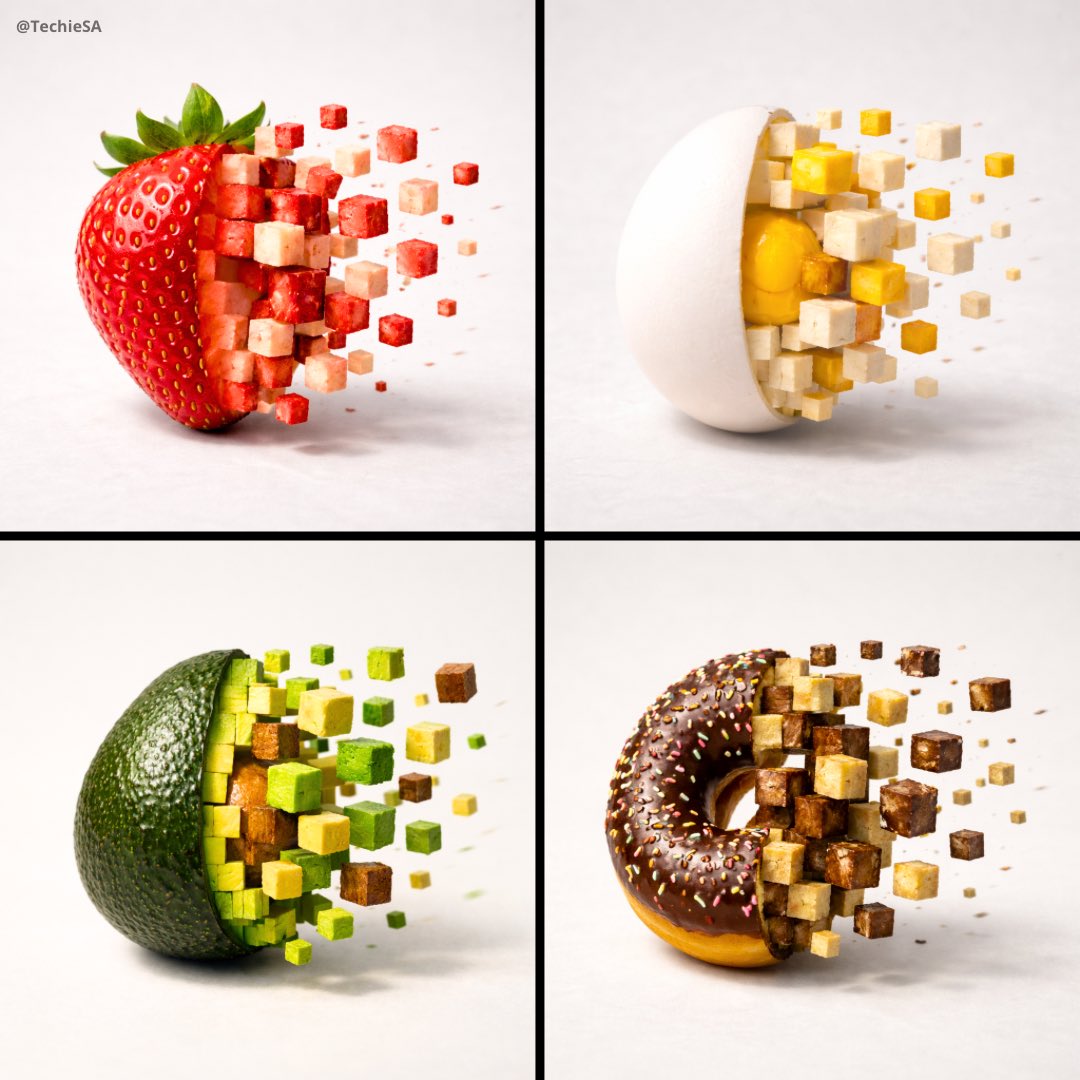
3D Pixel Food Disintegration
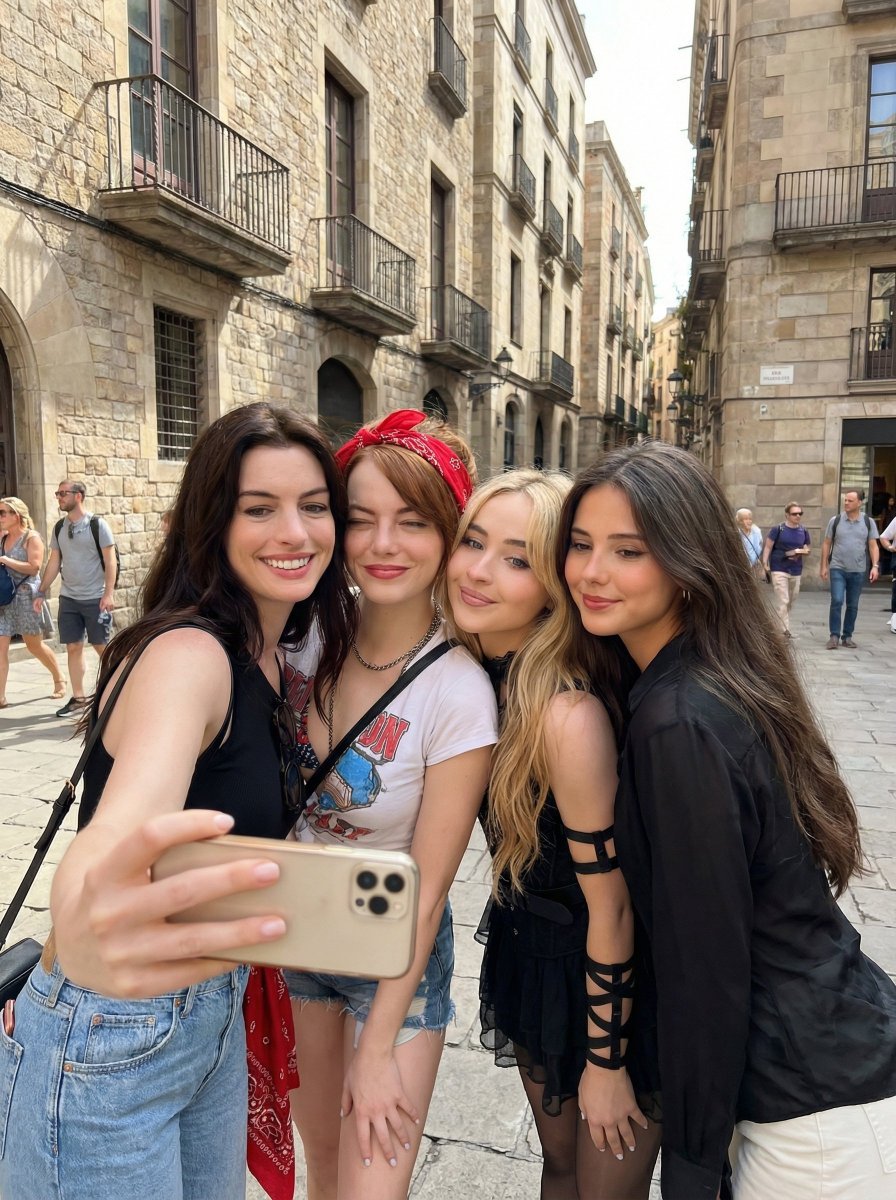
Group Selfie of Four Women in Barcelona
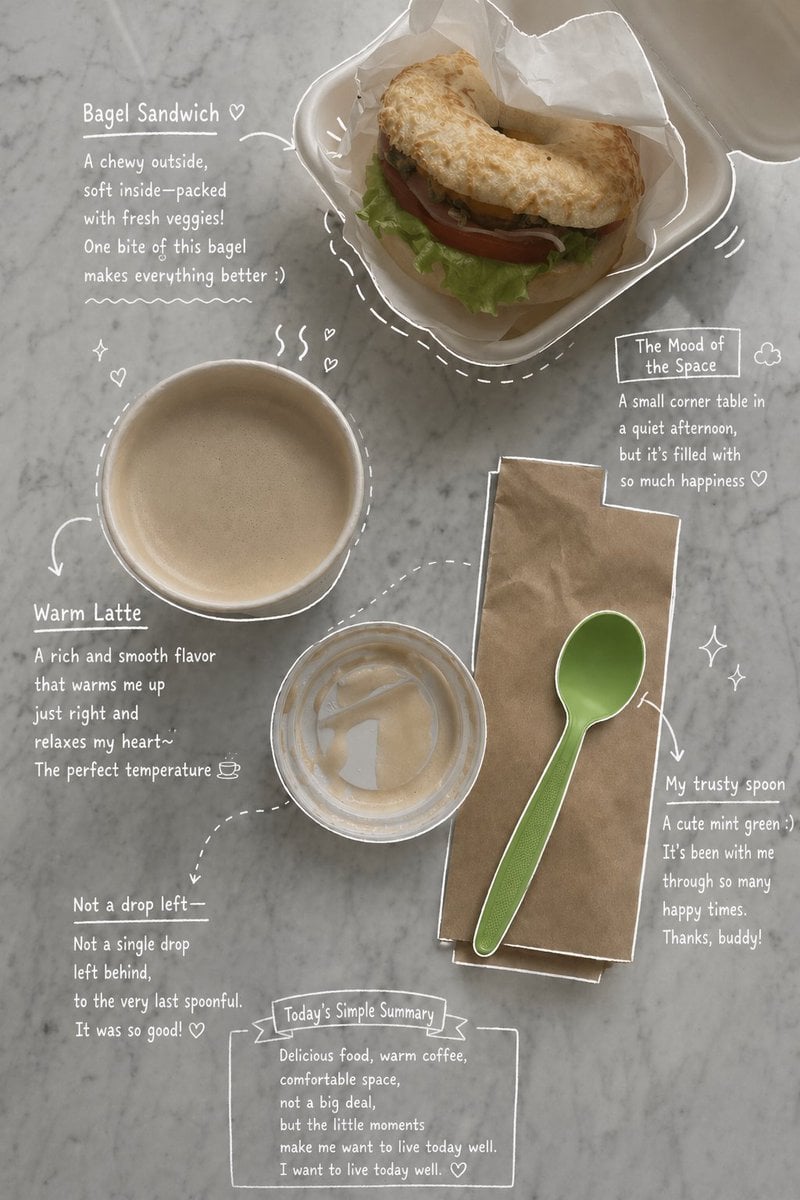
Emotional Hand-Drawn Annotations
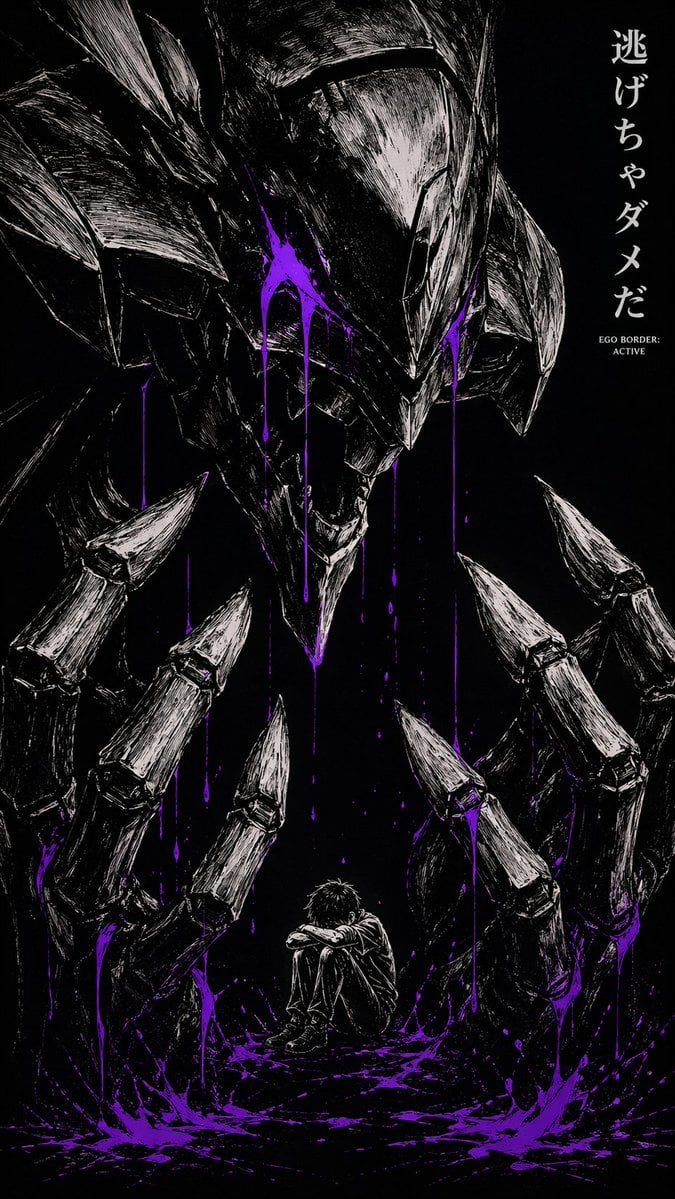
Dark Manga Monster Poster
Browse template categories
Luxury Asian Fashion Boulevard Photography questions
How do I use the Luxury Asian Fashion Boulevard Photography template?
Add your photo if the template asks for one, edit the prompt if you like — the template's model and format are already selected — and press Generate. Your version opens in PicX Studio.
Can I customize the Luxury Asian Fashion Boulevard Photography template?
Yes. You can change the subject, setting, lighting, mood, format, and available model controls before creating your image.
Is the Luxury Asian Fashion Boulevard Photography template free?
Opening and editing this template is free. Generating uses credits, shown on the Generate button when you are signed in.
Which AI model should I use?
Start with GPT Image 2, which is the model associated with this template. You can compare another compatible model for a different finish.
Looking for something else? Browse all templates.

Your photo, any look
Thousands of ready templates for every top image and video model, from one credit balance.