How do I use the Professional Lighting Studio Grid template?
Choose the primary action to open PicX Studio with the available template settings. Review the model and format, personalize the creative direction, and generate when ready.
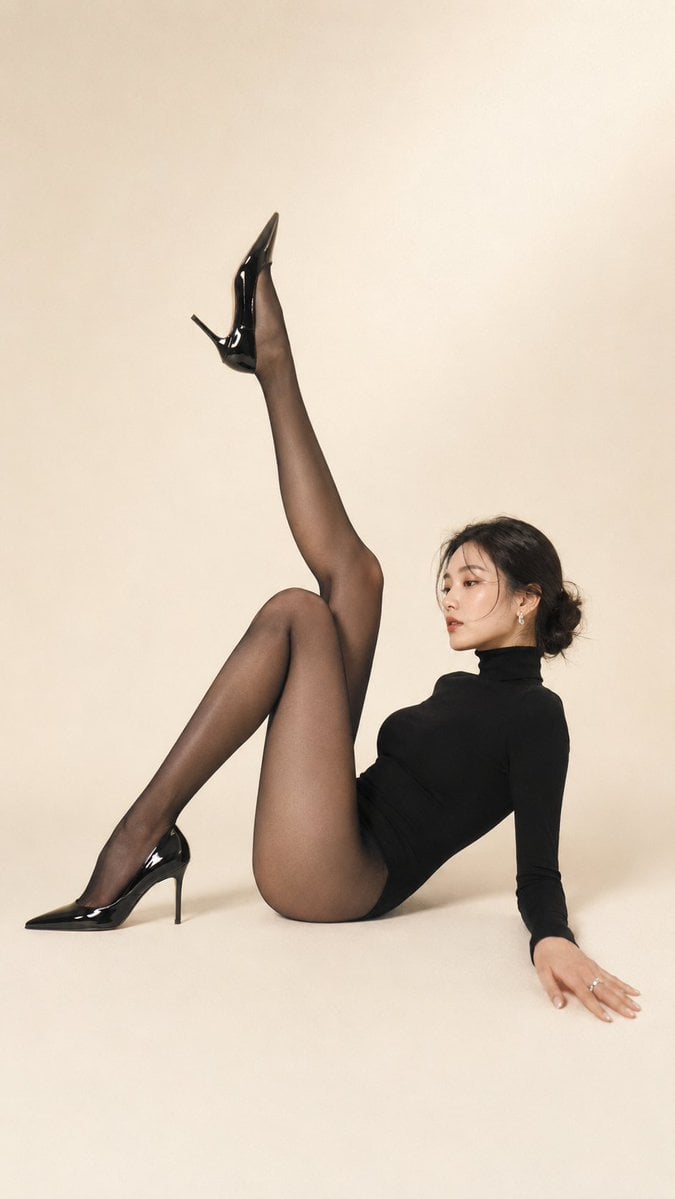
A technical prompt designed for gpt-image-2 to showcase a single character under four distinct professional lighting setups (Rembrandt, Butterfly, Split, and Ri
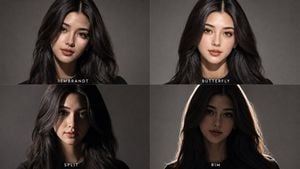
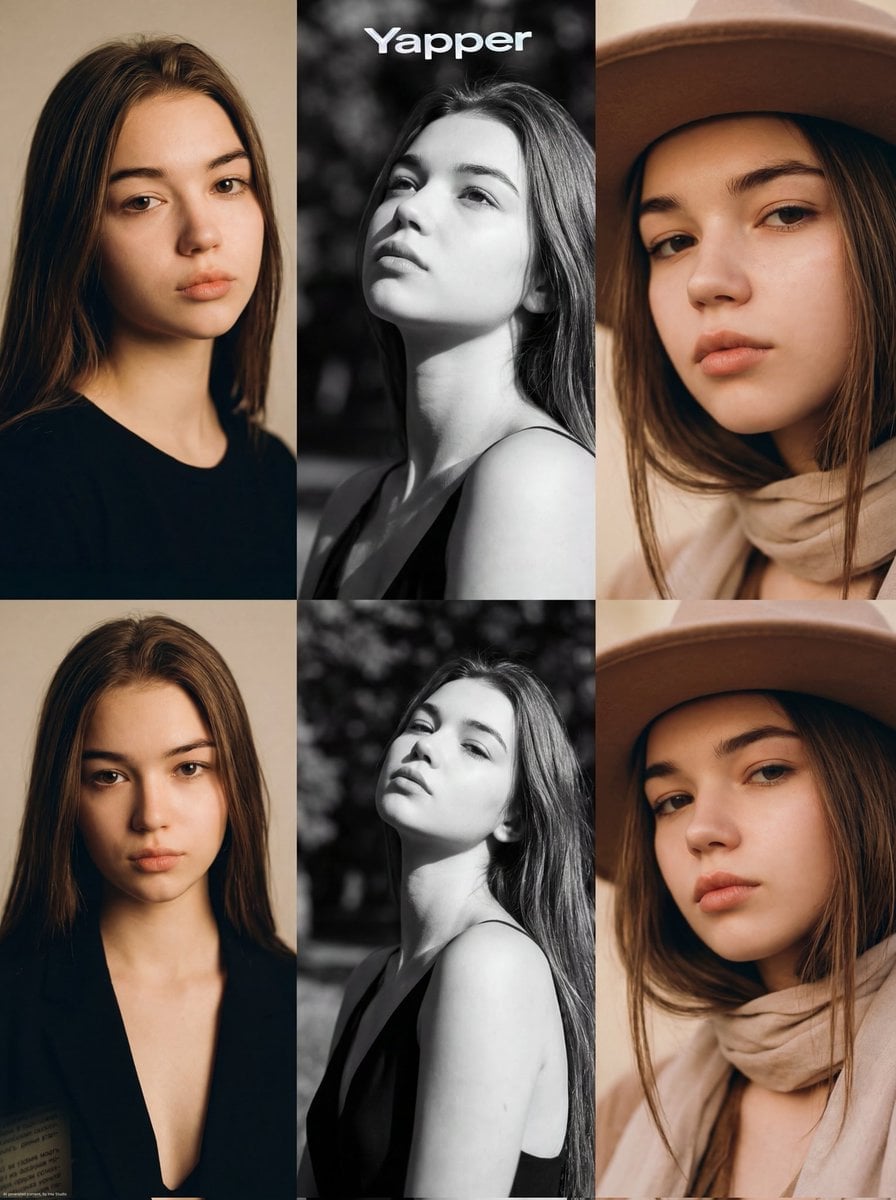
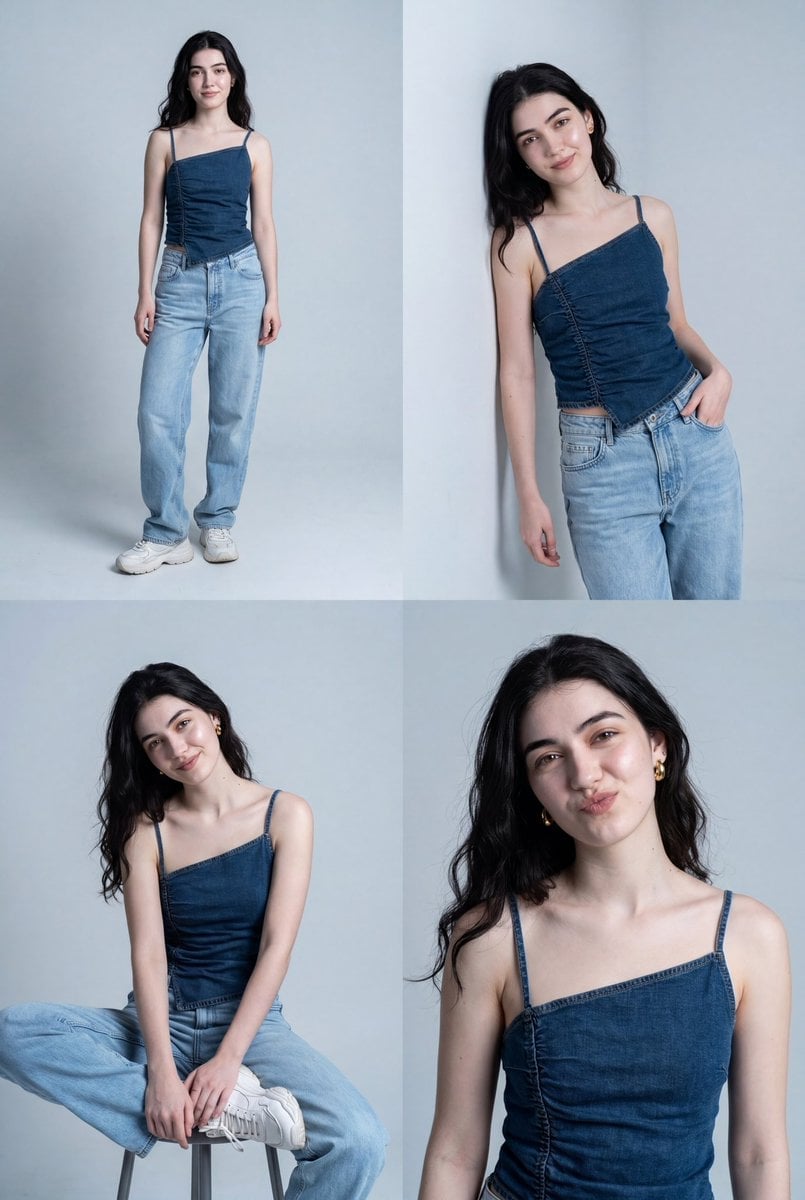
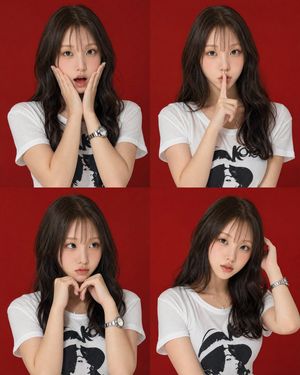
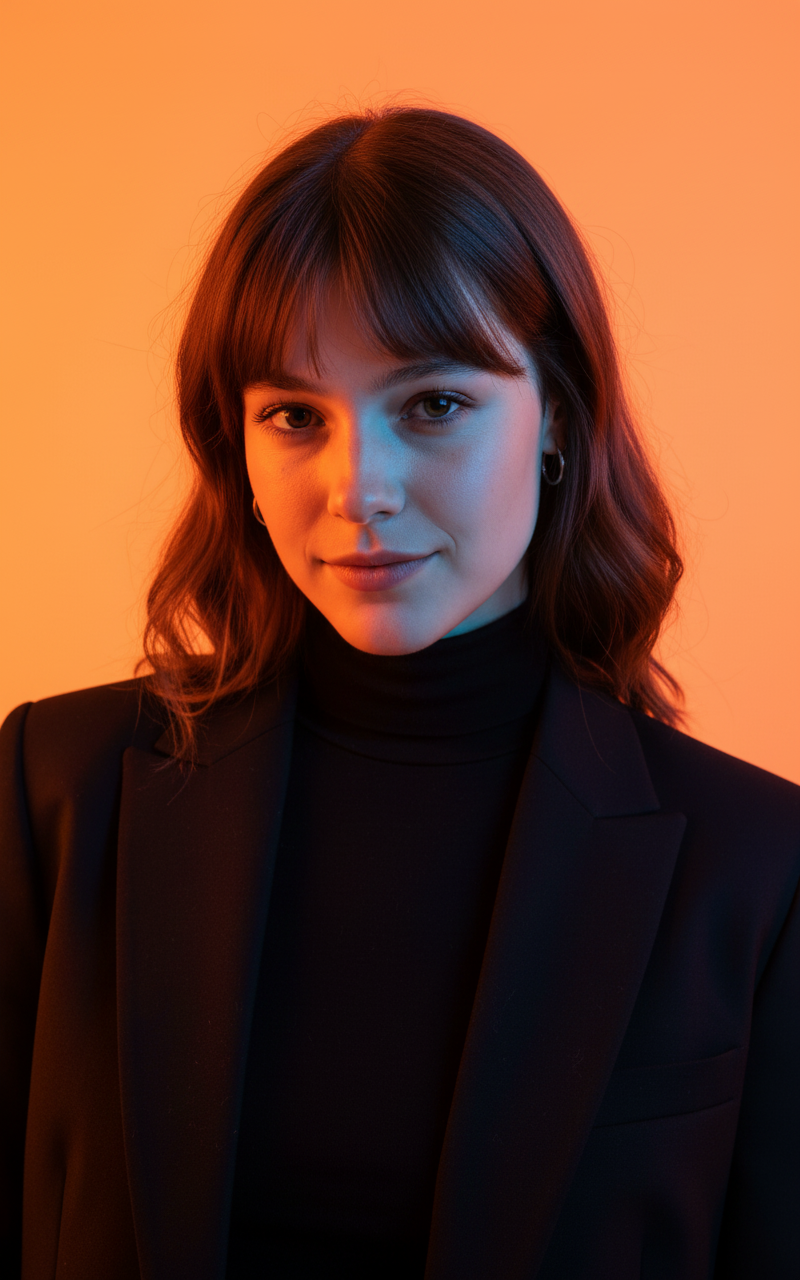
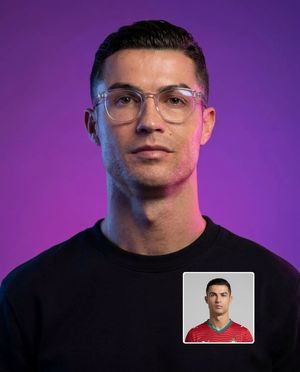
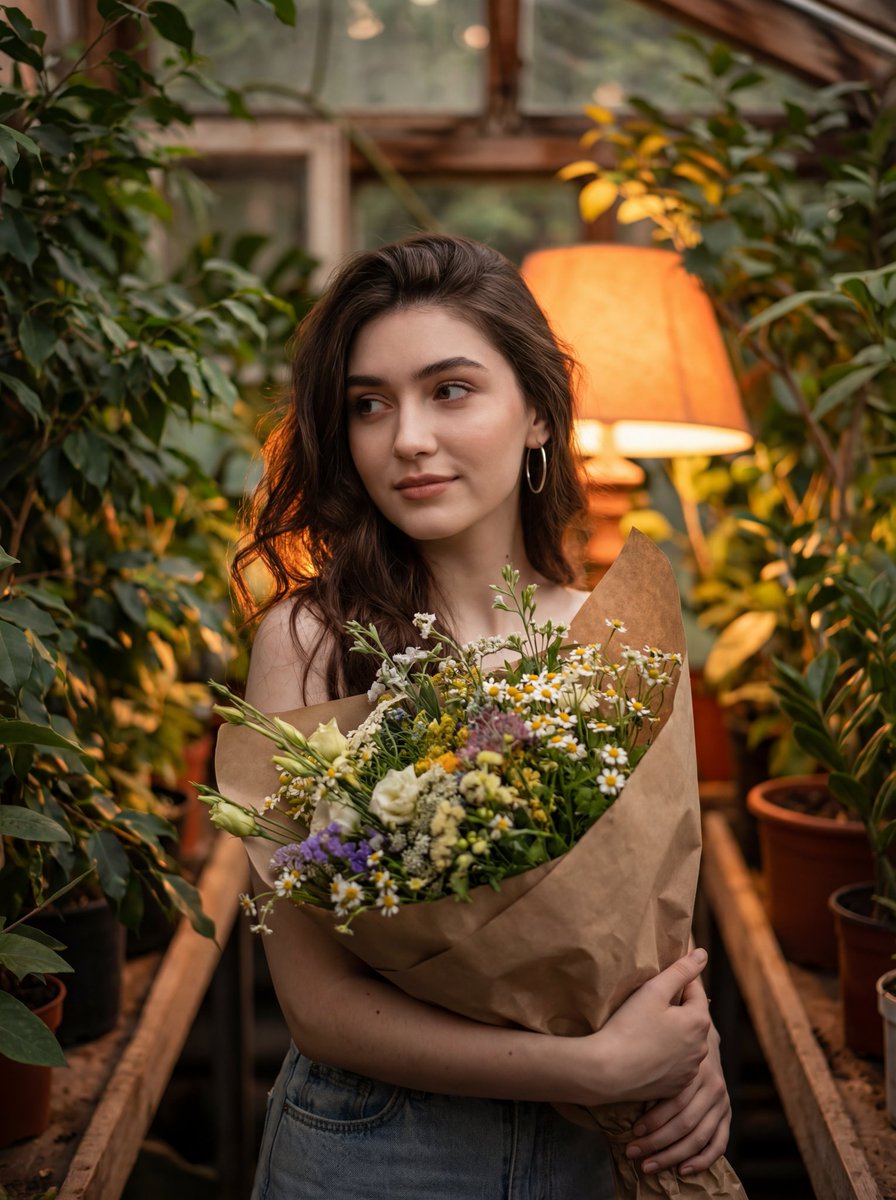
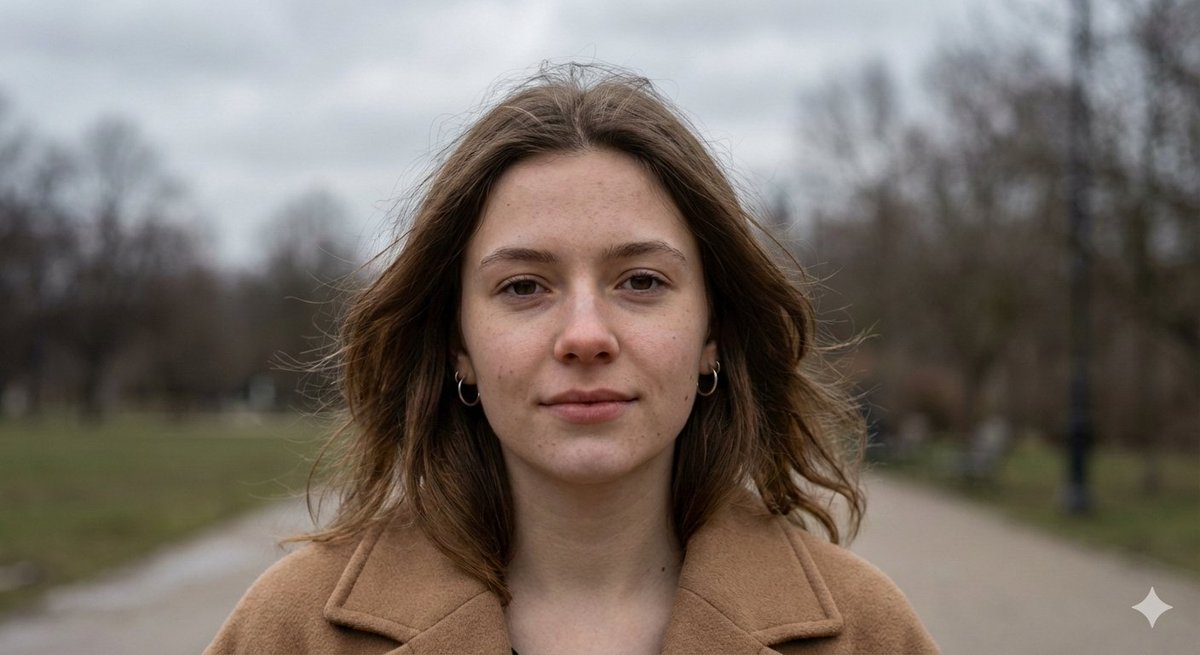
Take the person from the reference image and create a single 2x2 grid showing this exact same close-up portrait under four different professional lighting setups. Identity lock: identical face, expression (calm neutral), hairstyle, dark top, head size and camera angle in every panel — only the light changes. Panel 1 REMBRANDT: key at forty-five degrees left and above, small triangle of light on the shadowed cheek, moody falloff. Panel 2 BUTTERFLY: key directly above the camera, soft symmetric shadow under the nose, beauty-portrait glow. Panel 3 SPLIT: key exactly from the side, one half of the face lit, the other in darkness. Panel 4 RIM: key behind the subject edging hair and shoulders in bright outline, face lifted only by faint fill, near-silhouette drama. Same {argument name="background color" default="medium-gray"} background throughout, 85mm look, sharp focus on the eyes. Small white labels beneath each panel: "REMBRANDT", "BUTTERFLY", "SPLIT", "RIM".
Choose the primary action to open PicX Studio with the available template settings. Review the model and format, personalize the creative direction, and generate when ready.
Yes. You can change the subject, setting, lighting, mood, format, and available model controls before creating your image.
This template is free to open and customize. Generation usage is shown in PicX Studio before you create.
Start with GPT Image 2, which is the model associated with this template. You can compare another compatible model for a different finish.
Follow a topic to a crawlable collection of related PicX Studio templates.