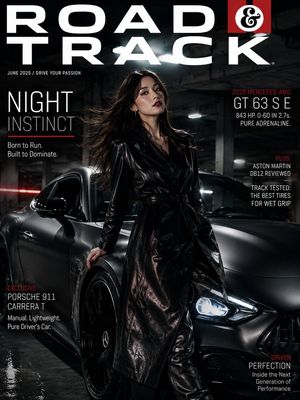
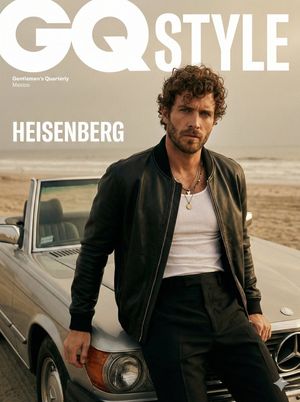
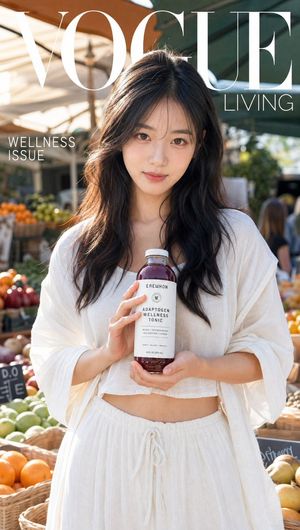
How do I use the Esquire Magazine Cover Style Portrait template?
Choose the primary action to open PicX Studio with the available template settings. Review the model and format, personalize the creative direction, and generate when ready.
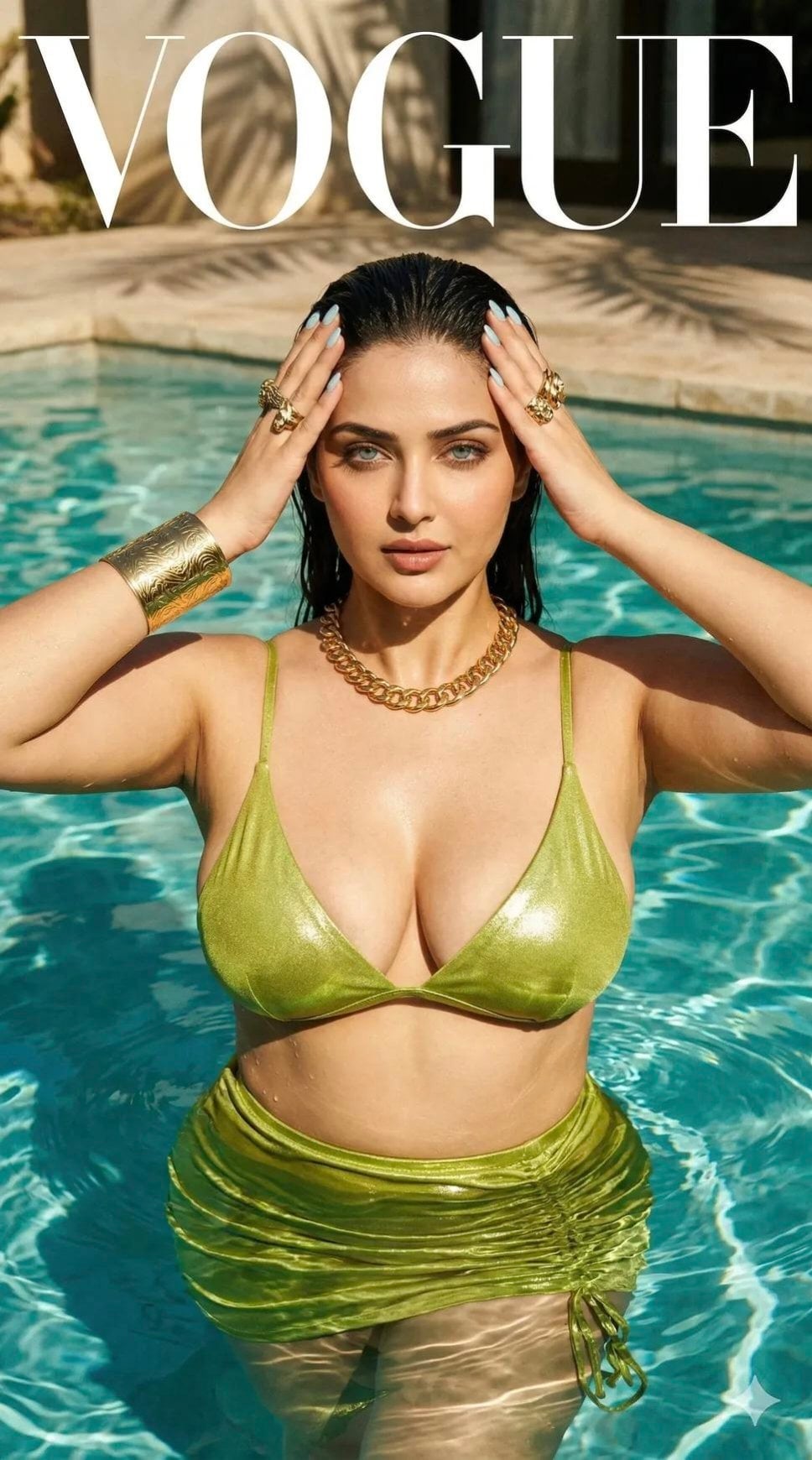
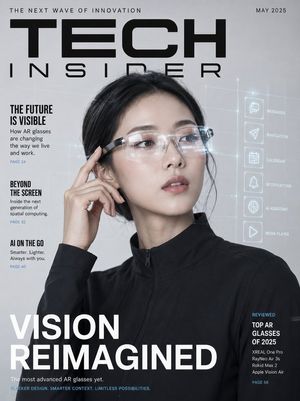
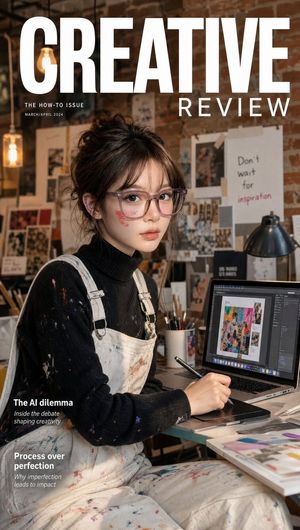
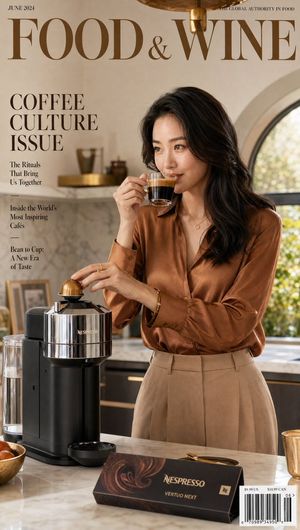
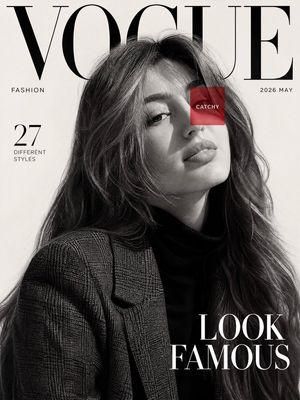
A premium editorial prompt for a cinematic actor's portrait designed to look like a high-quality Esquire magazine cover.
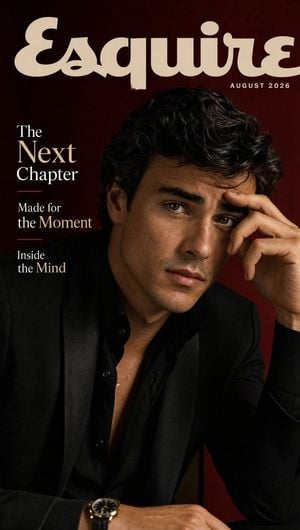
SUBJECT: A {argument name="subject" default="charismatic young actor"} with textured dark hair, expressive eyes, and a relaxed but commanding presence. Create ONE premium magazine cover. Build one cinematic portrait emphasizing charisma, ambition, and contemporary Hollywood style. STYLE: Esquire-quality photography, dramatic directional lighting, black, cream, and deep burgundy palette, modern tailoring, natural skin texture, subtle film grain, cinematic contrast, elegant negative space, shallow depth of field, premium editorial photography, 8K. MAGAZINE TITLE: {argument name="magazine name" default="ESQUIRE"} ISSUE DATE: AUGUST 2026 HEADLINES: {argument name="headlines" default="The Next Chapter\n\nMade for the Moment\nInside the Mind"}
Choose the primary action to open PicX Studio with the available template settings. Review the model and format, personalize the creative direction, and generate when ready.
Yes. You can change the subject, setting, lighting, mood, format, and available model controls before creating your image.
This template is free to open and customize. Generation usage is shown in PicX Studio before you create.
Start with GPT Image 2, which is the model associated with this template. You can compare another compatible model for a different finish.
Follow a topic to a crawlable collection of related PicX Studio templates.