How do I use the Cozy Sunset Selfie Portrait template?
Choose the primary action to open PicX Studio with the available template settings. Review the model and format, personalize the creative direction, and generate when ready.
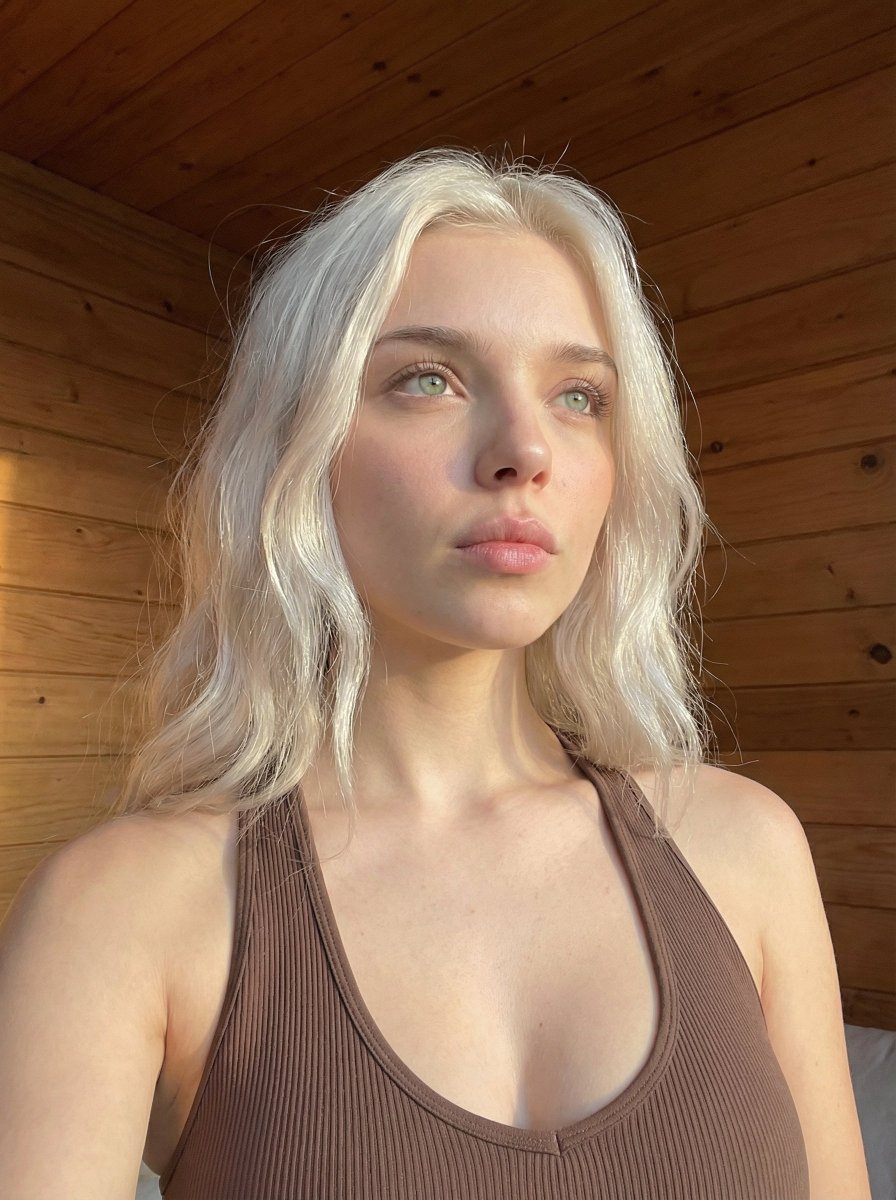
A detailed prompt for a photorealistic selfie of a woman in a cozy room at twilight, featuring cinematic lighting and sunset views.
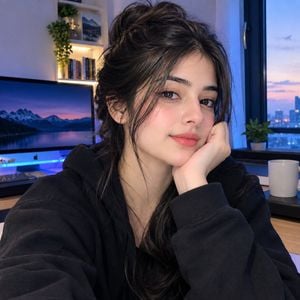
A close-up selfie of a beautiful young {argument name="ethnicity" default="South Asian woman"} resting her head on her hand, looking directly into the camera with a subtle, gentle smile. She has dark brown hair styled in a messy, effortless updo with soft strands framing her face, dark almond-shaped eyes, defined eyeliner, soft blush, and pink lips. She is wearing a comfortable, {argument name="clothing" default="oversized black hoodie"}. The setting is a {argument name="environment" default="modern, cozy room at twilight"}. In the background, a desk setup with a computer monitor showing a mountain landscape with neon blue backlight glow, shelves with books and small green plants, and a large window showing a distant city skyline under a colorful sunset sky. Warm ambient lighting mixed with cool blue neon light, highly detailed skin texture, photorealistic portrait, cinematic quality, 8k resolution.
Choose the primary action to open PicX Studio with the available template settings. Review the model and format, personalize the creative direction, and generate when ready.
Yes. You can change the subject, setting, lighting, mood, format, and available model controls before creating your image.
This template is free to open and customize. Generation usage is shown in PicX Studio before you create.
Start with GPT Image 2, which is the model associated with this template. You can compare another compatible model for a different finish.
Follow a topic to a crawlable collection of related PicX Studio templates.