
Candid Flash Photography Portrait
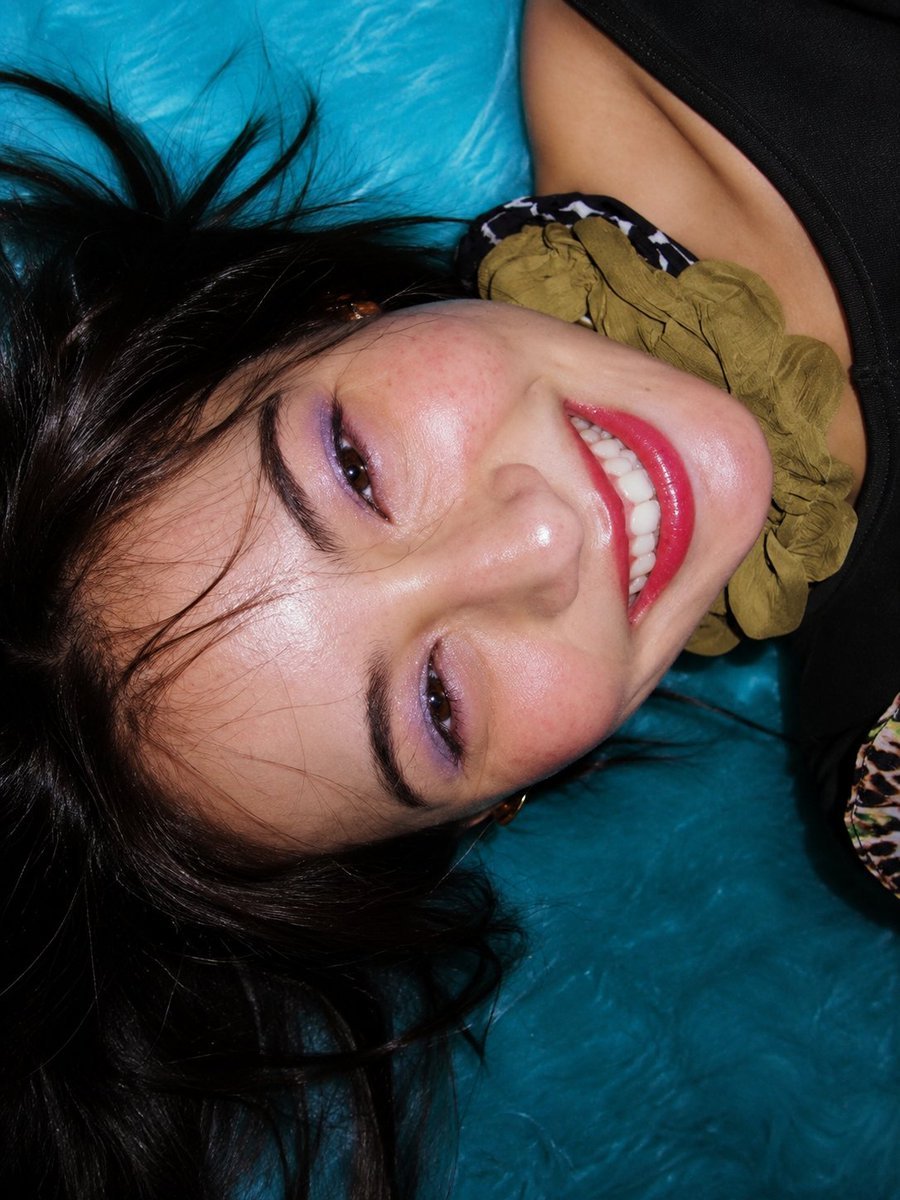
A viral-style candid portrait prompt featuring a woman on a turquoise surface with a nostalgic digital-camera flash aesthetic.
- Prompt included
- Model and format preset
- Free template
The prompt behind this image
Copy the exact prompt behind Candid Flash Photography Portrait, or open it in the studio and make it yours.
Ultra-realistic, irresistibly eye-catching candid portrait of a glamorous young woman lying sideways on a {argument name="background color" default="rich turquoise-blue"} surface, photographed from an intimate close-up angle with a slightly tilted composition. Her long, {argument name="hair style" default="silky jet-black hair"} naturally fans out around her head, with individual flyaway strands catching the flash. She has mesmerizing dark brown almond-shaped eyes with an intense yet playful gaze directly toward the camera, beautifully defined natural eyebrows, delicate feminine facial features, a softly sculpted nose, naturally glowing skin with realistic pores and subtle texture, soft rosy cheeks, and glossy vivid {argument name="lip color" default="cherry-red"} lips. She is caught in a spontaneous, radiant smile showing perfectly natural white teeth, creating an instantly warm and emotionally engaging expression. She wears a sleek black outfit with subtle patterned detailing and an elegant olive-green accent near the neckline. The vibrant turquoise background creates an exceptionally strong visual contrast against her black hair, dark outfit, glowing skin, and red lips. Viral visual direction: authentic candid energy, unexpected sideways composition, face filling most of the frame, powerful eye contact, irresistible smile, bold red-lip/turquoise color contrast, nostalgic digital-camera flash aesthetic, slightly imperfect framing that feels spontaneous rather than staged, realistic skin and hair, tiny natural imperfections, genuine emotion, visually addictive composition designed to make viewers stop scrolling. Direct on-camera flash, dramatic specular highlights, crisp facial details, subtle motion in loose hair strands, realistic shadows, high dynamic range, cinematic color depth, natural skin tones, shallow depth of field, sharp focus on both eyes and lips, professional fashion-editorial photography blended with nostalgic early-2000s candid photography. Photorealistic, ultra-detailed, 8K, premium editorial quality, authentic human appearance, no plastic skin, no excessive retouching, no artificial face, no distorted anatomy, no extra fingers, no warped features, no text, no watermark.
How to use Candid Flash Photography Portrait in 3 steps
- 1
Open
The prompt is already in the box next to the preview, with the template's model and format selected.
- 2…a portrait of your subject in softgolden-hour light, 85mm…
Personalize
Edit the subject and creative details for your destination.
- 3Generate
Generate
Press Generate — your image is created in PicX Studio, so you can compare it with the original and refine one variable at a time.
More like this
Templates with the same subject, style or setup. Open one to see its prompt.

Portrait of a young woman in her early 20s walking calmly on a beautiful
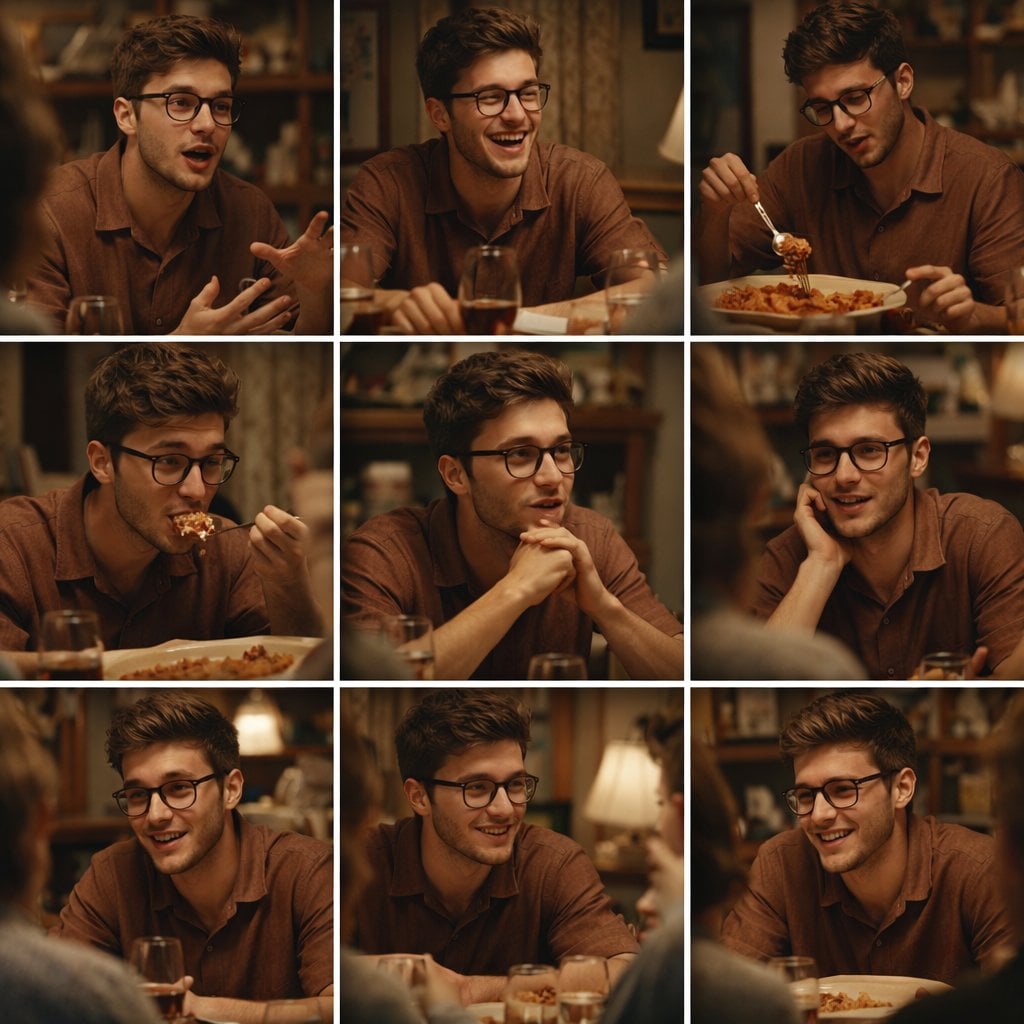
A 3x3 grid storyboard contact sheet comprised of nine candid, cinematic
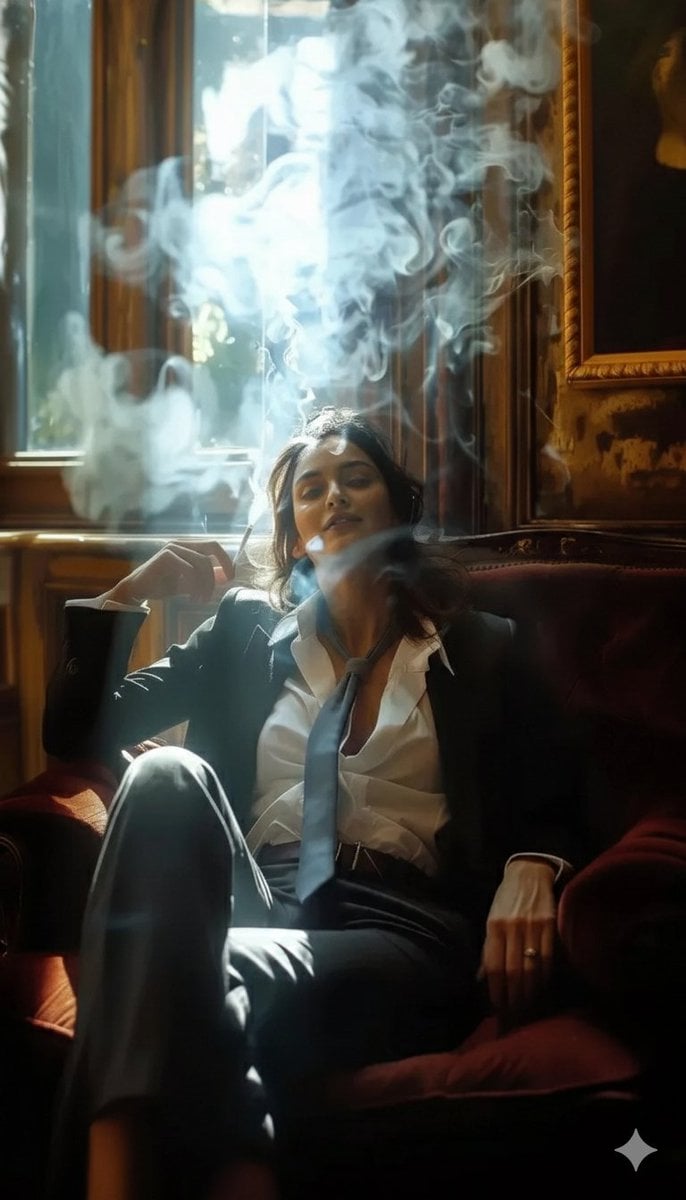
A high-definition cinematic portrait of a sophisticated woman sitting
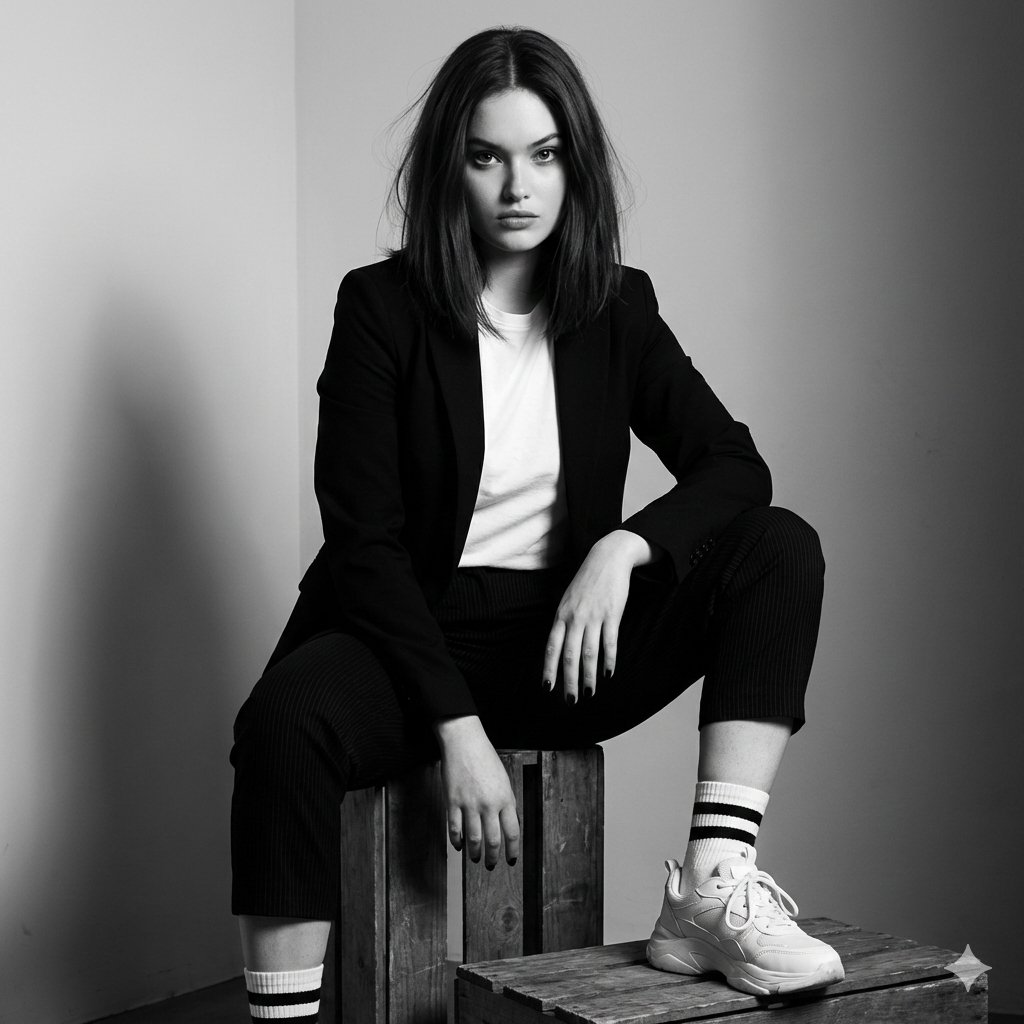
Realistic portrait 100 identical face, no editing allowed
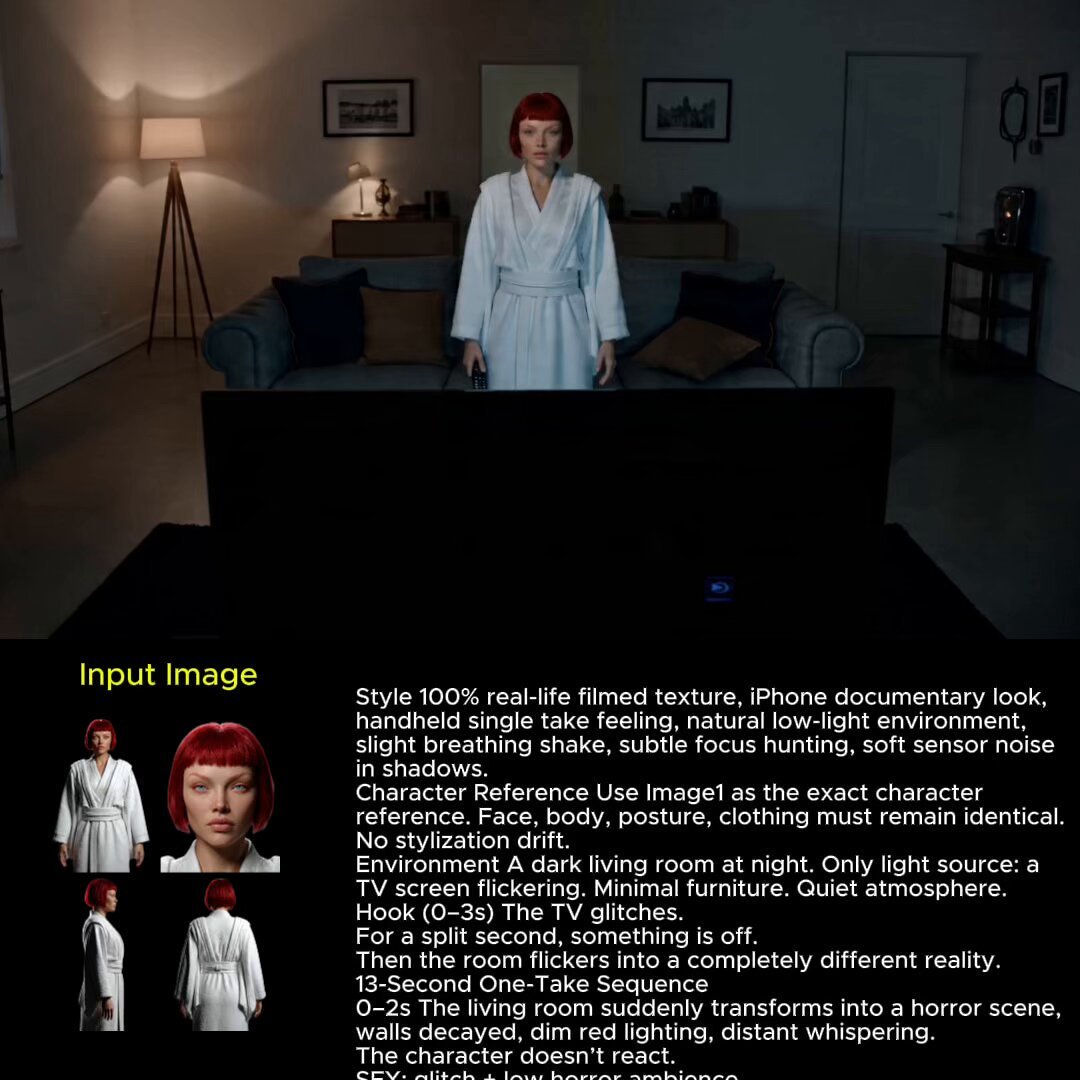
2025 Aesthetic Photography

Found Photograph: Us, 1970

Our Song was on a Cassette
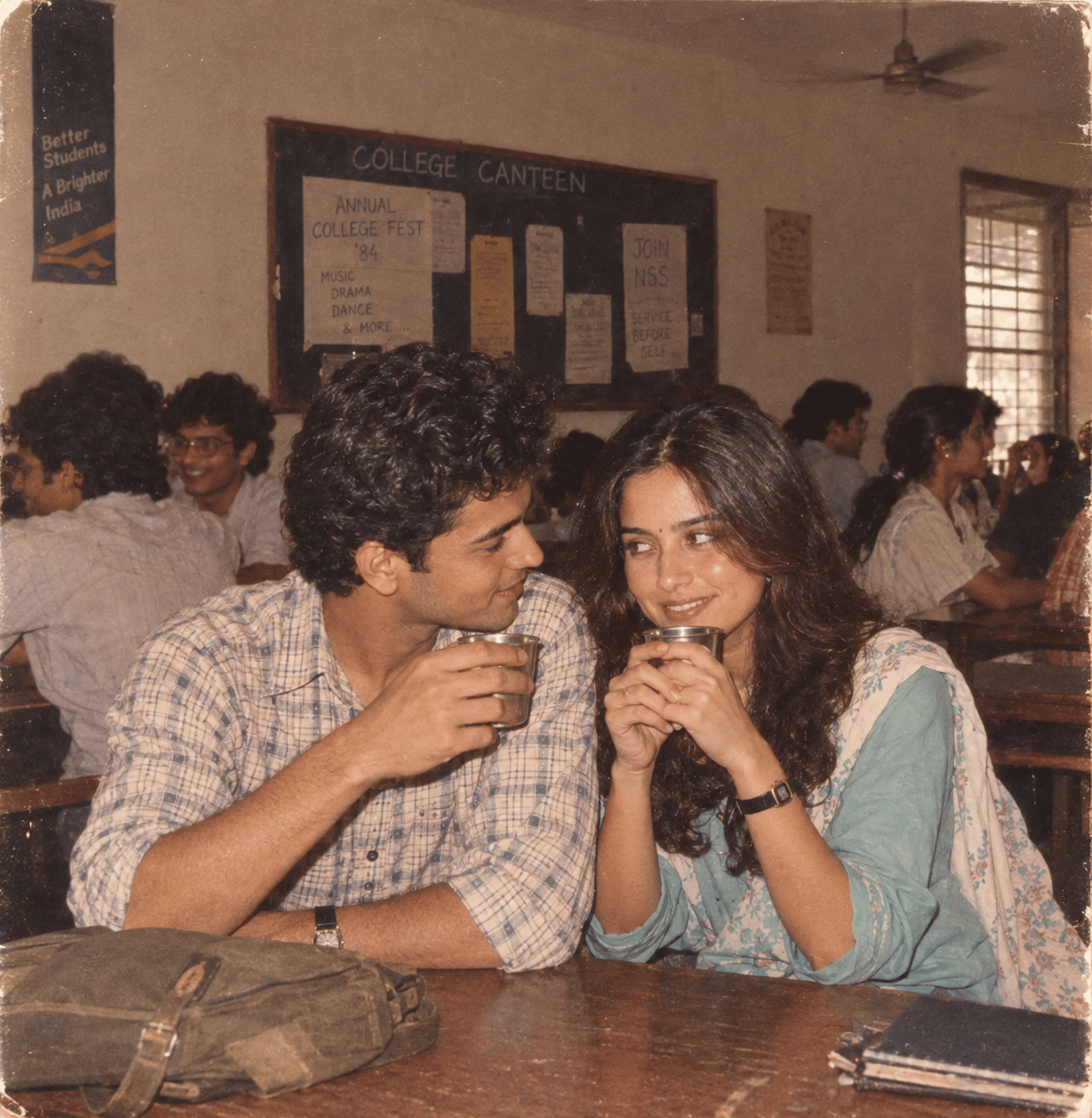
The Date After College

80s Couple Studio Portrait

80s College Gate

80s Bollywood Star

80s Golden Hour Cinema
Make it yours
Candid Flash Photography Portrait works as-is. These are the safest ways to change it without losing the look.
Change one field
Copy a single group, rewrite it, and generate again so you can see what that field is doing.
Keep the frame, change the subject
Hold the composition and light of Candid Flash Photography Portrait, then swap wardrobe, props or the person for a new take.
| If the result… | Why | Fix |
|---|---|---|
| The result drifts from the preview | Too many fields changed at once. | Reuse Candid Flash Photography Portrait as-is first, then change one group — subject, light, or setting. |
| The model over-stylizes the scene | The prose prompt leaves finish and camera underspecified. | Add one camera or lighting sentence and stay on GPT Image 2. |
More GPT Image 2 templates
Other prompts made for GPT Image 2.

Six VTuber Japanese Logo Sheet

Realistic Portrait of Woman and Deer

The Vista Modular Condo Poster

AI Model Routing Comparison Infographic

2.5D Anime Art Board

Isometric Productivity Desk Scene

New York Double Exposure Poster

Four-Panel AI Landscape Comparison

Japanese Tatami Lifestyle Magazine Cover

NESCAFÉ Coffee Map Poster
More image prompts
Fresh picks from across the catalog.
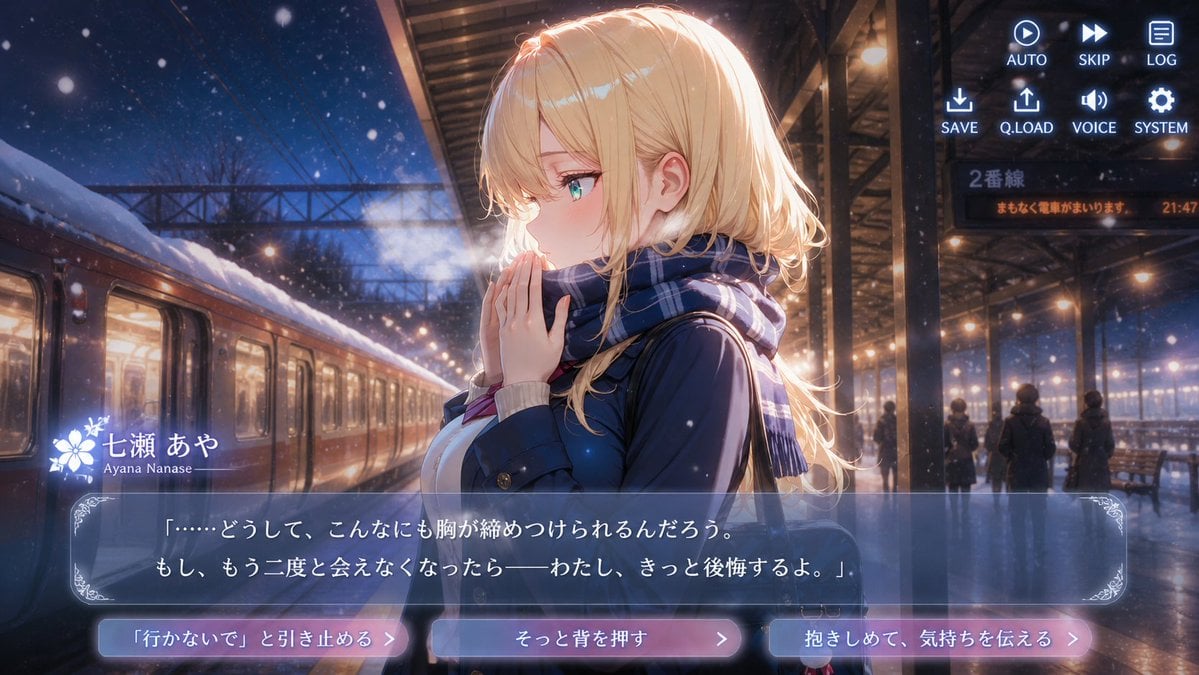
Snowy Station Visual Novel Scene
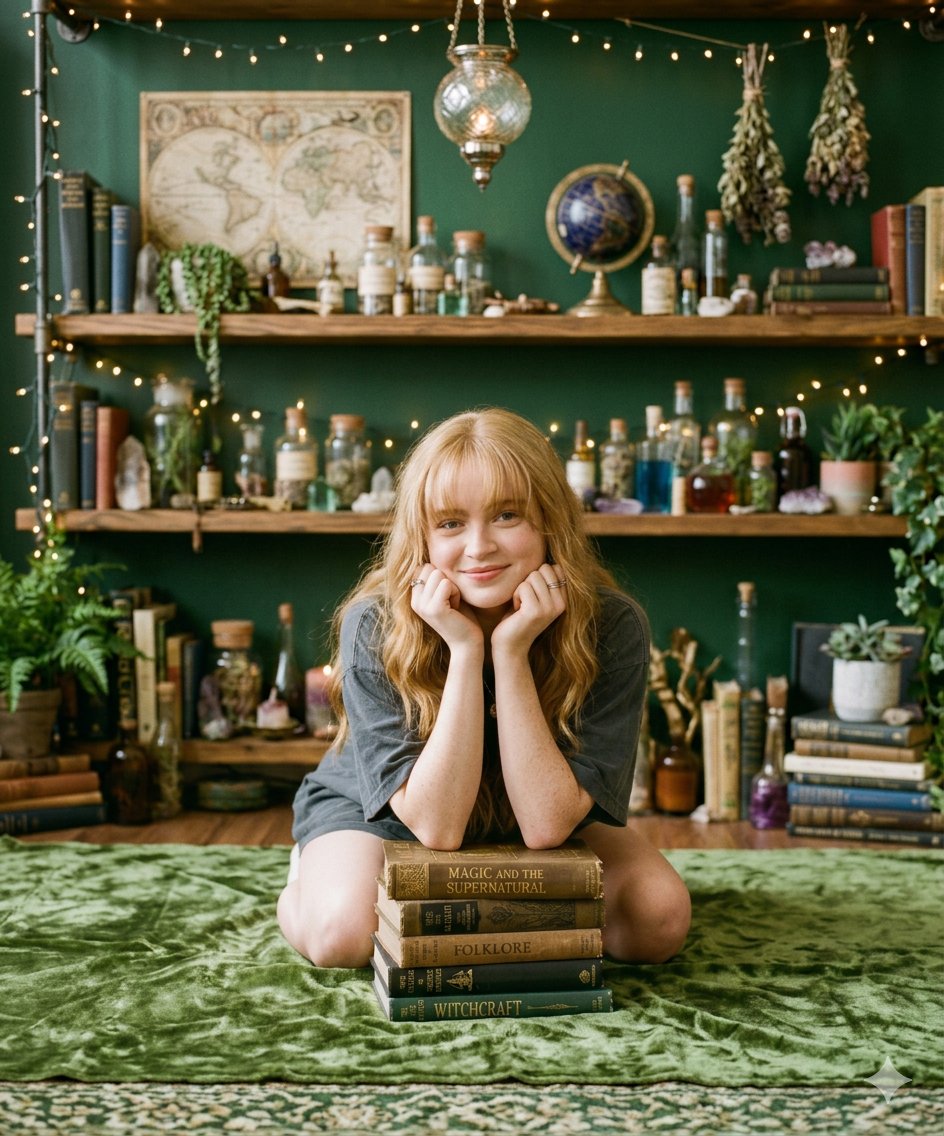
Cozy Portrait of Girl with Mystical Objects and Vintage Books
Mediocre Drawing Style Illustration
Chinese Tomato Nutrition Poster
Glamorous Fashion Photoshoot in Steel Elevator
Simple Stick Figure Coloring Book Clipart
Mockup generation prompt for screen replacement
Sunset Window Silhouette
Opulent Café Portrait with Voluminous Hair
Convert image into YouTube thumbnail with OMW text
Browse template categories
Candid Flash Photography Portrait questions
How do I use the Candid Flash Photography Portrait template?
Add your photo if the template asks for one, edit the prompt if you like — the template's model and format are already selected — and press Generate. Your version opens in PicX Studio.
Can I customize the Candid Flash Photography Portrait template?
Yes. You can change the subject, setting, lighting, mood, format, and available model controls before creating your image.
Is the Candid Flash Photography Portrait template free?
Opening and editing this template is free. Generating uses credits, shown on the Generate button when you are signed in.
Which AI model should I use?
Start with GPT Image 2, which is the model associated with this template. You can compare another compatible model for a different finish.
Looking for something else? Browse all templates.

Your photo, any look
Thousands of ready templates for every top image and video model, from one credit balance.