How do I use the Chiaroscuro Conceptual Portrait Painting template?
Choose the primary action to open PicX Studio with the available template settings. Review the model and format, personalize the creative direction, and generate when ready.
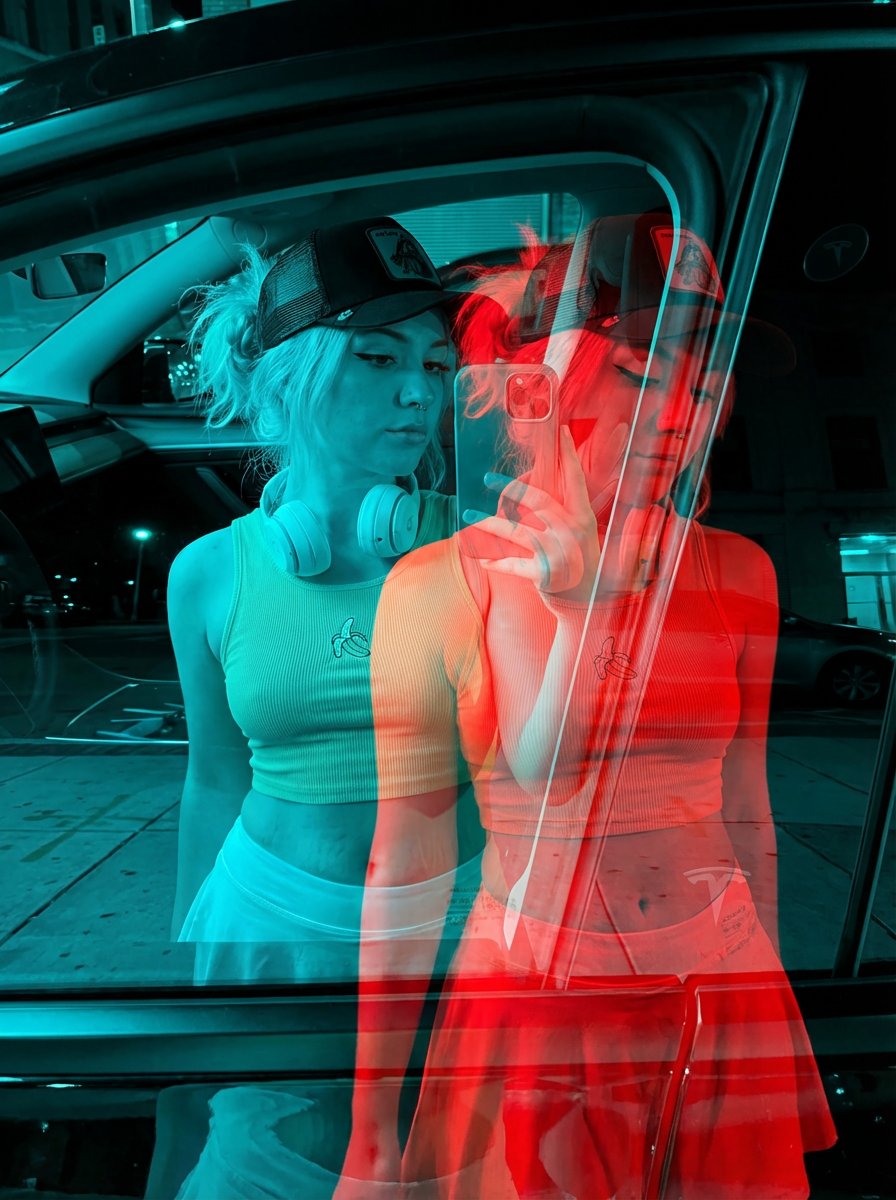
A dramatic, high-contrast illustration prompt featuring a subject emerging from darkness with fiery red highlights and a painterly texture.
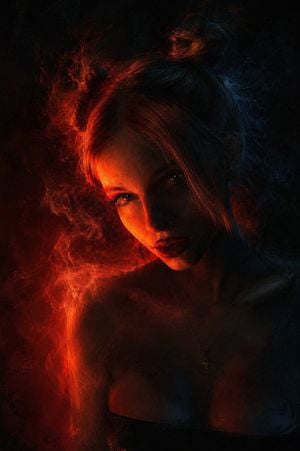
An artistic, conceptual, portrait-style, high-contrast illustration showing the attached model emerging from total darkness. A single, {argument name="light color" default="intense light source, bright orange-red"}, illuminates the left side of her face from a low angle, highlighting her cheek, her {argument name="makeup details" default="crimson-painted lips"}. The rest of her face, her cold-highlighted hair, and her outfit dissolve into deep shadows of black and midnight blue. The image has a grainy, painterly texture, with visible brush strokes and film grain. The smoke, lit from behind, creates glowing strands that intertwine with her hair. Dark and dramatic digital painting style, focused on chiaroscuro and {argument name="color palette" default="limited color palette of fiery red and cool shadows"}.
Choose the primary action to open PicX Studio with the available template settings. Review the model and format, personalize the creative direction, and generate when ready.
Yes. You can change the subject, setting, lighting, mood, format, and available model controls before creating your image.
This template is free to open and customize. Generation usage is shown in PicX Studio before you create.
Start with GPT Image 2, which is the model associated with this template. You can compare another compatible model for a different finish.
Follow a topic to a crawlable collection of related PicX Studio templates.