
Calligraphic Sports Grid System
A structured, logic-based prompt that translates sports movements into minimalist calligraphic art within a 2x2 grid.
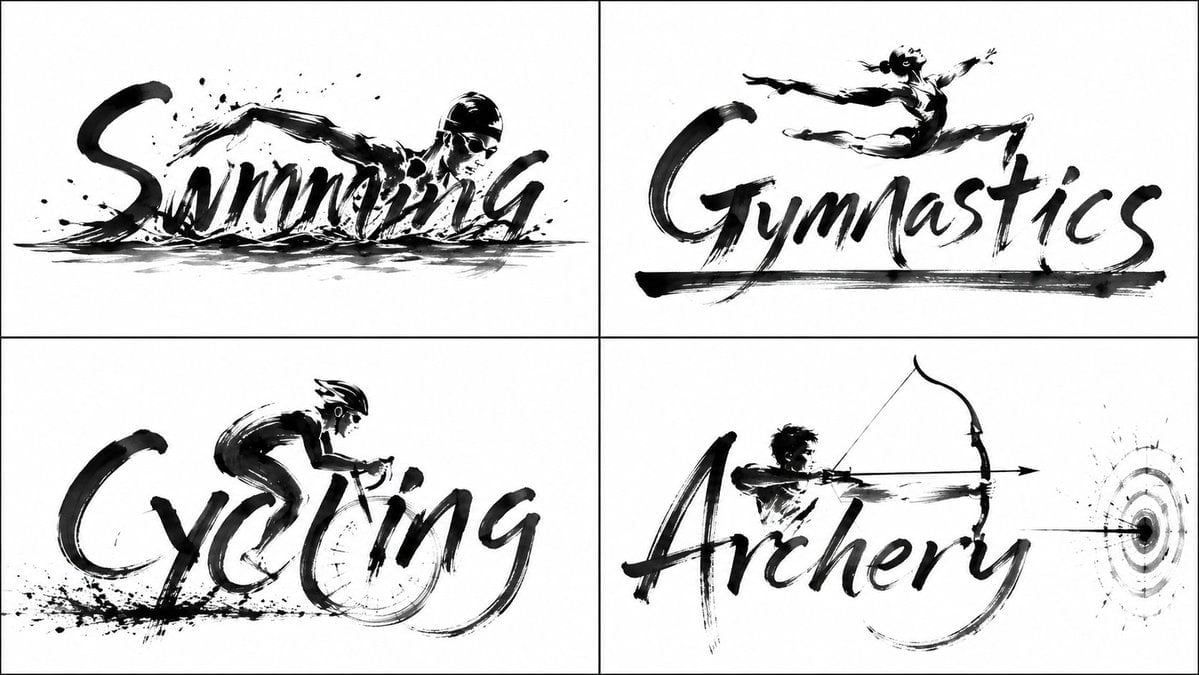
- Prompt included
- Model and format preset
- Free template
The prompt behind this image
Copy the exact prompt behind Calligraphic Sports Grid System, or open it in the studio and make it yours.
2x2 grid, do this for {argument name="subject" default="Olympics sports"}: 16:9 INPUT ::= {argument name="keyword" default="[TOPIC_OR_WORD]"} W := derive_word(INPUT) A := infer_actor_or_symbol(INPUT) E := infer_defining_action(INPUT) M := infer_reactive_medium(E, INPUT) LAYOUT_SOLVER :: +--------------------------------------------------------------------------------+ | | | ┌─ glyph capable of holding A | | ↓ | | [ GLYPH ] [ GLYPH ] [ ACTION_GLYPH ] [ GLYPH ] [ GLYPH ] | | A │ | | │ motion_vector(E) | | ▼ | | **** IMPACT **** | | ╭─────────┼─────────╮ | | ≈≈≈≈≈≈≈≈≈ reactive baseline ≈≈≈≈≈≈≈≈ | | | +--------------------------------------------------------------------------------+ SEMANTIC_ASSIGNMENT :: BODY_SLOT := glyph whose counter/curve/stem best accommodates pose(A) ACTION_SLOT := glyph whose geometry naturally expresses E GROUND_SLOT := bottom typographic zone transformed into M FUSION :: A.body_part -> glyph_stroke A.gesture -> terminal_or_curve ACTION_GLYPH -> motion_trajectory M.surface -> shared_word_baseline collision -> ink_burst energy_propagation-> concentric_marks_or_topic_equivalent BRUSH_PHYSICS :: stroke_width(t) ∝ pressure(t) dryness(t) ∝ velocity(t) splatter ∝ impact_force(E) ripple_radius ∝ elapsed_visual_time RULES :: - only enough literal detail to understand A and E - preserve huge white negative space - reaction marks become compositional support for the entire word - use asymmetry and sparse brush imperfections - infer the appropriate reaction if M is not liquid - never preassign a specific letter, actor, action, or medium
How to use Calligraphic Sports Grid System in 3 steps
- 1
Open
The prompt is already in the box next to the preview, with the template's model and format selected.
- 2…a portrait of your subject in softgolden-hour light, 85mm…
Personalize
Edit the subject and creative details for your destination.
- 3Generate
Generate
Press Generate — your image is created in PicX Studio, so you can compare it with the original and refine one variable at a time.
More like this
Templates with the same subject, style or setup. Open one to see its prompt.

Korean Luxury Fashion Editorial 2x2 Grid Series

Minimalist Fashion Editorial Split Layout

Ultra-Realistic Vogue-Style Editorial Fashion Grid

Legendary Player Fragmented Editorial Poster

Goalmaster Youth Sports Poster

Clean Minimalist Player Editorial Poster

Captain Tsubasa Anime World Cup Poster

Headphones Lifestyle Nine Panel Grid

4x4 Grid - Candid Nostalgic Vacation Selfies

Movement Sheet - Dance Reference (Seedance 2.0)

Gpt2 Avant Garde Tennis Fashion

Paris Travel Collage Grid - Face Reference
Make it yours
Calligraphic Sports Grid System works as-is. These are the safest ways to change it without losing the look.
Change one field
Copy a single group, rewrite it, and generate again so you can see what that field is doing.
Keep the frame, change the subject
Hold the composition and light of Calligraphic Sports Grid System, then swap wardrobe, props or the person for a new take.
| If the result… | Why | Fix |
|---|---|---|
| The result drifts from the preview | Too many fields changed at once. | Reuse Calligraphic Sports Grid System as-is first, then change one group — subject, light, or setting. |
| The model over-stylizes the scene | The prose prompt leaves finish and camera underspecified. | Add one camera or lighting sentence and stay on GPT Image 2. |
More GPT Image 2 templates
Other prompts made for GPT Image 2.

Six VTuber Japanese Logo Sheet

Realistic Portrait of Woman and Deer

The Vista Modular Condo Poster

AI Model Routing Comparison Infographic

2.5D Anime Art Board

Isometric Productivity Desk Scene

New York Double Exposure Poster

Four-Panel AI Landscape Comparison

Japanese Tatami Lifestyle Magazine Cover

NESCAFÉ Coffee Map Poster
More image prompts
Fresh picks from across the catalog.
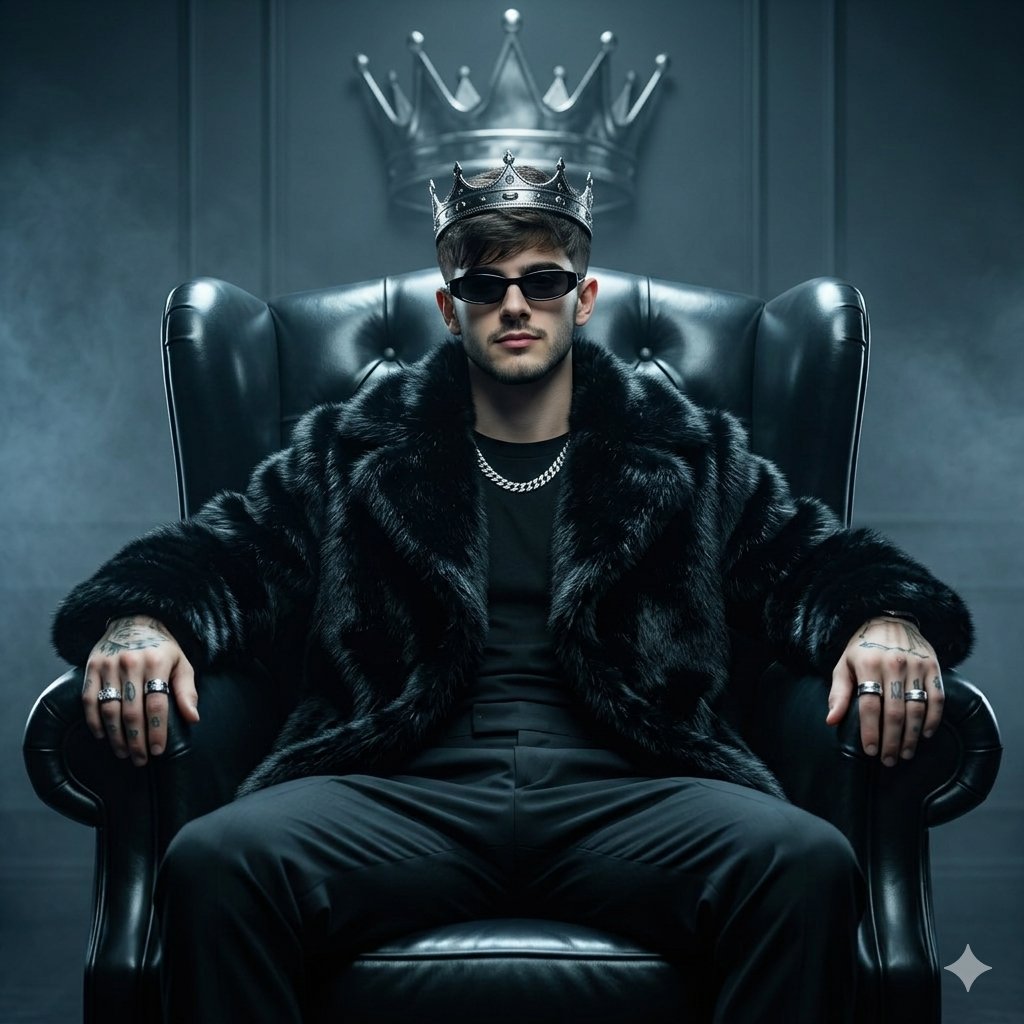
Luxury Fashion Throne Portrait
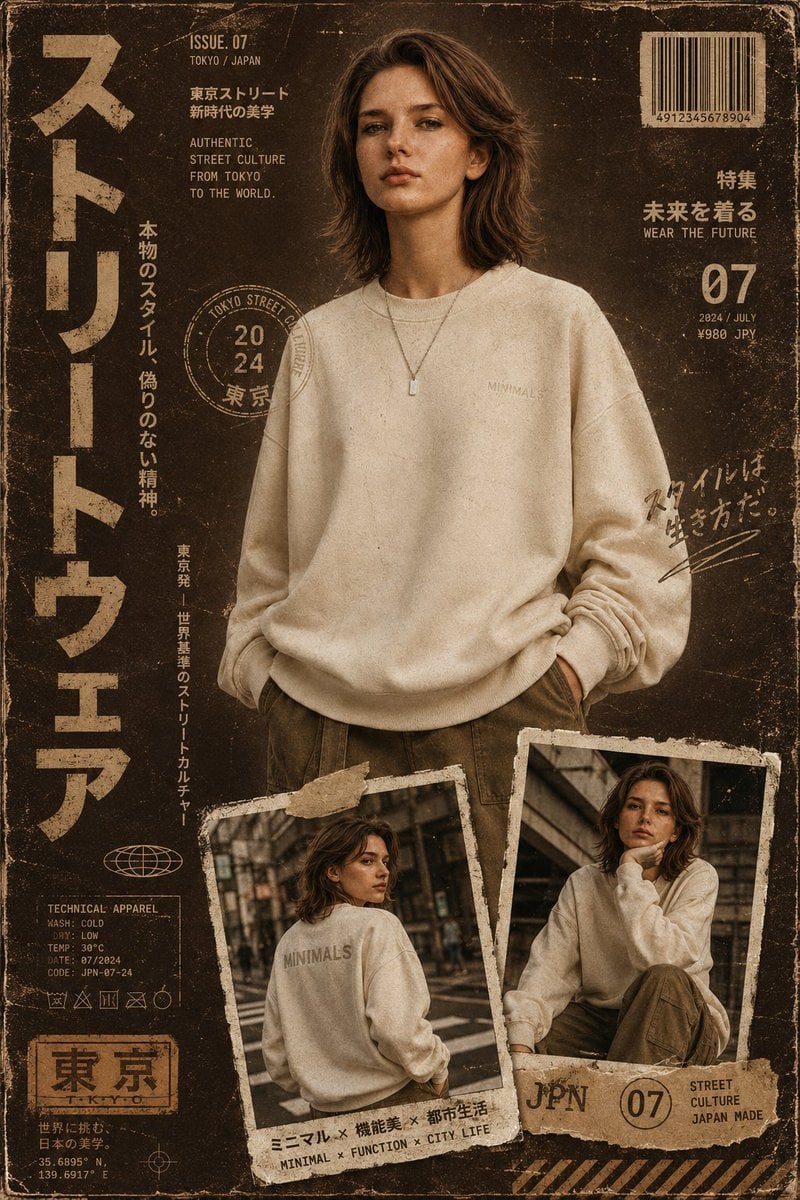
Streetwear Magazine Layout Template
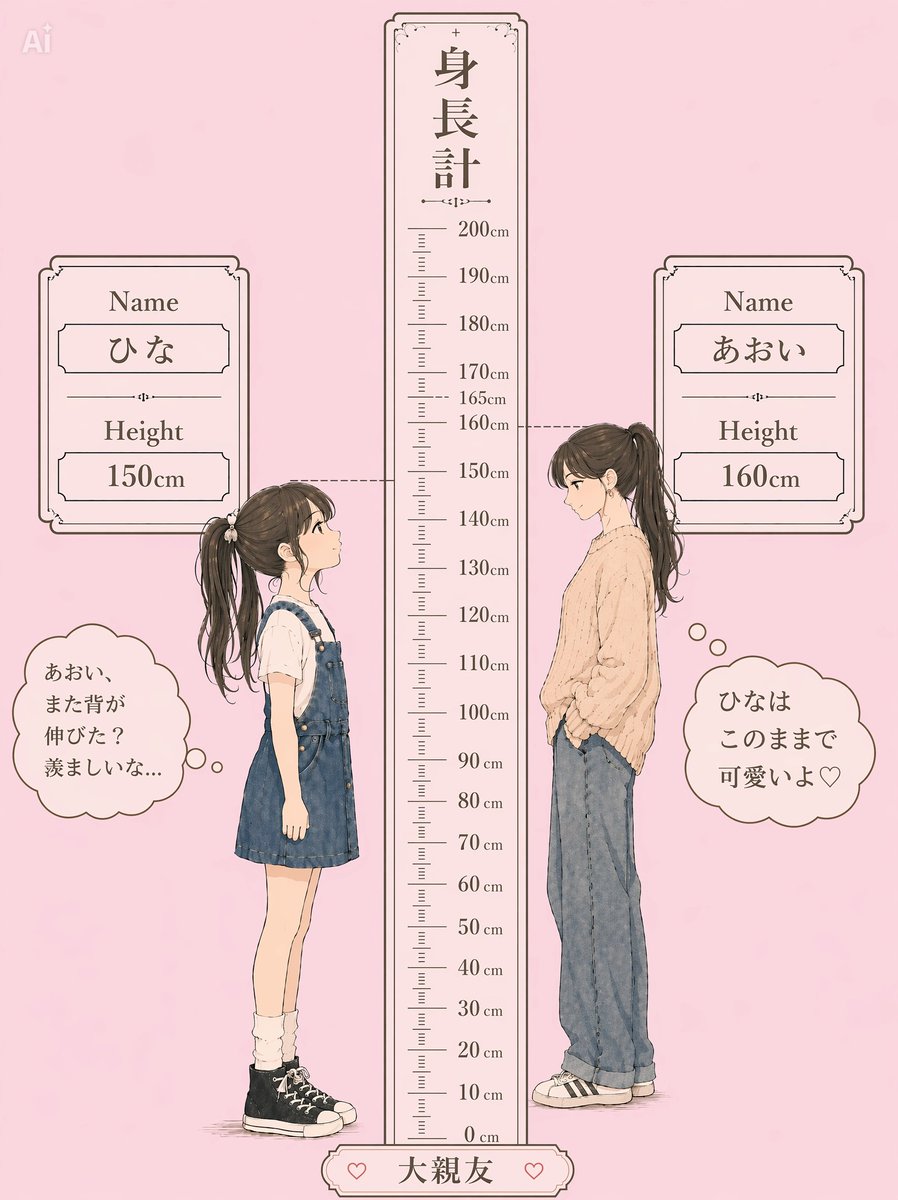
Pastel Height Difference Best Friends
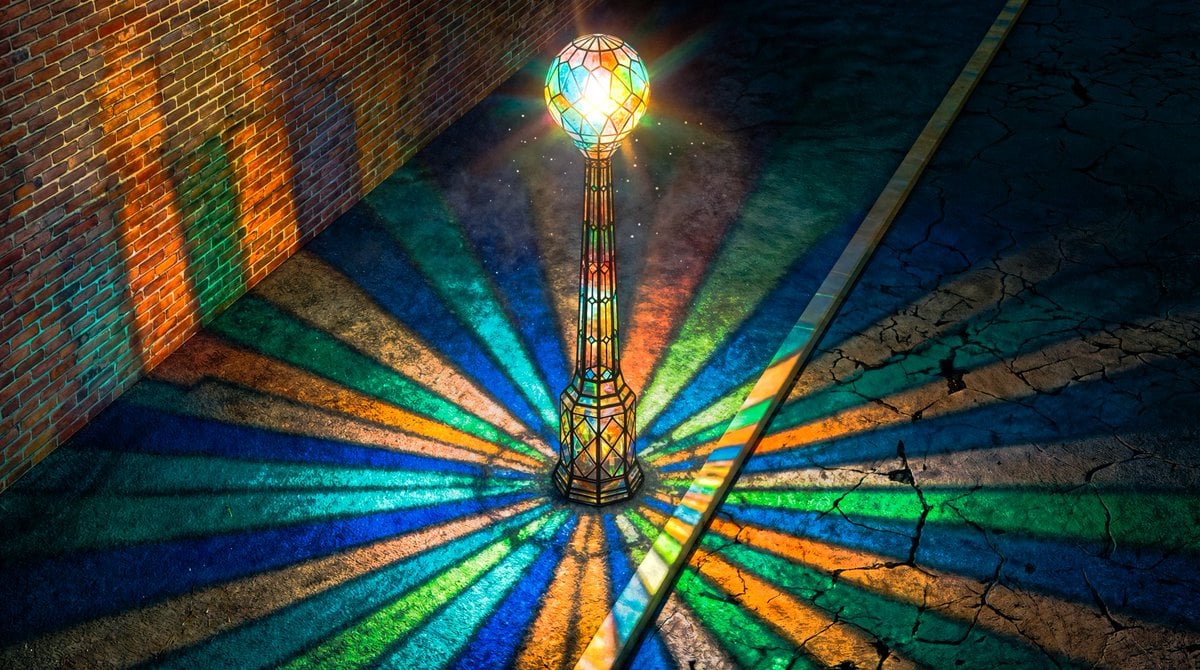
Blender 3D Viewport Style Prompt
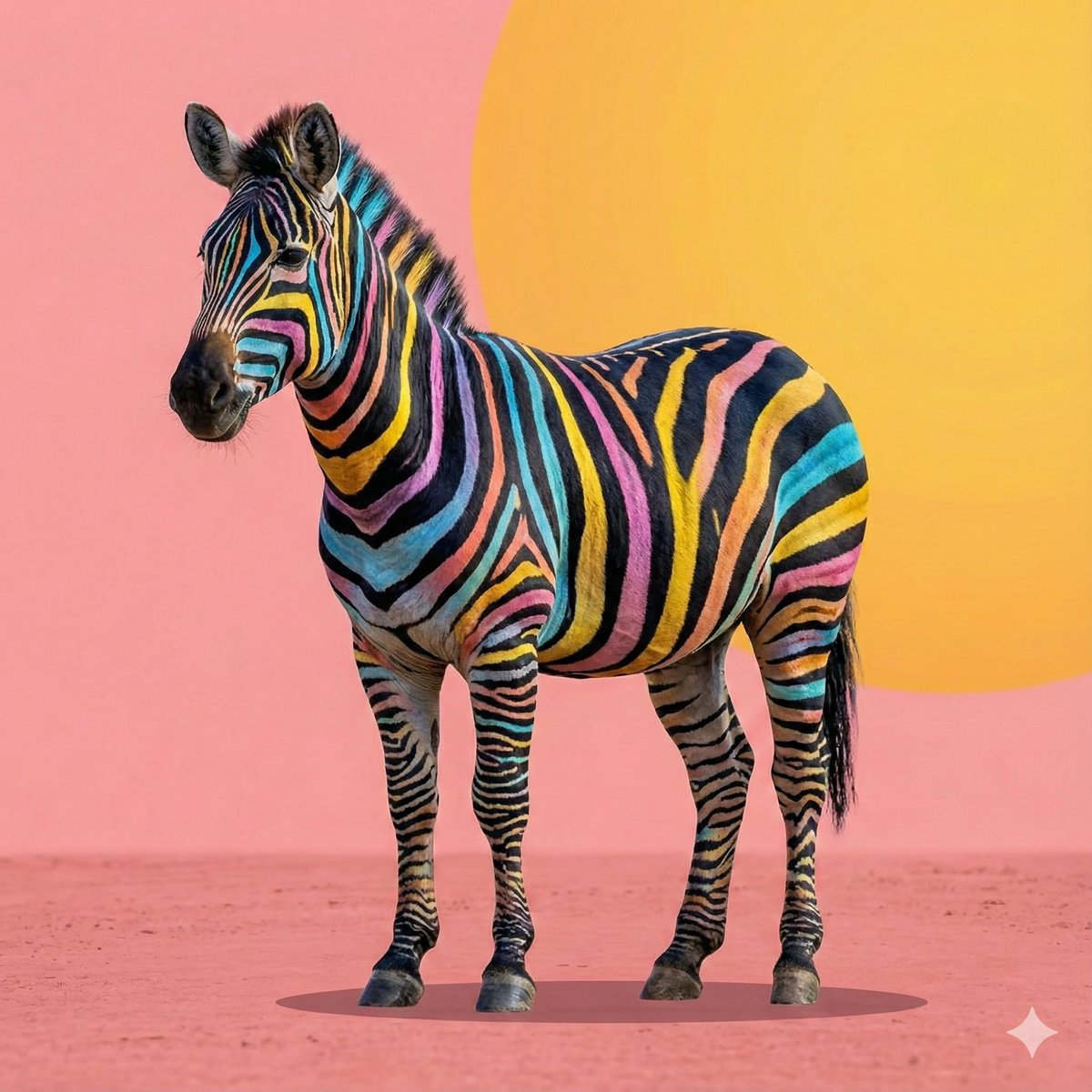
Cartoon to 4K Photo Transformation Prompt
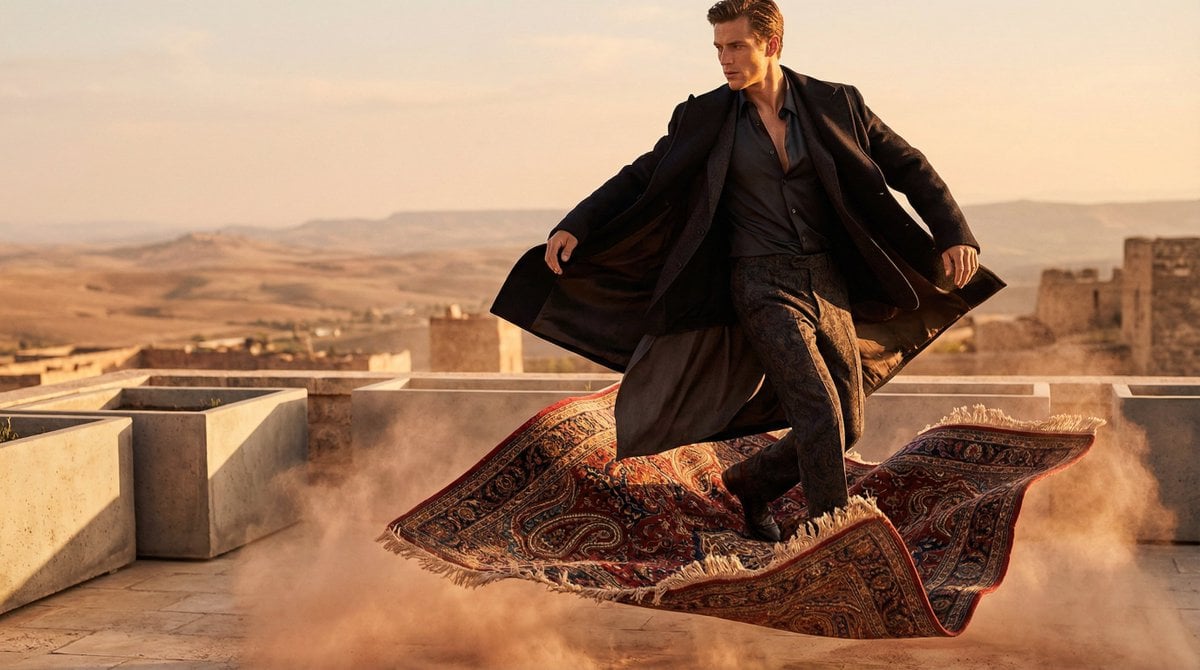
High-Fashion Magic Carpet Editorial Shot
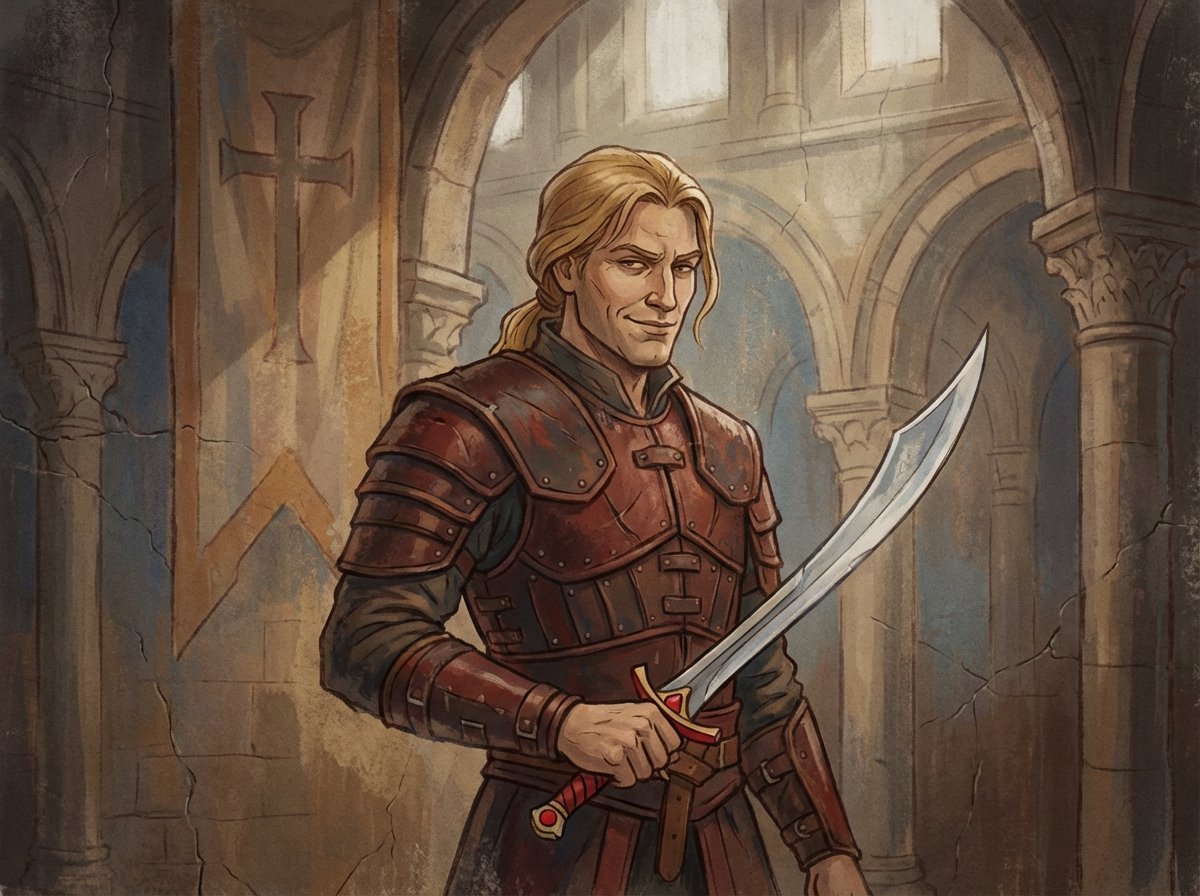
Crusader propaganda fresco (variant)
Hyper-Realistic 3D Simulation Prompt: Crescent Moon Vessel
Three-Part Tea Transformation Commercial Workflow
Golden Hour Backlit Portrait
Browse template categories
Calligraphic Sports Grid System questions
How do I use the Calligraphic Sports Grid System template?
Add your photo if the template asks for one, edit the prompt if you like — the template's model and format are already selected — and press Generate. Your version opens in PicX Studio.
Can I customize the Calligraphic Sports Grid System template?
Yes. You can change the subject, setting, lighting, mood, format, and available model controls before creating your image.
Is the Calligraphic Sports Grid System template free?
Opening and editing this template is free. Generating uses credits, shown on the Generate button when you are signed in.
Which AI model should I use?
Start with GPT Image 2, which is the model associated with this template. You can compare another compatible model for a different finish.
Looking for something else? Browse all templates.

Your photo, any look
Thousands of ready templates for every top image and video model, from one credit balance.