How do I use the Japanese Punk Poster AI Comparison template?
Choose the primary action to open PicX Studio with the available template settings. Review the model and format, personalize the creative direction, and generate when ready.
Creates a gritty side-by-side Japanese music poster comparison with two microphone-wielding singers and bold distressed typography.
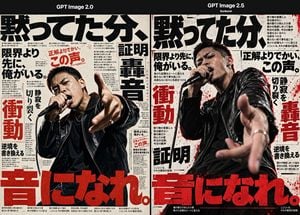
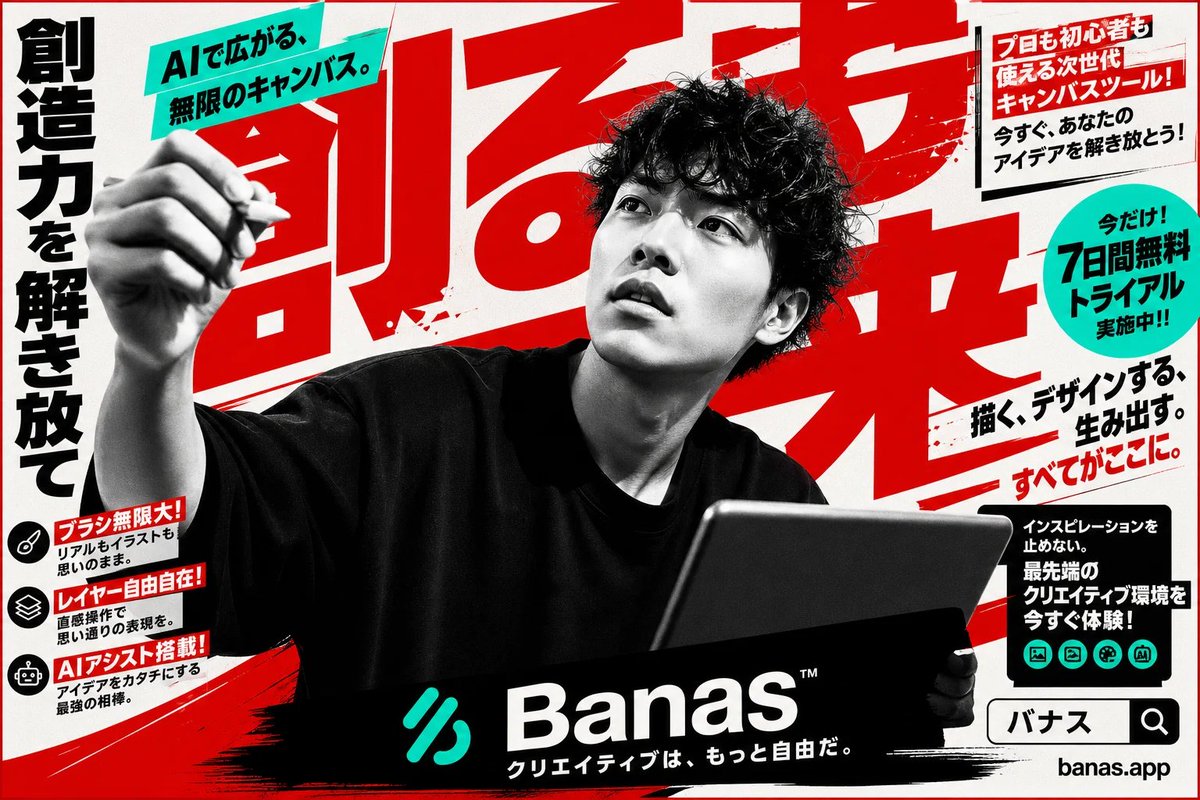
Goal: Create a side-by-side comparison graphic showing two AI-generated Japanese punk/hip-hop magazine posters, with the left panel labeled {argument name="left model label" default="GPT Image 2.0"} and the right panel labeled {argument name="right model label" default="GPT Image 2.5"}. The image should feel like a dramatic test comparing an older image model with a newer, more realistic one. Canvas: Wide horizontal 3:2 composition, black header bar across the top, two equal vertical poster panels below separated by a thin divider. Use gritty off-white newsprint paper texture, black ink, distressed red accents, and high-contrast editorial poster design. Layout: There are exactly 2 poster panels. Panel 1 on the left shows a Japanese male vocalist photographed from the waist up, slightly lower realism, holding a black microphone near his mouth with one hand and reaching toward the viewer with the other. Panel 2 on the right shows the same concept with stronger realism and more cinematic depth: a Japanese male vocalist in a black leather jacket, intense facial expression, microphone at his mouth, hand thrust toward the camera with strong perspective blur. Add small subtitle text under the right header reading "Sunburst". Main subject: In each panel, depict exactly 1 male singer, for a total of 2 singers. He has short dark hair, a sweaty intense performance expression, a black leather jacket over a dark shirt, silver rings, and a handheld black microphone. The pose is aggressive and immersive, as if shouting lyrics directly at the viewer on stage. Text and typography: Fill both posters with oversized Japanese editorial typography. Use exactly 6 major visible Japanese slogan elements repeated across the layout: 1) huge black headline across the top reading {argument name="main Japanese headline" default="黙ってた分、"}, 2) black phrase "限界より先に、俺がいる。", 3) red phrase "正解よりでかい、この声。", 4) large red vertical word "衝動", 5) large black/red vertical word "轟音", 6) enormous red bottom headline {argument name="bottom Japanese headline" default="音になれ。"}. Surround these with many tiny Japanese body-copy columns, notes, arrows, and thin dividing rules like a dense music magazine layout; the tiny text does not need to be readable but should look typographically authentic. Visual style: Japanese underground music poster, punk zine, brutalist typography, photocopied paper grain, ink bleed, distressed halftone, red paint splatters, torn-print imperfections, cinematic concert photography, shallow depth of field especially on the right panel. Left panel should look flatter and less lifelike; right panel should look more realistic, dimensional, and visceral. Color palette: off-white paper, deep black, crimson red, subtle gray shadows, skin tones, glossy black leather highlights. Constraints: Keep the two-panel comparison structure clear. Do not add extra singers, extra panels, logos, watermarks, or English body text beyond the two model labels and the small "Sunburst" subtitle. Preserve the Japanese slogans as visible poster text.
Choose the primary action to open PicX Studio with the available template settings. Review the model and format, personalize the creative direction, and generate when ready.
Yes. You can change the subject, setting, lighting, mood, format, and available model controls before creating your image.
This template is free to open and customize. Generation usage is shown in PicX Studio before you create.
Start with GPT Image 2, which is the model associated with this template. You can compare another compatible model for a different finish.
Follow a topic to a crawlable collection of related PicX Studio templates.