How do I use the 3D RPG Game Screenshot UI template?
Choose the primary action to open PicX Studio with the available template settings. Review the model and format, personalize the creative direction, and generate when ready.
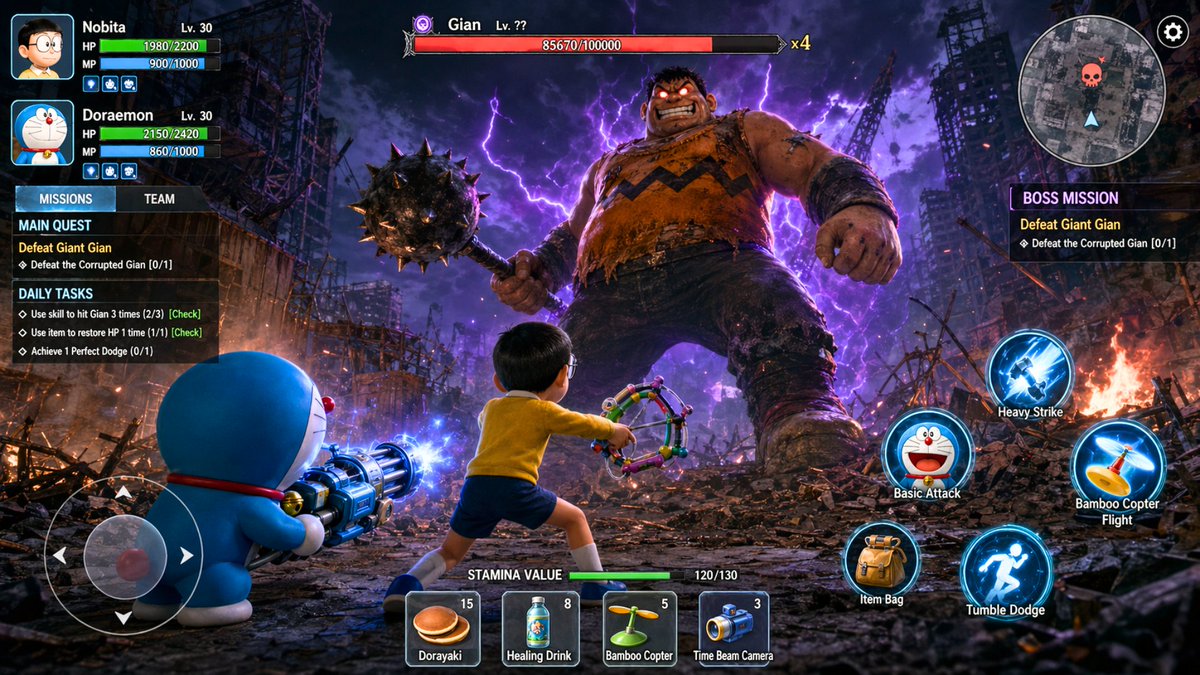
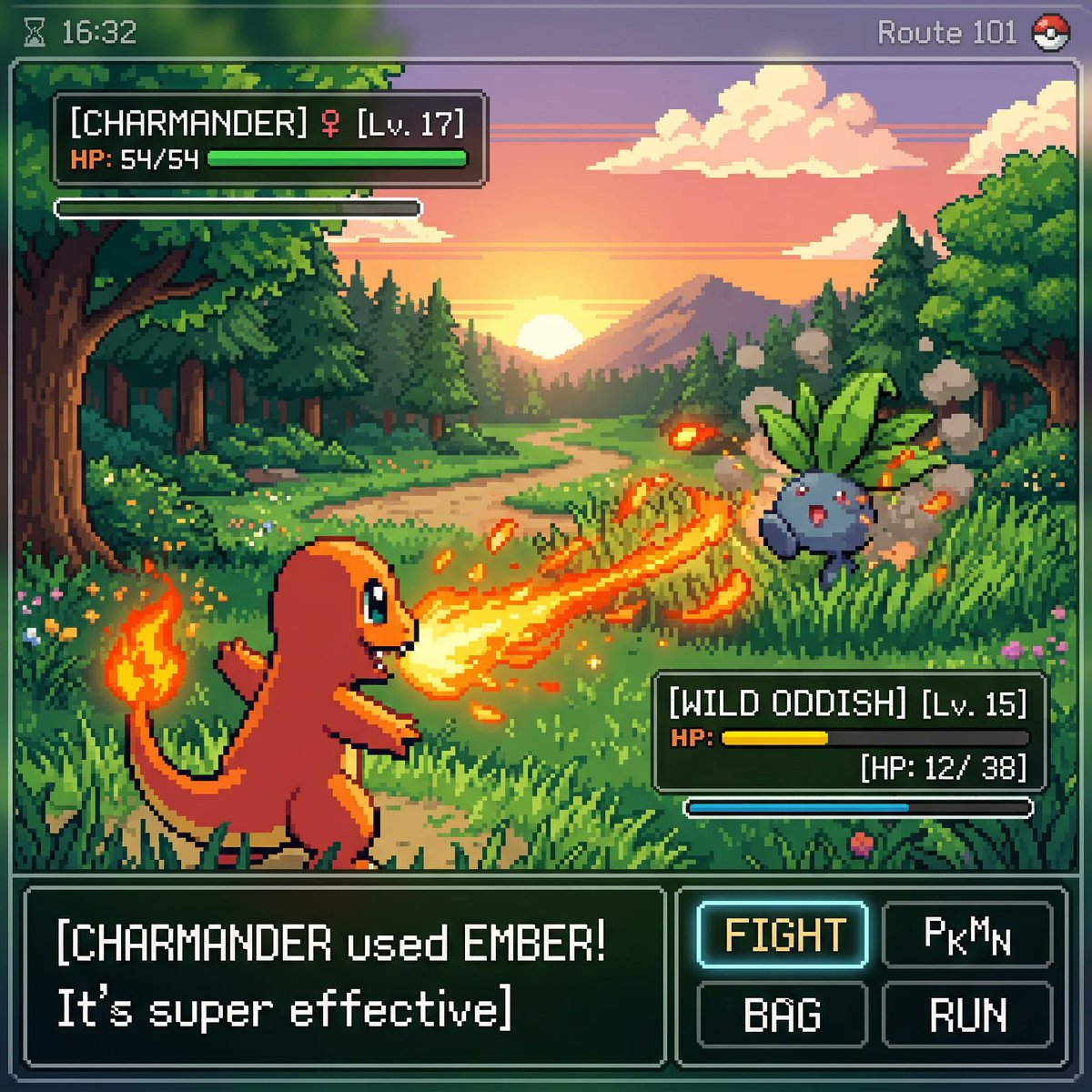
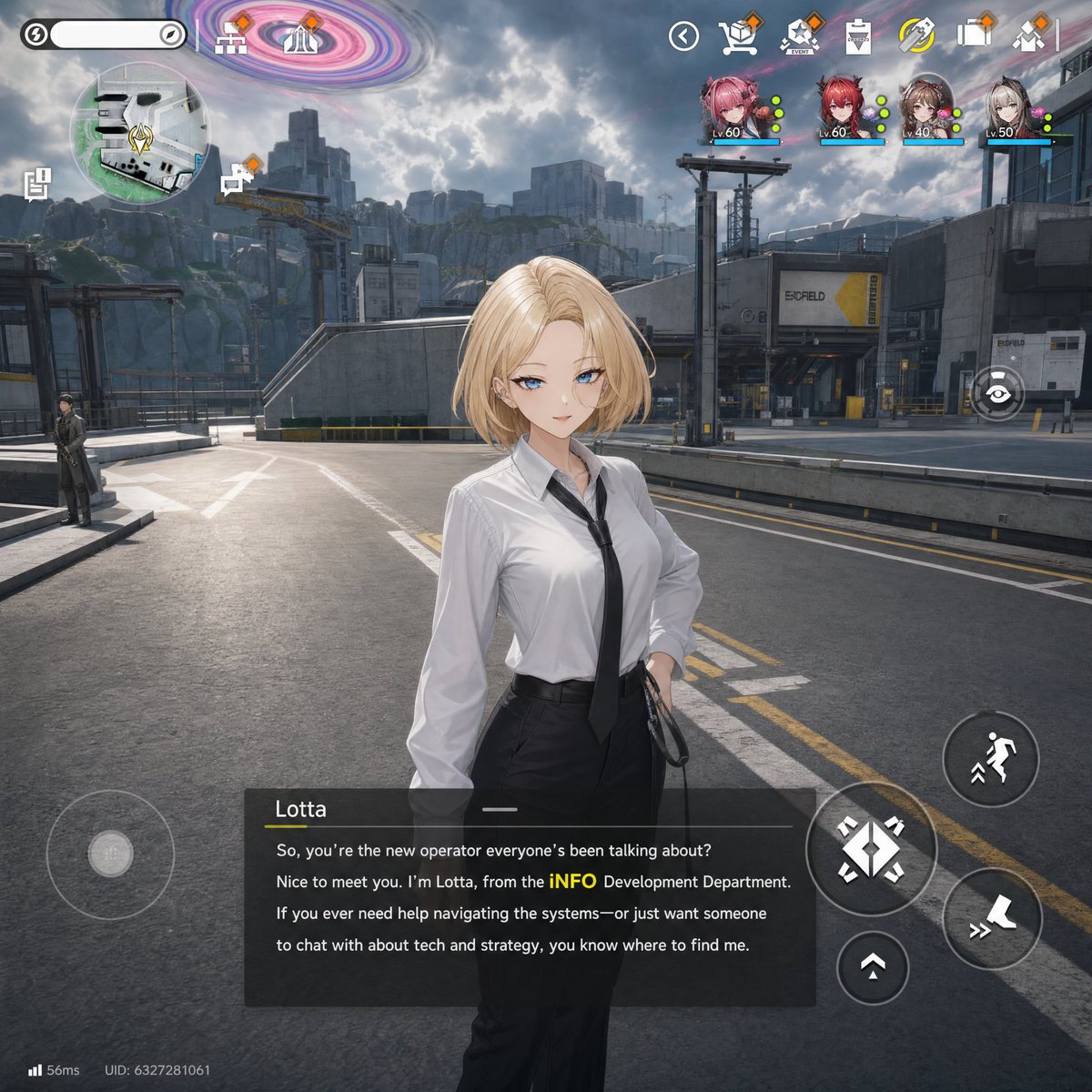
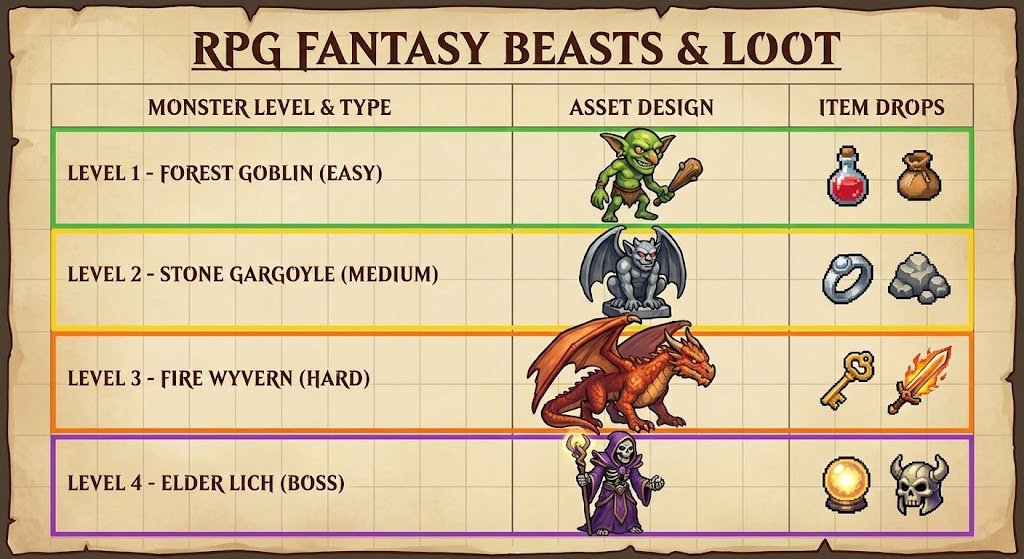
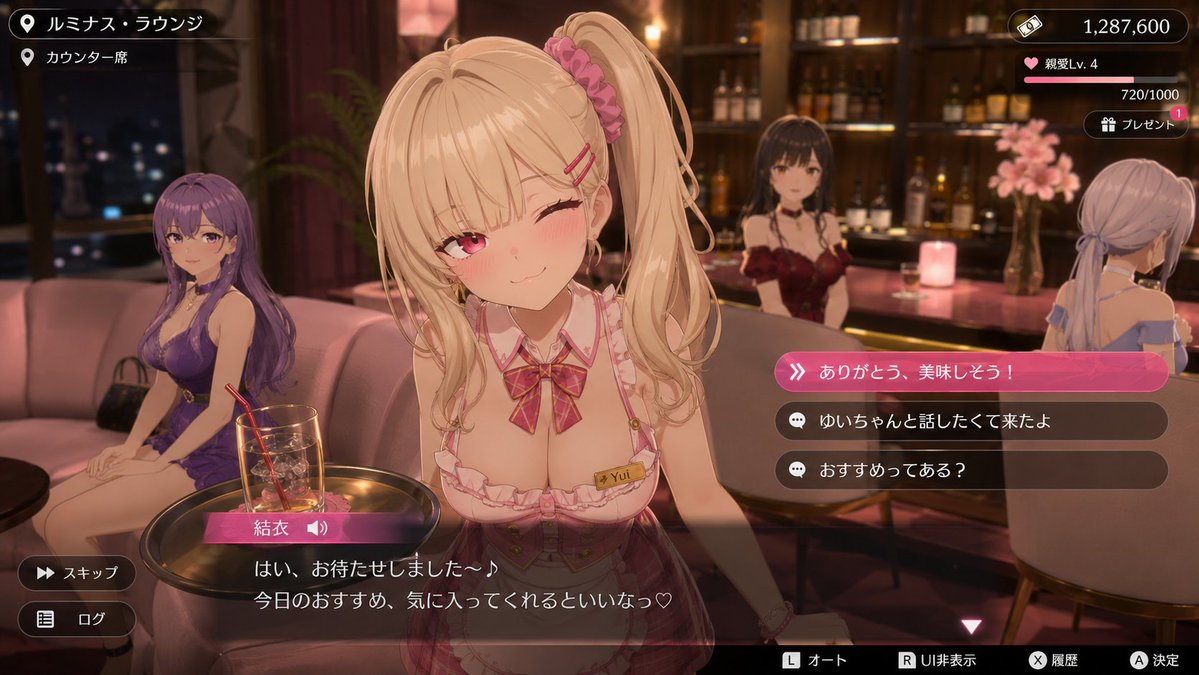
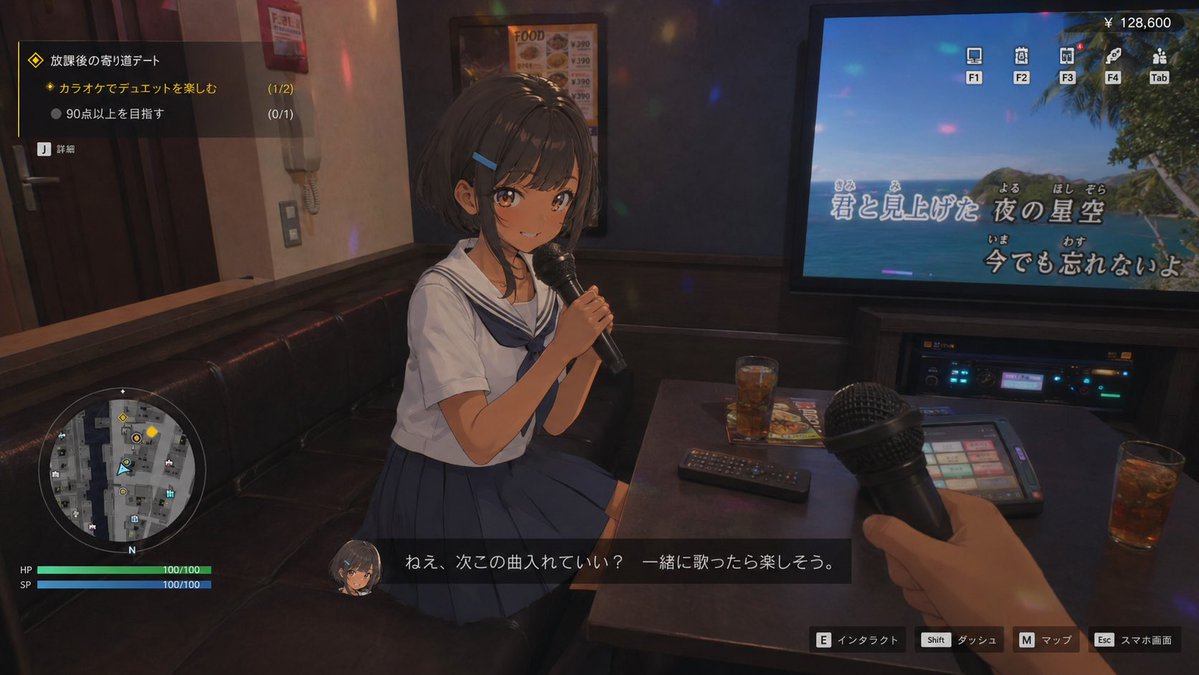
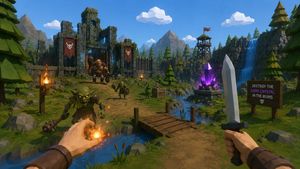
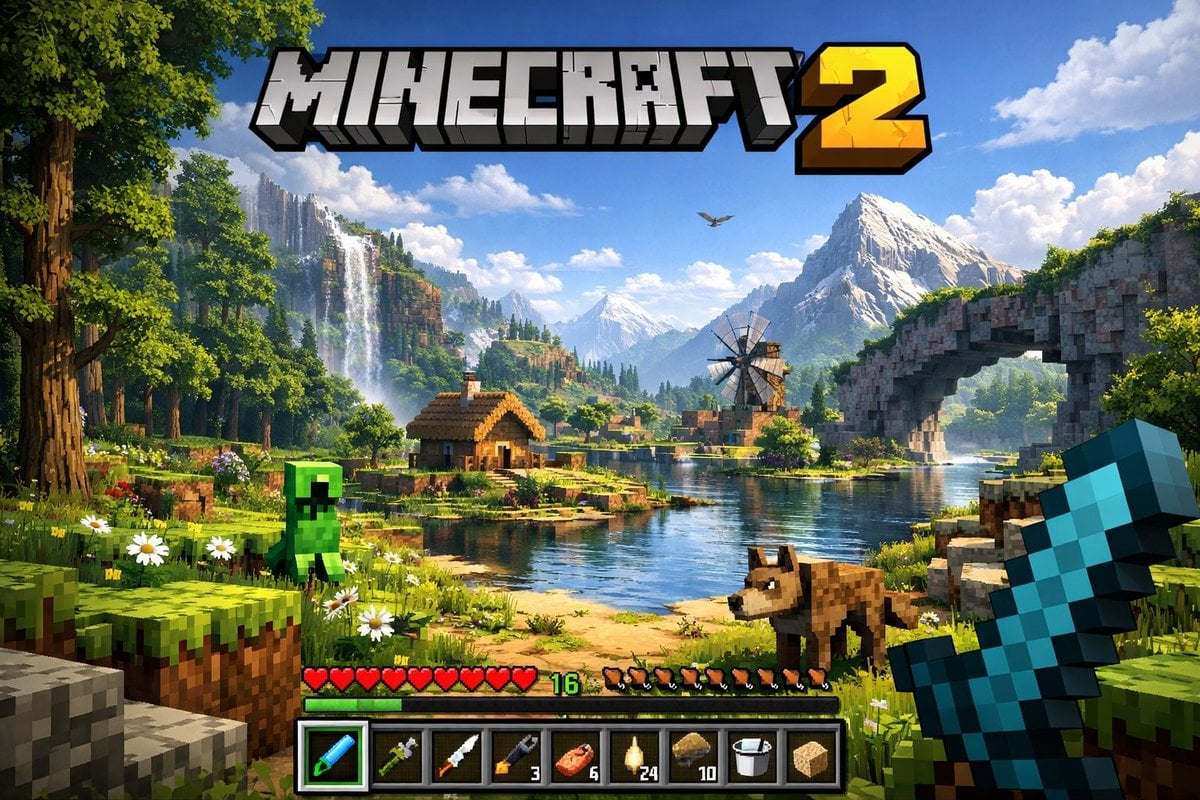
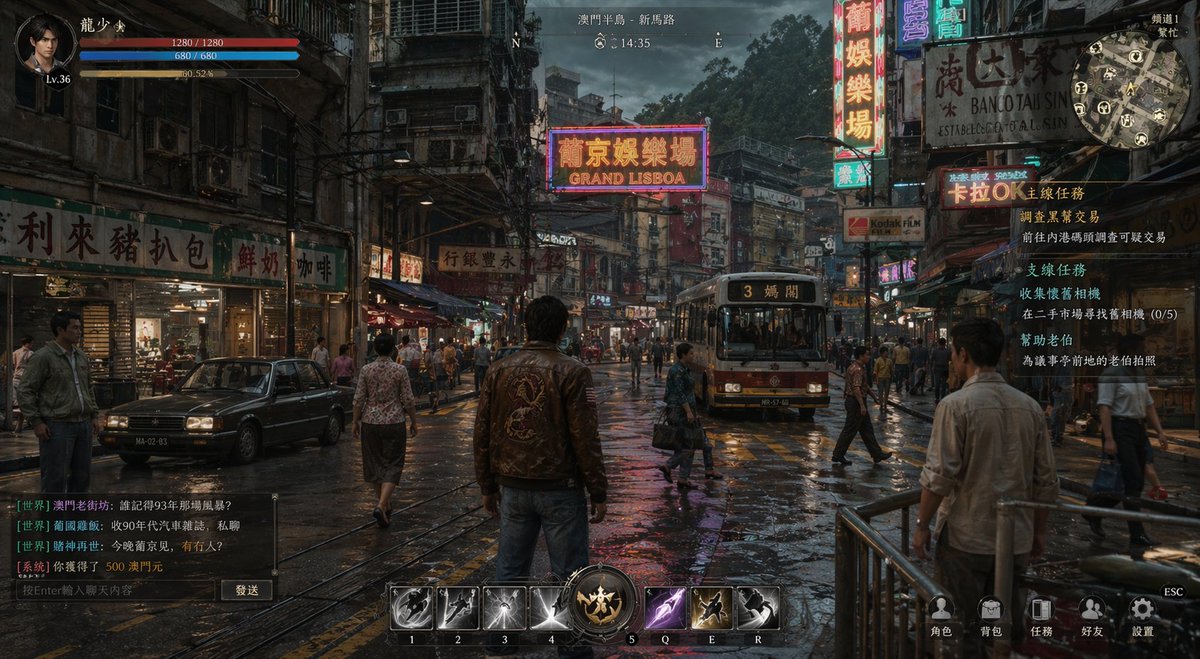
A detailed prompt for generating a realistic 3D open-world game screenshot complete with UI elements like a minimap, health bars, and dialogue subtitles.
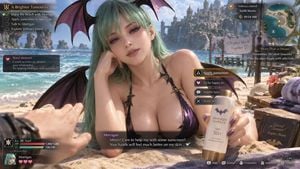
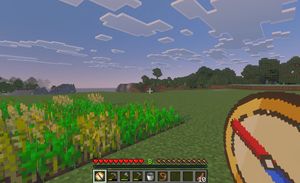
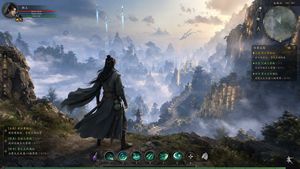
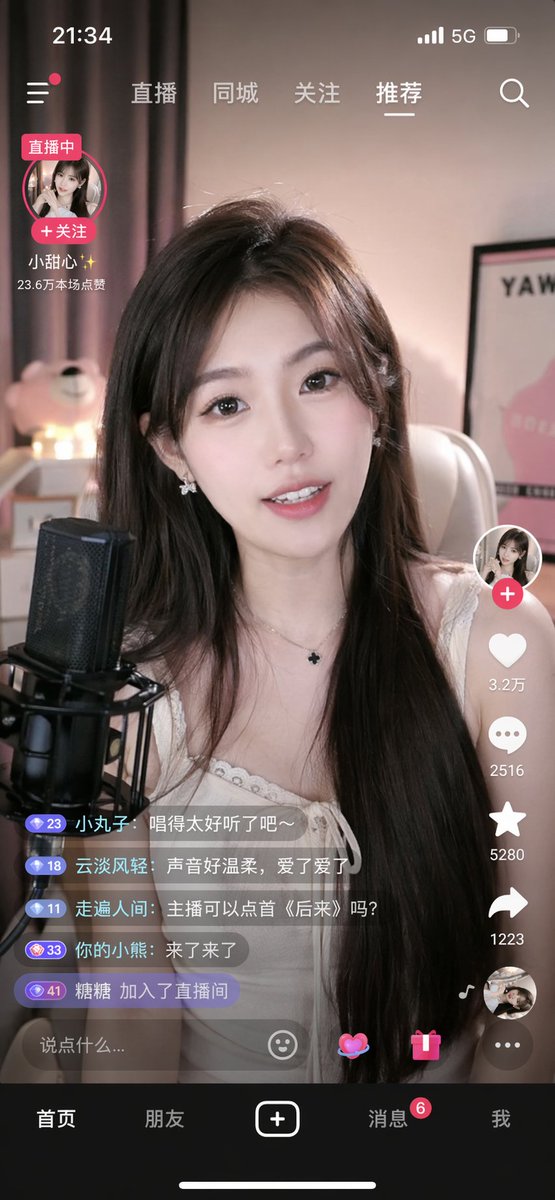
Please capture a realistic screenshot from a fictional next-generation 3D open-world {argument name="game genre" default="romance RPG"}, presented from the male protagonist’s first-person perspective. On the {argument name="location" default="beach"}, {argument name="character" default="Morrigan Aensland from Darkstalkers"} invites the protagonist to help her apply sunscreen. The overall visual style must feature high-quality cartoon-rendered 3D characters combined with Unreal Engine 5-level graphics, achieving AAA-quality visual fidelity. It should include ultra-detailed character modeling, realistic skin shading, cinematic lighting, PBR materials, high-precision clothing textures, and finely rendered classroom environments. The final image must look like an actual playable game screenshot, including a complete game user interface: minimap, quest display, character status bars, interaction prompts, dialogue subtitles, HUD elements, and more.
Choose the primary action to open PicX Studio with the available template settings. Review the model and format, personalize the creative direction, and generate when ready.
Yes. You can change the subject, setting, lighting, mood, format, and available model controls before creating your image.
This template is free to open and customize. Generation usage is shown in PicX Studio before you create.
Start with GPT Image 2, which is the model associated with this template. You can compare another compatible model for a different finish.
Follow a topic to a crawlable collection of related PicX Studio templates.