
Mars Colony Crisis Storyboard
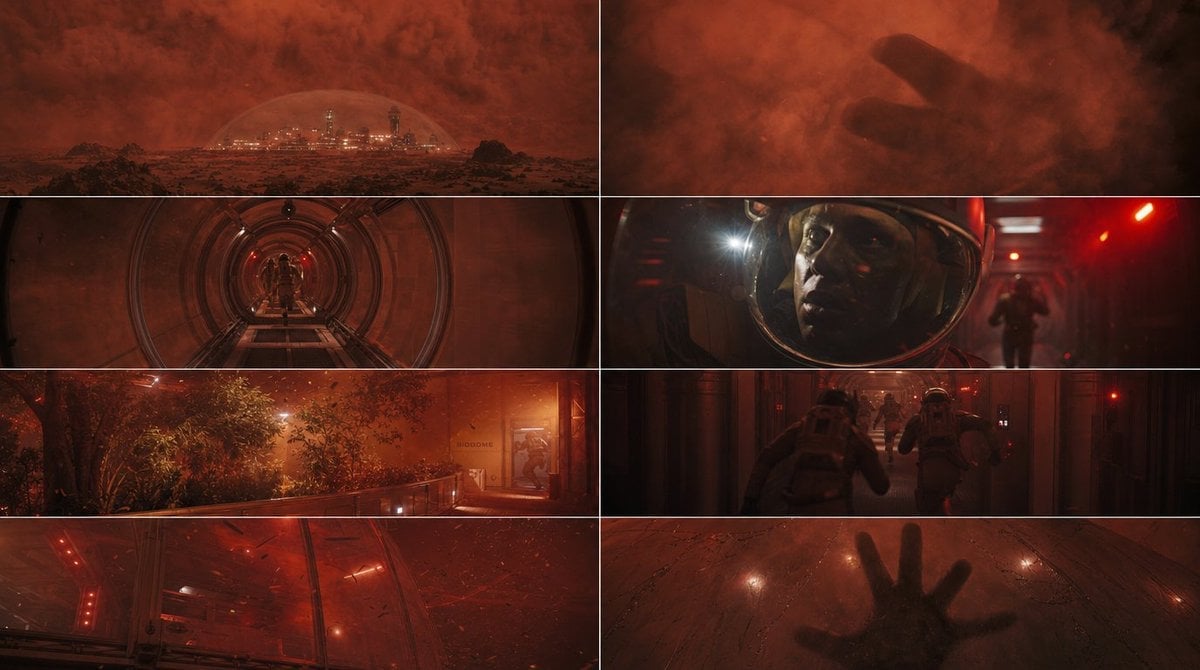
Generates an eight-frame cinematic sci-fi contact sheet showing a Mars dome colony emergency during a red dust storm.
- Prompt included
- Model and format preset
- Free template
The prompt behind this image
Copy the exact prompt behind Mars Colony Crisis Storyboard, or open it in the studio and make it yours.
Goal: Create a cinematic sci-fi storyboard contact sheet showing a tense emergency inside a Mars colony during a red dust storm, in the style of high-budget film stills with anamorphic widescreen framing. Canvas: A single 16:9 horizontal image divided into exactly 8 rectangular widescreen panels arranged in a clean 2-column by 4-row grid. Use thin white dividers between panels and no captions, no logos, no visible text except tiny incidental signage. Setting and mood: {argument name="setting" default="a domed human colony on Mars during a violent red dust storm"}. The entire sheet should feel dark, dramatic, and cinematic, with heavy red-orange atmosphere, emergency lighting, volumetric dust, glass reflections, and realistic production design. Panel count and layout: Include exactly 8 distinct frames: 1. Top-left: Wide exterior establishing shot of a futuristic city or research base protected by a transparent dome on a barren Martian landscape, distant towers glowing through a massive red storm cloud. 2. Top-right: Close-up silhouette of a large human hand pressing against or emerging behind a dusty translucent surface, almost abstract, surrounded by swirling red dust. 3. Second row left: Symmetrical view down a cylindrical metal tunnel or airlock corridor with circular ribs, red emergency lights, and small suited figures far in the distance. 4. Second row right: Close-up of {argument name="main character" default="a frightened astronaut"} inside a helmet visor, face lit by red alarms and a bright headlamp flare, with a blurred figure running in the background. 5. Third row left: Interior biodome or greenhouse walkway with trees and dense vegetation under orange emergency haze, railings in the foreground, a doorway at the right edge. 6. Third row right: Two astronauts in bulky suits running down a dark industrial corridor toward a group ahead, red alarm lights and motion blur emphasizing urgency. 7. Bottom-left: Low-angle view under a curved glass or transparent dome ceiling with red warning lights, flying debris, scratches, cracks, and storm particles battering the surface. 8. Bottom-right: Close-up from above or through glass of a dark human hand pressed flat against a dusty transparent panel, with faint cracks, condensation, and glowing red reflections around it. Visual style: Photorealistic cinematic stills, gritty hard sci-fi, realistic astronauts and architecture, shallow depth of field in close-ups, strong contrast, smoky atmosphere, anamorphic lens flares, subtle film grain, deep blacks, saturated rust-red palette with occasional white headlamp highlights. Constraints: Maintain exact 8-panel grid, no comic speech bubbles, no explanatory labels, no extra frames, no cartoon style. Make every panel feel like a different shot from the same suspenseful film sequence about {argument name="story event" default="a breach or crisis threatening the Mars colony"}.
How to use Mars Colony Crisis Storyboard in 3 steps
- 1Upload ImagePNG, JPG or paste
Add your photo
Upload the photo the template builds on. The prompt, model and format are already set.
- 2…a portrait of your subject in softgolden-hour light, 85mm…
Personalize
Edit the subject and creative details for your destination.
- 3Generate
Generate
Press Generate — your image is created in PicX Studio, so you can compare it with the original and refine one variable at a time.
More like this
Templates with the same subject, style or setup. Open one to see its prompt.

Headphones Lifestyle Nine Panel Grid
Seedance - Storyboard to Movie
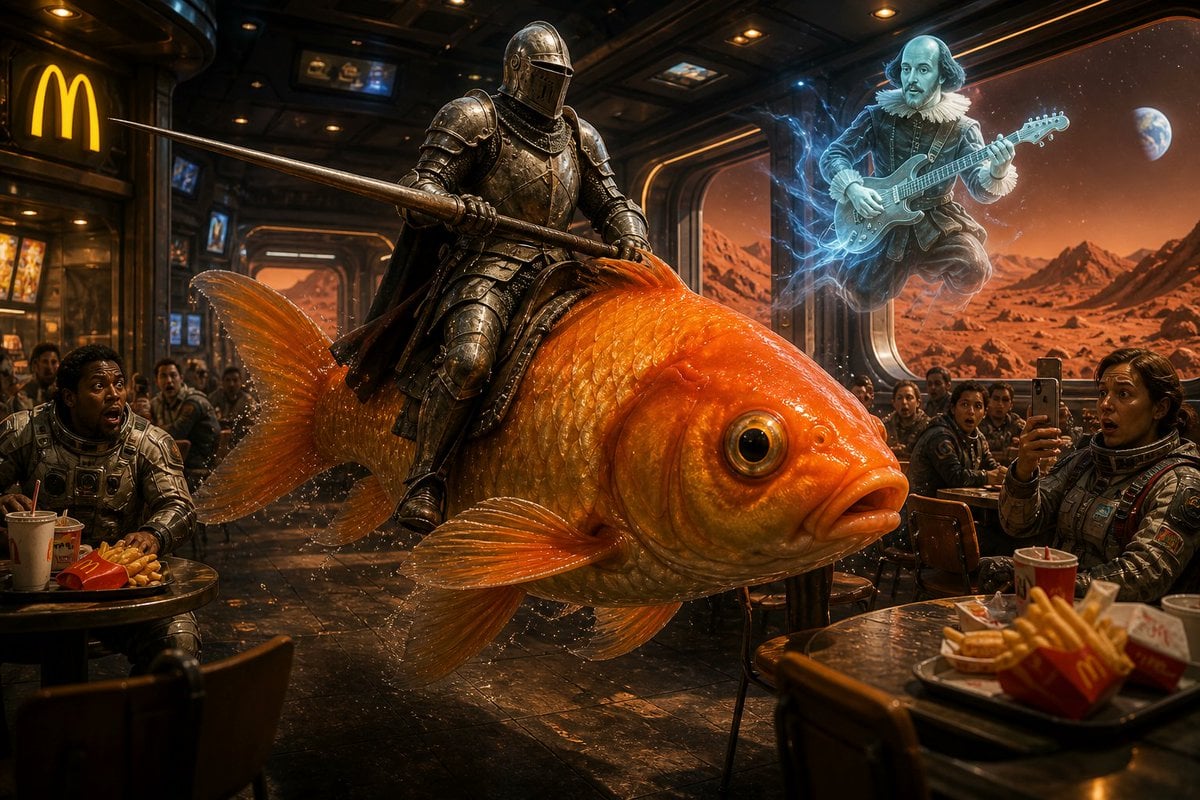
Surreal Knight on Mars
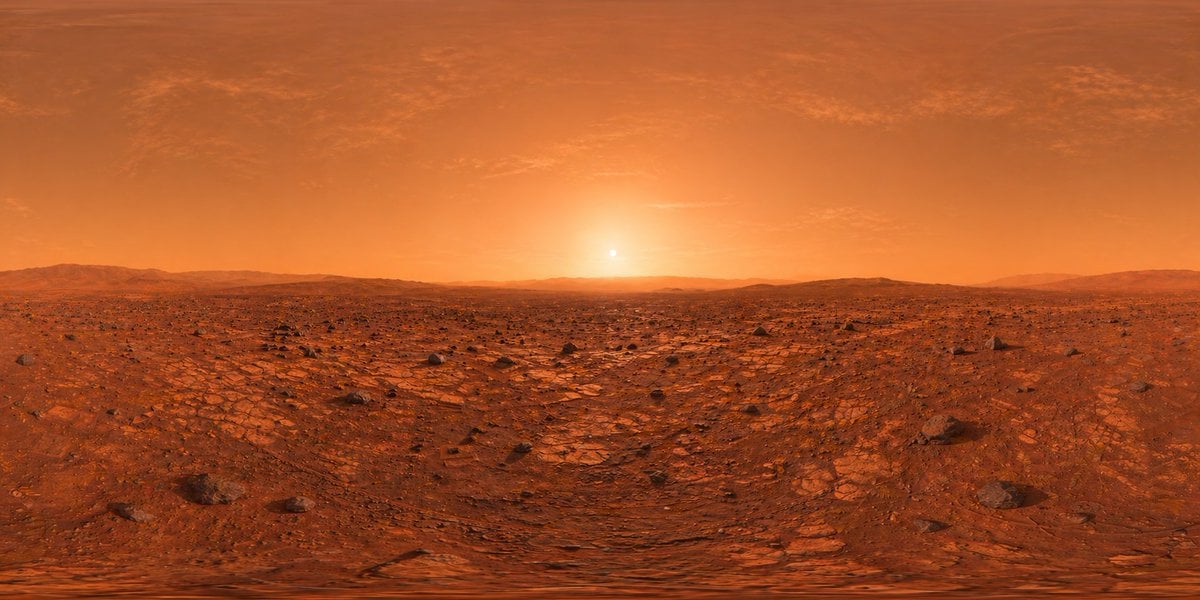
Mars Panorama Generator
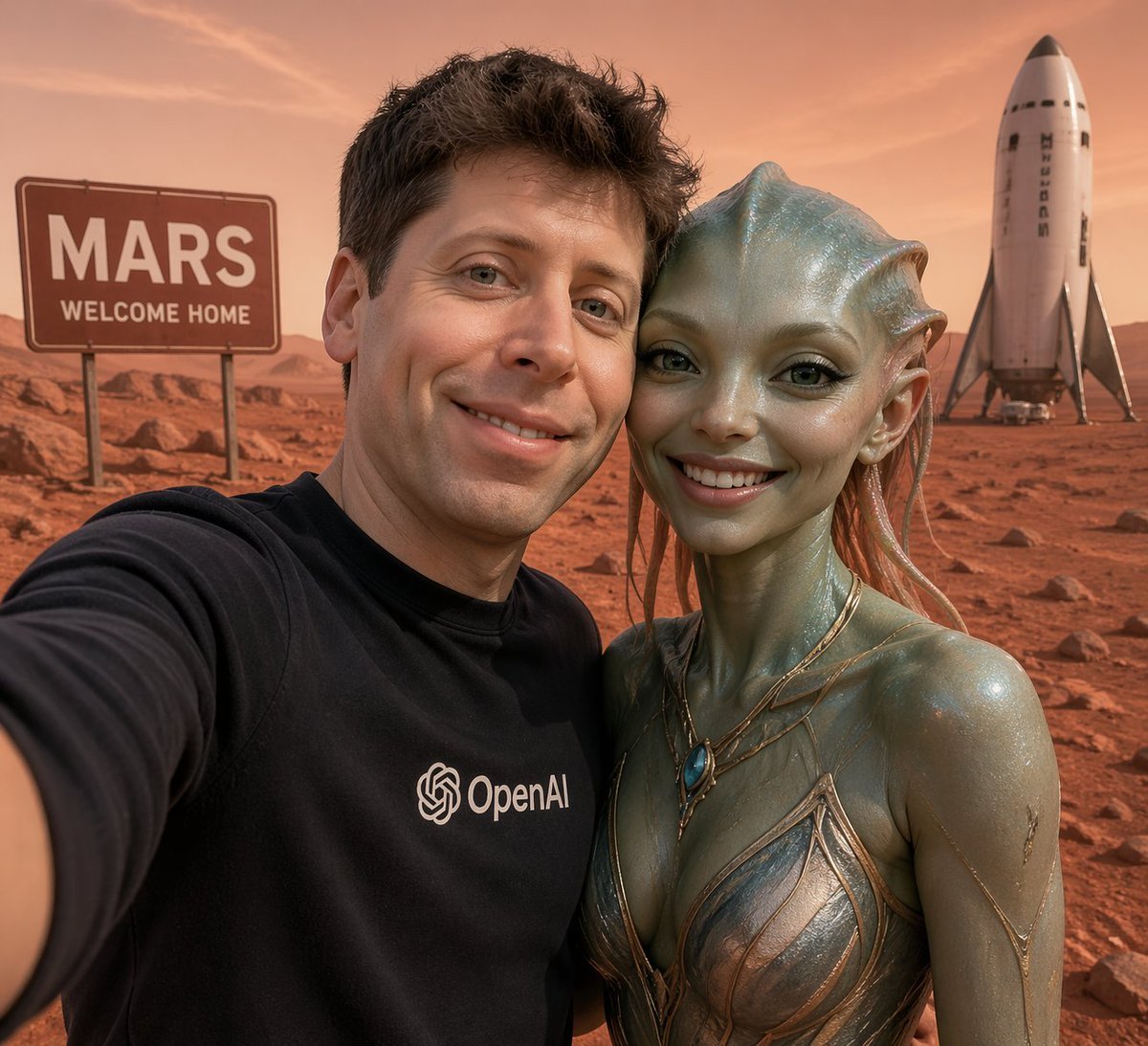
Mars Selfie With Alien and Rocket
Mars Rover Discovery Photo
Ultra-Real 16K Cinematic Scene of Romantic Date on Mars
Cartographer's Crisis Board Visualization
Cherry Blossom Space Colony Illustration Prompt
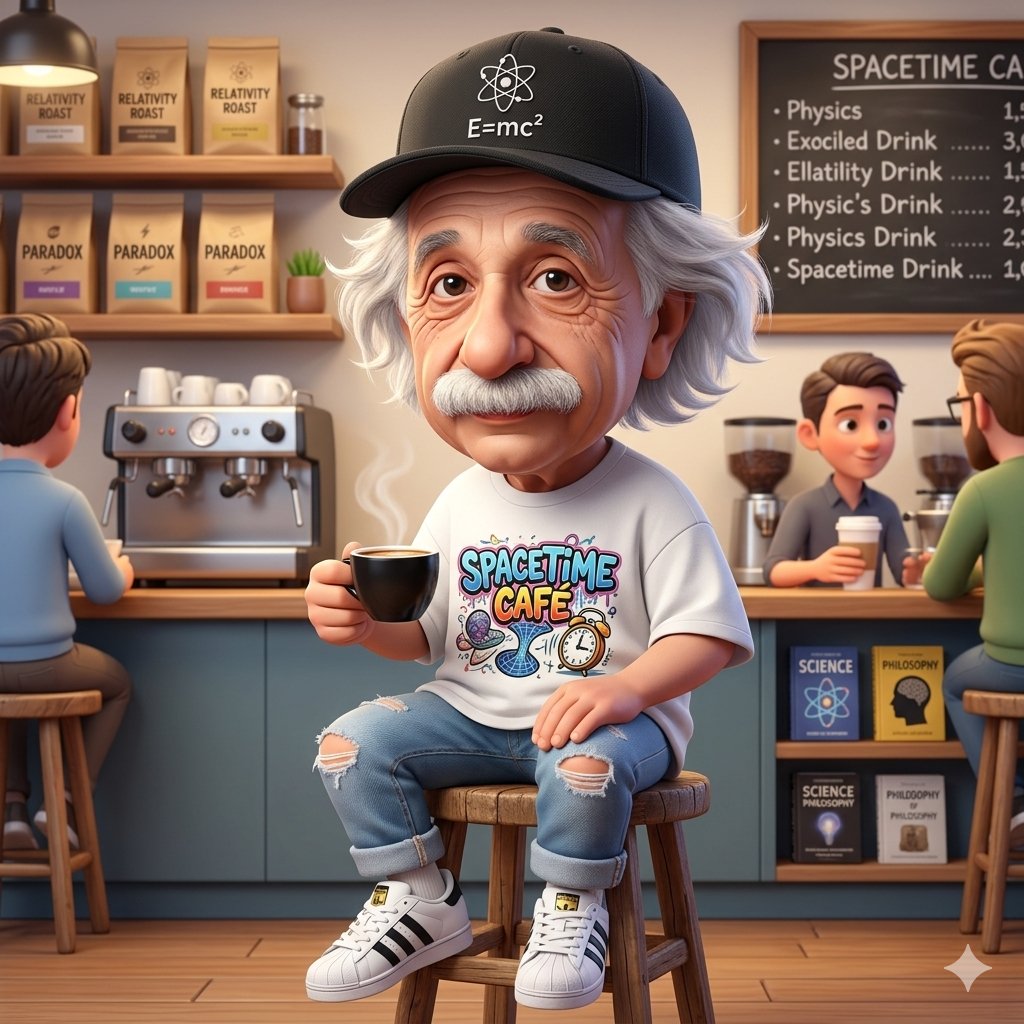
A Cartoonish Take on the Master of Mars

Pencil Sketch Coffee Storyboard
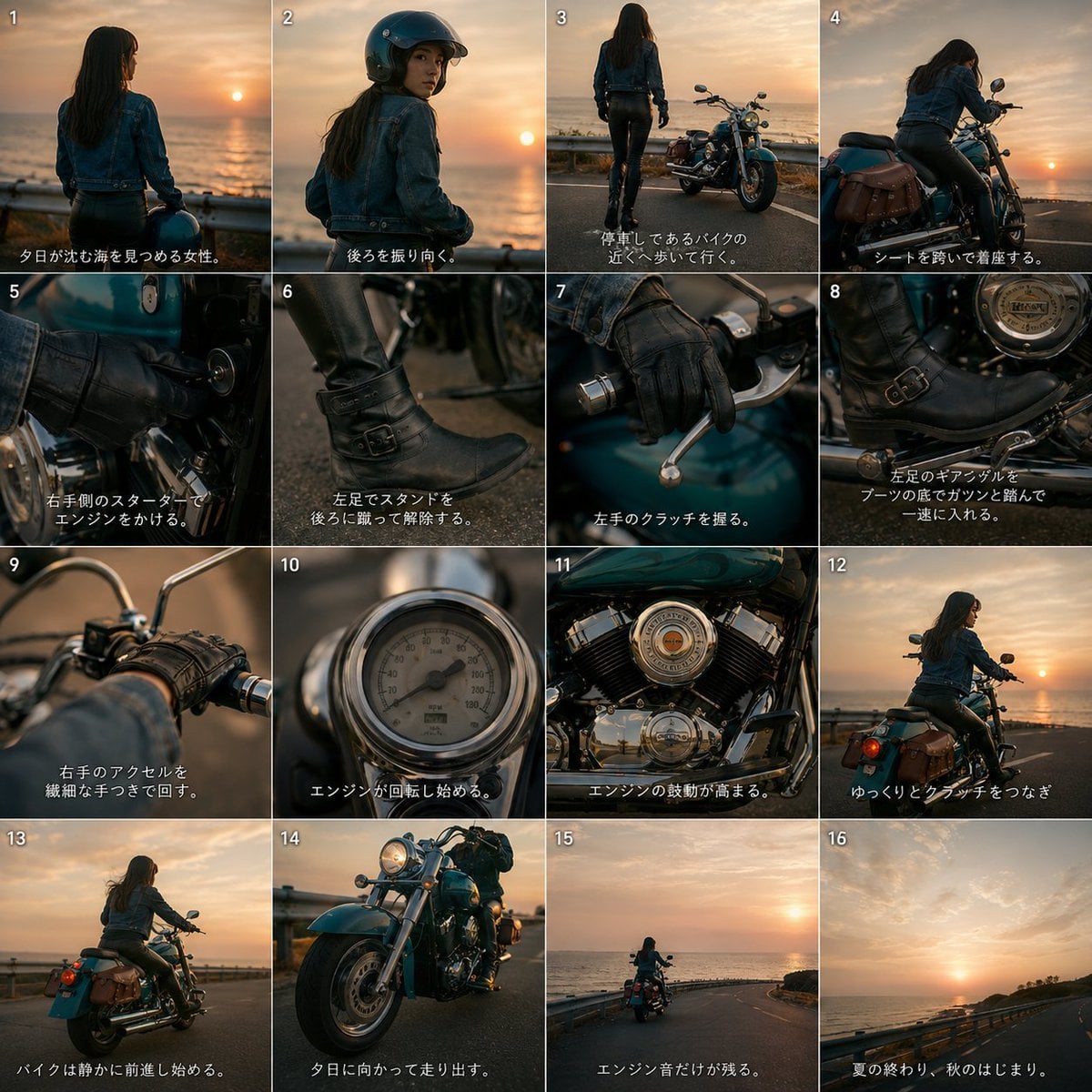
Cinematic Motorcycle Storyboard
Make it yours
Mars Colony Crisis Storyboard works as-is. These are the safest ways to change it without losing the look.
Change one field
Copy a single group, rewrite it, and generate again so you can see what that field is doing.
Keep the frame, change the subject
Hold the composition and light of Mars Colony Crisis Storyboard, then swap wardrobe, props or the person for a new take.
| If the result… | Why | Fix |
|---|---|---|
| The result drifts from the preview | Too many fields changed at once. | Reuse Mars Colony Crisis Storyboard as-is first, then change one group — subject, light, or setting. |
| The model over-stylizes the scene | The prose prompt leaves finish and camera underspecified. | Add one camera or lighting sentence and stay on GPT Image 2. |
More GPT Image 2 templates
Other prompts made for GPT Image 2.

Six VTuber Japanese Logo Sheet

Realistic Portrait of Woman and Deer

The Vista Modular Condo Poster

AI Model Routing Comparison Infographic

2.5D Anime Art Board

Isometric Productivity Desk Scene

New York Double Exposure Poster

Four-Panel AI Landscape Comparison

Japanese Tatami Lifestyle Magazine Cover

NESCAFÉ Coffee Map Poster
More image prompts
Fresh picks from across the catalog.
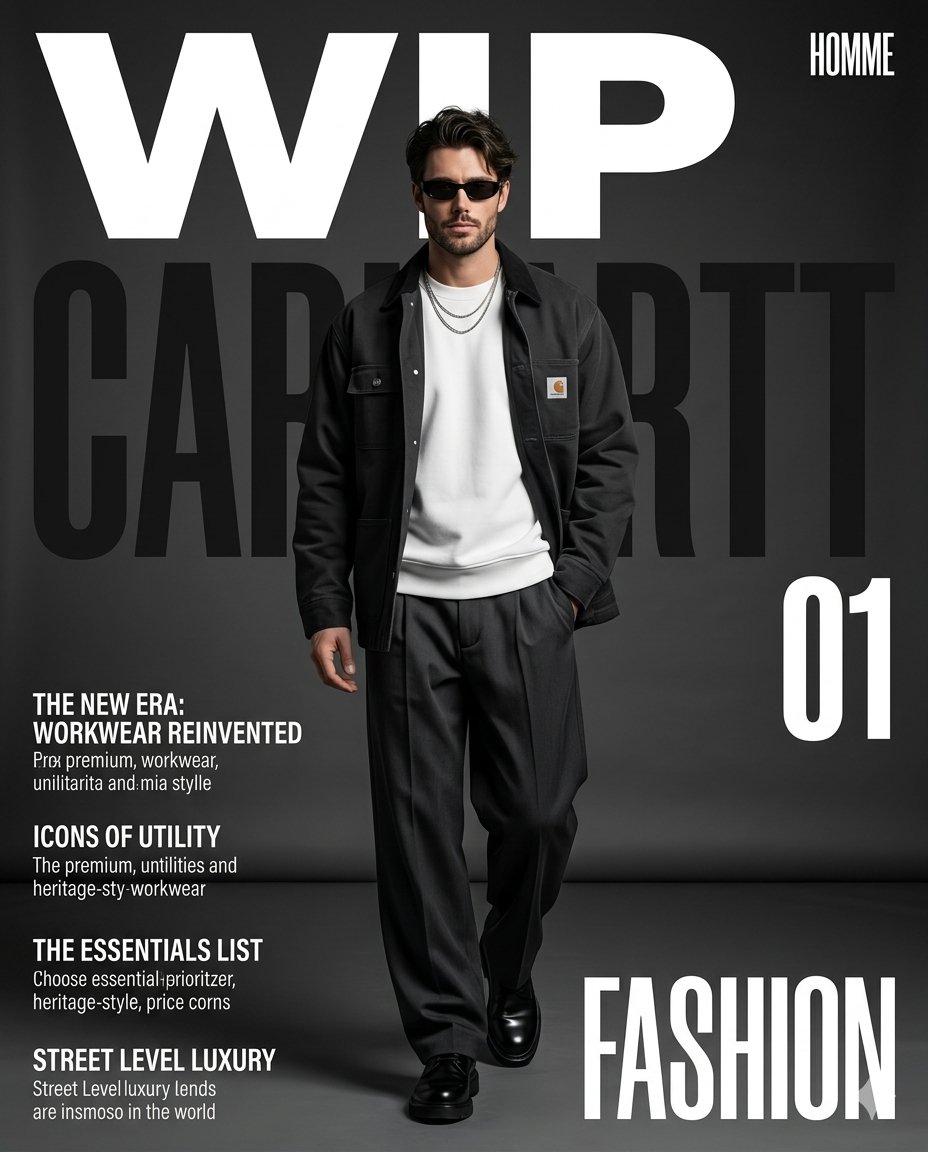
Premium Workwear Magazine Cover
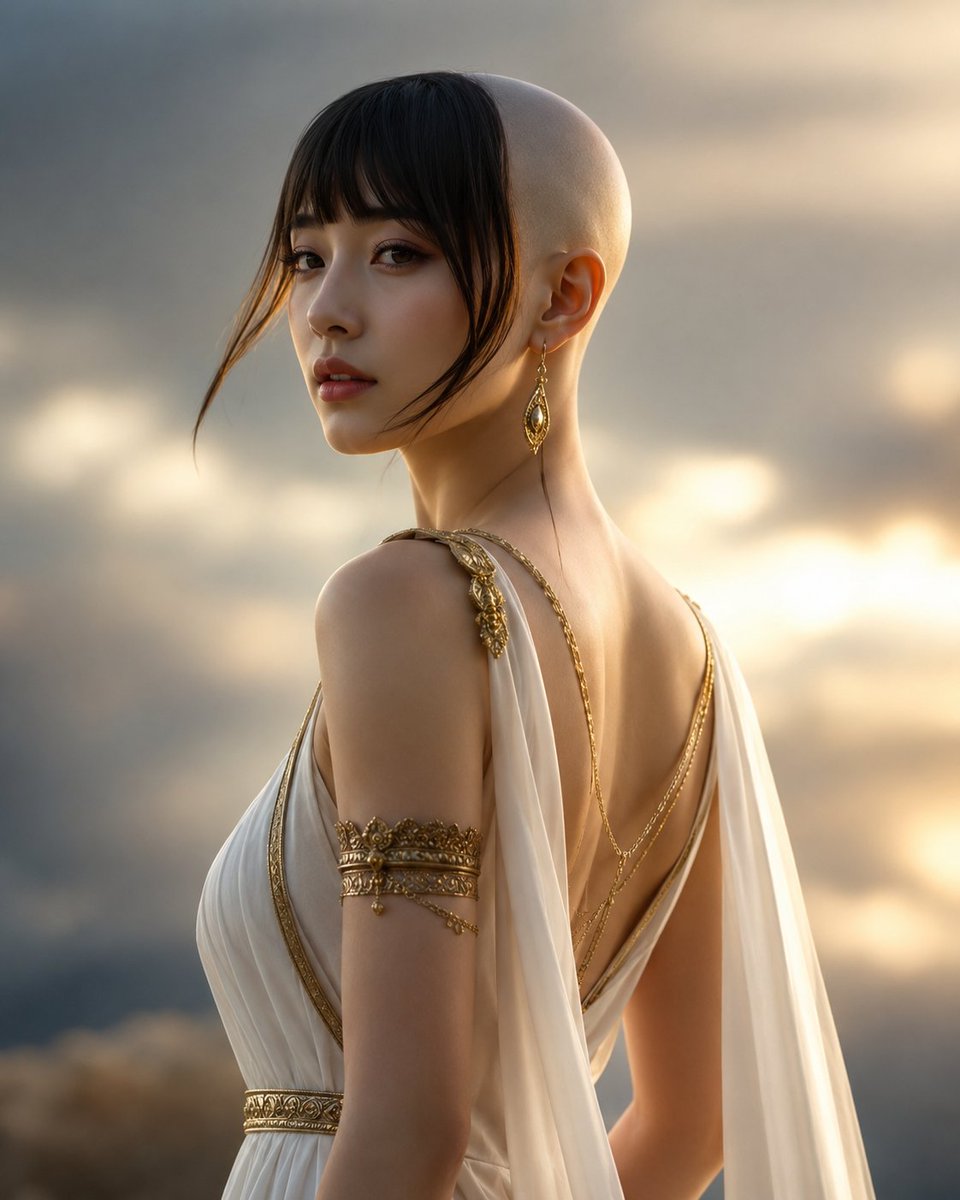
Goddess of Opportunity Portrait
Luxury Editorial Triptych Portrait
Giant Vintage Diary Couple Poster
Four-Panel Japanese Ad Prompt Giveaway
Watercolor Travel Journal Illustration
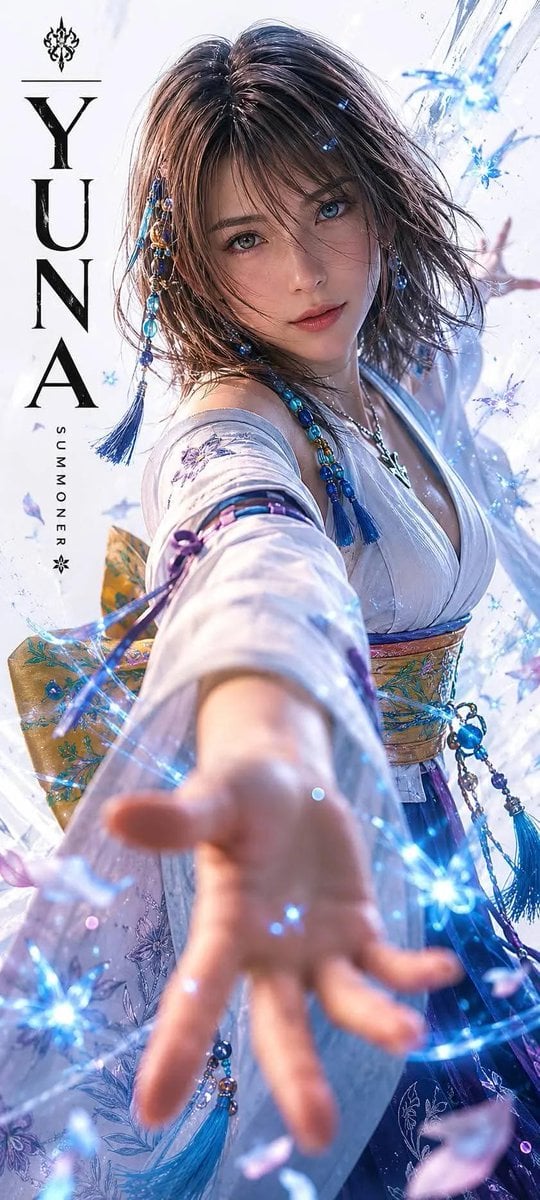
Realistic Live-Action Rikku Portrait
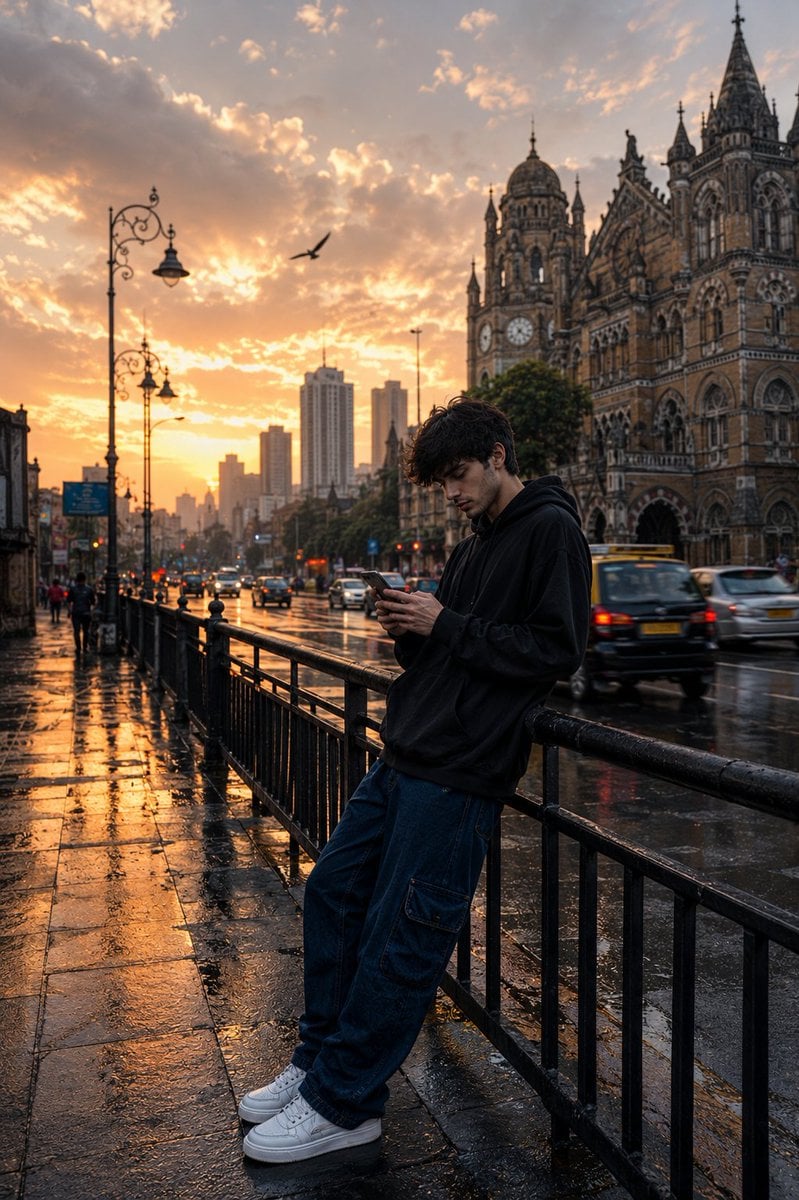
Mumbai Rainy Street Photography

Lifestyle Sneaker Editorial Poster
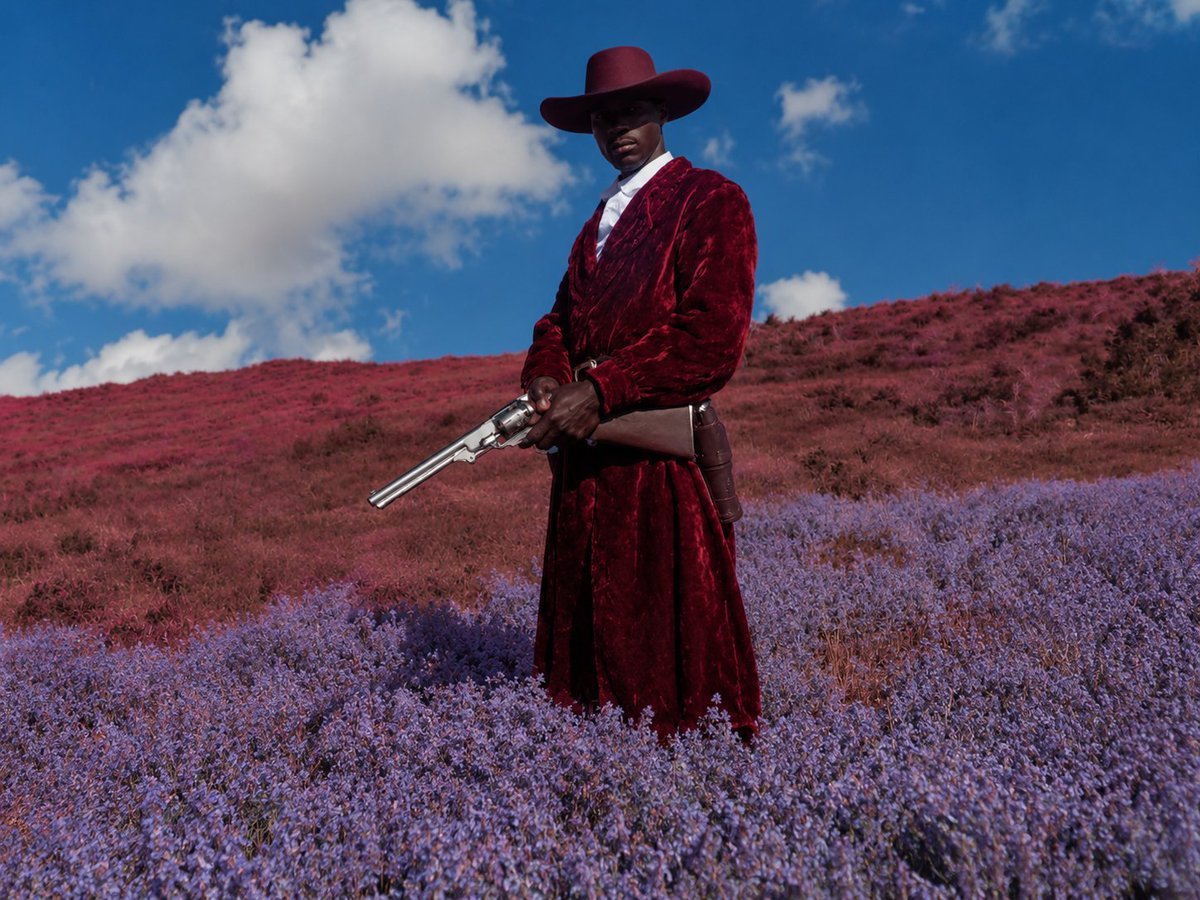
Surreal Crimson Cowboy Portrait
Browse template categories
Mars Colony Crisis Storyboard questions
How do I use the Mars Colony Crisis Storyboard template?
Add your photo if the template asks for one, edit the prompt if you like — the template's model and format are already selected — and press Generate. Your version opens in PicX Studio.
Can I customize the Mars Colony Crisis Storyboard template?
Yes. You can change the subject, setting, lighting, mood, format, and available model controls before creating your image.
Is the Mars Colony Crisis Storyboard template free?
Opening and editing this template is free. Generating uses credits, shown on the Generate button when you are signed in.
Which AI model should I use?
Start with GPT Image 2, which is the model associated with this template. You can compare another compatible model for a different finish.
Looking for something else? Browse all templates.

Your photo, any look
Thousands of ready templates for every top image and video model, from one credit balance.