
Monochrome Manga Female Knight
A detailed prompt for generating a dramatic black-and-white manga warrior illustration with ornate armor, flowing hair, and intense ink effects.
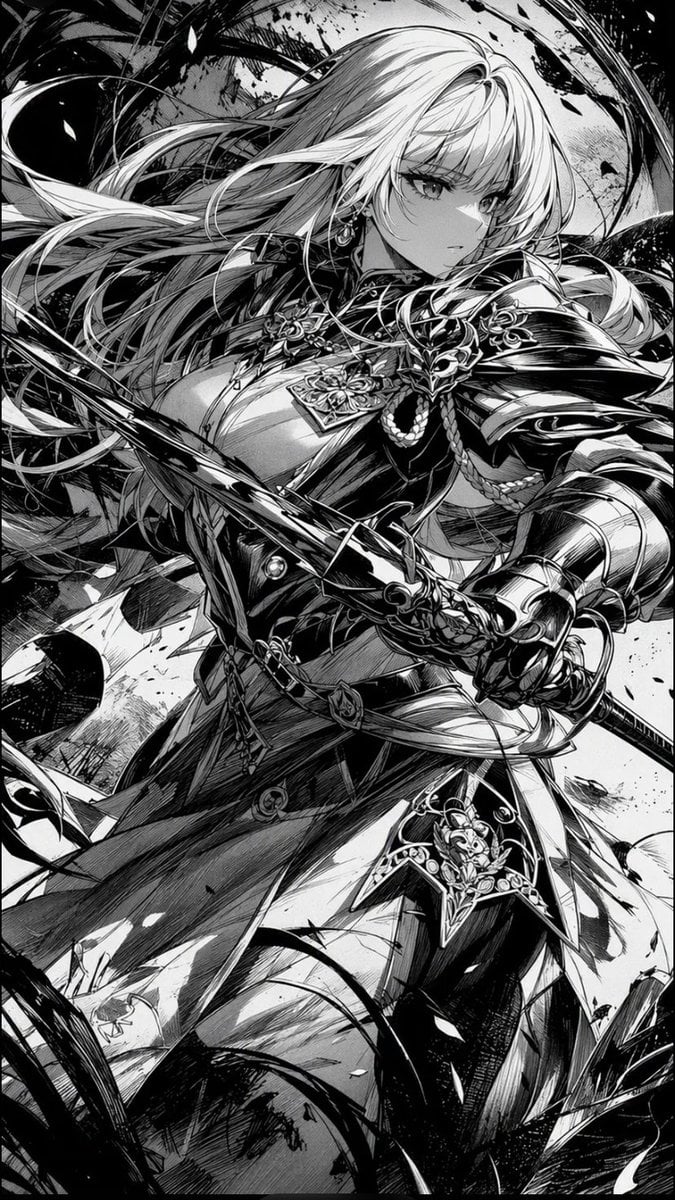
- Prompt included
- Model and format preset
- Free template
The prompt behind this image
Copy the exact prompt behind Monochrome Manga Female Knight, or open it in the studio and make it yours.
Create a vertical black-and-white manga illustration of {argument name="character name" default="an elegant female knight"} in a dramatic action pose, shown from mid-thigh upward in a 2:3 portrait composition. She has {argument name="hair color" default="very light silver-blonde hair rendered as white manga highlights"}, extremely long flowing hair sweeping left across the frame, sharp anime eyes, a calm serious expression, and one visible dangling earring. She wears ornate dark fantasy armor with exactly 6 major visible outfit elements: a sculpted breastplate, a high decorated collar, one large right shoulder pauldron, one armored right gauntlet, a layered waist skirt with belts, and thigh armor with filigree decorations. She grips exactly 1 long katana-like sword diagonally across the foreground with both hands, the blade and hilt cutting through the composition from lower right toward upper left. Surround her with swirling black brush strokes, ink splatters, speed lines, torn ribbon-like shapes, and flying debris, creating a stormy battle aura. Use pure monochrome manga style with no color, intense contrast, dense hatching, crosshatching, screentone textures, glossy black shadows, crisp white highlights, intricate armor engraving, dynamic hair strands, and highly detailed linework. The background should be abstract and chaotic rather than scenic, with circular motion strokes behind her head and heavy black ink masses at the corners. No text, no speech bubbles, no watermark, no color accents.
How to use Monochrome Manga Female Knight in 3 steps
- 1Upload ImagePNG, JPG or paste
Add your photo
Upload the photo the template builds on. The prompt, model and format are already set.
- 2…a portrait of your subject in softgolden-hour light, 85mm…
Personalize
Edit the subject and creative details for your destination.
- 3Generate
Generate
Press Generate — your image is created in PicX Studio, so you can compare it with the original and refine one variable at a time.
More like this
Templates with the same subject, style or setup. Open one to see its prompt.
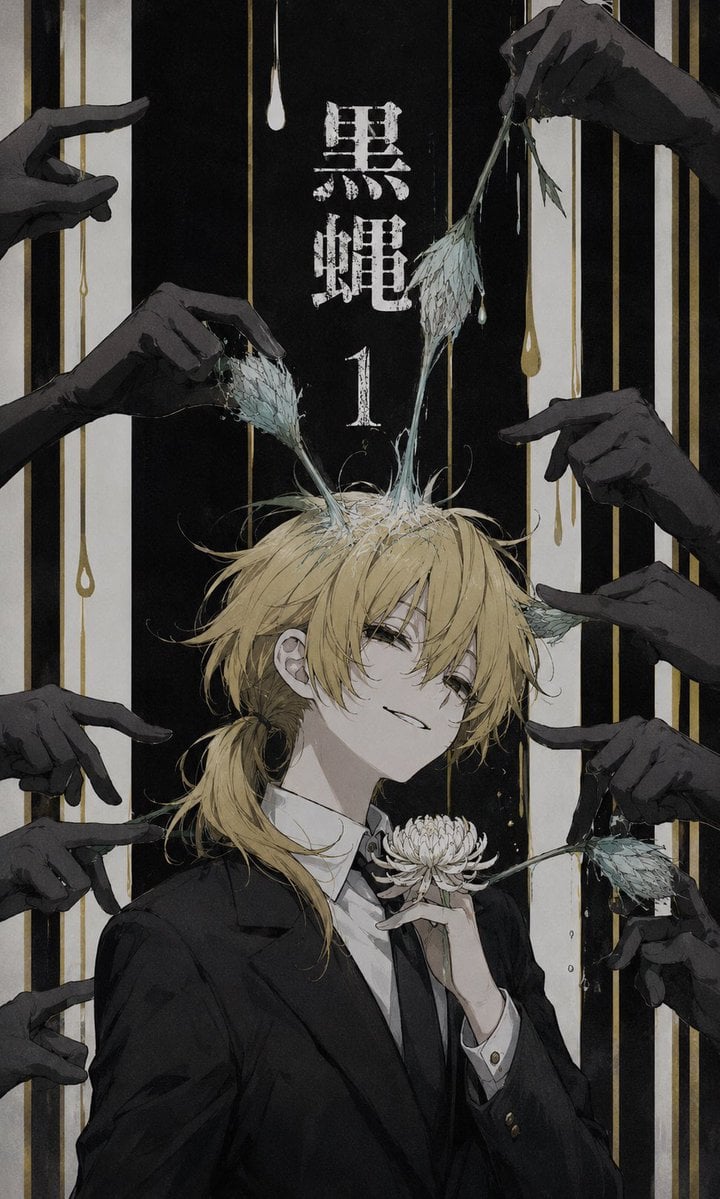
Dark Monochrome Manga Cover
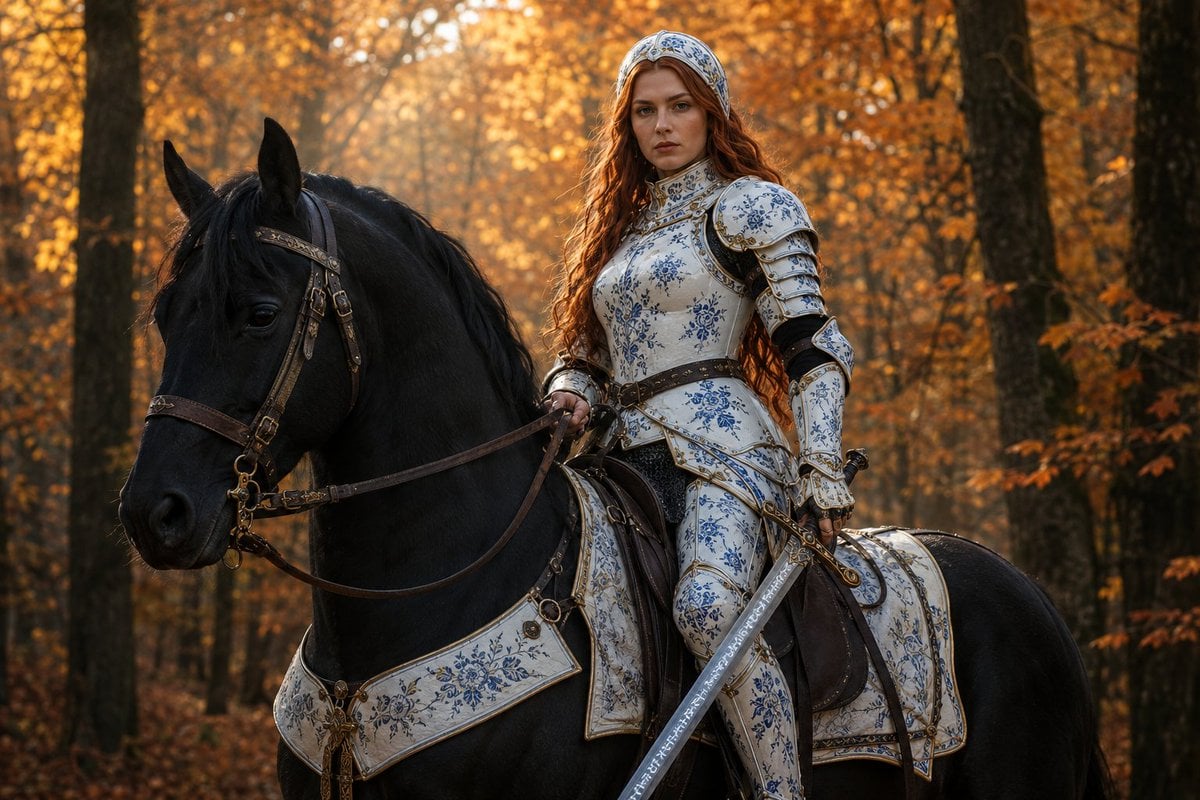
Porcelain Armor Female Knight
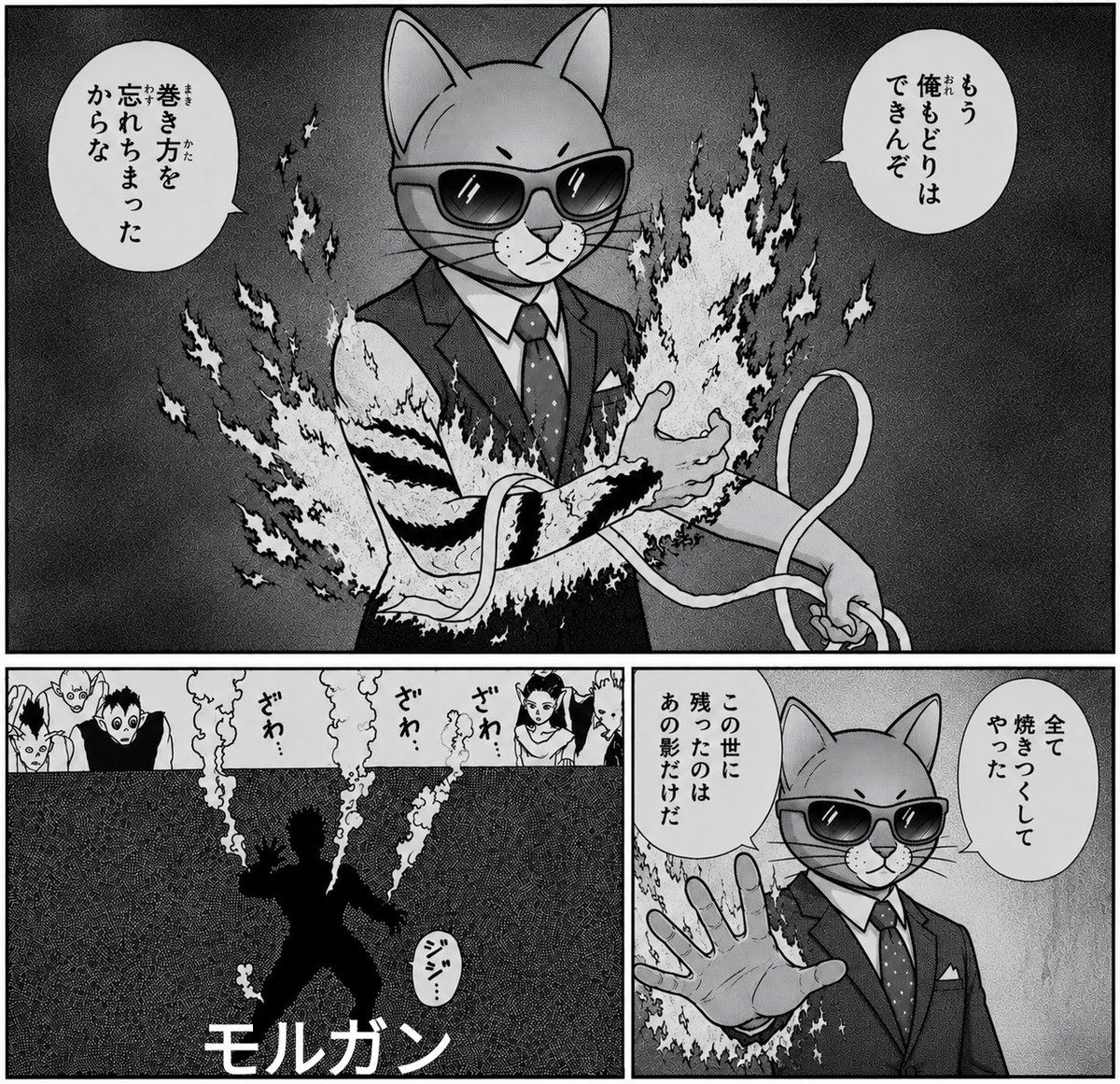
Monochrome Cat Businessman Manga Page

Monochrome Hypebeast Street Fashion Editorial Motion

Monochrome Halftone Editorial Fashion Poster

Cinematic Street Fashion Photographer Portrait

Quiet Luxury Black and White Fashion Editorial Portrait
Monochrome Hypebeast Street Fashion Editorial Motion

Fine Art Monochrome Fashion Portrait

Luxury Black-and-White Fashion Contact Sheet

Ultra-Realistic Vogue-Style Editorial Fashion Grid
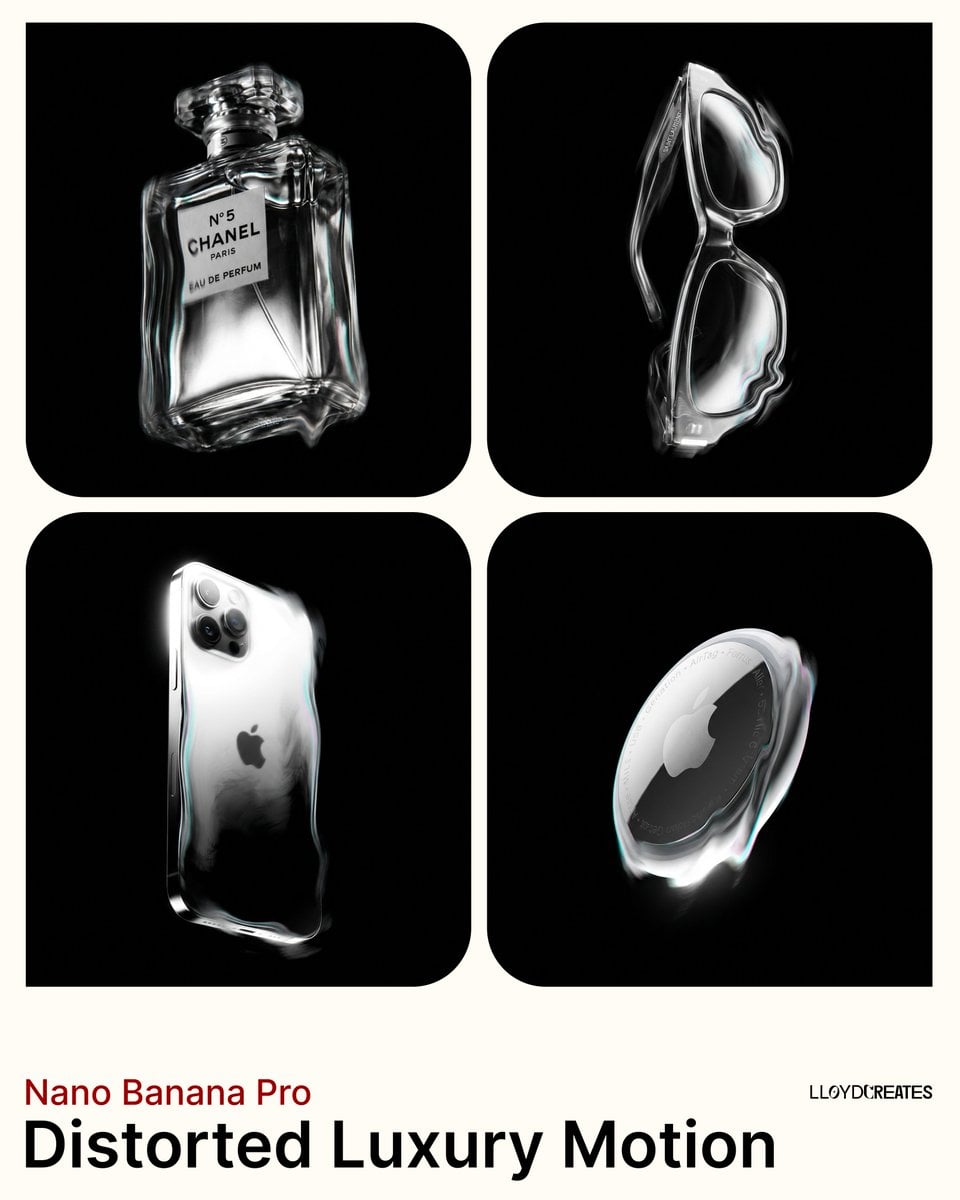
Avant-Garde Distortion Luxury Product Portrait
Make it yours
Monochrome Manga Female Knight works as-is. These are the safest ways to change it without losing the look.
Change one field
Copy a single group, rewrite it, and generate again so you can see what that field is doing.
Keep the frame, change the subject
Hold the composition and light of Monochrome Manga Female Knight, then swap wardrobe, props or the person for a new take.
| If the result… | Why | Fix |
|---|---|---|
| The result drifts from the preview | Too many fields changed at once. | Reuse Monochrome Manga Female Knight as-is first, then change one group — subject, light, or setting. |
| The model over-stylizes the scene | The prose prompt leaves finish and camera underspecified. | Add one camera or lighting sentence and stay on GPT Image 2. |
More GPT Image 2 templates
Other prompts made for GPT Image 2.

Six VTuber Japanese Logo Sheet

Realistic Portrait of Woman and Deer

The Vista Modular Condo Poster

AI Model Routing Comparison Infographic

2.5D Anime Art Board

Isometric Productivity Desk Scene

New York Double Exposure Poster

Four-Panel AI Landscape Comparison

Japanese Tatami Lifestyle Magazine Cover

NESCAFÉ Coffee Map Poster
More image prompts
Fresh picks from across the catalog.
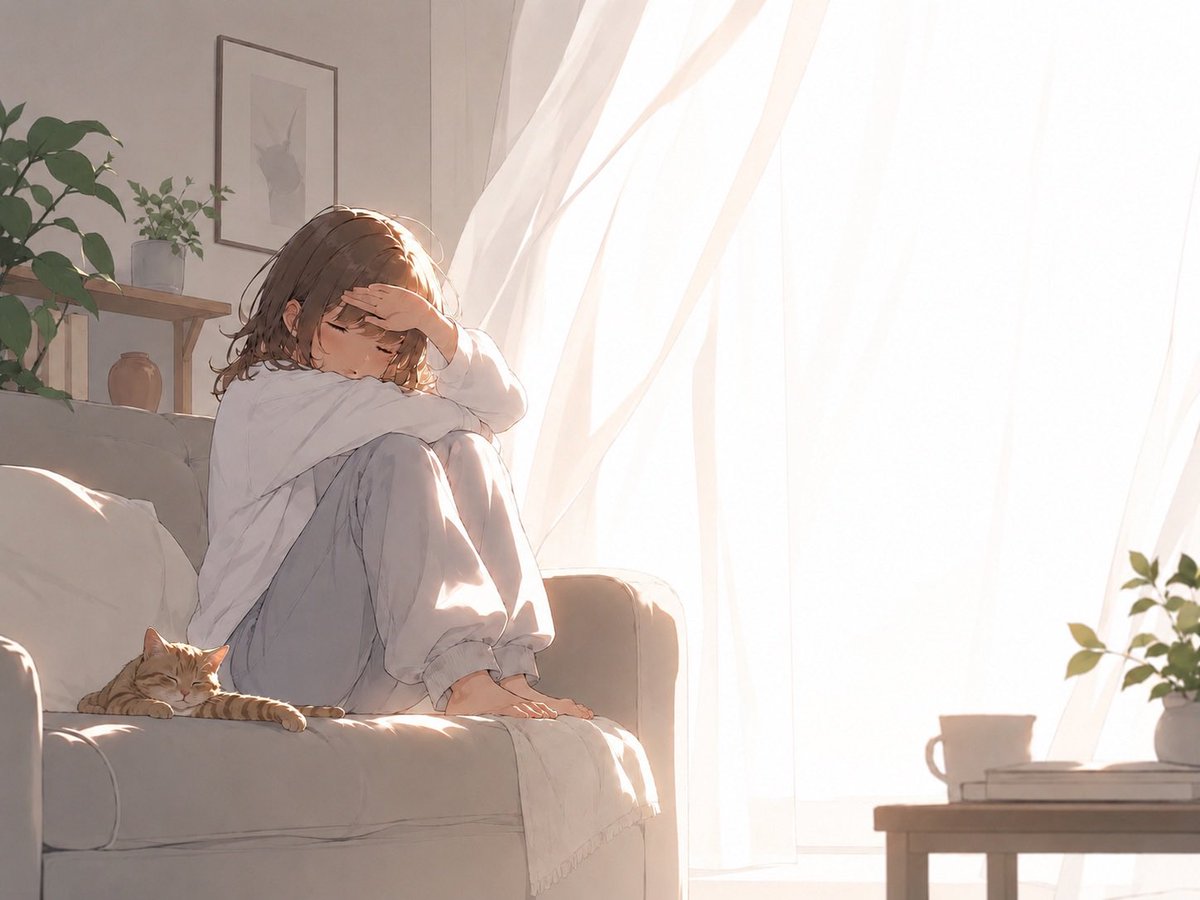
Backlit Morning Sofa Anime Scene
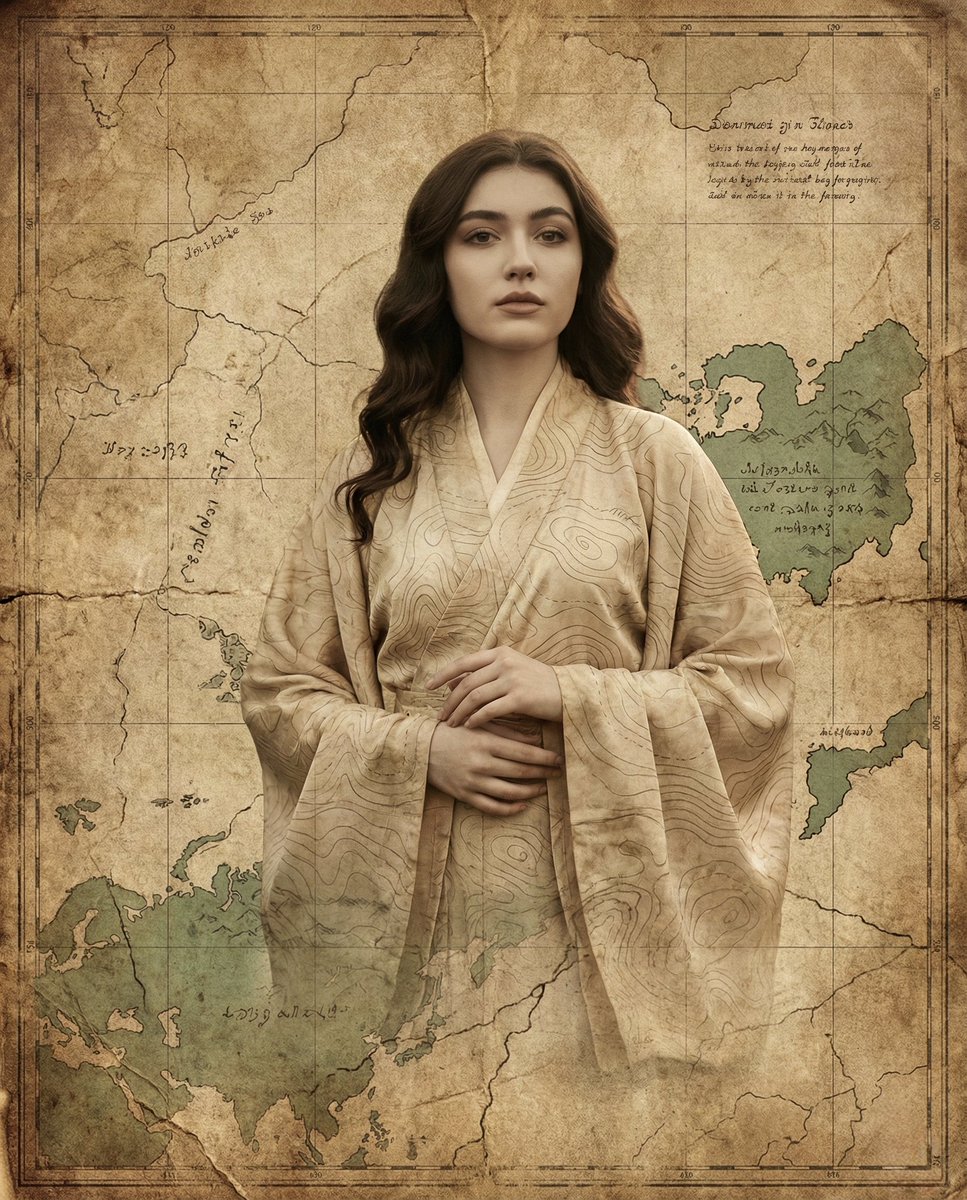
Surreal Fine-Art Portrait Emerging from Ancient Map
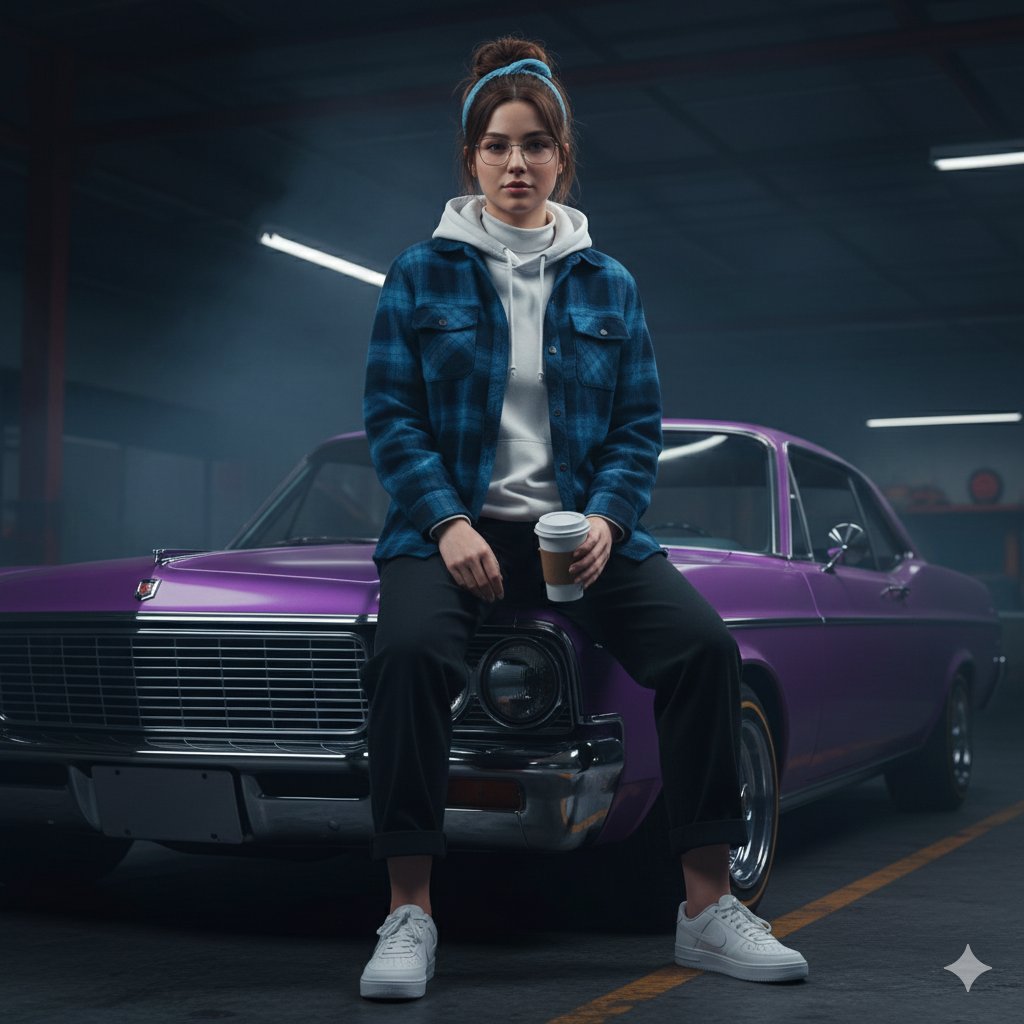
Urban Rebel Cinematic Portrait Prompt (Identity Locked)
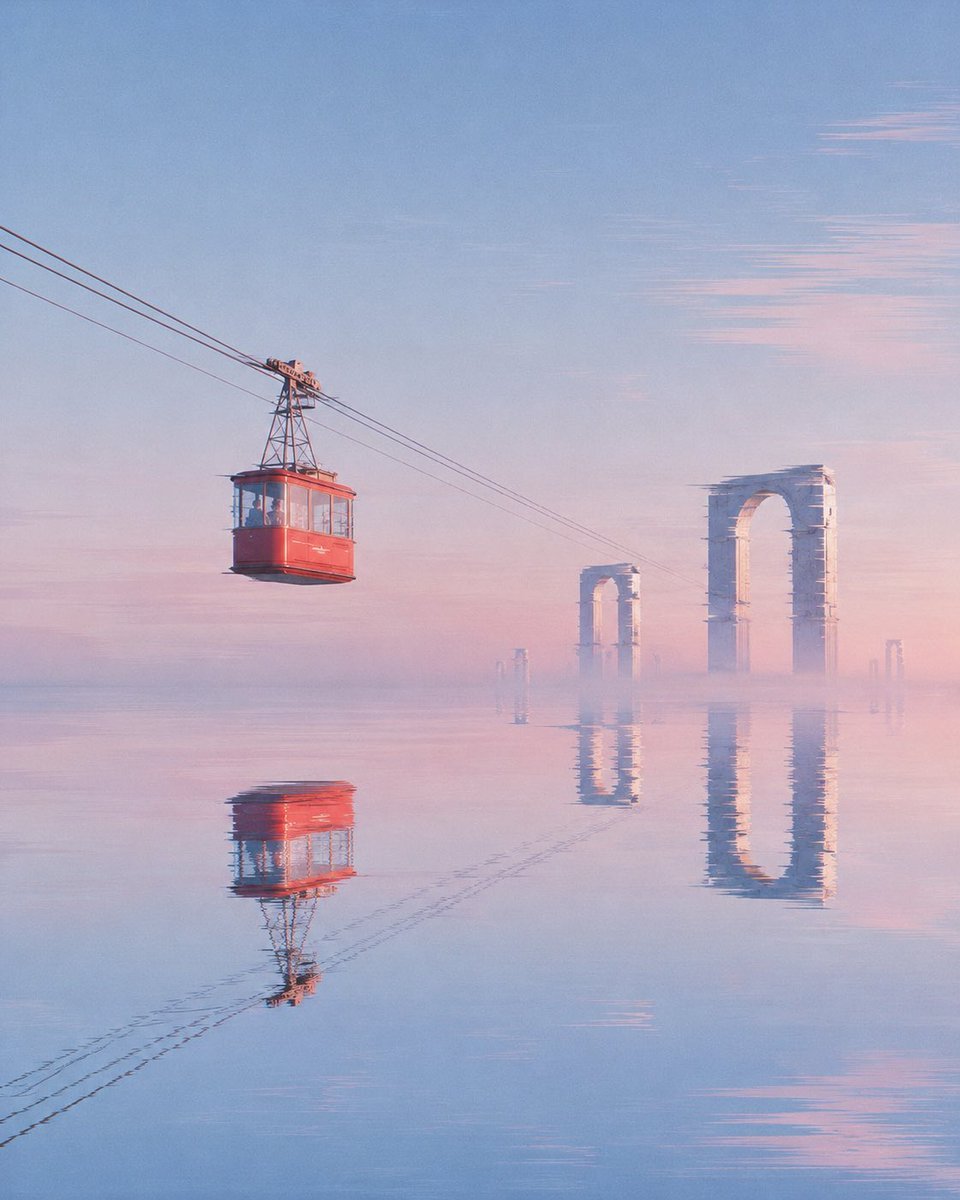
Red Cable Car Over Misty Water
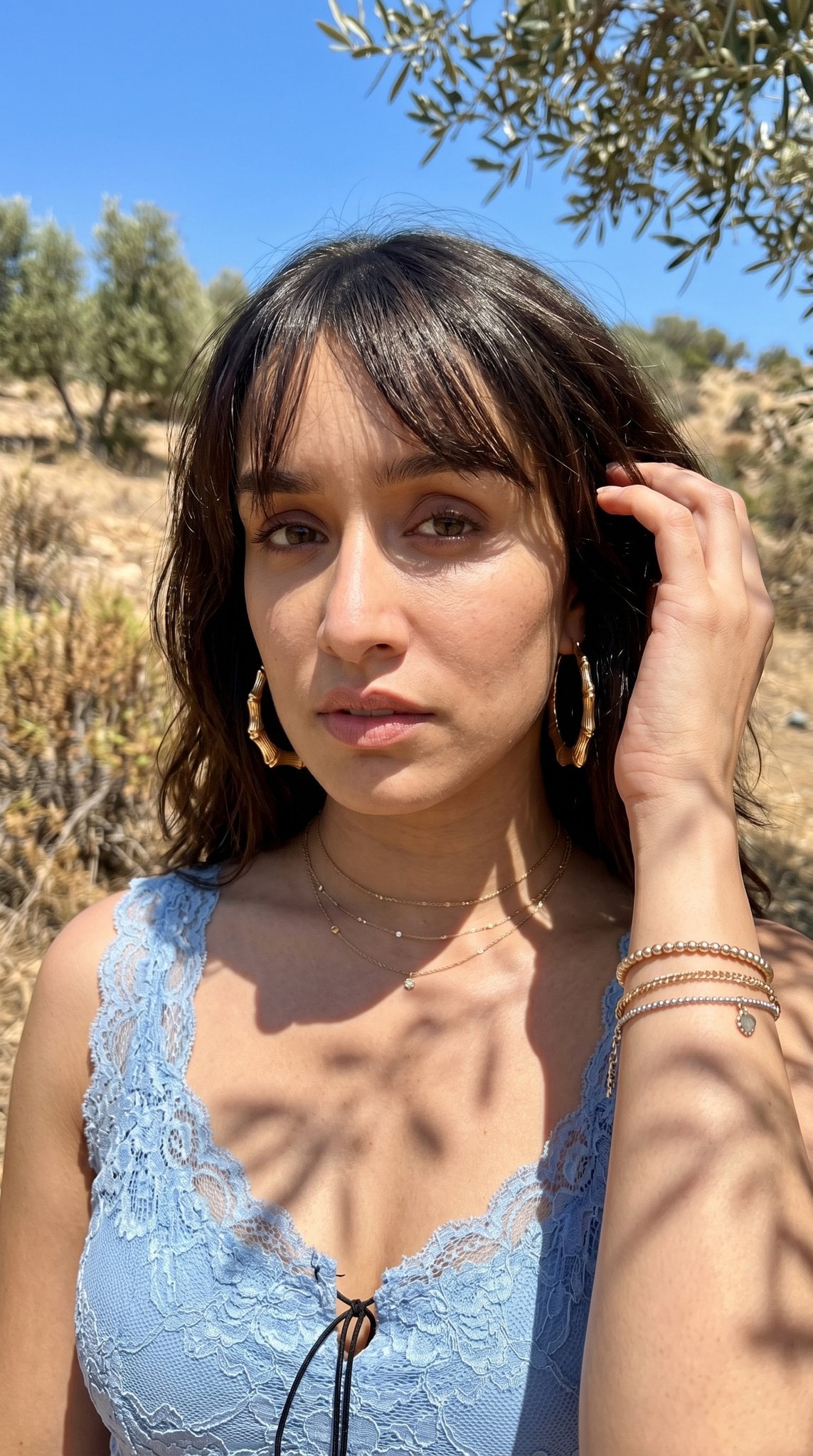
Hyper-Realistic Outdoor Portrait — 35mm Natural Light
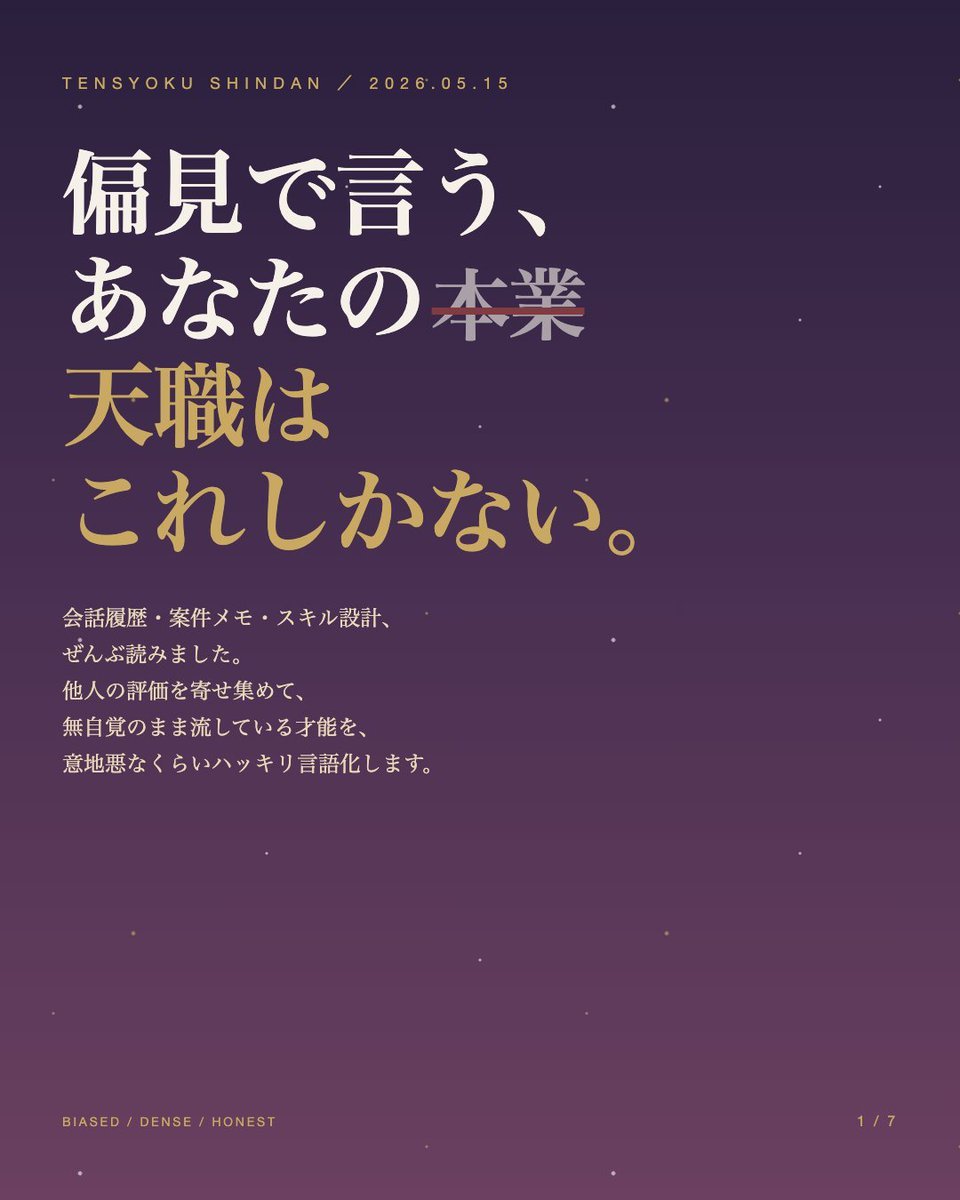
Japanese Career Diagnosis Cover
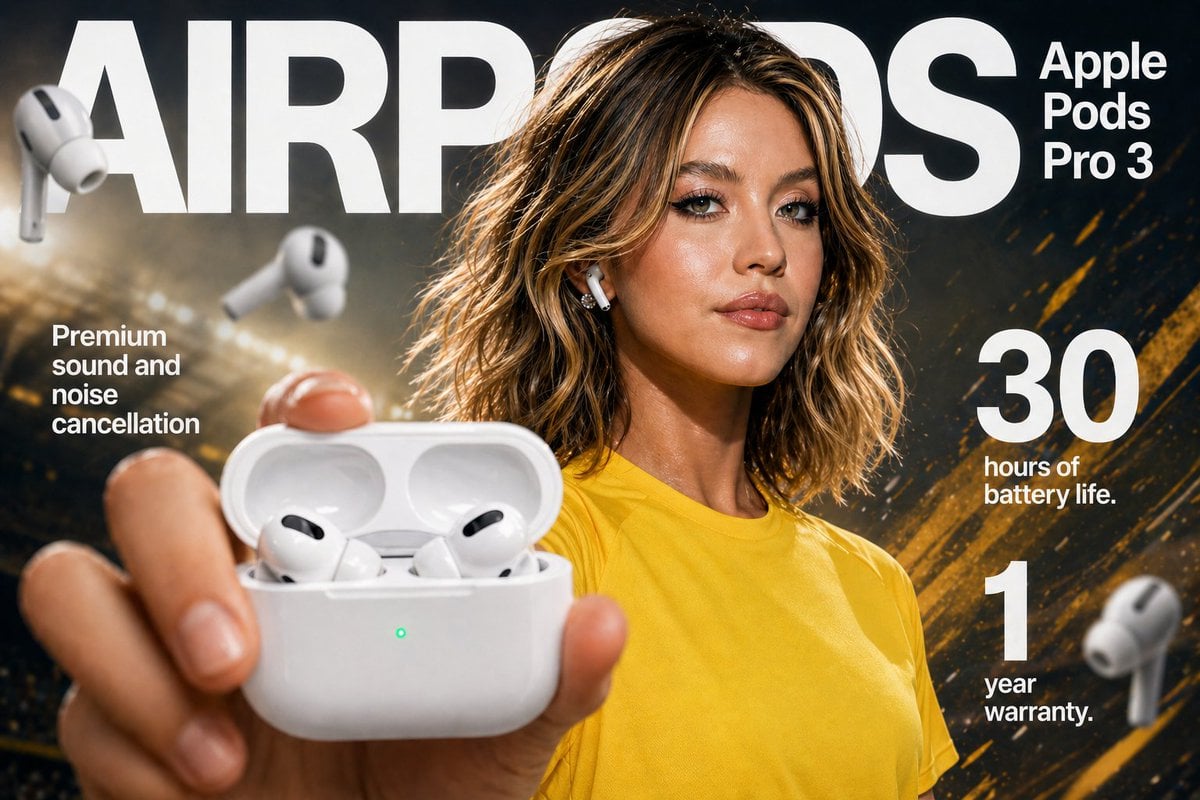
Earbuds E-commerce Infographic
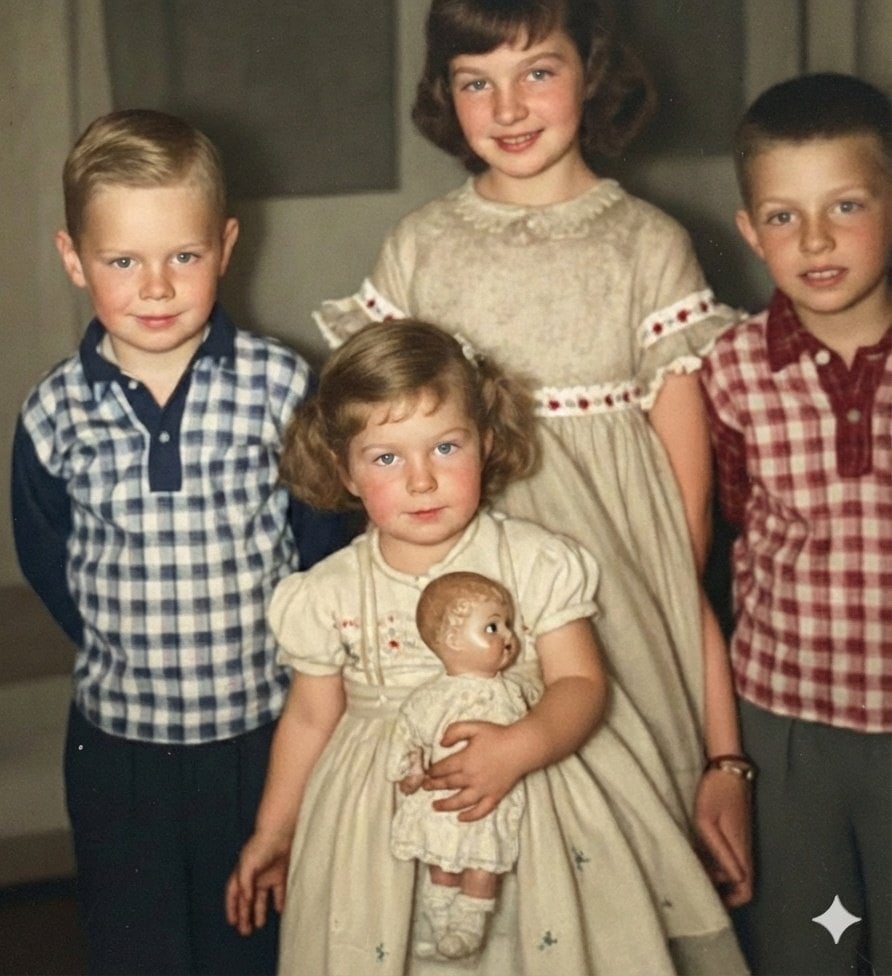
Image Restoration and Upscale Prompt
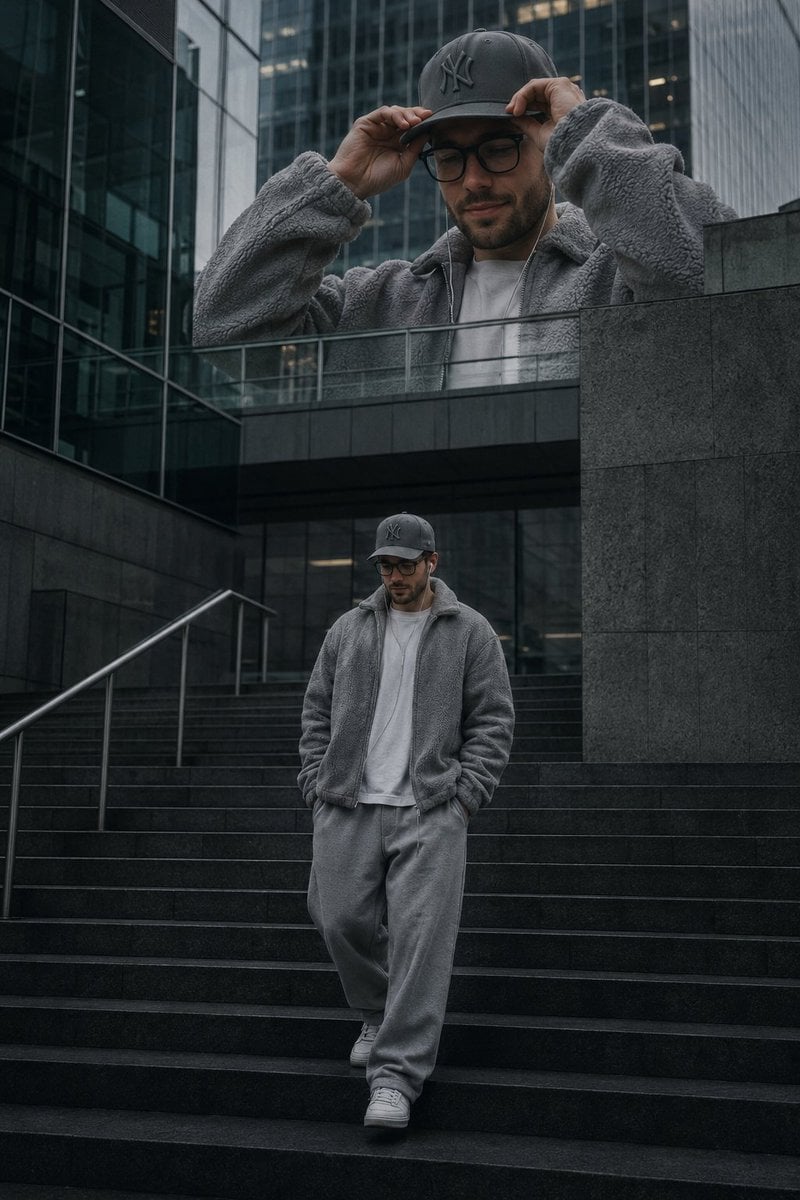
Luxury Streetwear Urban Editorial
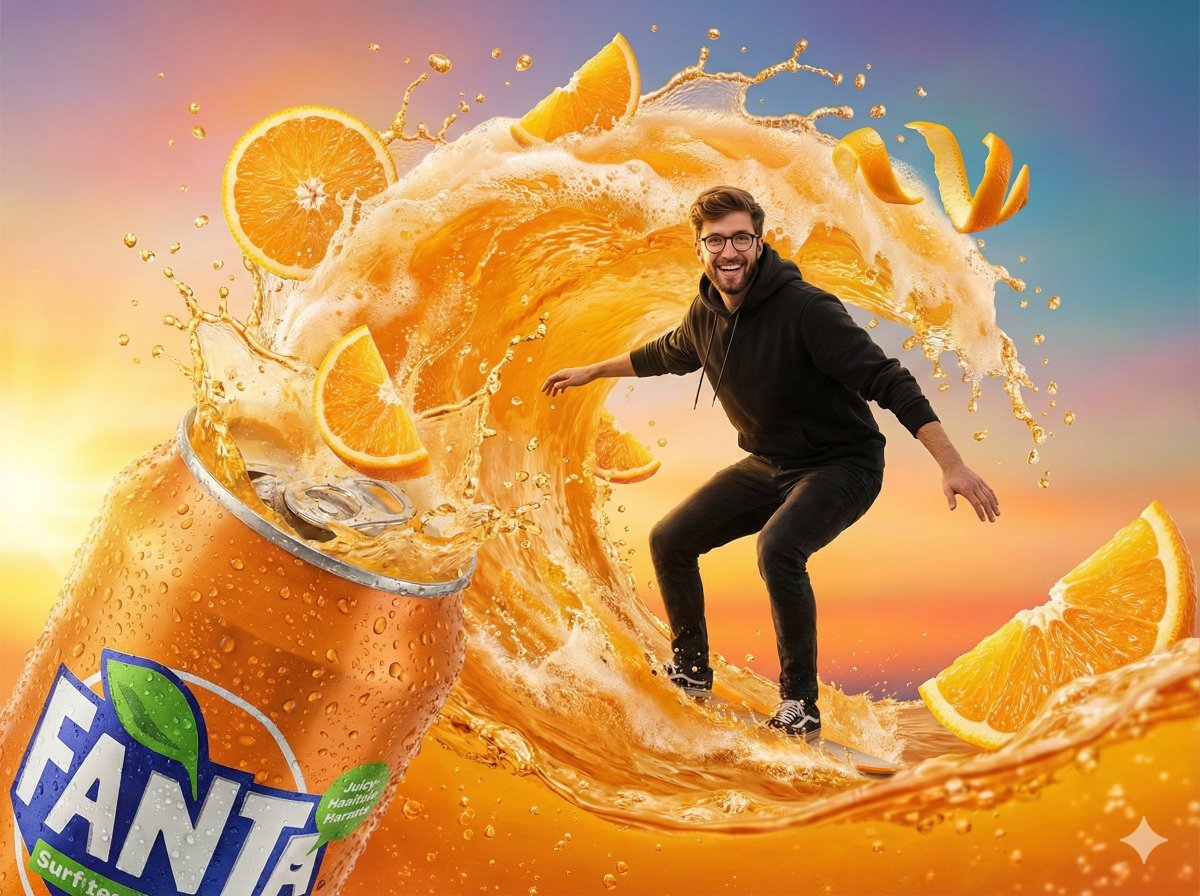
Fantasy Soda Commercial
Browse template categories
Monochrome Manga Female Knight questions
How do I use the Monochrome Manga Female Knight template?
Add your photo if the template asks for one, edit the prompt if you like — the template's model and format are already selected — and press Generate. Your version opens in PicX Studio.
Can I customize the Monochrome Manga Female Knight template?
Yes. You can change the subject, setting, lighting, mood, format, and available model controls before creating your image.
Is the Monochrome Manga Female Knight template free?
Opening and editing this template is free. Generating uses credits, shown on the Generate button when you are signed in.
Which AI model should I use?
Start with GPT Image 2, which is the model associated with this template. You can compare another compatible model for a different finish.
Looking for something else? Browse all templates.

Your photo, any look
Thousands of ready templates for every top image and video model, from one credit balance.