How do I use the Monochrome Low-Key Fashion Portrait template?
Choose the primary action to open PicX Studio with the available template settings. Review the model and format, personalize the creative direction, and generate when ready.
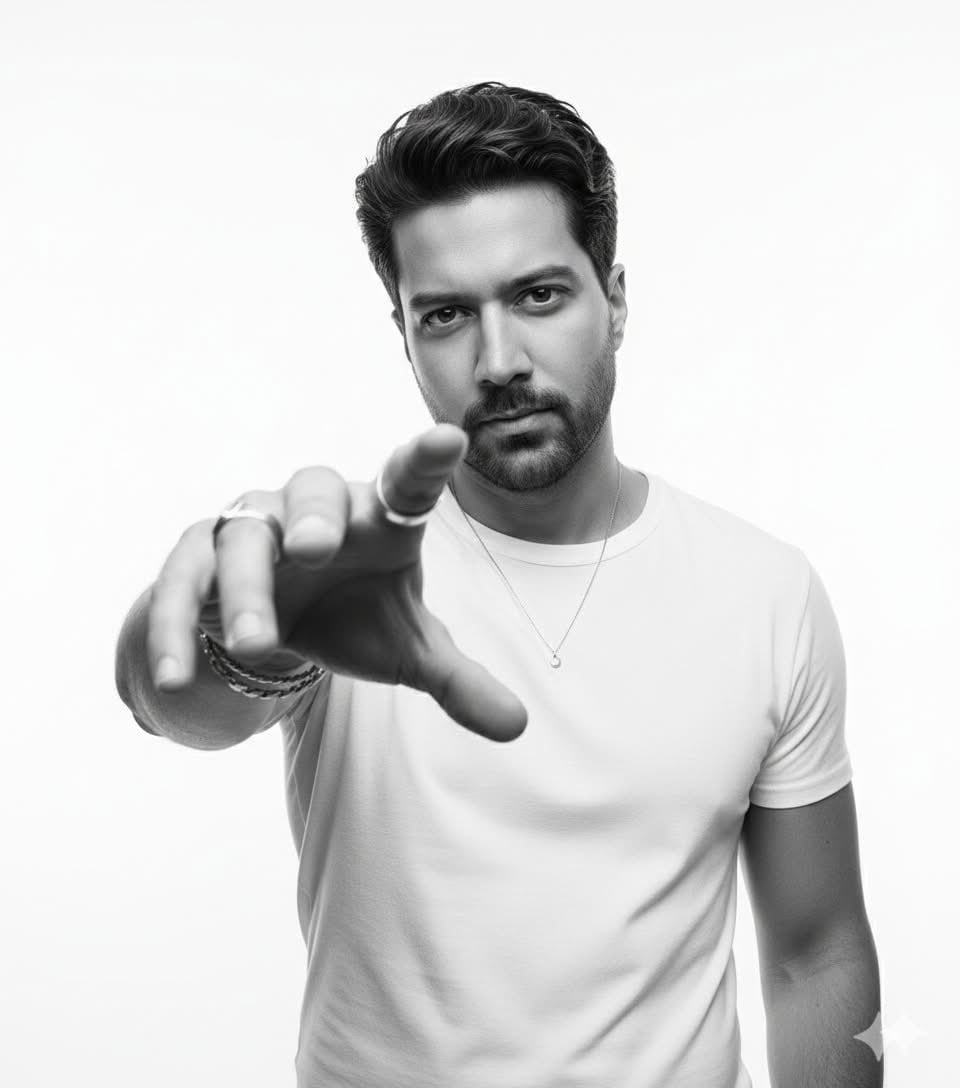
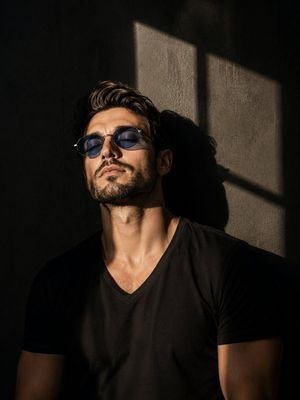
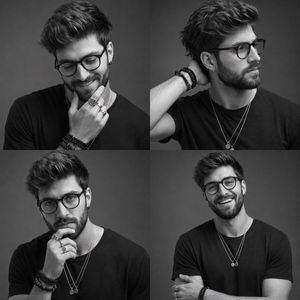
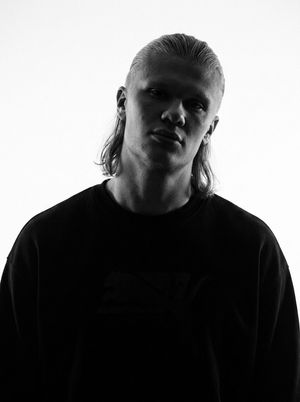
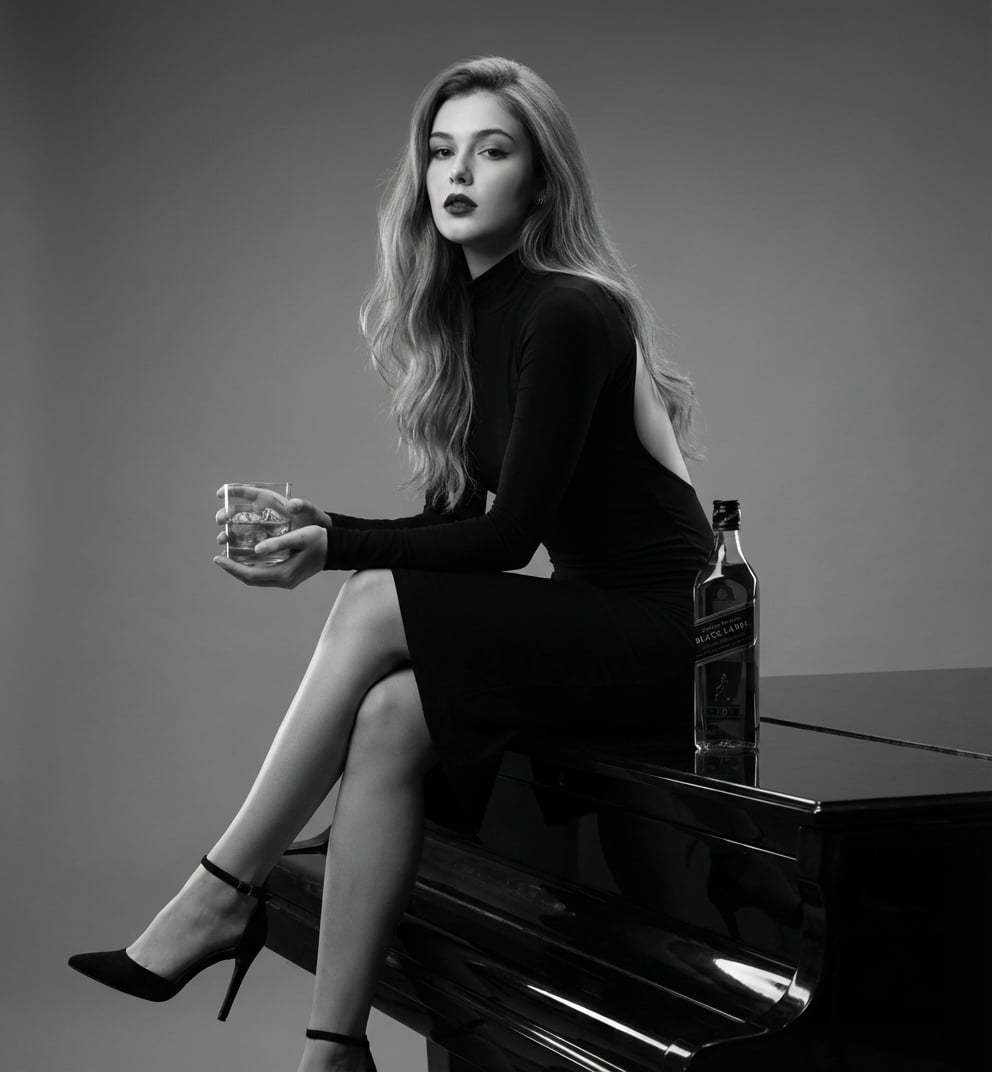
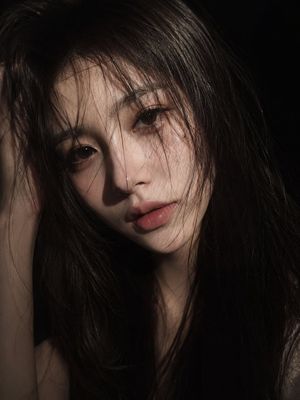
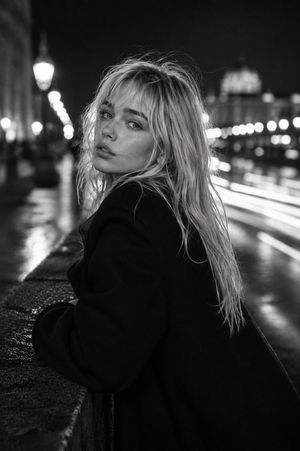
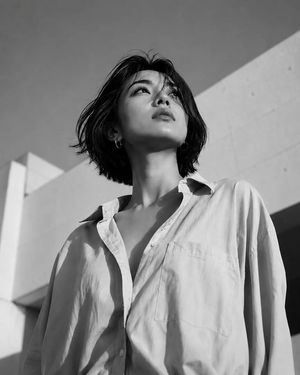
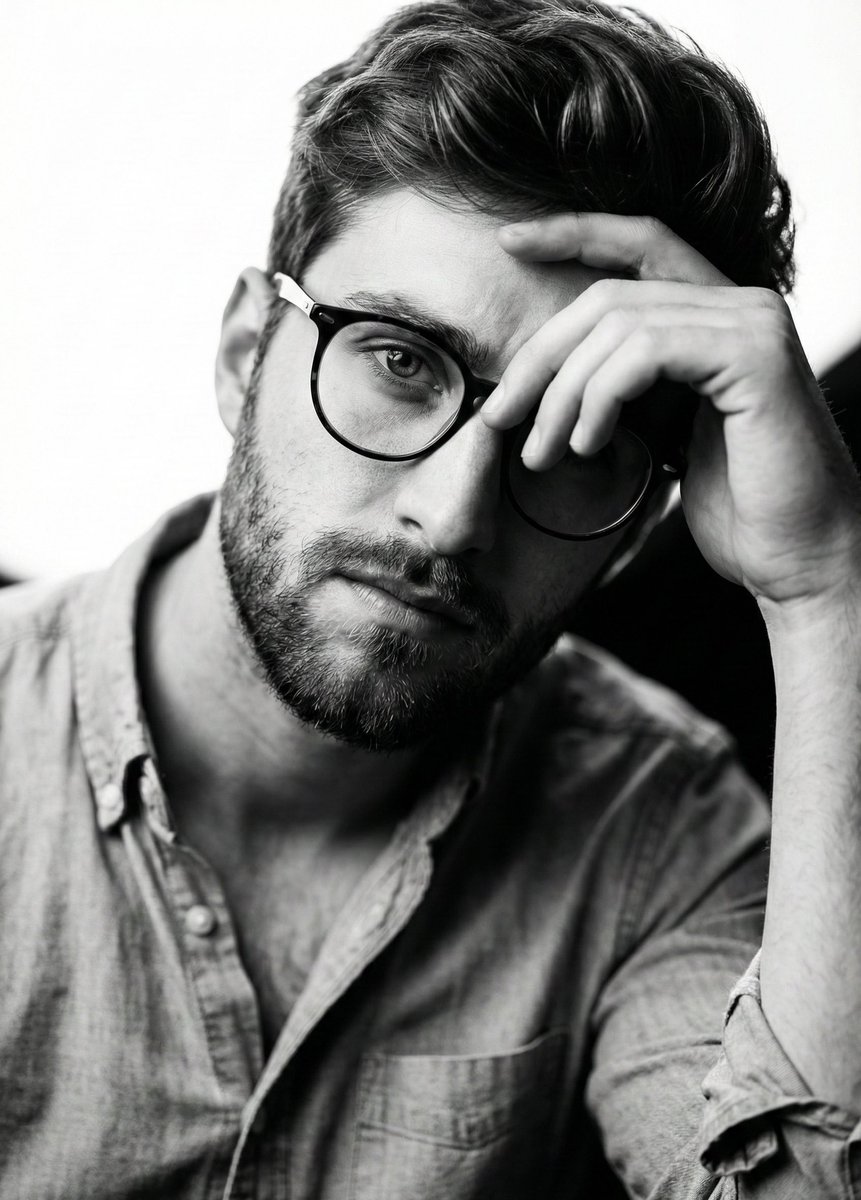
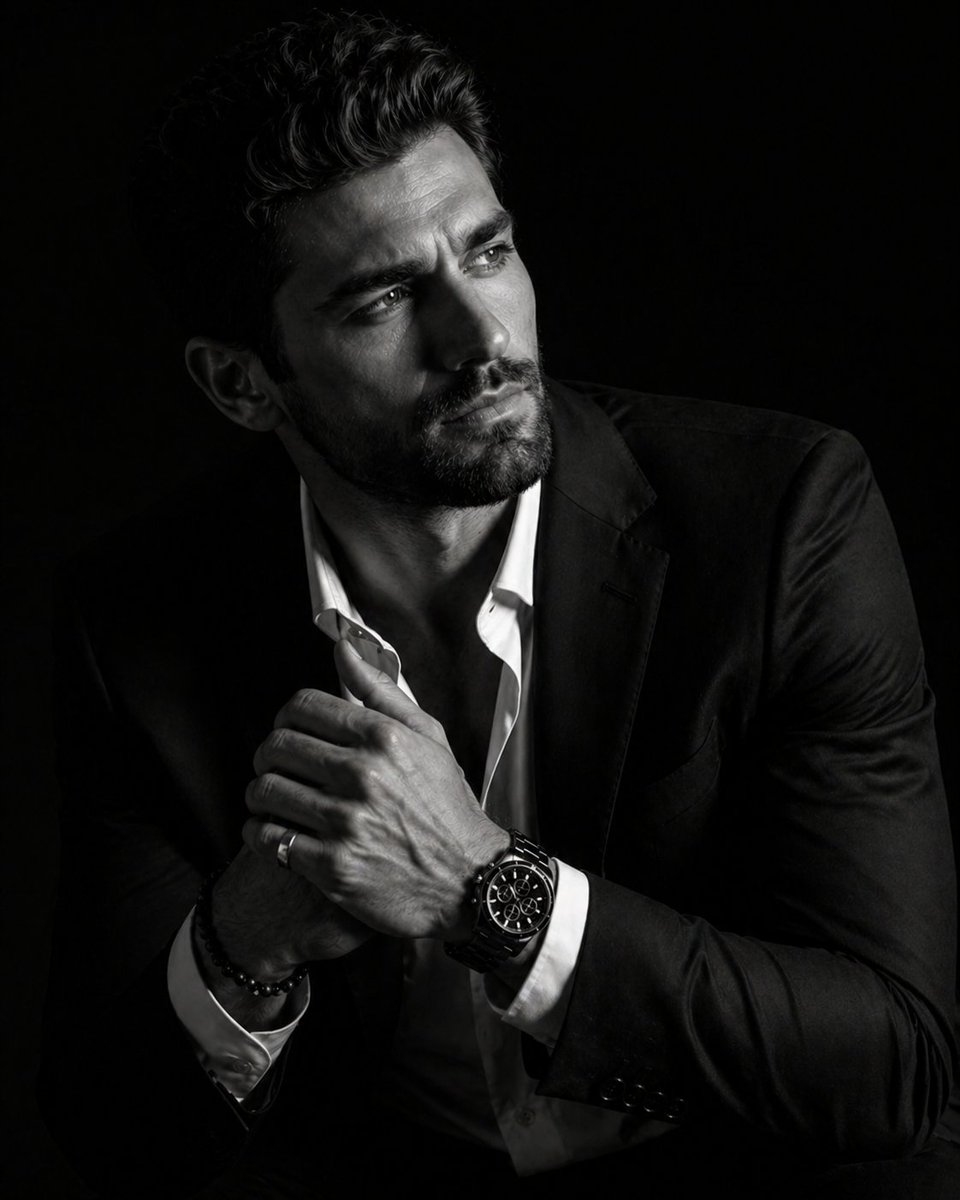
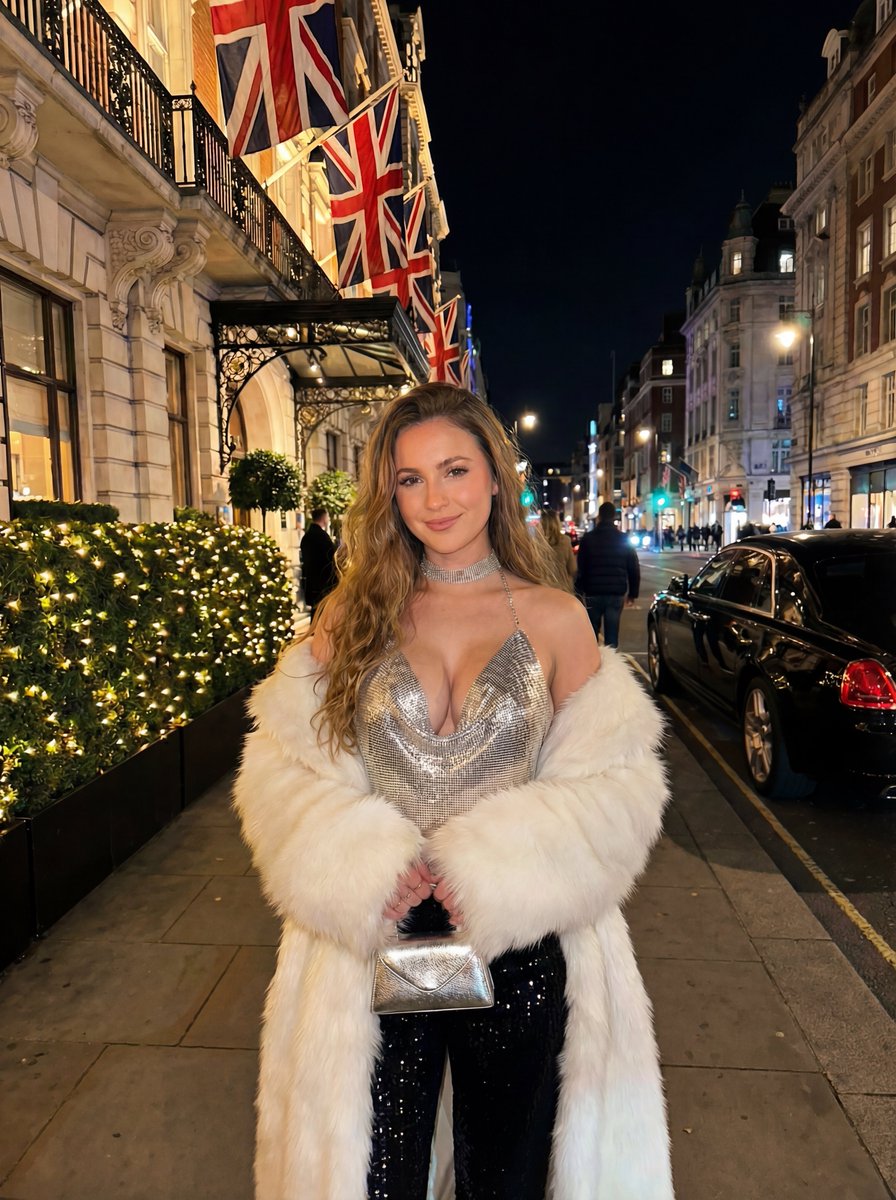
A hyper-realistic black and white fashion portrait prompt that emphasizes high contrast, deep shadows, and cinematic editorial mood.
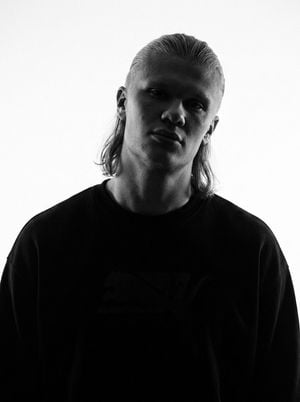
A hyper-realistic {argument name="color scheme" default="black and white"} low-key fashion portrait with an upper-body crop and square framing. The subject is positioned centrally, facing forward with a subtle head tilt and angled body, resting a hand near the lips showcasing rings on the fingers. The lighting is highly directional, casting {argument name="lighting effect" default="deep shadows"} across one side of the face and body, creating intense, cinematic contrast. The mood is dark and editorial, with a visible fine grain texture over the image. The background is a {argument name="backdrop texture" default="dark, subtly textured, mottled studio backdrop"}.
Choose the primary action to open PicX Studio with the available template settings. Review the model and format, personalize the creative direction, and generate when ready.
Yes. You can change the subject, setting, lighting, mood, format, and available model controls before creating your image.
This template is free to open and customize. Generation usage is shown in PicX Studio before you create.
Start with GPT Image 2, which is the model associated with this template. You can compare another compatible model for a different finish.
Follow a topic to a crawlable collection of related PicX Studio templates.