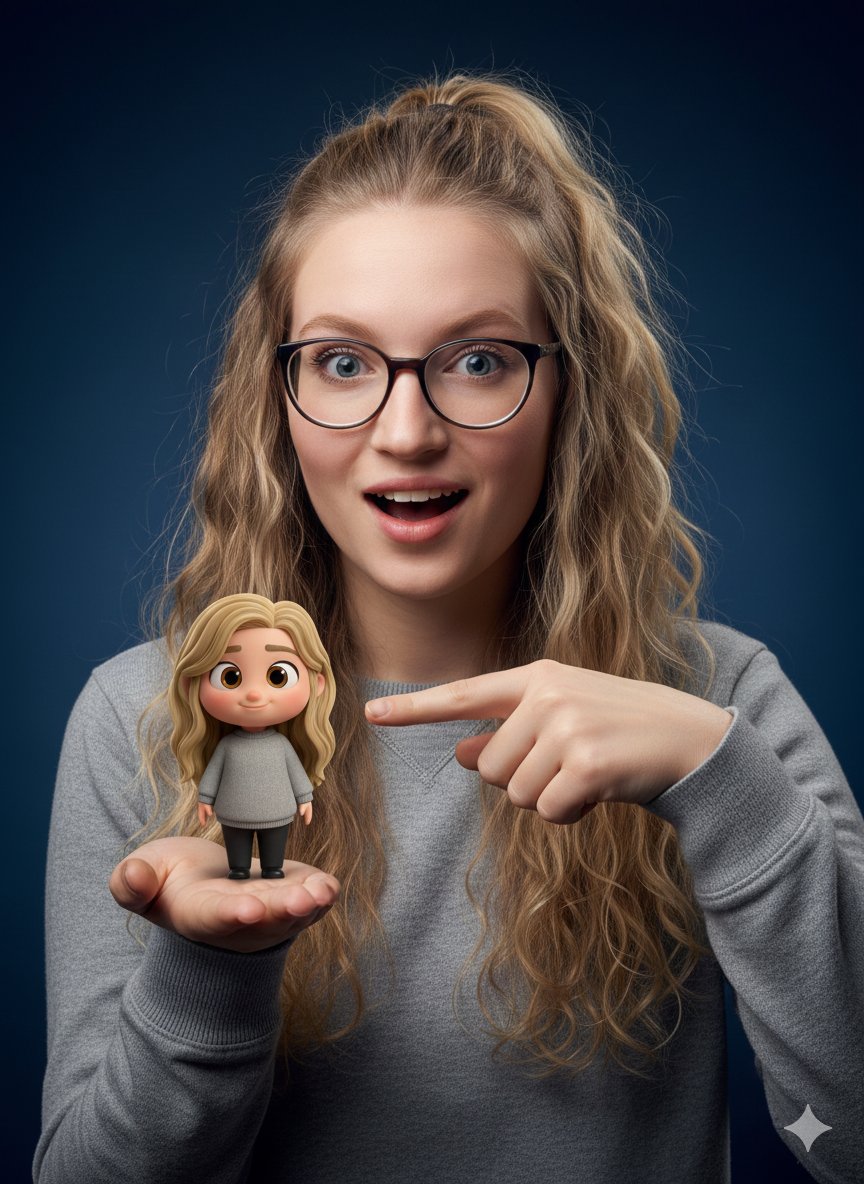
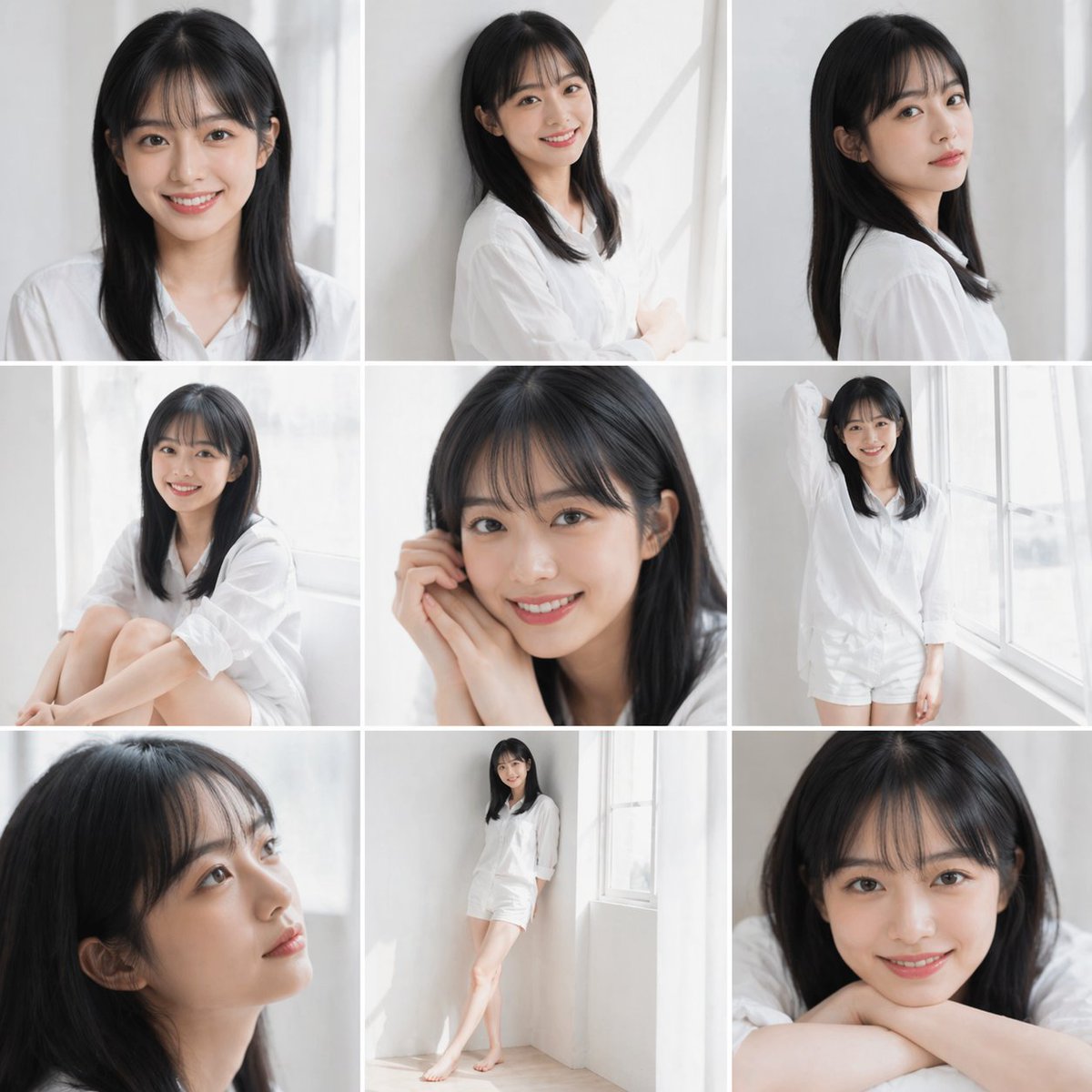
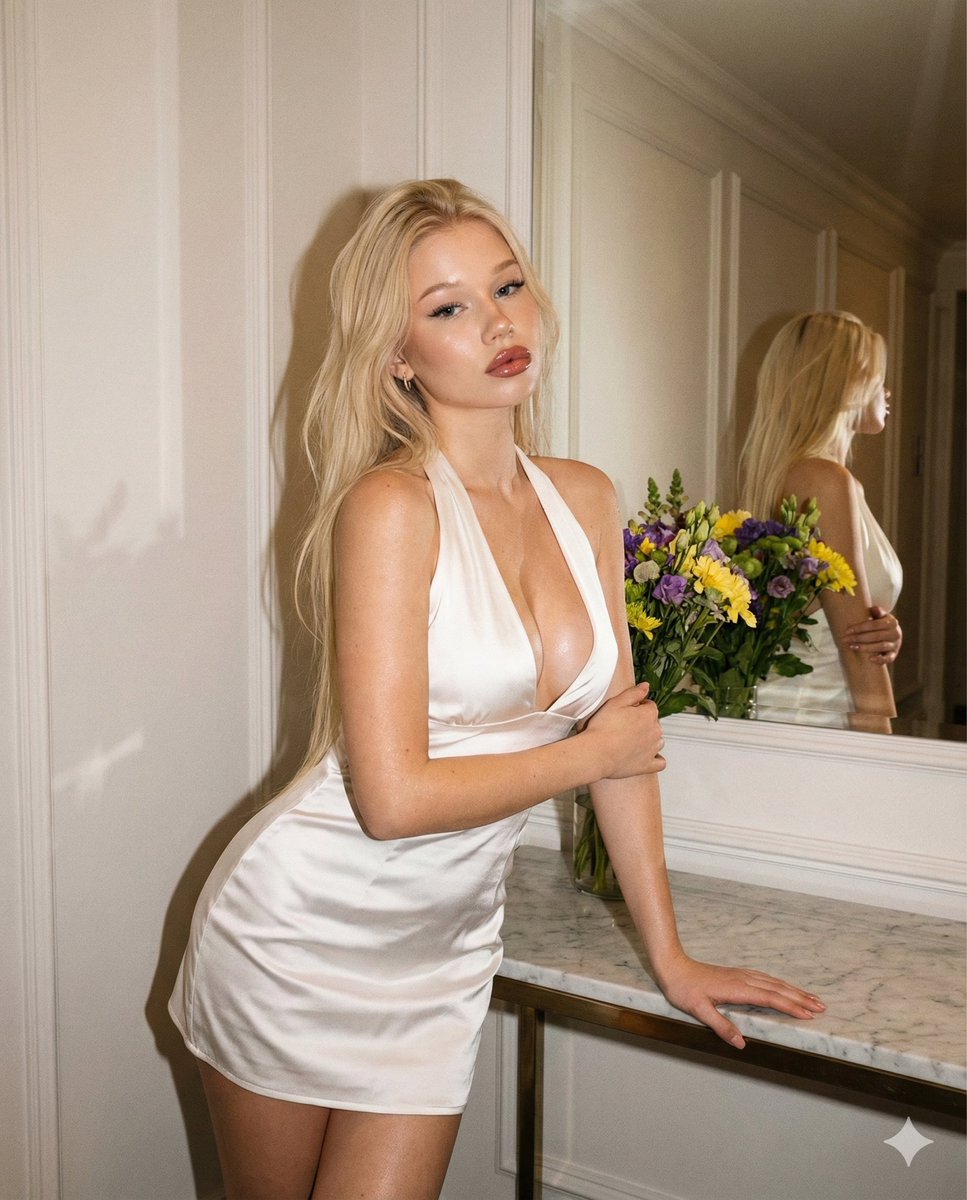
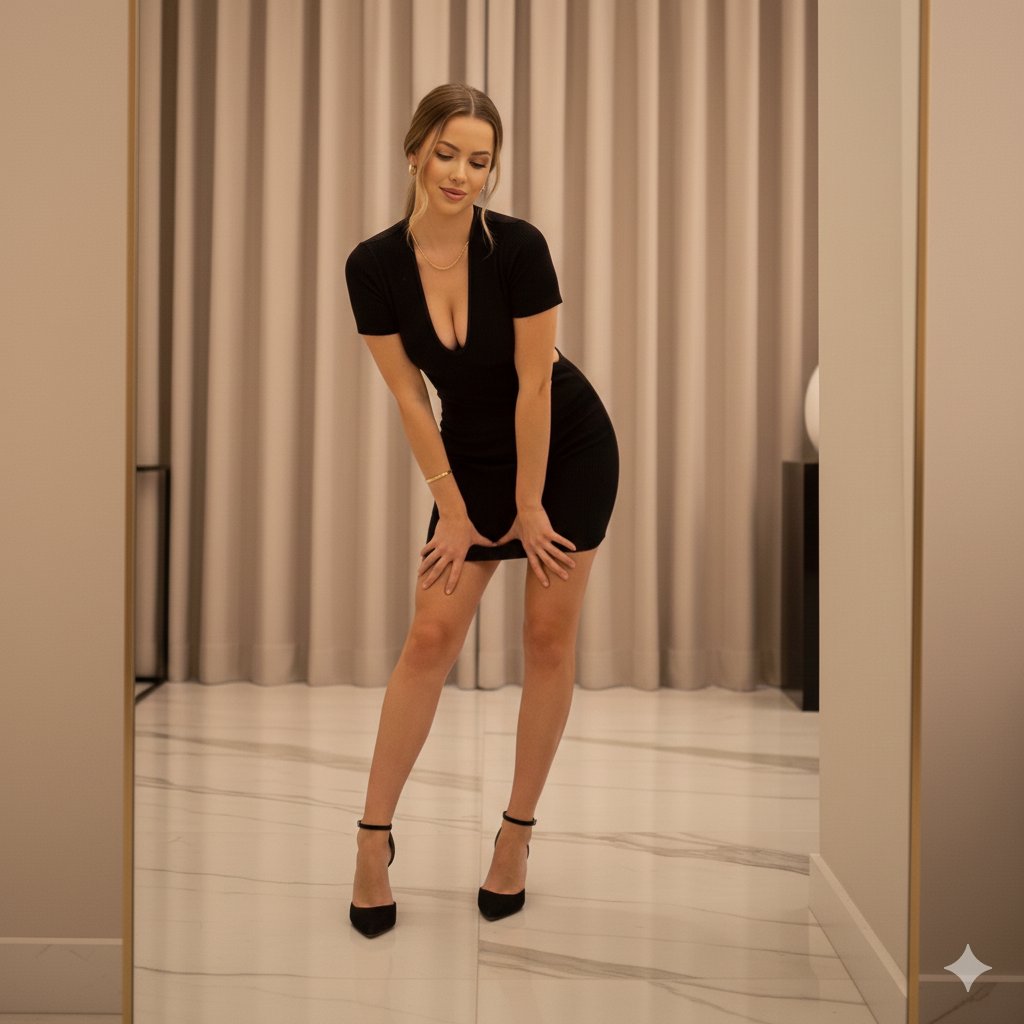
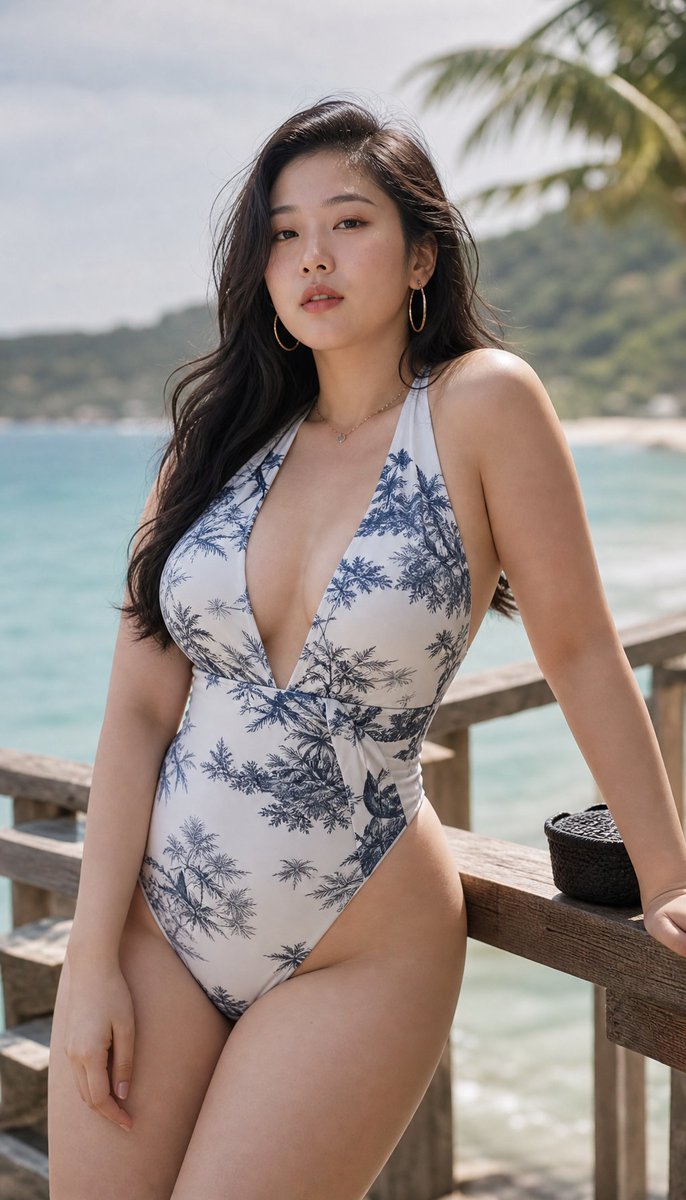
How do I use the Reference-Based Identity Preservation Portrait template?
Choose the primary action to open PicX Studio with the available template settings. Review the model and format, personalize the creative direction, and generate when ready.
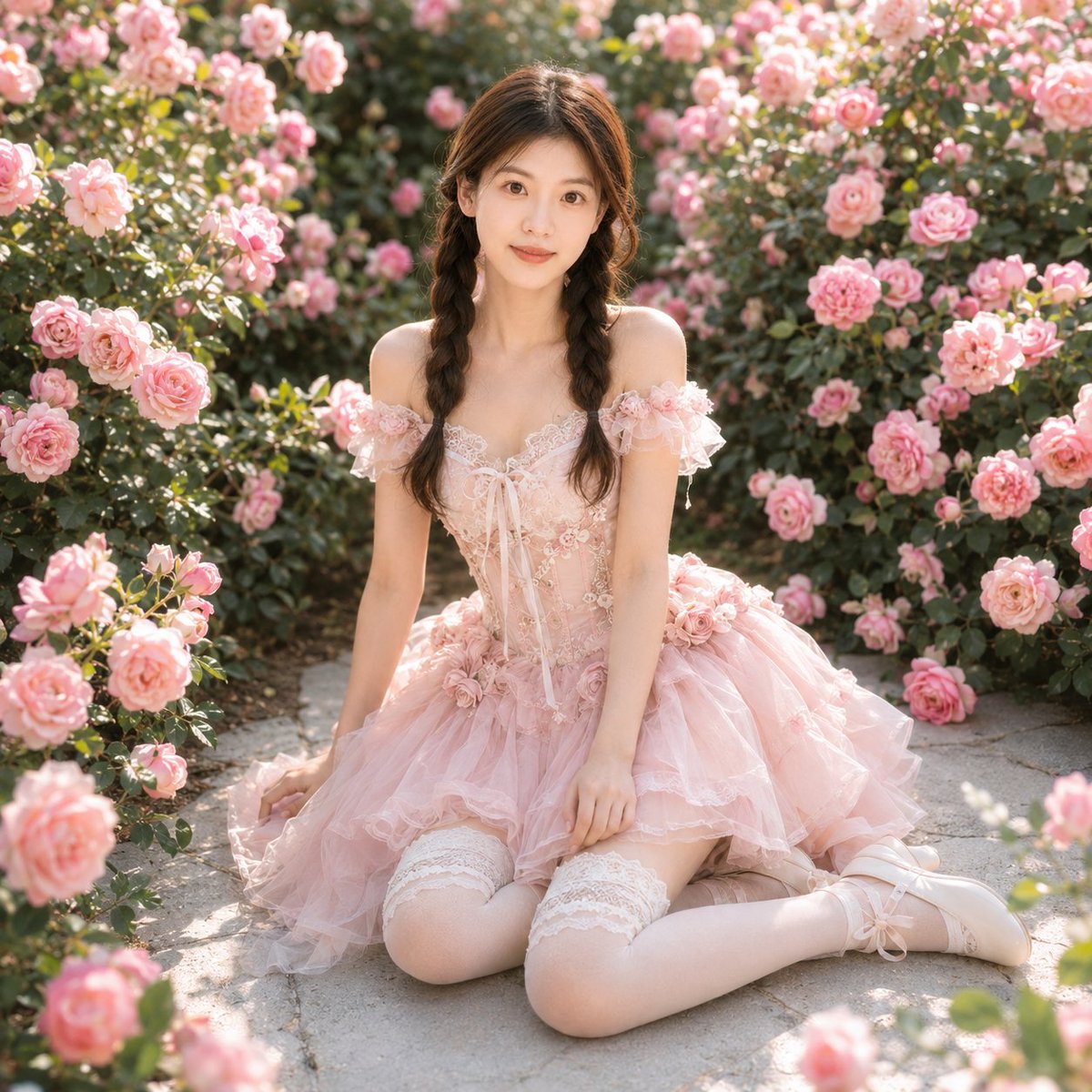
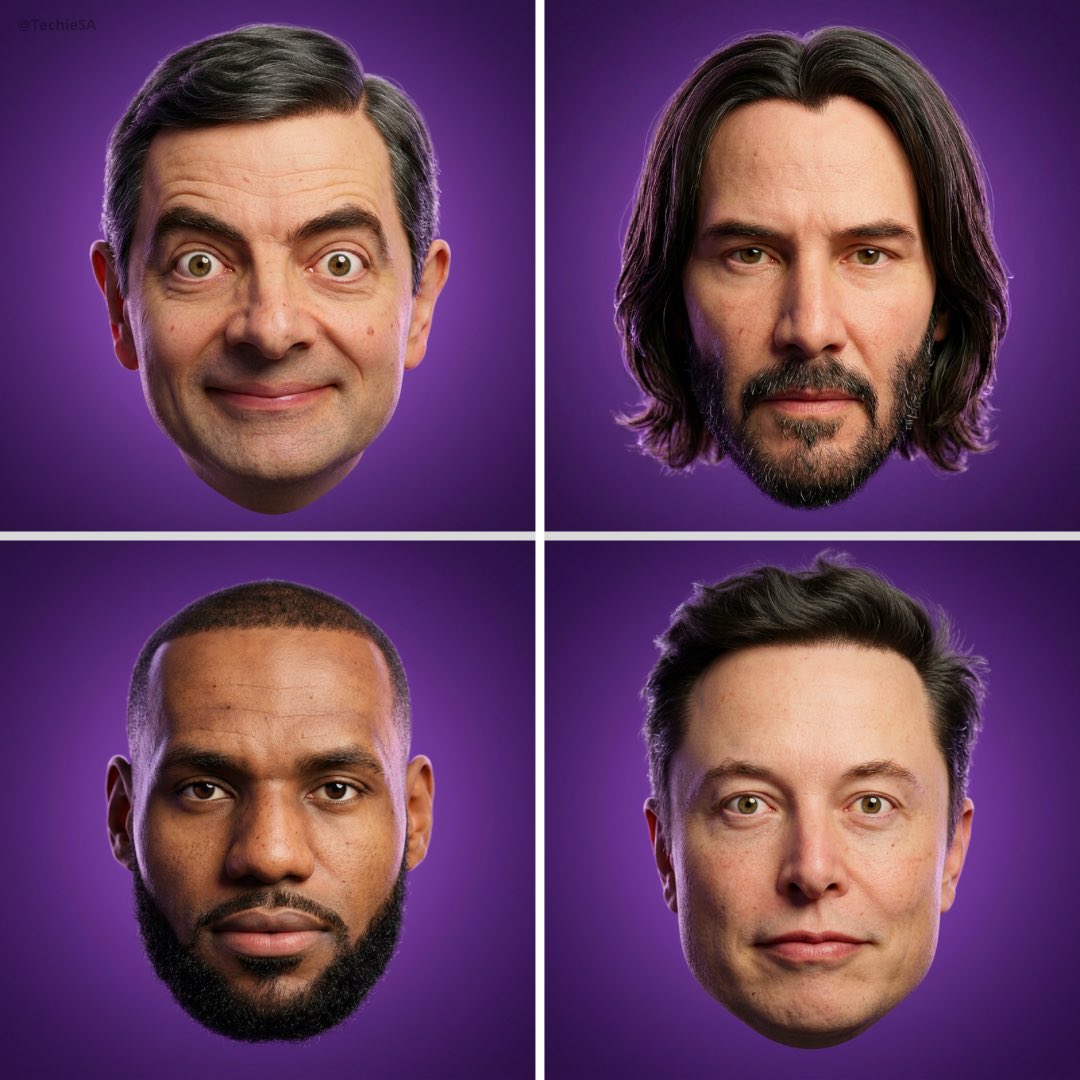
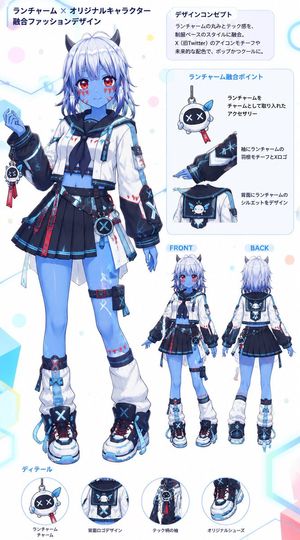
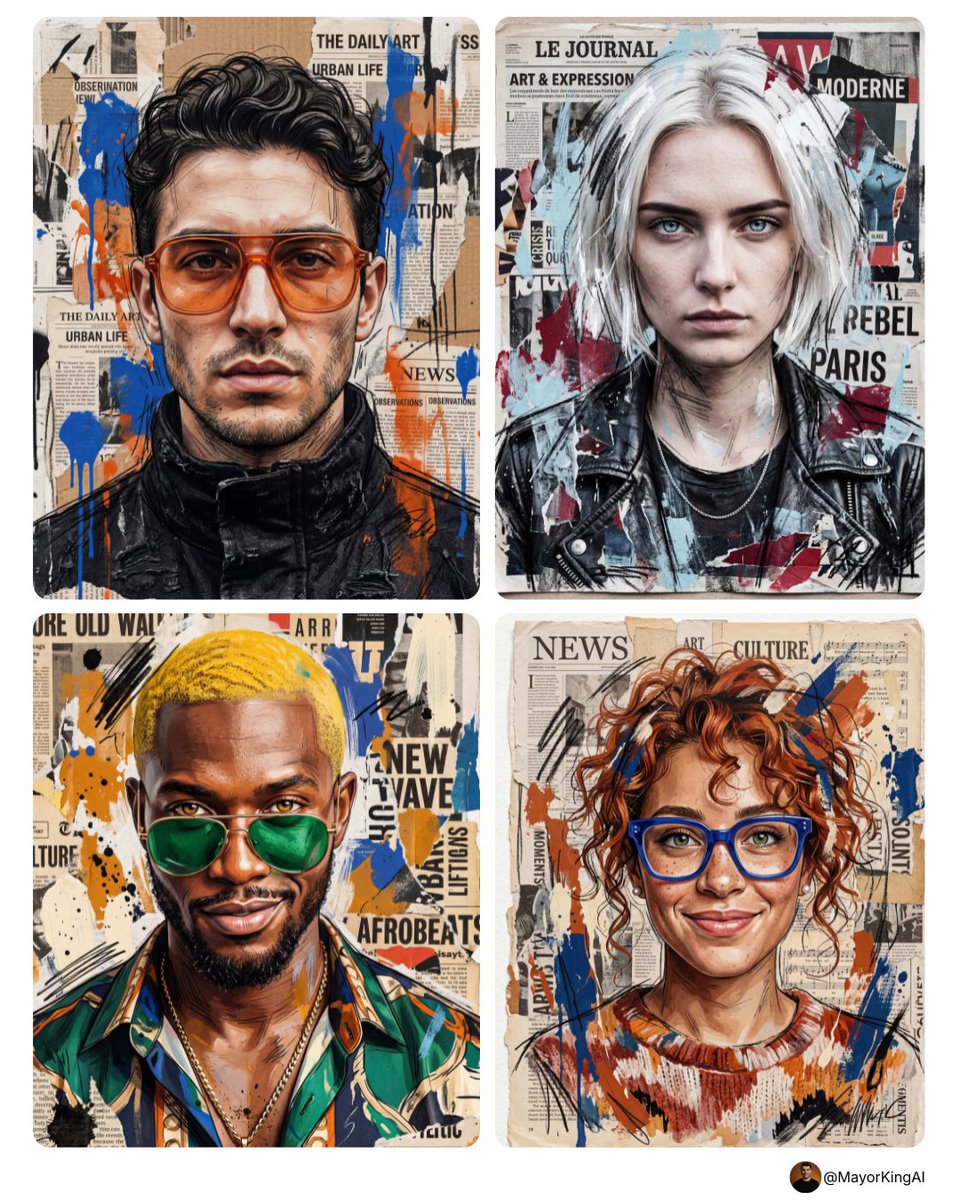
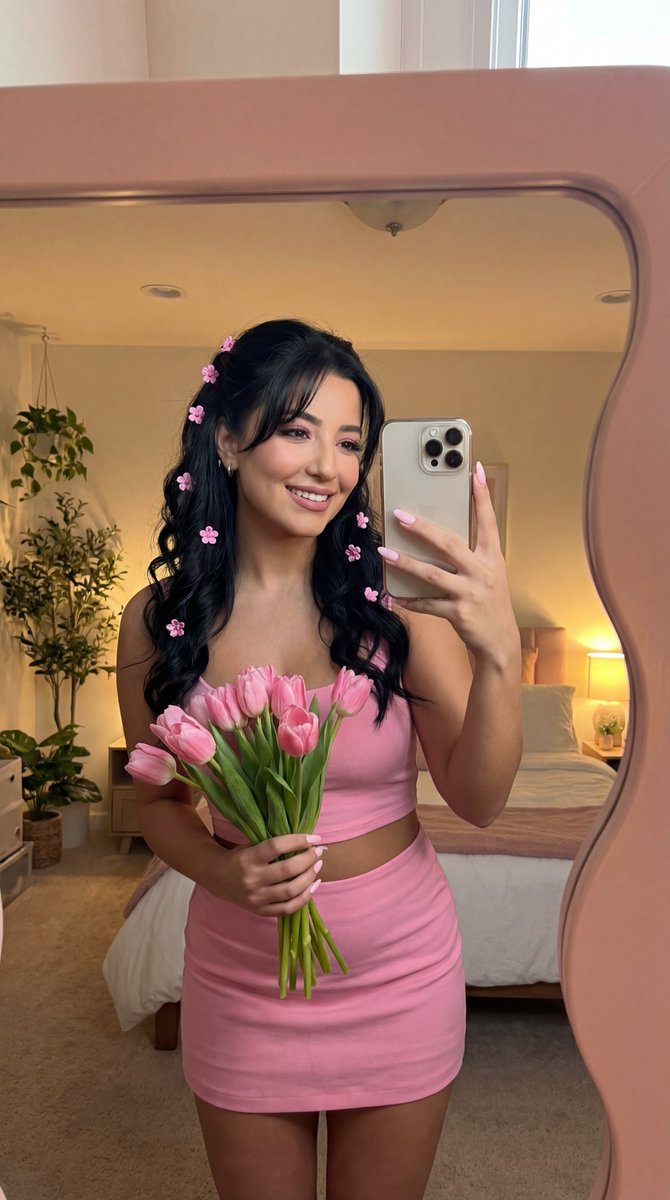
A prompt designed to preserve facial identity and specific details from a reference image while placing the subject in a new setting.

Use the uploaded image as the only facial reference and preserve 100% facial identity, hairstyle, beard, skin tone, and natural skin texture. Use my pic face {argument name="subject description" default="A young man with black hair, a beard, and a silver watch"} is taking a mirror selfie using his dark smartphone, side his face with the phone. He is wearing a {argument name="outfit" default="dark blue polo t-shirt with beige trim and beige trousers"}. He is standing outdoors with {argument name="background" default="lush green plants"} around him. Behind him, there is a gazebo with a golden dome roof, decorated with blue, white, and red balloon clusters. This is a high-quality, sharp-focus photo with natural lighting.
Choose the primary action to open PicX Studio with the available template settings. Review the model and format, personalize the creative direction, and generate when ready.
Yes. You can change the subject, setting, lighting, mood, format, and available model controls before creating your image.
This template is free to open and customize. Generation usage is shown in PicX Studio before you create.
Start with GPT Image 2, which is the model associated with this template. You can compare another compatible model for a different finish.
Follow a topic to a crawlable collection of related PicX Studio templates.