
Idol Maid Polaroid Collection
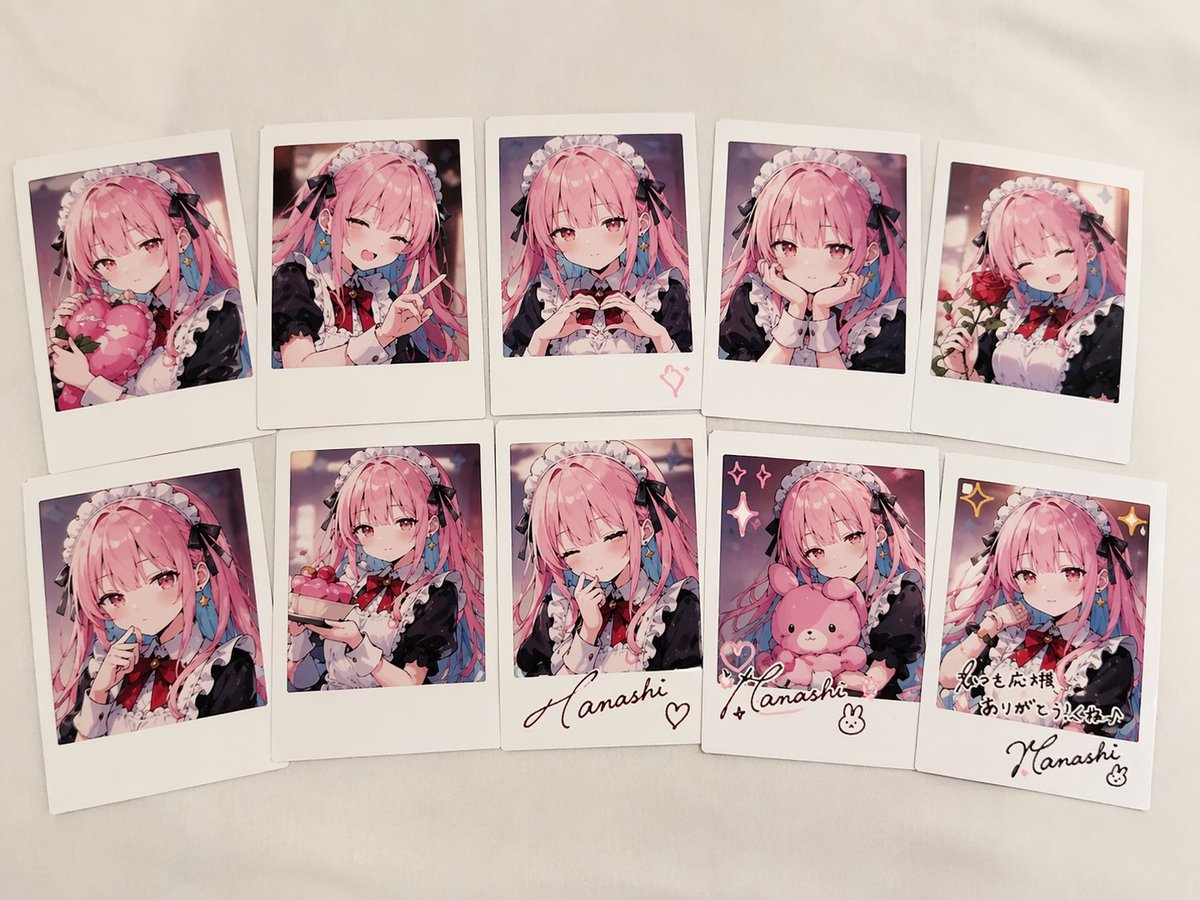
Generates a set of 10 instant photos of an anime maid character in various poses, complete with handwritten signatures and messages.
- Prompt included
- Model and format preset
- Free template
The prompt behind this image
Copy the exact prompt behind Idol Maid Polaroid Collection, or open it in the studio and make it yours.
- Type
- collection of instant photos
- Setting
- laid out flat on a white fabric surface
- Character › Hair
- {argument name="hair color" default="long pink hair with blue inner color"}
- Character › Outfit
- {argument name="outfit" default="black and white maid uniform with frilly headband and black ribbons"}
- Character › Eyes
- reddish-pink
- Layout › Arrangement
- two rows of five polaroid photos
- Layout › Count
- 10
- Layout › Photos › 0 › Position
- top row 1
- Layout › Photos › 0 › Description
- holding a pink heart cushion
- Layout › Photos › 1 › Position
- top row 2
- Layout › Photos › 1 › Description
- winking, making a peace sign
- Layout › Photos › 2 › Position
- top row 3
- Layout › Photos › 2 › Description
- making a hand heart, pink heart doodle on the bottom border
- Layout › Photos › 3 › Position
- top row 4
- Layout › Photos › 3 › Description
- resting chin on hands, gentle smile
- Layout › Photos › 4 › Position
- top row 5
- Layout › Photos › 4 › Description
- holding a red rose, winking
- Layout › Photos › 5 › Position
- bottom row 1
- Layout › Photos › 5 › Description
- finger to lips, shy expression
- Layout › Photos › 6 › Position
- bottom row 2
- Layout › Photos › 6 › Description
- holding a small pink cake
- Layout › Photos › 7 › Position
- bottom row 3
- Layout › Photos › 7 › Description
- winking, hand near face, signature '{argument name="signature text" default="Hanashi"}' and heart doodle on border
- Layout › Photos › 8 › Position
- bottom row 4
Raw JSON
{
  "type": "collection of instant photos",
  "setting": "laid out flat on a white fabric surface",
  "character": {
    "hair": "{argument name=\"hair color\" default=\"long pink hair with blue inner color\"}",
    "outfit": "{argument name=\"outfit\" default=\"black and white maid uniform with frilly headband and black ribbons\"}",
    "eyes": "reddish-pink"
  },
  "layout": {
    "arrangement": "two rows of five polaroid photos",
    "count": 10,
    "photos": [
      { "position": "top row 1", "description": "holding a pink heart cushion" },
      { "position": "top row 2", "description": "winking, making a peace sign" },
      { "position": "top row 3", "description": "making a hand heart, pink heart doodle on the bottom border" },
      { "position": "top row 4", "description": "resting chin on hands, gentle smile" },
      { "position": "top row 5", "description": "holding a red rose, winking" },
      { "position": "bottom row 1", "description": "finger to lips, shy expression" },
      { "position": "bottom row 2", "description": "holding a small pink cake" },
      { "position": "bottom row 3", "description": "winking, hand near face, signature '{argument name=\"signature text\" default=\"Hanashi\"}' and heart doodle on border" },
      { "position": "bottom row 4", "description": "holding a pink bunny plushie, sparkle doodles, signature '{argument name=\"signature text\" default=\"Hanashi\"}' and bunny doodle on border" },
      { "position": "bottom row 5", "description": "winking, sparkle doodles, message '{argument name=\"message text\" default=\"いつも応援ありがとう!これからもよろしくね♪\"}' and signature '{argument name=\"signature text\" default=\"Hanashi\"}' on border" }
    ]
  }
}How to use Idol Maid Polaroid Collection in 3 steps
- 1Upload ImagePNG, JPG or paste
Add your photo
Upload the photo the template builds on. The prompt, model and format are already set.
- 2…a portrait of your subject in softgolden-hour light, 85mm…
Personalize
Edit the subject and creative details for your destination.
- 3Generate
Generate
Press Generate — your image is created in PicX Studio, so you can compare it with the original and refine one variable at a time.
More like this
Templates with the same subject, style or setup. Open one to see its prompt.
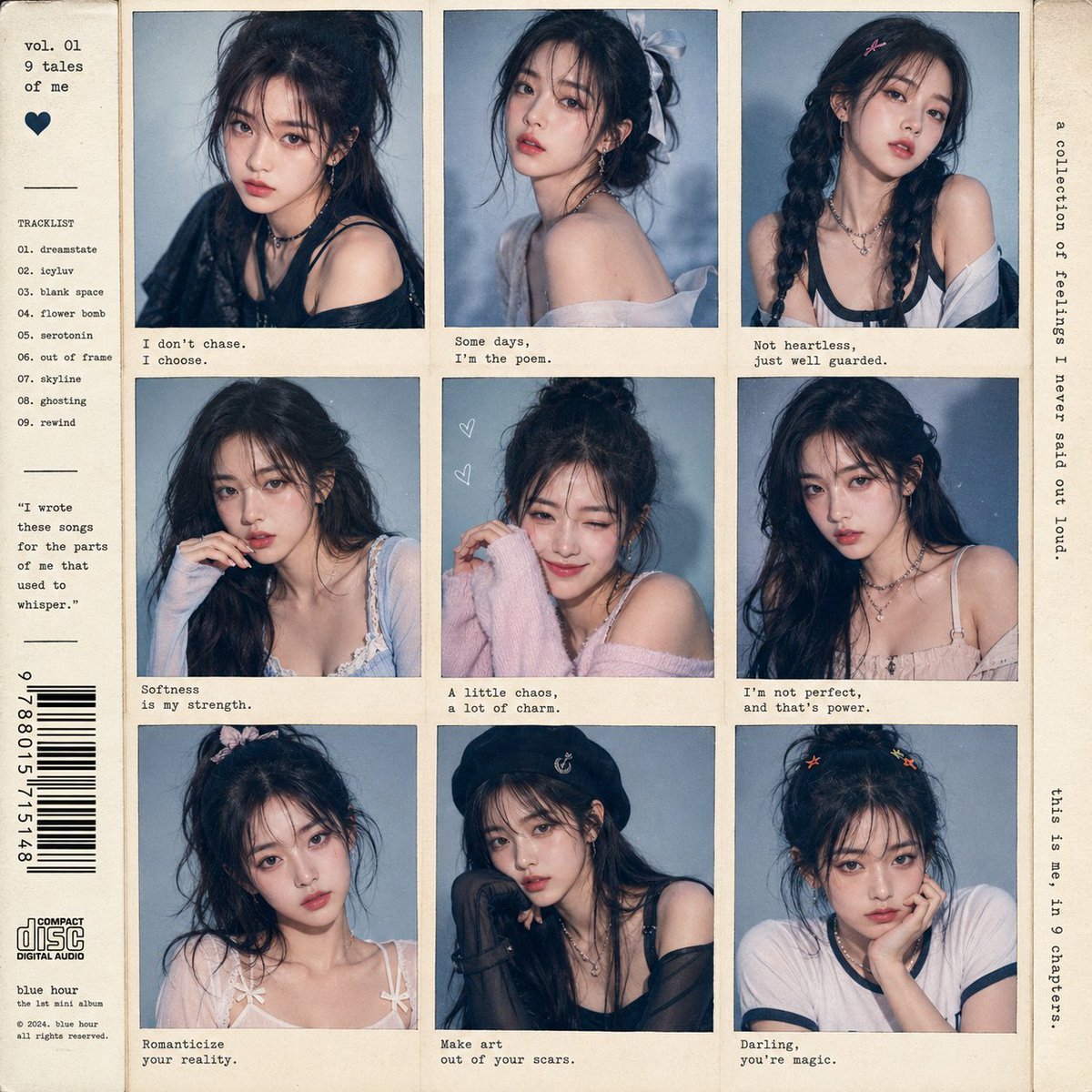
K-pop Idol Polaroid Collage
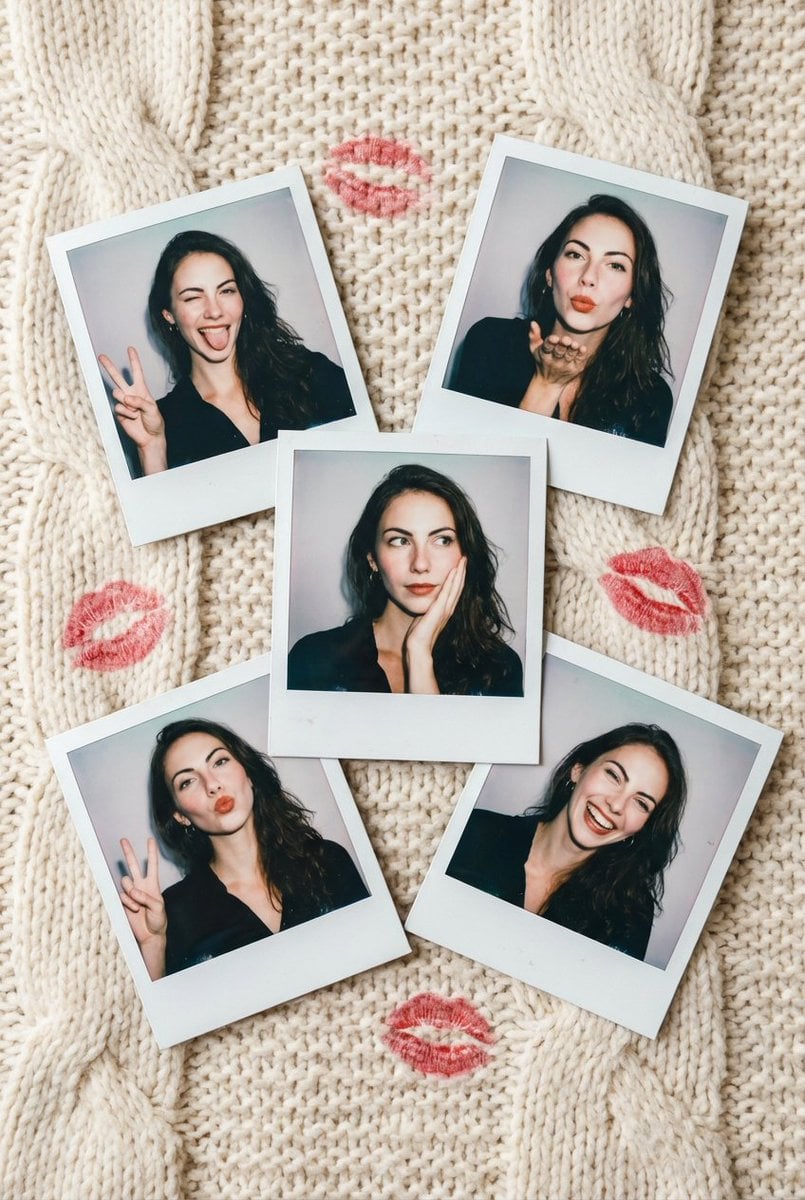
Vintage Polaroid Photo Collection Prompt

Japanese Film Reflection Idol
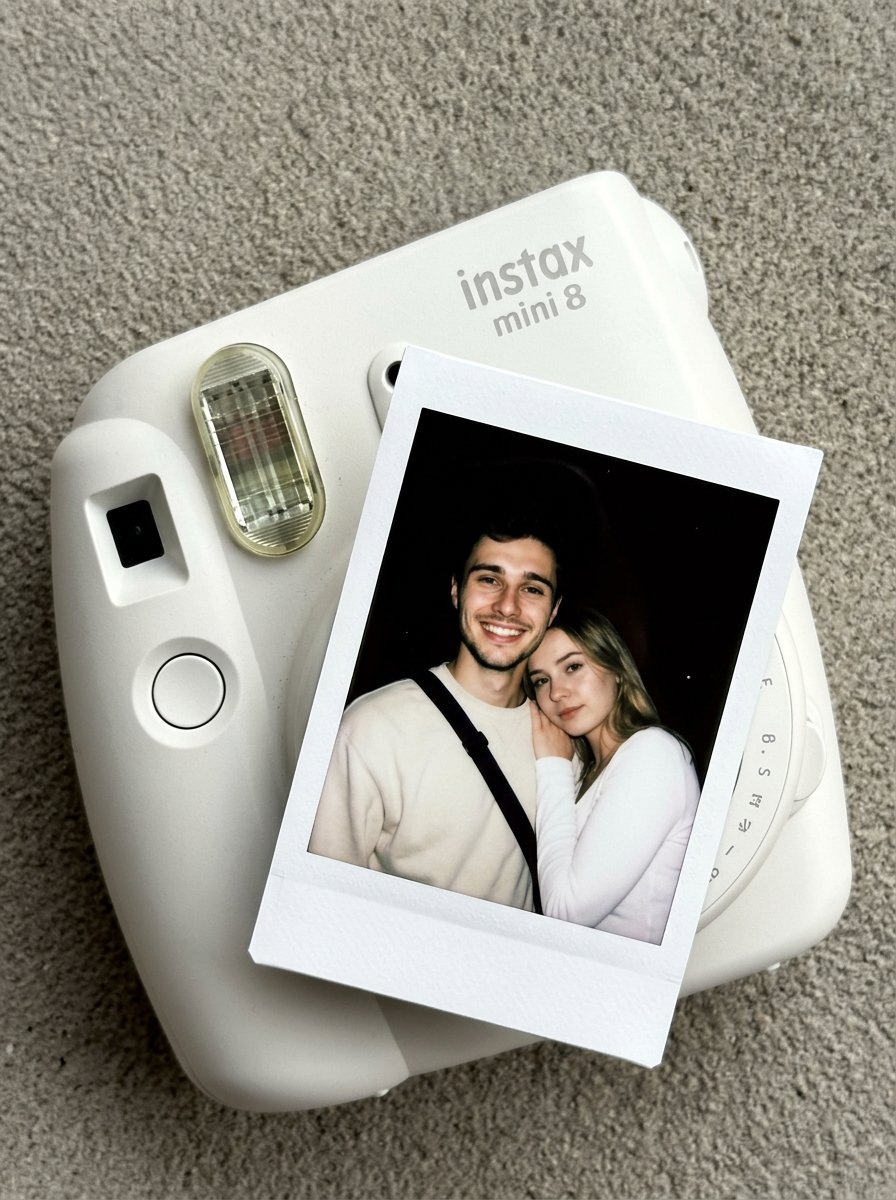
Nano Banana Pro Instax Mini 8
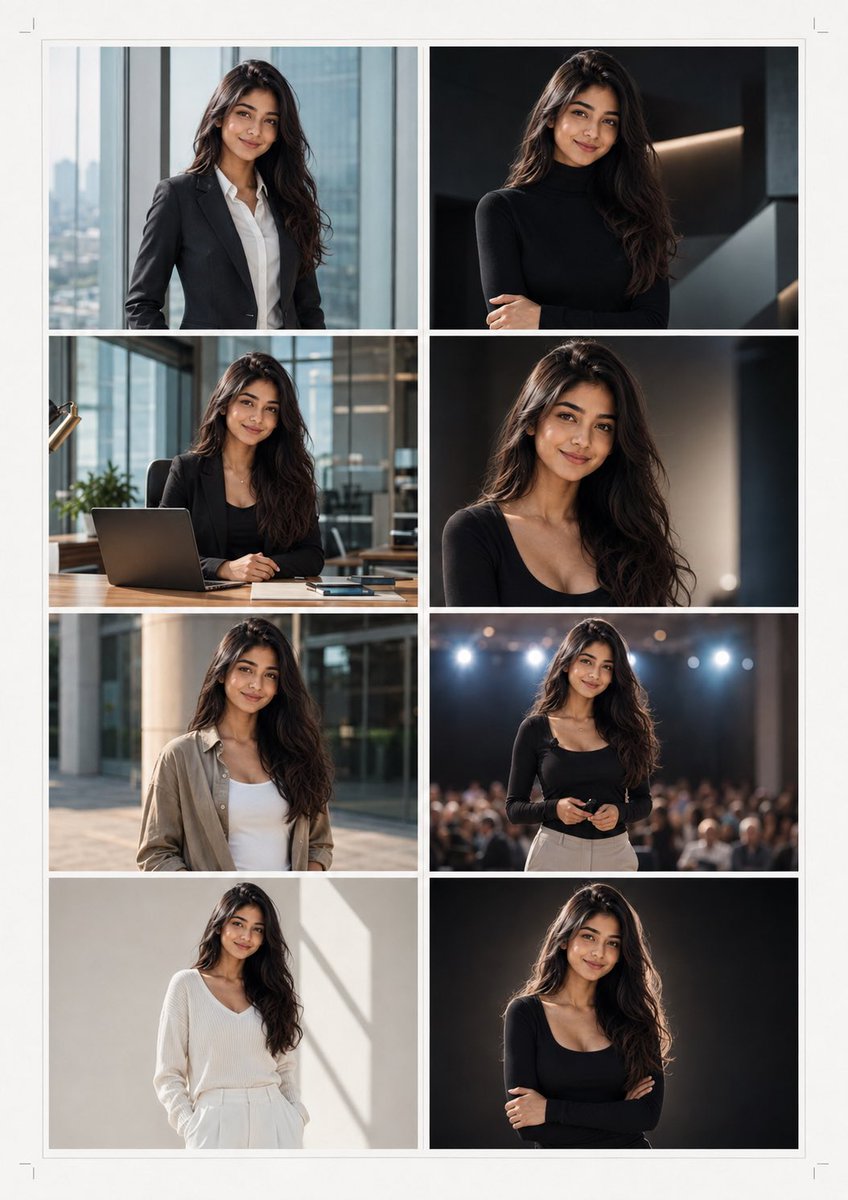
Professional Brand Portrait Collection

Anime Elf Maid Turnaround Sheet
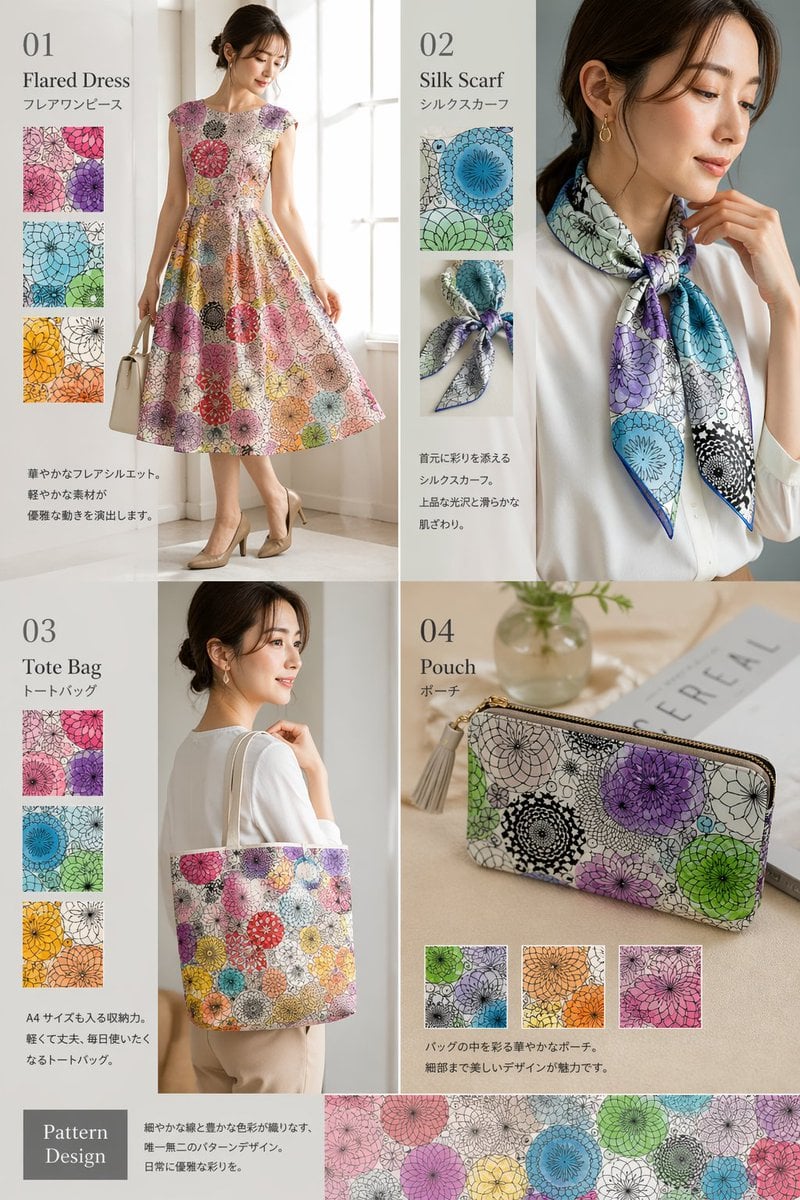
Fashion Collection Catalog Layout
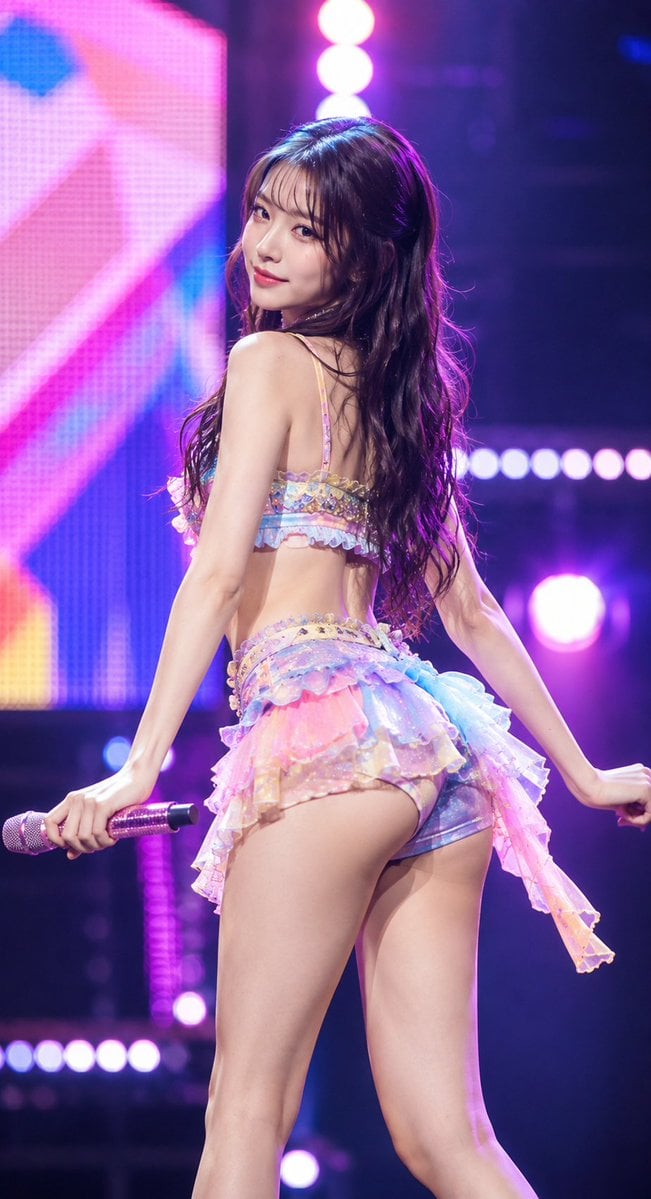
Idol Stage Performance Portrait
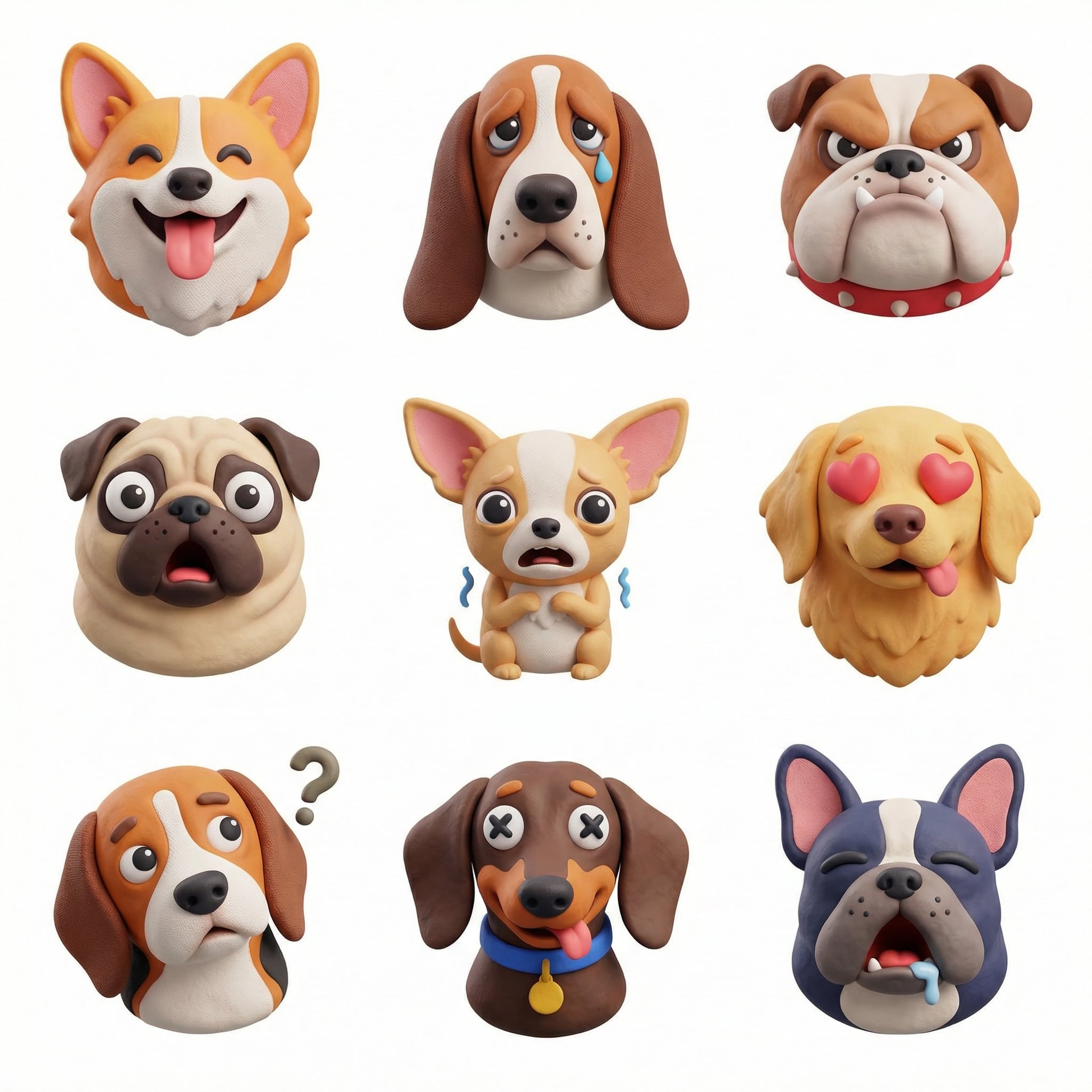
Collection of icons representing, they belong together as a single theme
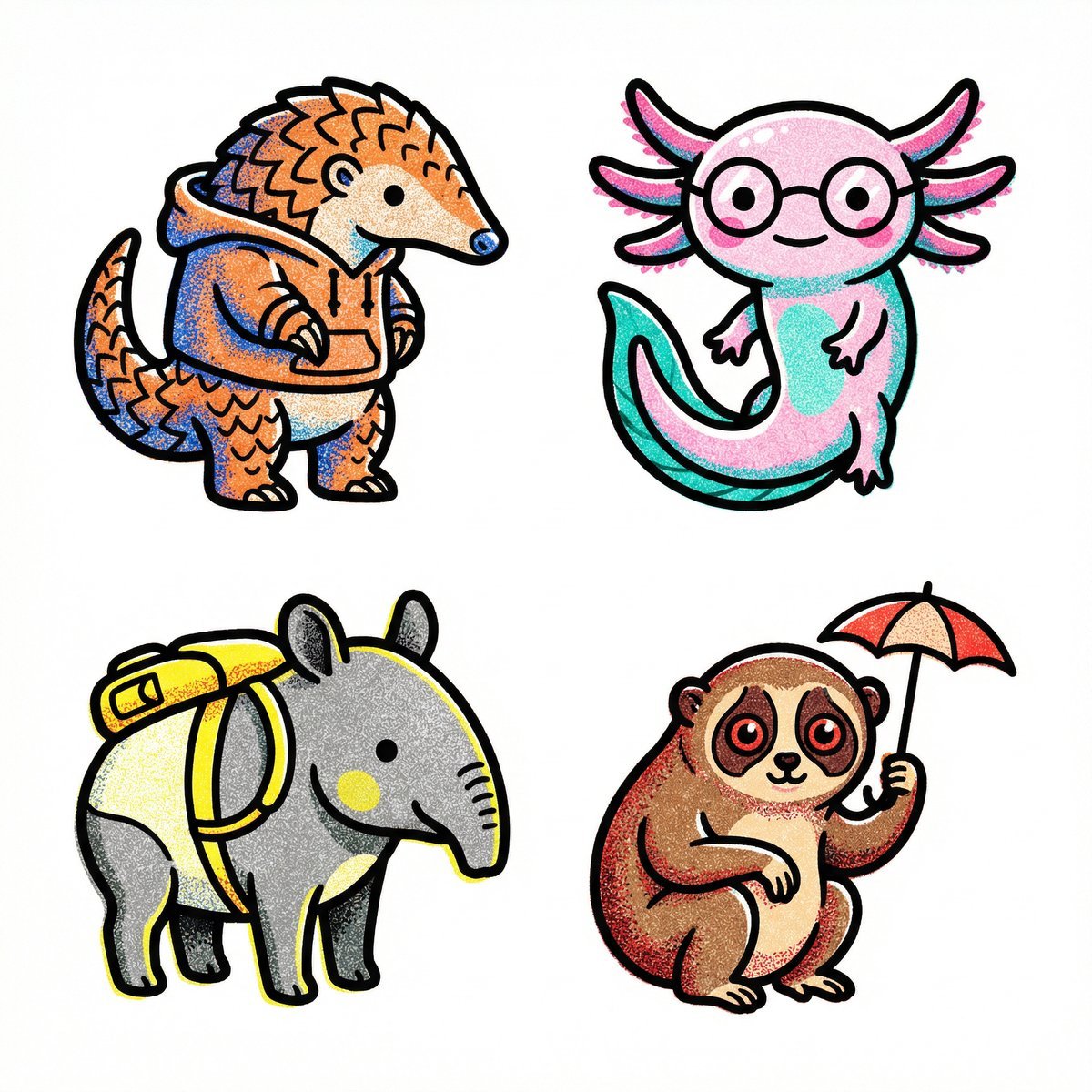
Collection of icons representing, they belong together as a single theme

Collection of icons representing through objects, symbols, and moods

Cohesive collection of playful icons a brand
Make it yours
Idol Maid Polaroid Collection works as-is. These are the safest ways to change it without losing the look.
Swap the setting
Keep the rest of the prompt and replace the location block. The current setting is “laid out flat on a white fabric surface”.
Change one field
Copy a single group, rewrite it, and generate again so you can see what that field is doing.
Keep the frame, change the subject
Hold the composition and light of Idol Maid Polaroid Collection, then swap wardrobe, props or the person for a new take.
| If the result… | Why | Fix |
|---|---|---|
| The result drifts from the preview | Too many fields changed at once. | Reuse Idol Maid Polaroid Collection as-is first, then change one group — subject, light, or setting. |
| GPT Image 2 ignores part of the JSON | Some models flatten or skip nested keys. | Keep the same values and paste them as a short paragraph instead. |
More GPT Image 2 templates
Other prompts made for GPT Image 2.

Six VTuber Japanese Logo Sheet

Realistic Portrait of Woman and Deer

The Vista Modular Condo Poster

AI Model Routing Comparison Infographic

2.5D Anime Art Board

Isometric Productivity Desk Scene

New York Double Exposure Poster

Four-Panel AI Landscape Comparison

Japanese Tatami Lifestyle Magazine Cover

NESCAFÉ Coffee Map Poster
More image prompts
Fresh picks from across the catalog.
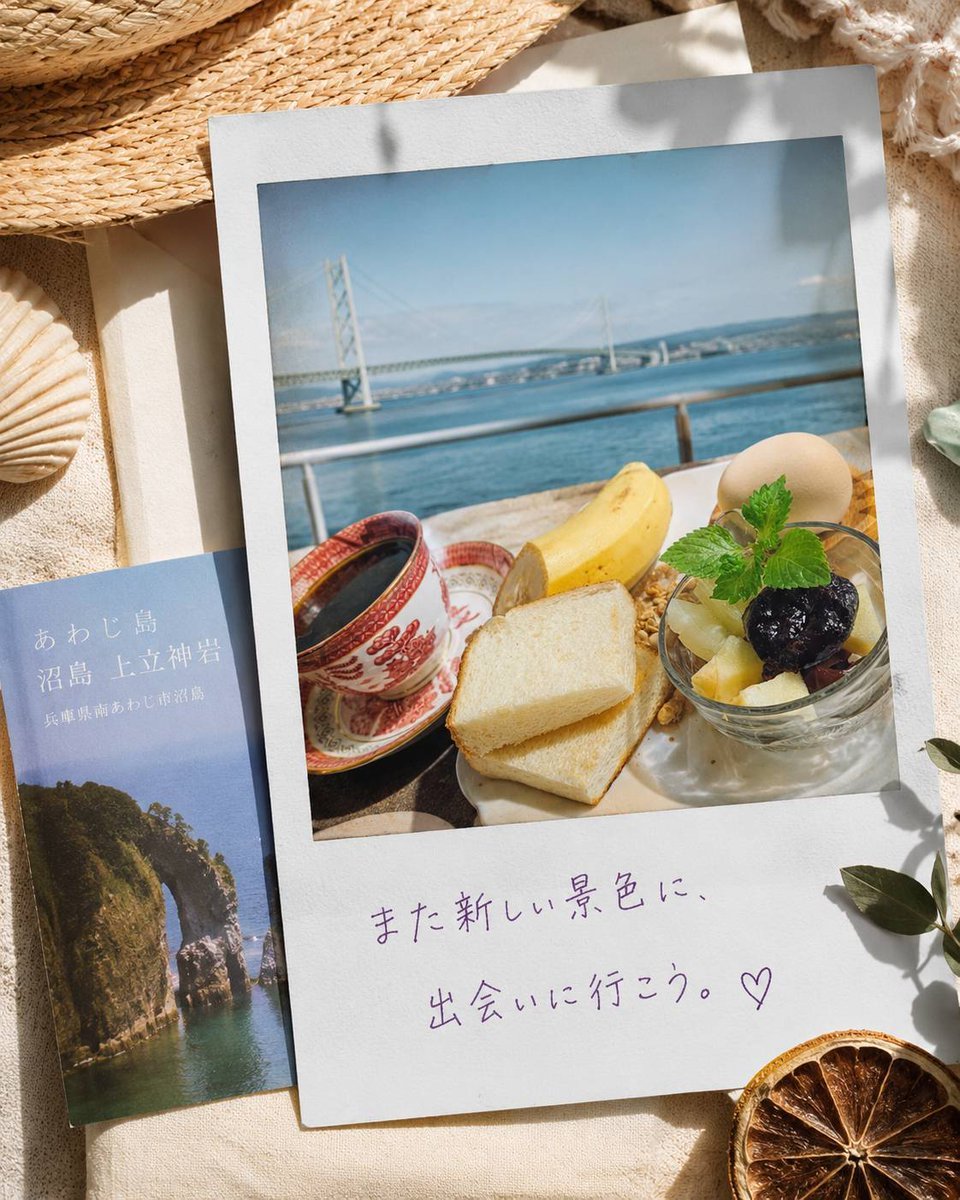
Awaji Island Polaroid Travel Flat Lay
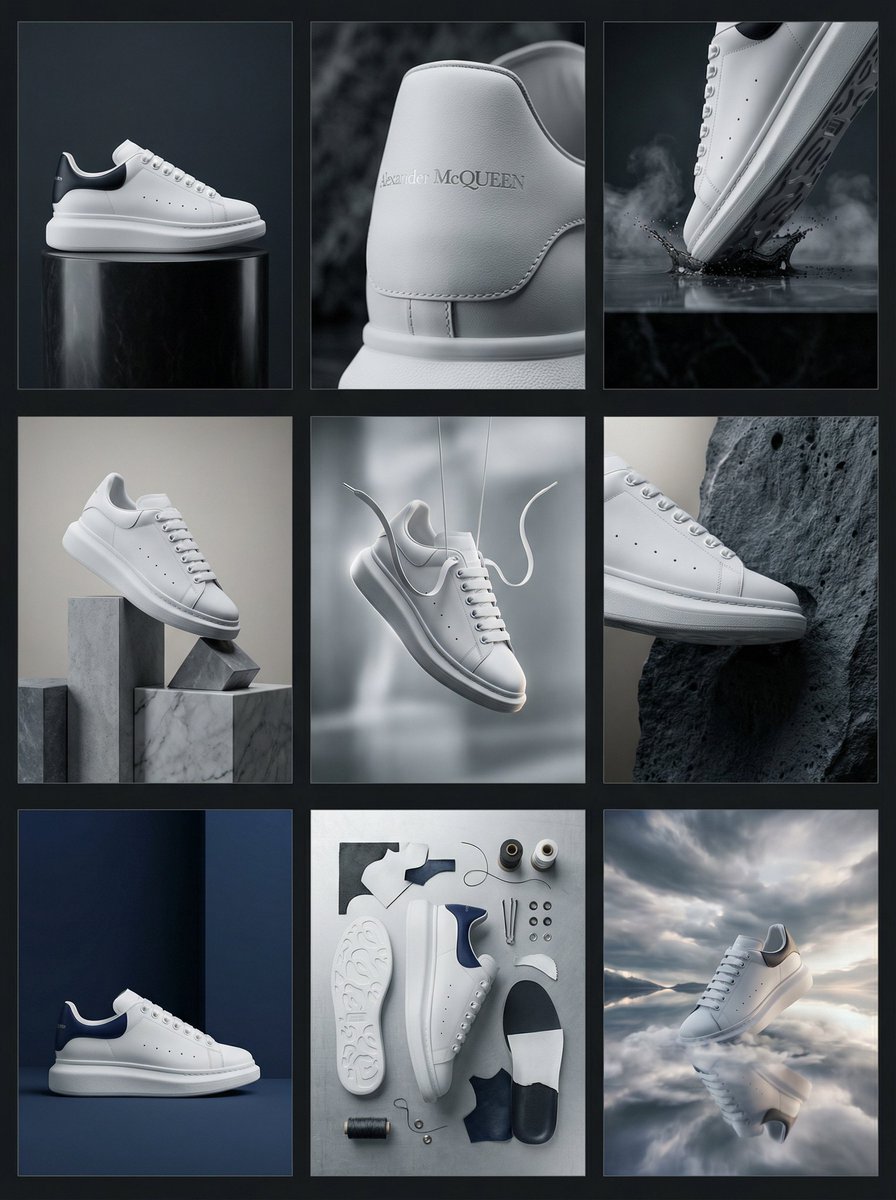
Alexander McQueen Sneaker Commercial Grid Prompt (3x3)
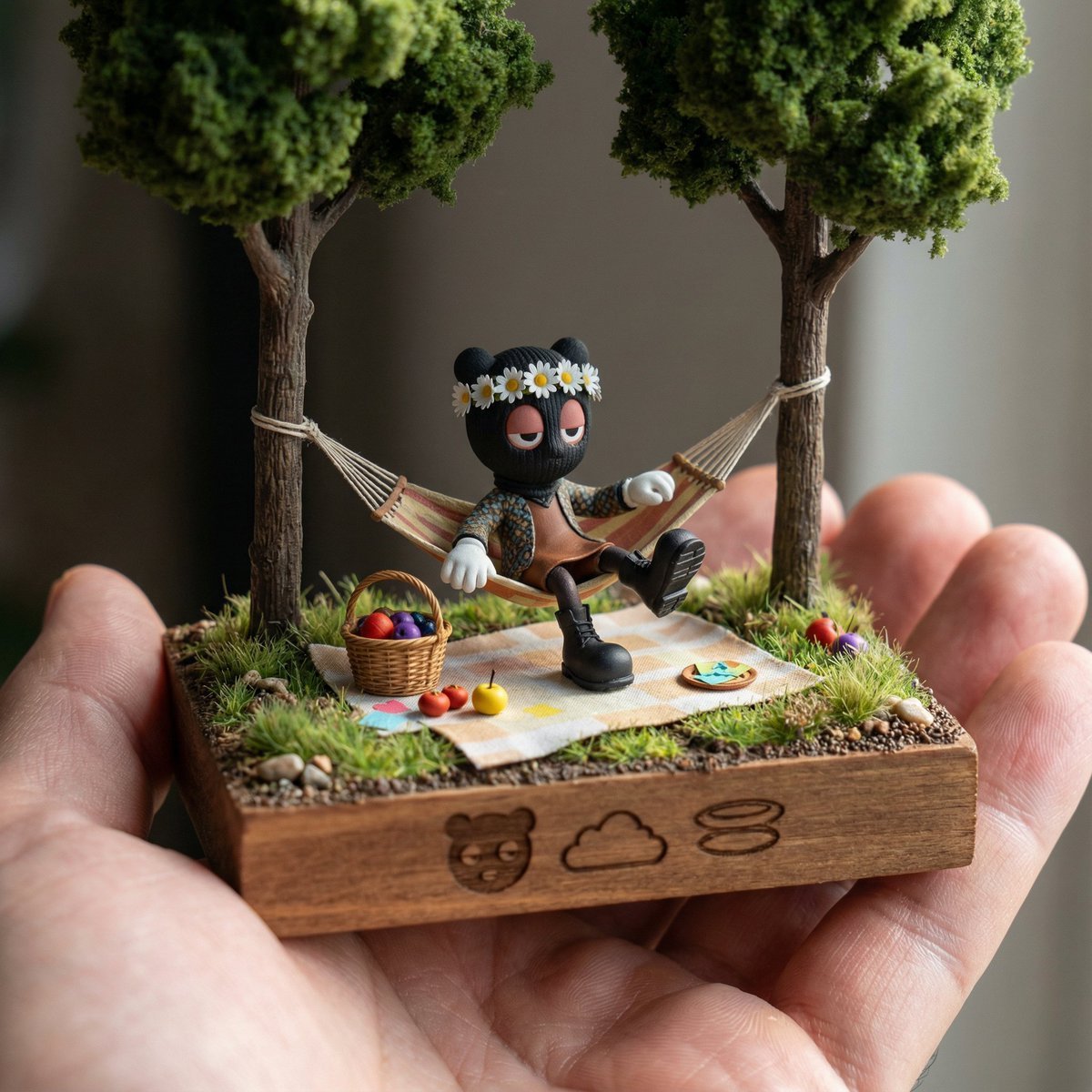
Diorama Reinterpretation Prompt
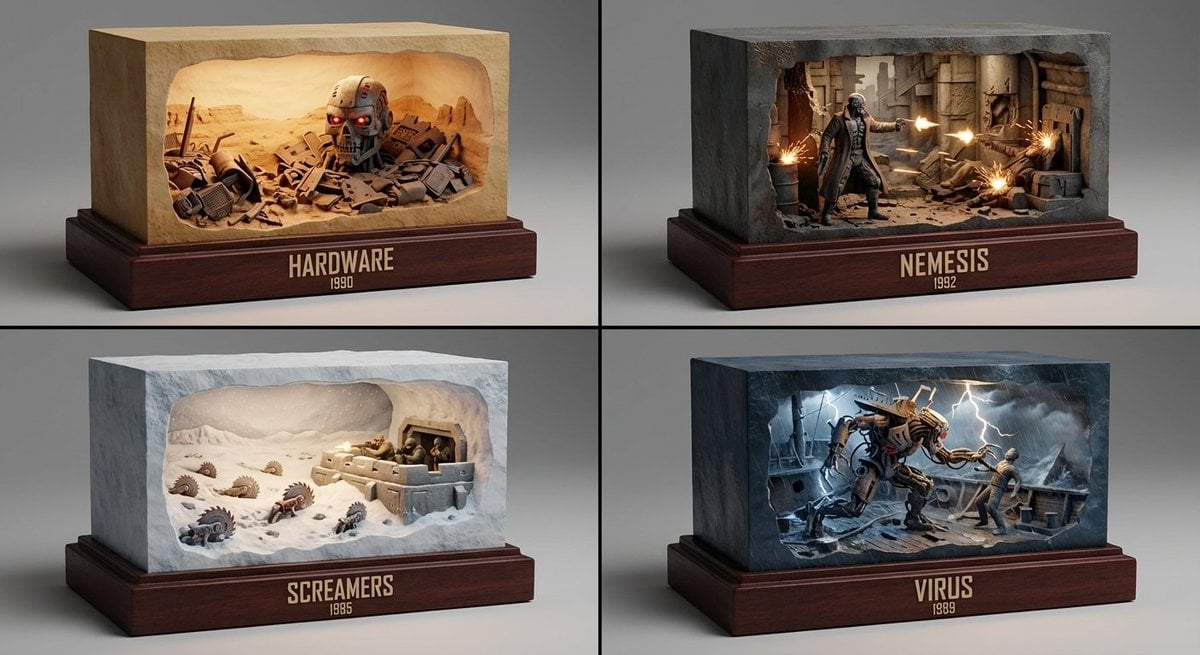
Semantic Inference Prompt for Media Recommendation Dioramas
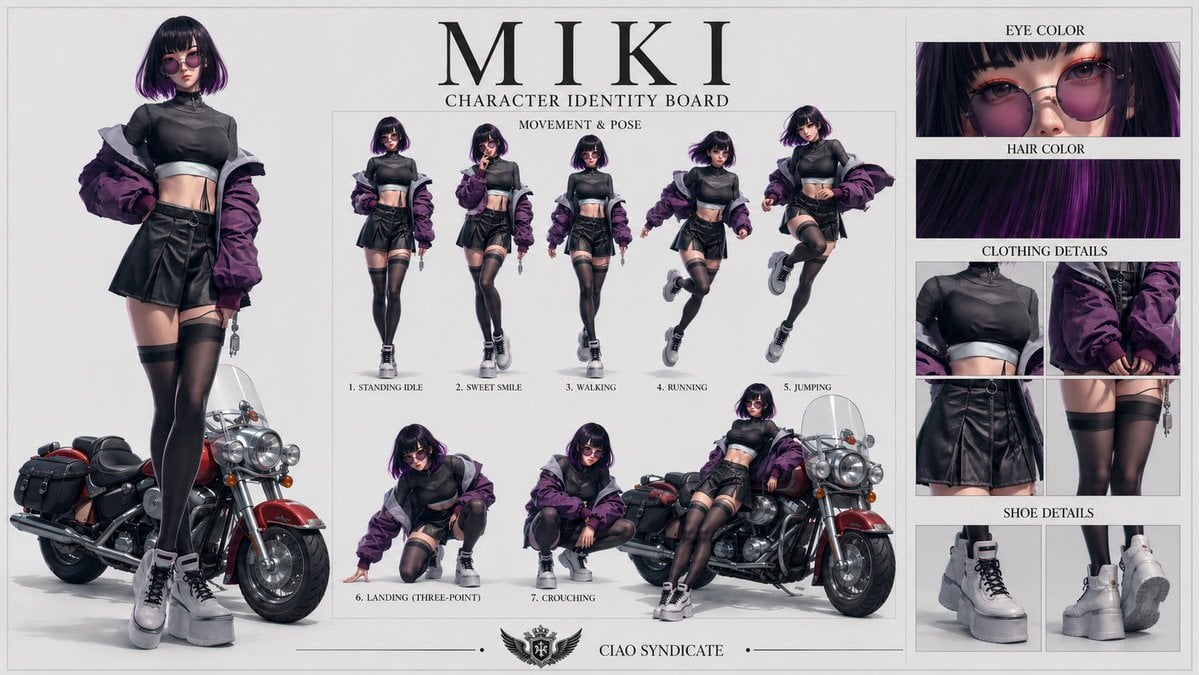
Consistent Character Identity Board
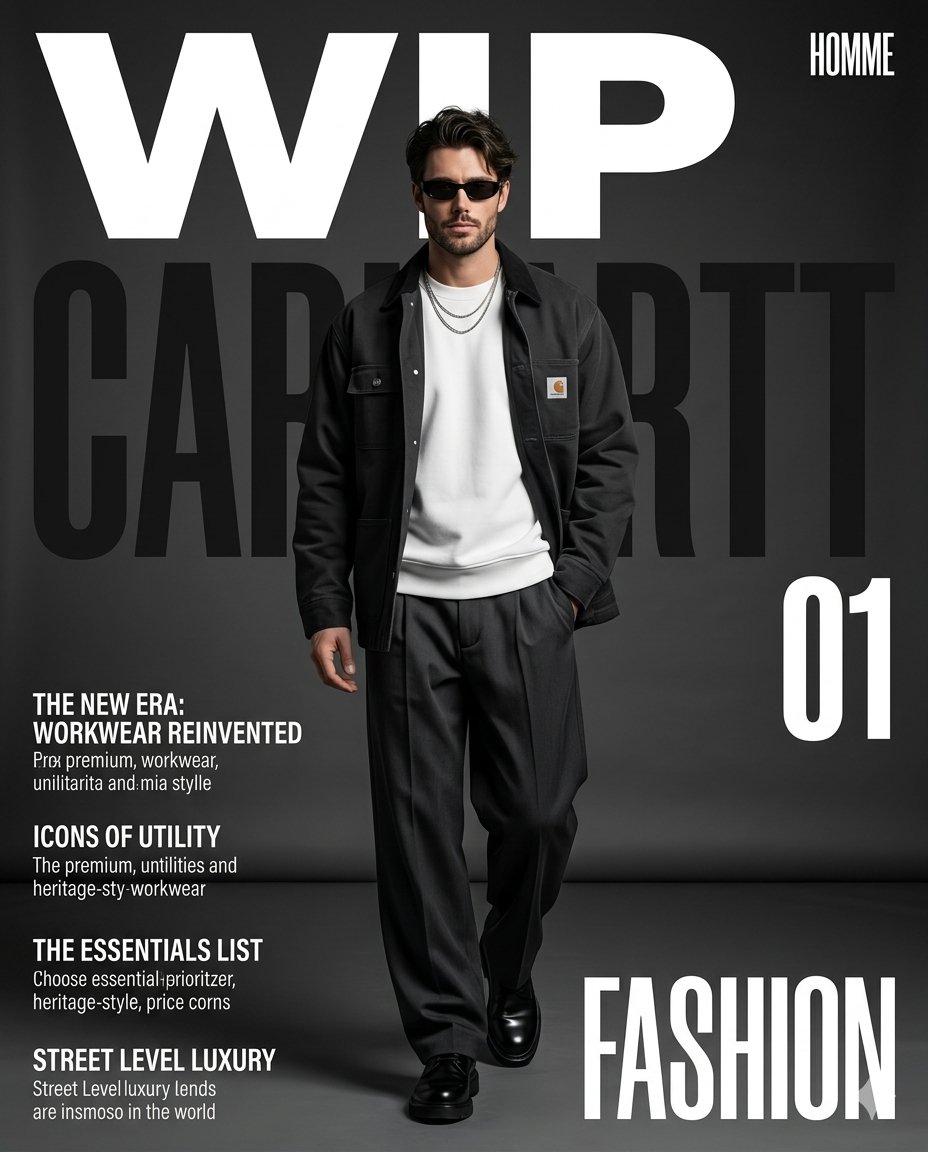
Premium Workwear Magazine Cover
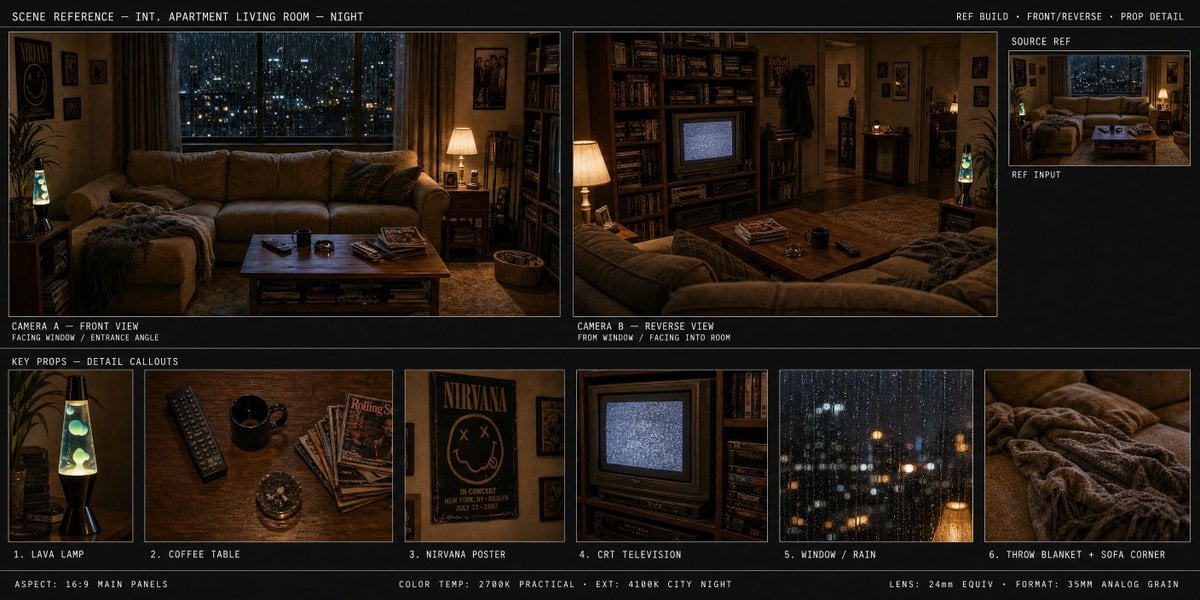
Spatial Art Director Storyboard

Minimalist Gradient Phone Wallpaper
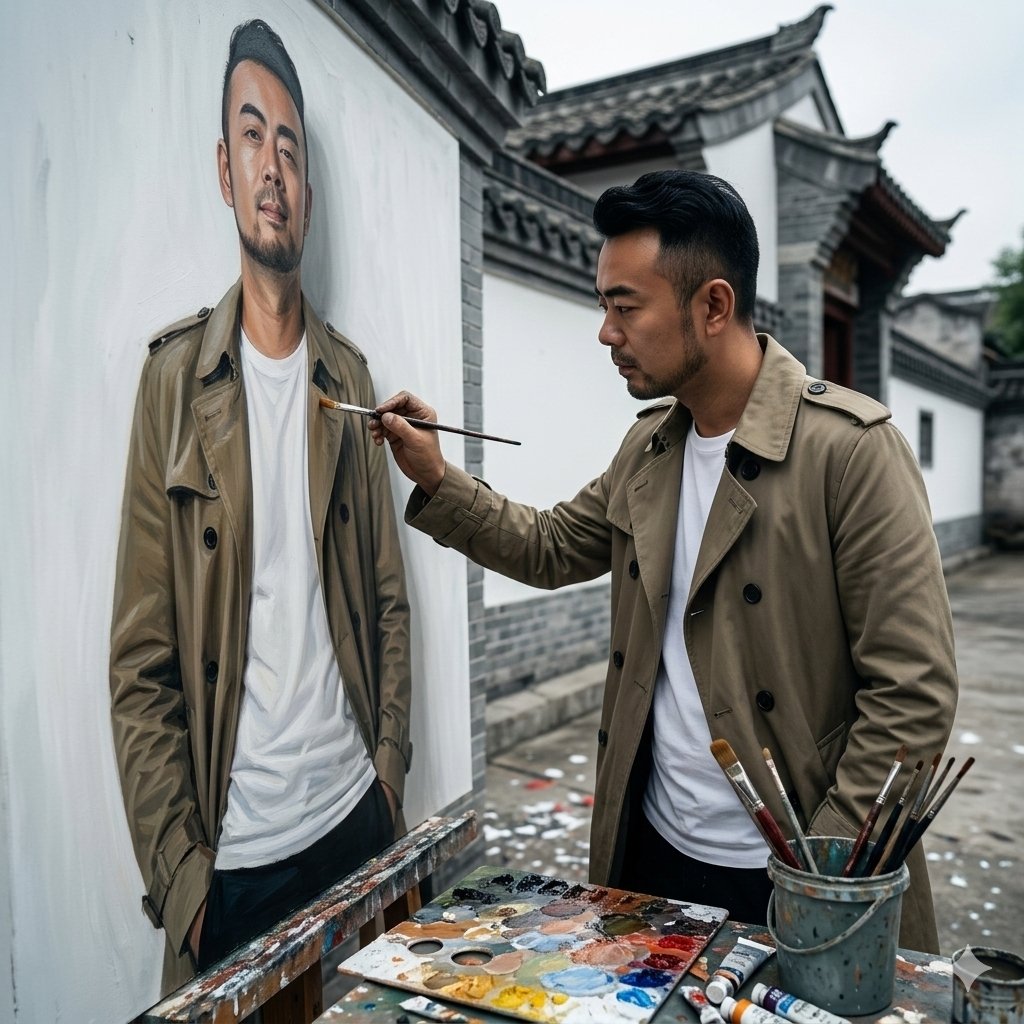
Cinematic Painterly Portrait of an Artist Painting Himself
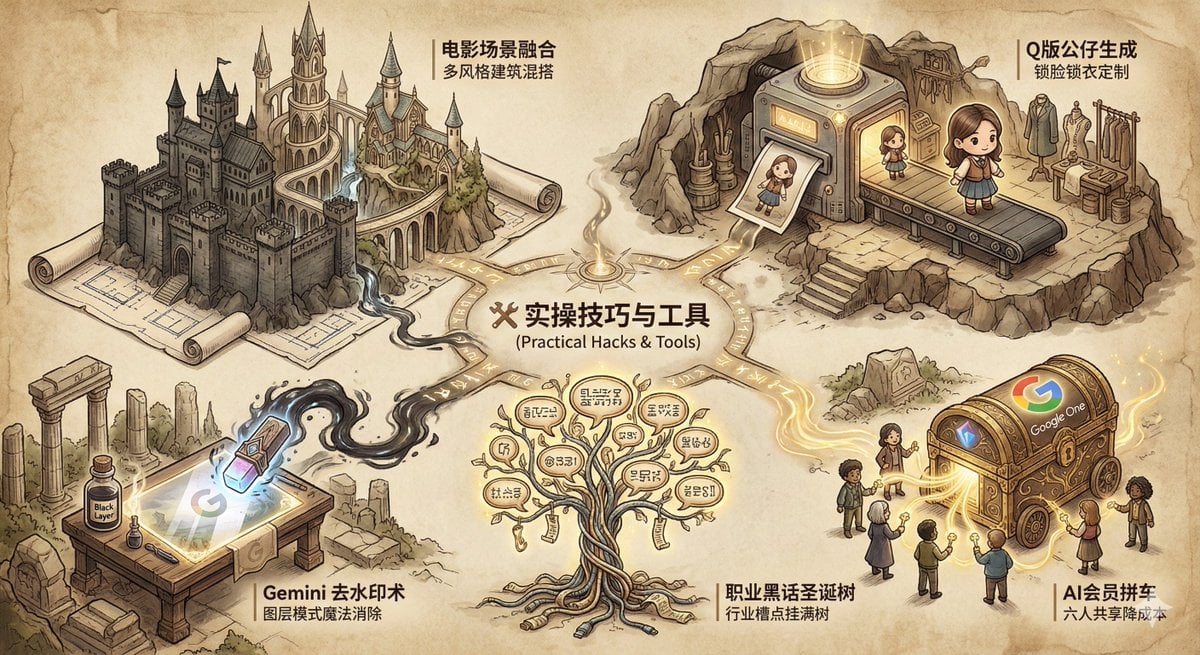
Industry Jargon Christmas Tree Prompt
Browse template categories
Idol Maid Polaroid Collection questions
How do I use the Idol Maid Polaroid Collection template?
Add your photo if the template asks for one, edit the prompt if you like — the template's model and format are already selected — and press Generate. Your version opens in PicX Studio.
Can I customize the Idol Maid Polaroid Collection template?
Yes. You can change the subject, setting, lighting, mood, format, and available model controls before creating your image.
Is the Idol Maid Polaroid Collection template free?
Opening and editing this template is free. Generating uses credits, shown on the Generate button when you are signed in.
Which AI model should I use?
Start with GPT Image 2, which is the model associated with this template. You can compare another compatible model for a different finish.
Looking for something else? Browse all templates.

Your photo, any look
Thousands of ready templates for every top image and video model, from one credit balance.