
Double Exposure Underwater City Portrait
A cinematic prompt for generating a moody double-exposure profile portrait merged with a glowing fantasy underwater metropolis.
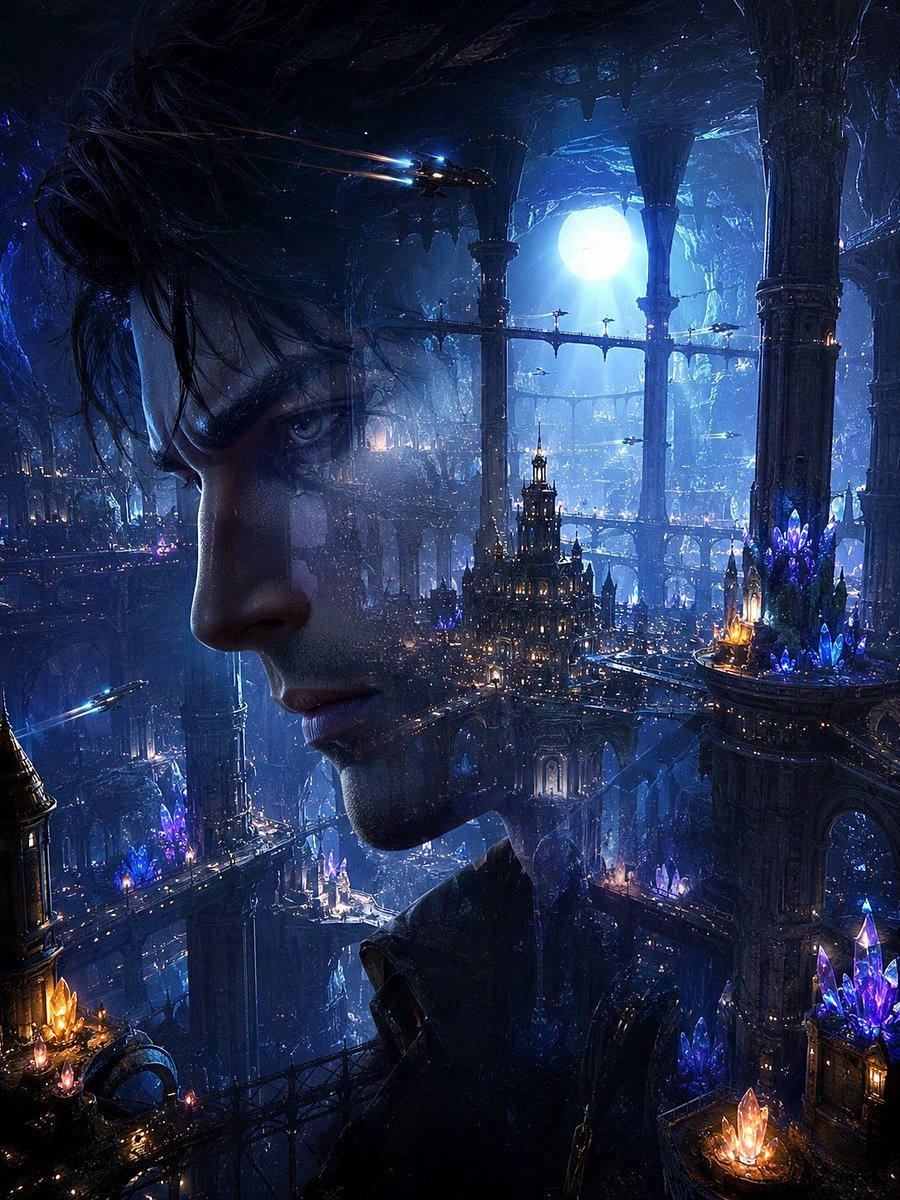
- Prompt included
- Model and format preset
- Free template
The prompt behind this image
Copy the exact prompt behind Double Exposure Underwater City Portrait, or open it in the studio and make it yours.
Create a dark cinematic fantasy sci-fi double-exposure portrait of a {argument name="character gender" default="young man"} in left-facing side profile, occupying the left half and center of a vertical frame. His face is semi-transparent and merged with a vast {argument name="city type" default="underwater fantasy city"}: the eye, nose, lips, jawline, and dark wet-looking hair remain visible, while ornate towers, bridges, glowing windows, and deep cavern architecture show through his skin and silhouette. The setting is a colossal submerged metropolis inside a blue-black ocean cavern, with monumental carved pillars, layered arched walkways, suspended bridges, cathedral-like spires, and countless tiny warm lights. Add a huge glowing {argument name="moon or light source" default="full moon"} behind the city near the upper right, shining through rippling water and mist. Include luminous crystal clusters in exactly 4 prominent areas: one orange-gold cluster at the bottom left, one purple-blue cluster on a mid-left balcony, one large purple-blue cluster on the right platform, and one orange-purple cluster at the bottom right. Add exactly 3 small flying craft: one near the upper center-left with bright blue headlights and orange light trails, one tiny craft crossing the middle-right bridge area, and one near the lower left with a blue beam. Use a palette of midnight blue, cyan, indigo, violet crystal glow, and small amber lantern highlights. Make the atmosphere dreamy, mysterious, and epic, with volumetric moonbeams, underwater haze, floating particles, glossy wet surfaces, intricate gothic-futuristic details, and high-contrast rim lighting. Vertical 3:4 composition, ultra-detailed concept art, photorealistic facial anatomy blended with matte-painting environment, no text, no watermark, no frame.
How to use Double Exposure Underwater City Portrait in 3 steps
- 1Upload ImagePNG, JPG or paste
Add your photo
Upload the photo the template builds on. The prompt, model and format are already set.
- 2…a portrait of your subject in softgolden-hour light, 85mm…
Personalize
Edit the subject and creative details for your destination.
- 3Generate
Generate
Press Generate — your image is created in PicX Studio, so you can compare it with the original and refine one variable at a time.
More like this
Templates with the same subject, style or setup. Open one to see its prompt.
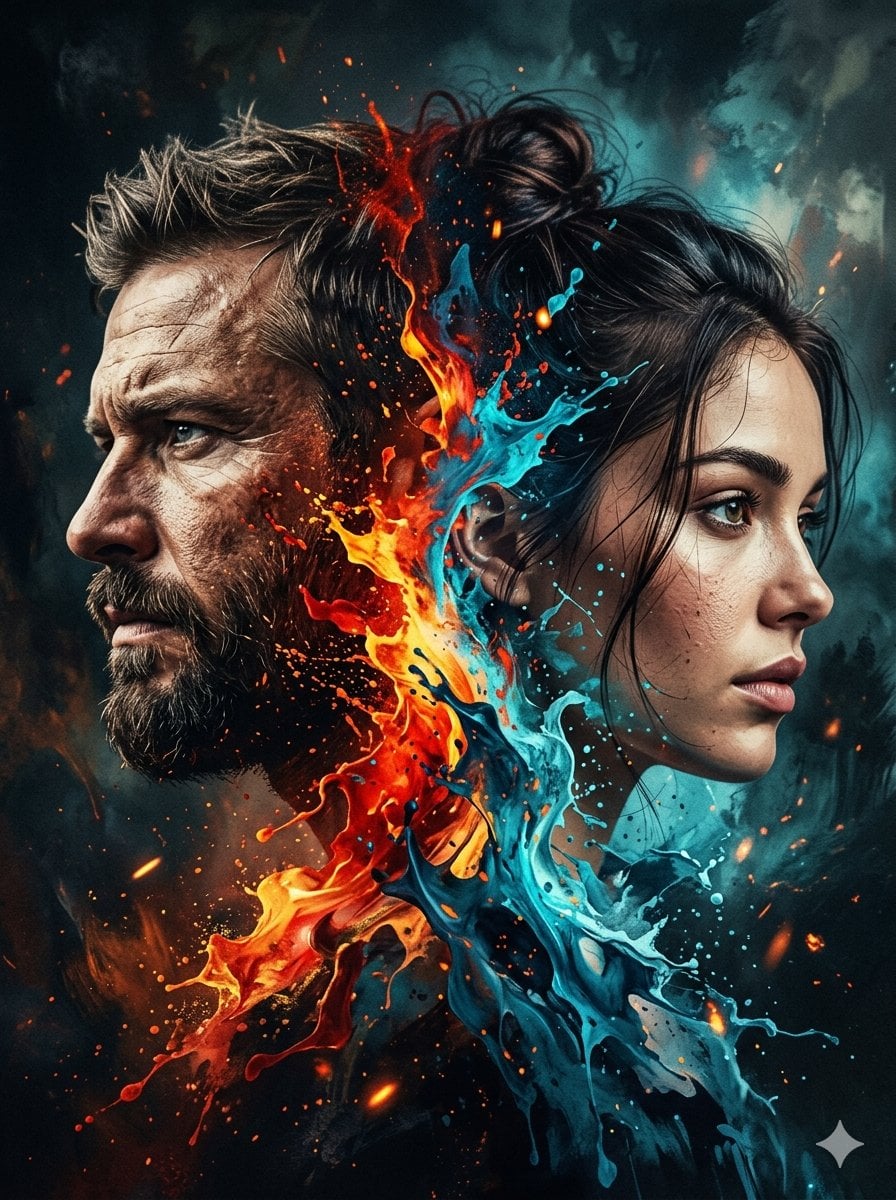
Dynamic Double-Exposure Artistic Portrait
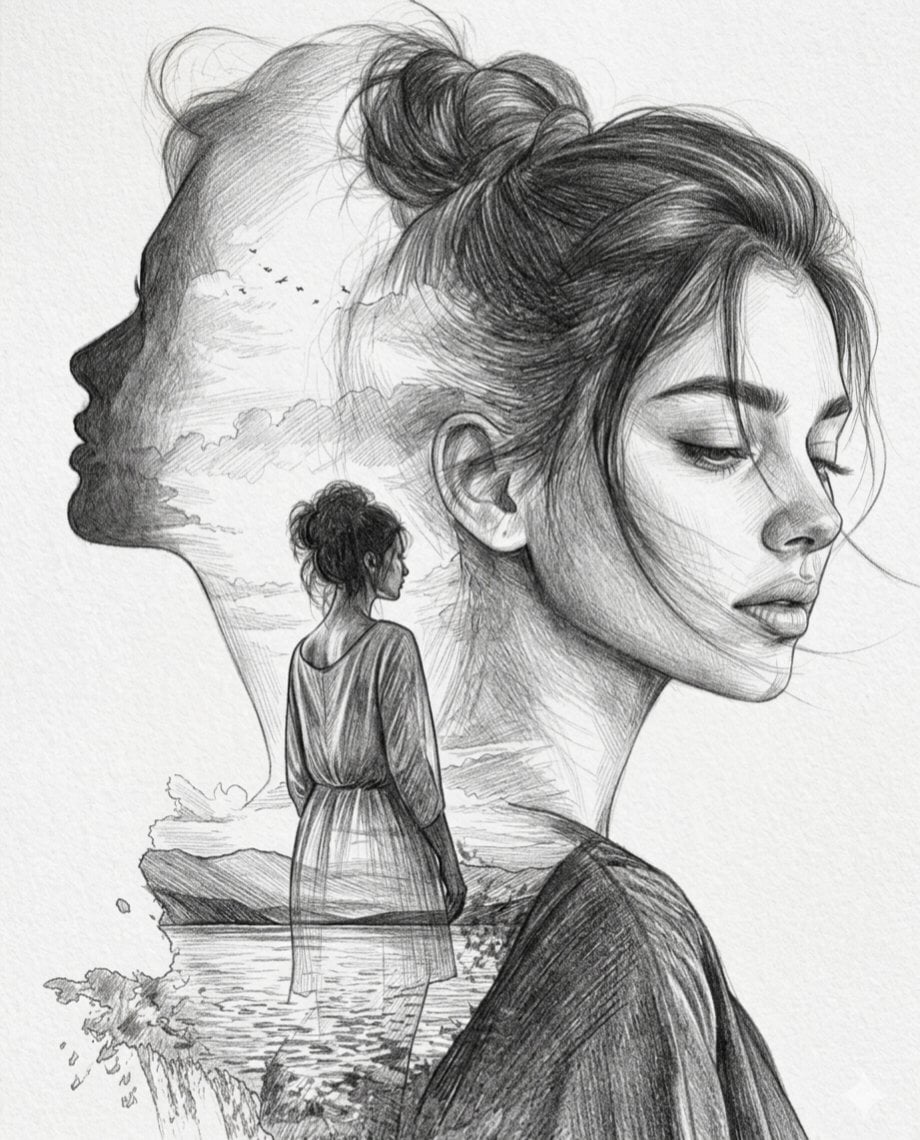
Double Exposure Pencil Sketch Portrait
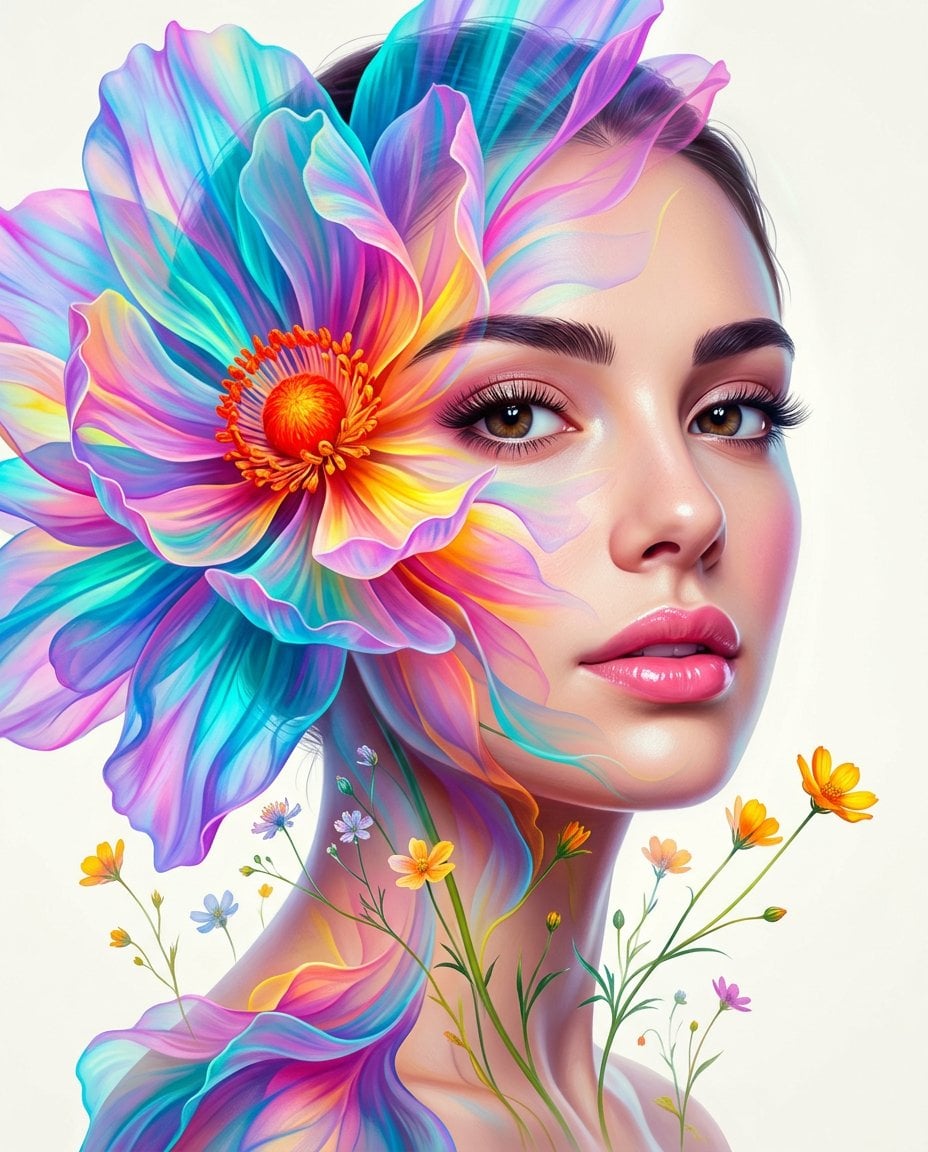
Surreal Double-Exposure Floral Portrait
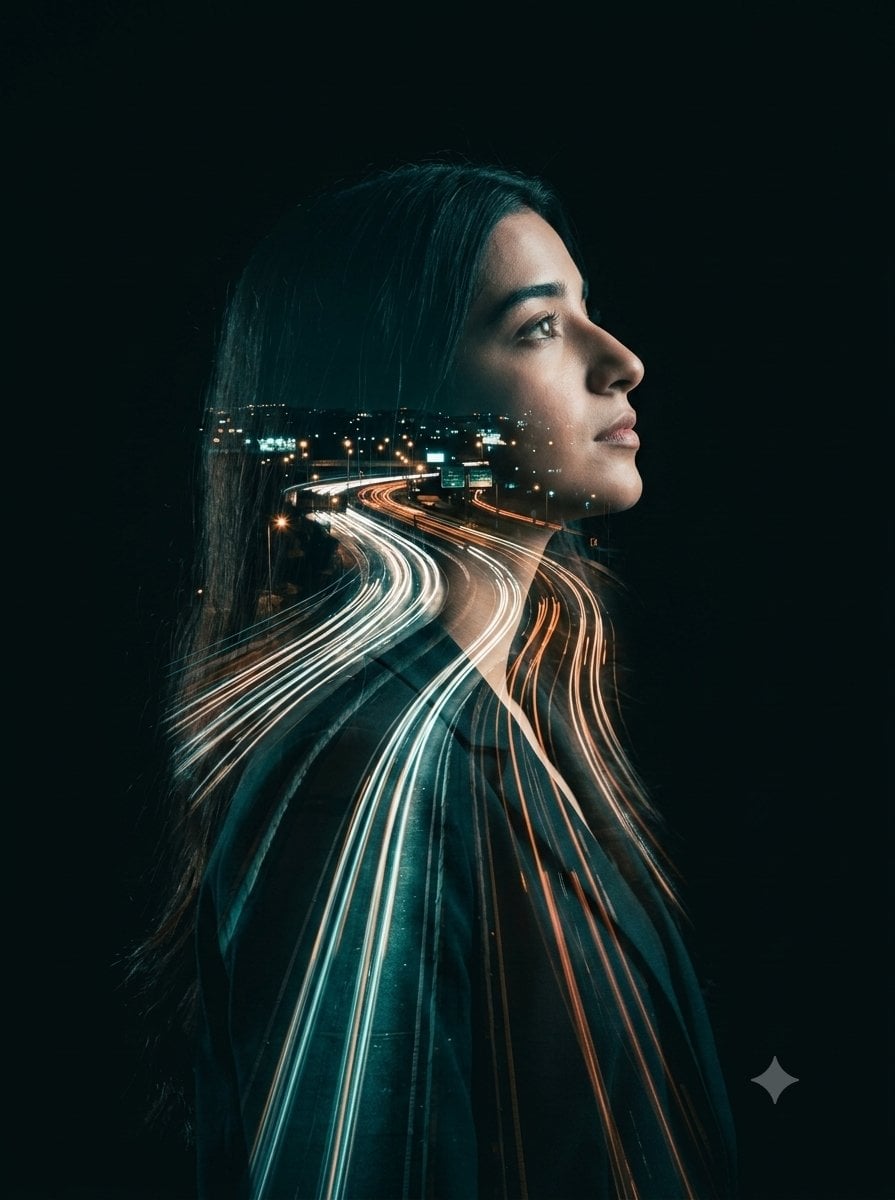
Double-Exposure Highway Portrait
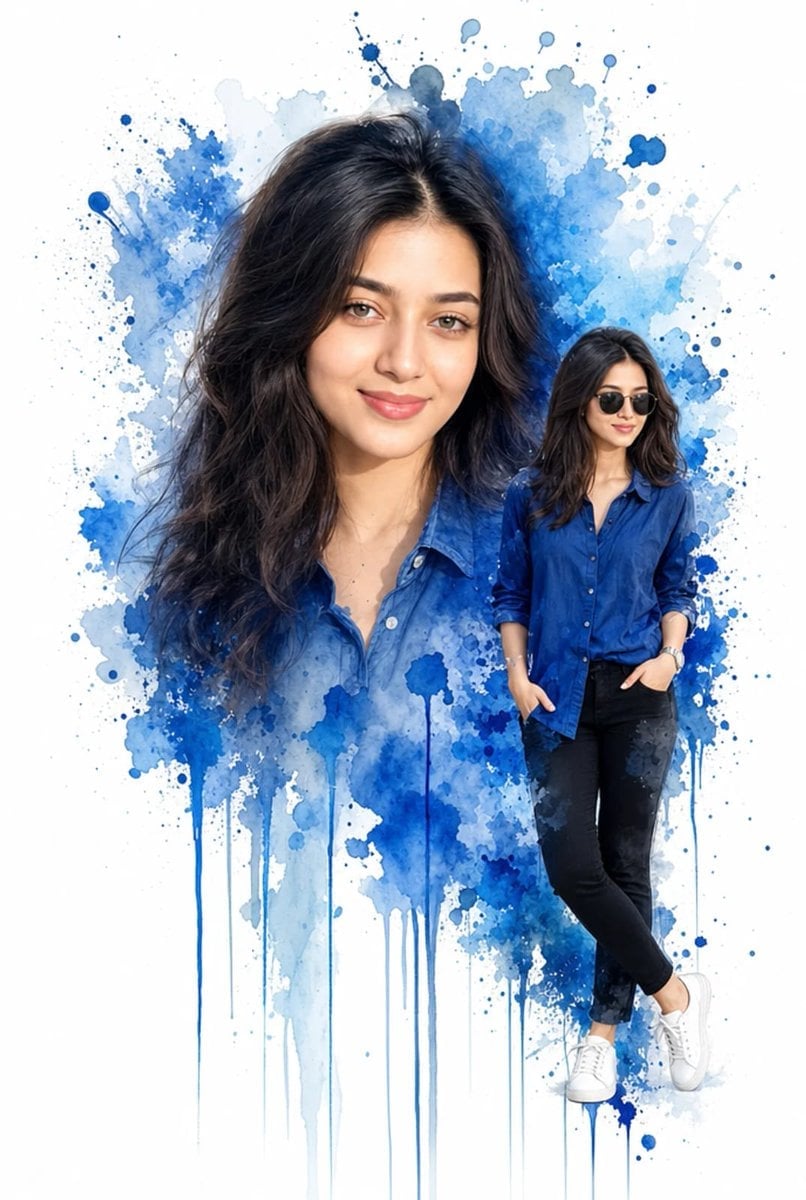
Double Exposure Watercolor Portrait Art
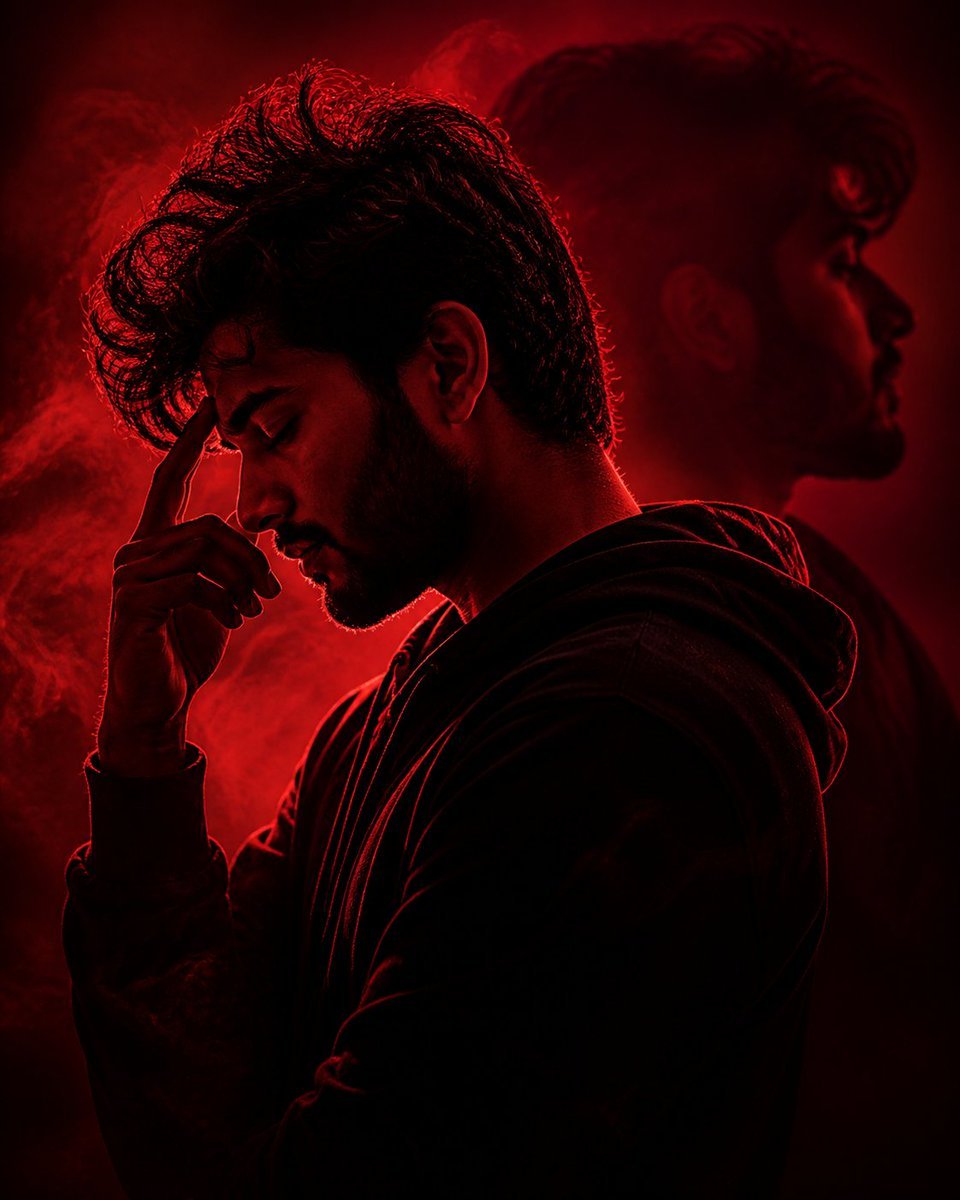
Crimson Moody Double Exposure Portrait
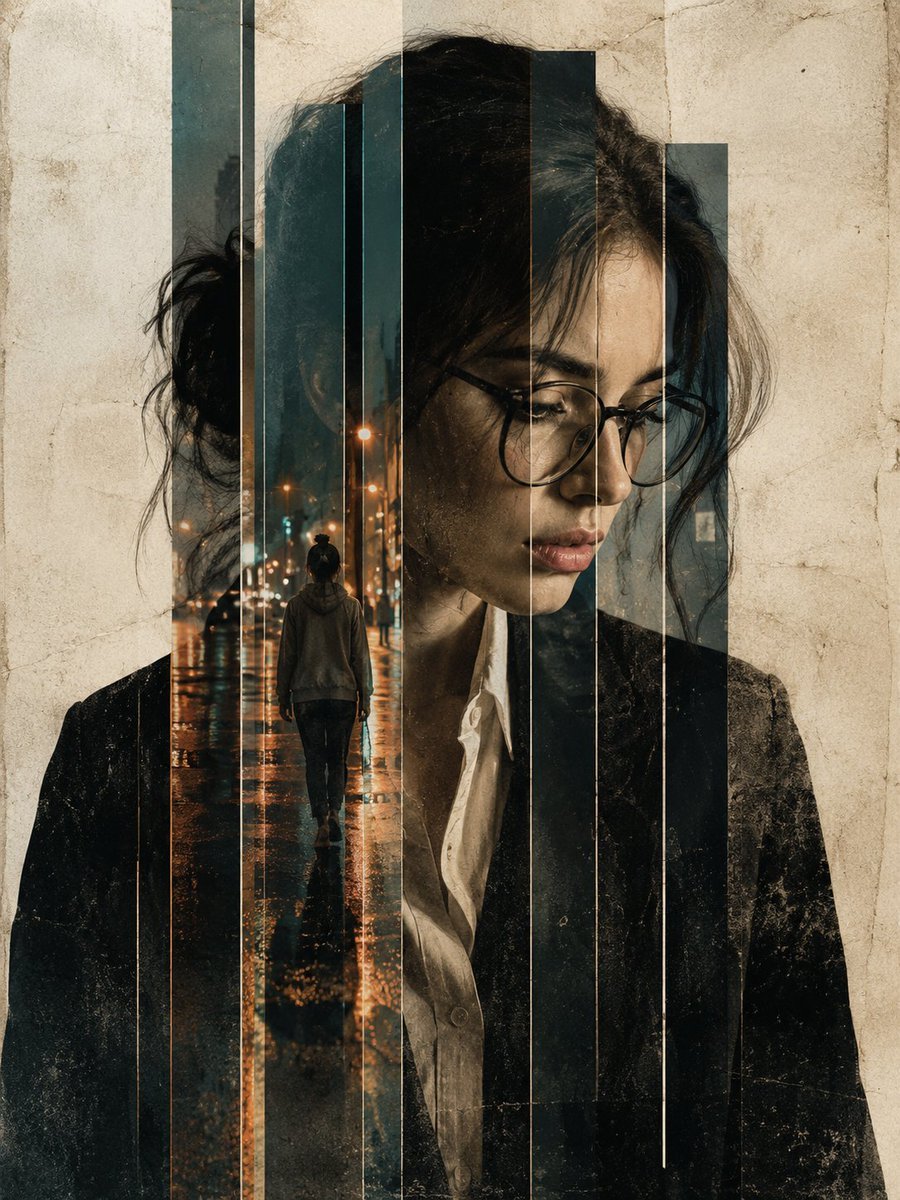
Double Exposure Editorial Portrait
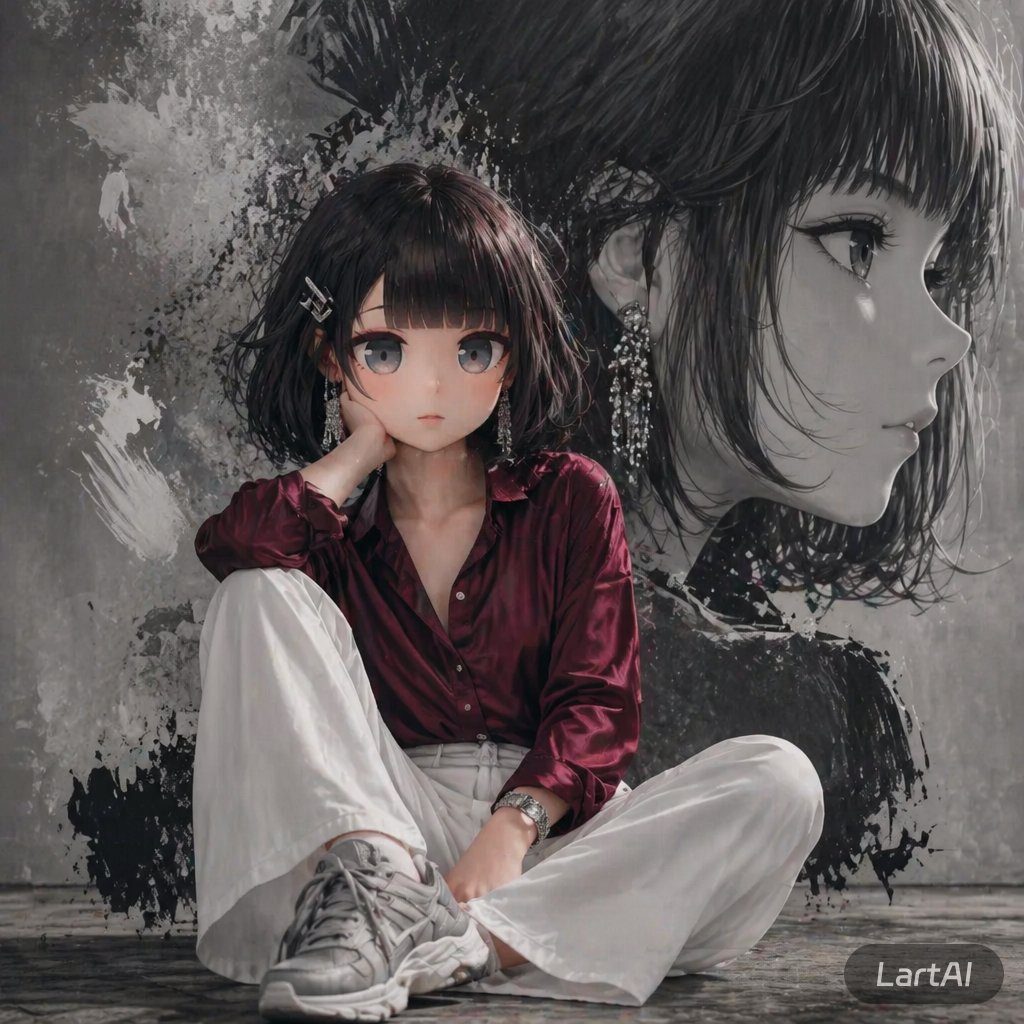
Double Exposure High-Fashion Portrait
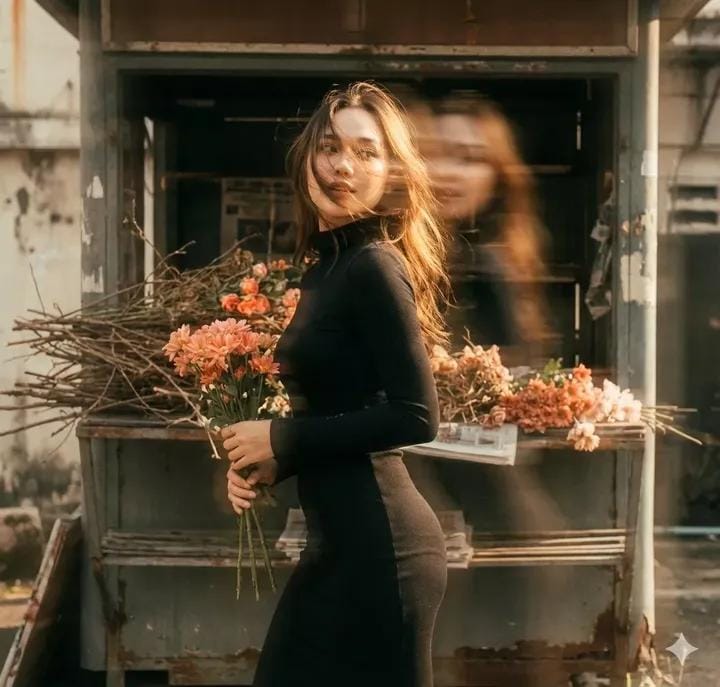
Vintage Film Double-Exposure Portrait
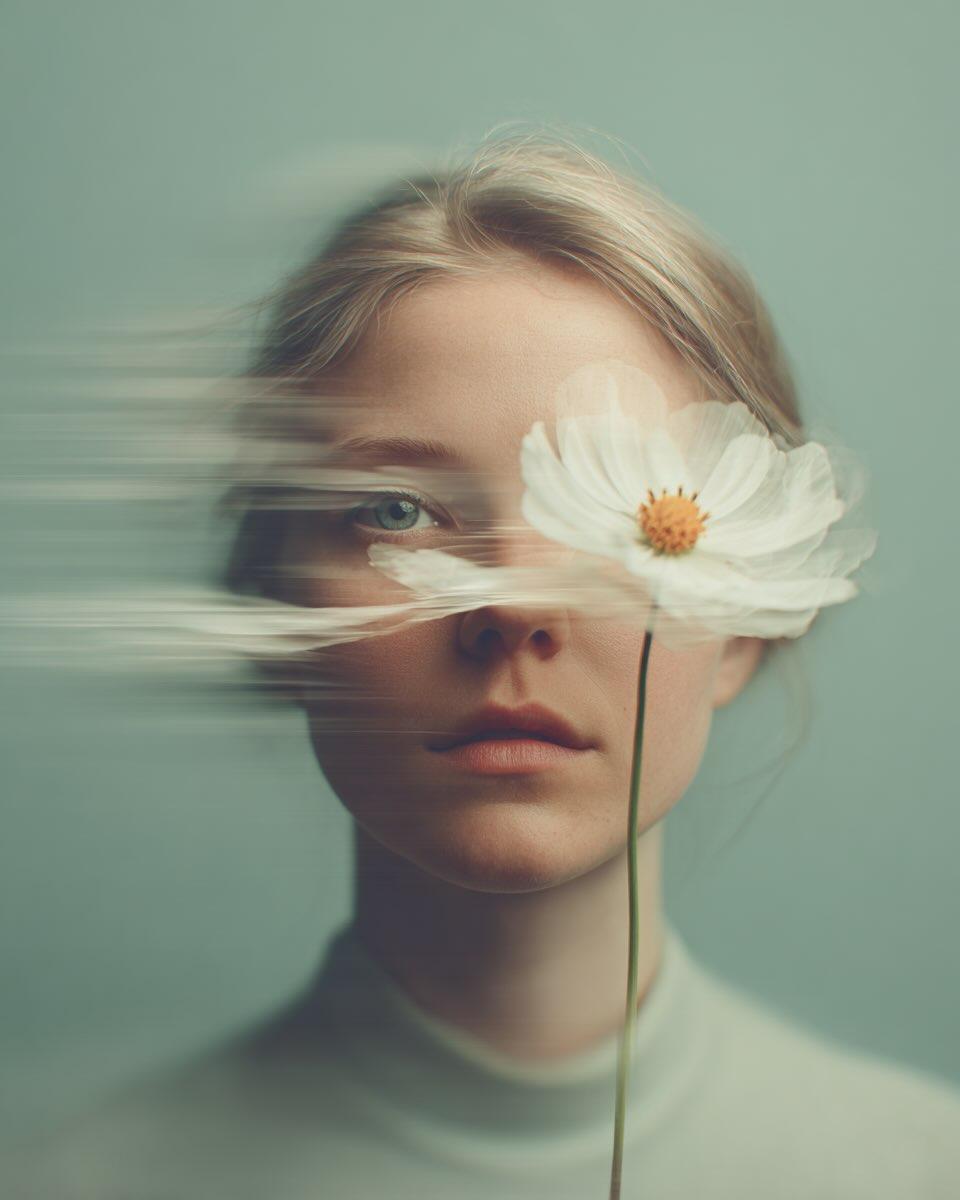
Dreamy Fine-Art Portrait with Double Exposure Effect
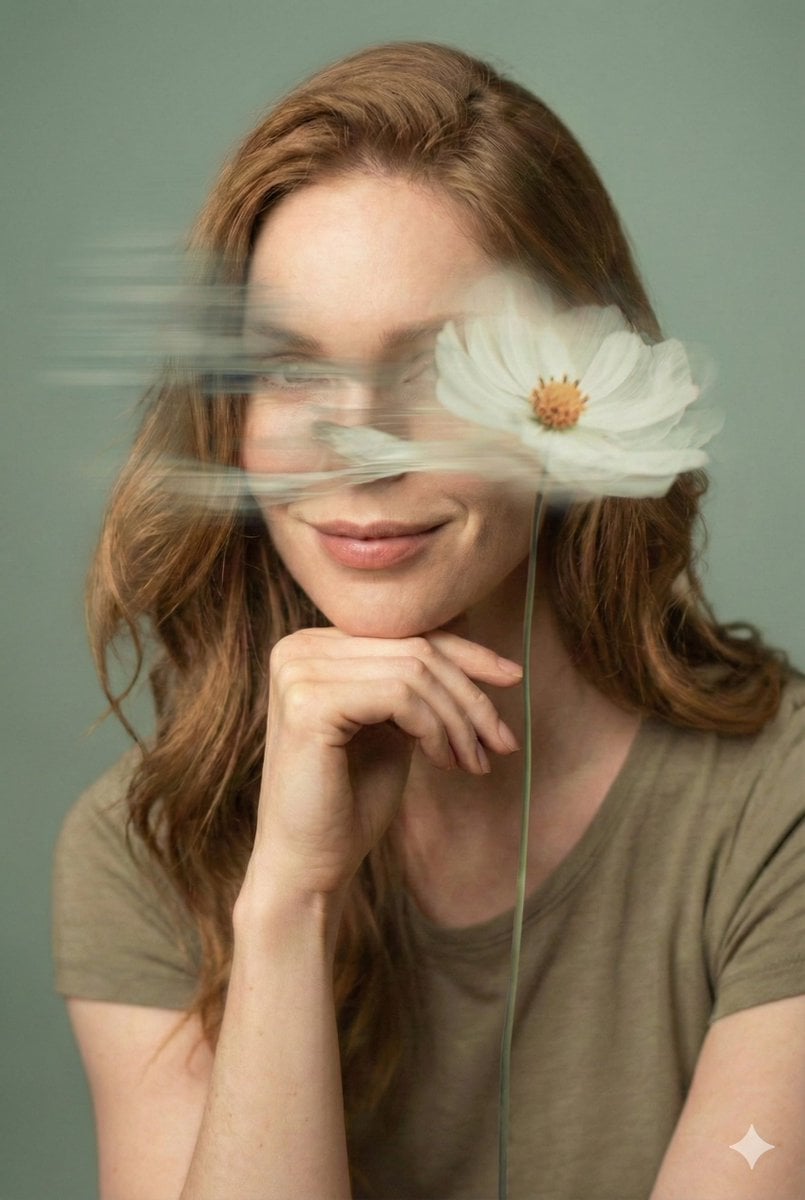
Dreamy Fine-Art Editorial Portrait with Double Exposure
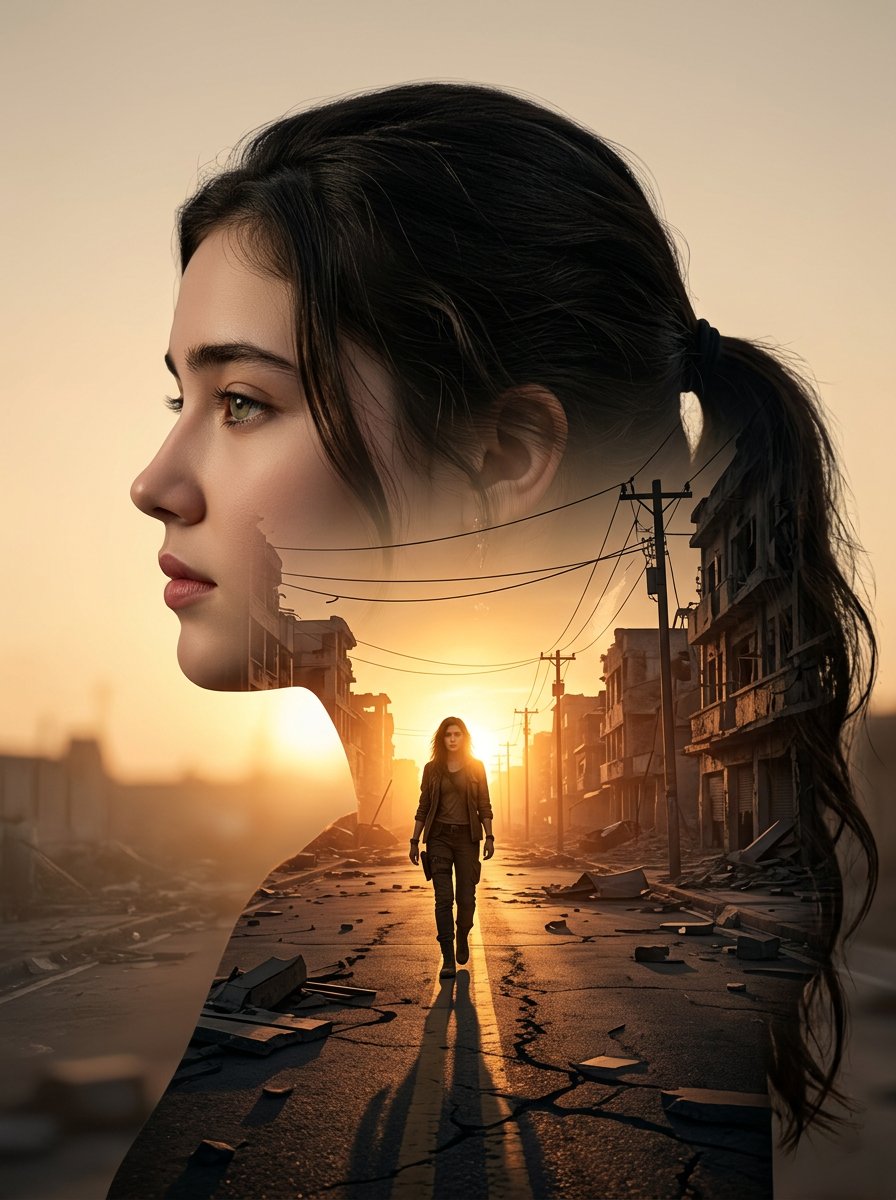
Cinematic Double Exposure Portrait
Make it yours
Double Exposure Underwater City Portrait works as-is. These are the safest ways to change it without losing the look.
Change one field
Copy a single group, rewrite it, and generate again so you can see what that field is doing.
Keep the frame, change the subject
Hold the composition and light of Double Exposure Underwater City Portrait, then swap wardrobe, props or the person for a new take.
| If the result… | Why | Fix |
|---|---|---|
| The result drifts from the preview | Too many fields changed at once. | Reuse Double Exposure Underwater City Portrait as-is first, then change one group — subject, light, or setting. |
| The model over-stylizes the scene | The prose prompt leaves finish and camera underspecified. | Add one camera or lighting sentence and stay on GPT Image 2. |
More GPT Image 2 templates
Other prompts made for GPT Image 2.

Six VTuber Japanese Logo Sheet

Realistic Portrait of Woman and Deer

The Vista Modular Condo Poster

AI Model Routing Comparison Infographic

2.5D Anime Art Board

Isometric Productivity Desk Scene

Four-Panel AI Landscape Comparison

Japanese Tatami Lifestyle Magazine Cover

NESCAFÉ Coffee Map Poster

Brutalist Cogito Chinese Typography Poster
More image prompts
Fresh picks from across the catalog.
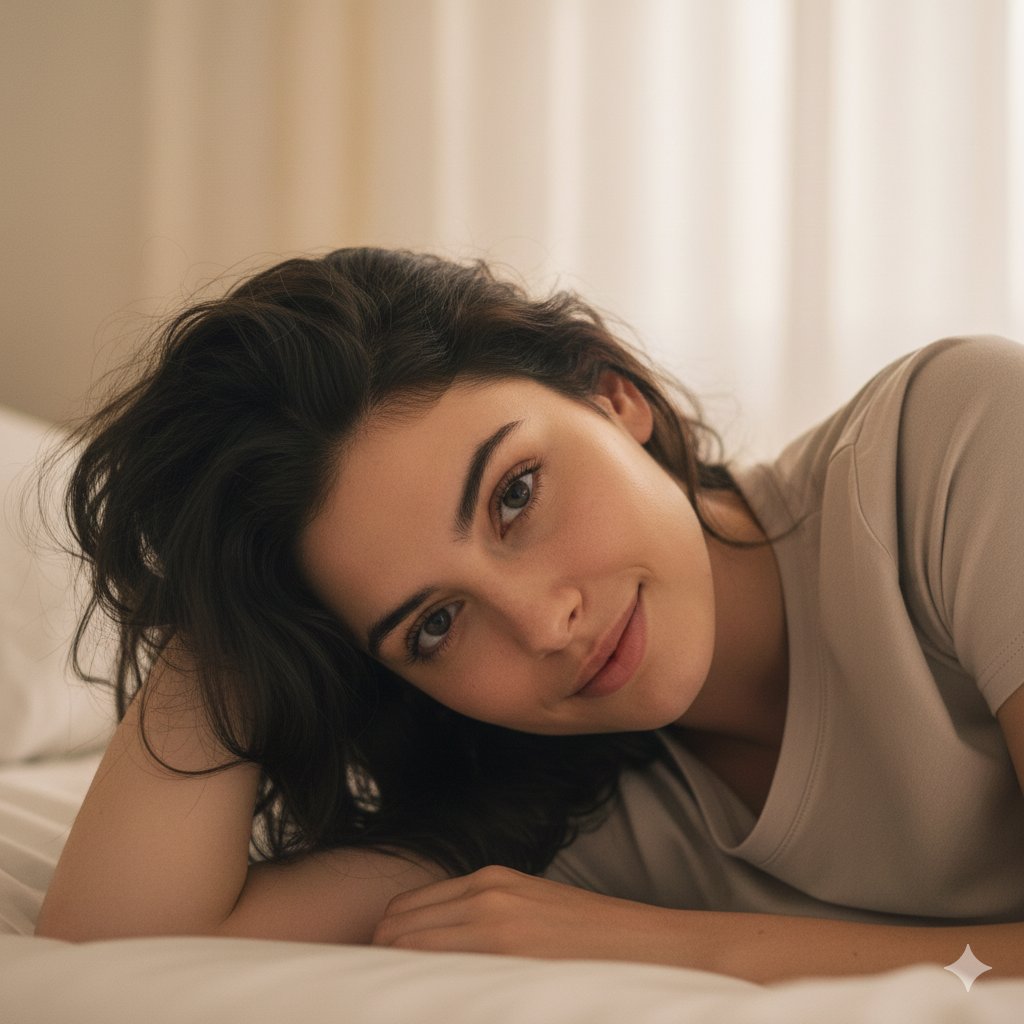
Structured Prompt for Natural Soft Portrait in Bedroom
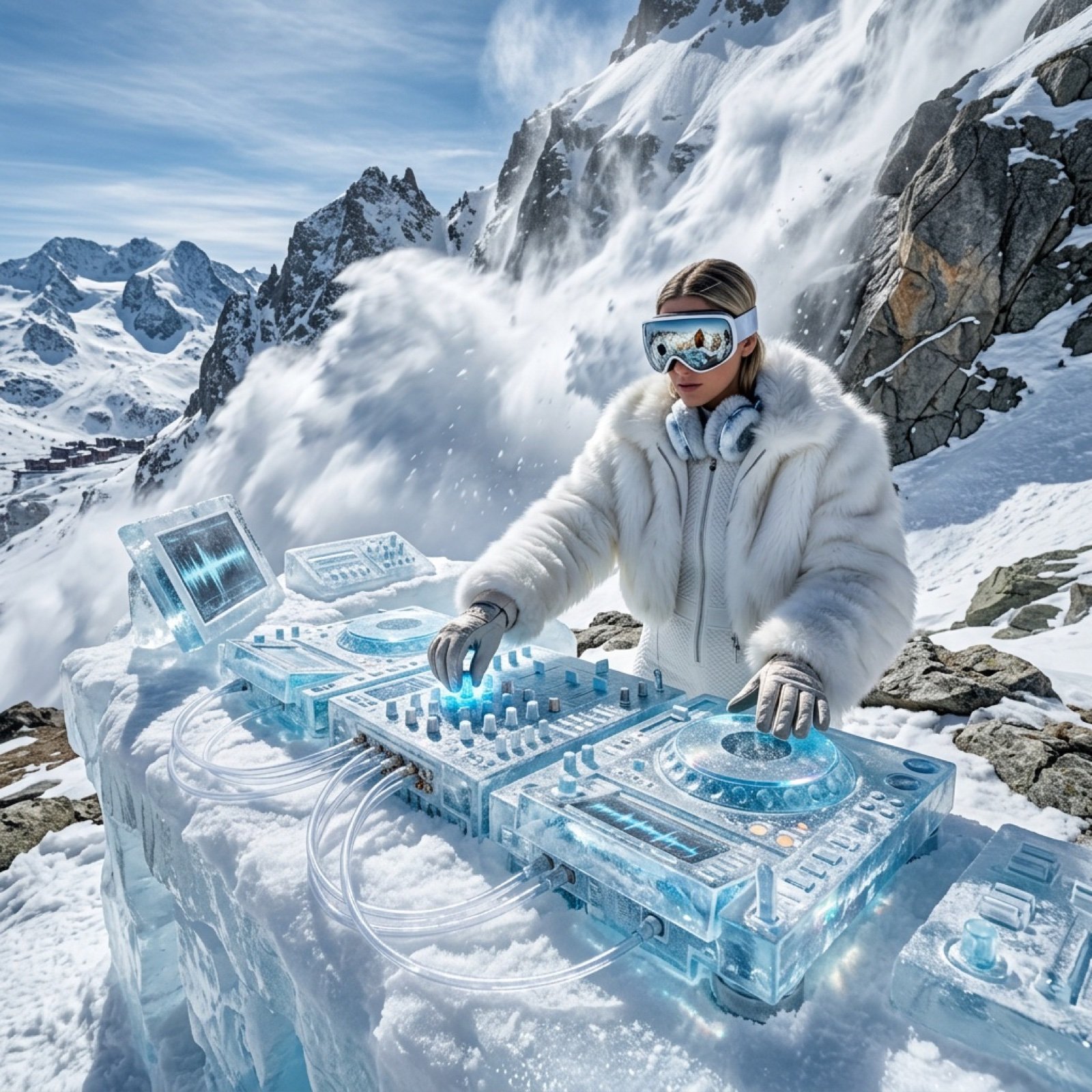
Futuristic Ice DJ Setup Prompt
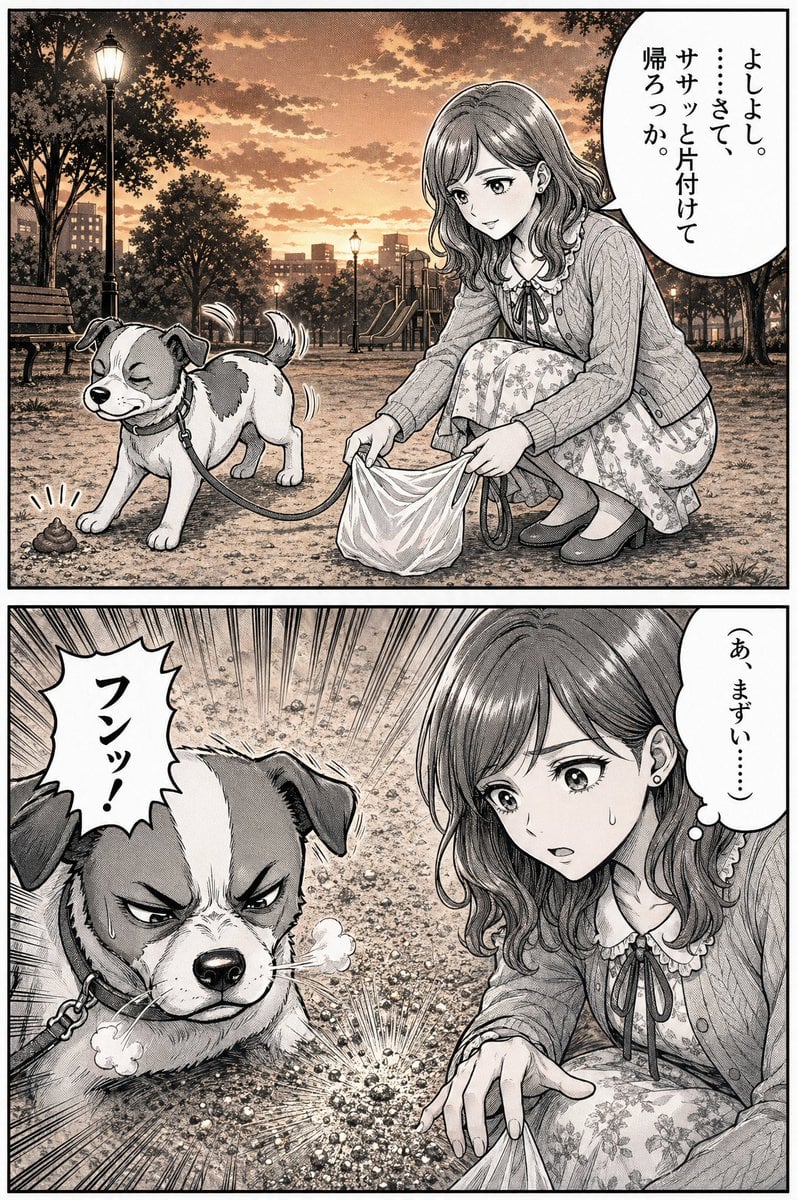
Manga Dog Kick at Sunset Park
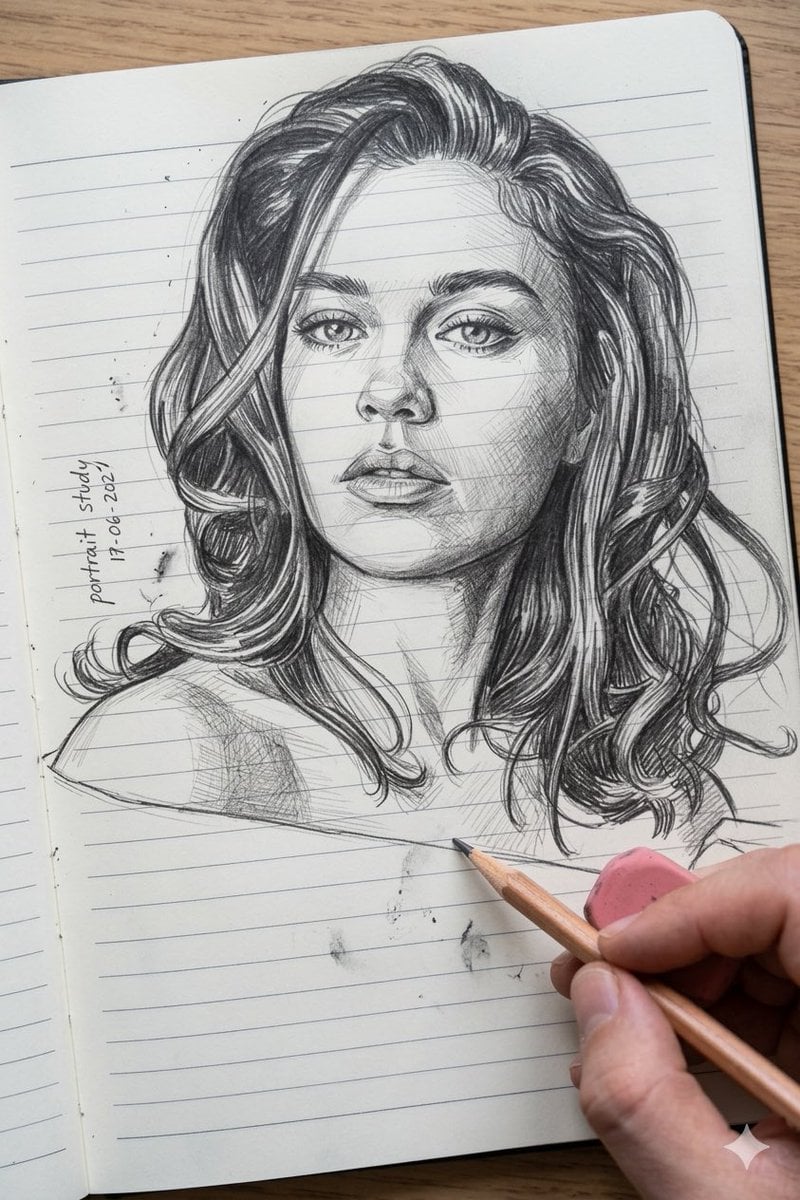
Photo to Pencil Sketch Transformation
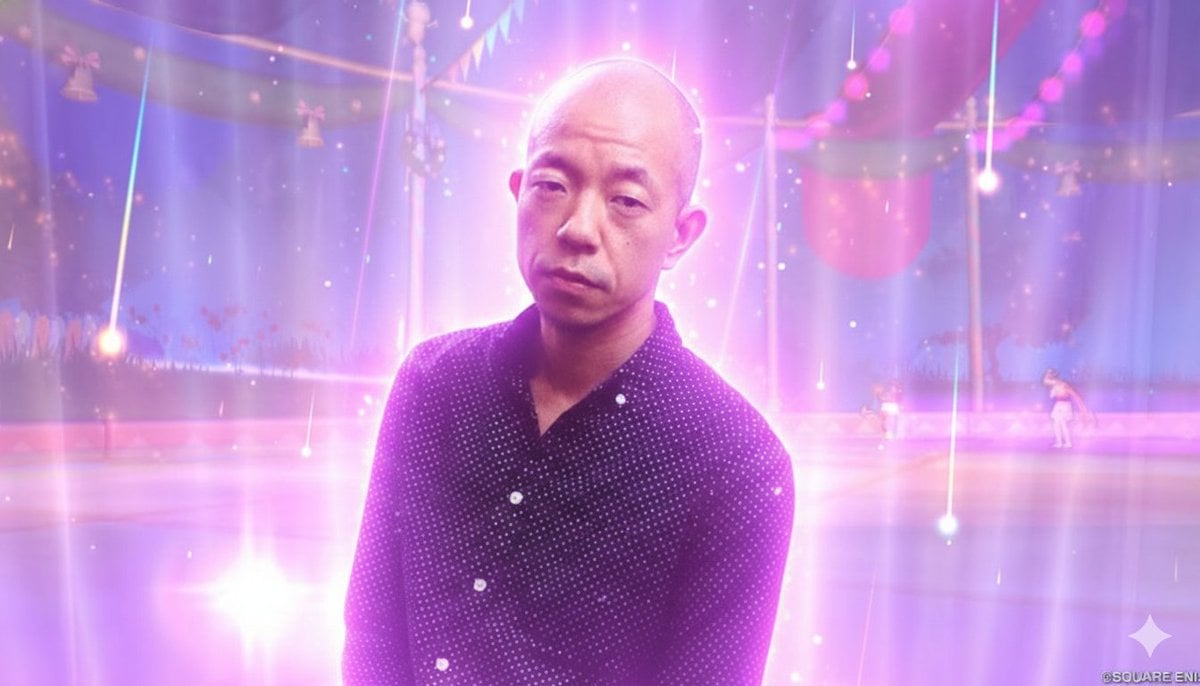
Image Style Transfer Prompt: Viking to Dragon Quest X 'Sage's Breath of God'
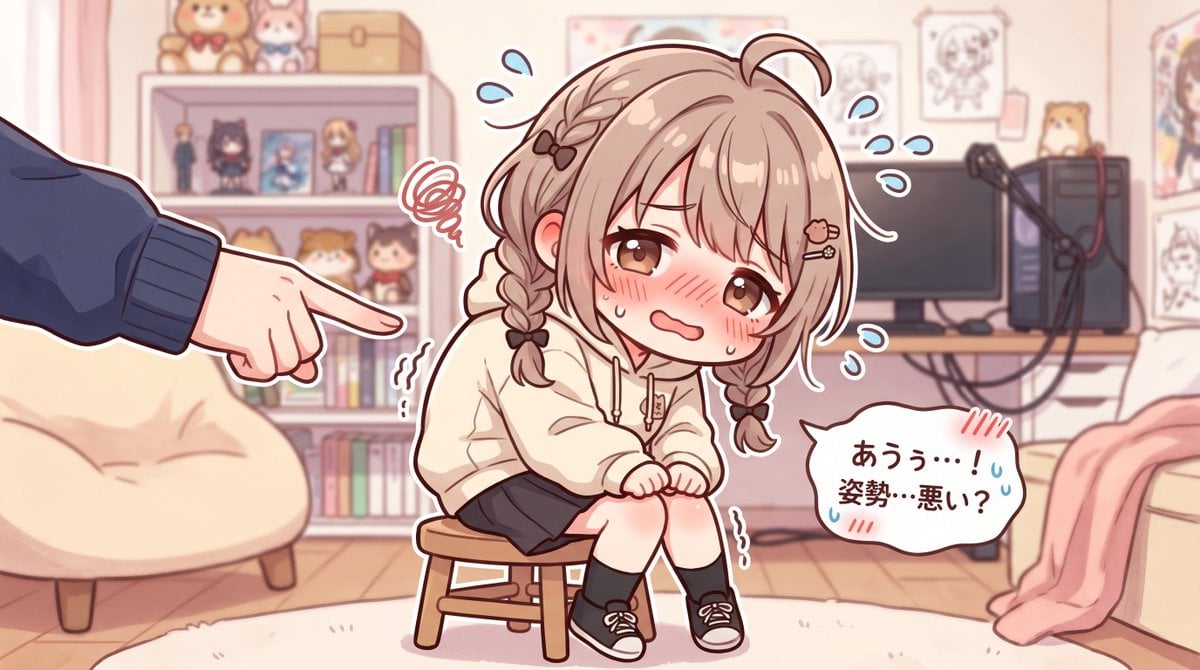
Embarrassed Anime Girl on Tiny Stool
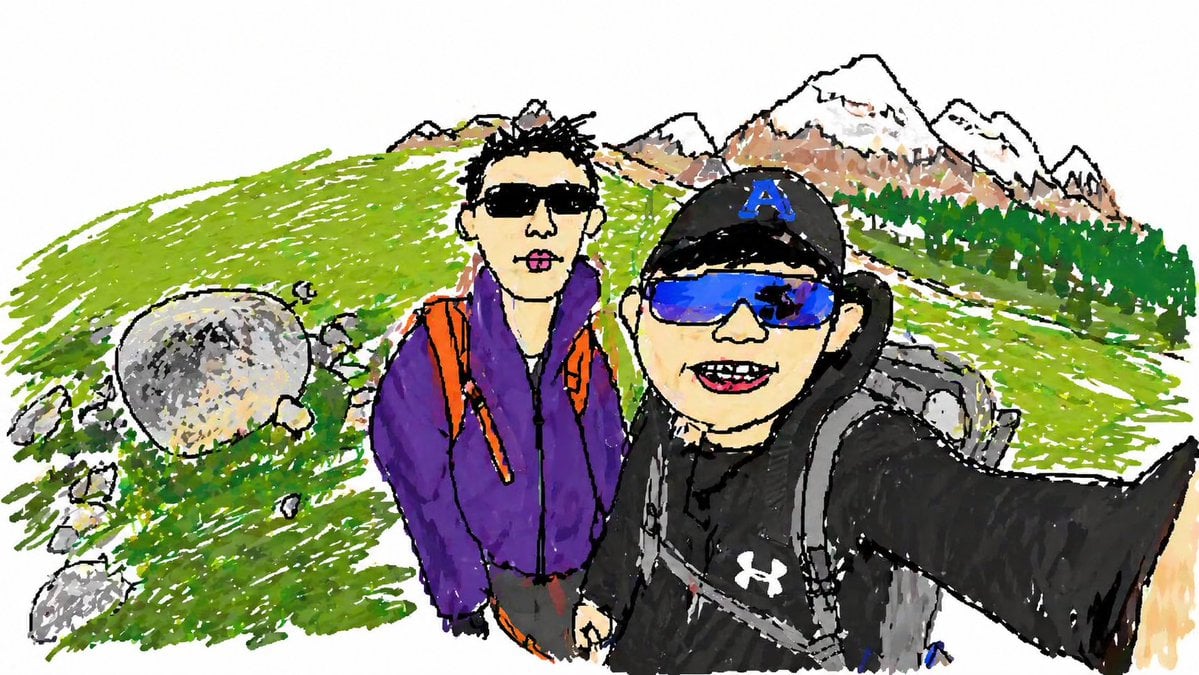
Hiking Photo to Marker Sketch
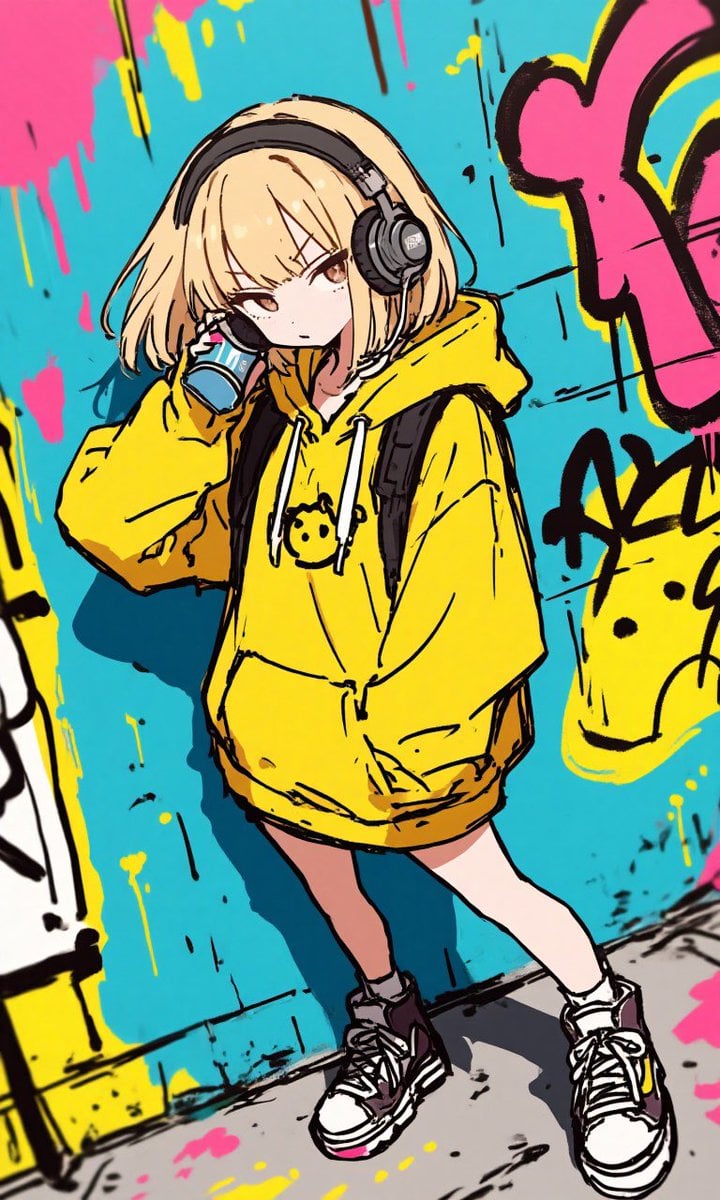
Anime Graffiti Girl Transformation
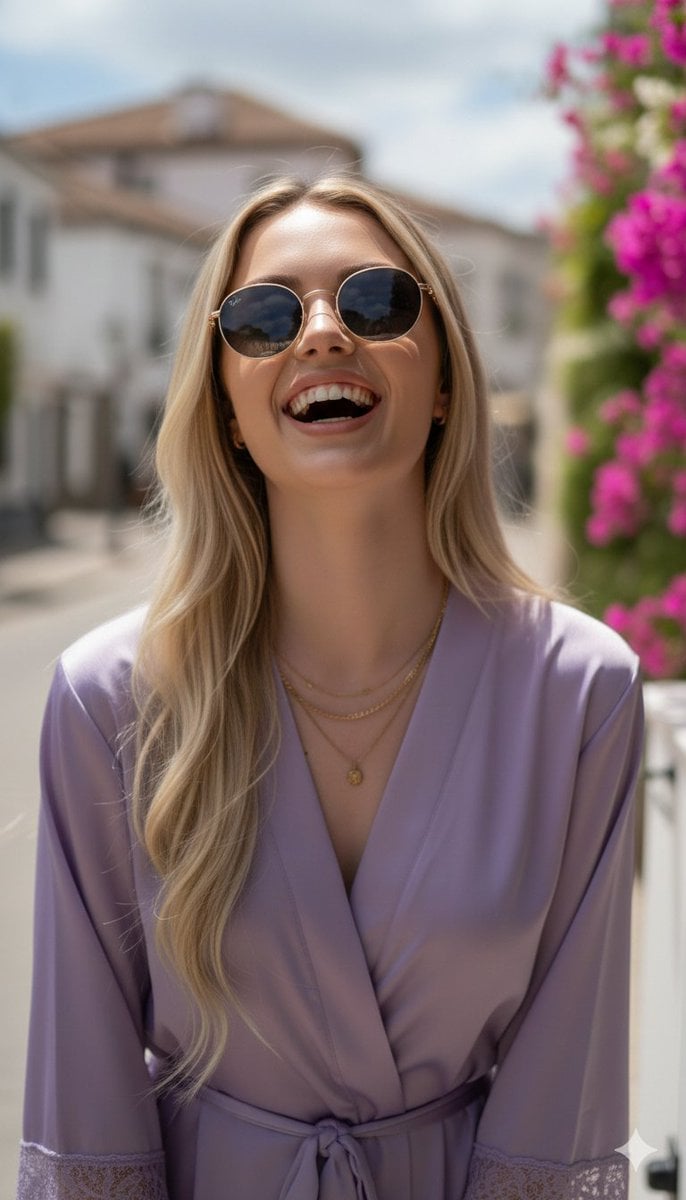
Photorealistic Portrait in a European Street with Bougainvillea
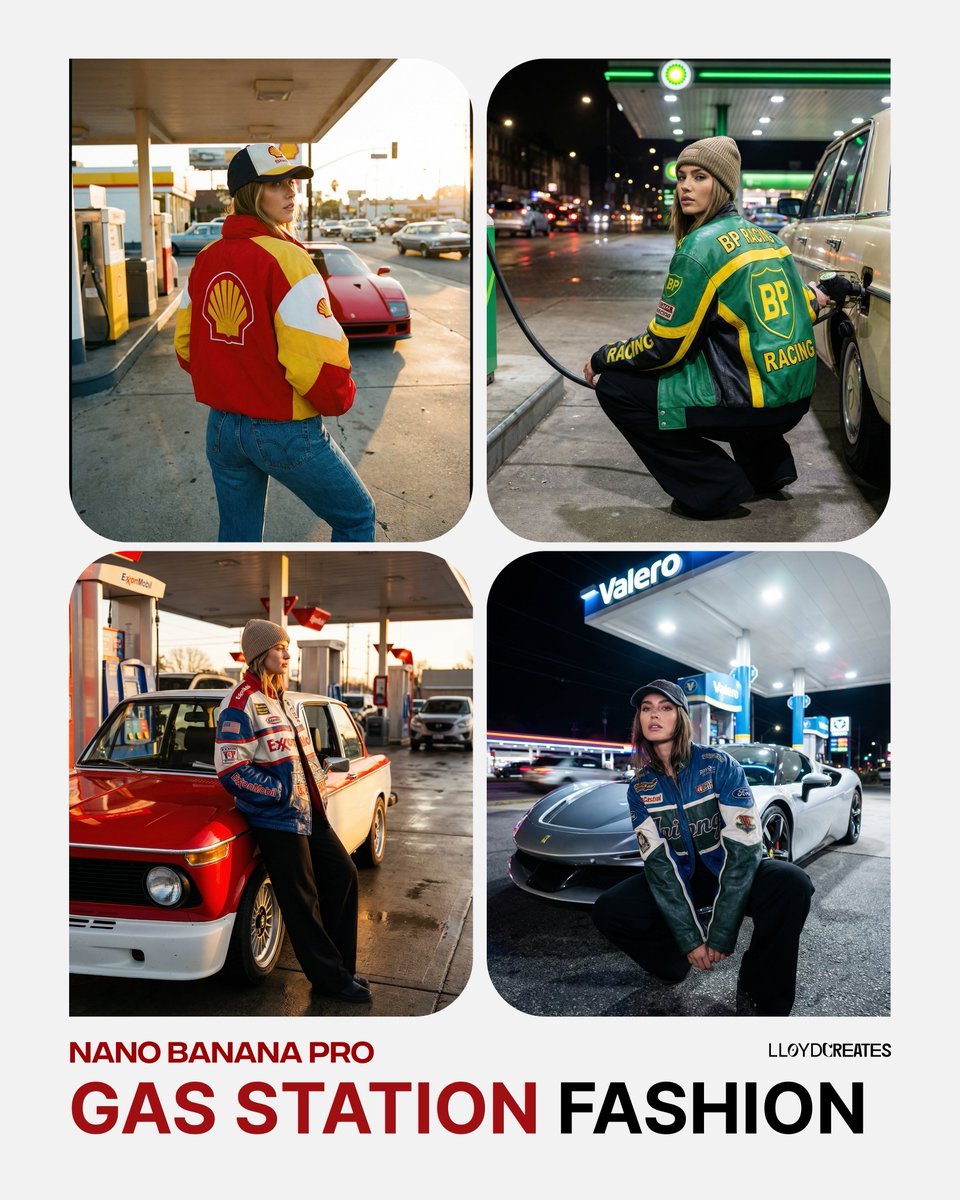
Gas Station Streetwear Fashion Photoshoot Template
Browse template categories
Double Exposure Underwater City Portrait questions
How do I use the Double Exposure Underwater City Portrait template?
Add your photo if the template asks for one, edit the prompt if you like — the template's model and format are already selected — and press Generate. Your version opens in PicX Studio.
Can I customize the Double Exposure Underwater City Portrait template?
Yes. You can change the subject, setting, lighting, mood, format, and available model controls before creating your image.
Is the Double Exposure Underwater City Portrait template free?
Opening and editing this template is free. Generating uses credits, shown on the Generate button when you are signed in.
Which AI model should I use?
Start with GPT Image 2, which is the model associated with this template. You can compare another compatible model for a different finish.
Looking for something else? Browse all templates.

Your photo, any look
Thousands of ready templates for every top image and video model, from one credit balance.