
Tiny Anime Girl in Giant Hand
A dreamy anime fantasy scene of a miniature girl standing in a giant open palm above a cloud-filled storybook town.
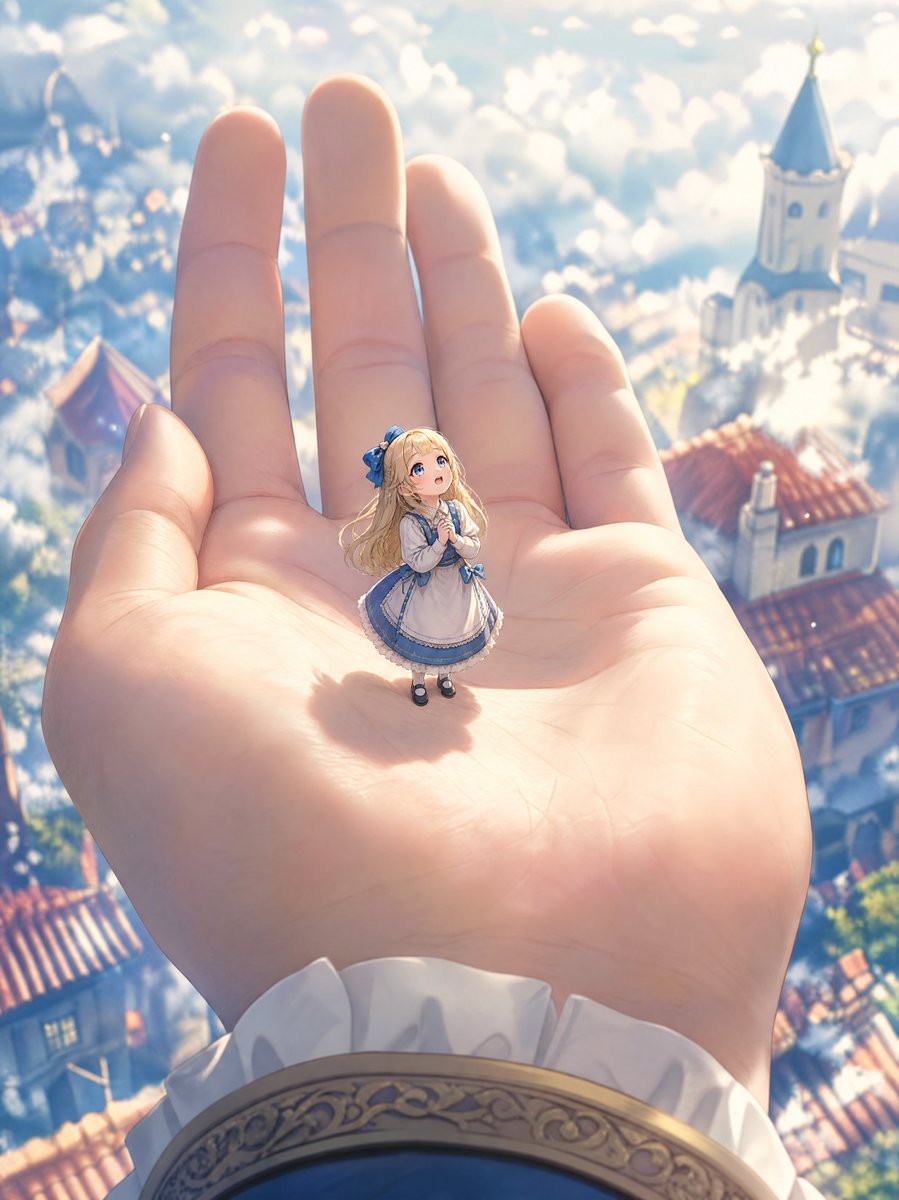
- Prompt included
- Model and format preset
- Free template
The prompt behind this image
Copy the exact prompt behind Tiny Anime Girl in Giant Hand, or open it in the studio and make it yours.
Create a whimsical high-detail anime fantasy illustration in a vertical 3:4 composition. The scene shows an enormous open human hand filling most of the frame, palm facing upward and fingers extending toward the top, with soft realistic skin texture and warm sunlight. Standing in the center of the palm is one tiny girl, a thumb-sized fairy-tale doll-like anime character with long wavy blonde hair, large blue eyes, a small blue hair bow, and a sweet amazed expression as she clasps her hands near her chest and looks upward. She wears a cream-and-white Victorian maid or princess dress with blue ribbon accents, a blue trimmed skirt, puffed sleeves, white stockings, and small black Mary Jane shoes. The hand emerges from an elegant fantasy sleeve at the bottom edge: white ruffled cuff, dark blue fabric, and an ornate gold embroidered bracelet or trim. The background is far below and softly out of focus: a bright European storybook town floating in clouds, with red tile rooftops, white walls, towers, a blue conical church spire, lush greenery, and dreamy atmospheric haze. Use a magical miniature scale contrast, shallow depth of field, sunlit pastel palette, soft bloom, cloud bokeh, delicate linework, highly polished gpt-image-2 anime art, cinematic perspective from above, no text, no watermark. Customize the tiny character as {argument name="character name" default="a tiny blonde fairy-tale girl"}, her dress colors as {argument name="dress colors" default="cream white and blue"}, the setting as {argument name="fantasy town setting" default="a European storybook town in the clouds"}, the mood as {argument name="mood" default="gentle wonder and magical innocence"}, and the lighting as {argument name="lighting" default="warm morning sunlight with soft bloom"}.
How to use Tiny Anime Girl in Giant Hand in 3 steps
- 1Upload ImagePNG, JPG or paste
Add your photo
Upload the photo the template builds on. The prompt, model and format are already set.
- 2…a portrait of your subject in softgolden-hour light, 85mm…
Personalize
Edit the subject and creative details for your destination.
- 3Generate
Generate
Press Generate — your image is created in PicX Studio, so you can compare it with the original and refine one variable at a time.
More like this
Templates with the same subject, style or setup. Open one to see its prompt.

Ghibli Tiny House On Back
Embarrassed Anime Girl on Tiny Stool
Teen Girl Alpine Lake Mountain View

Miniature Girl on Giant Smartphone Desk

Tiny Toddler Hugging Giant Chocolate Bar
Framed Quilling Anime Girl
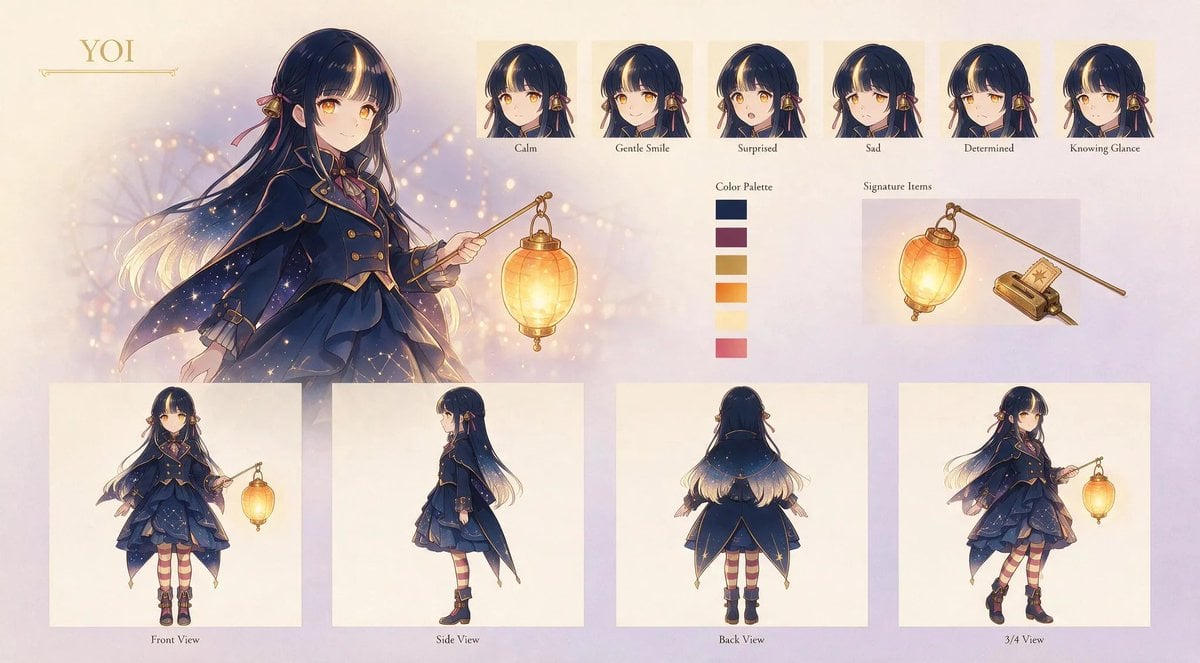
Anime Lantern Girl Character Sheet
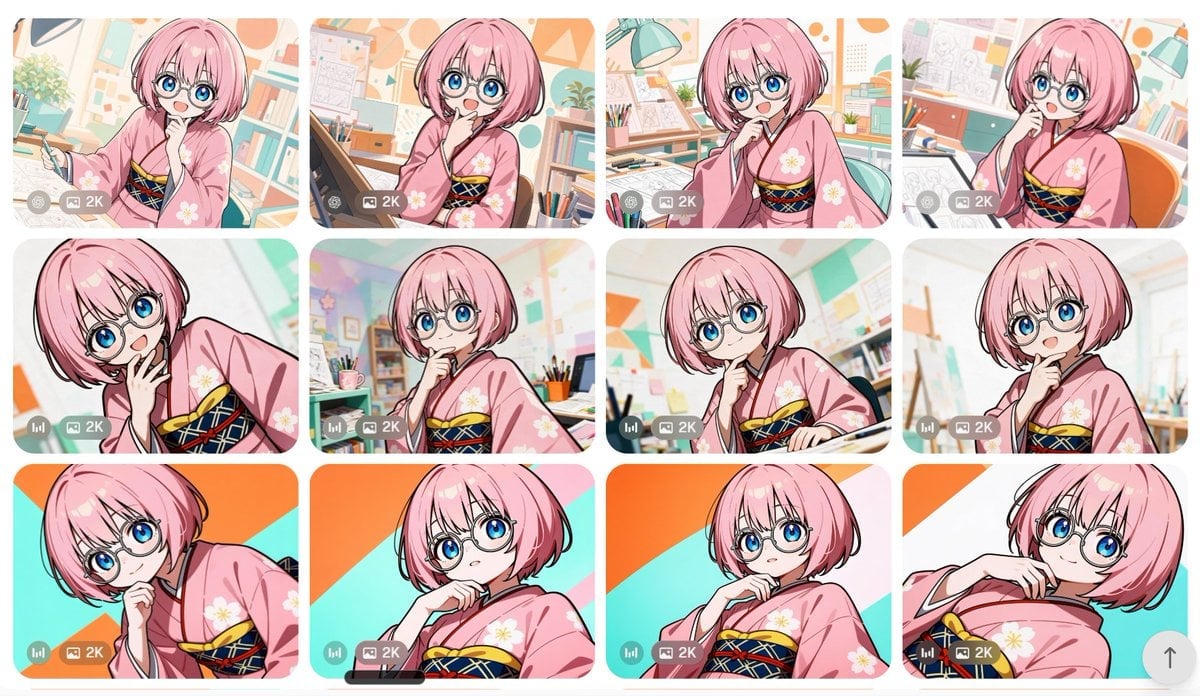
Anime Girl Generation Grid
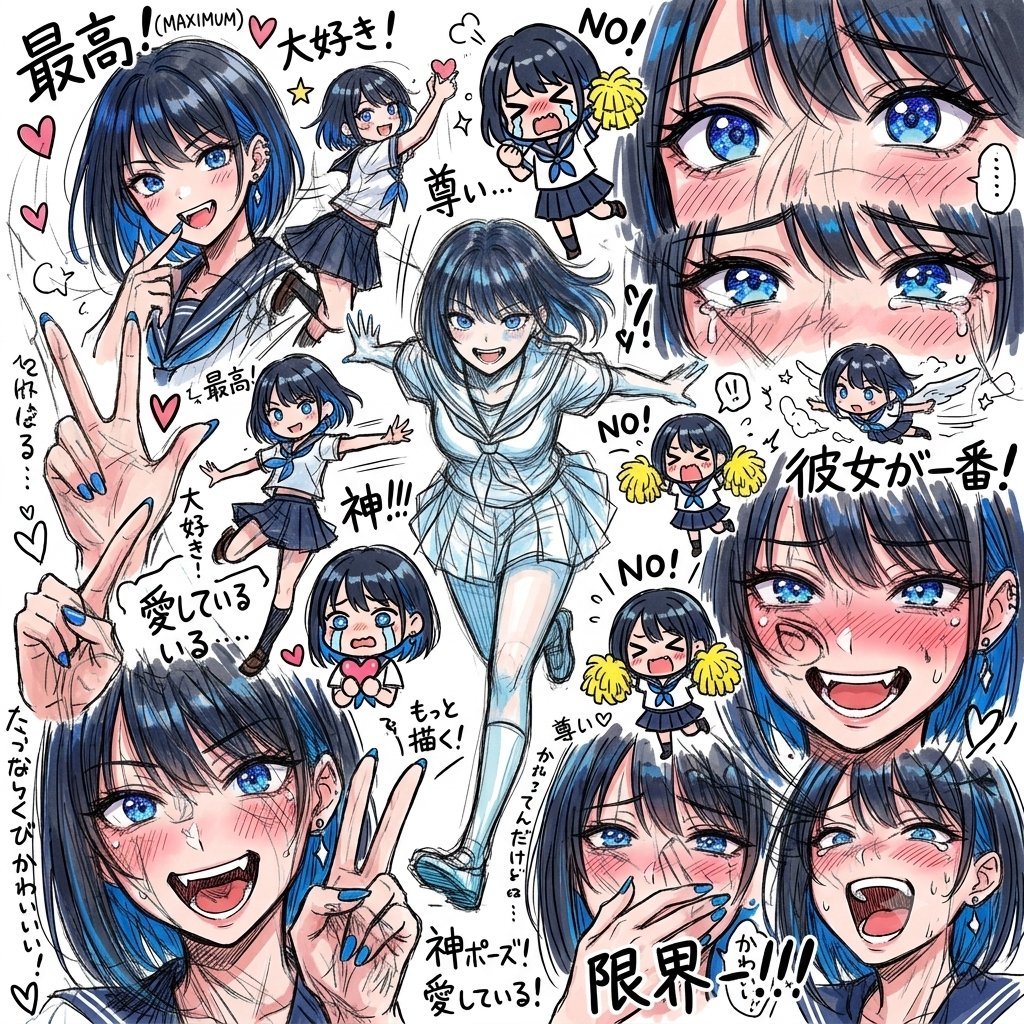
Chaotic Anime Schoolgirl Fan Collage
Cel 2D Finale Fireworks

Cel 2D Garden Maze
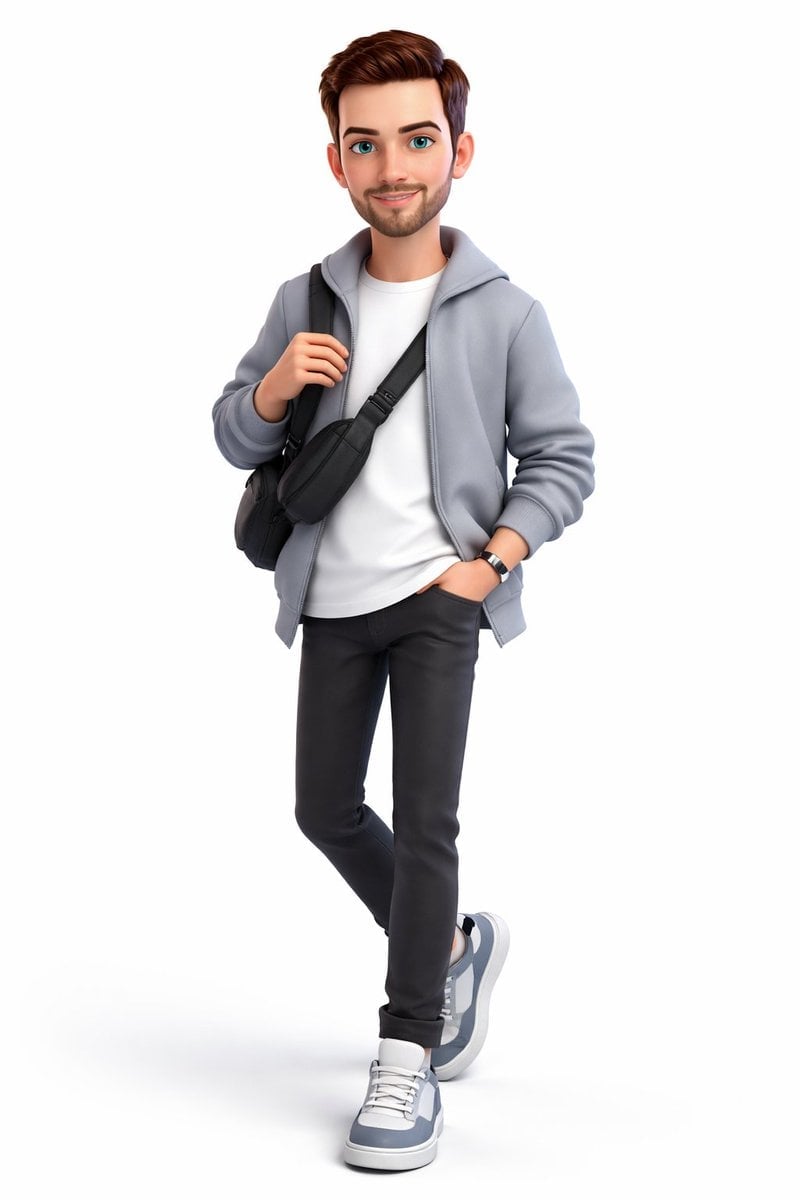
Cel 2D Rooftop Concert
Make it yours
Tiny Anime Girl in Giant Hand works as-is. These are the safest ways to change it without losing the look.
Change one field
Copy a single group, rewrite it, and generate again so you can see what that field is doing.
Keep the frame, change the subject
Hold the composition and light of Tiny Anime Girl in Giant Hand, then swap wardrobe, props or the person for a new take.
| If the result… | Why | Fix |
|---|---|---|
| The result drifts from the preview | Too many fields changed at once. | Reuse Tiny Anime Girl in Giant Hand as-is first, then change one group — subject, light, or setting. |
| The model over-stylizes the scene | The prose prompt leaves finish and camera underspecified. | Add one camera or lighting sentence and stay on GPT Image 2. |
More GPT Image 2 templates
Other prompts made for GPT Image 2.

Six VTuber Japanese Logo Sheet

Realistic Portrait of Woman and Deer

The Vista Modular Condo Poster

AI Model Routing Comparison Infographic

2.5D Anime Art Board

Isometric Productivity Desk Scene

New York Double Exposure Poster

Four-Panel AI Landscape Comparison

Japanese Tatami Lifestyle Magazine Cover

NESCAFÉ Coffee Map Poster
More image prompts
Fresh picks from across the catalog.

Ultra-Premium Luxury Perfume Advertisement
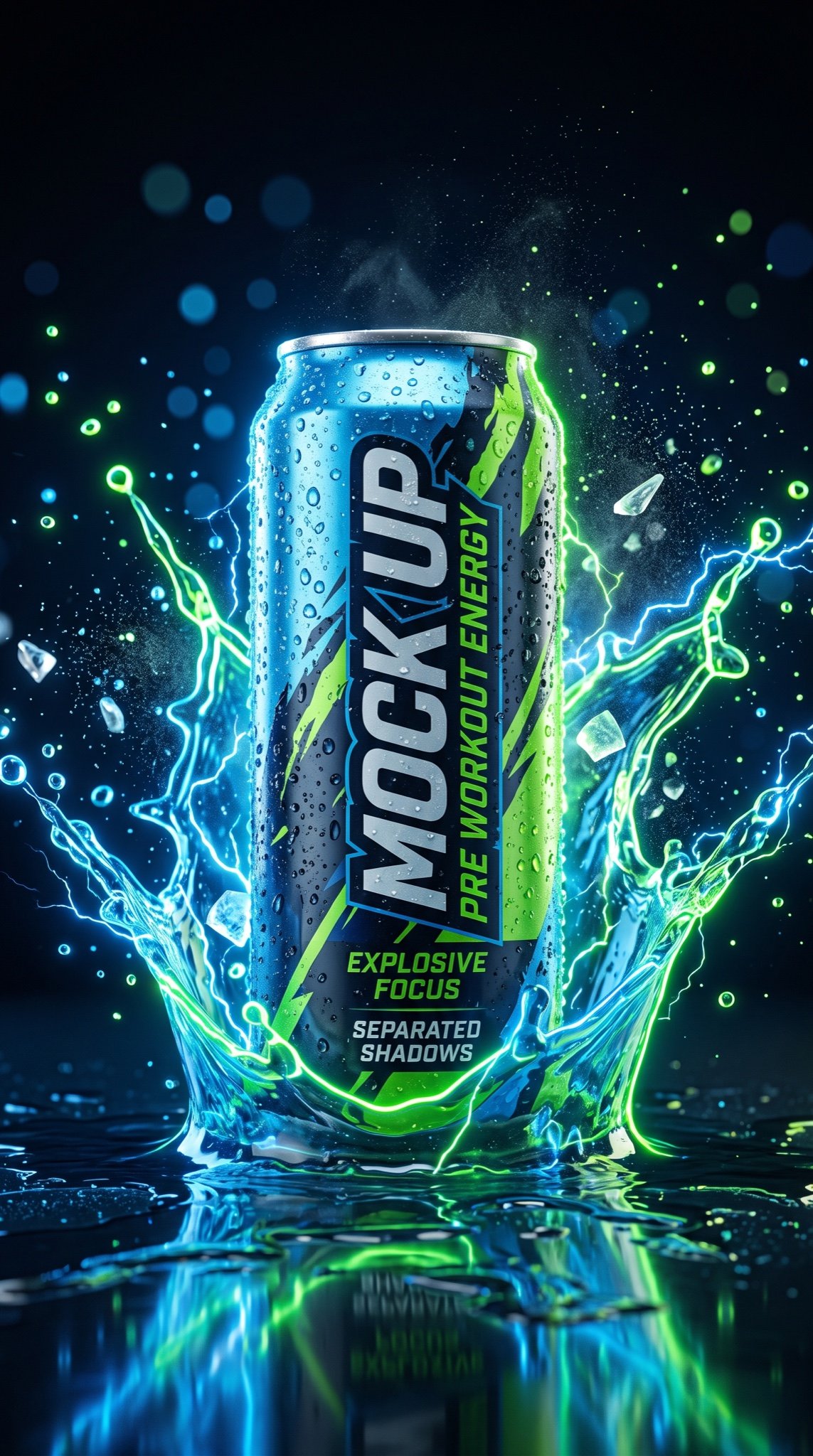
JSON Prompt for Hyper-Realistic Commercial Energy Drink Photography
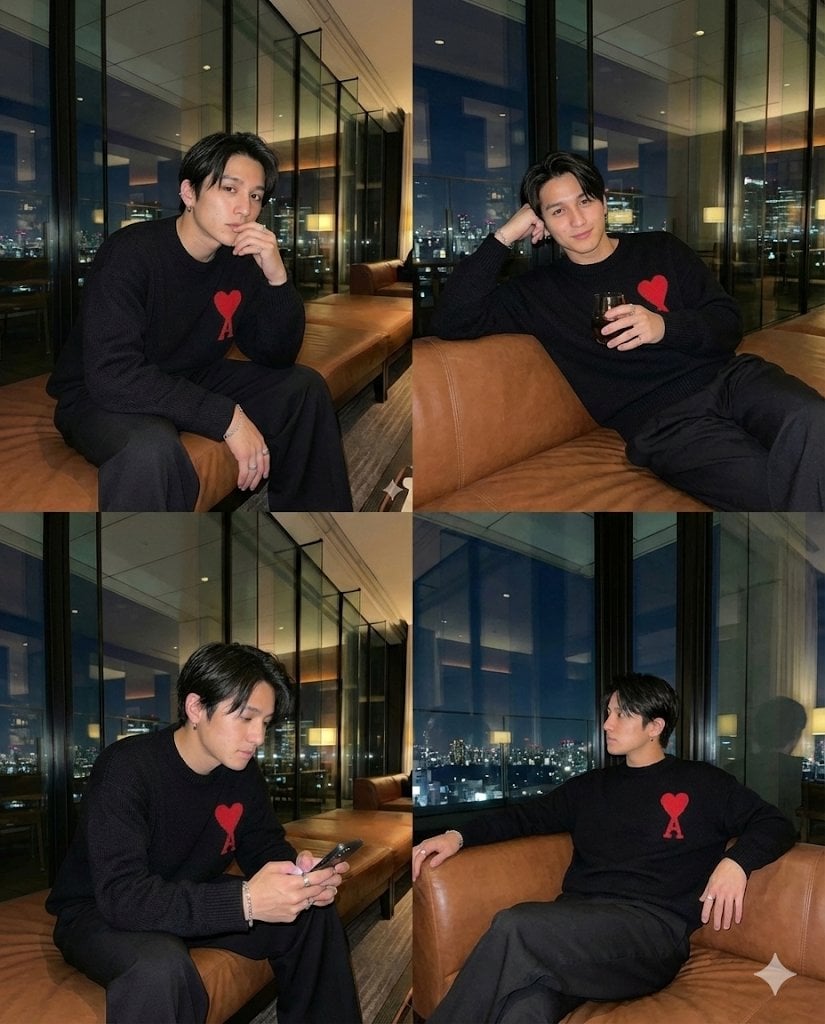
Generating 4 Images Simultaneously (Grid View)
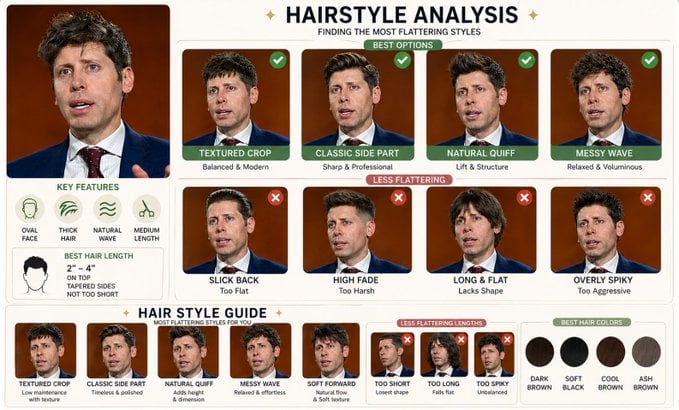
Hairstyle Comparison Analysis
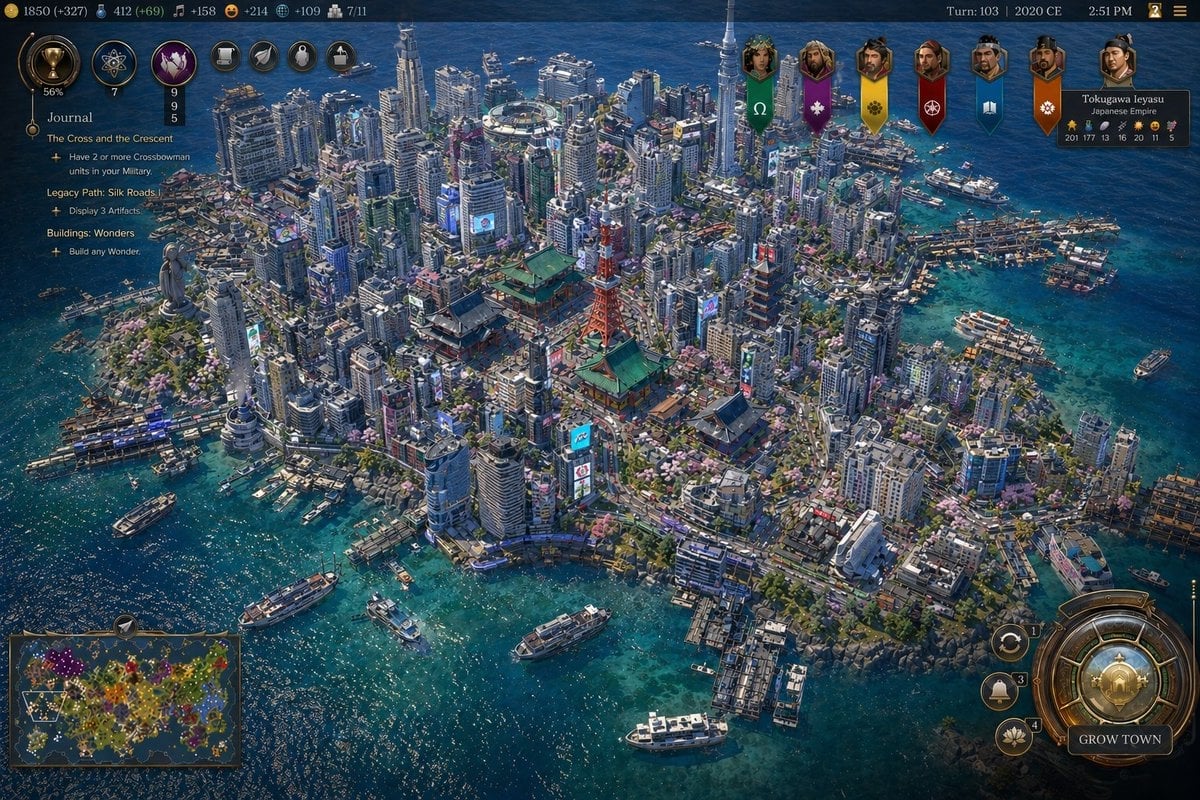
Civ-Style Tokyo Island Megacity Screenshot
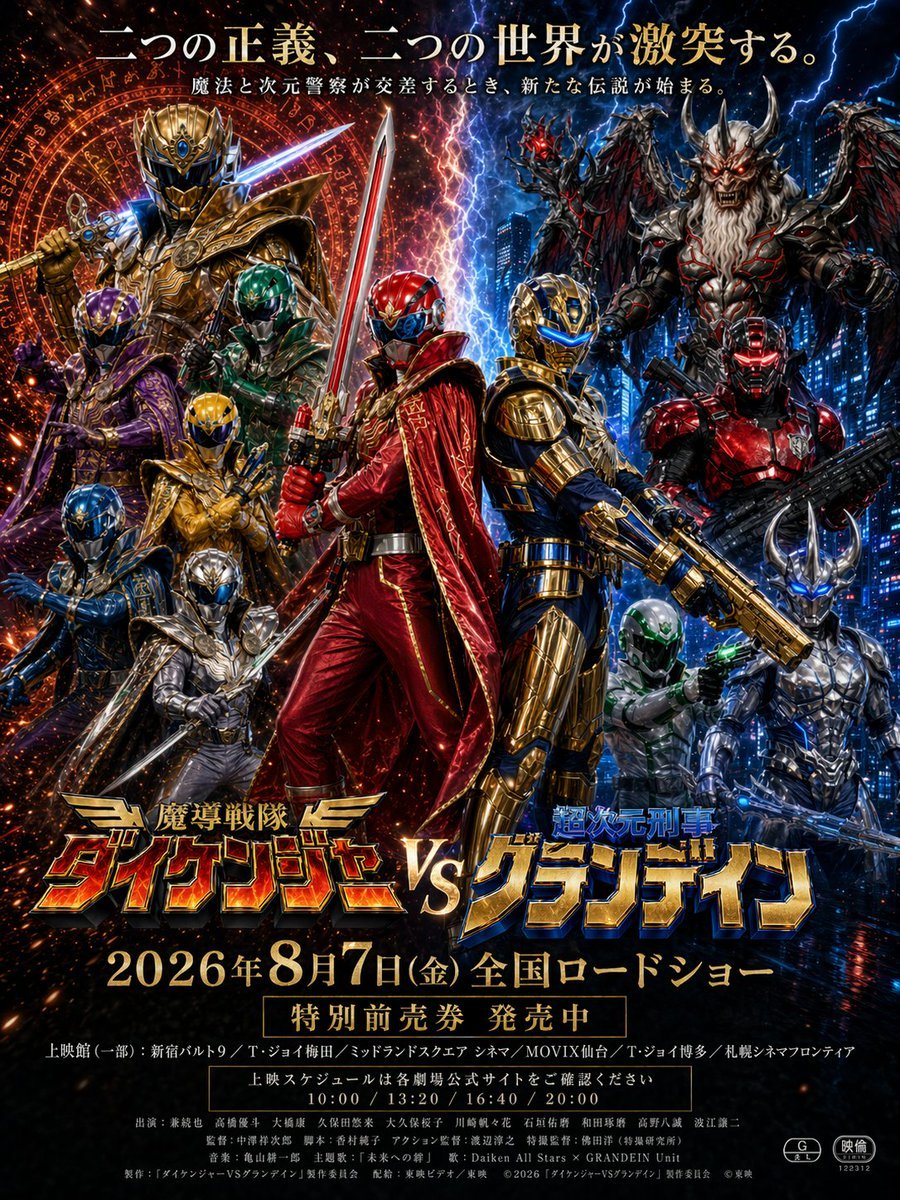
Tokusatsu Movie Poster Generator
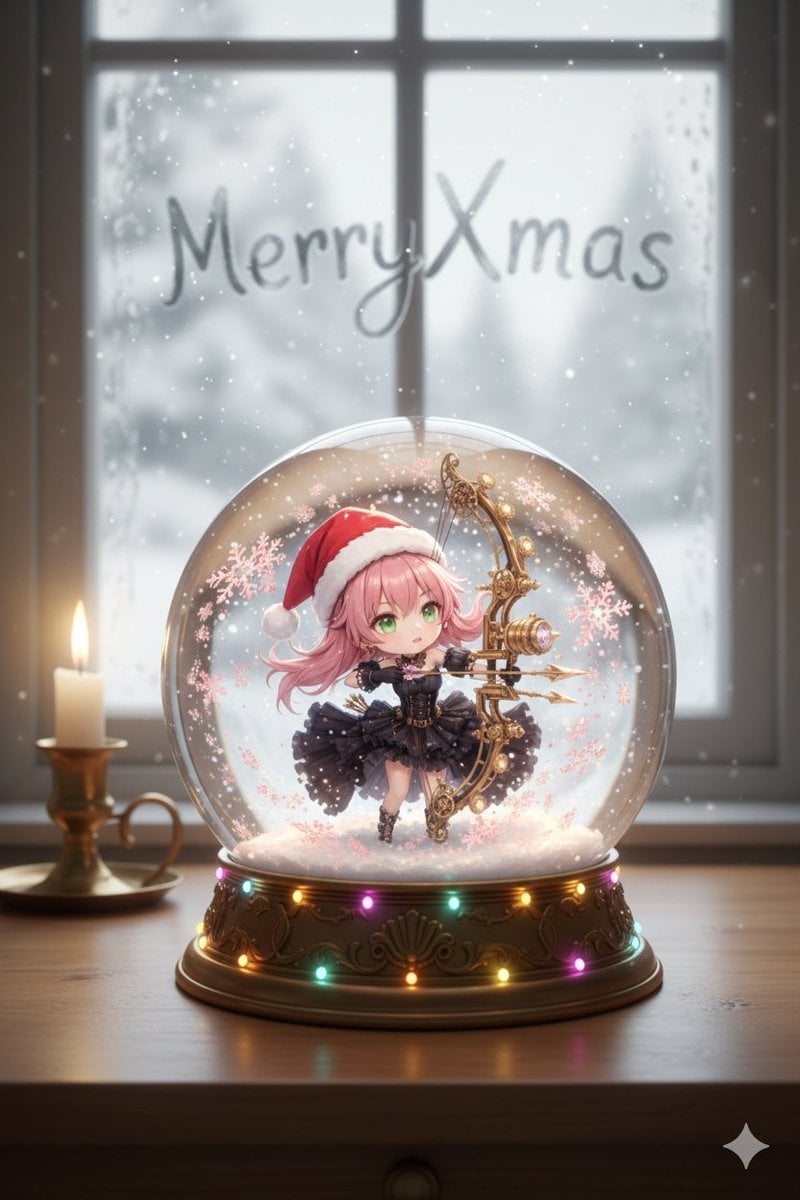
Snow globe character illustration prompt for Nano Banana Pro
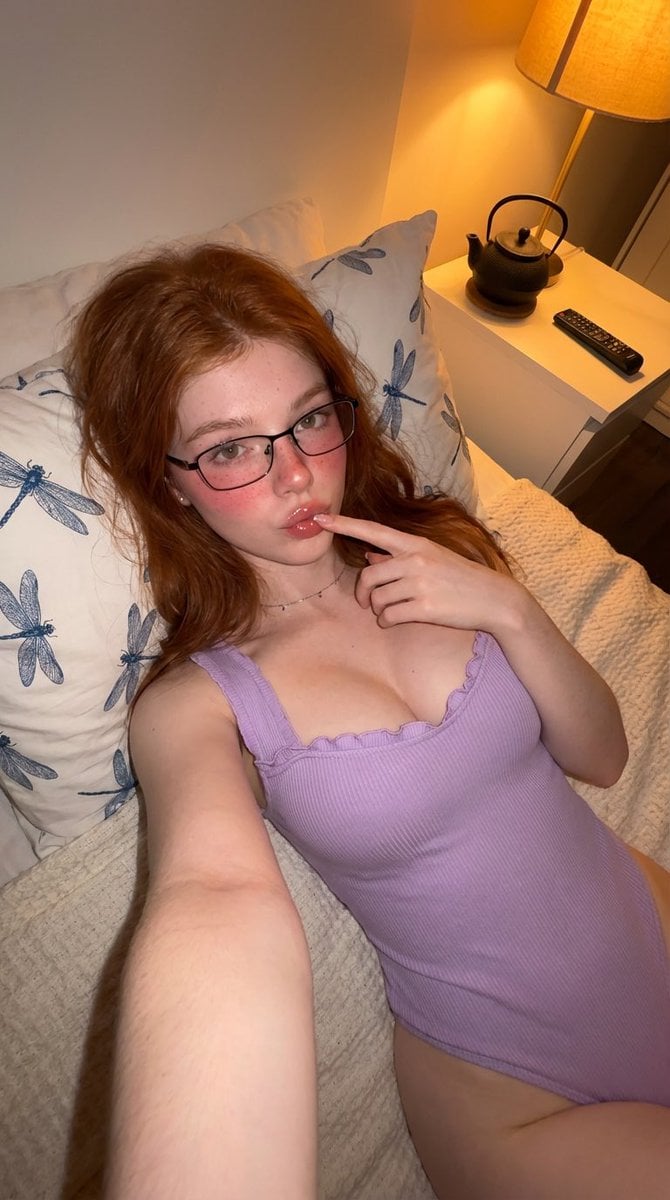
Cozy Bedroom High-Angle Selfie
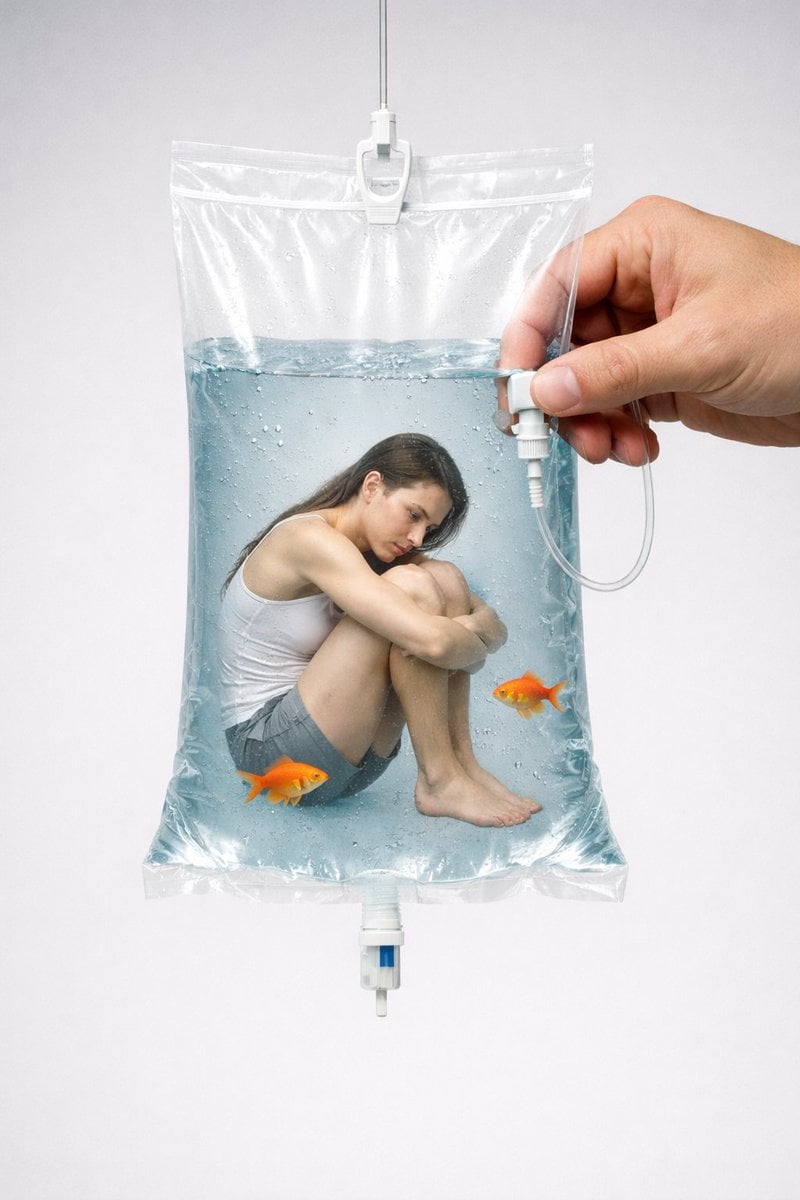
Conceptual Editorial Visual Prompt: Contained Human Aquarium
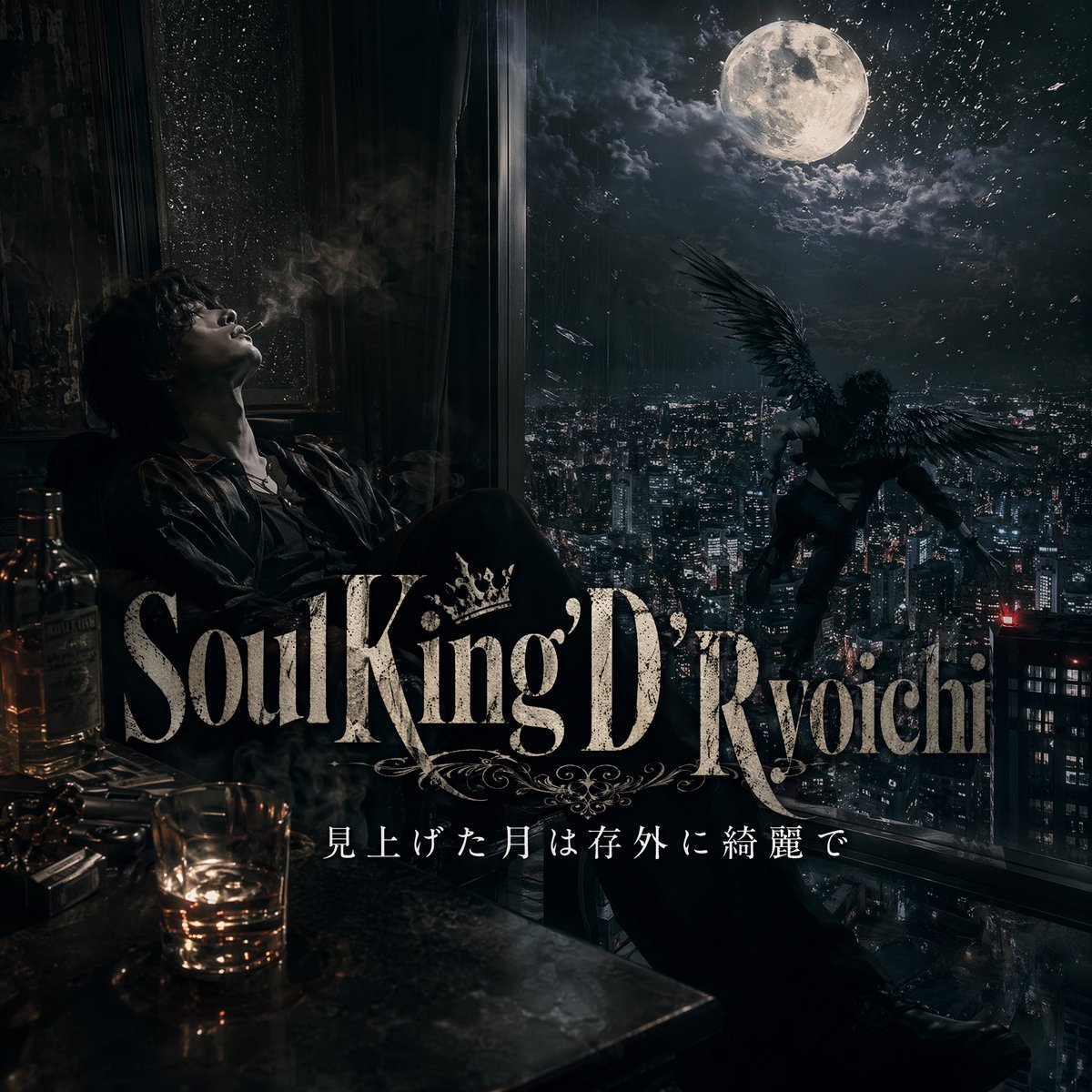
Dark Moonlit Noir Album Cover
Browse template categories
Tiny Anime Girl in Giant Hand questions
How do I use the Tiny Anime Girl in Giant Hand template?
Add your photo if the template asks for one, edit the prompt if you like — the template's model and format are already selected — and press Generate. Your version opens in PicX Studio.
Can I customize the Tiny Anime Girl in Giant Hand template?
Yes. You can change the subject, setting, lighting, mood, format, and available model controls before creating your image.
Is the Tiny Anime Girl in Giant Hand template free?
Opening and editing this template is free. Generating uses credits, shown on the Generate button when you are signed in.
Which AI model should I use?
Start with GPT Image 2, which is the model associated with this template. You can compare another compatible model for a different finish.
Looking for something else? Browse all templates.

Your photo, any look
Thousands of ready templates for every top image and video model, from one credit balance.