How do I use the High-Quality Brand Poster Generator template?
Choose the primary action to open PicX Studio with the available template settings. Review the model and format, personalize the creative direction, and generate when ready.
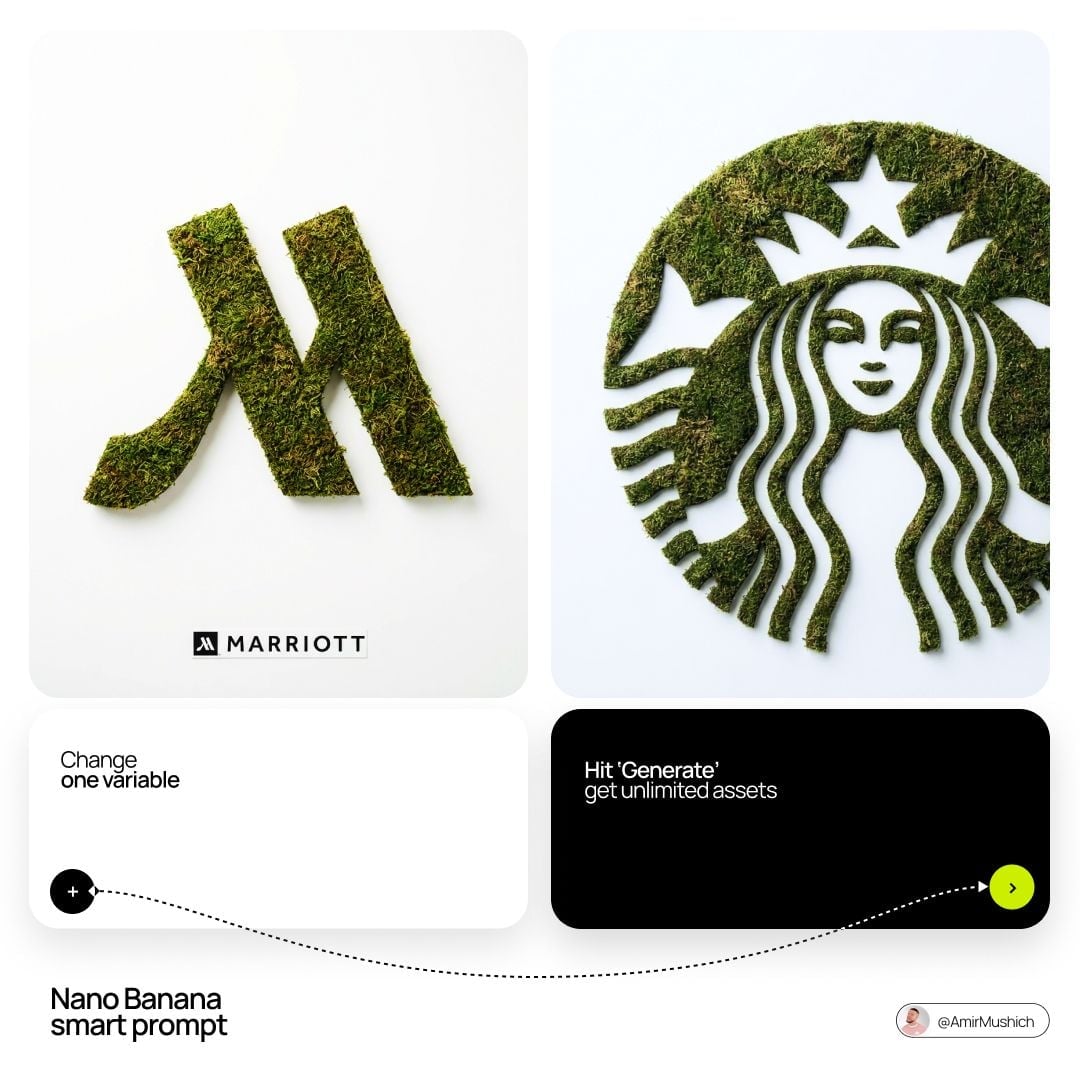
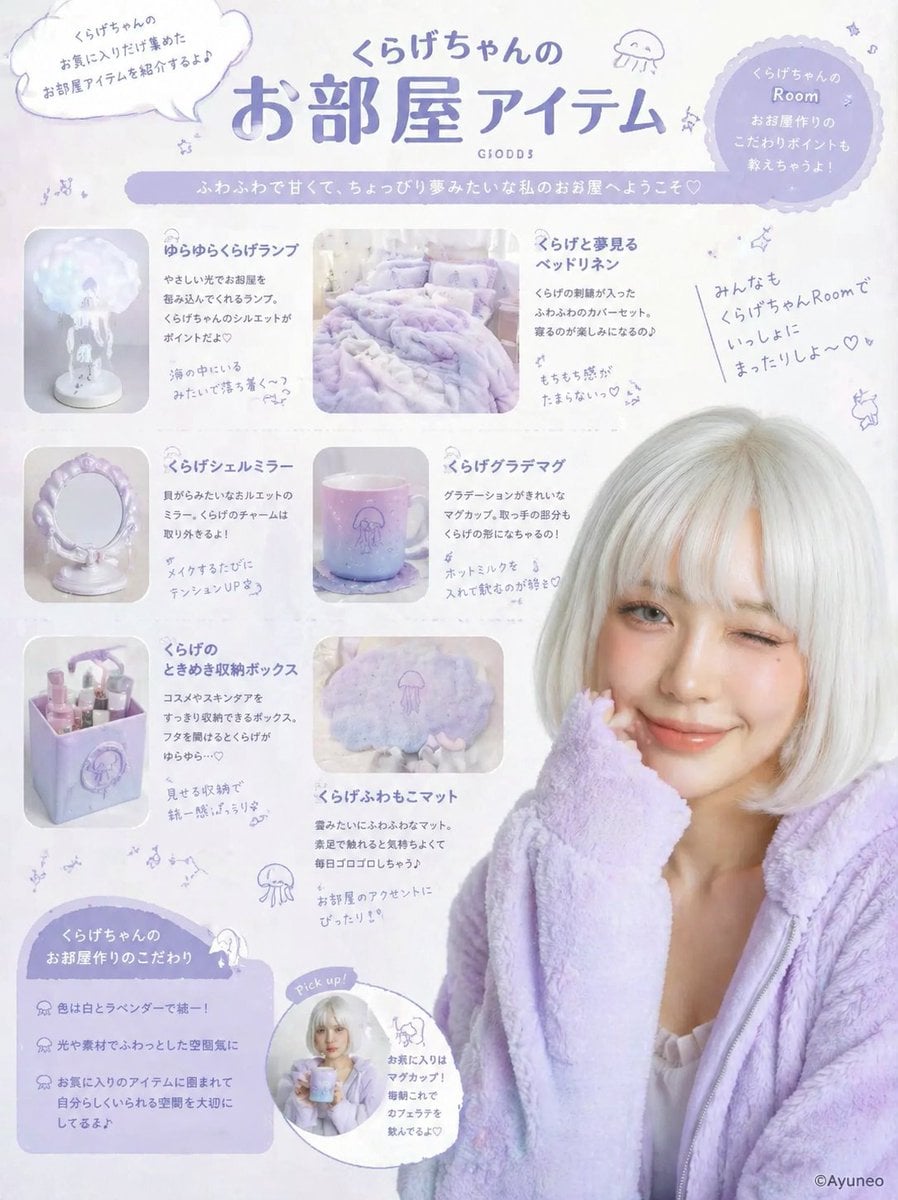
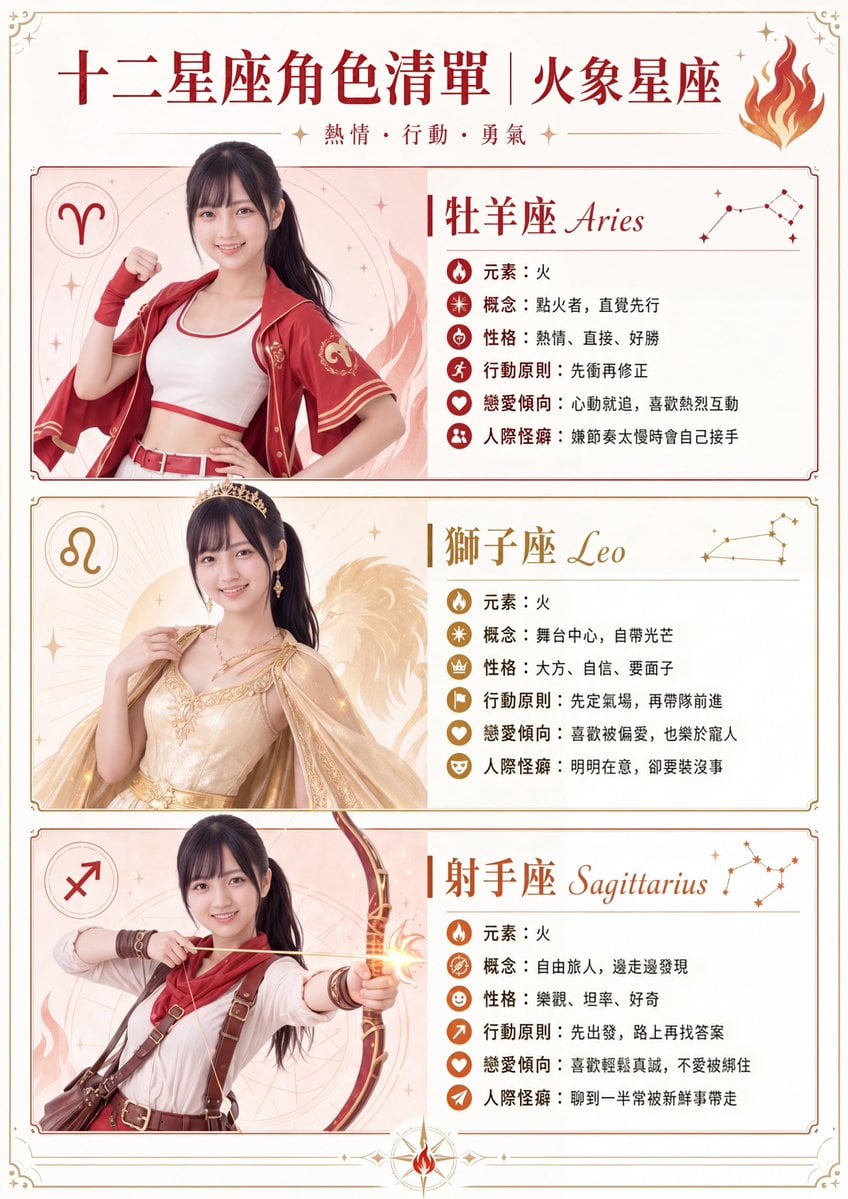
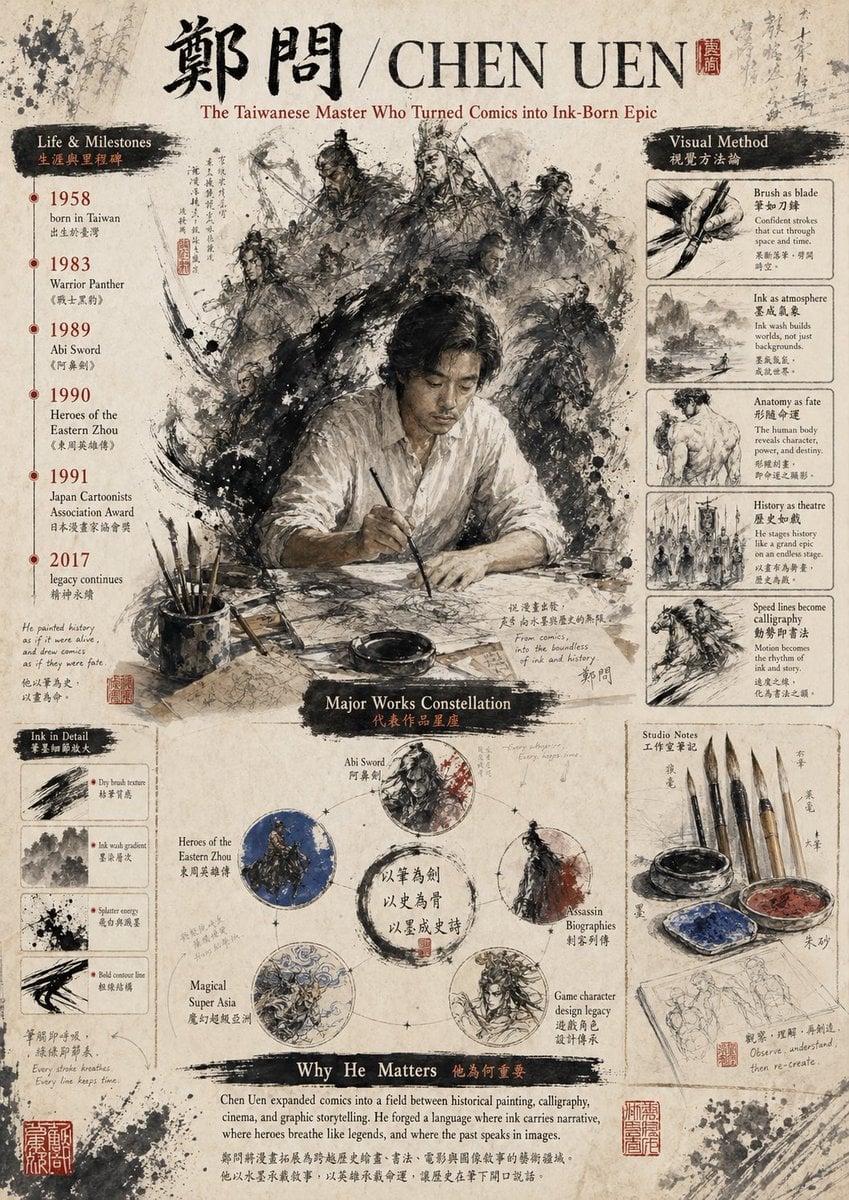
A detailed prompt for creating professional Tiffany & Co.
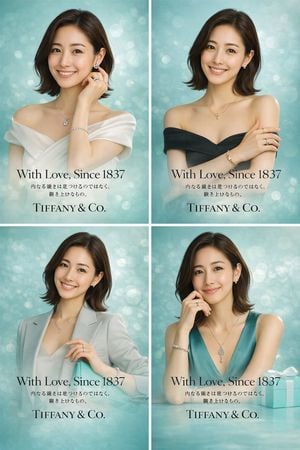
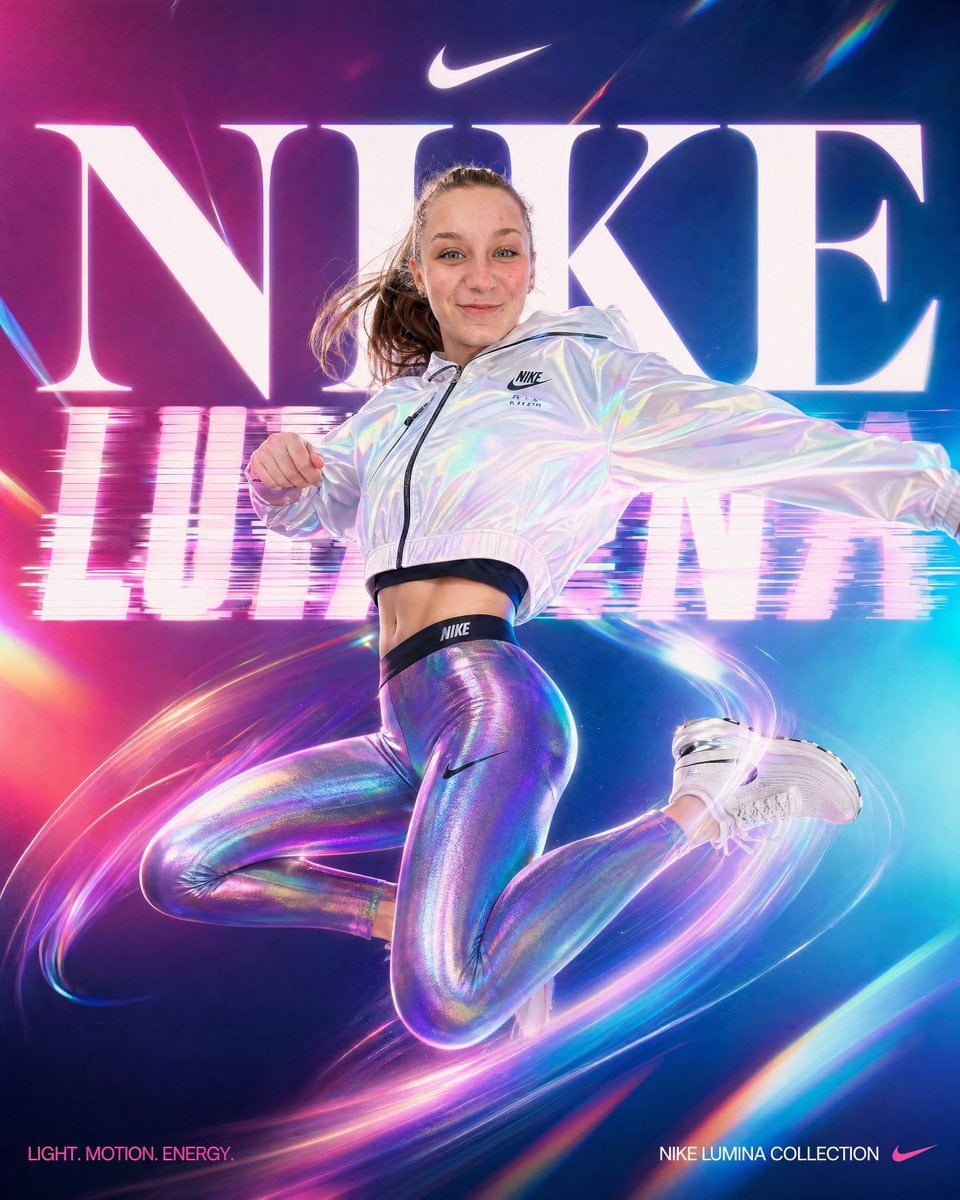
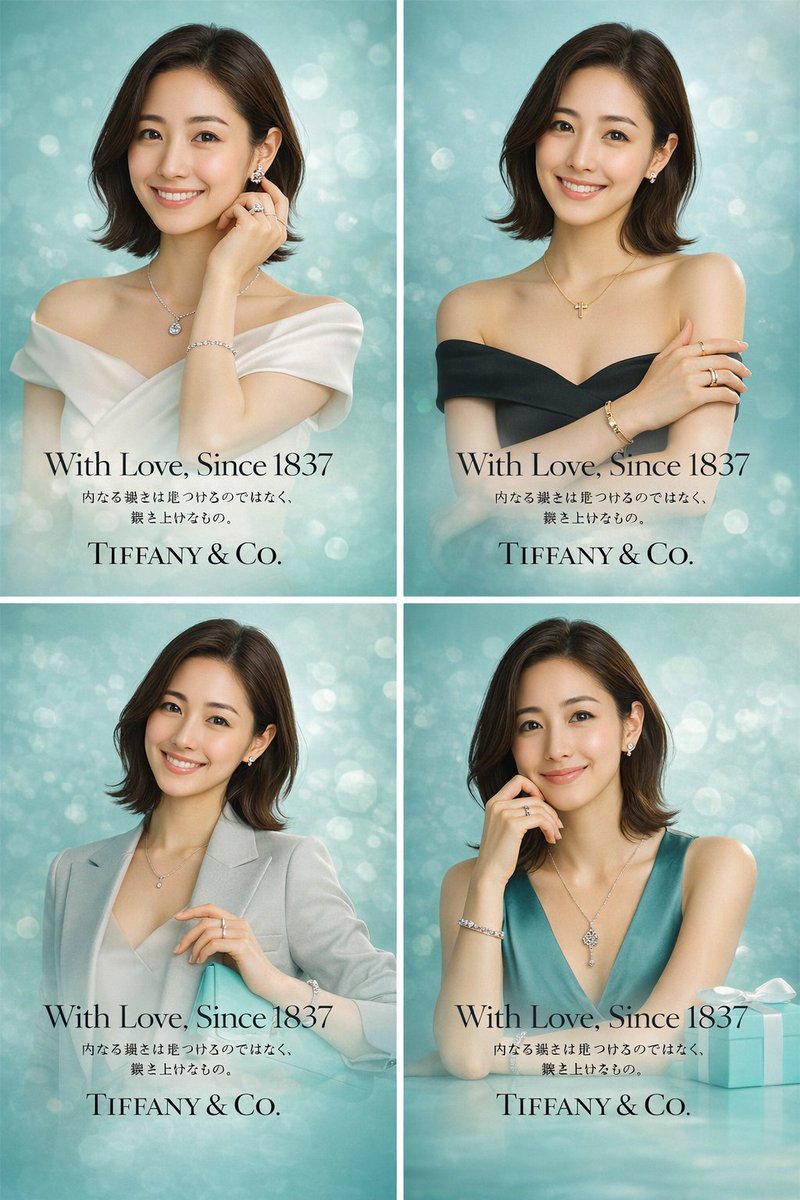
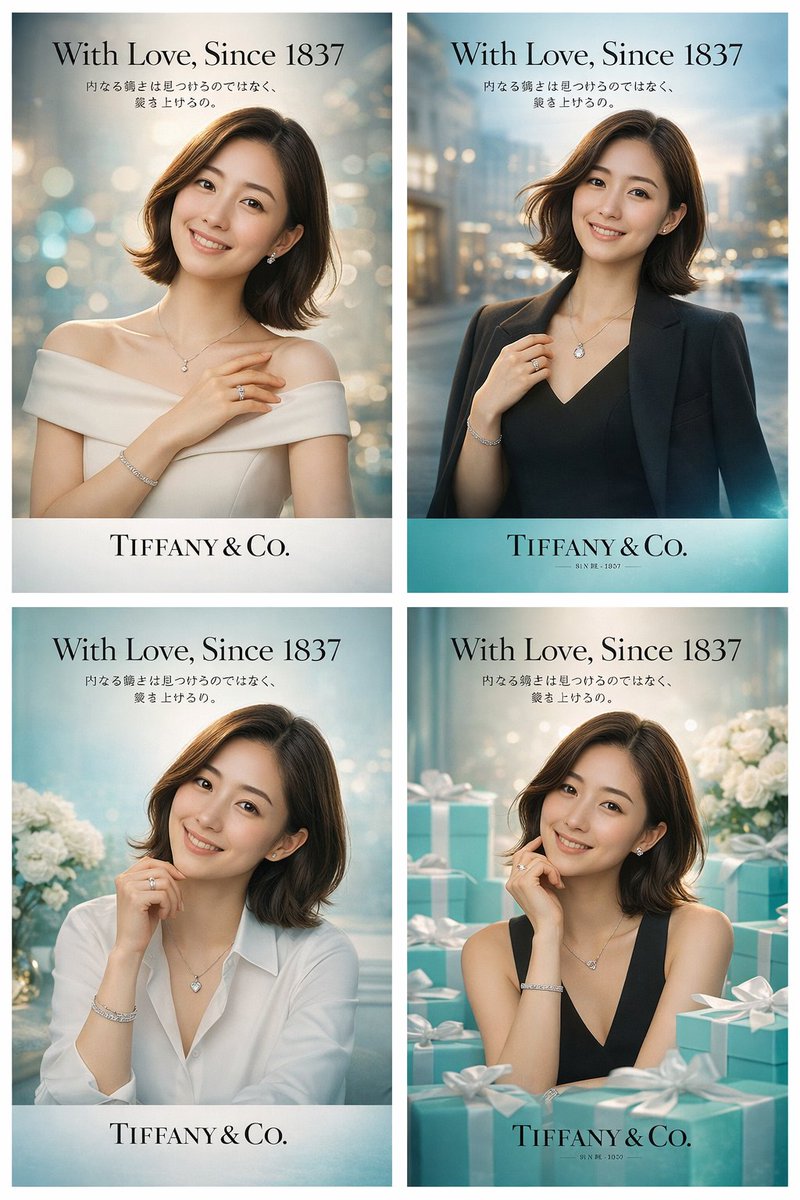
添付の画像2枚は1人の女性です。この画像を使って。 プロのデザイナーが作成した日本向けの{argument name="ブランド名" default="Tiffany & Co."} ポスター広告のビジュアルを4パターン作って。コピーに「{argument name="キャッチコピー" default="With Love, Since 1837\n内なる強さは見つけるのではなく、築き上げるもの。"}」の文字を入れて。服装は、{argument name="ブランド名" default="Tiffany & Co."} のビジュアルに合わせて着換えて、背景も調整して。 とにかく広告のような画像の品質、カメラのしぼり、ライトを意識して。
High-Quality Brand Poster Generator needs input media to work. Open it in the studio and these load alongside the prompt — pick whichever ones your chosen model can take.
Choose the primary action to open PicX Studio with the available template settings. Review the model and format, personalize the creative direction, and generate when ready.
Yes. You can change the subject, setting, lighting, mood, format, and available model controls before creating your image.
This template is free to open and customize. Generation usage is shown in PicX Studio before you create.
Start with GPT Image 2, which is the model associated with this template. You can compare another compatible model for a different finish.
Follow a topic to a crawlable collection of related PicX Studio templates.