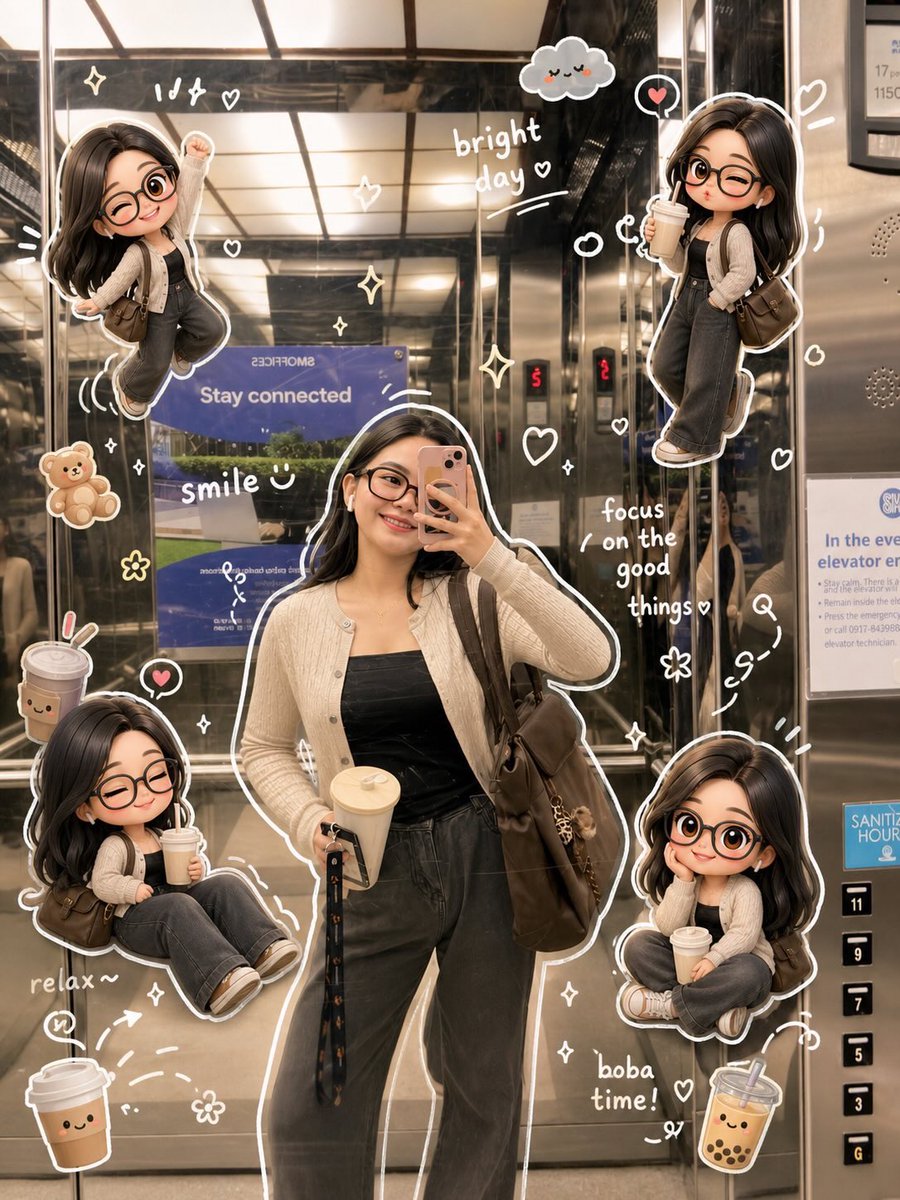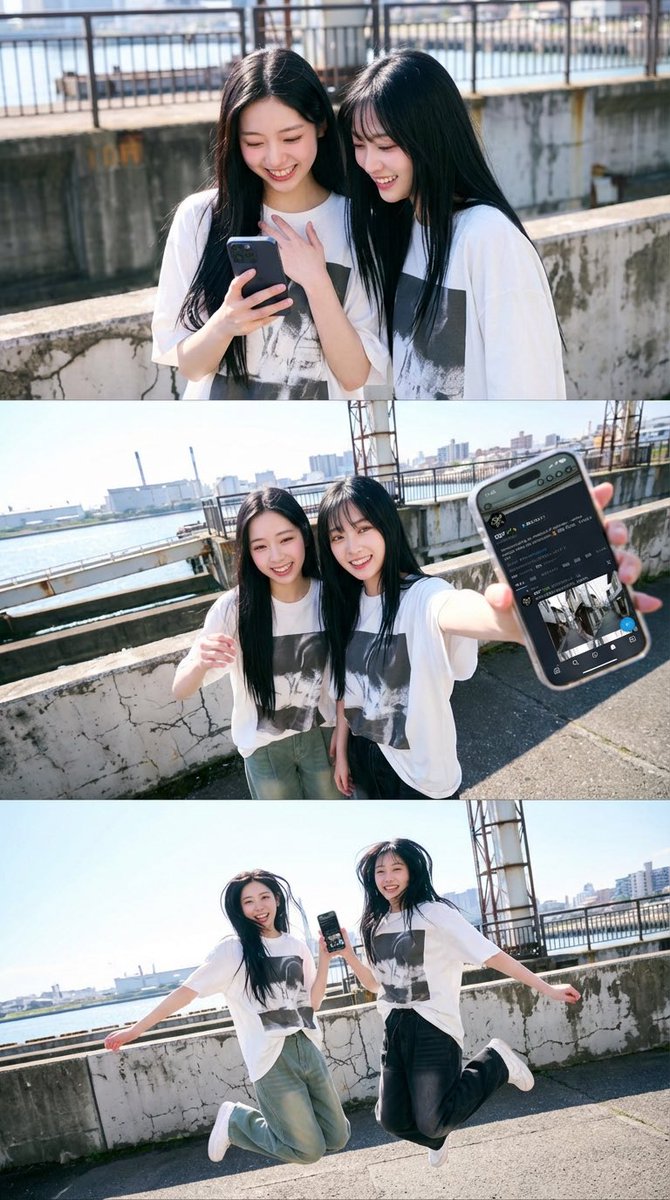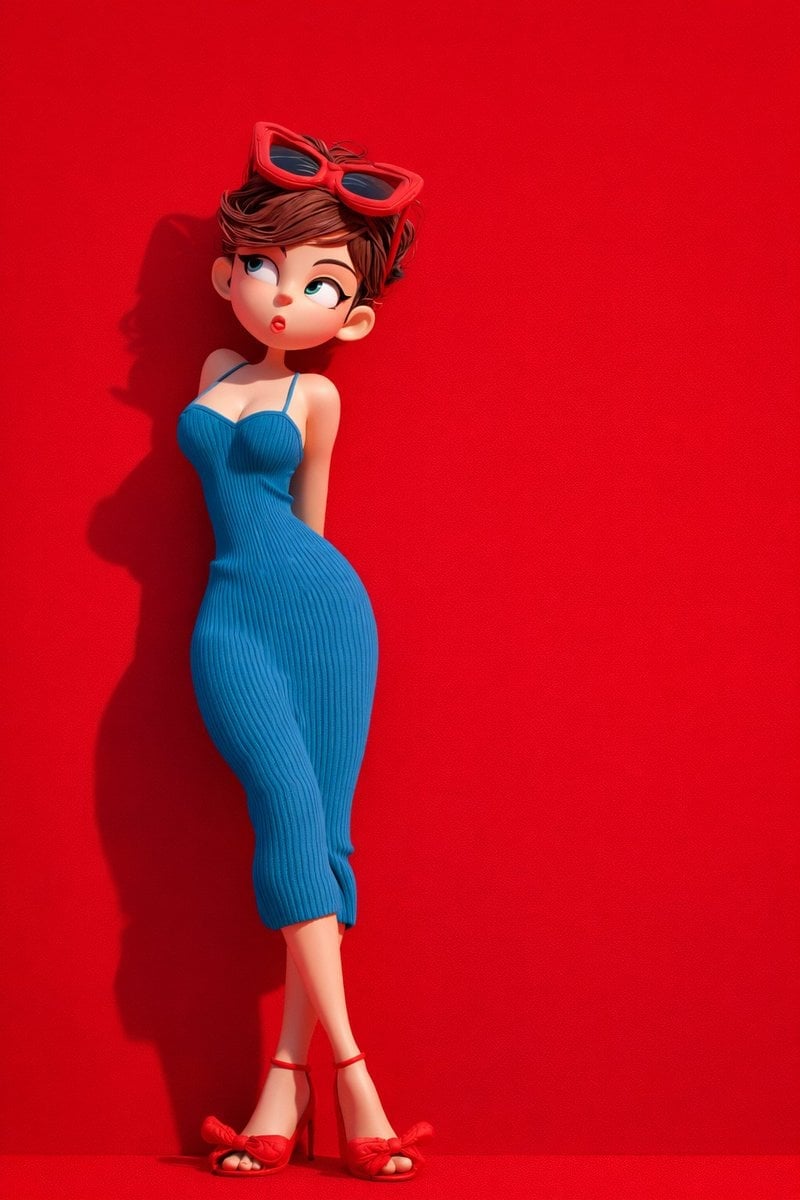
How do I use the EDIT-01 杯子改绿 ⑤ 编辑:局部改色 底图:2.5D轻写实喵喵酱 + 猫爪杯(3:2) 考 template?
Edit the prompt in the box under the preview — the template's model and format are already selected — and press Generate. Your version appears right on this page.

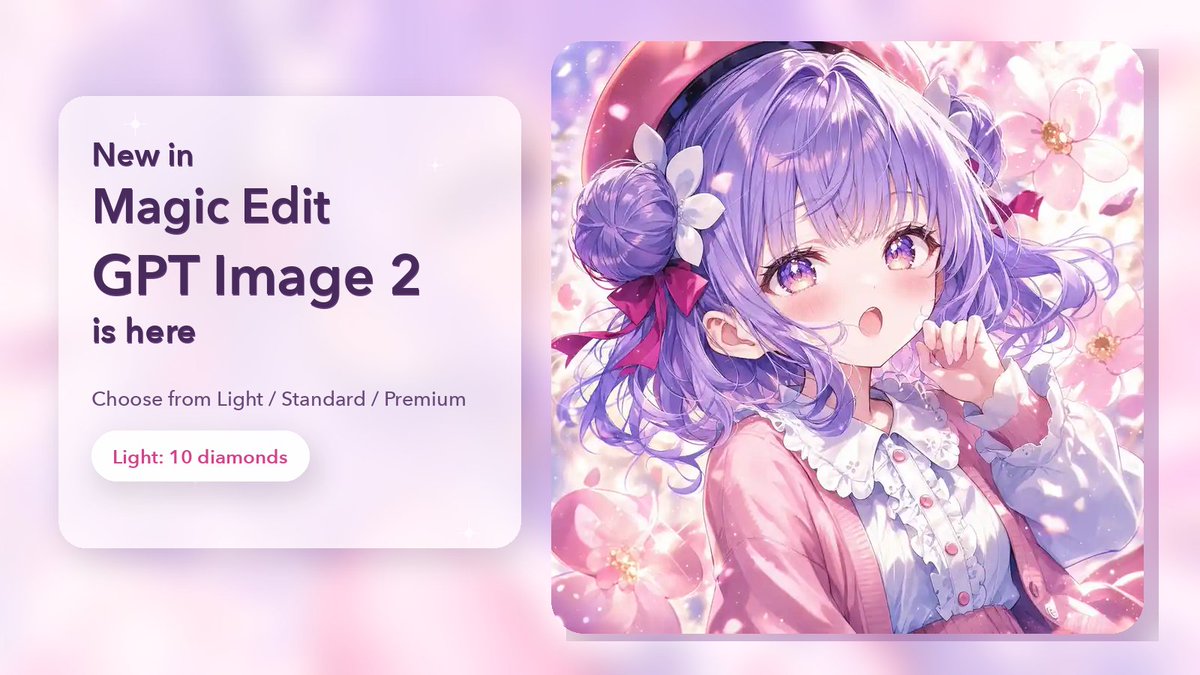
EDIT-01 杯子改绿 ⑤ 编辑:局部改色 底图:2.5D轻写实喵喵酱 + 猫爪杯(3:2) 考 is a ready photo look for GPT Image 2.

只把画面中喵喵酱手里的白色猫爪咖啡杯整体改成绿色(杯身、杯沿、把手可统一偏绿), 猫爪浮雕与粉色小爱心保留,人物脸、发型、服装、桌子、背景植物完全不动。
Edit the prompt in the box under the preview — the template's model and format are already selected — and press Generate. Your version appears right on this page.
Yes. You can change the subject, setting, lighting, mood, format, and available model controls before creating your image.
Opening and editing this template is free. Generating uses credits, shown on the Generate button when you are signed in.
Start with GPT Image 2, which is the model associated with this template. You can compare another compatible model for a different finish.
Follow a topic to a crawlable collection of related PicX Studio templates.