
Dracula and the Beautiful Prey
A short, descriptive prompt for generating an image of Vampire Dracula and his beautiful female victim.
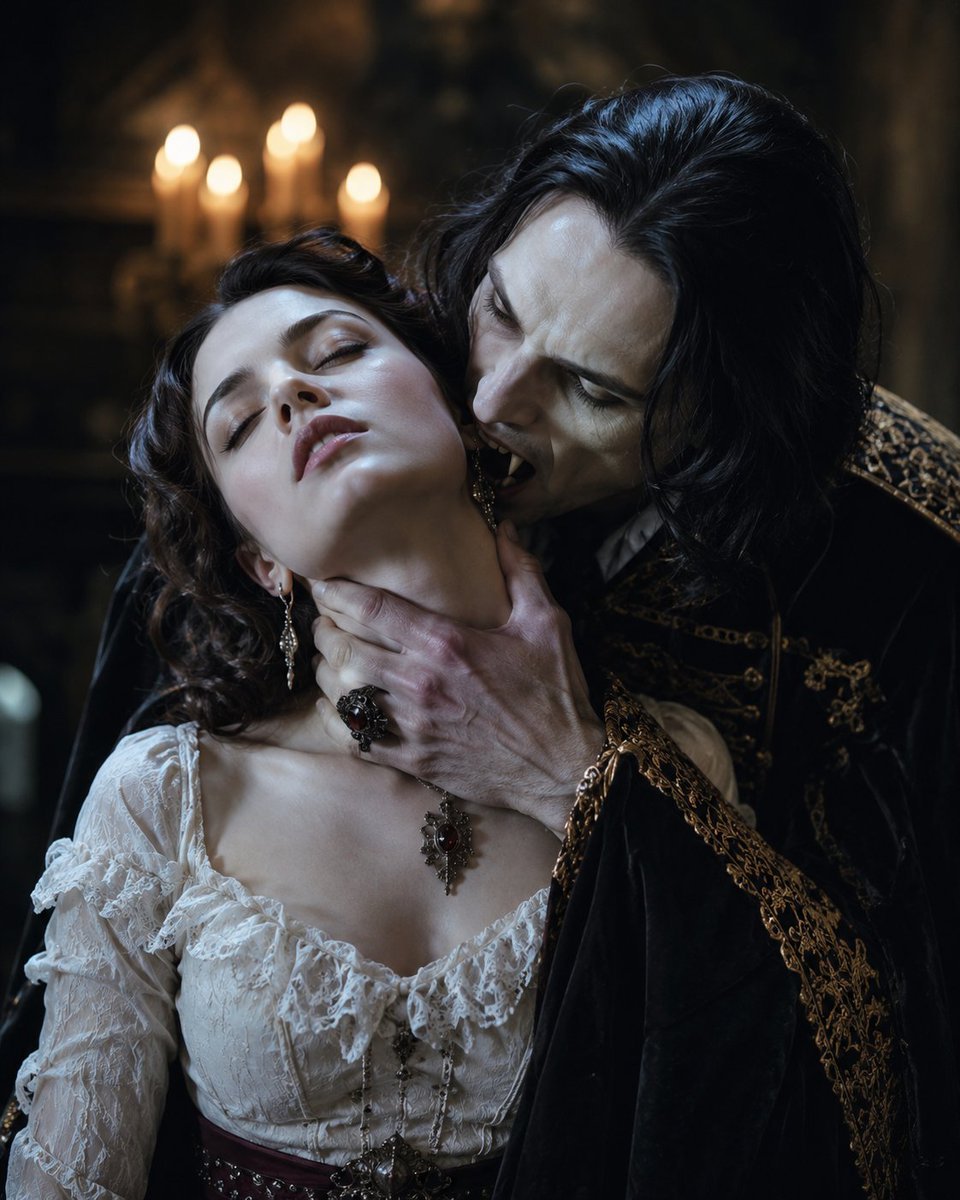
- Prompt included
- Model and format preset
- Free template
The prompt behind this image
Copy the exact prompt behind Dracula and the Beautiful Prey, or open it in the studio and make it yours.
{argument name="主題" default="吸血鬼ドラキュラ"}と{argument name="対象" default="餌食になる美女"}
How to use Dracula and the Beautiful Prey in 3 steps
- 1
Open
The prompt is already in the box next to the preview, with the template's model and format selected.
- 2…a portrait of your subject in softgolden-hour light, 85mm…
Personalize
Edit the subject and creative details for your destination.
- 3Generate
Generate
Press Generate — your image is created in PicX Studio, so you can compare it with the original and refine one variable at a time.
More like this
Templates with the same subject, style or setup. Open one to see its prompt.
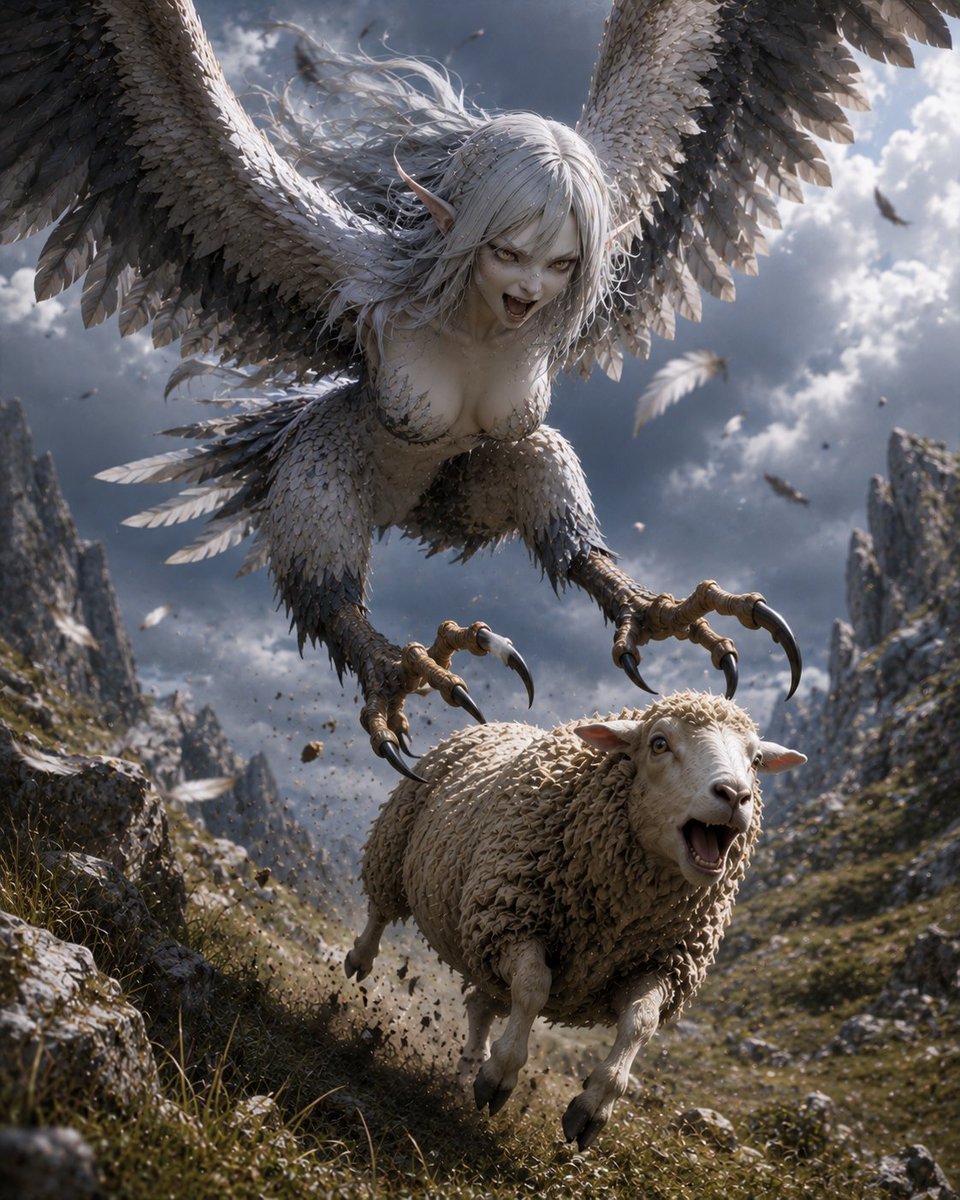
Harpy Attacking Sheep
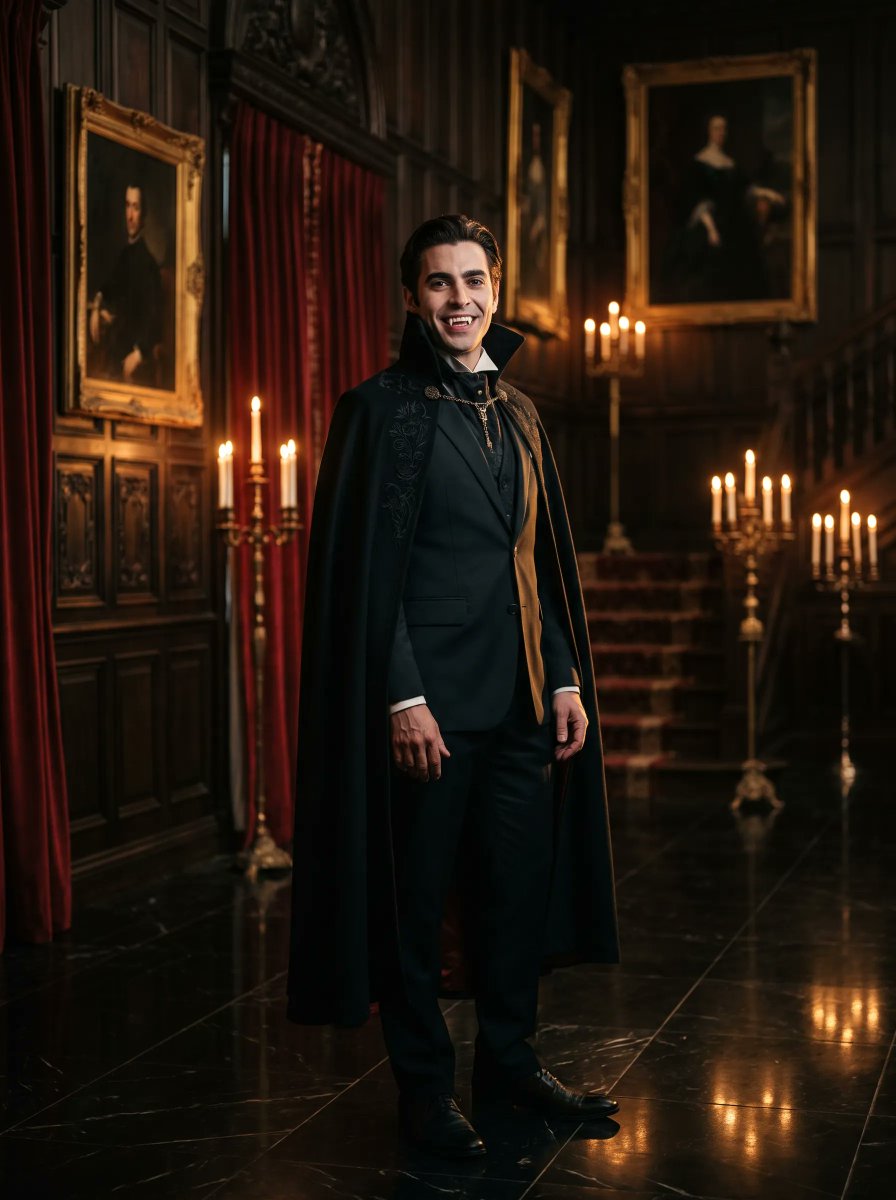
Gothic Vampire Noble Portrait
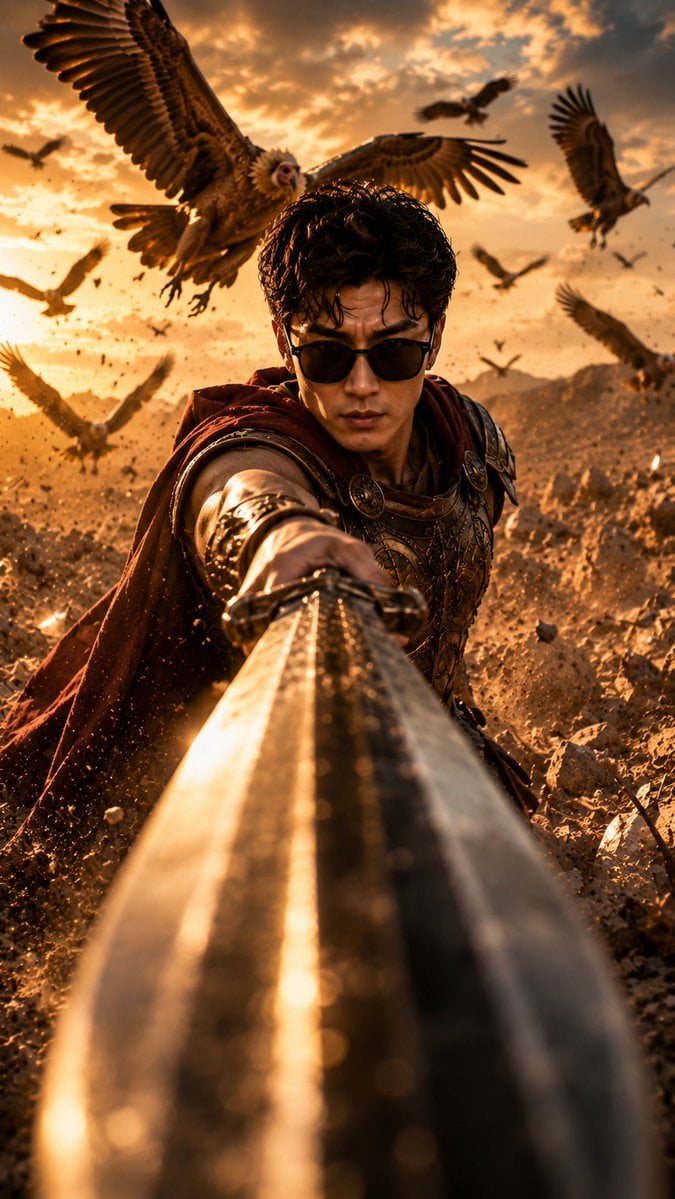
Roman Warrior Eagle Battlefield Portrait
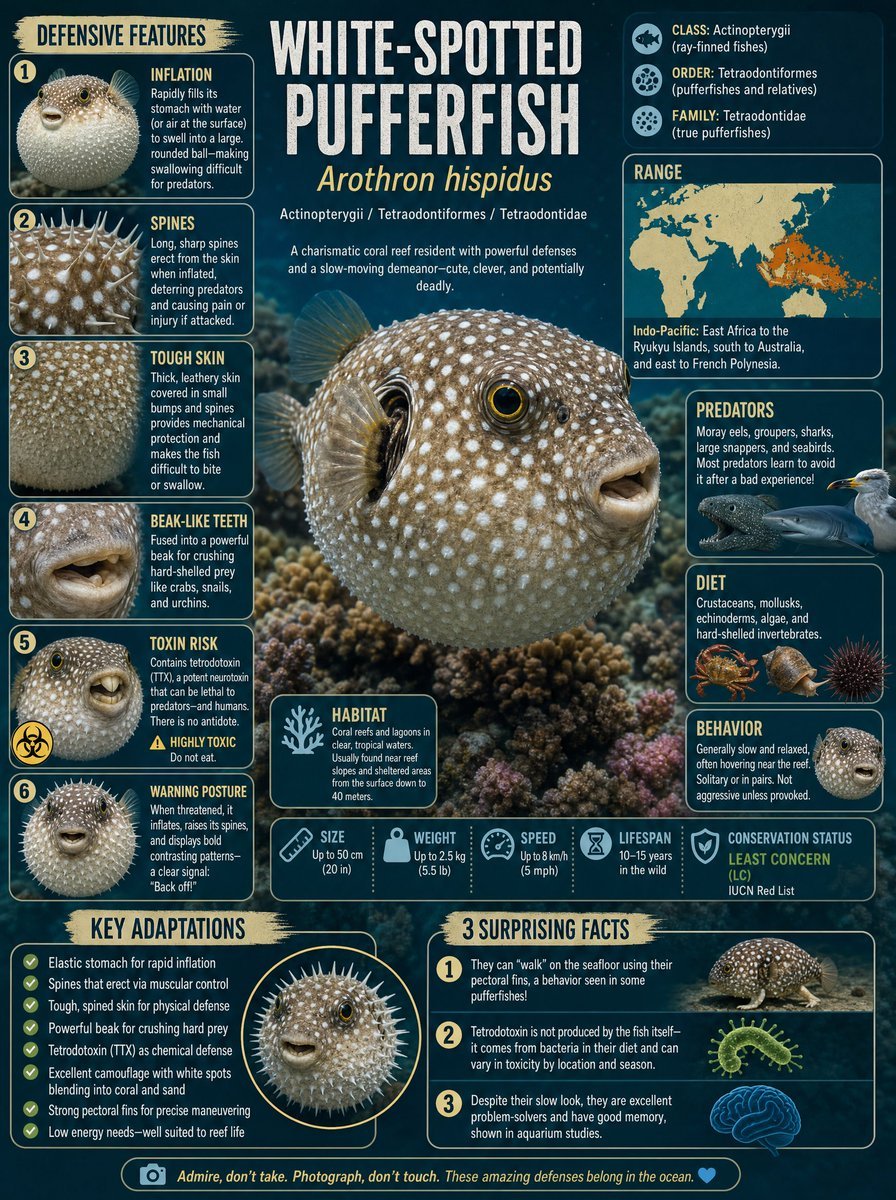
White-Spotted Pufferfish Scientific Plate

Ford F-150 Raptor Desert Sandstorm
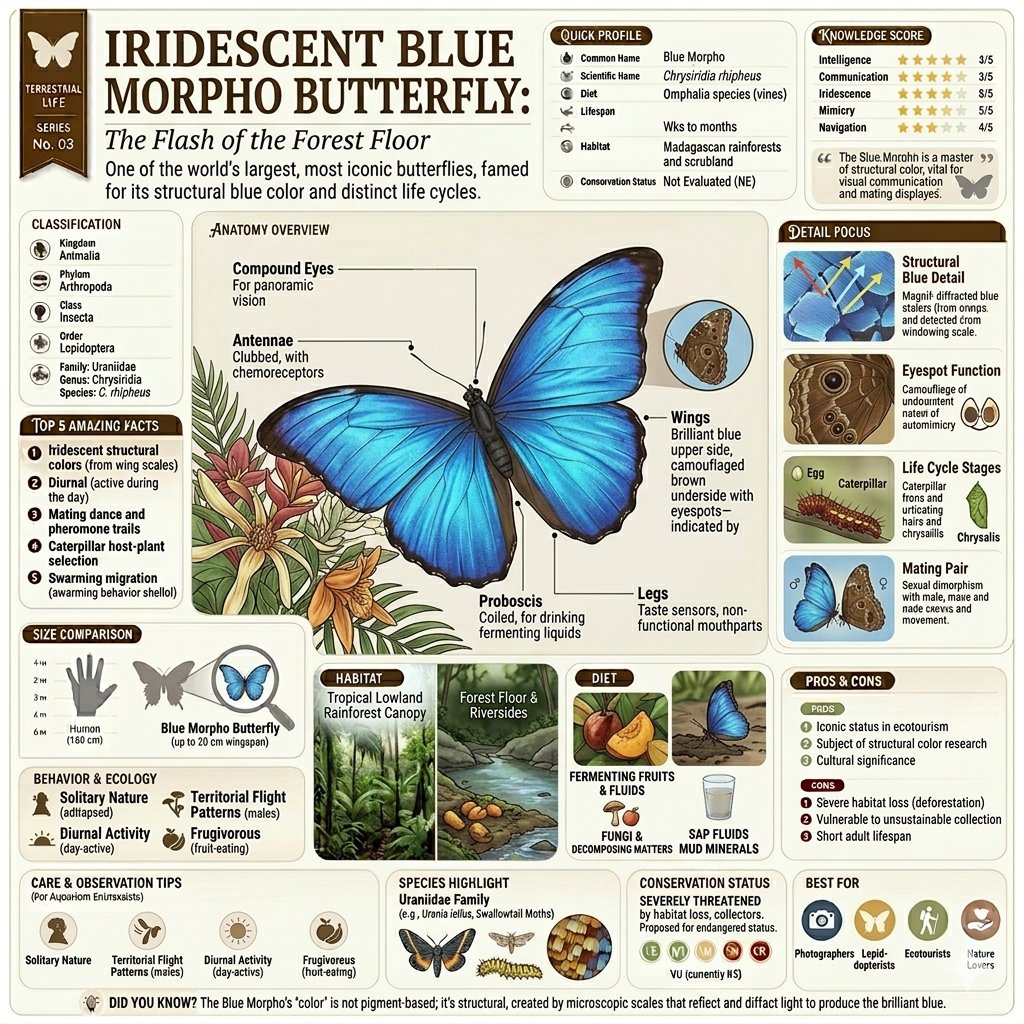
Vintage Encyclopedia Infographic
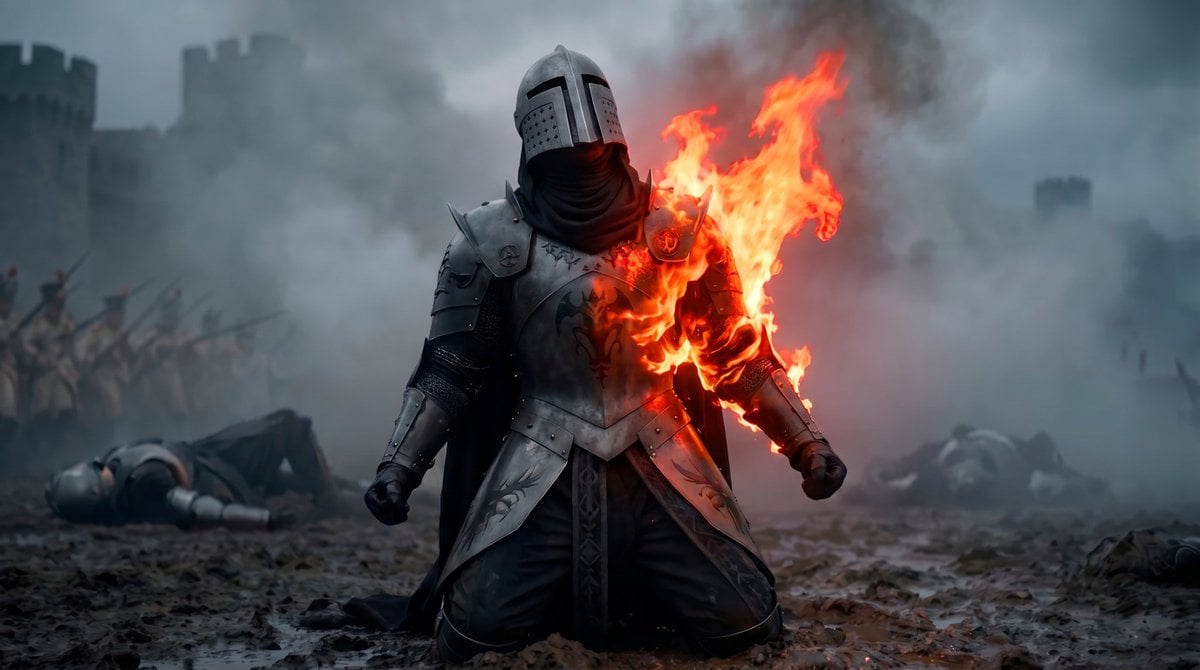
Vampire Knight Sunlight Exposure

Blue Fantasy Hero Splash Poster
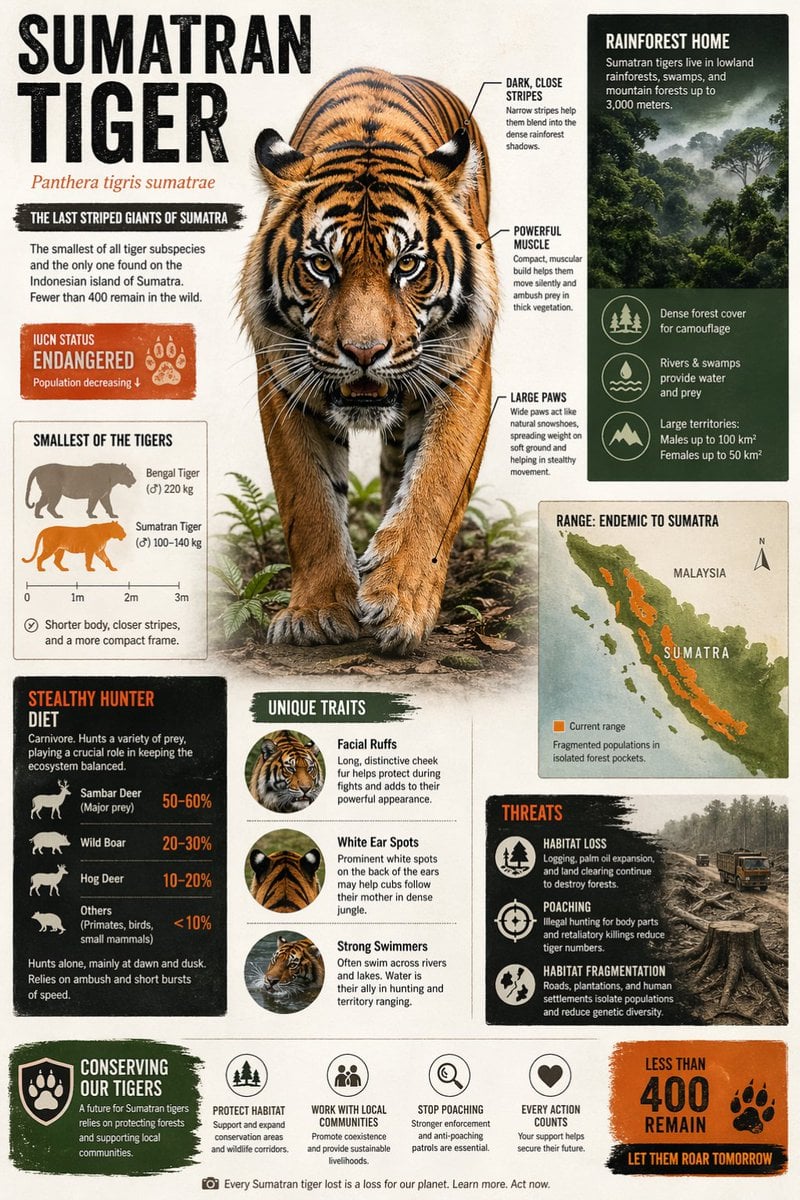
Sumatran Tiger Conservation Infographic
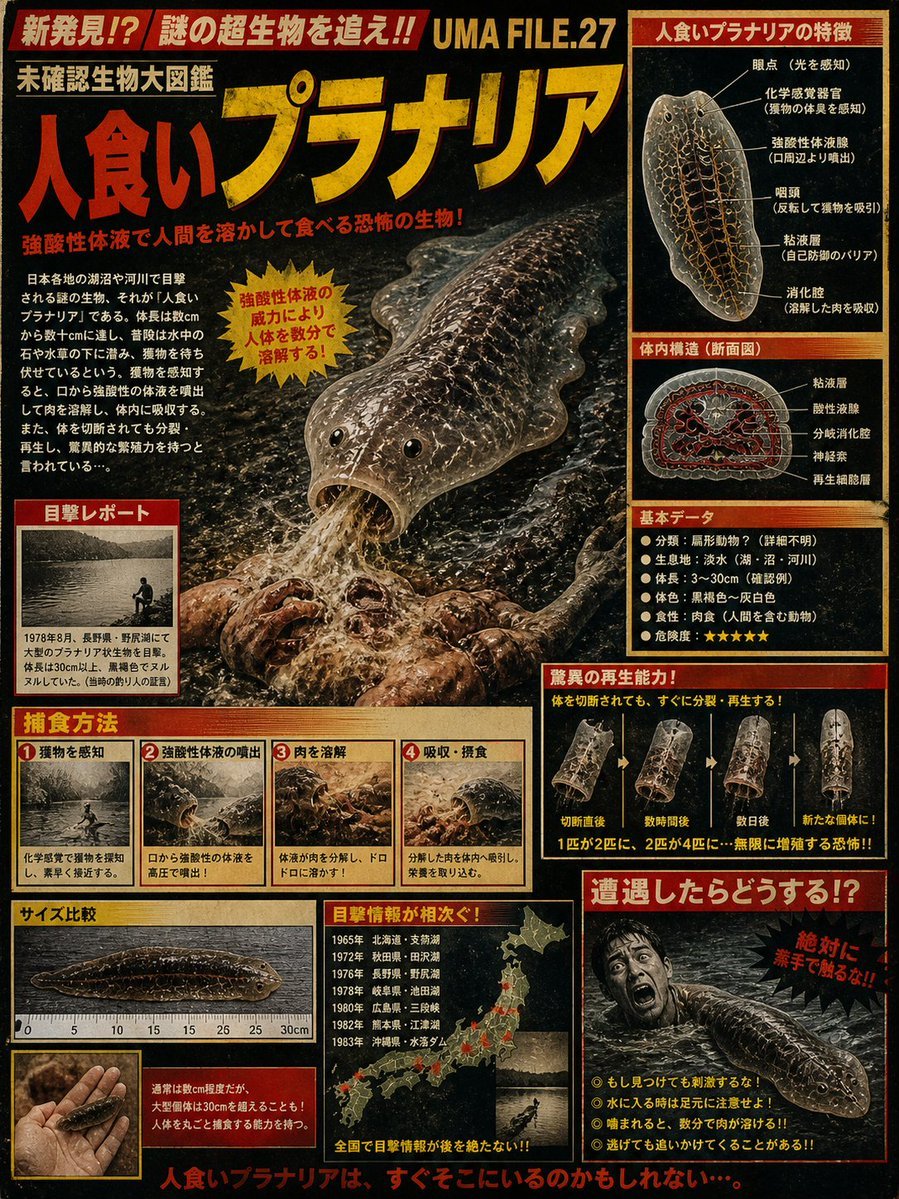
Retro Man-Eating Planaria Dossier
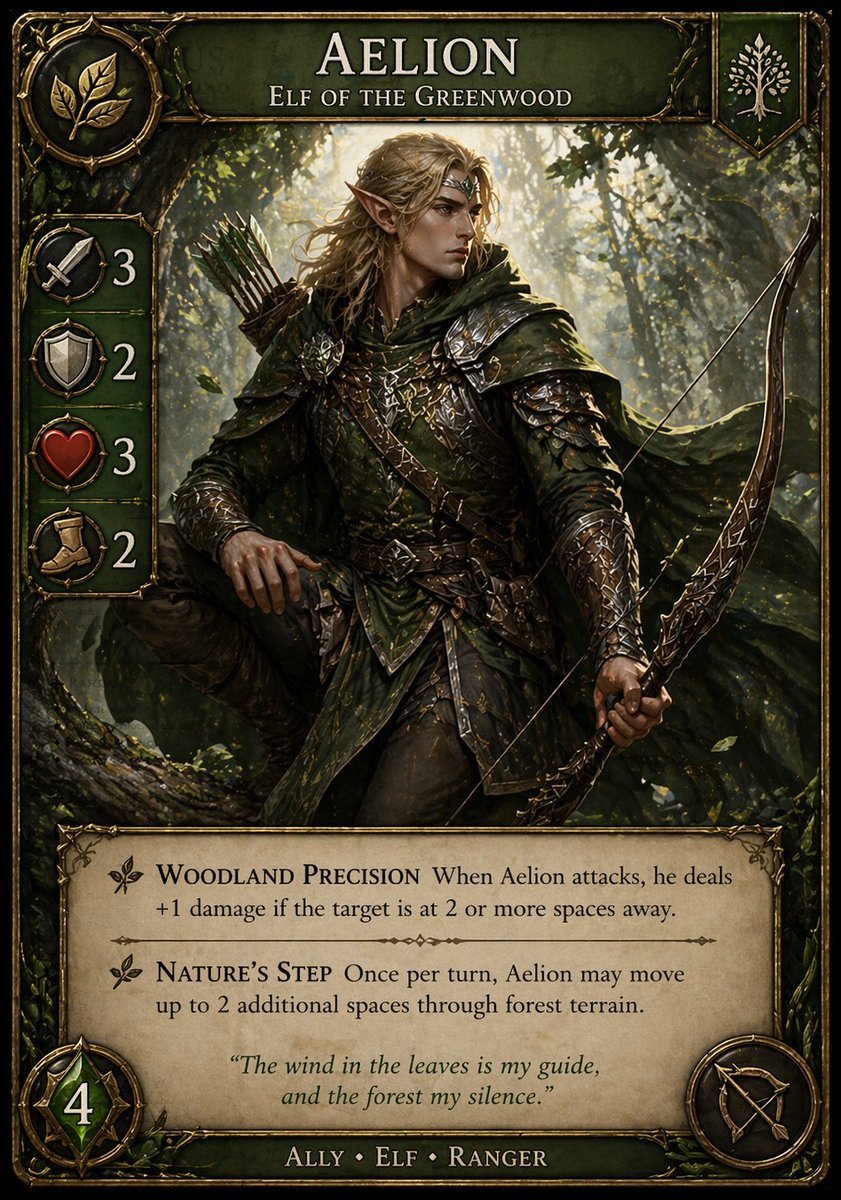
Fantasy Elf Ranger Trading Card
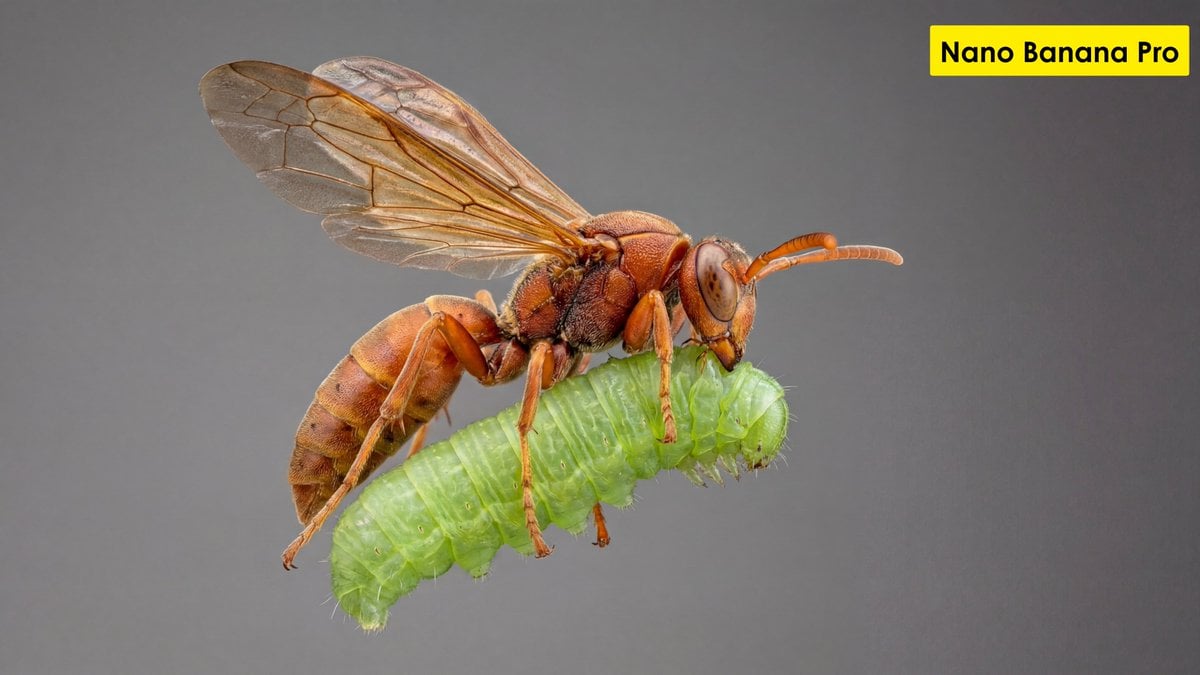
Scientific Ultra-Macro Insect Capture Prompt
Make it yours
Dracula and the Beautiful Prey works as-is. These are the safest ways to change it without losing the look.
Change one field
Copy a single group, rewrite it, and generate again so you can see what that field is doing.
Keep the frame, change the subject
Hold the composition and light of Dracula and the Beautiful Prey, then swap wardrobe, props or the person for a new take.
| If the result… | Why | Fix |
|---|---|---|
| The result drifts from the preview | Too many fields changed at once. | Reuse Dracula and the Beautiful Prey as-is first, then change one group — subject, light, or setting. |
| The model over-stylizes the scene | The prose prompt leaves finish and camera underspecified. | Add one camera or lighting sentence and stay on GPT Image 2. |
More GPT Image 2 templates
Other prompts made for GPT Image 2.

Six VTuber Japanese Logo Sheet

Realistic Portrait of Woman and Deer

The Vista Modular Condo Poster

AI Model Routing Comparison Infographic

2.5D Anime Art Board

Isometric Productivity Desk Scene

New York Double Exposure Poster

Four-Panel AI Landscape Comparison

Japanese Tatami Lifestyle Magazine Cover

NESCAFÉ Coffee Map Poster
More image prompts
Fresh picks from across the catalog.
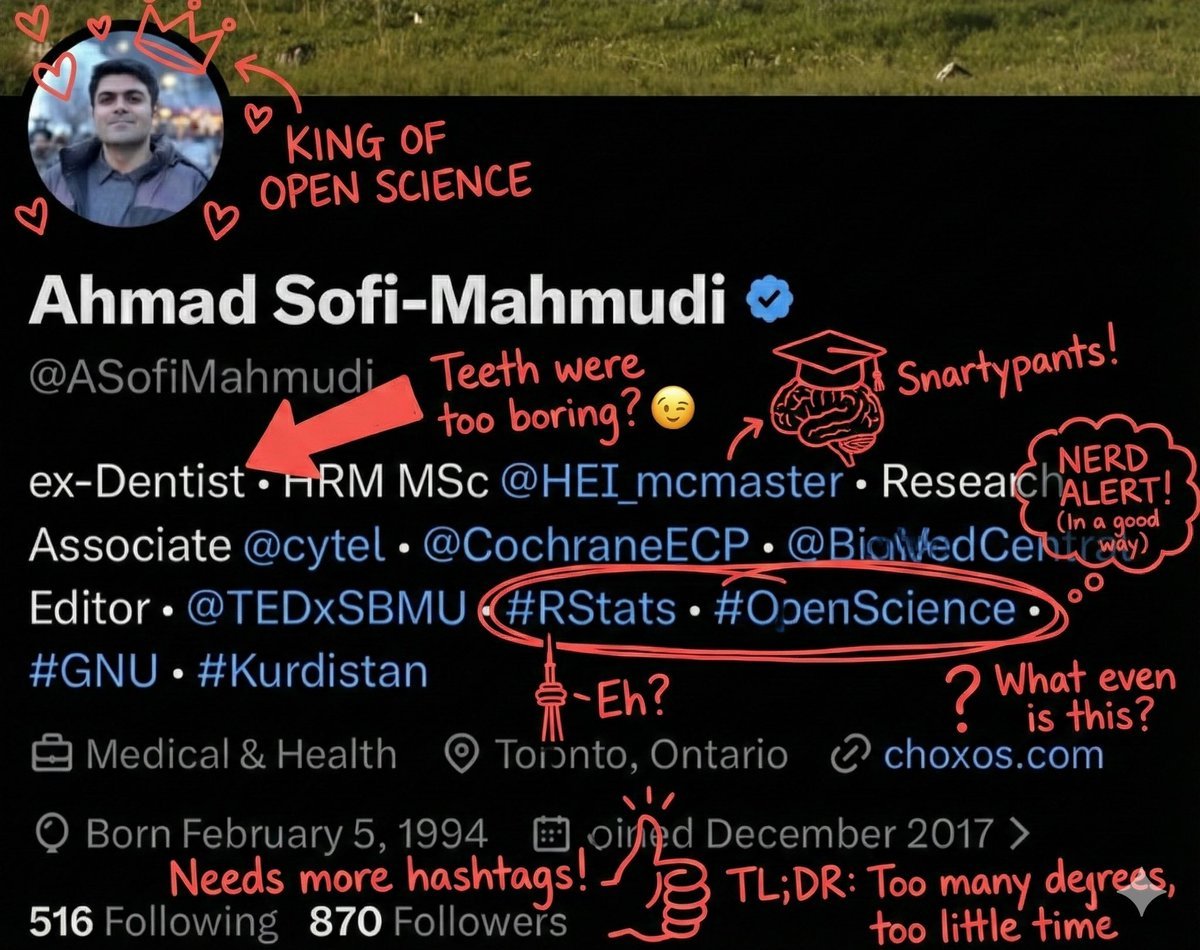
Overlay Image with Funny Comments
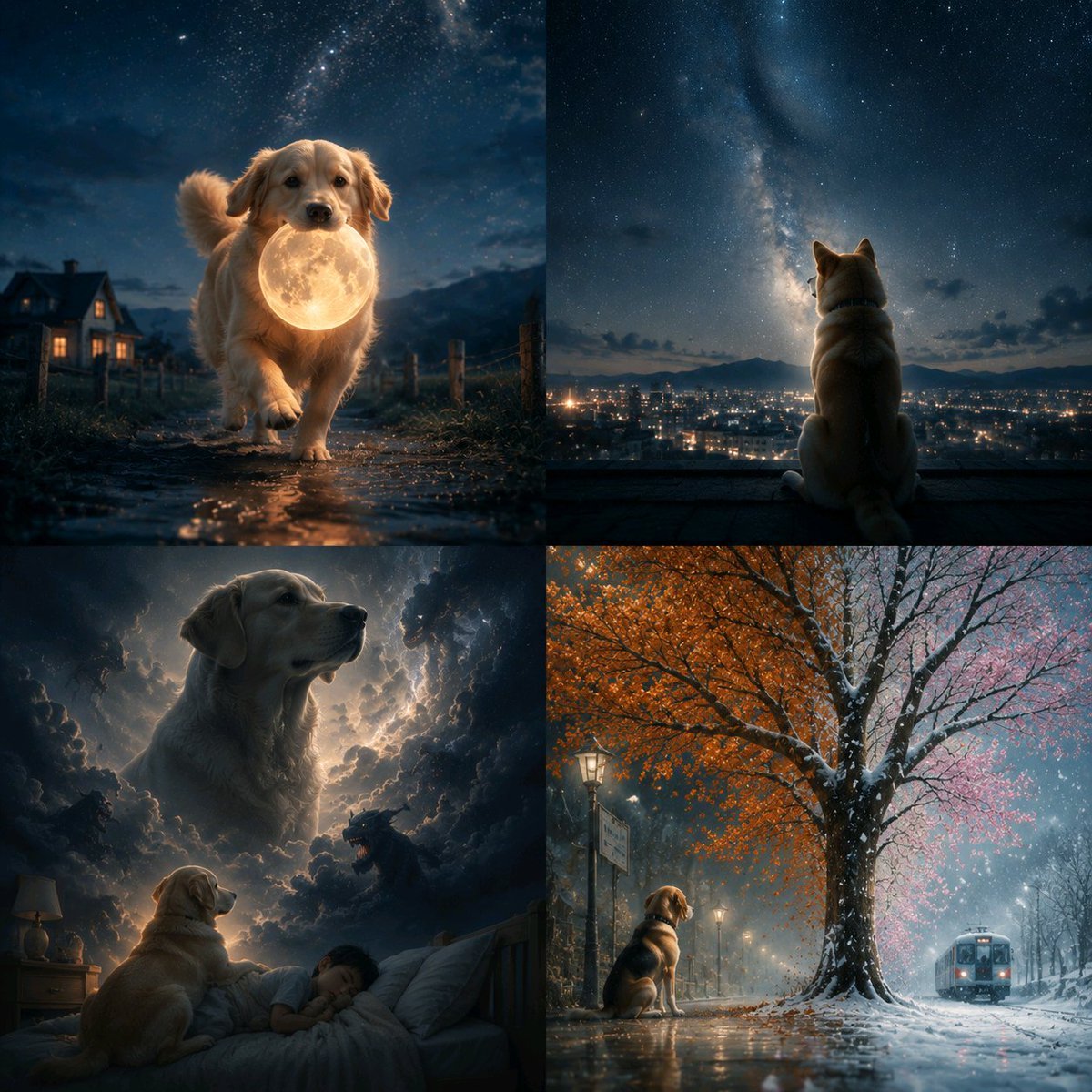
Abstract Surreal Visual Metaphor

Amigurumi-style Scissor Man Image Generation Prompt

Spring Cafe Reading Editorial
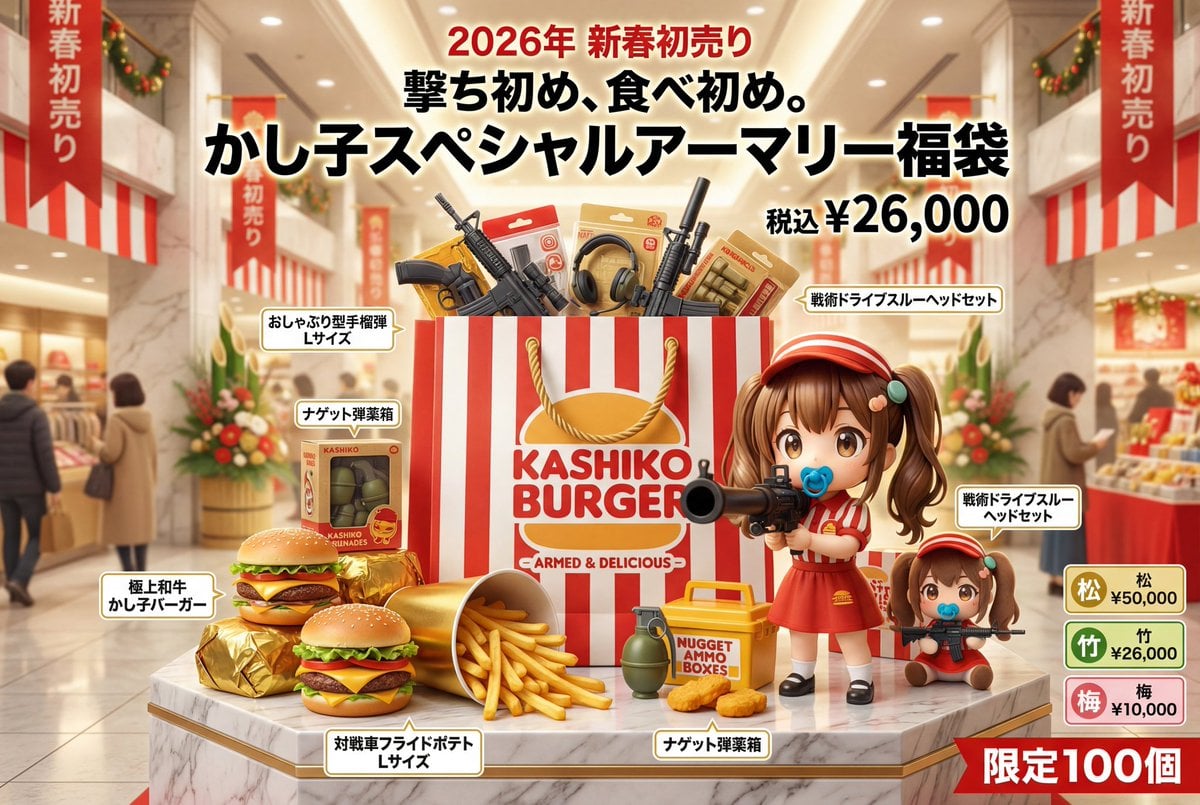
Luxury Fukubukuro (Lucky Bag) Advertisement Key Visual Prompt

Japanese Office LINE Sticker Sheet
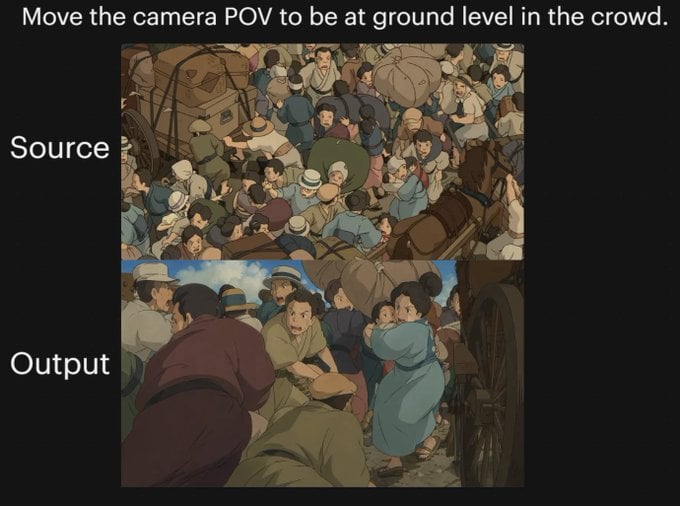
Anime Crowd POV Comparison
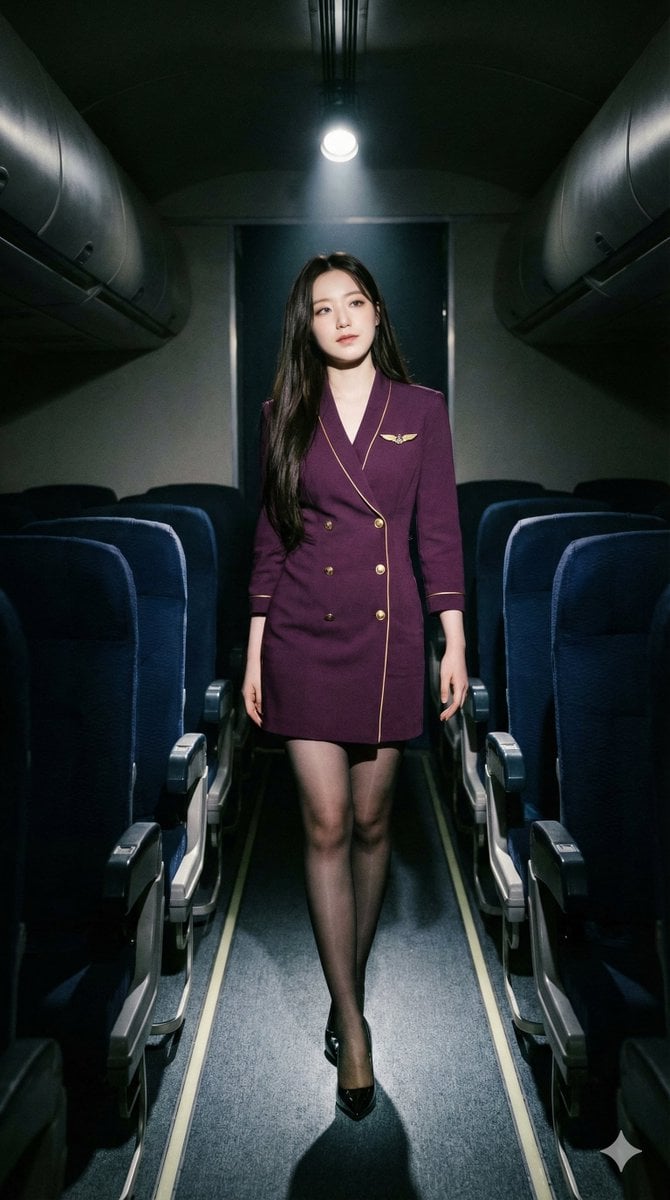
High-Contrast Noir Flight Attendant Prompt for Nano Banana Pro

Anime Character in Real Rooftop Scene
Minimalist Lifestyle Photography Prompt
Browse template categories
Dracula and the Beautiful Prey questions
How do I use the Dracula and the Beautiful Prey template?
Add your photo if the template asks for one, edit the prompt if you like — the template's model and format are already selected — and press Generate. Your version opens in PicX Studio.
Can I customize the Dracula and the Beautiful Prey template?
Yes. You can change the subject, setting, lighting, mood, format, and available model controls before creating your image.
Is the Dracula and the Beautiful Prey template free?
Opening and editing this template is free. Generating uses credits, shown on the Generate button when you are signed in.
Which AI model should I use?
Start with GPT Image 2, which is the model associated with this template. You can compare another compatible model for a different finish.
Looking for something else? Browse all templates.

Your photo, any look
Thousands of ready templates for every top image and video model, from one credit balance.