
Elder Hermit Character Sheet
Generates a realistic Spanish-labeled concept art character sheet for an elderly straw-cloaked hermit and his rustic instrument accessory.
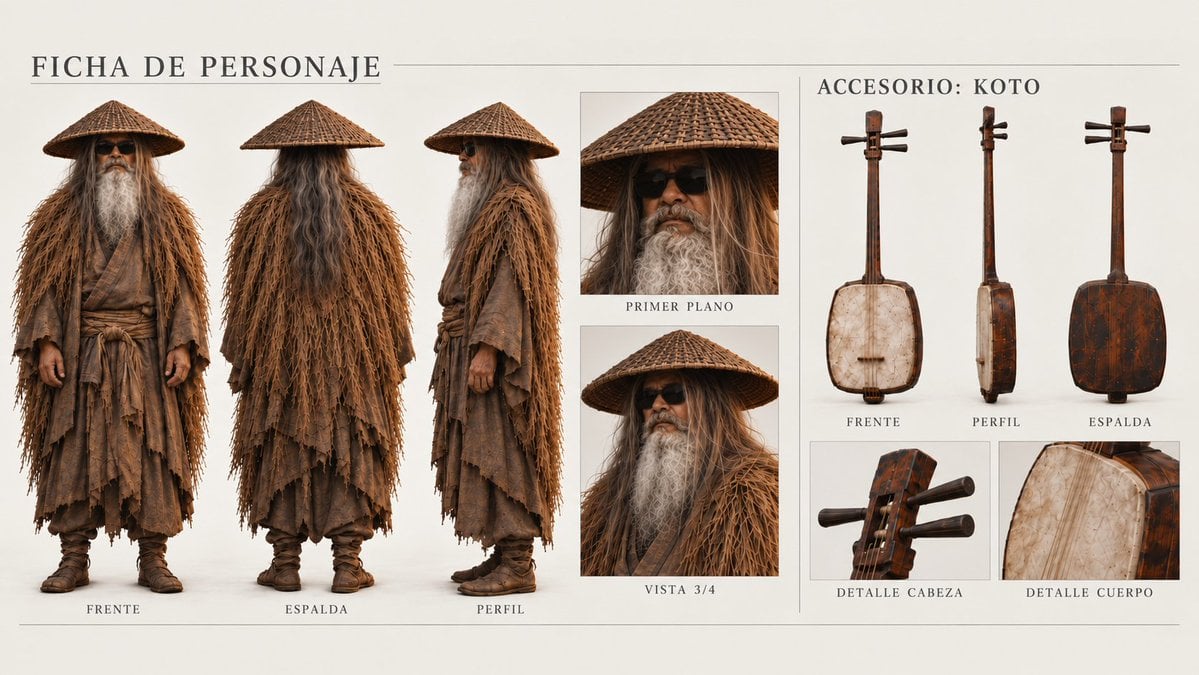
- Prompt included
- Model and format preset
- Free template
The prompt behind this image
Copy the exact prompt behind Elder Hermit Character Sheet, or open it in the studio and make it yours.
Goal: Create a cinematic character design sheet labeled in Spanish for {argument name="character name" default="FICHA DE PERSONAJE"}, showing an elderly wandering Japanese hermit musician and his instrument accessory. Canvas: Wide horizontal 16:9 concept-art presentation on warm off-white paper, thin gray divider lines, museum catalog / film production design style, realistic photographic rendering with soft studio lighting and subtle shadows. Layout: Split the sheet into two main columns. The left two-thirds is the character sheet, titled “FICHA DE PERSONAJE” in large spaced serif capitals at the top. The right third is the accessory sheet, titled “ACCESORIO: KOTO” in the same serif style. Use clean rectangular panels, fine borders, and centered small uppercase captions beneath each view. Character section: Show exactly 5 character views: 3 full-body turnarounds and 2 portrait insets. The 3 full-body views are, from left to right, front labeled “FRENTE,” back labeled “ESPALDA,” and side profile labeled “PERFIL.” The 2 portrait insets are stacked vertically to the right of the full bodies: a tight face close-up labeled “PRIMER PLANO,” and a chest-up three-quarter view labeled “VISTA 3/4.” The character is an elderly man with very long tangled {argument name="hair color" default="gray-white hair"}, a massive flowing white beard, dark sunglasses, weathered tan skin, and a calm stoic expression. He wears a wide conical woven straw hat, a shaggy straw rain cloak made of long dry fibers, layered ragged brown robes, a wrapped sash belt, loose trousers, and worn brown boots. The costume should feel ancient, dusty, handmade, and textured, with frayed hems and natural earth tones. Accessory section: Show exactly 5 views of the instrument accessory: 3 full instrument views across the top labeled “FRENTE,” “PERFIL,” and “ESPALDA,” plus 2 close-up detail panels along the bottom labeled “DETALLE CABEZA” and “DETALLE CUERPO.” The accessory is a rustic vertical string instrument inspired by a koto or shamisen, made from aged dark wood and pale stretched hide, with visible scratches, stains, pegs, strings, and worn varnish. The front view shows the pale hide-covered body, the profile view shows the thin side depth, and the back view shows a dark reddish-brown wooden body. Visual style: Hyperrealistic fantasy costume reference, high-detail fabric and straw fibers, muted browns, sepia tones, ivory background, elegant editorial spacing, no modern props except the sunglasses. Use Spanish captions exactly as specified, with refined serif typography and thin horizontal rules at the top and bottom. Constraints: Keep the sheet clean and symmetrical, include exactly 10 labeled visual panels/views total, avoid extra text, avoid watermarks, avoid logos, avoid cartoon styling.
How to use Elder Hermit Character Sheet in 3 steps
- 1Upload ImagePNG, JPG or paste
Add your photo
Upload the photo the template builds on. The prompt, model and format are already set.
- 2…a portrait of your subject in softgolden-hour light, 85mm…
Personalize
Edit the subject and creative details for your destination.
- 3Generate
Generate
Press Generate — your image is created in PicX Studio, so you can compare it with the original and refine one variable at a time.
More like this
Templates with the same subject, style or setup. Open one to see its prompt.

Dancer Character - Four View Reference Sheet

Movement Sheet - Dance Reference (Seedance 2.0)
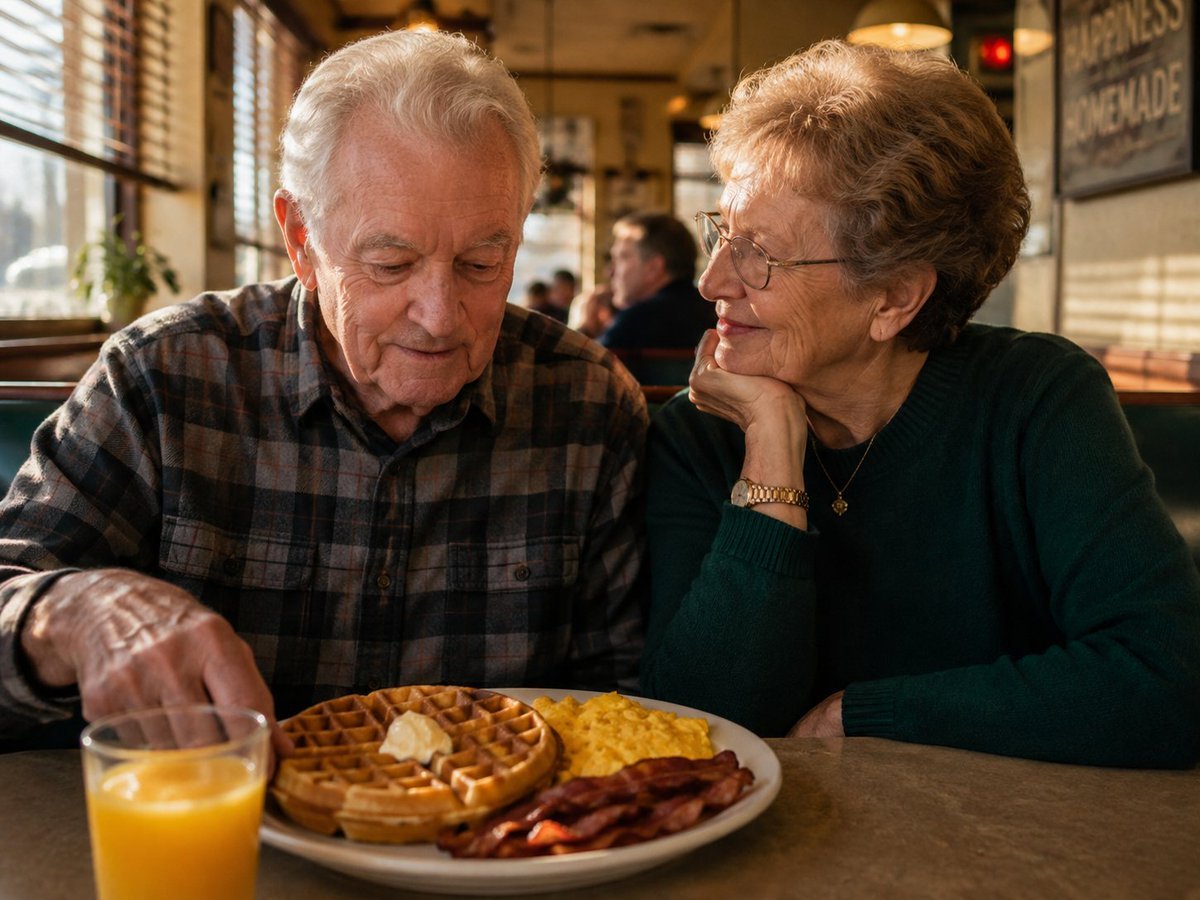
Elderly Couple Diner Breakfast
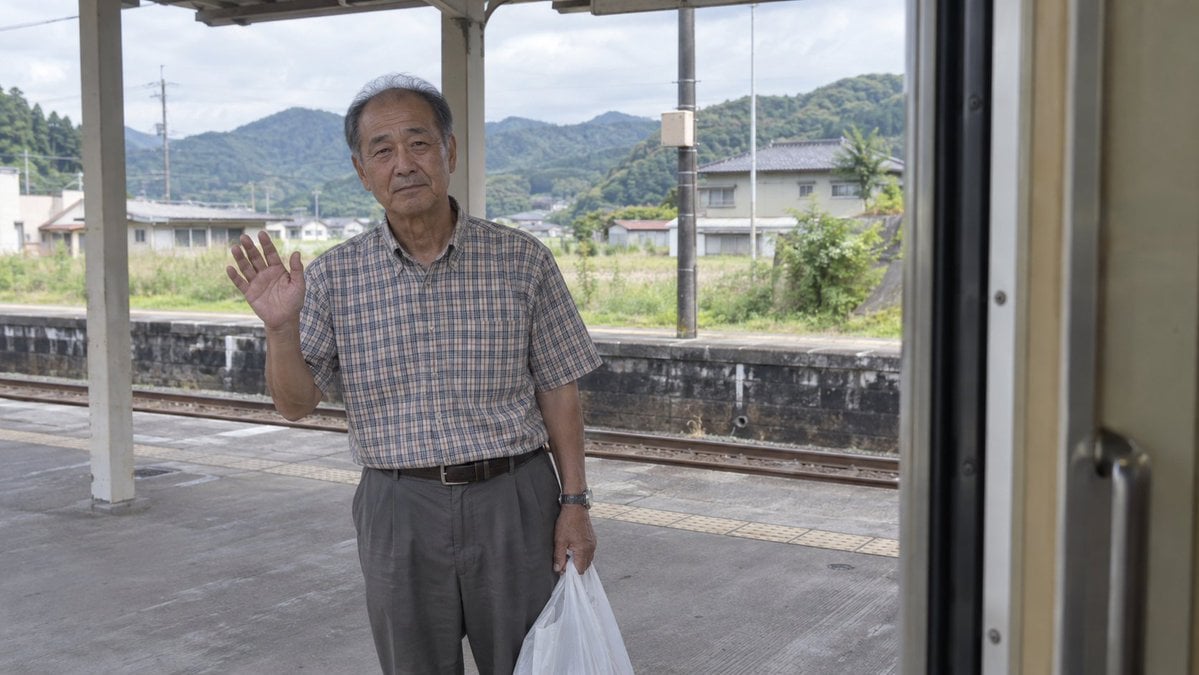
Elderly Man Waving at Rural Station
Elderly Man Waving at Rural Station
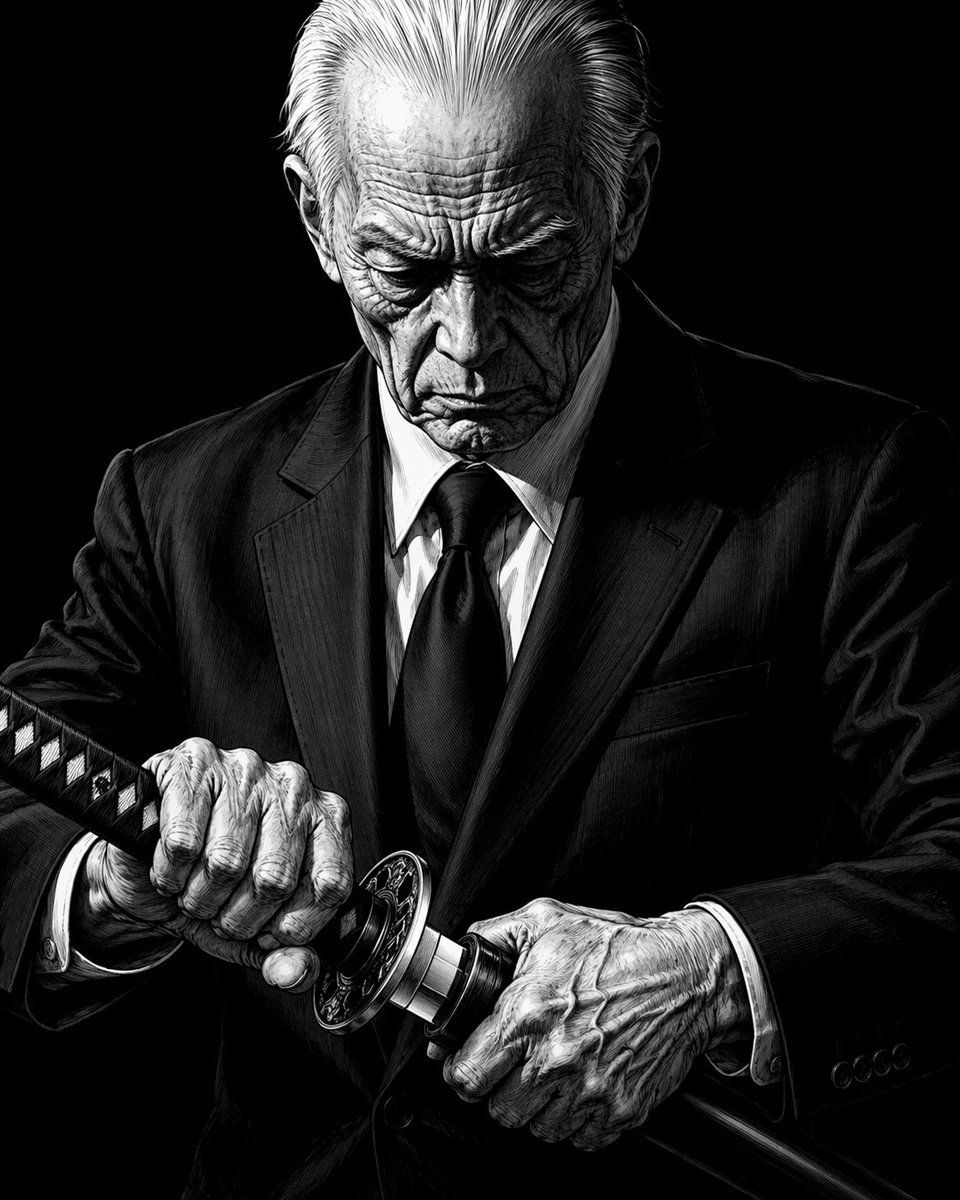
Elderly Yakuza Drawing Katana
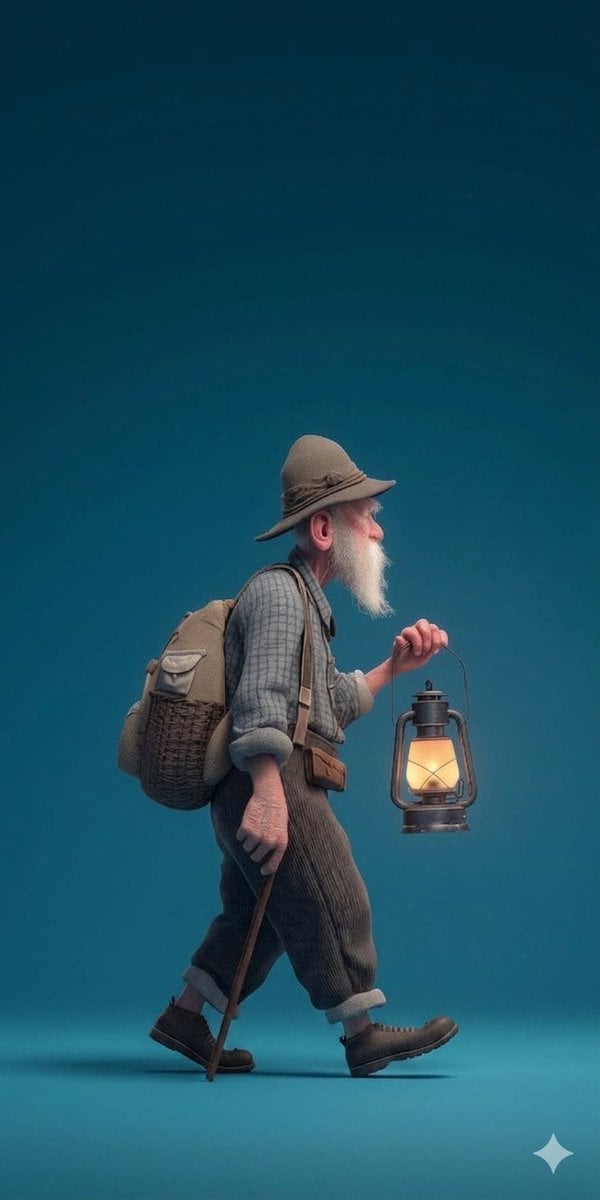
A stylized 3D rendered full-body profile portrait of an elderly male
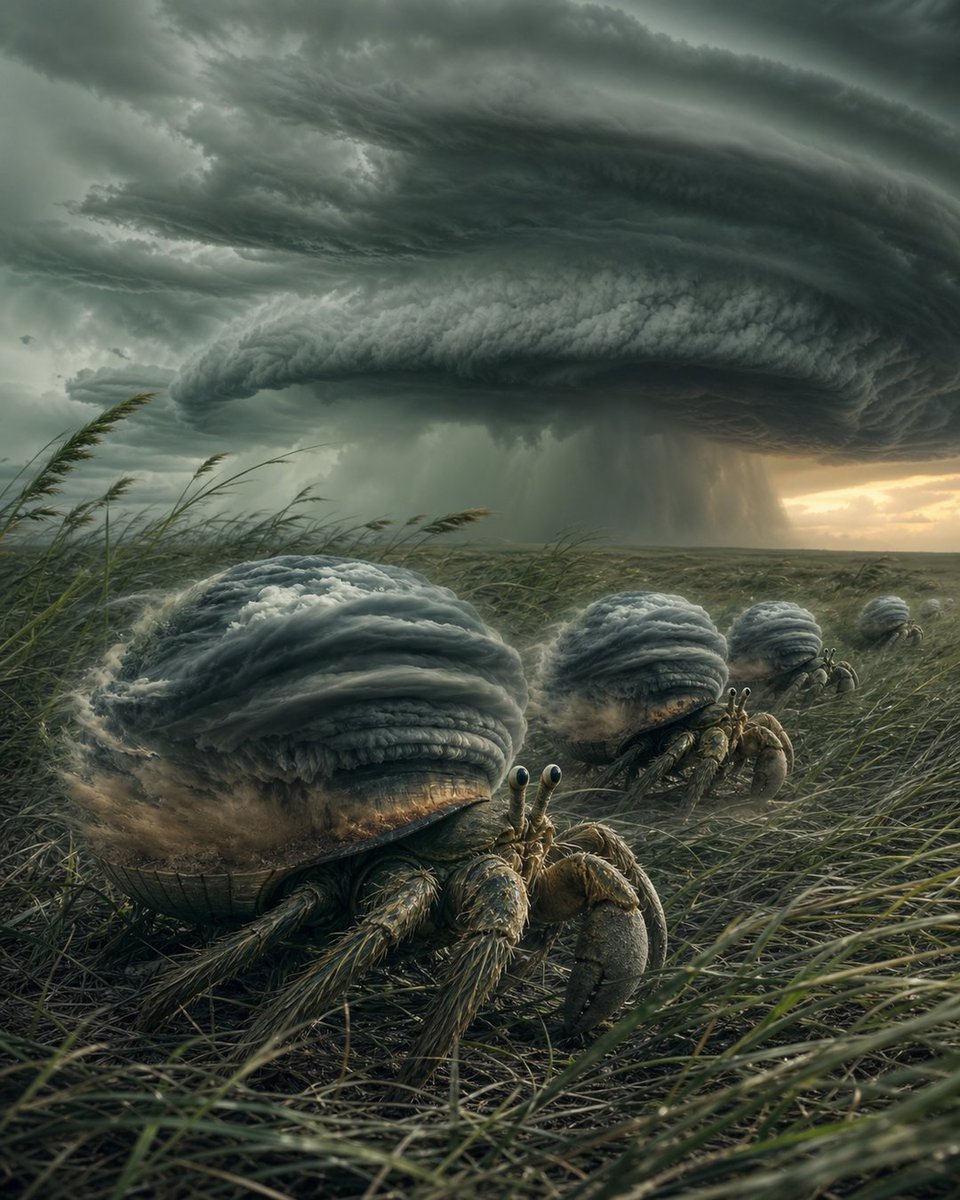
Hermit Crabs Carrying Storm Clouds

Elderly Indian Sadhu DSLR Portrait
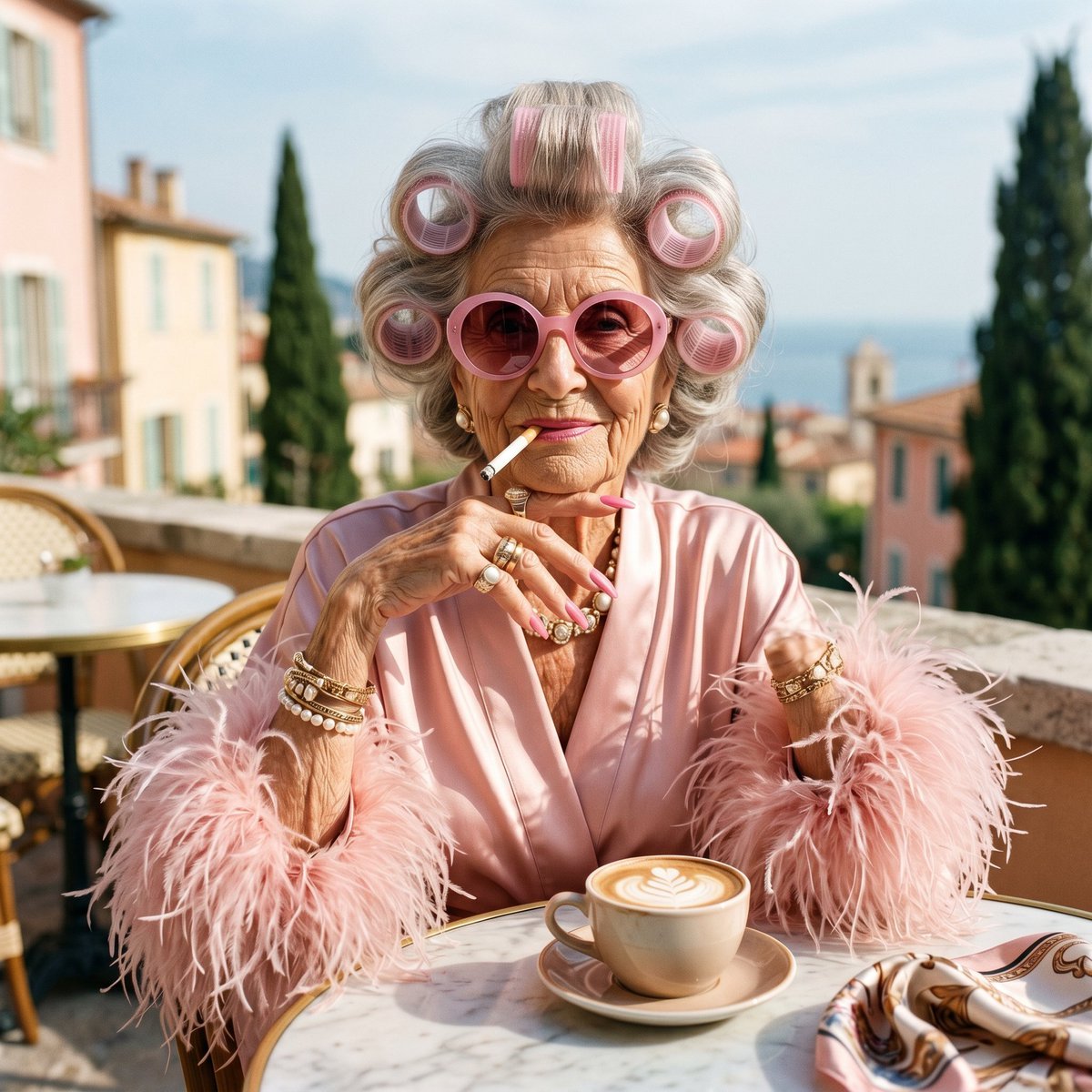
Eccentric Elderly Woman Cafe Portrait
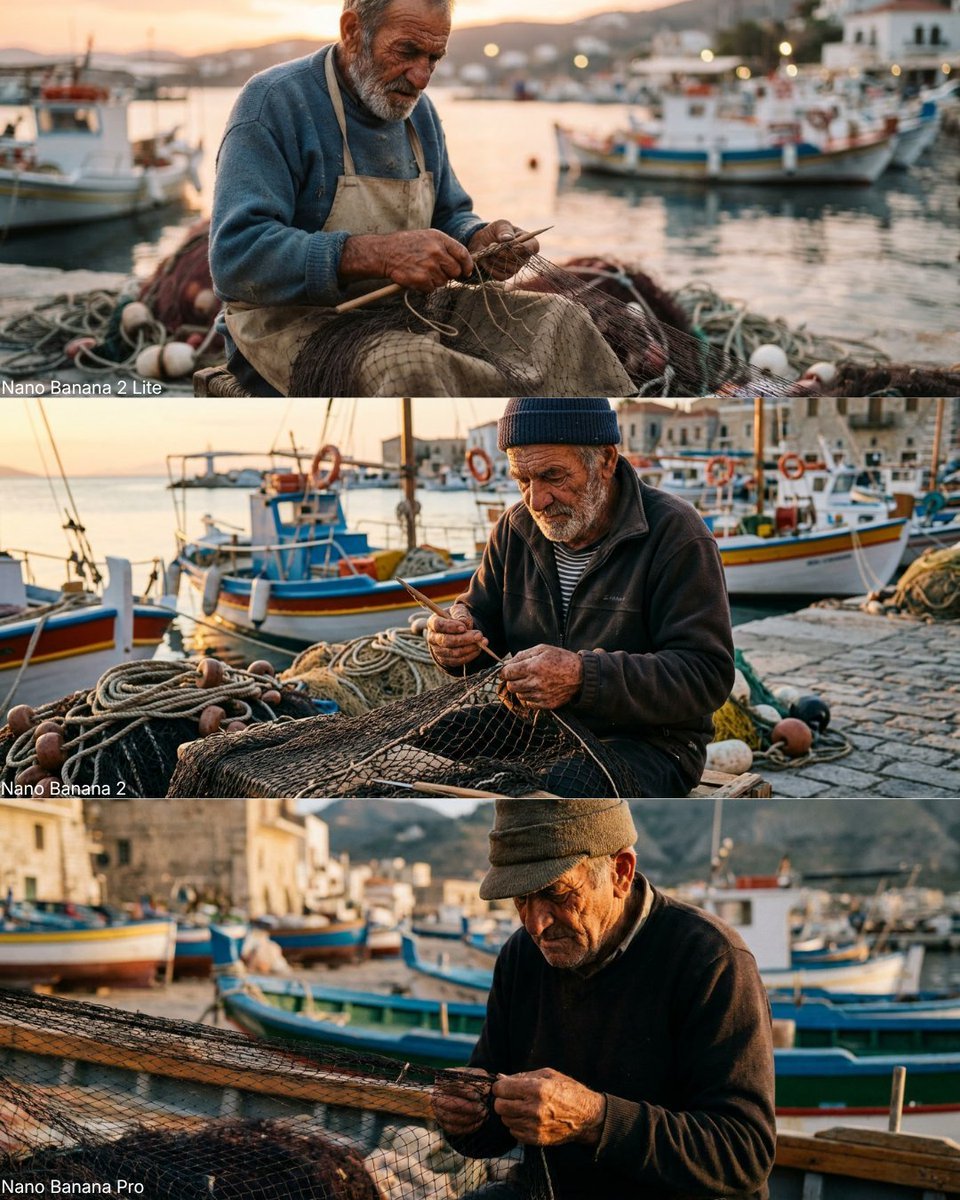
Elderly Fisherman Mediterranean Portrait
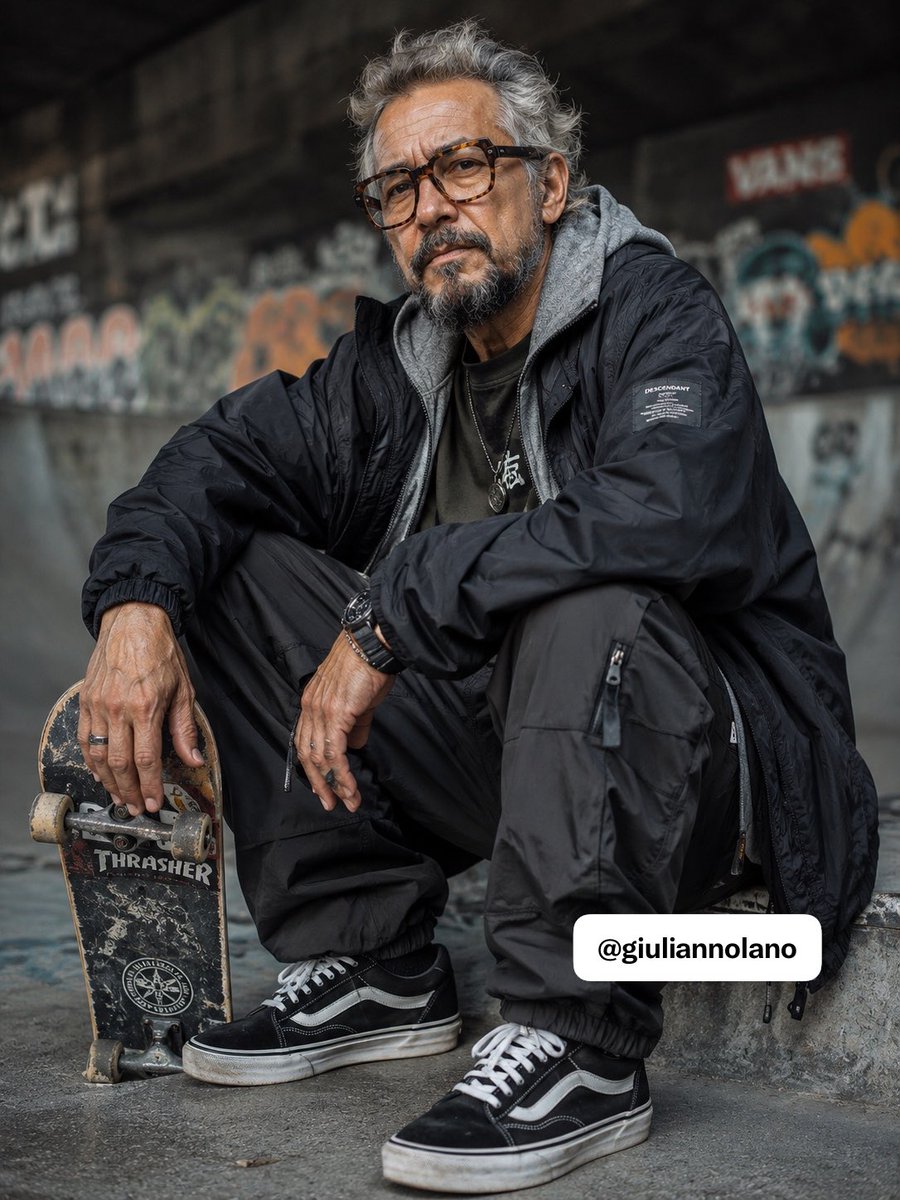
Elderly Skater Street Portrait
Make it yours
Elder Hermit Character Sheet works as-is. These are the safest ways to change it without losing the look.
Change one field
Copy a single group, rewrite it, and generate again so you can see what that field is doing.
Keep the frame, change the subject
Hold the composition and light of Elder Hermit Character Sheet, then swap wardrobe, props or the person for a new take.
| If the result… | Why | Fix |
|---|---|---|
| The result drifts from the preview | Too many fields changed at once. | Reuse Elder Hermit Character Sheet as-is first, then change one group — subject, light, or setting. |
| The model over-stylizes the scene | The prose prompt leaves finish and camera underspecified. | Add one camera or lighting sentence and stay on GPT Image 2. |
More GPT Image 2 templates
Other prompts made for GPT Image 2.

Realistic Portrait of Woman and Deer

The Vista Modular Condo Poster

AI Model Routing Comparison Infographic

2.5D Anime Art Board

Isometric Productivity Desk Scene

New York Double Exposure Poster

Four-Panel AI Landscape Comparison

Japanese Tatami Lifestyle Magazine Cover

NESCAFÉ Coffee Map Poster

Brutalist Cogito Chinese Typography Poster
More image prompts
Fresh picks from across the catalog.
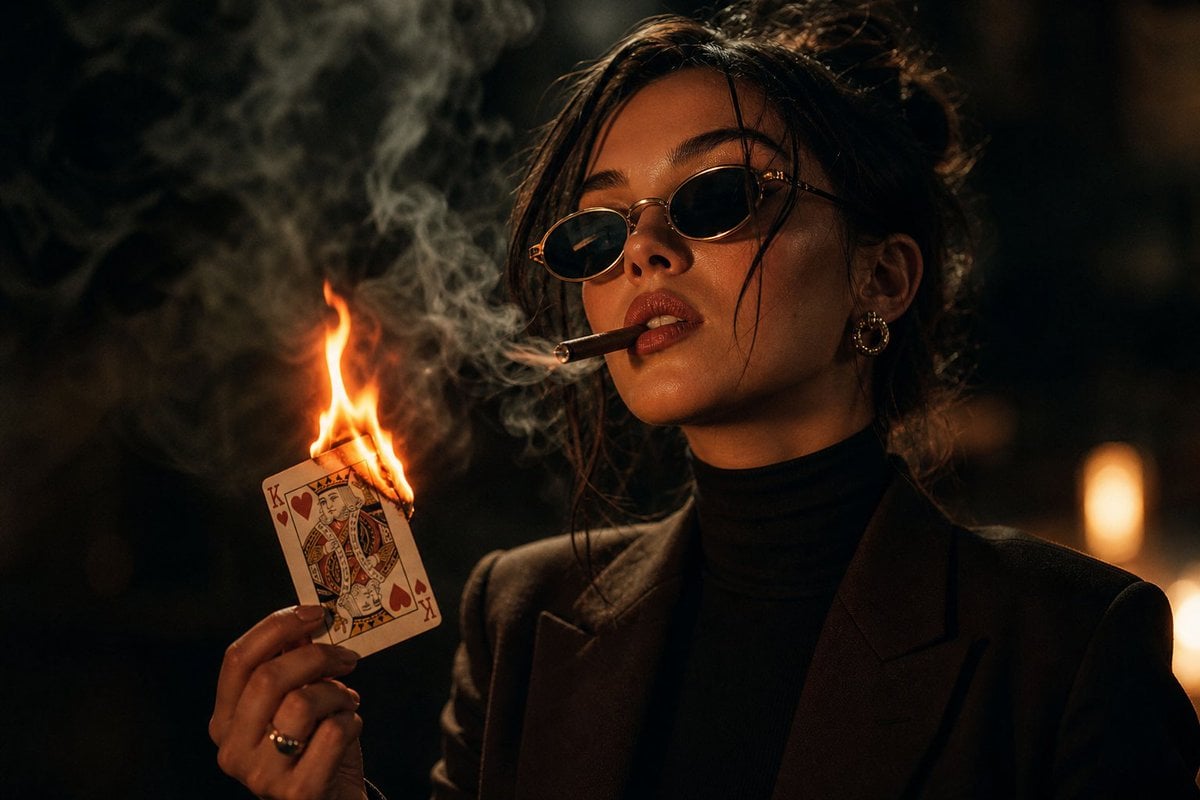
Moody Noir Portrait
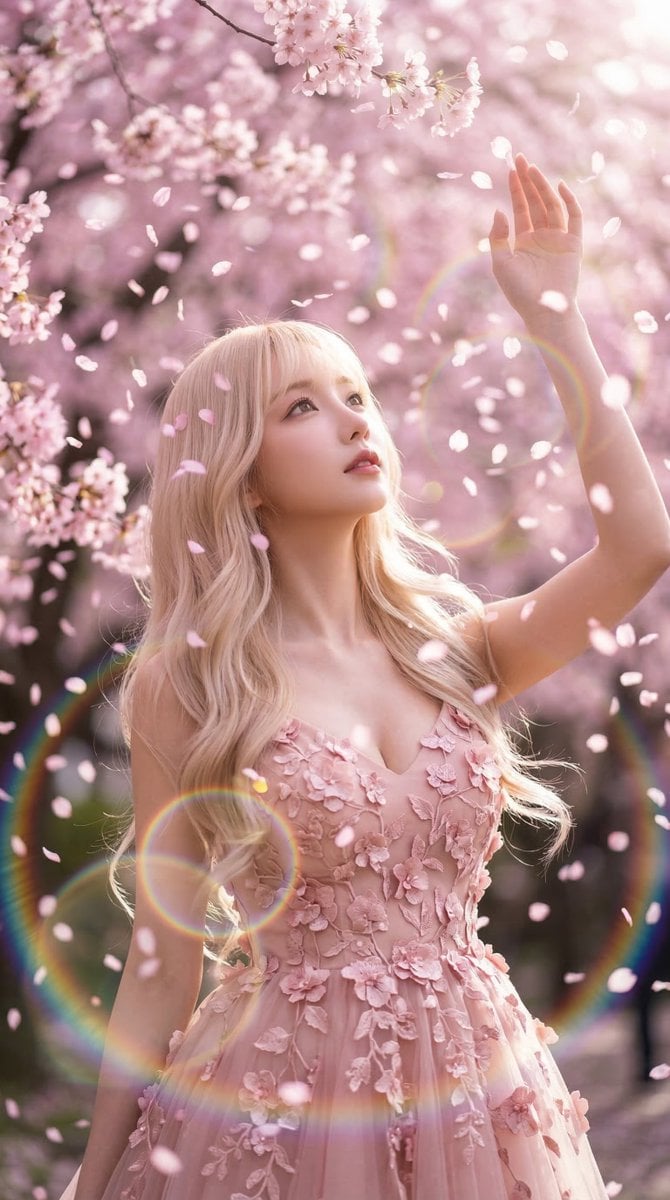
Nano Banana 2 Prompt: Sakura Rain
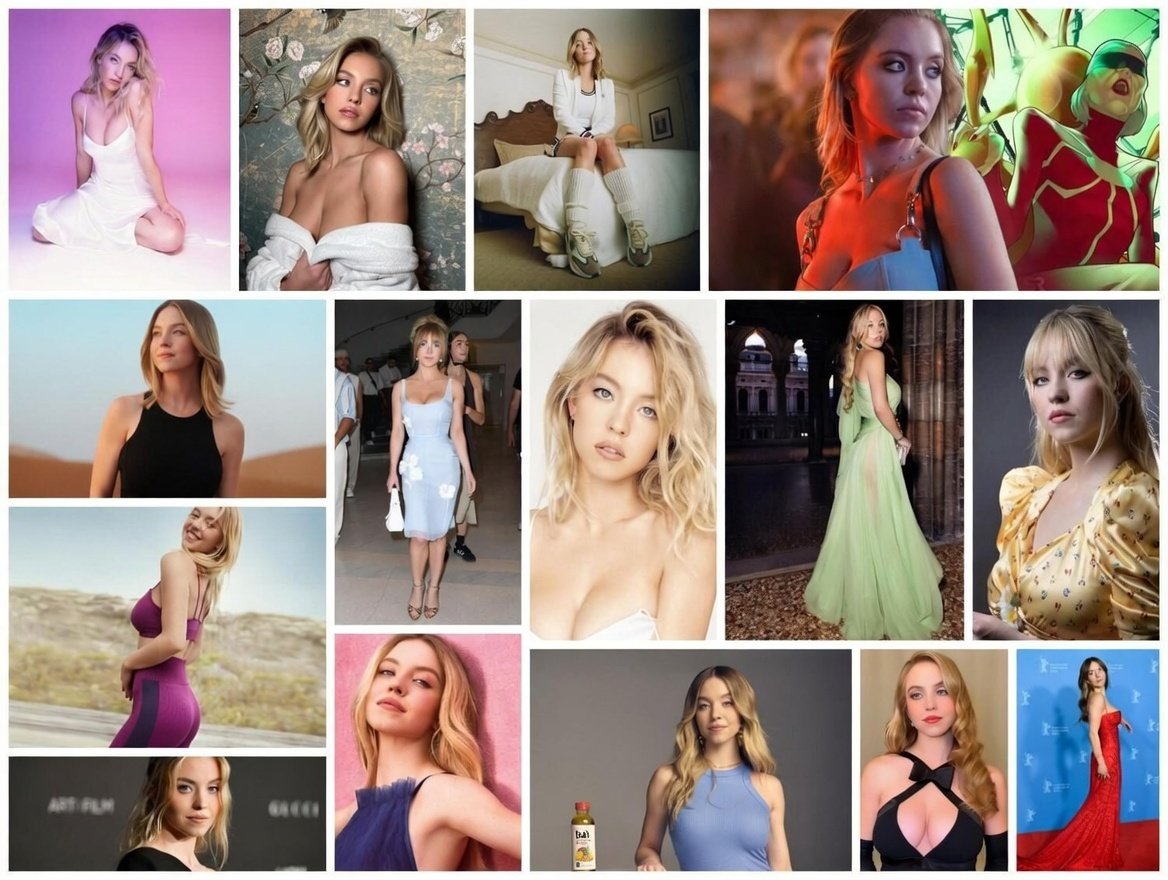
Ultimate Fashion and Cinematic Lifestyle Grid (Multi-Panel)

Gpt2 Profile Avatar Dreamy Oriental Female Portrait
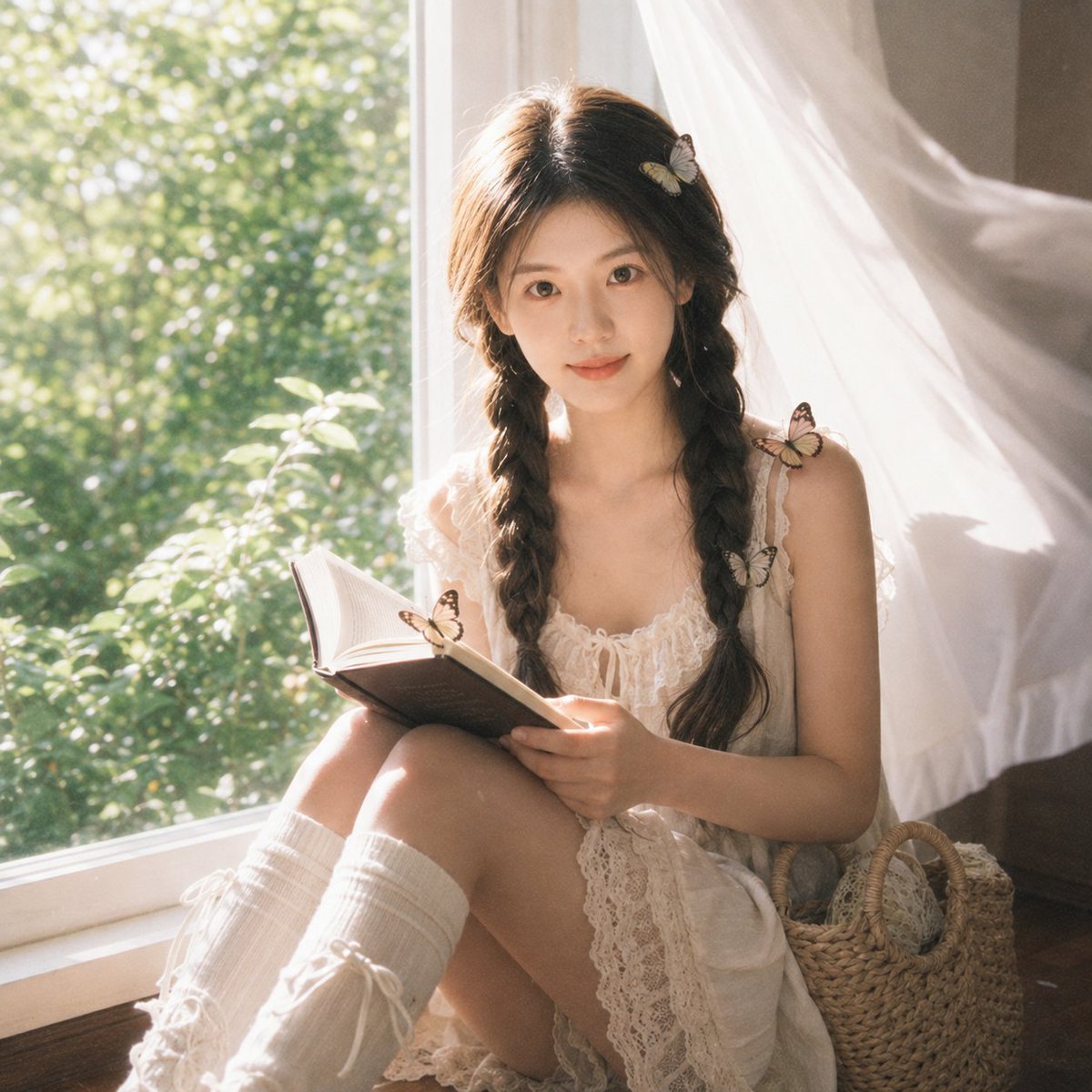
Cottagecore Cinematic Window Portrait
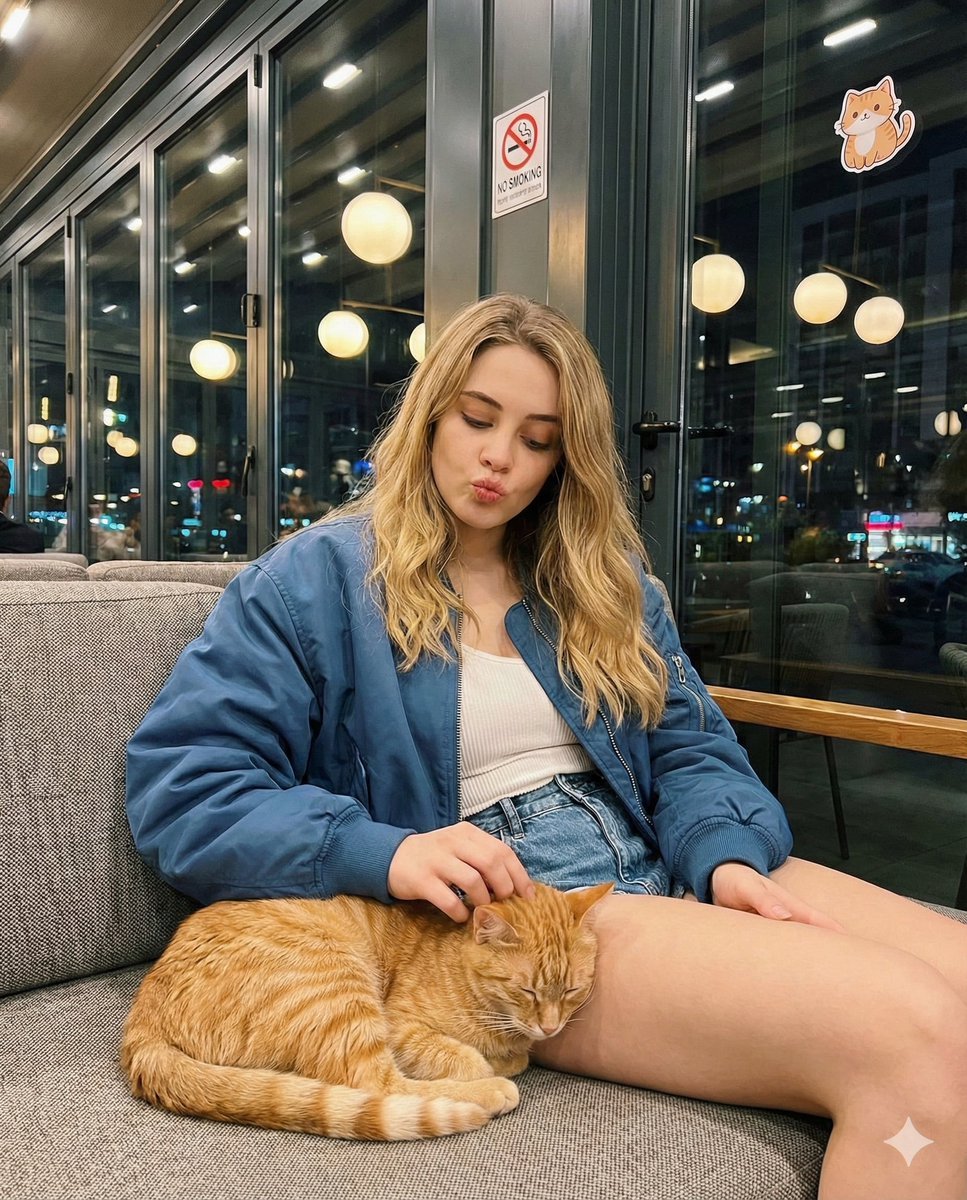
Candid cafe snapshot with a cat
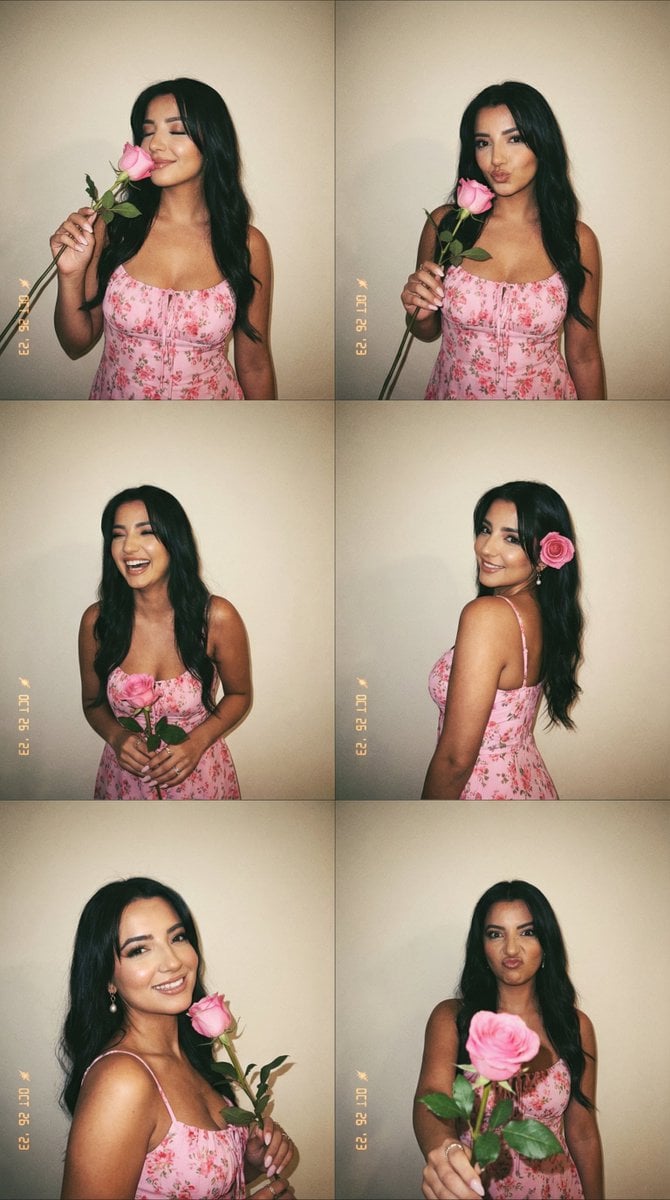
Panel Photobooth Grid with Pink Dress and Rose
Cute Japanese LINE Sticker Sheet
Masterful Realistic Oil Painting of a Live Model
Gpt2 Game Asset Gta 6 Shinjuku Bar Scene
Browse template categories
Elder Hermit Character Sheet questions
How do I use the Elder Hermit Character Sheet template?
Add your photo if the template asks for one, edit the prompt if you like — the template's model and format are already selected — and press Generate. Your version opens in PicX Studio.
Can I customize the Elder Hermit Character Sheet template?
Yes. You can change the subject, setting, lighting, mood, format, and available model controls before creating your image.
Is the Elder Hermit Character Sheet template free?
Opening and editing this template is free. Generating uses credits, shown on the Generate button when you are signed in.
Which AI model should I use?
Start with GPT Image 2, which is the model associated with this template. You can compare another compatible model for a different finish.
Looking for something else? Browse all templates.

Your photo, any look
Thousands of ready templates for every top image and video model, from one credit balance.