
Mid-century Starbucks Cozy Corner
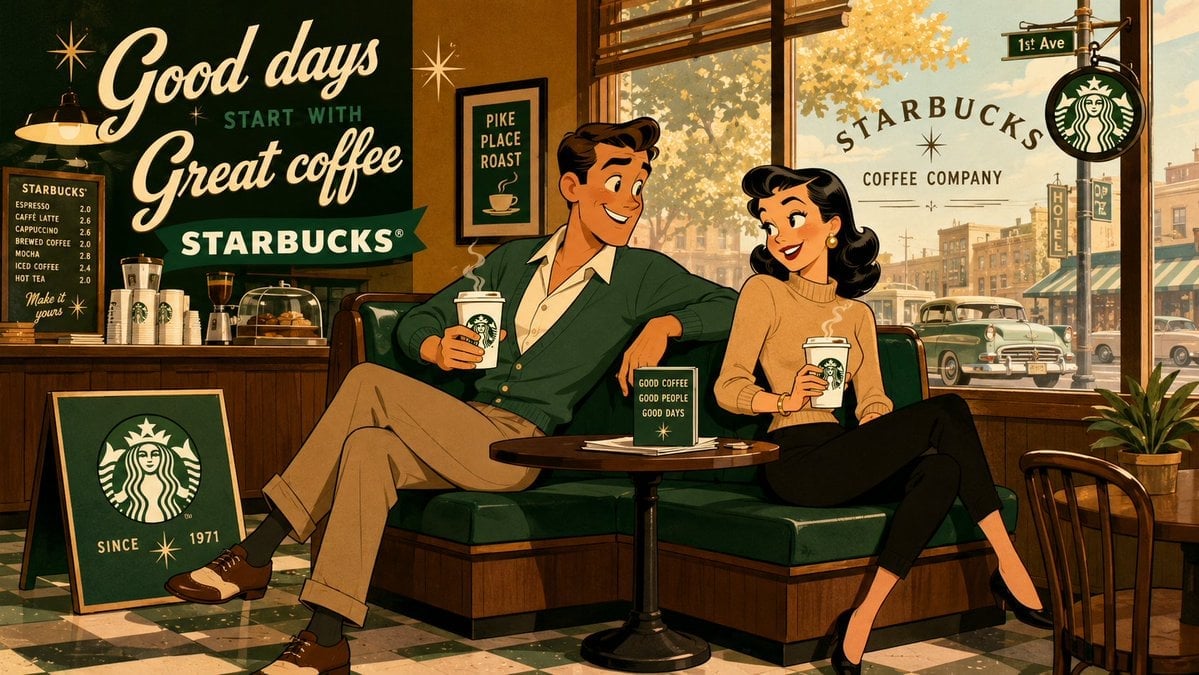
A nostalgic 1950s-style cel-animation prompt featuring a young couple enjoying coffee in a stylized cafe booth.
- Prompt included
- Model and format preset
- Free template
The prompt behind this image
Copy the exact prompt behind Mid-century Starbucks Cozy Corner, or open it in the studio and make it yours.
Mid-century theatrical cartoon still promotional banner featuring a relaxed young man with {argument name="hair style" default="neatly side-parted hair"} wearing a {argument name="clothing" default="soft cardigan and open-collar shirt"}, and a smiling young woman with elegant dark waves wearing a warm beige sweater, seated in a sunny café booth. They enjoy steaming {argument name="beverage" default="Starbucks coffee cups"} in a lighthearted, good-humored interaction, both characters fully visible, relaxed, and clearly reacting to each other. Design the figures with exaggerated early-1950s animation caricature: clean black contour lines, sharply simplified anatomy, elegant angular silhouettes, expressive eyebrows, stylized facial shapes, graceful hand gestures, and cheerful readable expressions. Render the entire image in a unified traditional cel-animation aesthetic, with the background following the same stylized visual language as the characters, using flat opaque colors, minimal hard-edged shading, simplified furniture and décor, subtle hand-painted texture, controlled perspective, and crisp theatrical staging. Use a warm café palette of deep green, soft cream, rich brown, and gentle gold and maintain a witty, charming, visually snappy mood.
How to use Mid-century Starbucks Cozy Corner in 3 steps
- 1
Open
The prompt is already in the box next to the preview, with the template's model and format selected.
- 2…a portrait of your subject in softgolden-hour light, 85mm…
Personalize
Edit the subject and creative details for your destination.
- 3Generate
Generate
Press Generate — your image is created in PicX Studio, so you can compare it with the original and refine one variable at a time.
More like this
Templates with the same subject, style or setup. Open one to see its prompt.
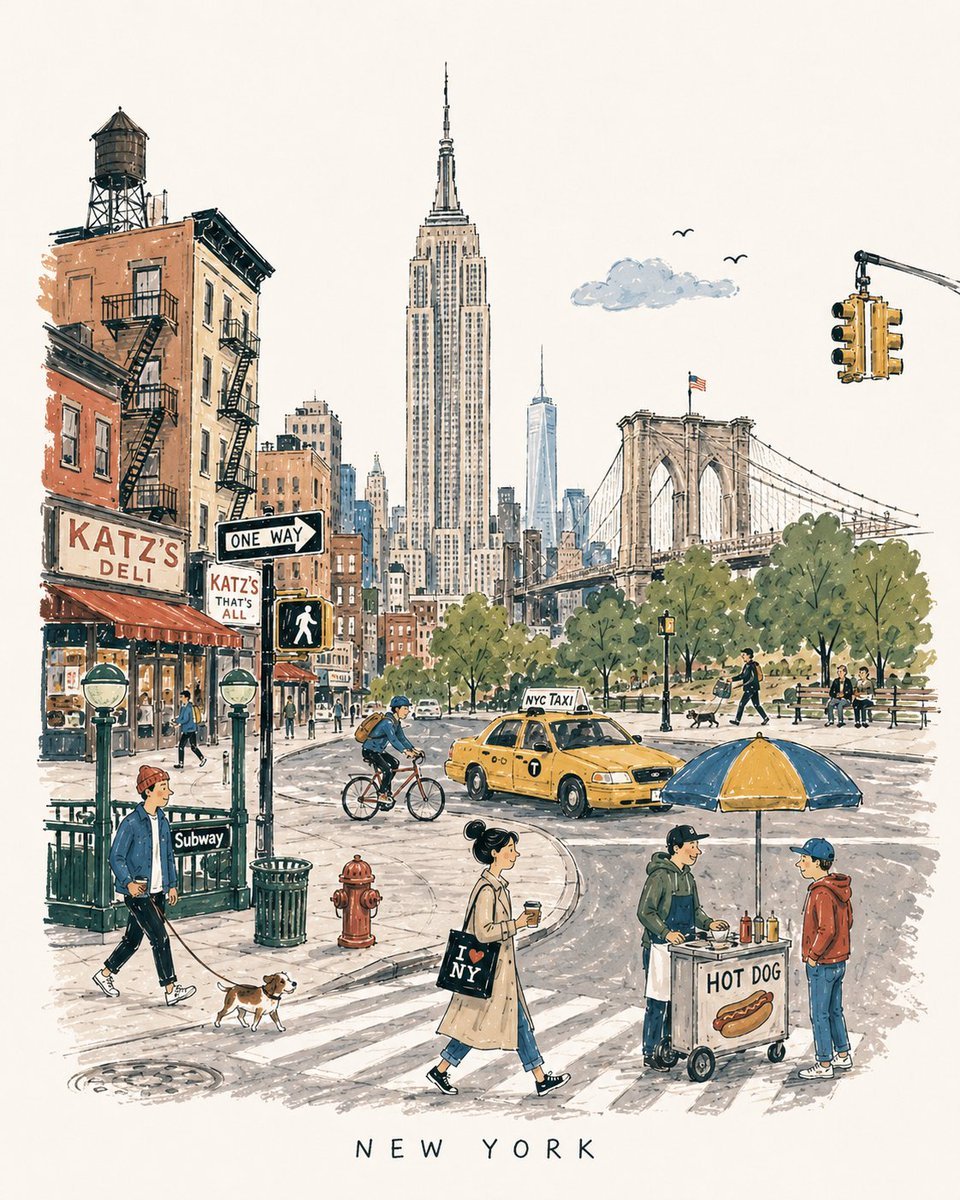
Mid-Century Travel Book Illustration

Mid-Century Theatrical Cartoon Banner
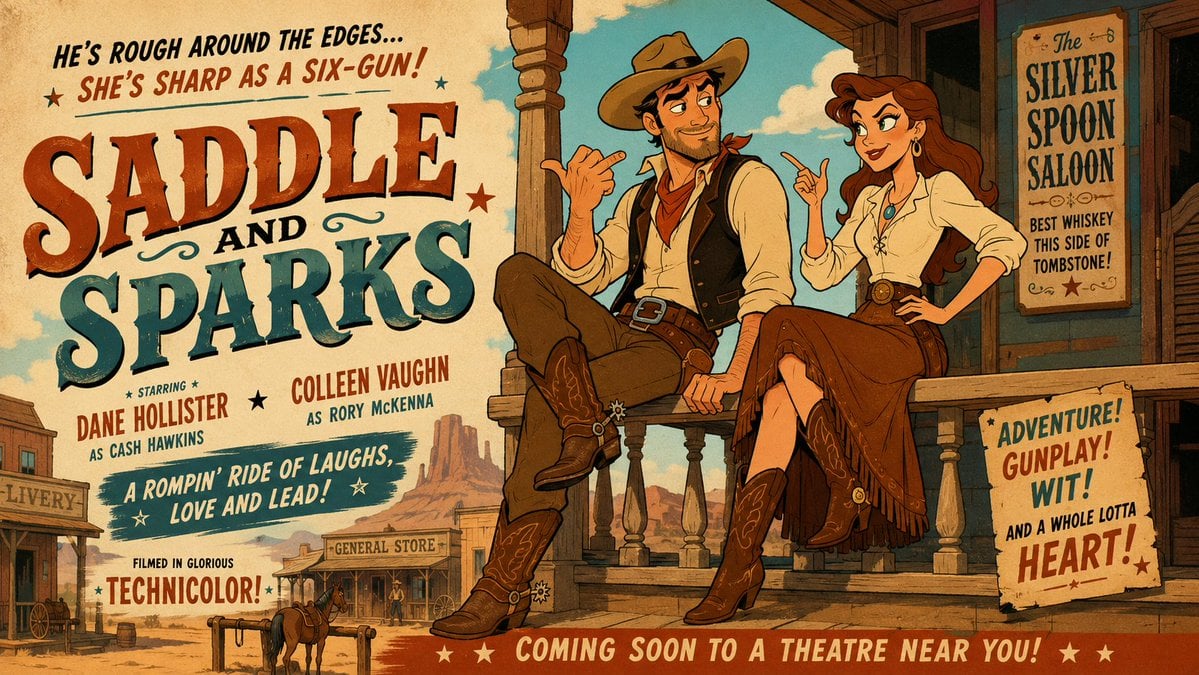
Mid-Century Western Movie Trailer Cartoon
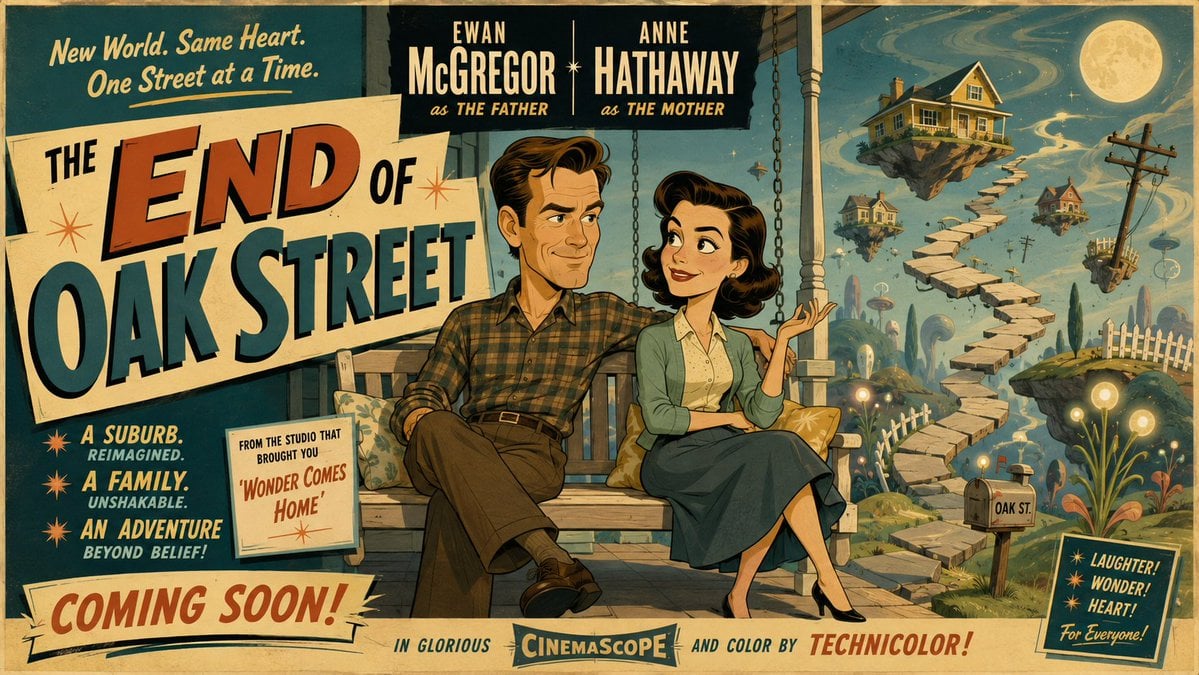
50s Mid-Century Cartoon Movie Banner

Mid-Century 1960s Travel Illustration
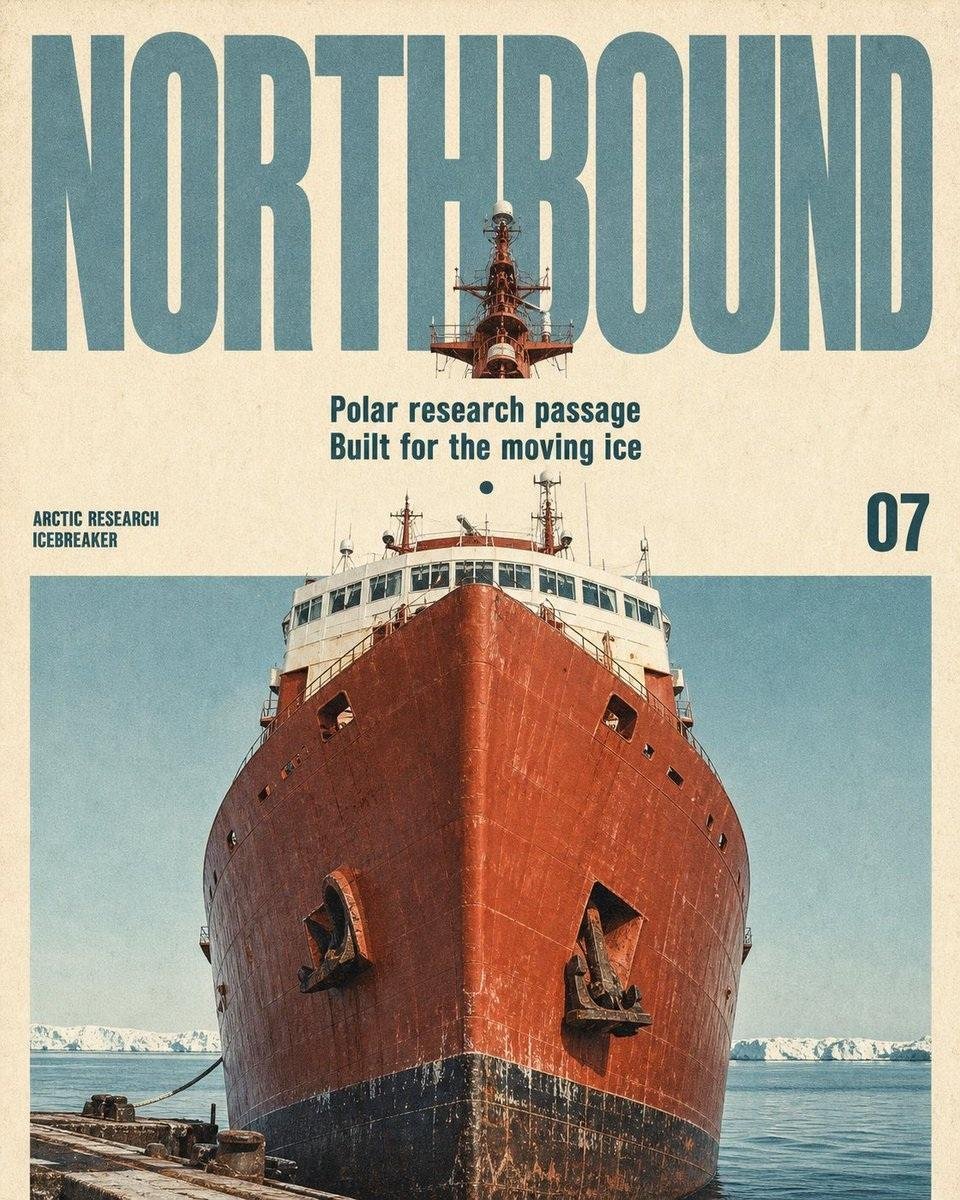
Vintage Mid-Century Travel Magazine Poster
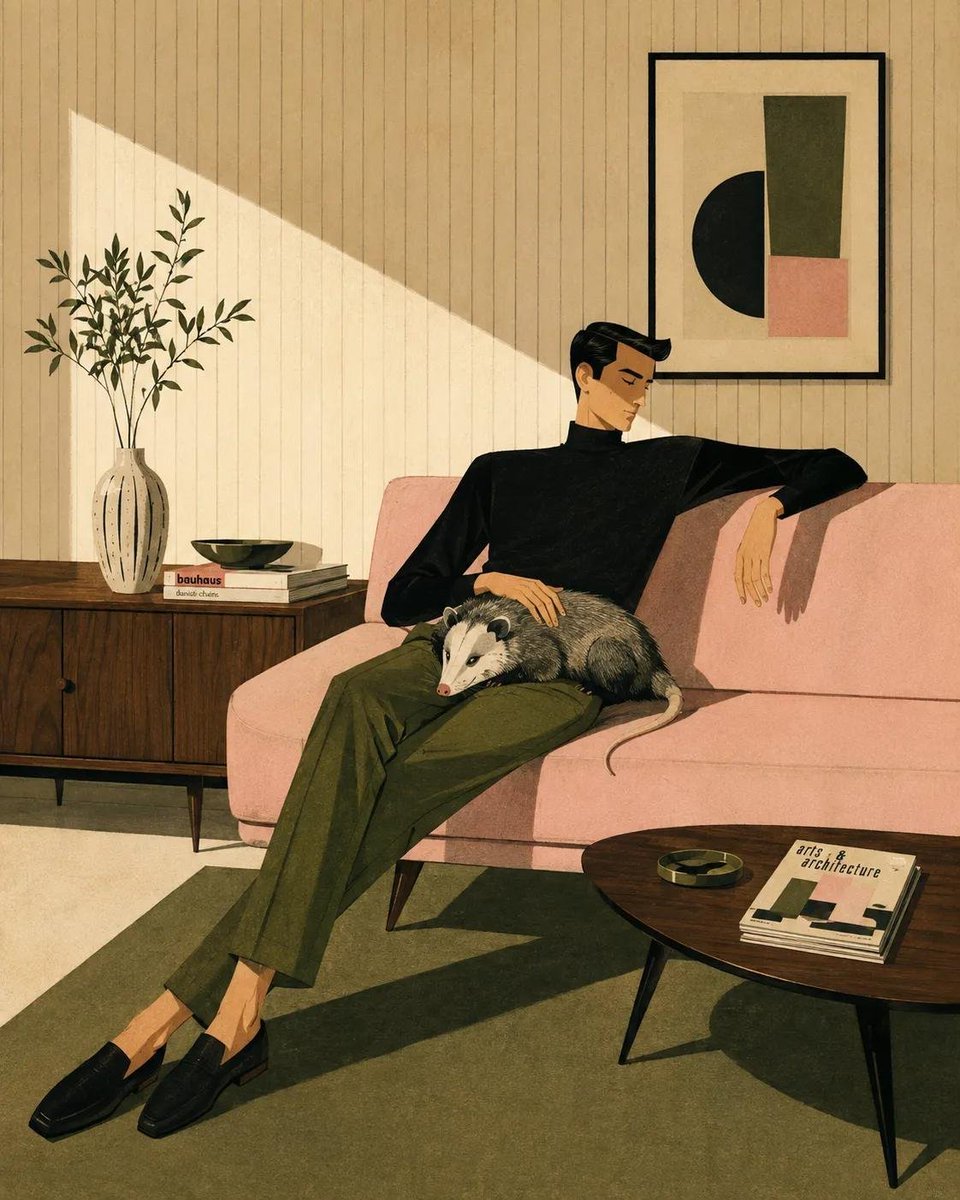
Mid-Century Modern Lifestyle Illustration
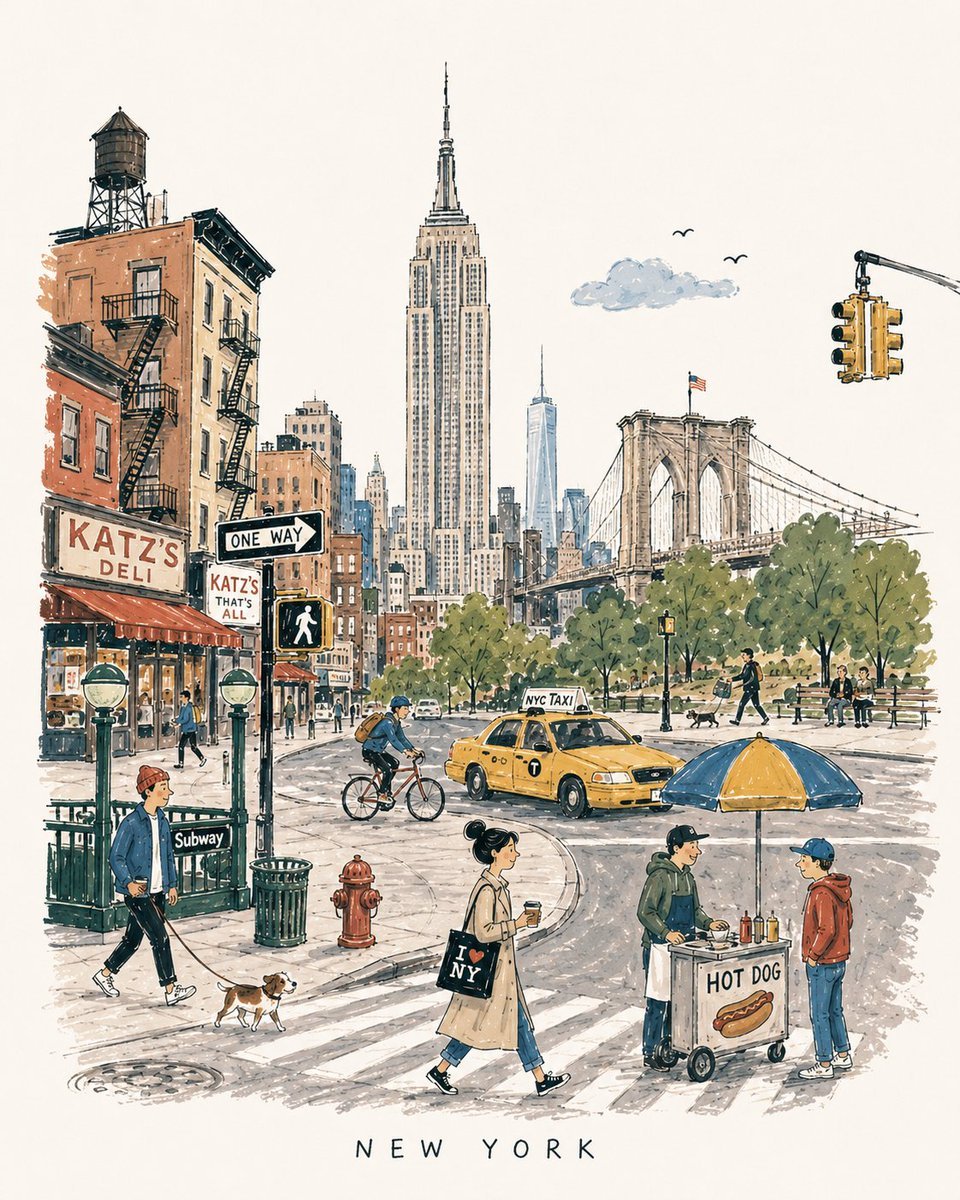
Mid-Century City Travel Picture Book
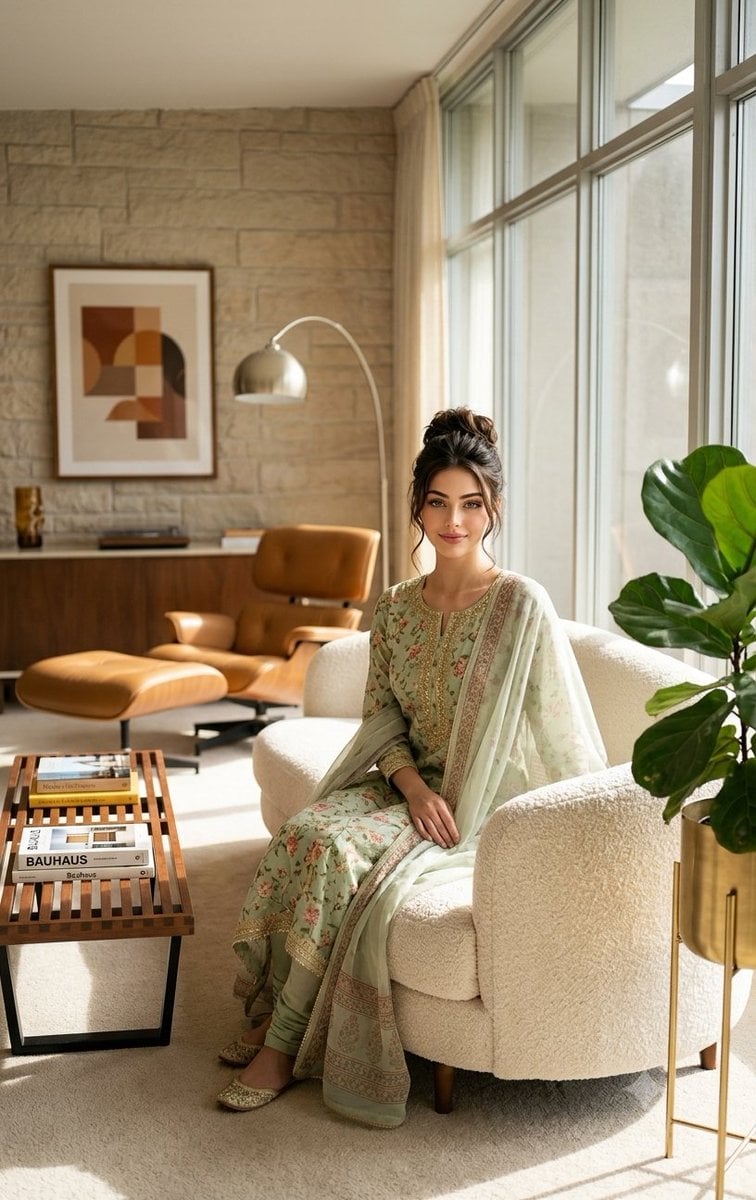
Mid-Century Modern Interior Girl Portrait

Nostalgic Digicam Café Afternoon Portrait

Pixar-Style Chibi Café Morning Scene

Japanese Café Sketch Duo Illustration
Make it yours
Mid-century Starbucks Cozy Corner works as-is. These are the safest ways to change it without losing the look.
Change one field
Copy a single group, rewrite it, and generate again so you can see what that field is doing.
Keep the frame, change the subject
Hold the composition and light of Mid-century Starbucks Cozy Corner, then swap wardrobe, props or the person for a new take.
| If the result… | Why | Fix |
|---|---|---|
| The result drifts from the preview | Too many fields changed at once. | Reuse Mid-century Starbucks Cozy Corner as-is first, then change one group — subject, light, or setting. |
| The model over-stylizes the scene | The prose prompt leaves finish and camera underspecified. | Add one camera or lighting sentence and stay on GPT Image 2. |
More GPT Image 2 templates
Other prompts made for GPT Image 2.

Six VTuber Japanese Logo Sheet

Realistic Portrait of Woman and Deer

The Vista Modular Condo Poster

AI Model Routing Comparison Infographic

2.5D Anime Art Board

Isometric Productivity Desk Scene

New York Double Exposure Poster

Four-Panel AI Landscape Comparison

Japanese Tatami Lifestyle Magazine Cover

NESCAFÉ Coffee Map Poster
More image prompts
Fresh picks from across the catalog.
Raditya Ramuna

Water Typography Experiment Prompt

Replace women with specific celebrities
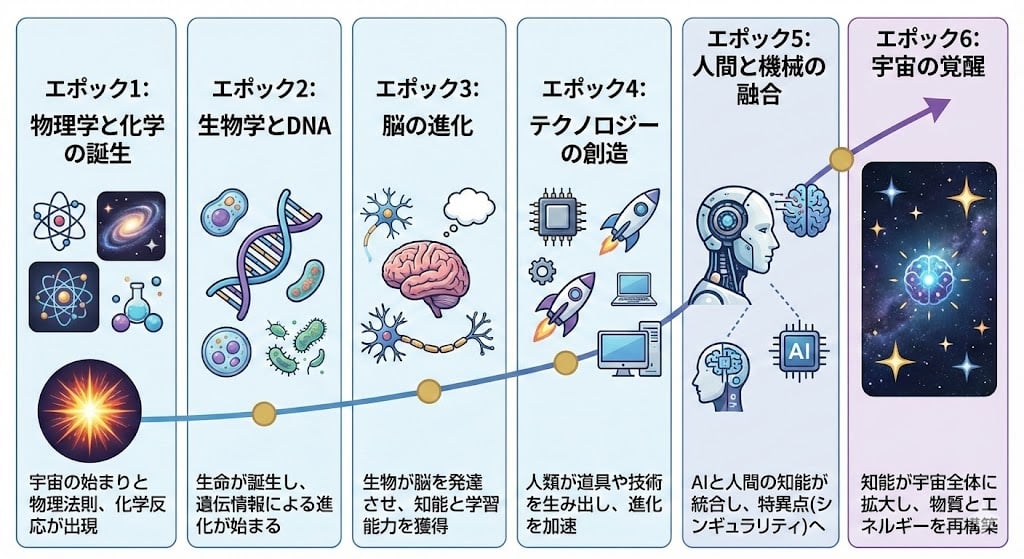
Illustration explaining Kurzweil’s six epochs in Japanese

Streetwear Floating Poster Design

Ibaraki Travel Guide Cover

Amalfi Coast Vespa Cinematic Motion

Iridescent Squirrel Girl Above Sapporo
High-Fashion Editorial of Zhao Lusi in Black Bow Gown

Metro Candid Portrait (Smiling Girl)
Browse template categories
Mid-century Starbucks Cozy Corner questions
How do I use the Mid-century Starbucks Cozy Corner template?
Add your photo if the template asks for one, edit the prompt if you like — the template's model and format are already selected — and press Generate. Your version opens in PicX Studio.
Can I customize the Mid-century Starbucks Cozy Corner template?
Yes. You can change the subject, setting, lighting, mood, format, and available model controls before creating your image.
Is the Mid-century Starbucks Cozy Corner template free?
Opening and editing this template is free. Generating uses credits, shown on the Generate button when you are signed in.
Which AI model should I use?
Start with GPT Image 2, which is the model associated with this template. You can compare another compatible model for a different finish.
Looking for something else? Browse all templates.

Your photo, any look
Thousands of ready templates for every top image and video model, from one credit balance.