
Blue Floral Kimono Character Sheet
Generates a wide anime character reference sheet with five consistent views of a young woman in an ornate blue-and-white floral kimono.
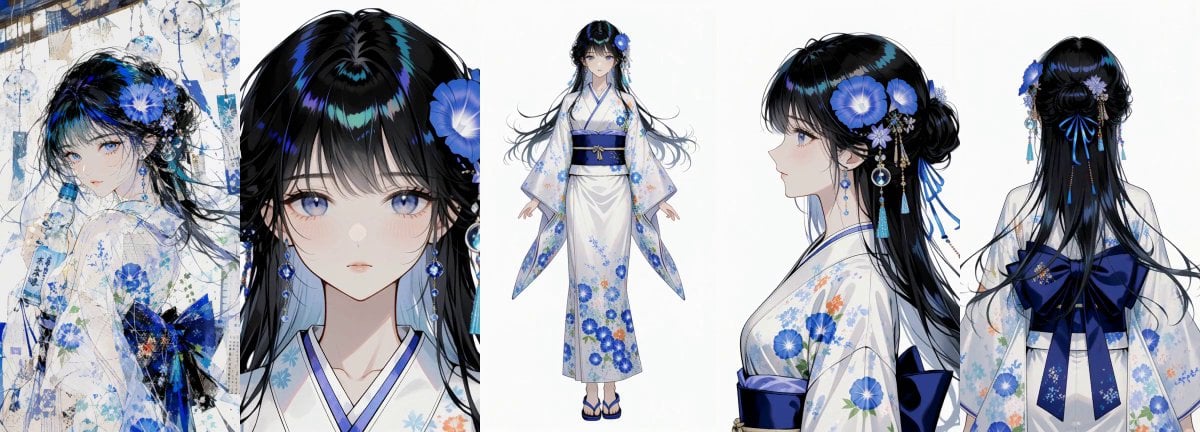
- Prompt included
- Model and format preset
- Free template
The prompt behind this image
Copy the exact prompt behind Blue Floral Kimono Character Sheet, or open it in the studio and make it yours.
Goal: Create a clean anime character sheet for {argument name="character name" default="an elegant young woman in a blue-and-white floral kimono"}, preserving one consistent character design across all views. Canvas: Wide horizontal character reference sheet, approximately 3:1 aspect ratio, white background, high-resolution digital anime illustration. Arrange five discrete panels across the canvas with no text labels. Layout: Show exactly 5 character views from left to right: 1) three-quarter atmospheric portrait with the character turned back over her shoulder, painterly blue floral texture overlay and decorative abstract background; 2) large front-facing bust close-up focusing on the face, bangs, eyes, earrings, and blue flower hair ornament; 3) full-body front view centered, standing upright with arms slightly open to show the kimono silhouette; 4) right-facing side profile bust showing hair volume, hair ornaments, sleeve, and obi; 5) rear view from head to upper body showing the hairstyle, long hair, back of kimono, and large dark-blue bow. Subject details: The character is a delicate young anime woman with pale skin, soft blush, large cool blue-violet eyes, small lips, and long glossy {argument name="hair color" default="black hair with deep blue highlights"}. Her hair has straight bangs, long flowing side strands, and partial updo sections. Include ornate blue floral hair accessories: large vivid blue morning-glory-like flowers, small pale blossoms, dangling chains, bead strands, blue tassels, and a circular charm earring. Outfit: She wears a refined white kimono with blue trim and pale blue floral patterns, decorated with blue flowers and subtle orange accent blossoms. Use a deep navy obi belt and a large dark-blue bow visible in the back view. Footwear in the full-body view should be blue-and-white traditional sandals. The sleeve edges and hem should show light blue floral motifs and delicate painterly detailing. Visual style: Elegant modern Japanese anime character design, crisp line art, soft watercolor-like floral textures, glossy black-blue hair highlights, luminous eyes, delicate shading, clean white studio background for the reference views, with the leftmost portrait having a more decorative layered paper-and-floral collage feel. Color palette is {argument name="color palette" default="white, navy blue, cobalt blue, pale blue, black, and small orange accents"}. Constraints: Keep the character consistent across all 5 views, maintain the same hairstyle, accessories, kimono pattern, and colors in every panel. No captions, no UI, no watermark, no extra characters, no cropped full-body view.
How to use Blue Floral Kimono Character Sheet in 3 steps
- 1Upload ImagePNG, JPG or paste
Add your photo
Upload the photo the template builds on. The prompt, model and format are already set.
- 2…a portrait of your subject in softgolden-hour light, 85mm…
Personalize
Edit the subject and creative details for your destination.
- 3Generate
Generate
Press Generate — your image is created in PicX Studio, so you can compare it with the original and refine one variable at a time.
More like this
Templates with the same subject, style or setup. Open one to see its prompt.
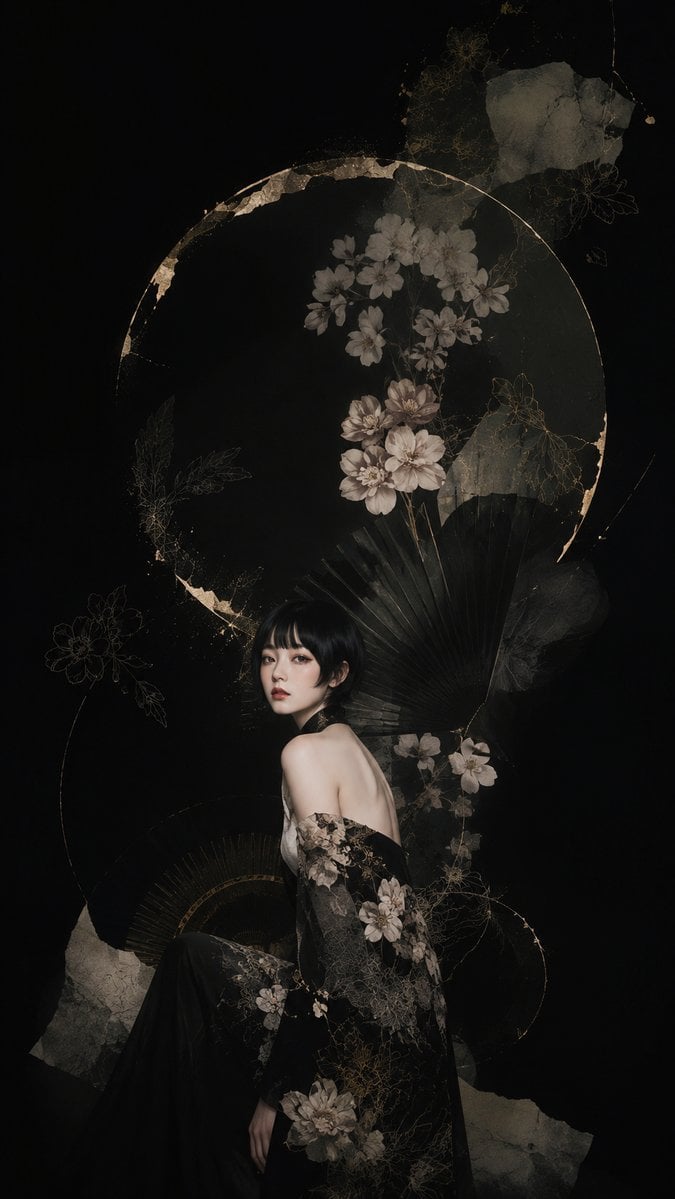
Dark Floral Kimono Portrait
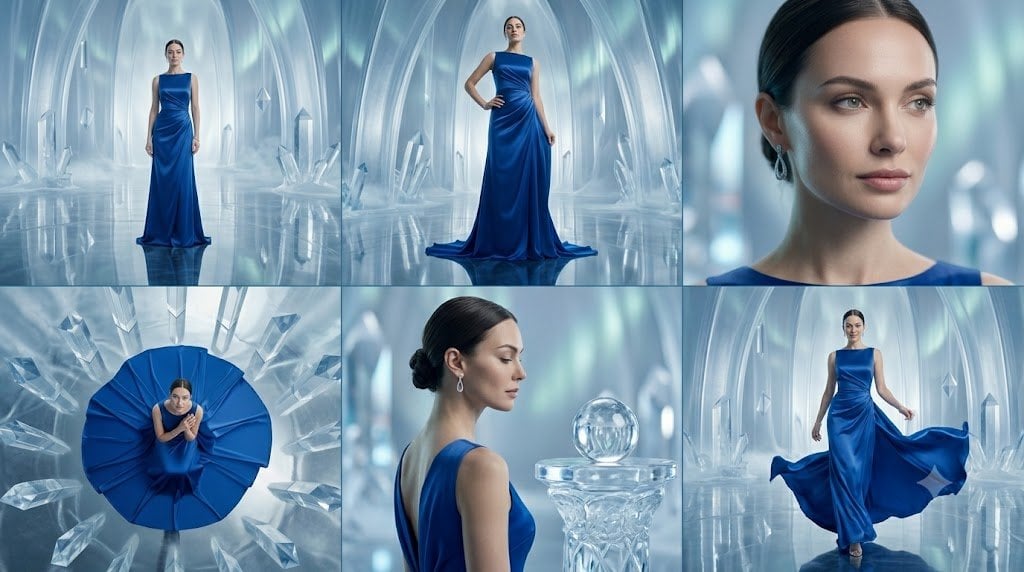
Crystal Palace Blue Gown Contact Sheet
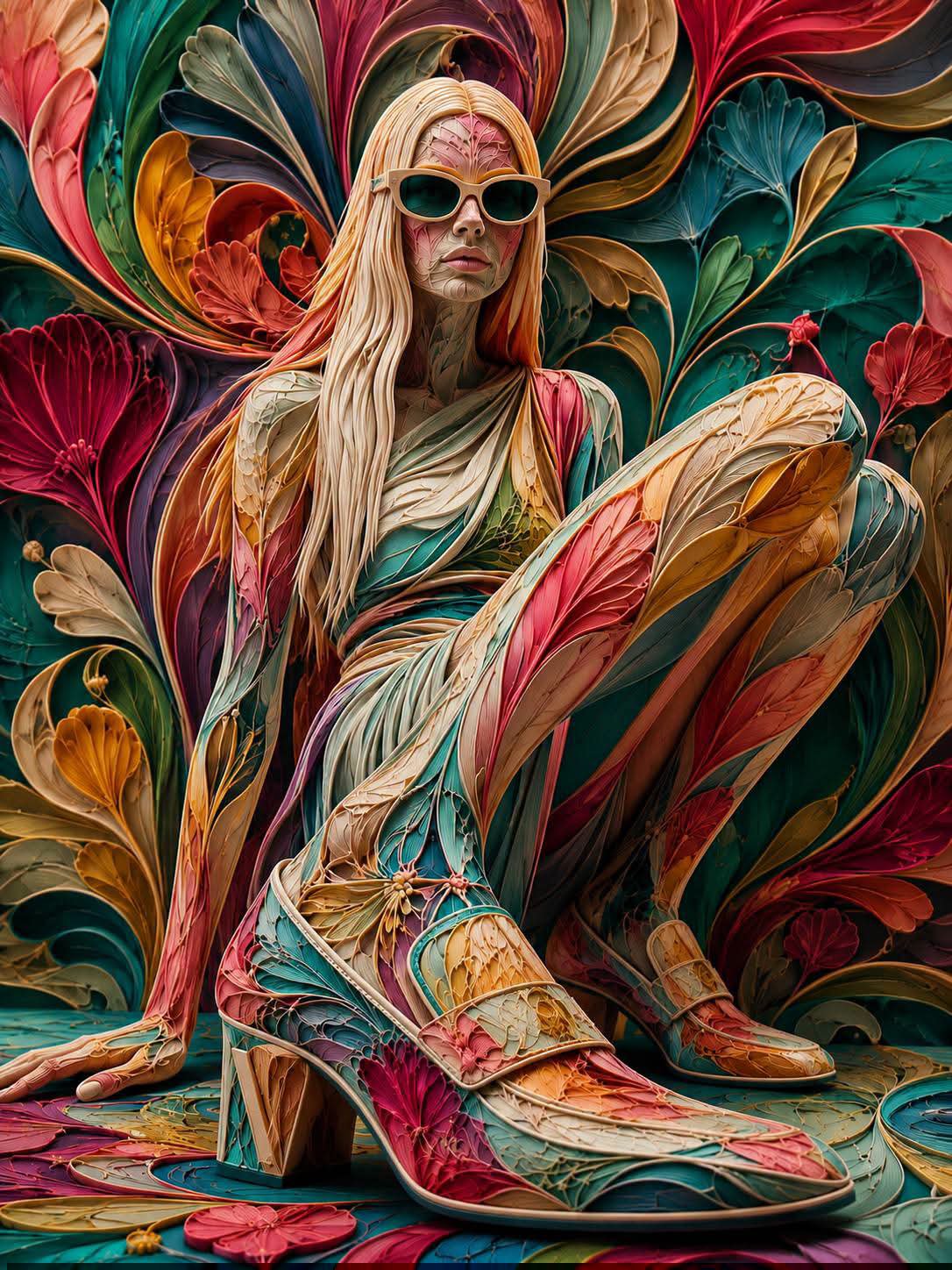
Floraverse Botanical Fusion
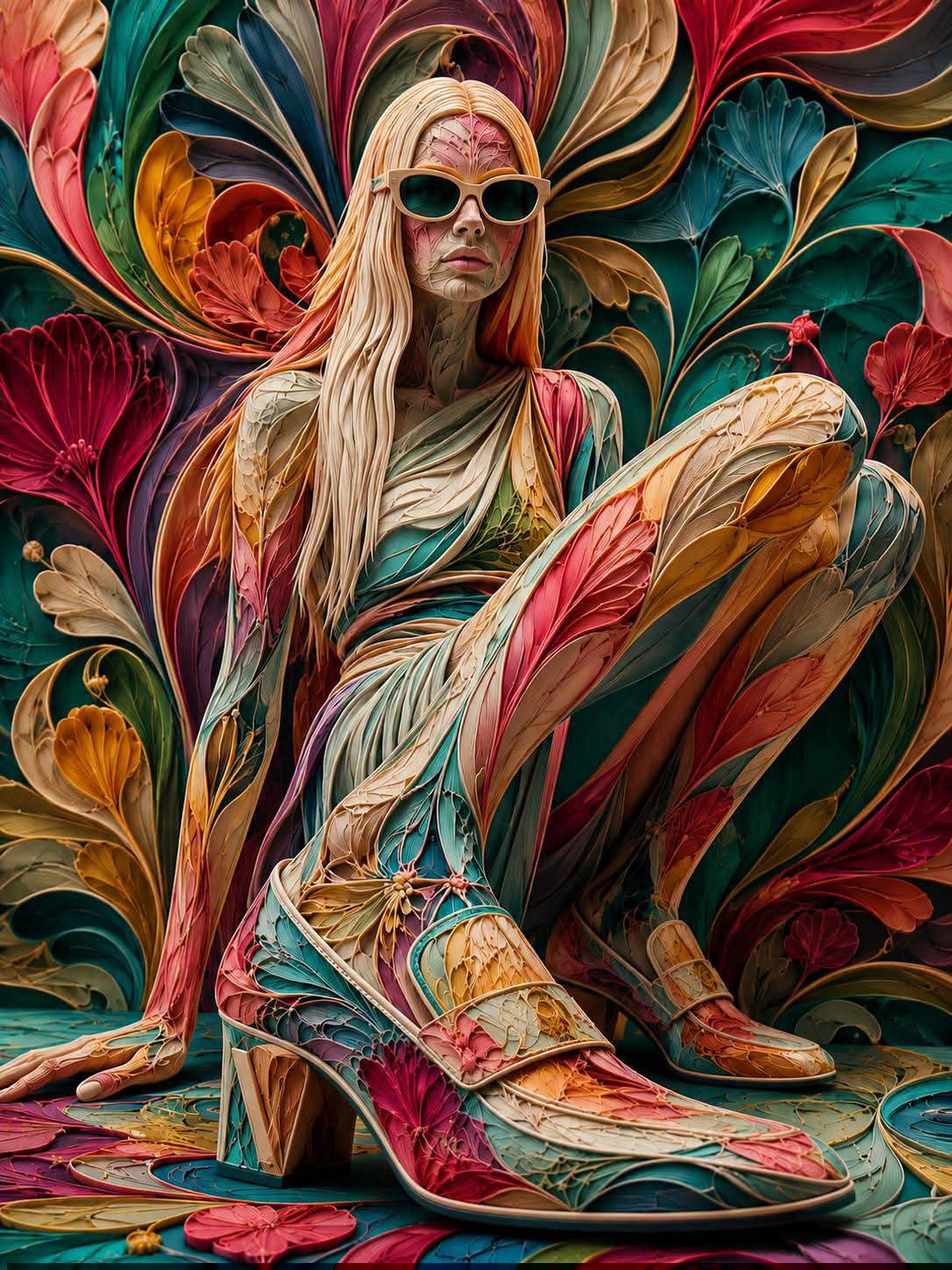
FLORAVERSE BOTANICAL FUSION
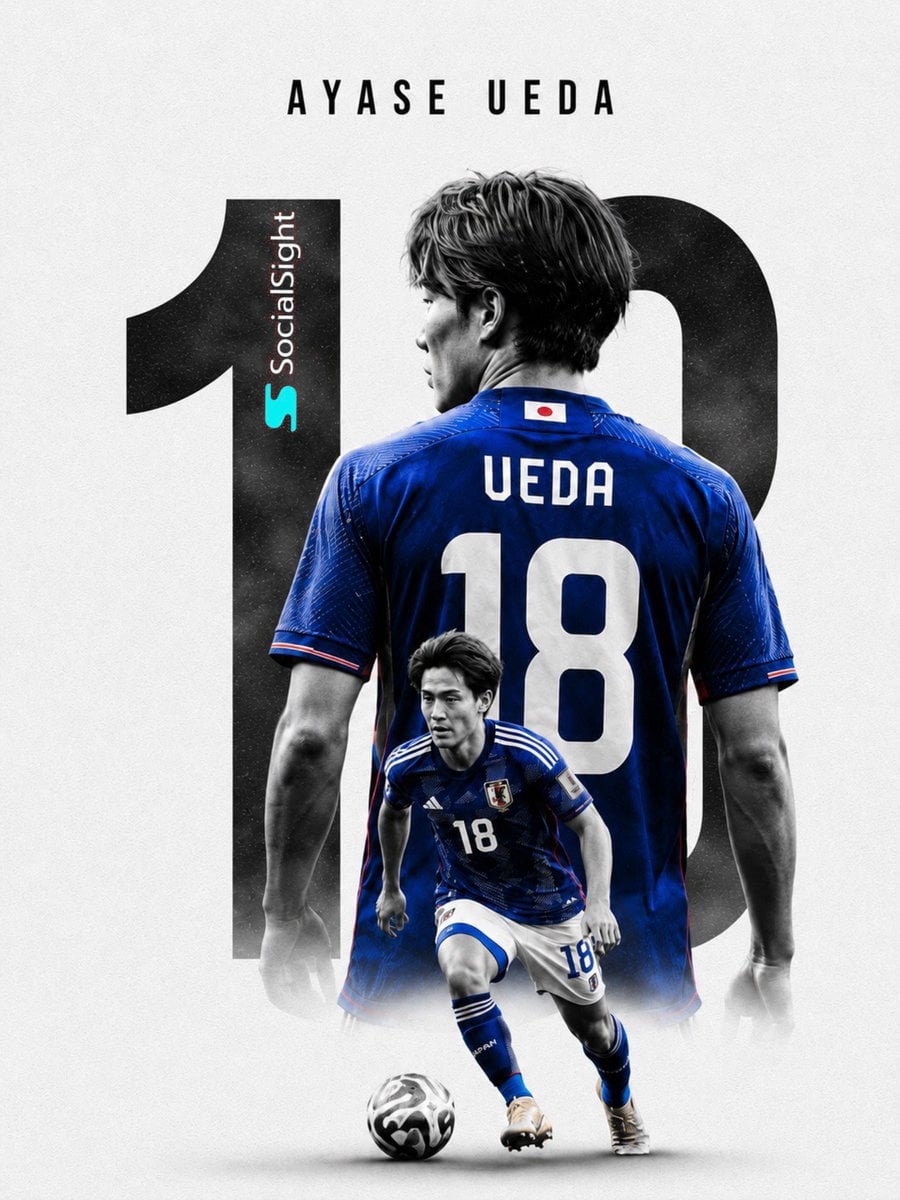
Monochrome Portrait Jersey Accent Poster
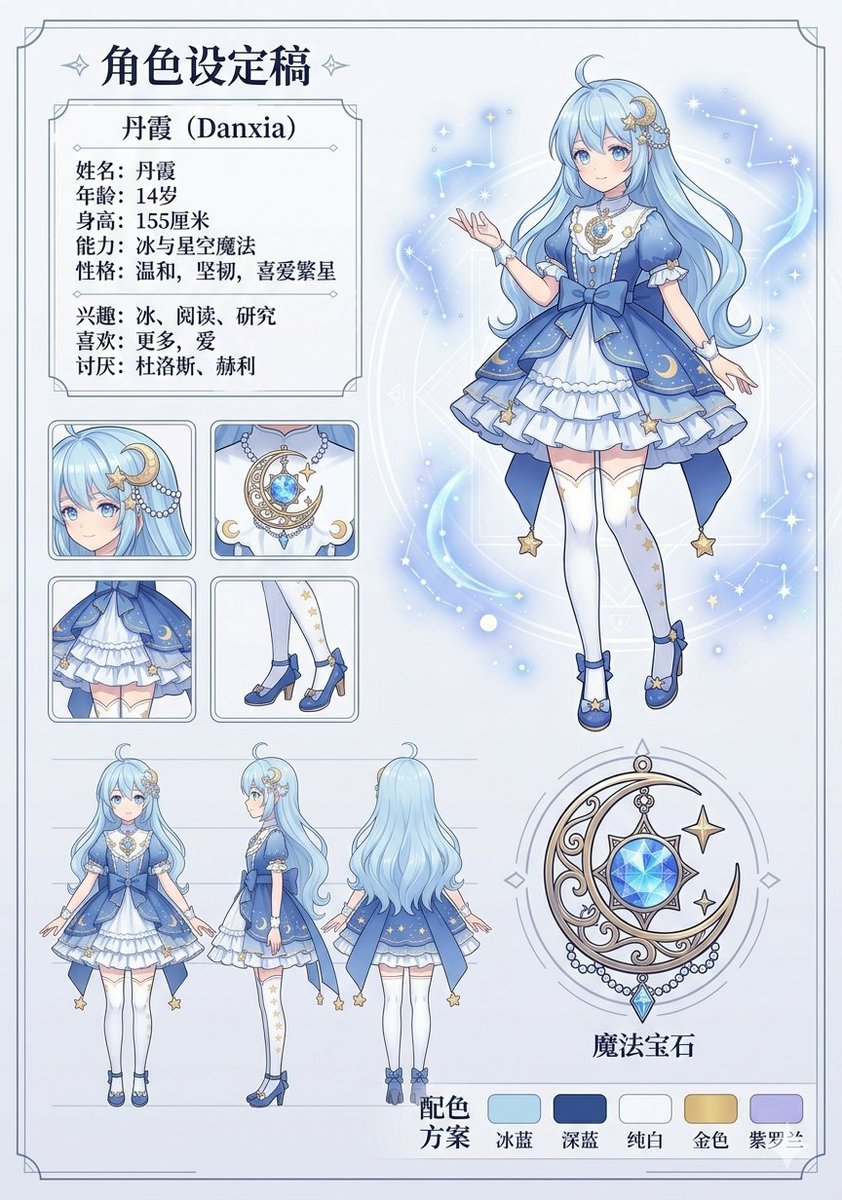
Celestial Blue Character Design Sheet
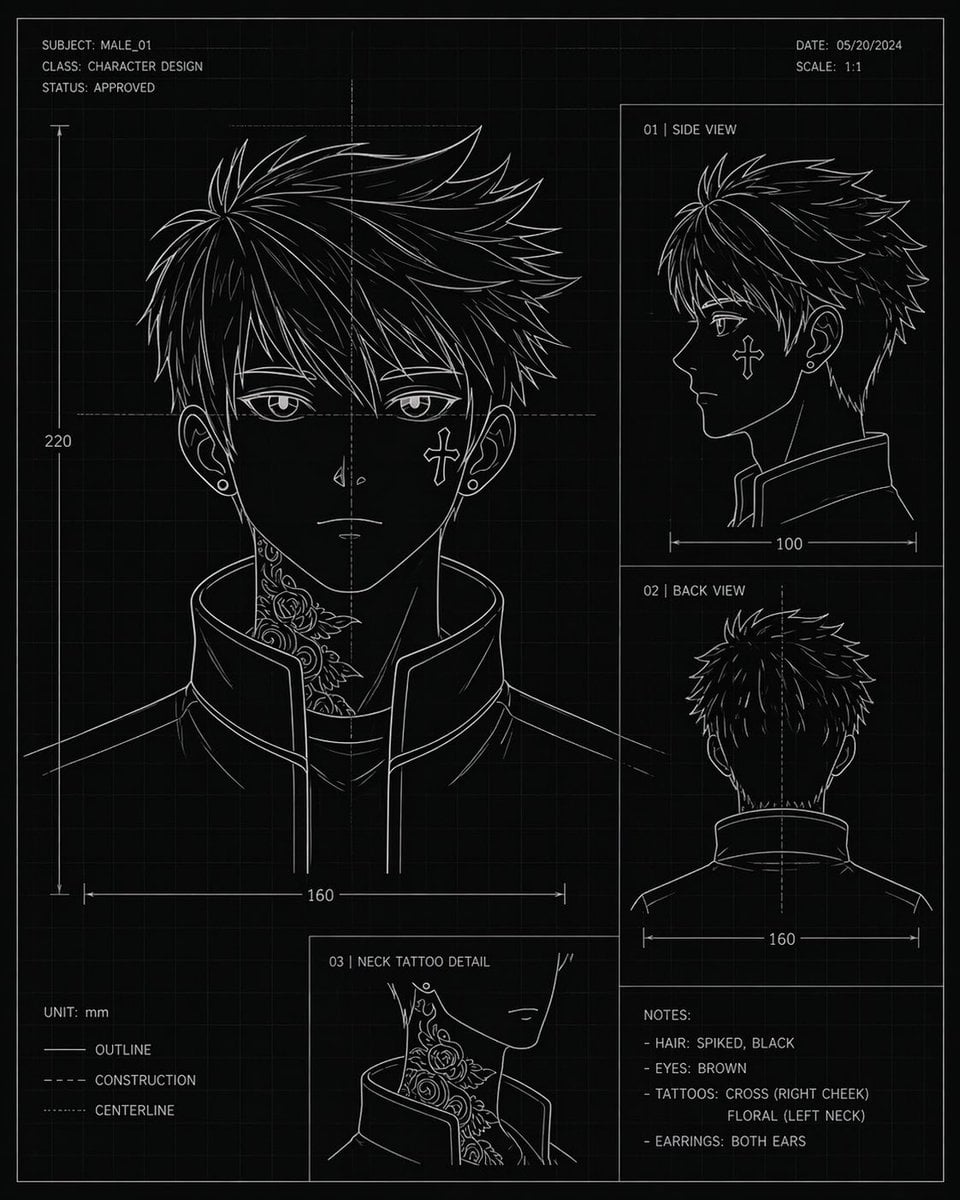
Anime Character Blueprint Sheet
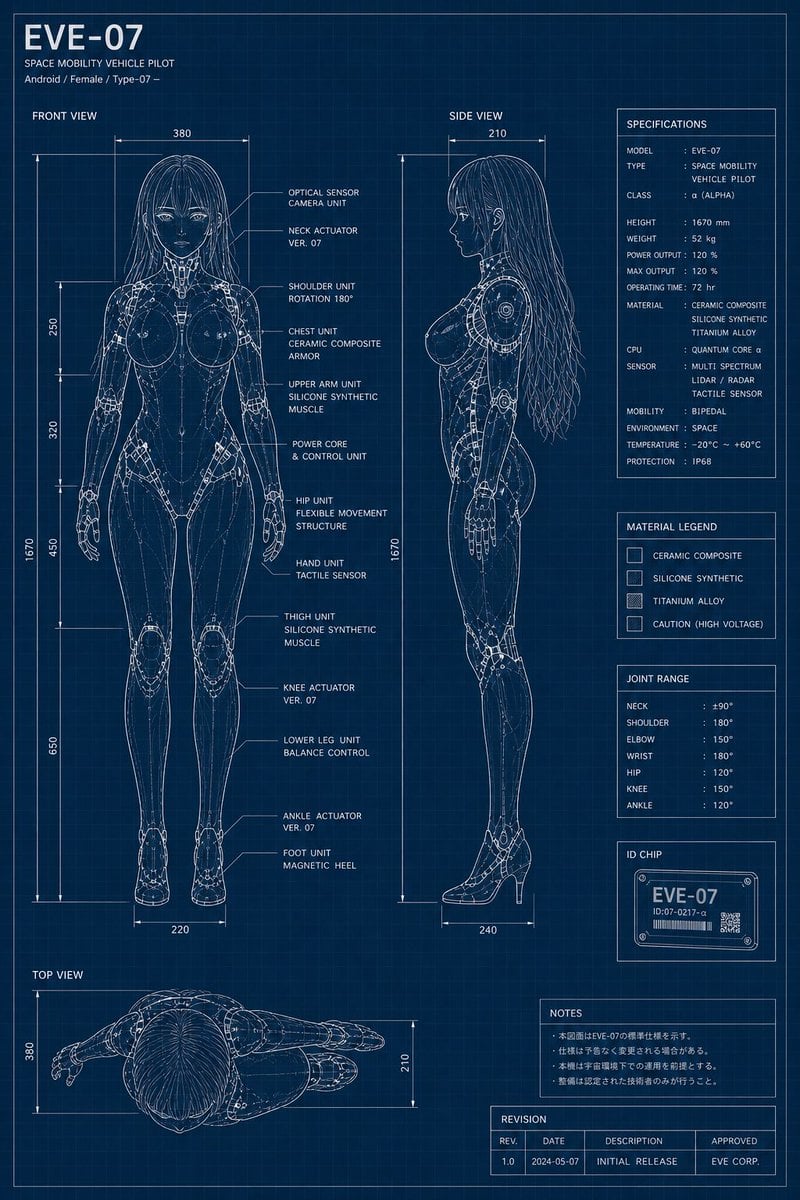
EVE-07 Android Blueprint Sheet
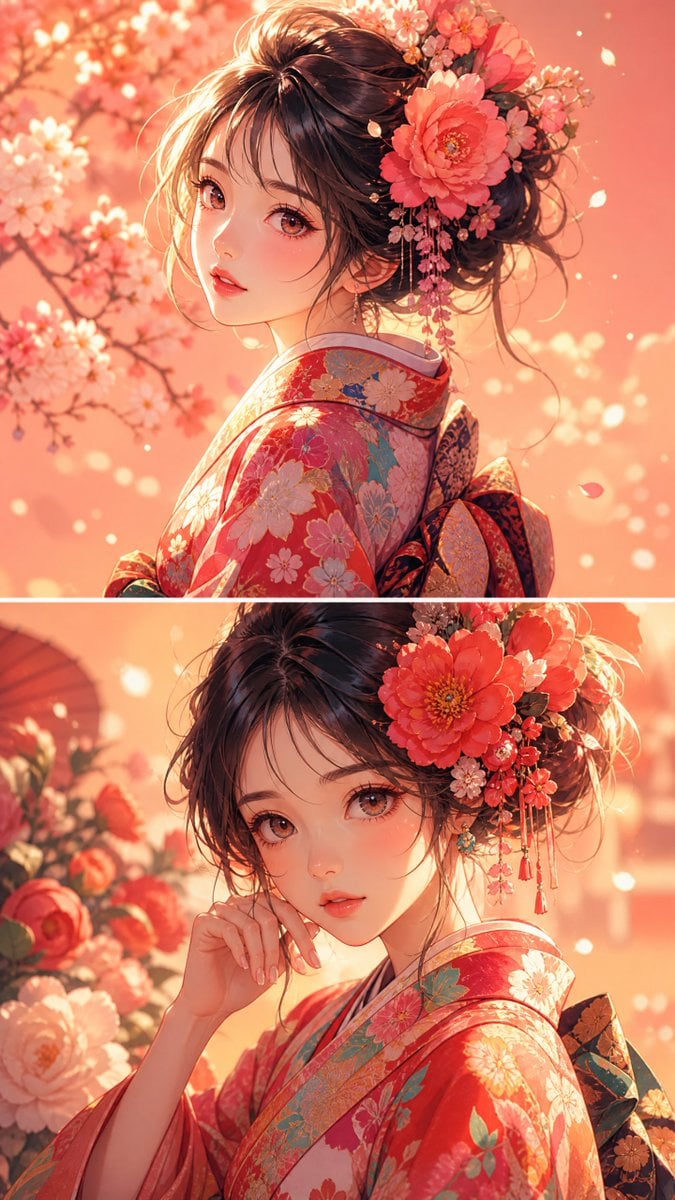
Anime Girl Floral Kimono Portrait
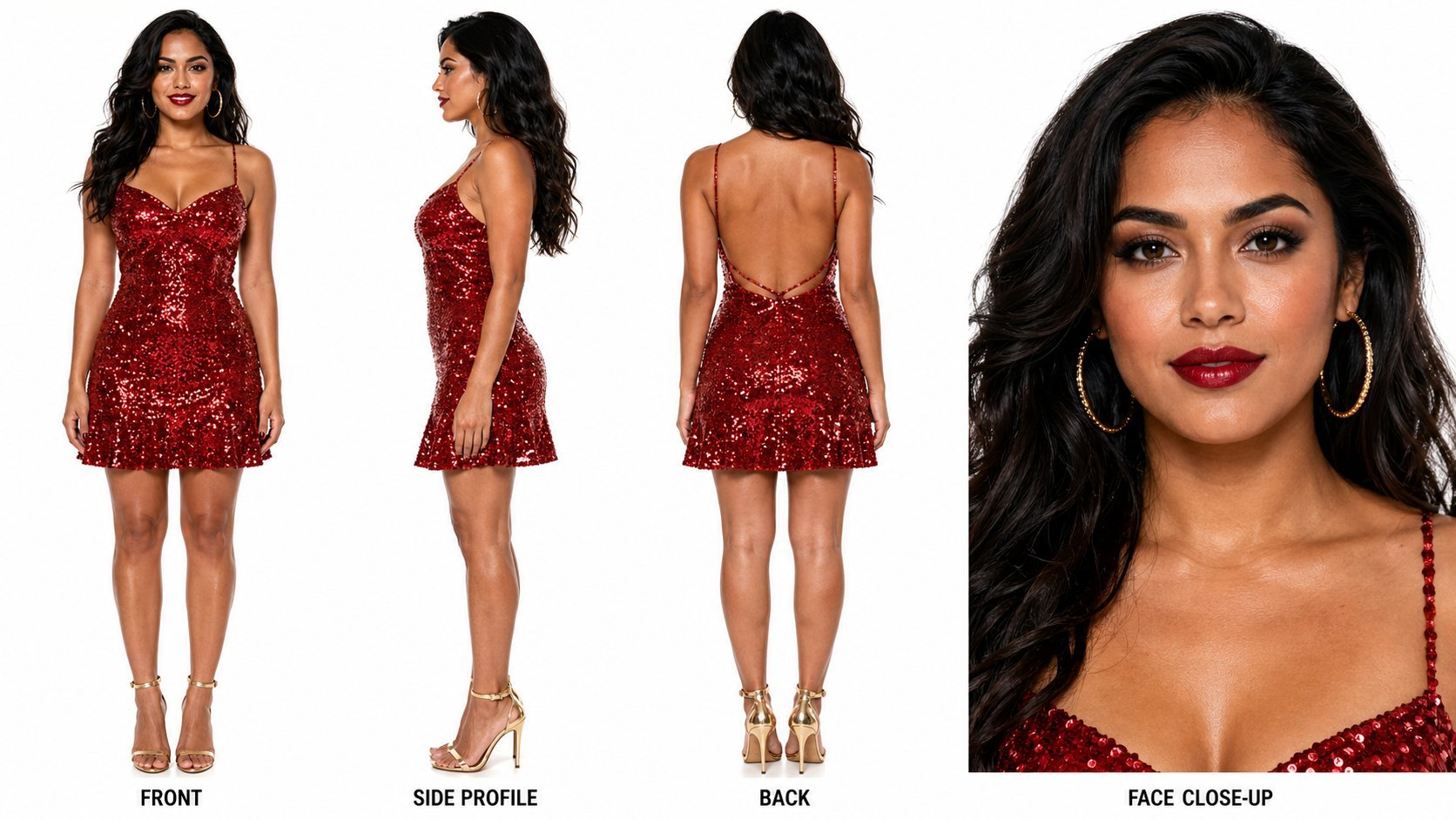
Dancer Character - Four View Reference Sheet
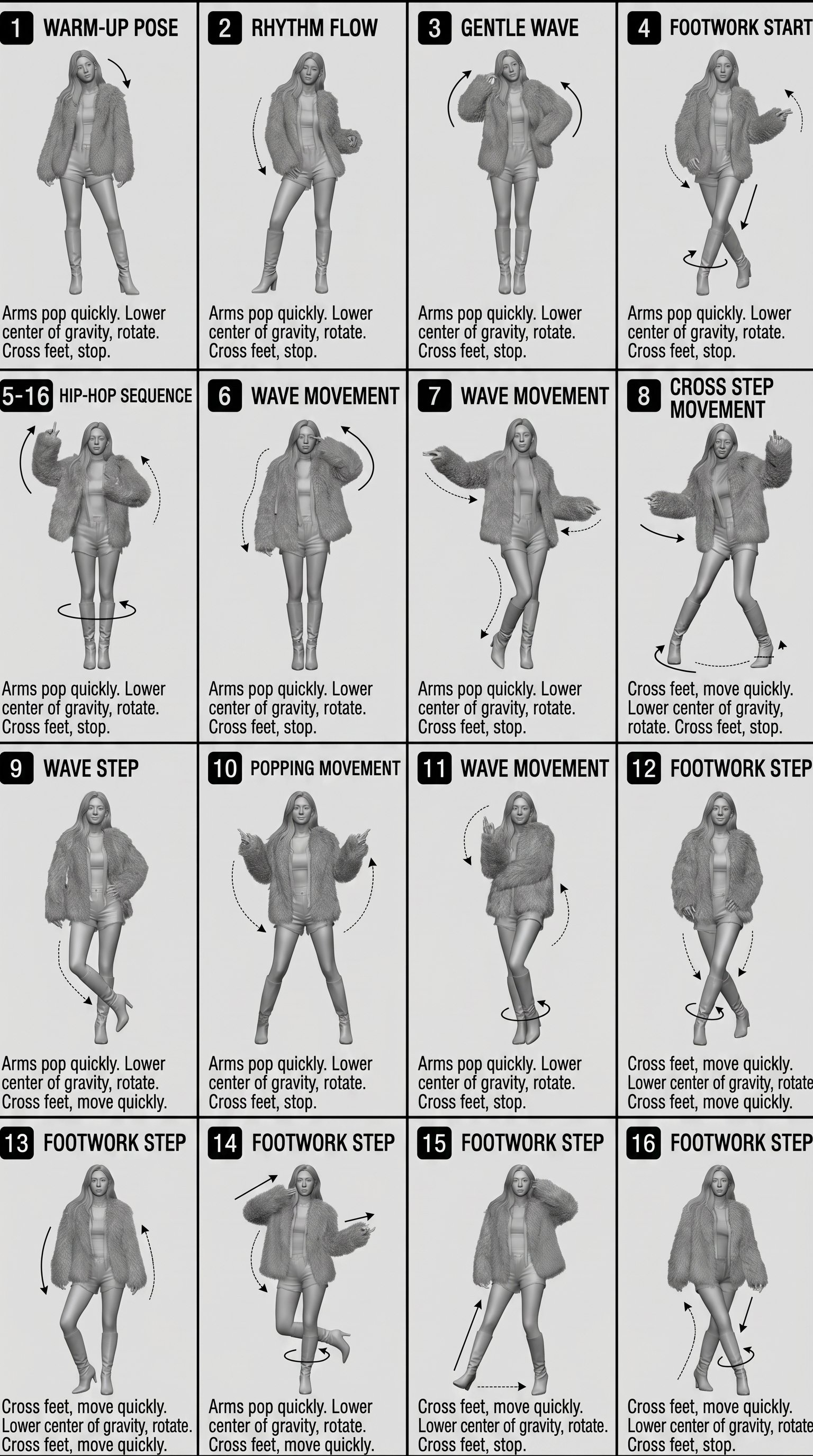
Movement Sheet - Dance Reference (Seedance 2.0)

Cosmetic Tube Product — Nano Banana 2
Make it yours
Blue Floral Kimono Character Sheet works as-is. These are the safest ways to change it without losing the look.
Change one field
Copy a single group, rewrite it, and generate again so you can see what that field is doing.
Keep the frame, change the subject
Hold the composition and light of Blue Floral Kimono Character Sheet, then swap wardrobe, props or the person for a new take.
| If the result… | Why | Fix |
|---|---|---|
| The result drifts from the preview | Too many fields changed at once. | Reuse Blue Floral Kimono Character Sheet as-is first, then change one group — subject, light, or setting. |
| The model over-stylizes the scene | The prose prompt leaves finish and camera underspecified. | Add one camera or lighting sentence and stay on GPT Image 2. |
More GPT Image 2 templates
Other prompts made for GPT Image 2.

Realistic Portrait of Woman and Deer

The Vista Modular Condo Poster

AI Model Routing Comparison Infographic

2.5D Anime Art Board

Isometric Productivity Desk Scene

New York Double Exposure Poster

Four-Panel AI Landscape Comparison

Japanese Tatami Lifestyle Magazine Cover

NESCAFÉ Coffee Map Poster

Brutalist Cogito Chinese Typography Poster
More image prompts
Fresh picks from across the catalog.
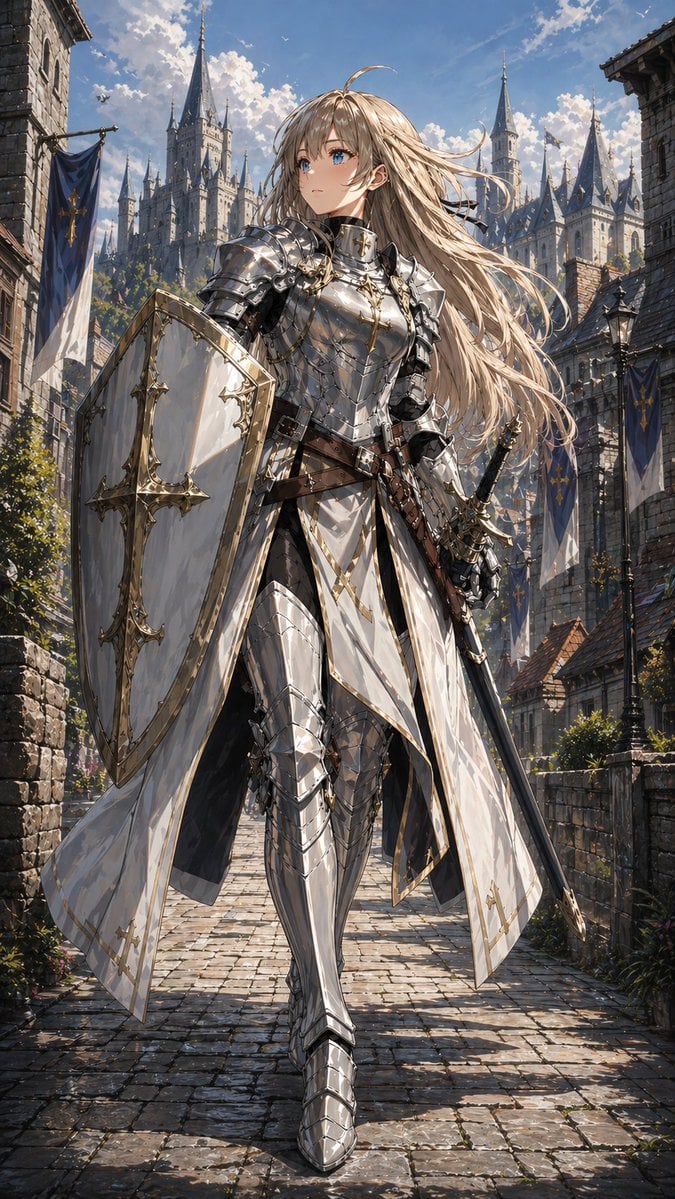
Holy Knight in a Castle City

Cinematic Romantic Street Photography
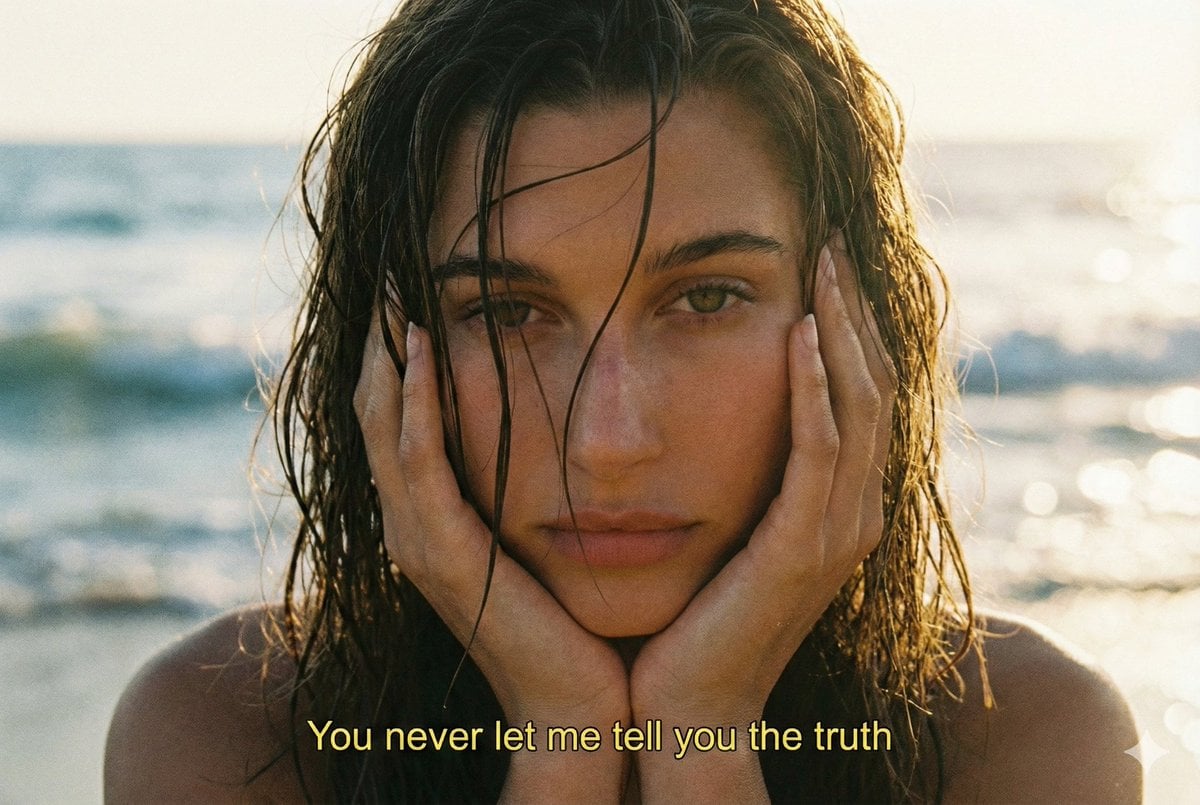
Cinematic 90s Film Still Portrait Prompt
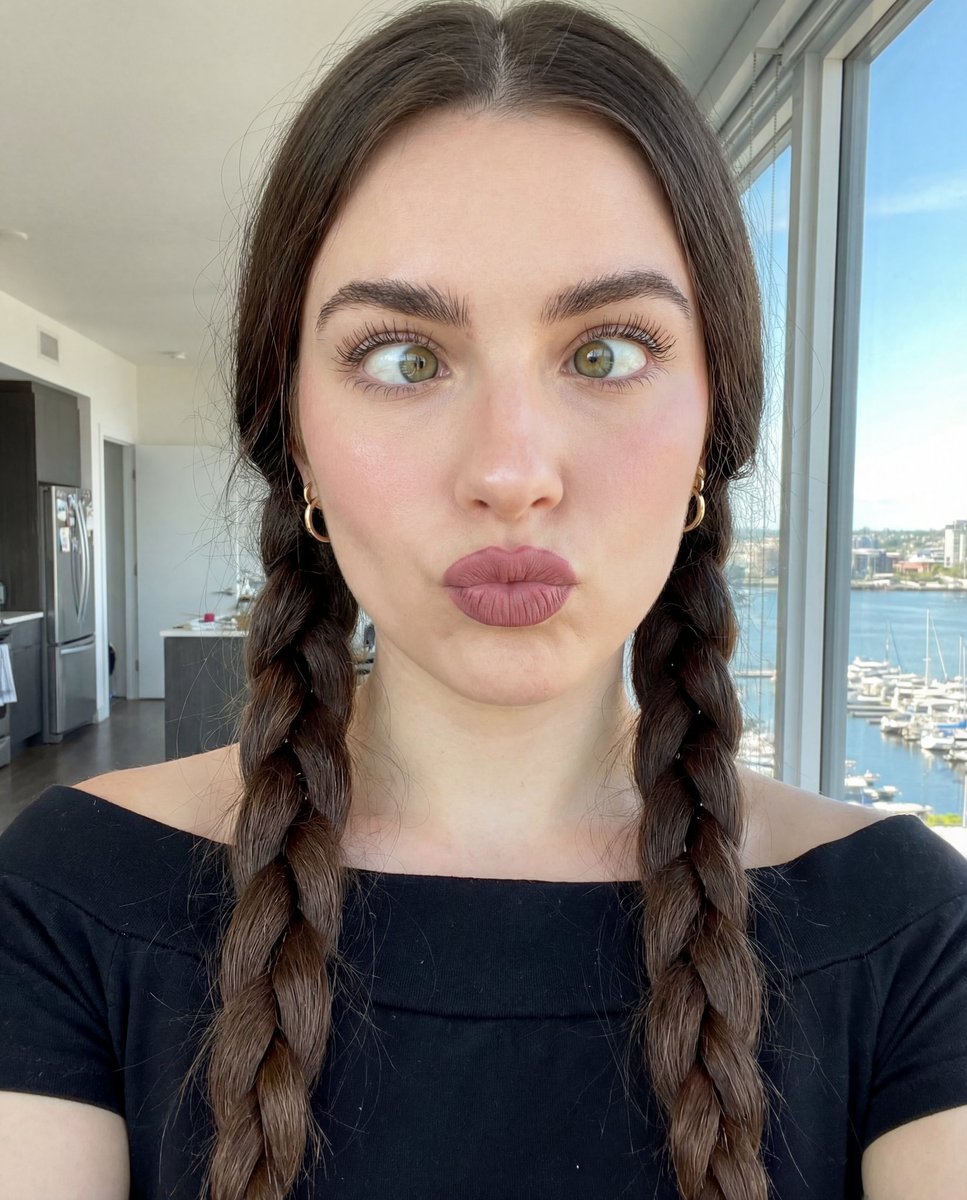
Hyper-Detailed Selfie Portrait Prompt with Anatomical Specs
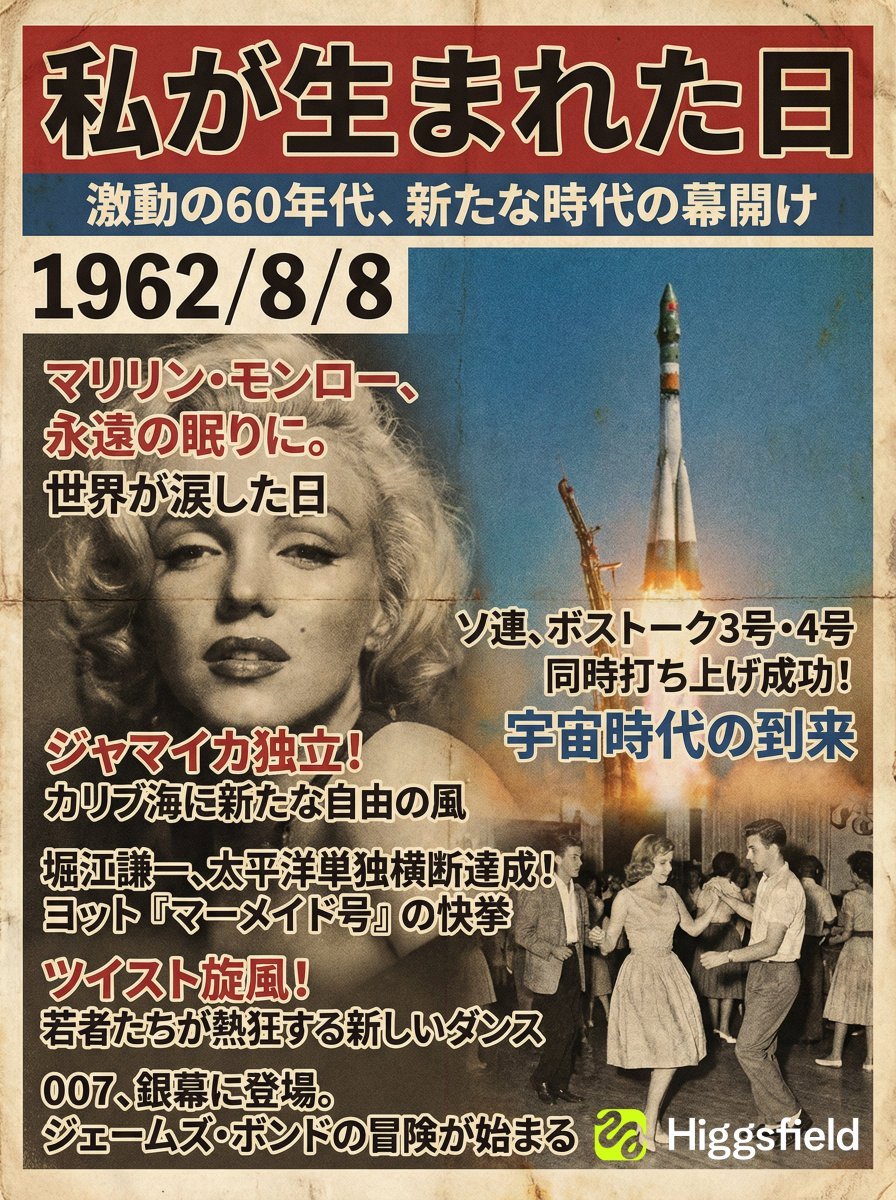
Magazine Cover Generation Based on Birth Date Prompt
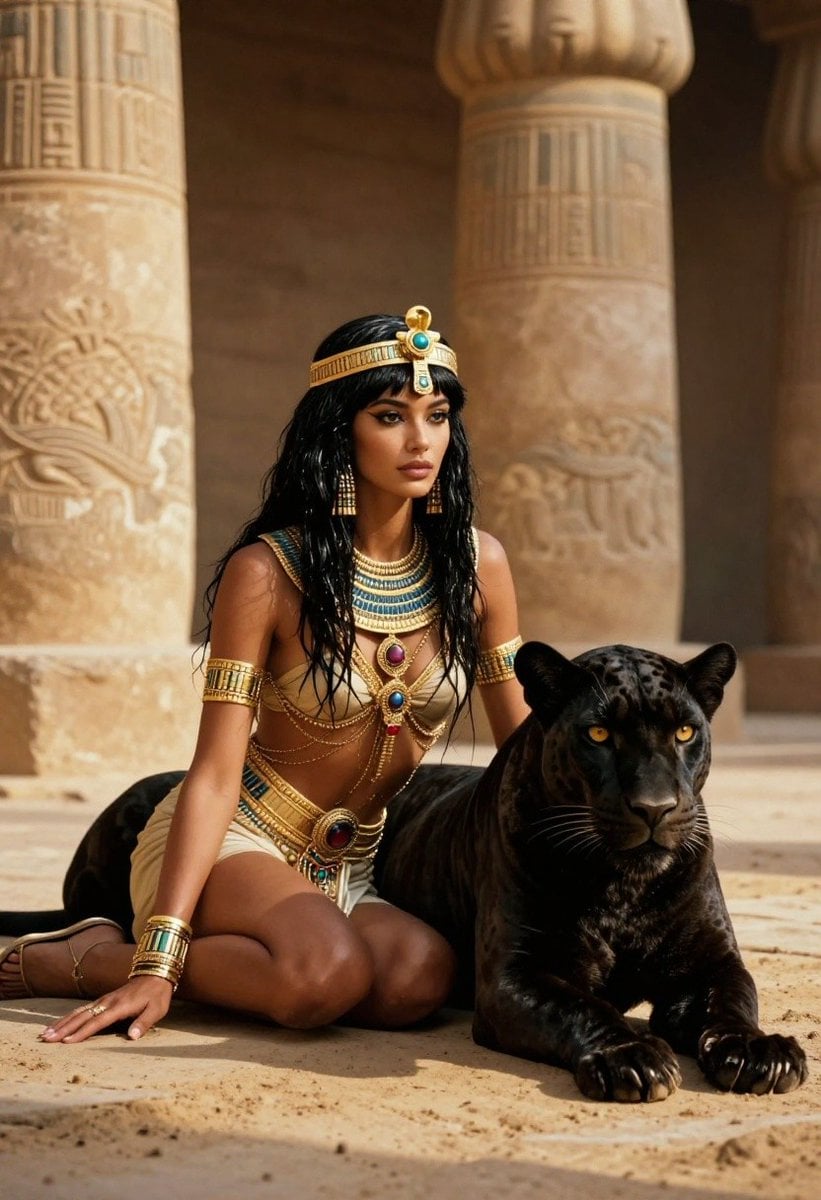
Ancient Egyptian Queen with Black Panther
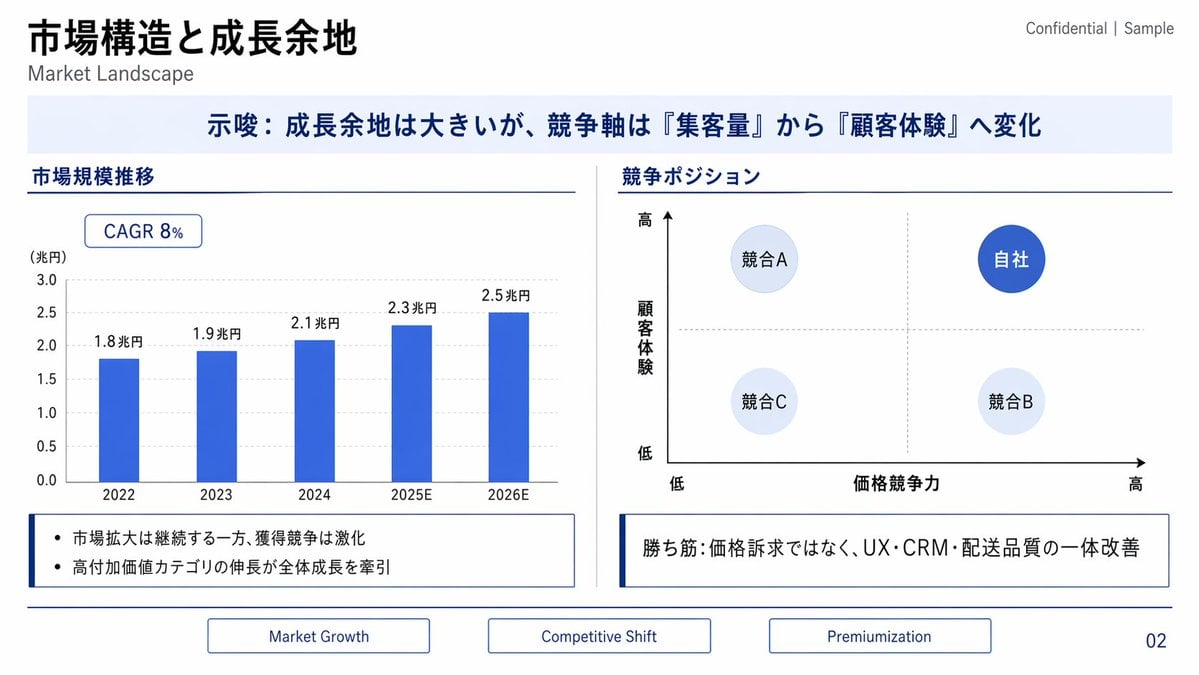
Japanese Market Landscape Slide
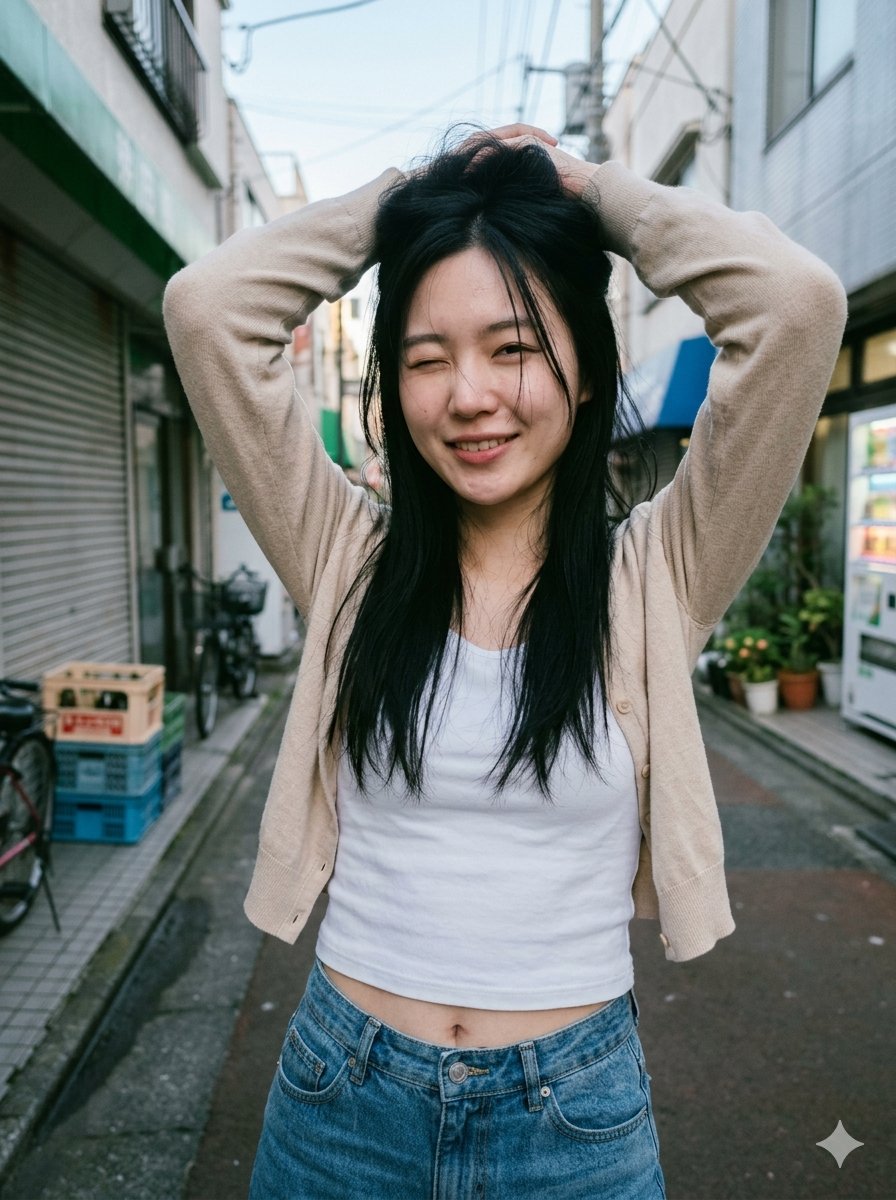
Blurred Face Japanese Alley Portrait
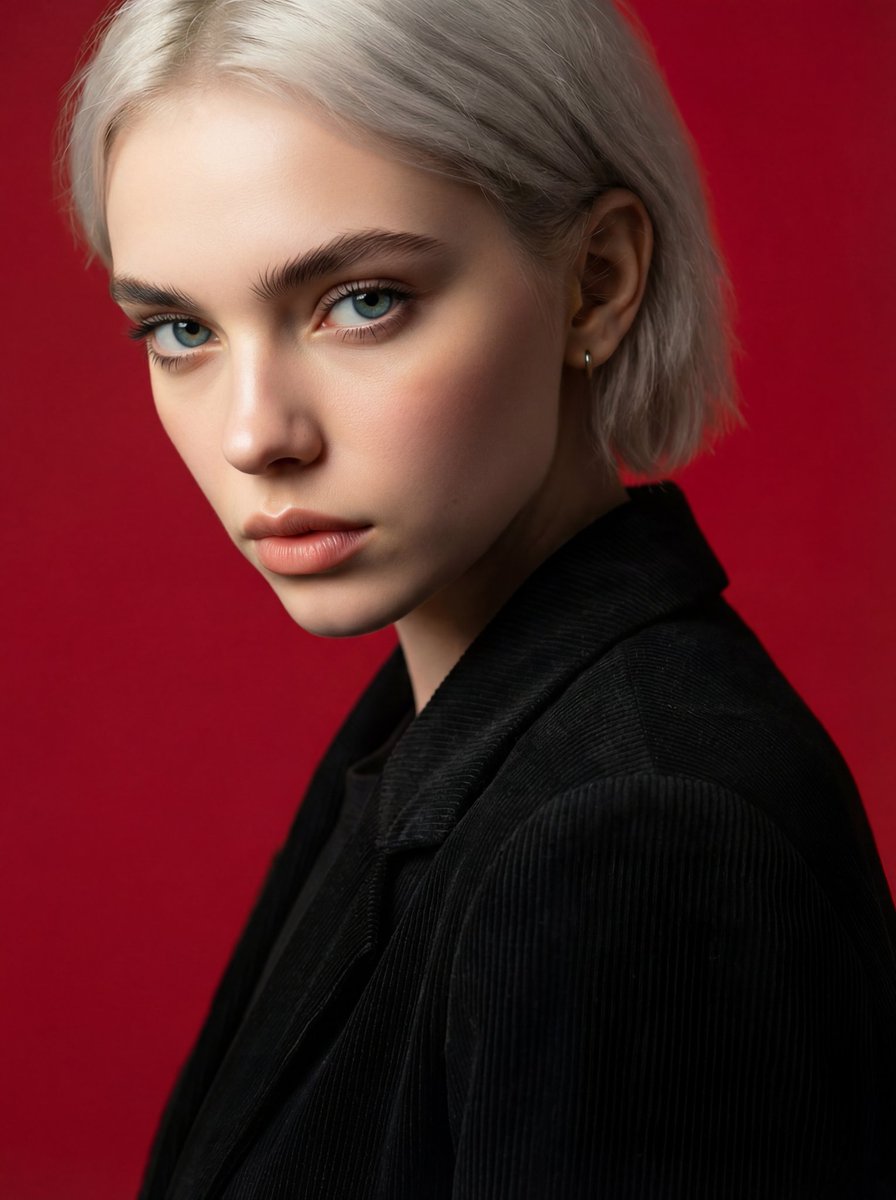
Face and Hairstyle Swap for Studio Portrait
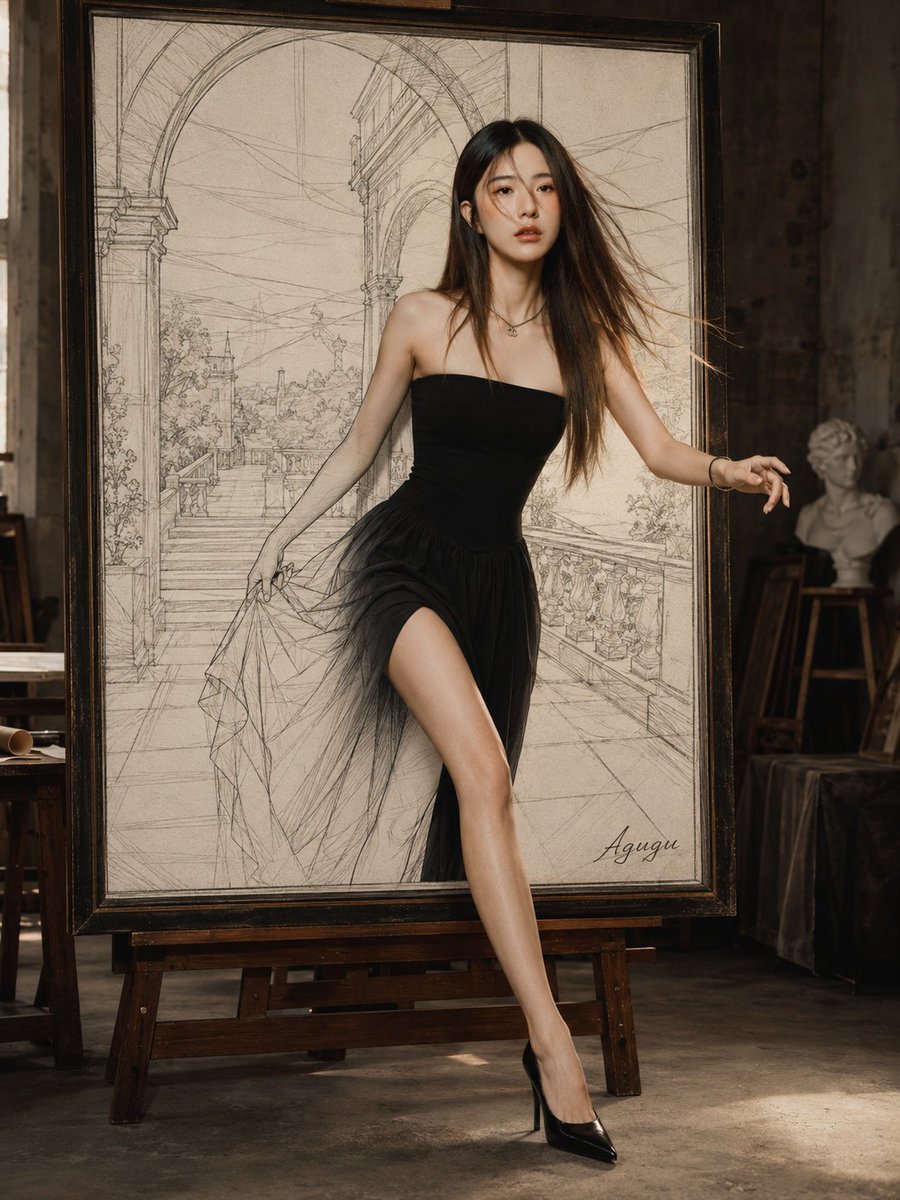
Woman Stepping Out of Sketch
Browse template categories
Blue Floral Kimono Character Sheet questions
How do I use the Blue Floral Kimono Character Sheet template?
Add your photo if the template asks for one, edit the prompt if you like — the template's model and format are already selected — and press Generate. Your version opens in PicX Studio.
Can I customize the Blue Floral Kimono Character Sheet template?
Yes. You can change the subject, setting, lighting, mood, format, and available model controls before creating your image.
Is the Blue Floral Kimono Character Sheet template free?
Opening and editing this template is free. Generating uses credits, shown on the Generate button when you are signed in.
Which AI model should I use?
Start with GPT Image 2, which is the model associated with this template. You can compare another compatible model for a different finish.
Looking for something else? Browse all templates.

Your photo, any look
Thousands of ready templates for every top image and video model, from one credit balance.