
Photorealistic Café Drink Storyboard
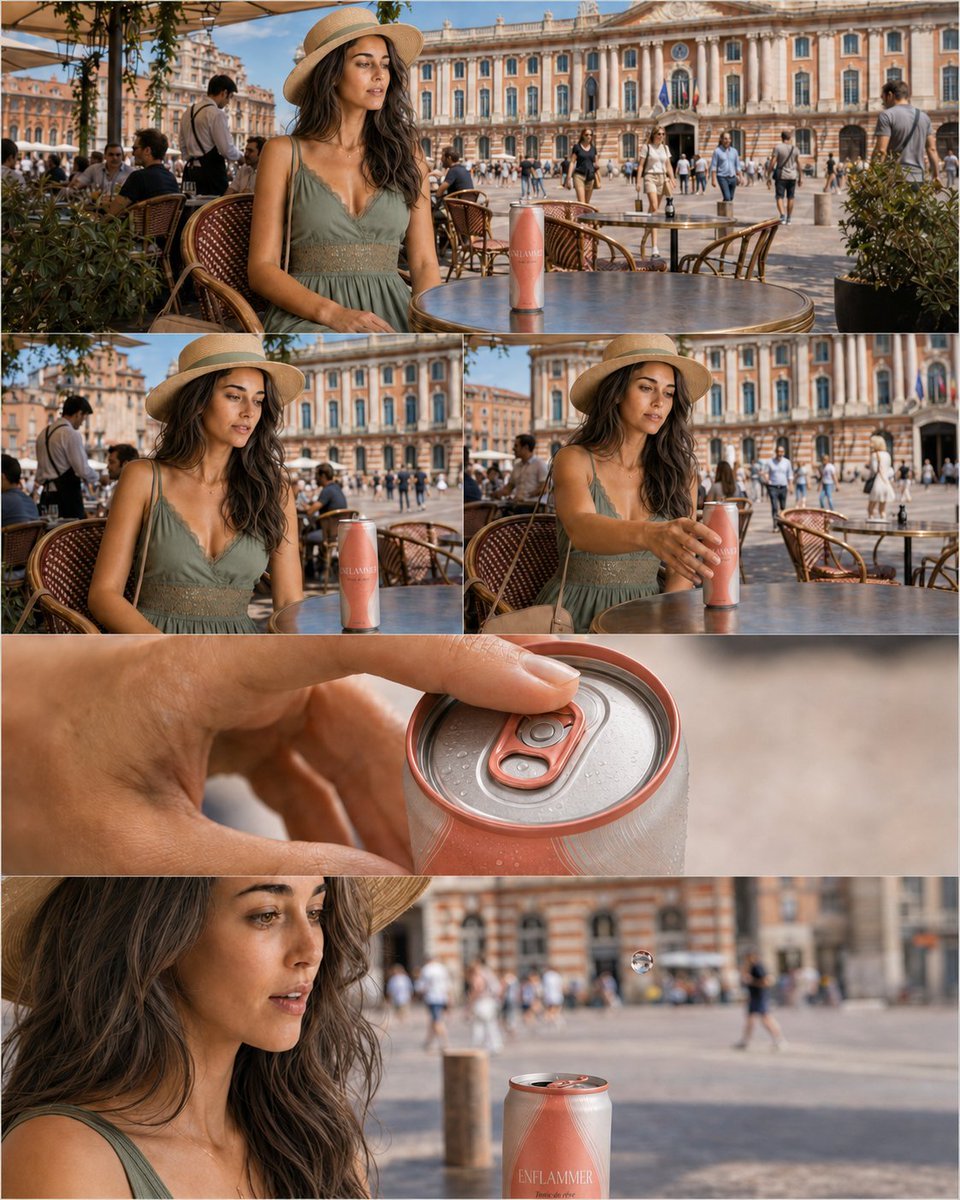
A five-panel cinematic beverage ad storyboard set on a Toulouse café terrace, ideal for recreating a realistic product launch sequence with subtle magical motion.
- Prompt included
- Model and format preset
- Free template
The prompt behind this image
Copy the exact prompt behind Photorealistic Café Drink Storyboard, or open it in the studio and make it yours.
Goal: Create a photorealistic cinematic advertising storyboard for a fictional canned drink named {argument name="drink brand" default="ENFLAMMER"}, showing a calm moment on a café terrace that begins to turn magical as the can is opened. Canvas: A vertical 4:5 composite image arranged as exactly 5 storyboard panels separated by thin white gutters. Use realistic photography, natural daylight, shallow depth of field in close-ups, and a warm summer color grade. Location and atmosphere: An outdoor café terrace at Place du Capitole in Toulouse, France, with the ornate pink-and-cream Capitole façade filling the background, café chairs and round metal bistro tables in the foreground, potted shrubs, strolling pedestrians, waiters, tourists, and bright blue sky. The setting should feel like a real lifestyle beverage commercial, not an illustration. Main subject: A young woman in her late 20s with tan skin, long wavy dark brown hair, natural makeup, and a quiet cinematic expression. She wears a straw sun hat and a sage-green sleeveless summer dress with a lace-trim bodice. Include a beige handbag strap in the closer seated shots. She sits alone at a café table and focuses on the can. Product: A slim matte coral-pink aluminum can with subtle condensation and elegant minimalist branding reading {argument name="drink brand" default="ENFLAMMER"}. The can has a silver top with a matching coral pull tab. Make the branding visible but tasteful. Panel layout and contents: Use exactly 5 panels. Panel 1, wide top panel spanning the full width: the woman sits at a round café table on the terrace, the can stands upright near the center of the table, the Capitole façade and busy square behind her. Panel 2, middle-left smaller panel: closer three-quarter view of the woman looking down toward the can, seated beside woven café chairs, with the can upright on the table. Panel 3, middle-right smaller panel: the woman reaches forward with one hand and gently grips the can, preparing to open it. Panel 4, full-width close-up panel: extreme macro of her fingers pressing the coral pull tab on the silver can lid, visible condensation droplets and realistic metal texture. Panel 5, wide bottom panel spanning the full width: close side profile of the woman watching the can after it has opened; the can is in the foreground with its top open, and a small floating droplet or bubble hovers above it, suggesting gravity is beginning to shift. Visual style: Ultra-realistic commercial photography, cinematic framing, lens compression, natural skin texture, detailed café furniture, realistic reflections on the metal tabletop, accurate historic architecture, soft bokeh in background pedestrians, no dialogue balloons, no captions, no extra text beyond the product label. Constraints: Keep the same woman, outfit, hat, café location, and coral can consistent across all 5 panels. Do not add fantasy effects except the single floating droplet in the final panel. Avoid cartoon styling, oversaturated colors, distorted hands, duplicate faces, or unreadable product design.
How to use Photorealistic Café Drink Storyboard in 3 steps
- 1Upload ImagePNG, JPG or paste
Add your photo
Upload the photo the template builds on. The prompt, model and format are already set.
- 2…a portrait of your subject in softgolden-hour light, 85mm…
Personalize
Edit the subject and creative details for your destination.
- 3Generate
Generate
Press Generate — your image is created in PicX Studio, so you can compare it with the original and refine one variable at a time.
More like this
Templates with the same subject, style or setup. Open one to see its prompt.

Trendy Cafe Drink Promo Poster
Luxury Toothpaste Commercial Storyboard
Nano Banana - Cozy Cafe Night
Cozy Knit Sweater Window Portrait
Gen Z Triple Selfie Collage — Y2K Flash Photography
Mountain Lake Sunset Landscape
Cinematic Destination Letter Panel Poster

Spider-Man Rooftop Golden Hour Cinematic Photo
Headphones Lifestyle Nine Panel Grid
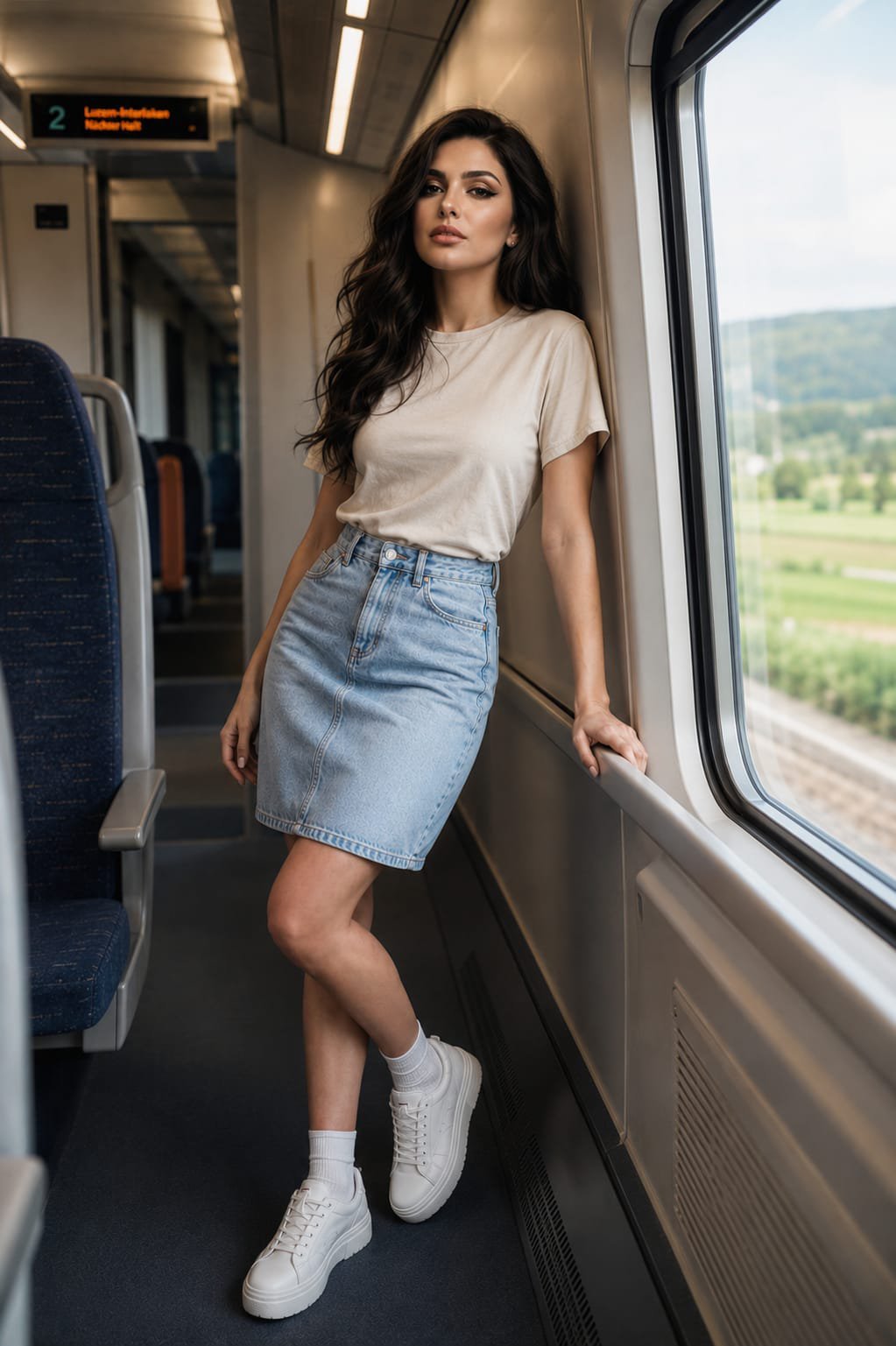
Face-Locked Train Window Lifestyle Portrait
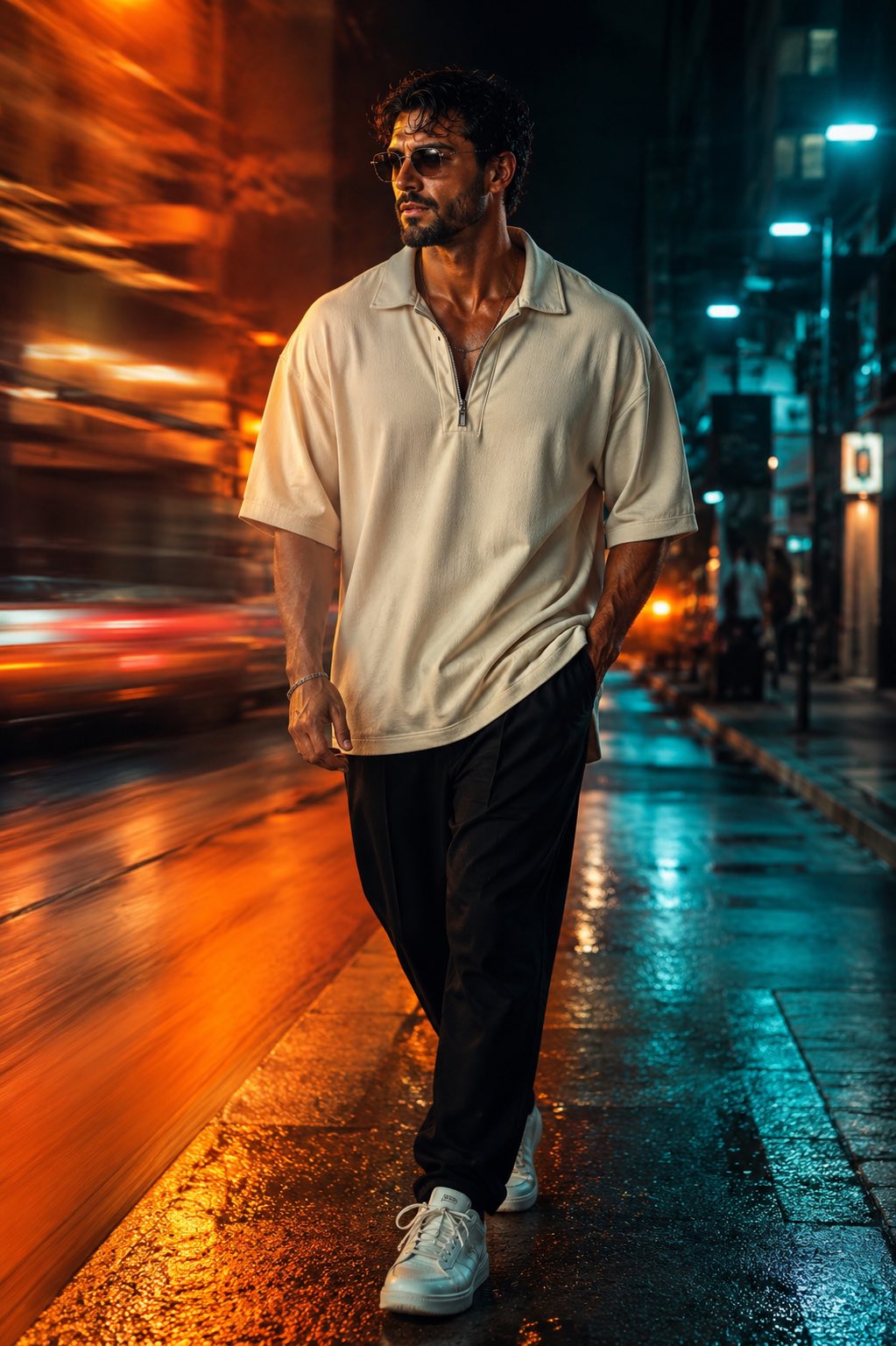
Face-Locked Cream Half-Zip Street Walk
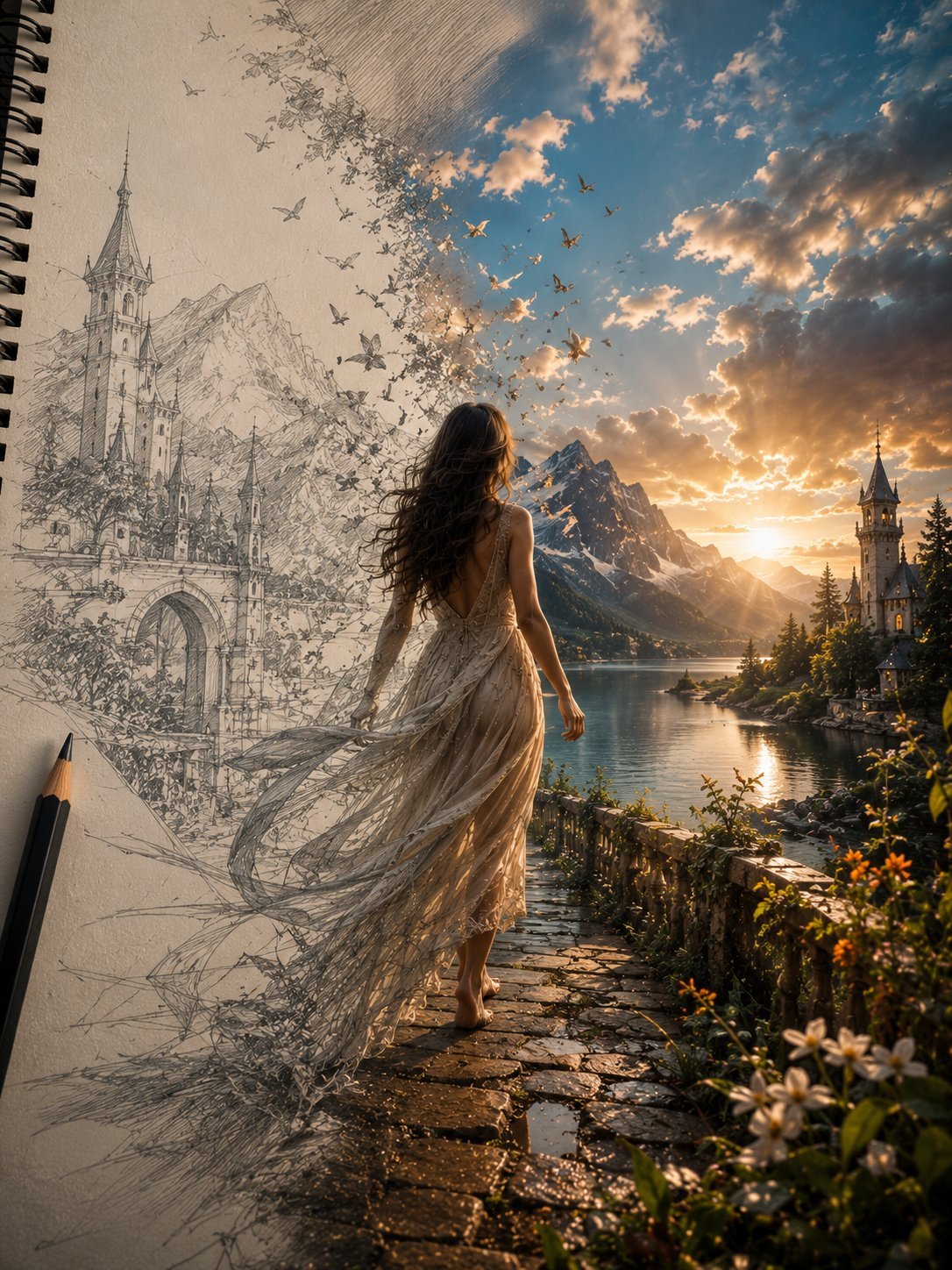
Unfinished Sketch Comes Alive Portrait
Make it yours
Photorealistic Café Drink Storyboard works as-is. These are the safest ways to change it without losing the look.
Change one field
Copy a single group, rewrite it, and generate again so you can see what that field is doing.
Keep the frame, change the subject
Hold the composition and light of Photorealistic Café Drink Storyboard, then swap wardrobe, props or the person for a new take.
| If the result… | Why | Fix |
|---|---|---|
| The result drifts from the preview | Too many fields changed at once. | Reuse Photorealistic Café Drink Storyboard as-is first, then change one group — subject, light, or setting. |
| The model over-stylizes the scene | The prose prompt leaves finish and camera underspecified. | Add one camera or lighting sentence and stay on GPT Image 2. |
More GPT Image 2 templates
Other prompts made for GPT Image 2.

Six VTuber Japanese Logo Sheet

Realistic Portrait of Woman and Deer

The Vista Modular Condo Poster

AI Model Routing Comparison Infographic

2.5D Anime Art Board

Isometric Productivity Desk Scene

New York Double Exposure Poster

Four-Panel AI Landscape Comparison

Japanese Tatami Lifestyle Magazine Cover

NESCAFÉ Coffee Map Poster
More image prompts
Fresh picks from across the catalog.
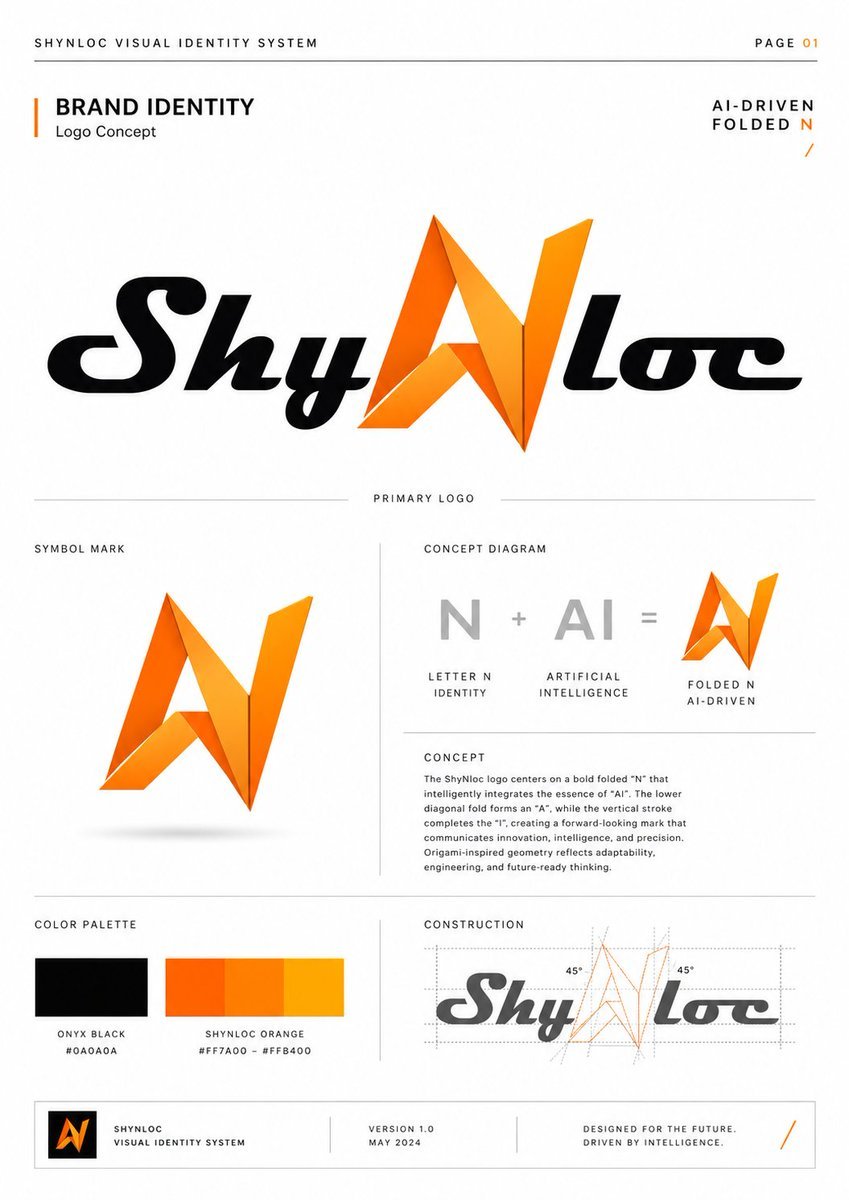
Shynloc Visual Identity Board
Editorial Studio Portrait in Neutral Streetwear
Neon Macau RPG Street Battle HUD

Goddess of Opportunity Portrait

Chibi Cat-Girl Portrait
Scratchboard Engraving Portrait Transformation
Golden Hour Portrait of a Smiling Young Woman
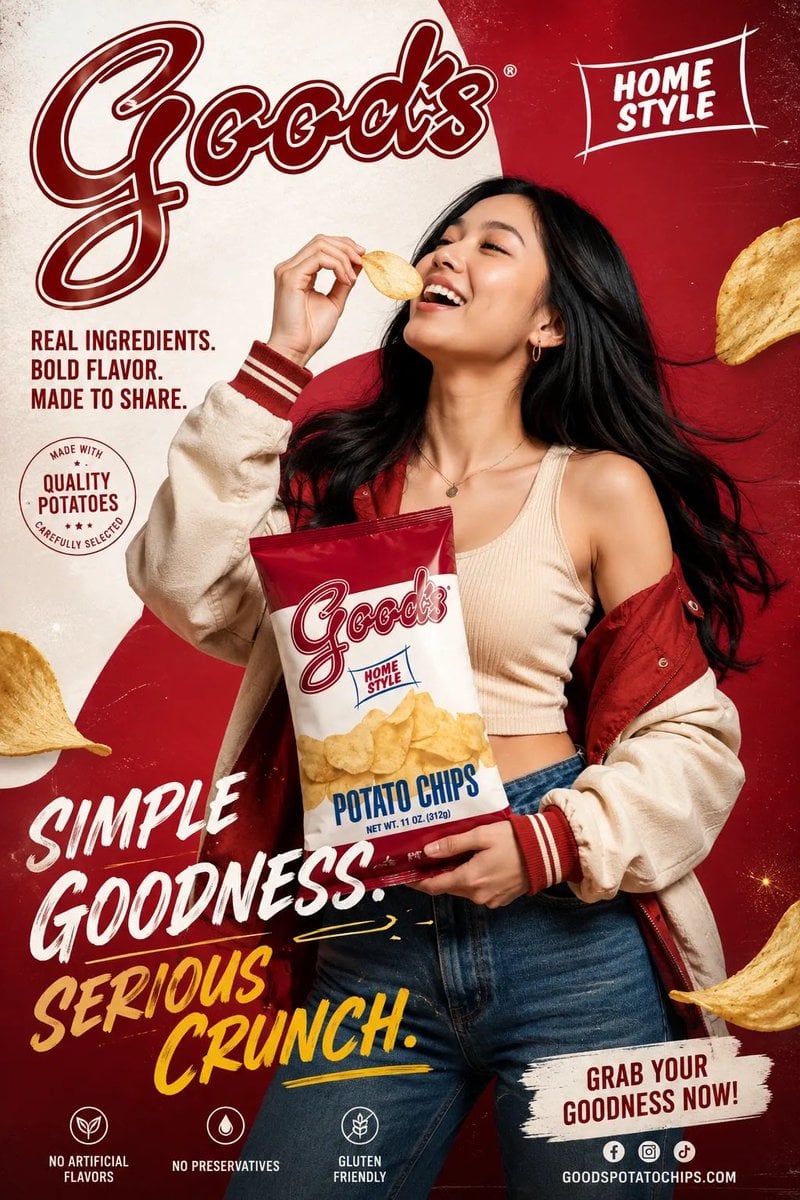
Premium Fashion Advertising Poster
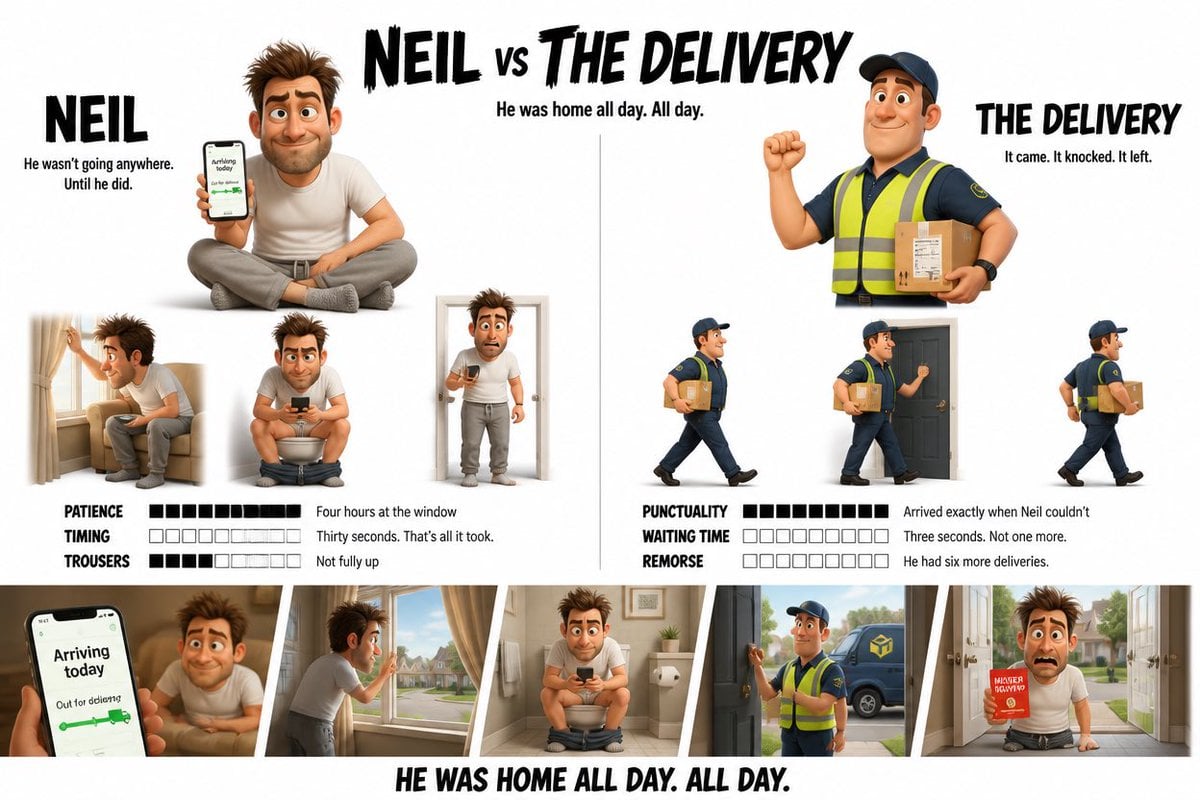
Pixar Style Character Design Sheet
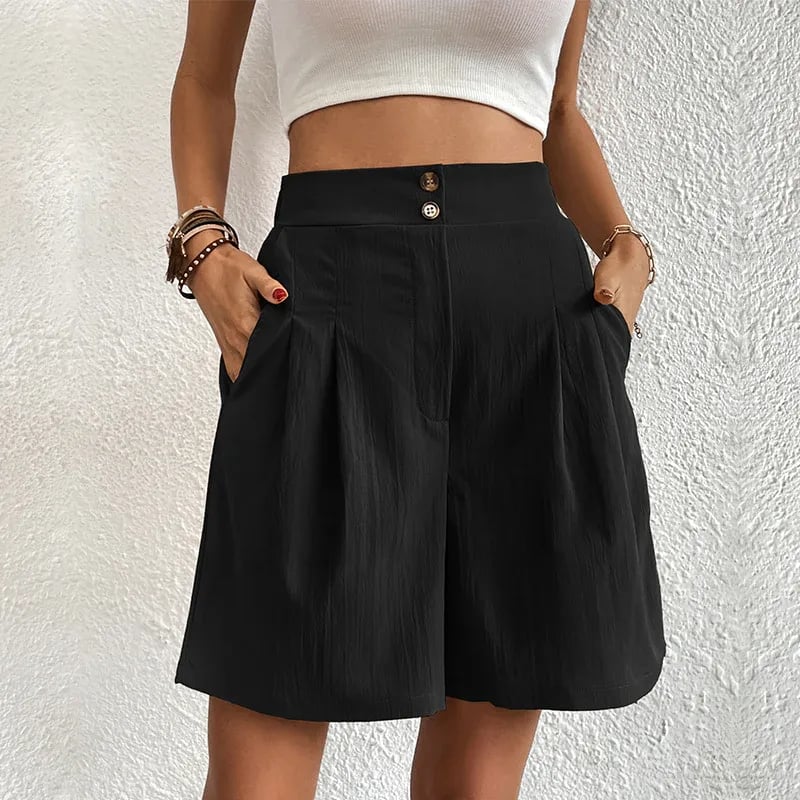
Commercial Lifestyle Showcase for Garment Preservation
Browse template categories
Photorealistic Café Drink Storyboard questions
How do I use the Photorealistic Café Drink Storyboard template?
Add your photo if the template asks for one, edit the prompt if you like — the template's model and format are already selected — and press Generate. Your version opens in PicX Studio.
Can I customize the Photorealistic Café Drink Storyboard template?
Yes. You can change the subject, setting, lighting, mood, format, and available model controls before creating your image.
Is the Photorealistic Café Drink Storyboard template free?
Opening and editing this template is free. Generating uses credits, shown on the Generate button when you are signed in.
Which AI model should I use?
Start with GPT Image 2, which is the model associated with this template. You can compare another compatible model for a different finish.
Looking for something else? Browse all templates.

Your photo, any look
Thousands of ready templates for every top image and video model, from one credit balance.