
Retro ima Topic Library Poster
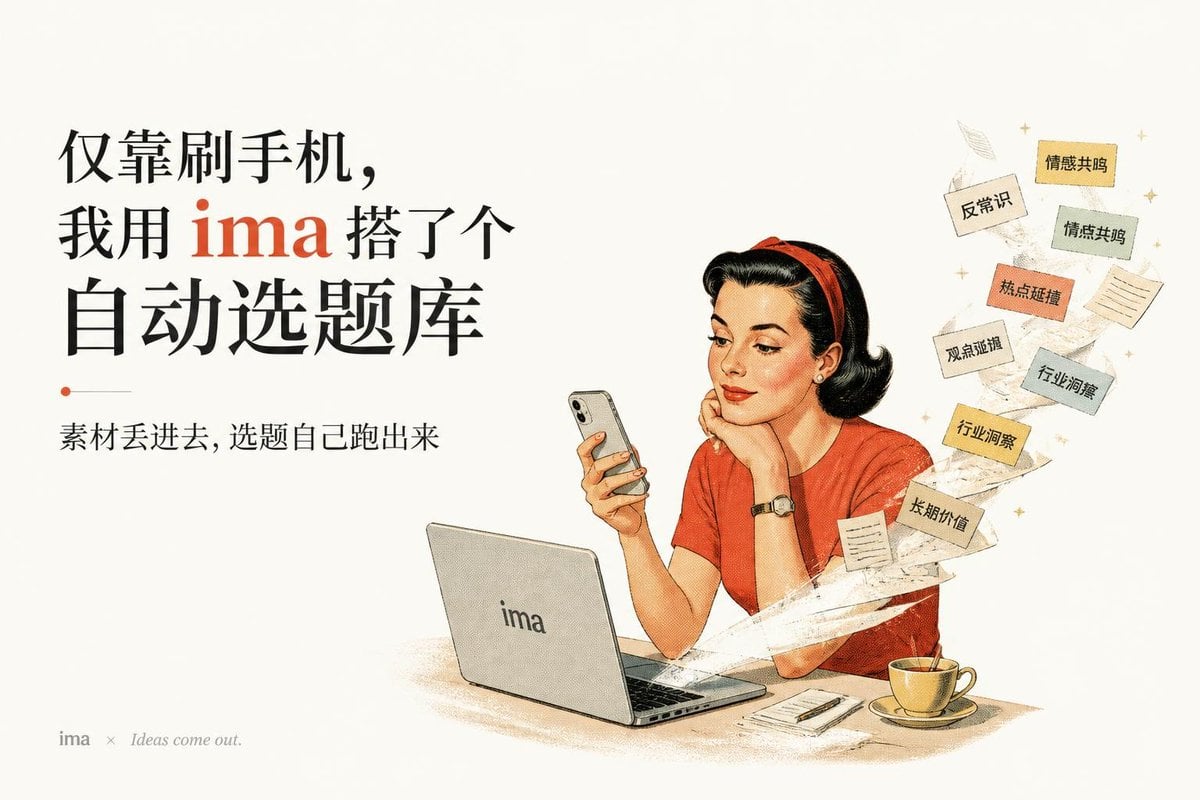
A vintage Chinese magazine-style productivity ad showing a woman using a phone and laptop as topic cards swirl out automatically.
- Prompt included
- Model and format preset
- Free template
The prompt behind this image
Copy the exact prompt behind Retro ima Topic Library Poster, or open it in the studio and make it yours.
Goal: Create a retro mid-century magazine advertisement poster for {argument name="brand name" default="ima"}, with a warm cream paper background, aged print texture, subtle halftone grain, and a nostalgic 1950s editorial illustration style. Canvas: Horizontal 3:2 composition, generous off-white margins, balanced like an old magazine spread. Left half is typography-heavy; right half is an illustrated woman at a desk. Layout: On the left, place a large black Chinese headline in elegant serif-style type, arranged in four stacked lines, with the brand word in red: {argument name="headline text" default="仅靠刷手机,我用 ima 搭了个自动选题库"}. Under it, add a small red dot and thin gray horizontal divider, then a smaller black subtitle: {argument name="subtitle text" default="素材丢进去,选题自己跑出来"}. In the bottom-left corner, add a tiny footer reading “ima × Ideas come out.” in muted gray. Main illustration: On the right, draw a fashionable retro woman with pale skin, short black curled hair, red headband, red short-sleeve top, red lipstick, pearl earrings, and a wristwatch. She rests her chin on one hand while holding a smartphone in the other, looking calmly at the phone. In front of her is an open silver laptop with the brand logo “ima” centered on the back. On the desk include exactly 3 desk items: the laptop, a small notebook with a pen, and a yellow teacup on a saucer. Floating idea stream: From behind the laptop and woman, create a swirling white paper-ribbon trail curling upward to the top-right, suggesting ideas automatically emerging. Attach exactly 8 small rectangular topic cards to the swirl, each with Chinese labels: 1) {argument name="topic card one" default="情感共鸣"}, 2) “反常识”, 3) “情绪共鸣”, 4) “热点延禧”, 5) “观点递增”, 6) “行业洞察”, 7) “行业洞察”, 8) “长期价值”. Use varied muted paper colors: beige, pale yellow, light green-gray, orange, and cream. Also include exactly 2 small blank note papers and a few tiny gold sparkle stars around the floating cards. Visual style: Vintage Chinese magazine cover aesthetic, hand-drawn commercial illustration, ink outlines, soft watercolor-like shading, muted reds and yellows, cream background, printed paper grain, slightly faded colors, elegant yet practical productivity-ad feeling. Constraints: Keep all visible text crisp and readable, preserve the exact number of floating labeled cards and desk items, avoid photorealism, avoid modern glossy UI elements, no extra characters, no watermark.
How to use Retro ima Topic Library Poster in 3 steps
- 1Upload ImagePNG, JPG or paste
Add your photo
Upload the photo the template builds on. The prompt, model and format are already set.
- 2…a portrait of your subject in softgolden-hour light, 85mm…
Personalize
Edit the subject and creative details for your destination.
- 3Generate
Generate
Press Generate — your image is created in PicX Studio, so you can compare it with the original and refine one variable at a time.
More like this
Templates with the same subject, style or setup. Open one to see its prompt.








Make it yours
Retro ima Topic Library Poster works as-is. These are the safest ways to change it without losing the look.
Change one field
Copy a single group, rewrite it, and generate again so you can see what that field is doing.
Keep the frame, change the subject
Hold the composition and light of Retro ima Topic Library Poster, then swap wardrobe, props or the person for a new take.
| If the result… | Why | Fix |
|---|---|---|
| The result drifts from the preview | Too many fields changed at once. | Reuse Retro ima Topic Library Poster as-is first, then change one group — subject, light, or setting. |
| The model over-stylizes the scene | The prose prompt leaves finish and camera underspecified. | Add one camera or lighting sentence and stay on GPT Image 2. |
More GPT Image 2 templates
Other prompts made for GPT Image 2.

Six VTuber Japanese Logo Sheet

Realistic Portrait of Woman and Deer

The Vista Modular Condo Poster

AI Model Routing Comparison Infographic

2.5D Anime Art Board

Isometric Productivity Desk Scene

New York Double Exposure Poster

Four-Panel AI Landscape Comparison

Japanese Tatami Lifestyle Magazine Cover

NESCAFÉ Coffee Map Poster
More image prompts
Fresh picks from across the catalog.
Crowd-Built Anime Portrait
Chicken Tikka Masala Mug Desk Photo

Noir Elderly Man by Window
Handcrafted Embroidery Textile Portrait

Editorial Fashion Portrait on Stone Stairs
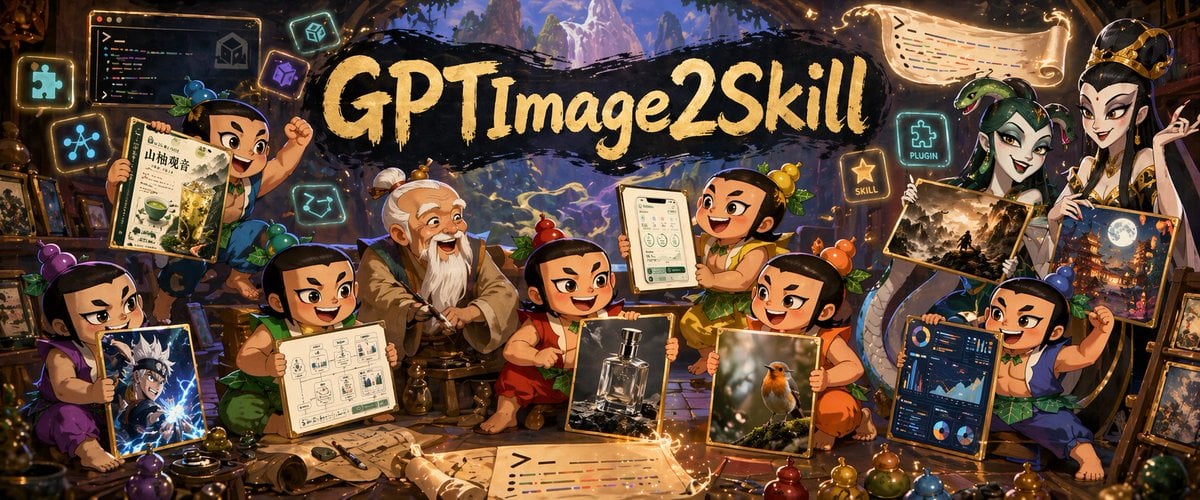
Fantasy GPT Image 2 Skill Banner
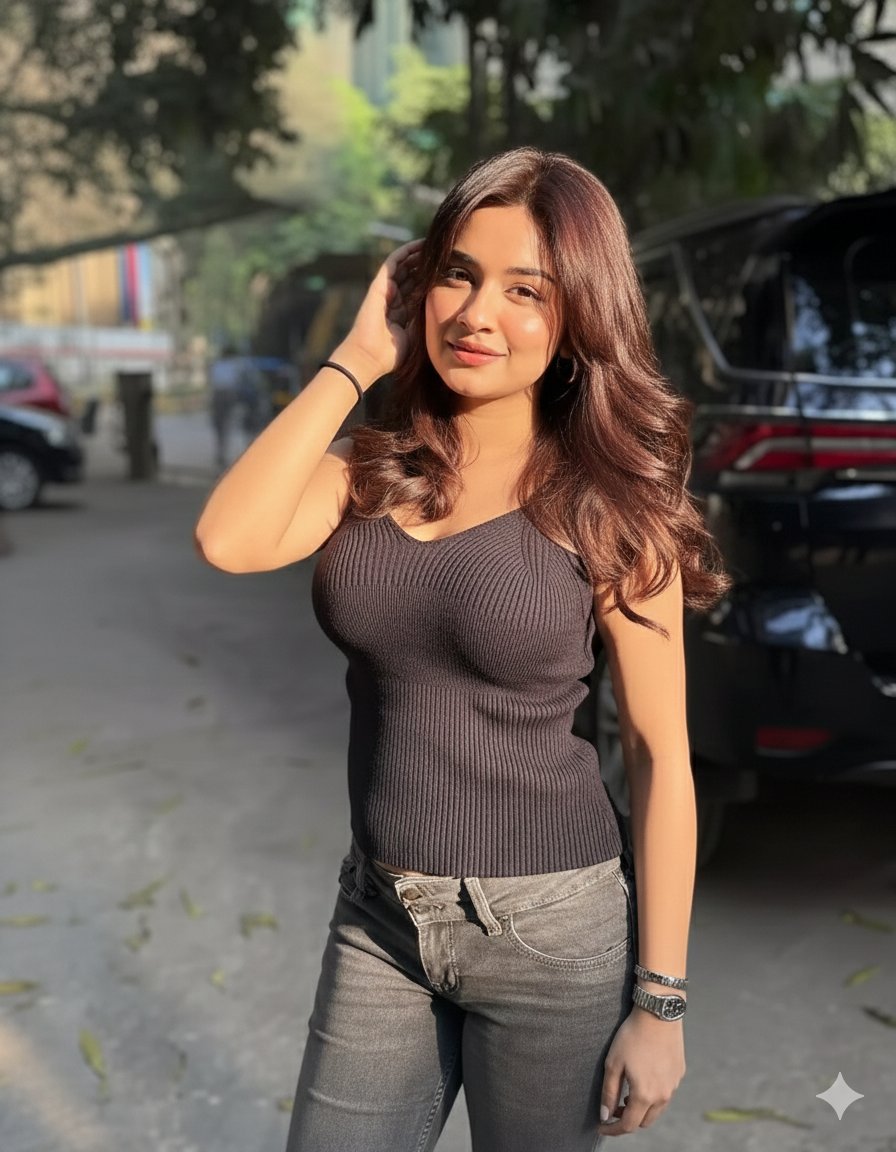
Golden Hour Candid Lifestyle Photo of South Asian Woman

Cinematic Royal Double Exposure Portrait
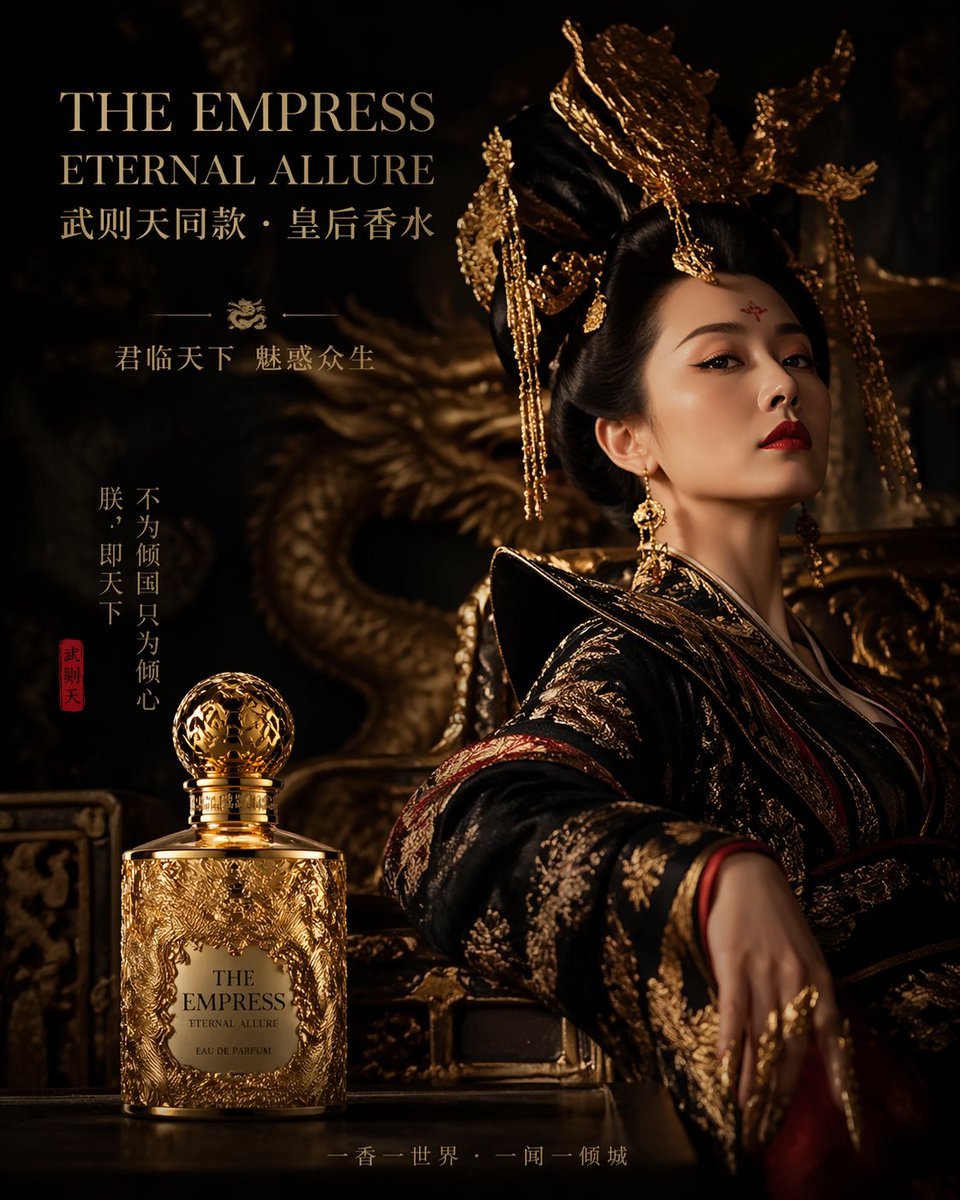
Royal Perfume Advertisement Prompt
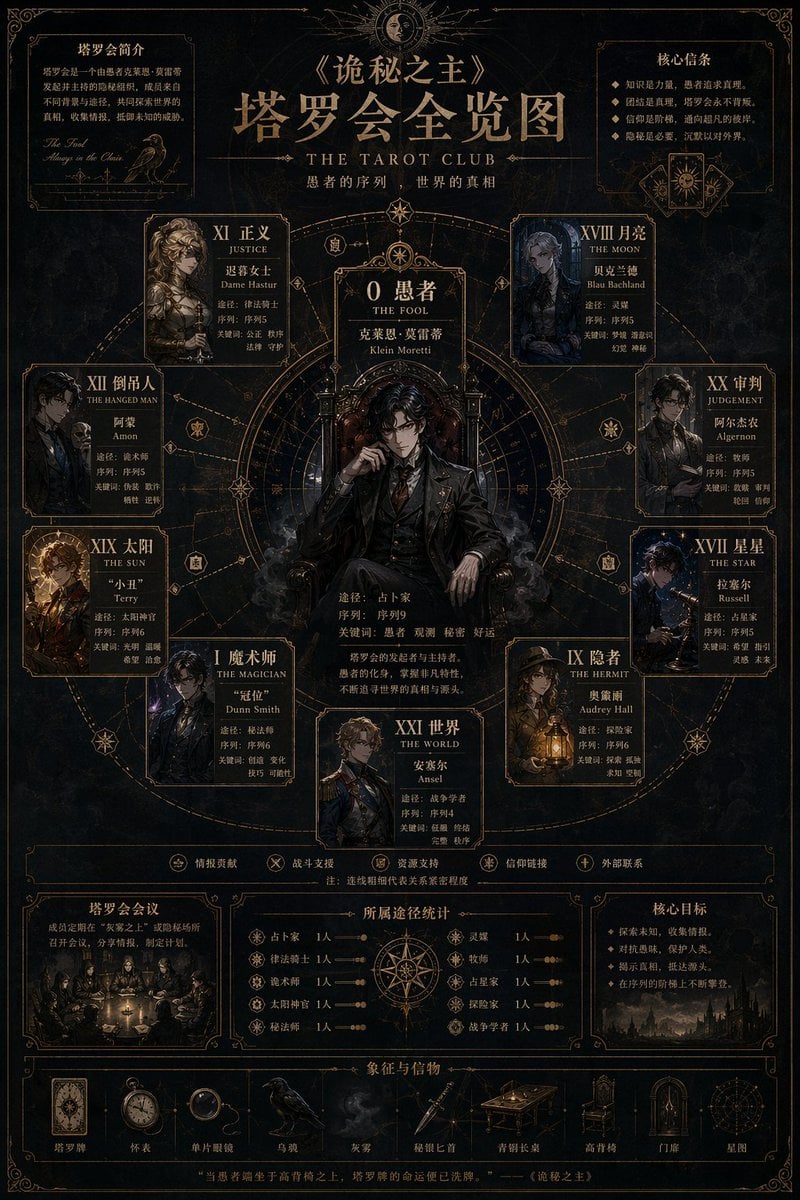
Dark Fantasy Tarot Club Lore Infographic
Browse template categories
Retro ima Topic Library Poster questions
How do I use the Retro ima Topic Library Poster template?
Add your photo if the template asks for one, edit the prompt if you like — the template's model and format are already selected — and press Generate. Your version opens in PicX Studio.
Can I customize the Retro ima Topic Library Poster template?
Yes. You can change the subject, setting, lighting, mood, format, and available model controls before creating your image.
Is the Retro ima Topic Library Poster template free?
Opening and editing this template is free. Generating uses credits, shown on the Generate button when you are signed in.
Which AI model should I use?
Start with GPT Image 2, which is the model associated with this template. You can compare another compatible model for a different finish.
Looking for something else? Browse all templates.

Your photo, any look
Thousands of ready templates for every top image and video model, from one credit balance.