
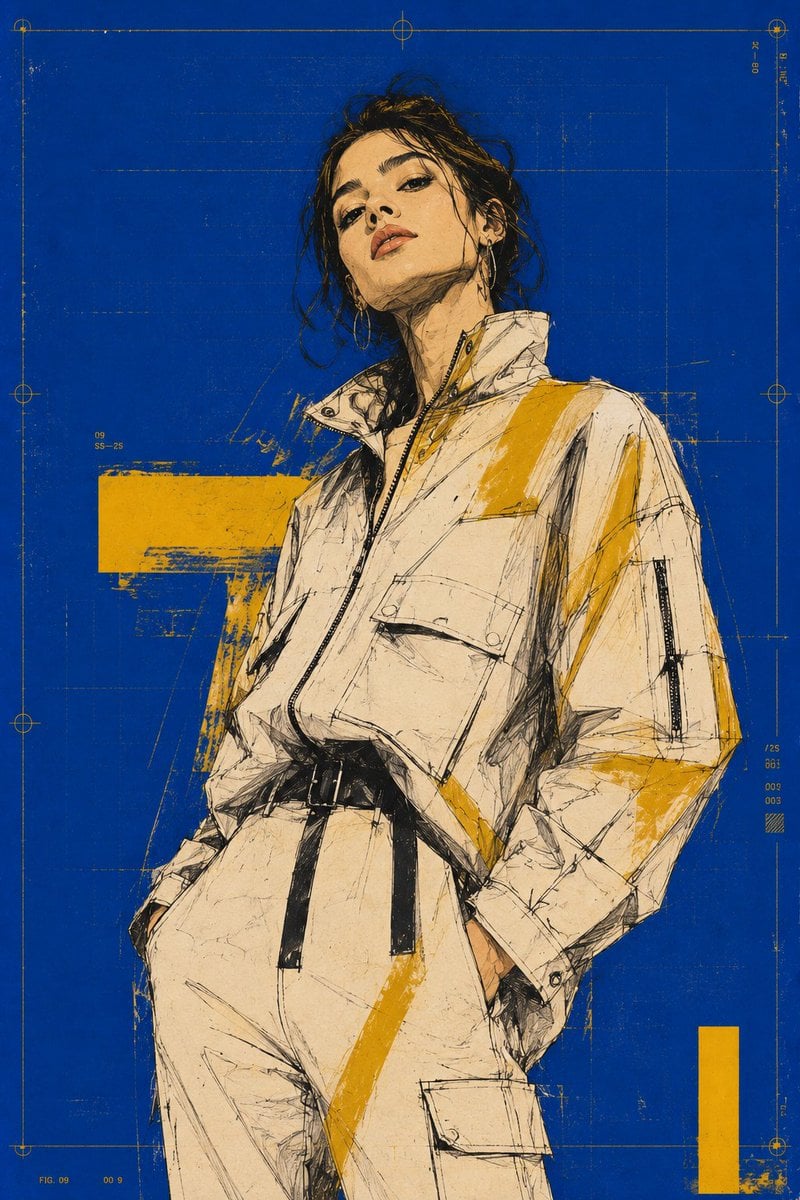
Premium Fashion Tech Campaign Poster
An ultra-premium fashion illustration prompt featuring mixed-media techniques and a technical cobalt-blue grid background.
- Prompt included
- Model and format preset
- Free template
The prompt behind this image
Copy the exact prompt behind Premium Fashion Tech Campaign Poster, or open it in the studio and make it yours.
Ultra-premium vertical fashion-tech poster, Cannes-level collectible campaign. {argument name="model" default="Young male/ female model"}, waist-to-mid-thigh framing, slightly low angle, calm confident pose, head slightly raised and tilted, elongated neck. No celebrity likeness. {argument name="background" default="Dense flat cobalt-blue background"} with ultra-thin technical grid, registration marks, subtle print wear and silkscreen traces. Mixed-media fashion illustration: expressive ink contours, graphite, dry brush, selective marker fills, visible sketch lines, tactile pen pressure, textured art paper. {argument name="accents" default="Luxury mustard-yellow print accents"}, grainy paper, subtle ink bleeding, natural print imperfections, sharp yet organic lines, rare collectible screen-print finish, 8K. No photorealism, cartoon, anime, clutter, props, extra people, heavy typography, or generic commercial layout.
How to use Premium Fashion Tech Campaign Poster in 3 steps
- 1
Open
The prompt is already in the box next to the preview, with the template's model and format selected.
- 2…a portrait of your subject in softgolden-hour light, 85mm…
Personalize
Edit the subject and creative details for your destination.
- 3Generate
Generate
Press Generate — your image is created in PicX Studio, so you can compare it with the original and refine one variable at a time.
More like this
Templates with the same subject, style or setup. Open one to see its prompt.

Blue Backdrop Luxury Fashion Portrait Campaign
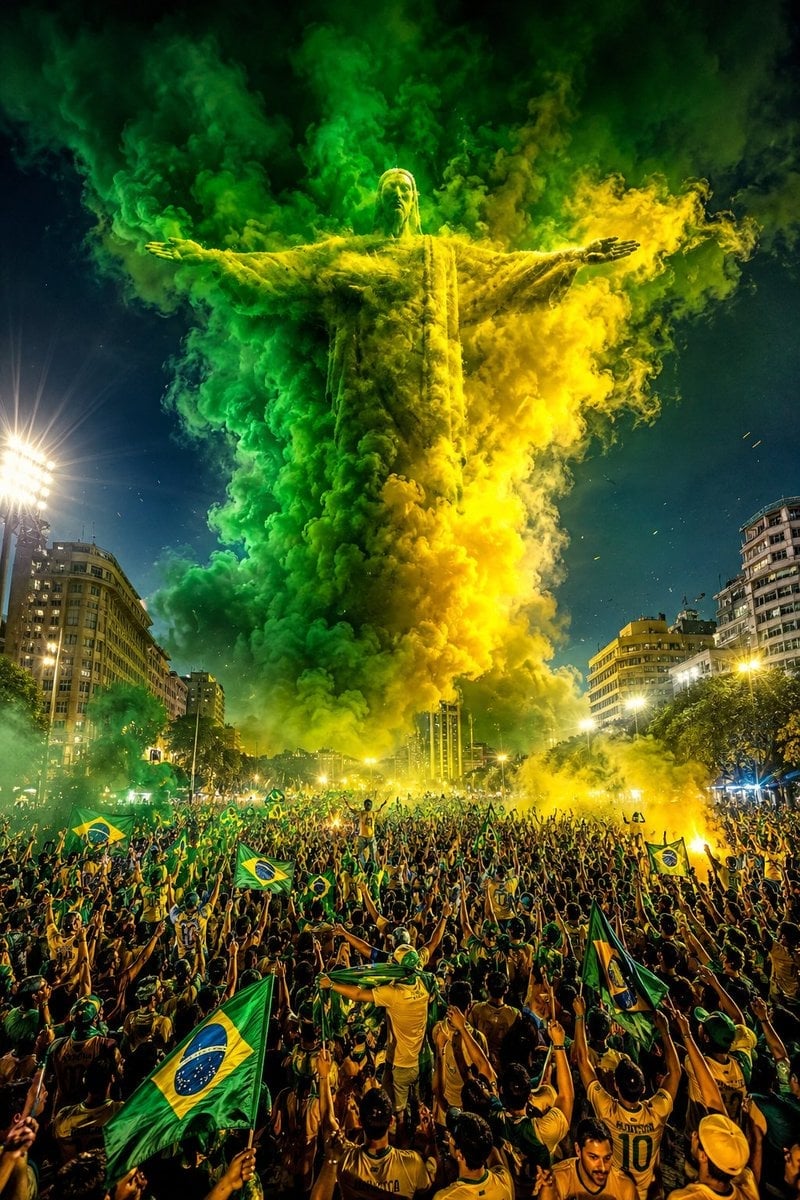
Campaign Smoke National Symbols World Cup

80s College Gate

1988 Mall Style

80s Polka Dot Saree
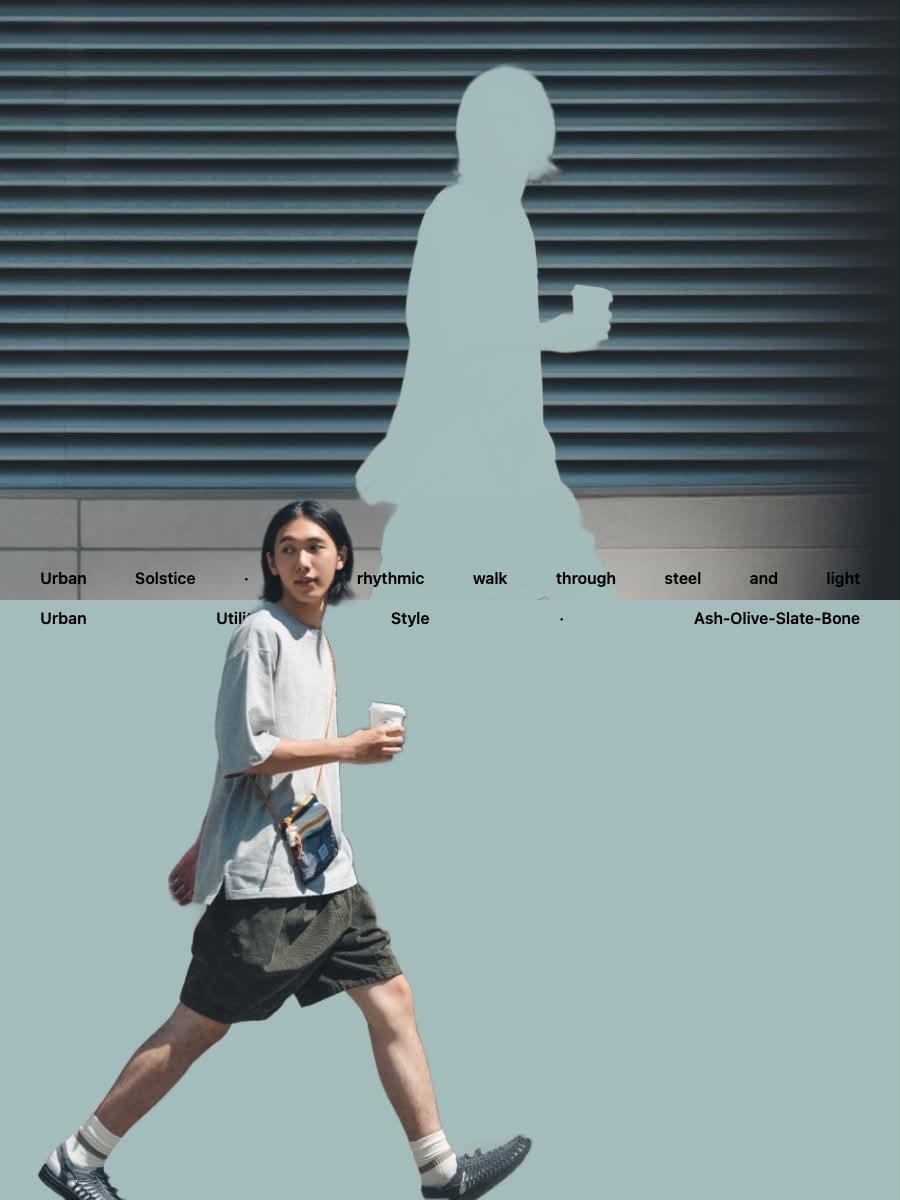
Japanese Minimalist Urban Fashion Campaign

Japan Travel Brochure Poster

Futuristic AI 2026 Tech Poster
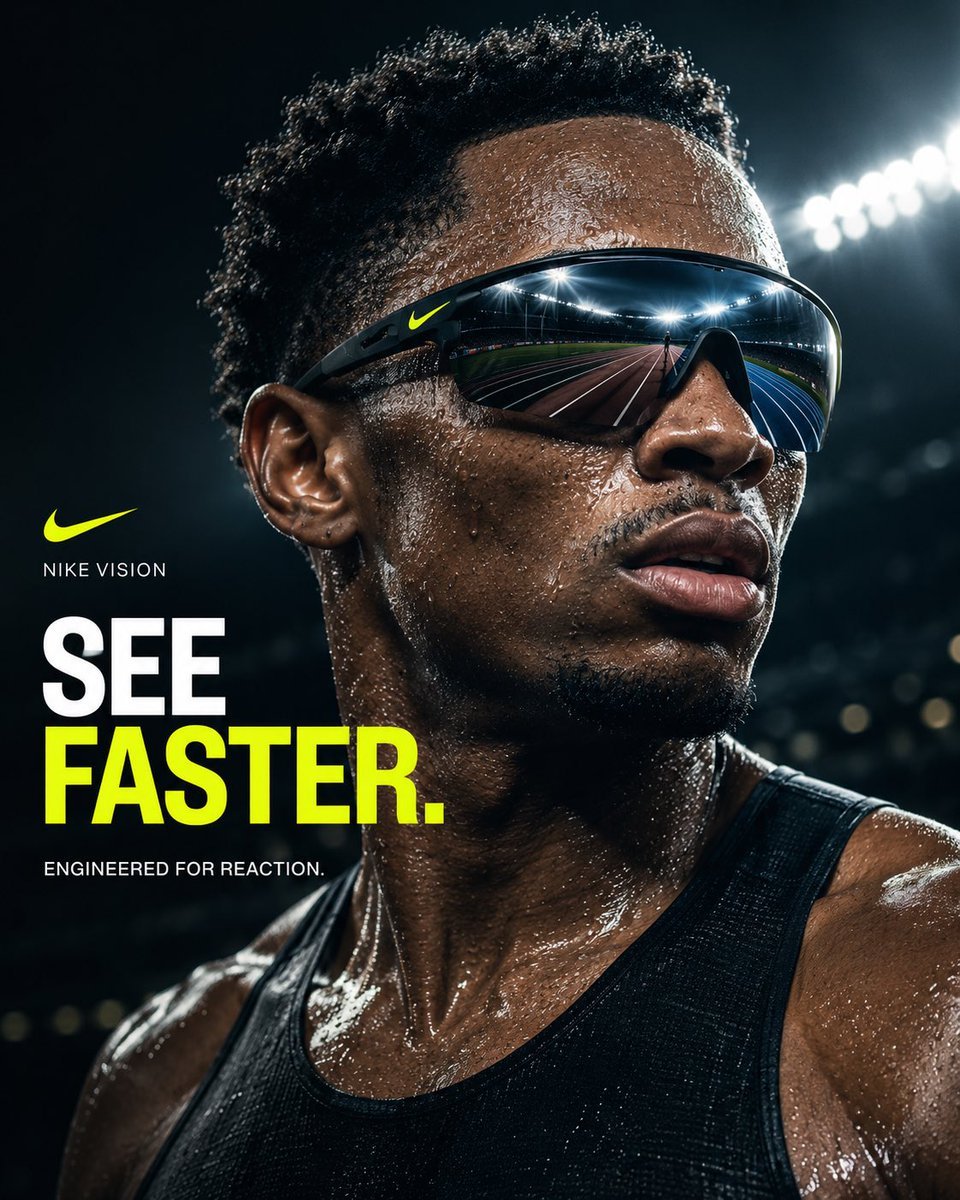
Nike Vision Sports Campaign Poster
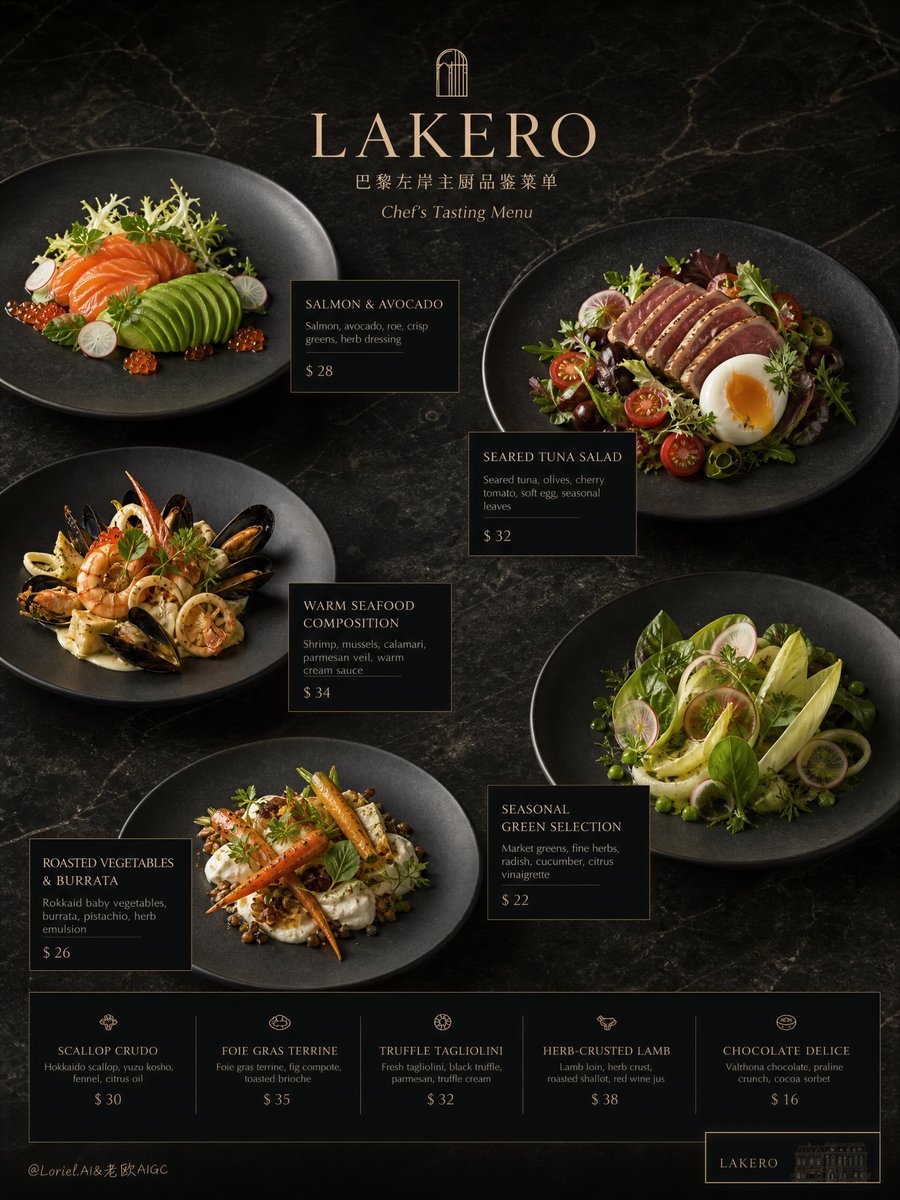
Premium Restaurant Campaign Poster
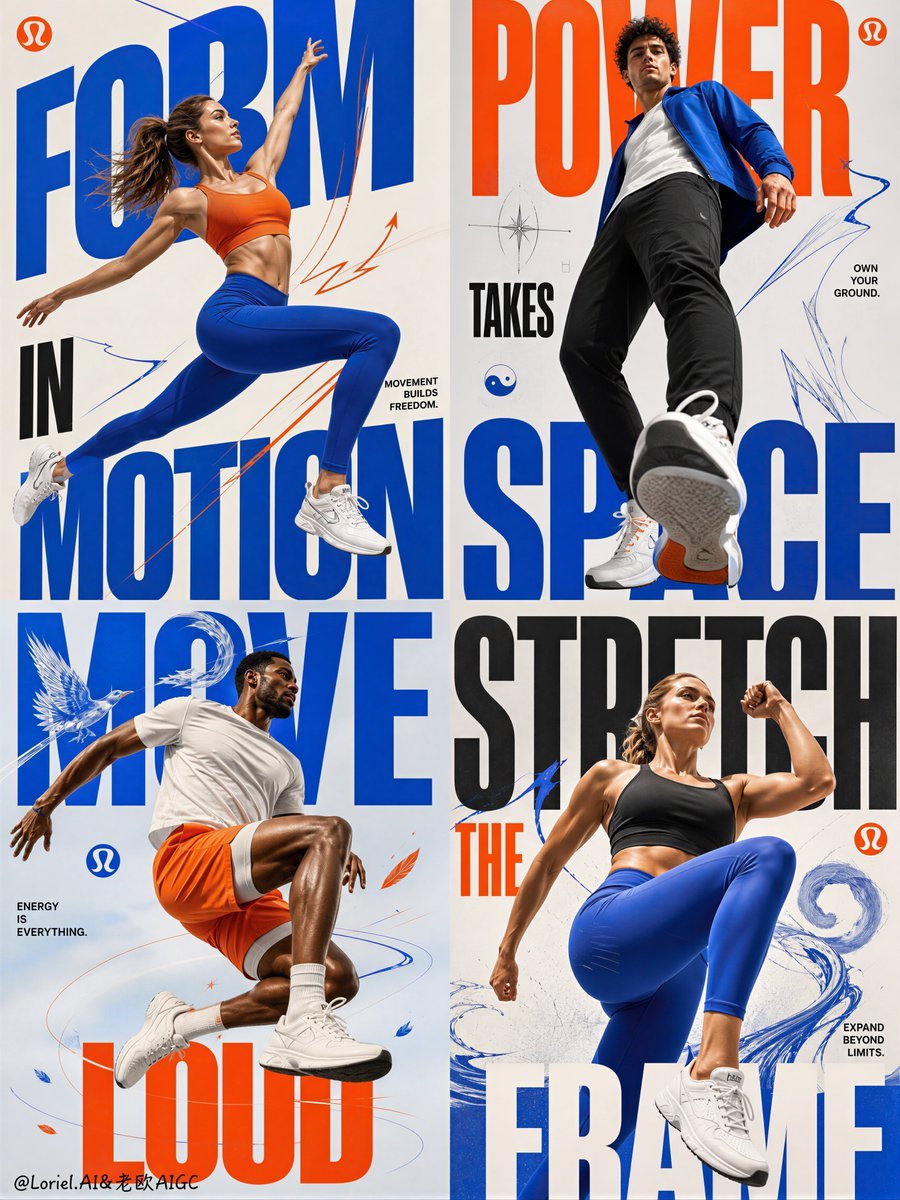
Fitness Apparel Grid Campaign Poster
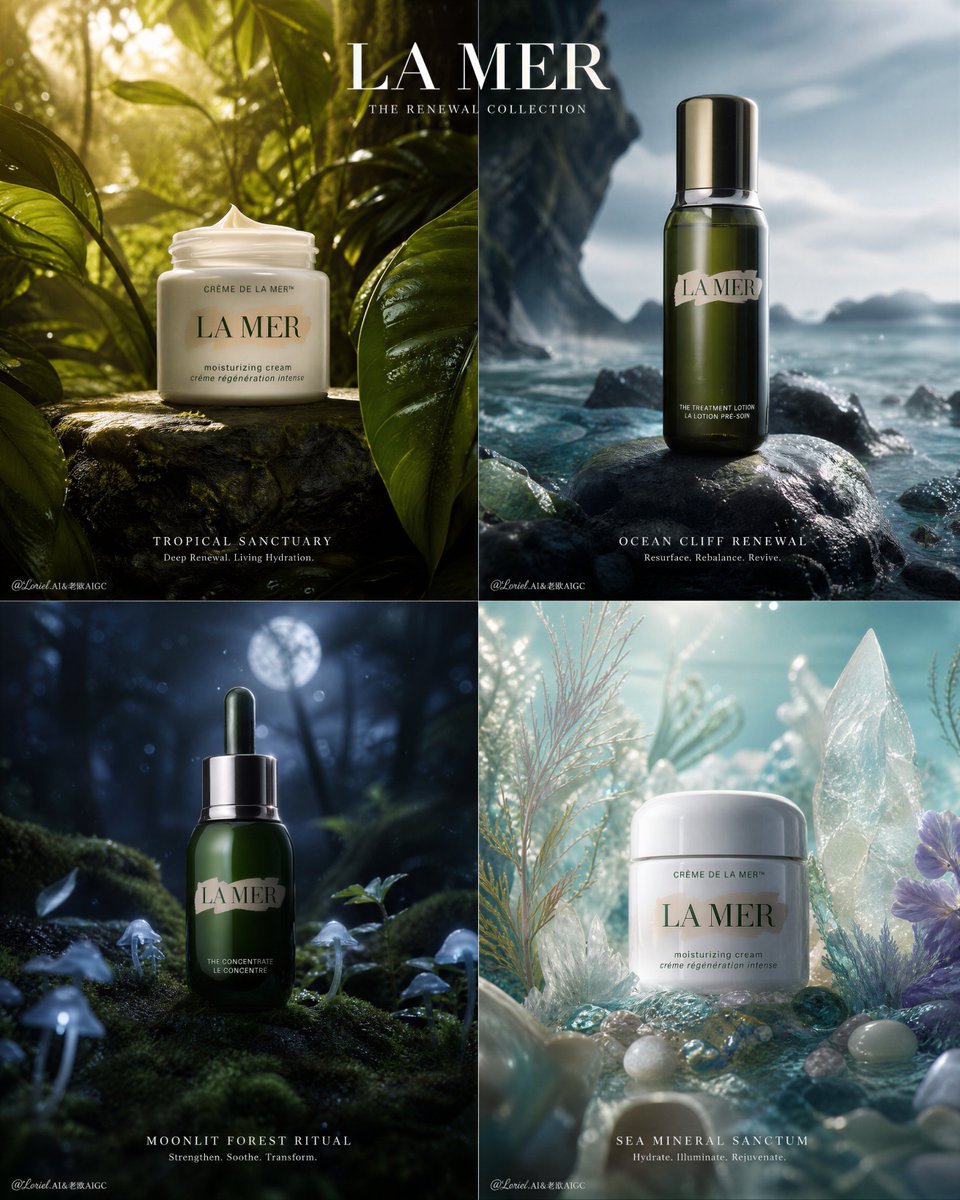
Premium Skincare Campaign Poster Grid
Make it yours
Premium Fashion Tech Campaign Poster works as-is. These are the safest ways to change it without losing the look.
Change one field
Copy a single group, rewrite it, and generate again so you can see what that field is doing.
Keep the frame, change the subject
Hold the composition and light of Premium Fashion Tech Campaign Poster, then swap wardrobe, props or the person for a new take.
| If the result… | Why | Fix |
|---|---|---|
| The result drifts from the preview | Too many fields changed at once. | Reuse Premium Fashion Tech Campaign Poster as-is first, then change one group — subject, light, or setting. |
| The model over-stylizes the scene | The prose prompt leaves finish and camera underspecified. | Add one camera or lighting sentence and stay on GPT Image 2. |
More GPT Image 2 templates
Other prompts made for GPT Image 2.

Six VTuber Japanese Logo Sheet

Realistic Portrait of Woman and Deer

The Vista Modular Condo Poster

AI Model Routing Comparison Infographic

2.5D Anime Art Board

Isometric Productivity Desk Scene

New York Double Exposure Poster

Four-Panel AI Landscape Comparison

Japanese Tatami Lifestyle Magazine Cover

NESCAFÉ Coffee Map Poster
More image prompts
Fresh picks from across the catalog.
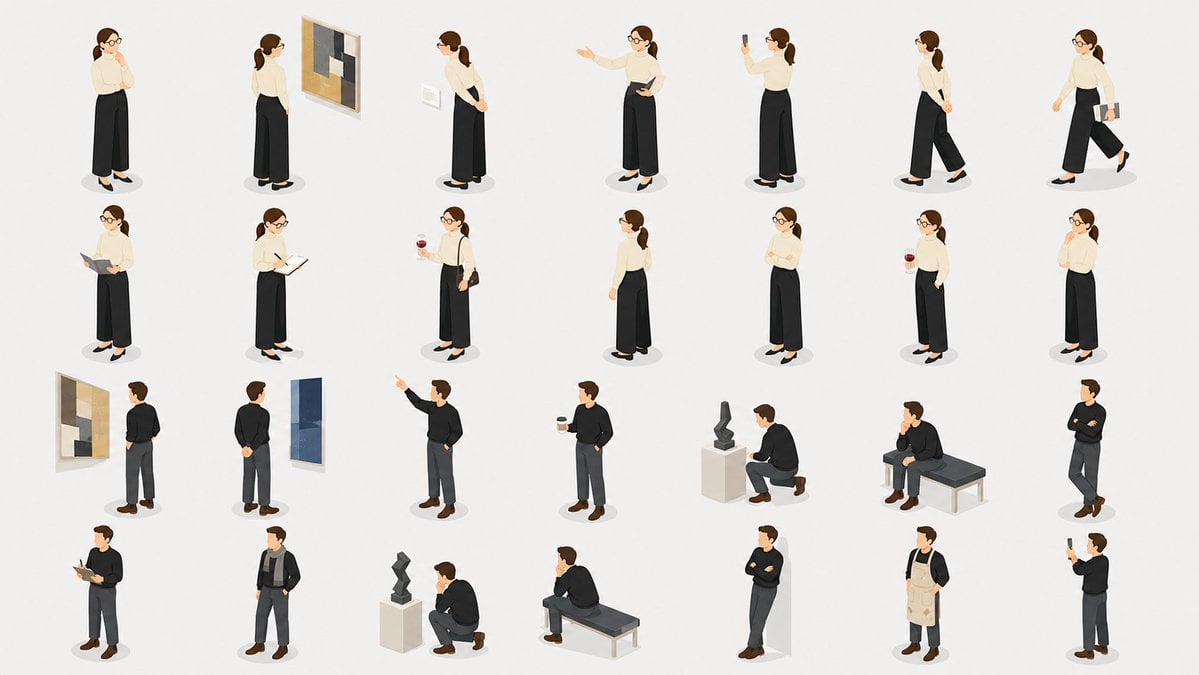
Isometric Gallery People Set
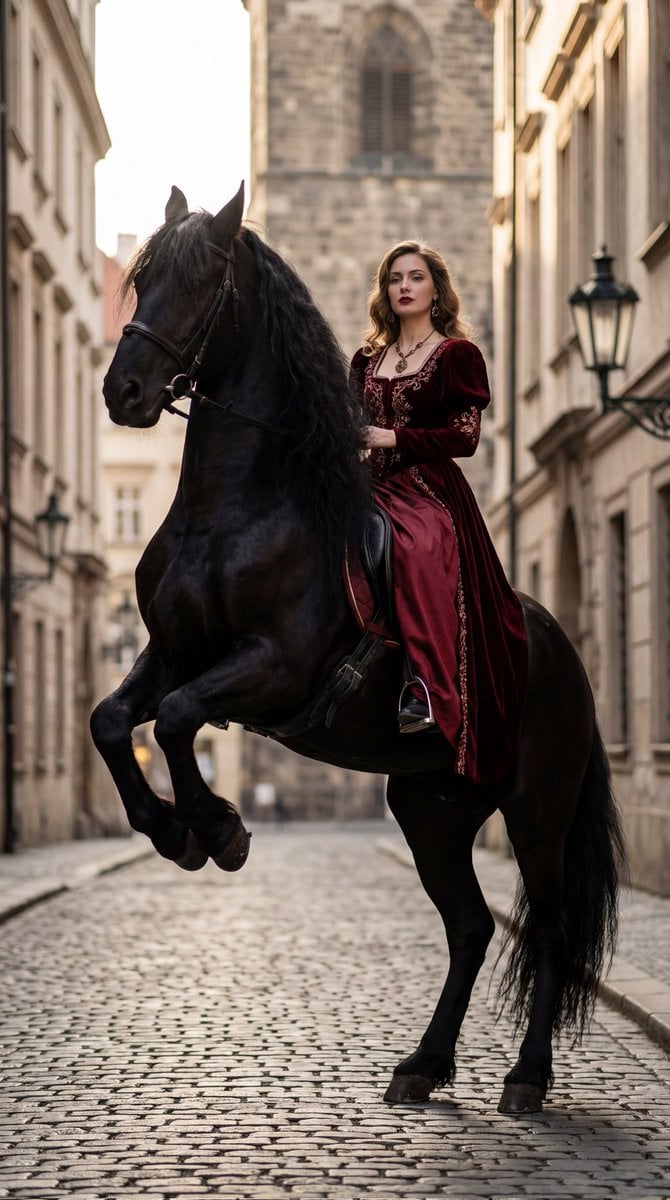
High-Fashion Horseback Portrait on Vintage Street
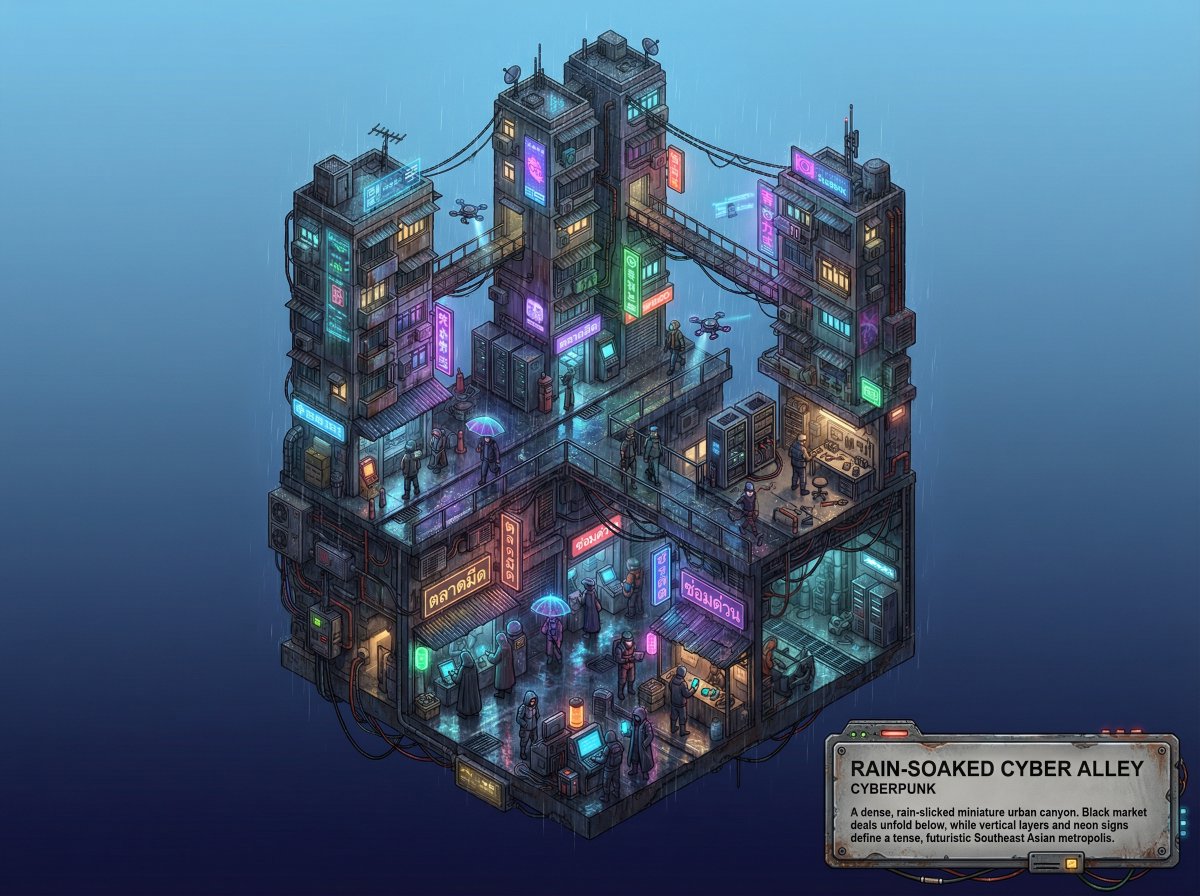
Whimsical Cyberpunk Alley Network
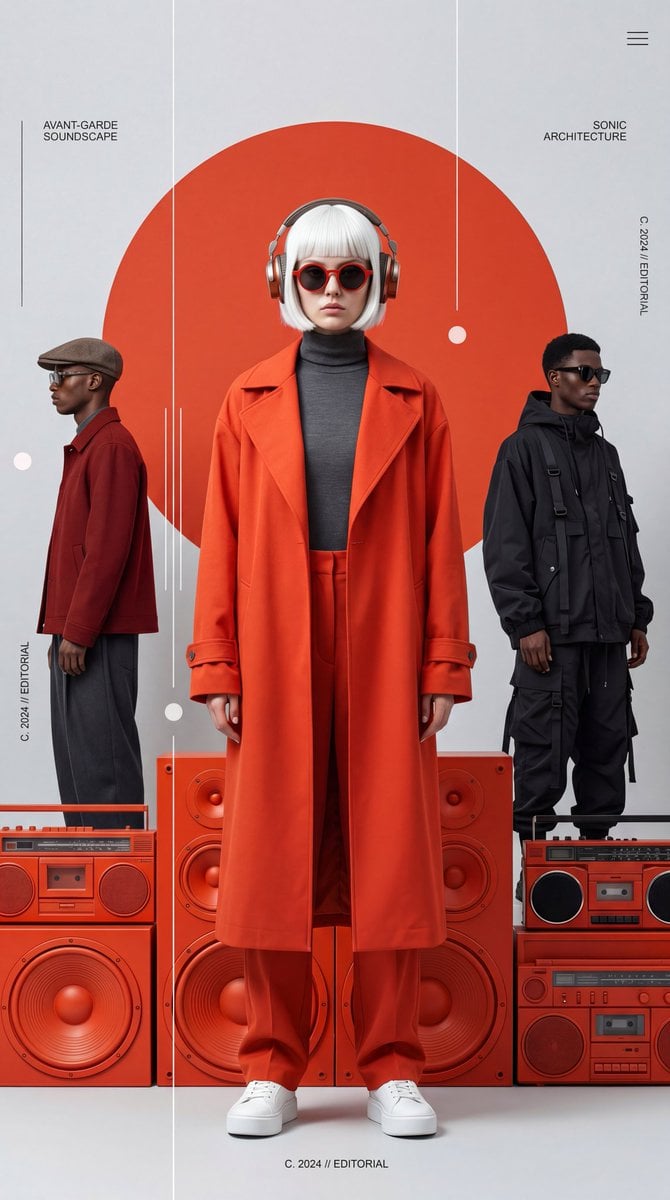
Avant-Garde Electronic Music Poster
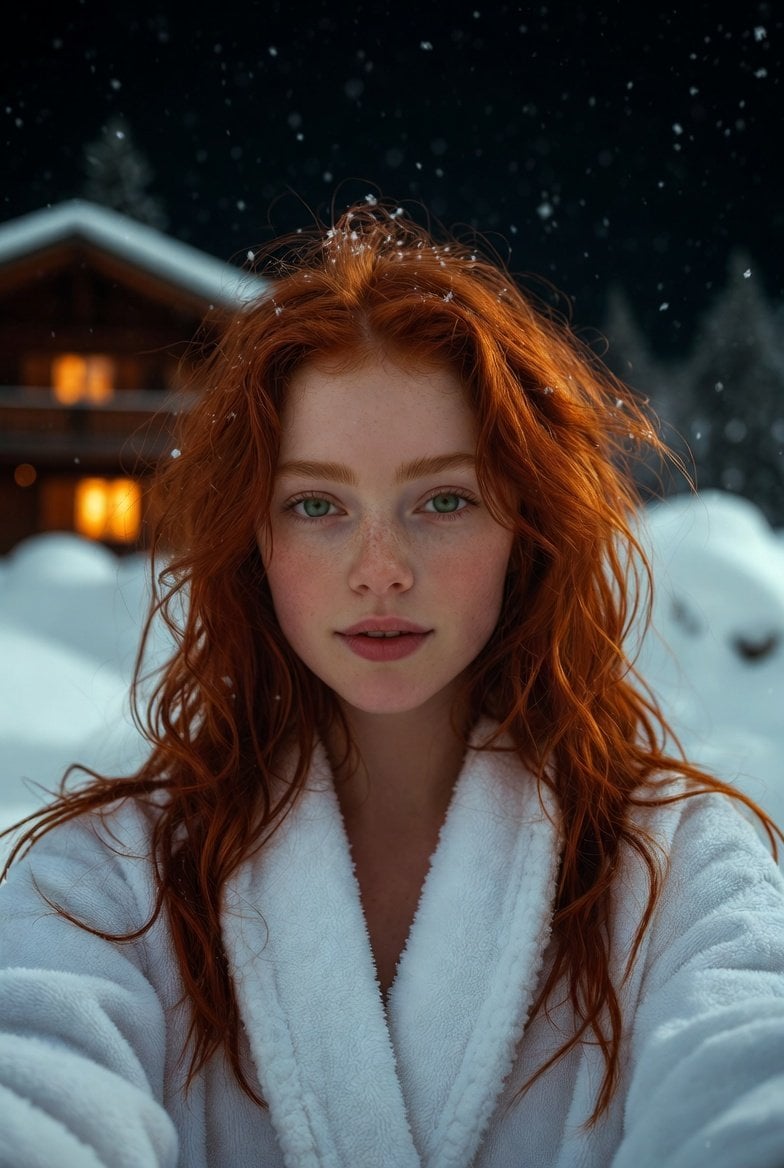
Flash Selfie in Snow at Alpine Chalet Prompt
AI Chat Screenshot With Censored Women
Photorealistic Portrait with Shallow Depth of Field
Dragon-Coiled Lighthouse Storm
High-Fashion Candid Portrait of Zhao Lusi
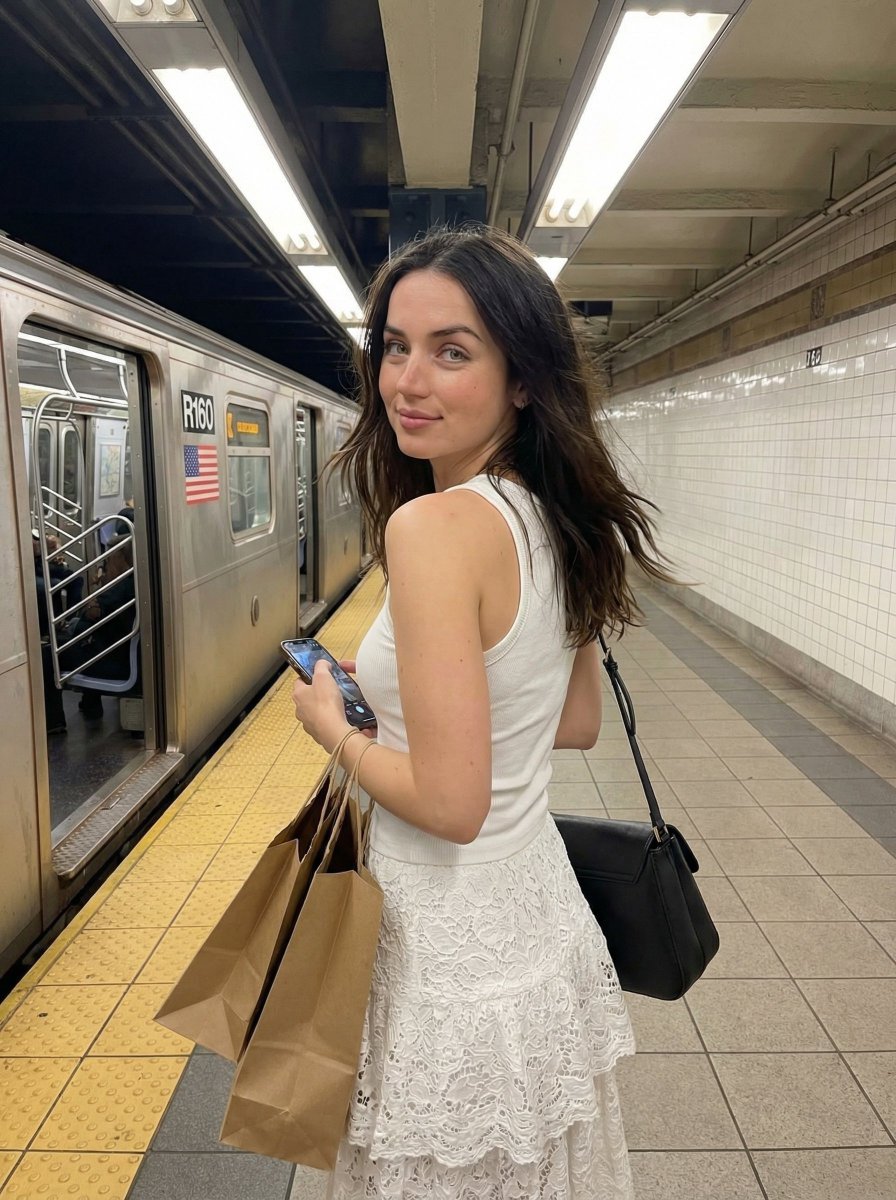
Candid Subway Platform Portrait
Browse template categories
Premium Fashion Tech Campaign Poster questions
How do I use the Premium Fashion Tech Campaign Poster template?
Add your photo if the template asks for one, edit the prompt if you like — the template's model and format are already selected — and press Generate. Your version opens in PicX Studio.
Can I customize the Premium Fashion Tech Campaign Poster template?
Yes. You can change the subject, setting, lighting, mood, format, and available model controls before creating your image.
Is the Premium Fashion Tech Campaign Poster template free?
Opening and editing this template is free. Generating uses credits, shown on the Generate button when you are signed in.
Which AI model should I use?
Start with GPT Image 2, which is the model associated with this template. You can compare another compatible model for a different finish.
Looking for something else? Browse all templates.

Your photo, any look
Thousands of ready templates for every top image and video model, from one credit balance.