
Japanese AI Fantasy Image Comparison Slide
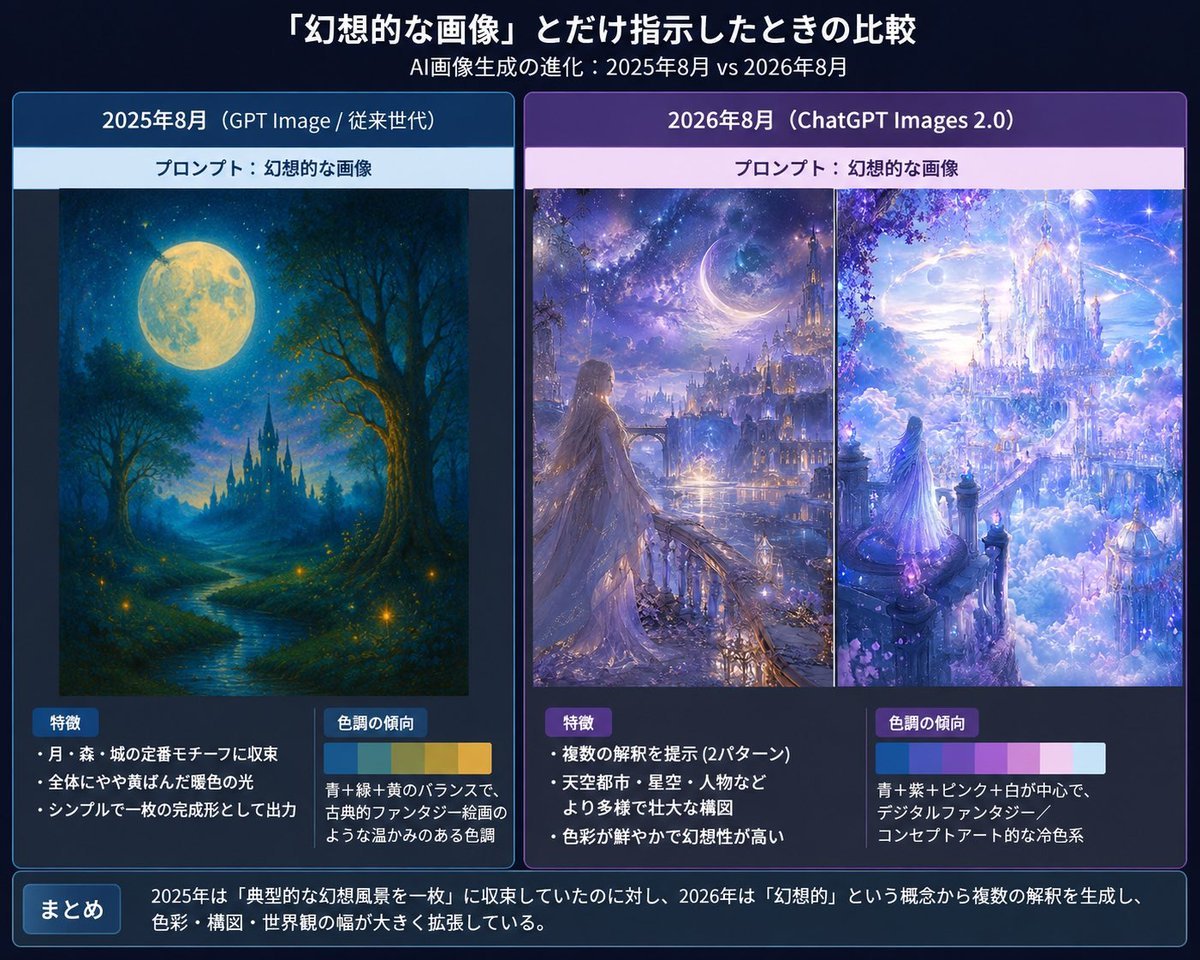
Creates a polished Japanese infographic comparing 2025 and 2026 fantasy AI image outputs from the same simple prompt.
- Prompt included
- Model and format preset
- Free template
The prompt behind this image
Copy the exact prompt behind Japanese AI Fantasy Image Comparison Slide, or open it in the studio and make it yours.
Goal: Create a Japanese comparison infographic slide about how AI image generation changes when given only the prompt {argument name="prompt phrase" default="幻想的な画像"}, comparing August 2025 and August 2026 outputs. Canvas: 4:3 horizontal presentation slide, dark navy gradient background, polished tech-report style. Use crisp white Japanese typography, glowing borders, and subtle blue/purple highlights. Overall mood should feel like a serious visual analysis of fantasy AI art evolution. Header: At the top center, large bold Japanese title: 「『幻想的な画像』とだけ指示したときの比較」. Directly underneath, smaller subtitle: 「AI画像生成の進化:2025年8月 vs 2026年8月」. Layout: Use exactly 2 large rounded comparison panels side by side. - Left panel: blue theme, labeled 「2025年8月(GPT Image / 従来世代)」. - Right panel: purple theme, labeled 「2026年8月(ChatGPT Images 2.0)」. Each panel has a pale prompt strip near the top reading 「プロンプト:幻想的な画像」. Left panel content: Show exactly 1 fantasy artwork: a traditional painterly fantasy landscape with a huge full moon, deep blue night sky, forest silhouettes, a winding glowing river, small firefly-like lights, and a distant dark castle with spires. It should look like a complete single illustration, warm and nostalgic, with a restrained composition. Below the artwork, create exactly 2 analysis boxes: 1. Box title 「特徴」 with exactly 3 bullet points: 「月・森・城の定番モチーフに収束」, 「全体にやや黄ばんだ暖色の光」, 「シンプルで一枚の完成形として出力」. 2. Box title 「色調の傾向」 with a small horizontal color palette of exactly 4 swatches: deep blue, teal green, warm yellow, golden ocher. Add explanatory text: 「青+緑+黄のバランスで、古典的ファンタジー絵画のような温かみのある色調」. Right panel content: Show exactly 2 fantasy artworks side by side inside the panel, separated by a thin vertical divider. 1. Left artwork: a luminous fantasy city at night with a crescent moon, starry sky, distant towers, glowing waterfront, and a long-haired woman in a flowing dress standing on a balcony or bridge, looking toward the city. 2. Right artwork: an opulent celestial castle floating above clouds, white and lavender architecture, sparkling sky, crystalline towers, pink-purple blossoms, and a small robed figure looking into the glowing city. The right panel art should feel more complex, cinematic, saturated, and concept-art-like than the left panel. Below the artworks, create exactly 2 analysis boxes: 1. Box title 「特徴」 with exactly 3 bullet points: 「複数の解釈を提示(2パターン)」, 「天空都市・星空・人物などより多様で壮大な構図」, 「色彩が鮮やかで幻想性が高い」. 2. Box title 「色調の傾向」 with a small horizontal color palette of exactly 5 swatches: cyan blue, violet, pale pink, white, light sky blue. Add explanatory text: 「青+紫+ピンク+白が中心で、デジタルファンタジー/コンセプトアート的な冷色系」. Bottom summary bar: Across the full width at the bottom, add a rounded dark blue box. On the left, a small label button reading 「まとめ」. To the right, summary text: 「2025年は『典型的な幻想風景を一枚』に収束していたのに対し、2026年は『幻想的』という概念から複数の解釈を生成し、色彩・構図・世界観の幅が大きく拡張している。」 Visual style: Clean Japanese infographic, presentation slide, thin neon blue/purple borders, subtle drop shadows, high readability, balanced margins, precise alignment. Use fantasy images that look like embedded generated examples rather than photographs. Constraints: Include exactly 3 fantasy artworks total, exactly 2 main comparison panels, exactly 4 analysis boxes, and exactly 2 color palettes. Keep all Japanese text legible and do not add extra labels, logos, watermarks, or irrelevant decorations.
How to use Japanese AI Fantasy Image Comparison Slide in 3 steps
- 1Upload ImagePNG, JPG or paste
Add your photo
Upload the photo the template builds on. The prompt, model and format are already set.
- 2…a portrait of your subject in softgolden-hour light, 85mm…
Personalize
Edit the subject and creative details for your destination.
- 3Generate
Generate
Press Generate — your image is created in PicX Studio, so you can compare it with the original and refine one variable at a time.
More like this
Templates with the same subject, style or setup. Open one to see its prompt.
Minecraft Japanese Research Lab Exploration
Japanese Corporate Price Index Slide
Japanese Golden Egg Design Slide
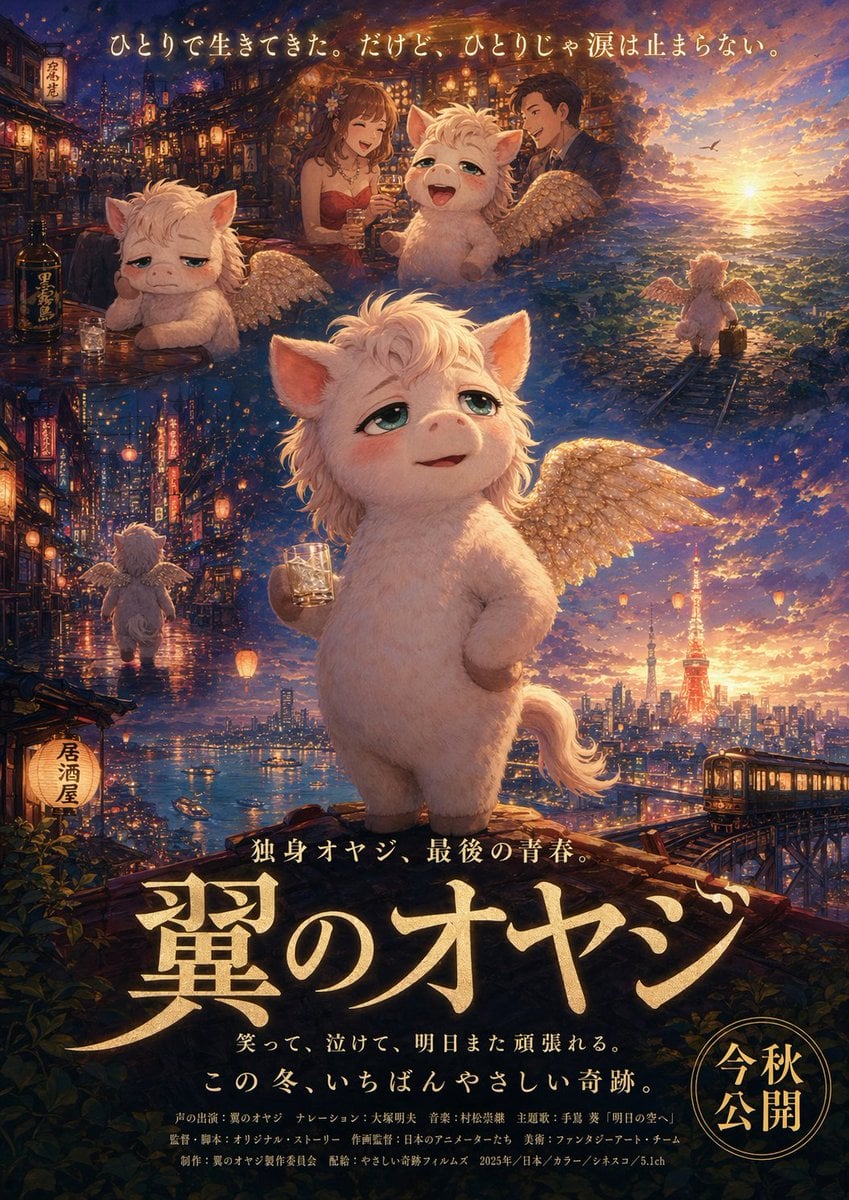
Japanese Fantasy Winged Pig Film Poster
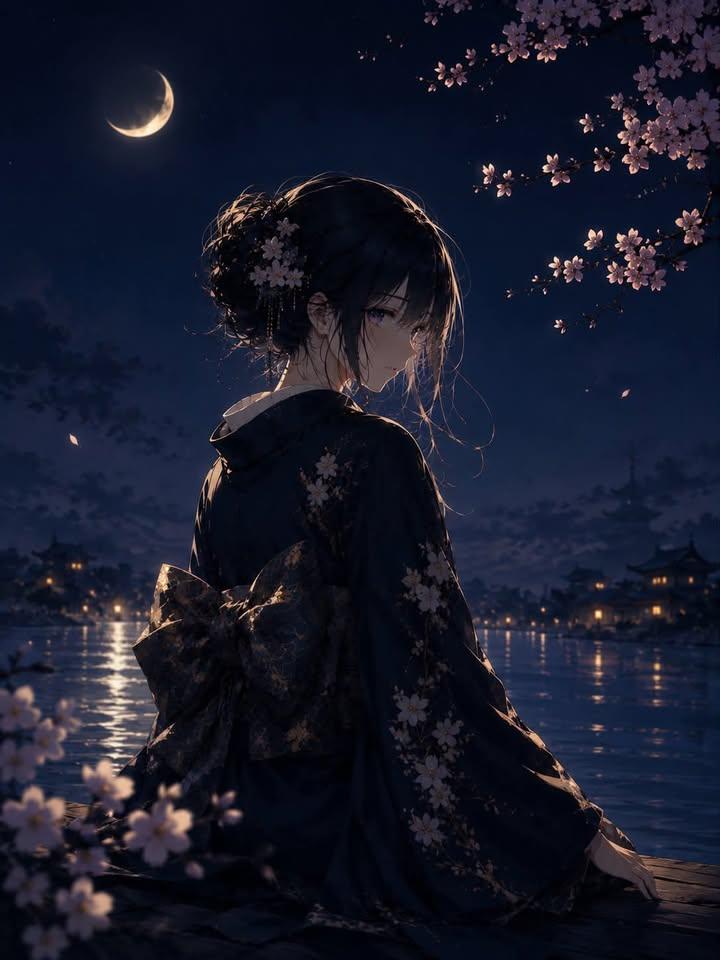
Luxury Japanese Fantasy Anime Kimono
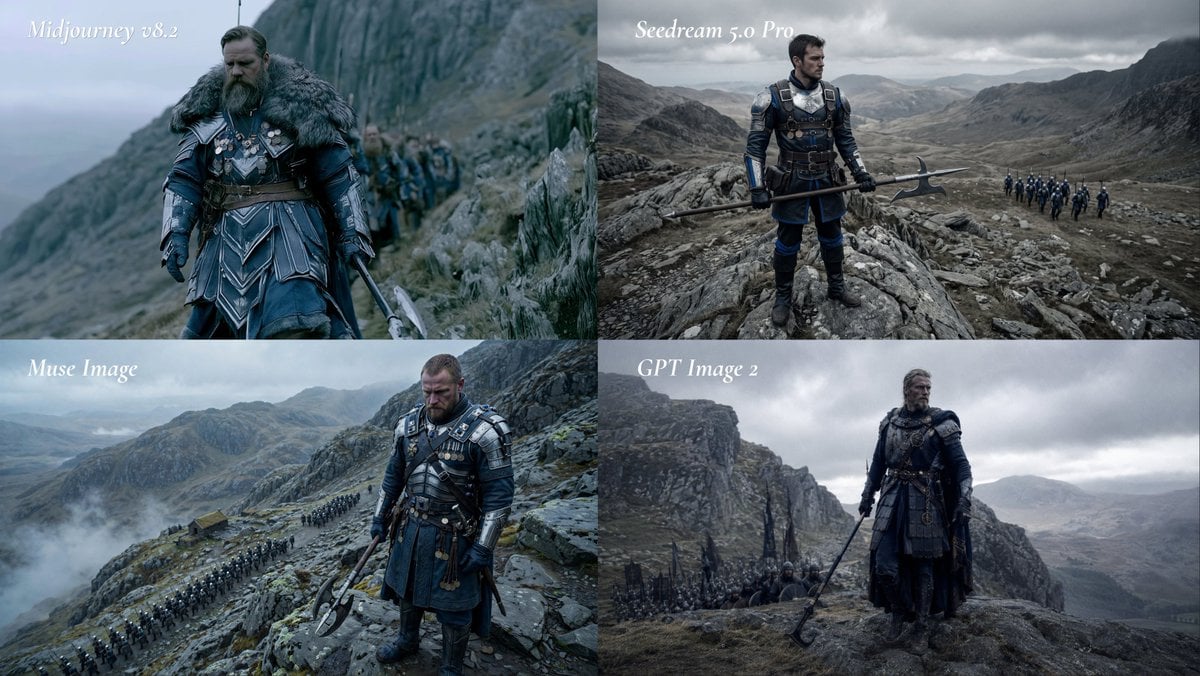
Fantasy Model Comparison Grid
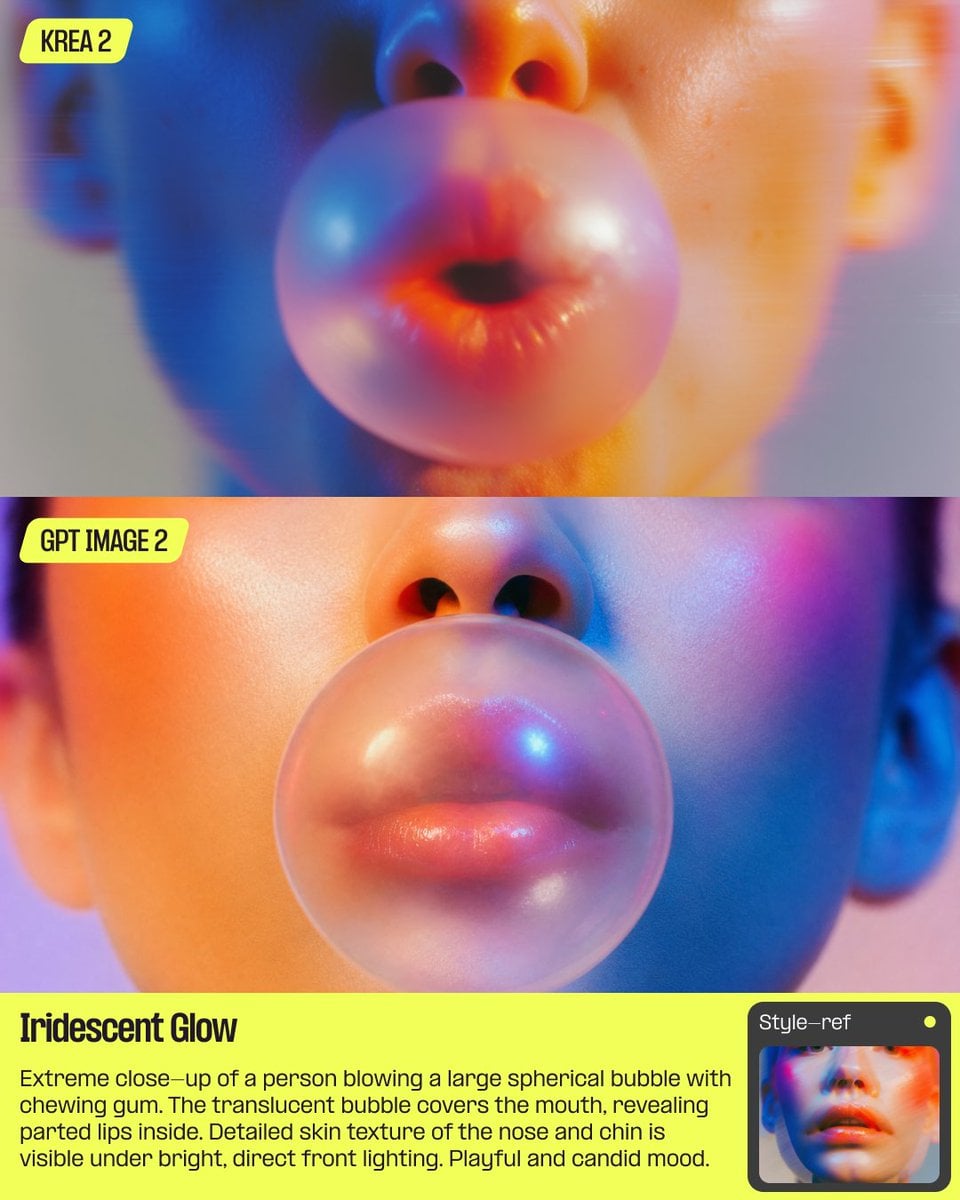
AI Bubblegum Style Comparison Slide
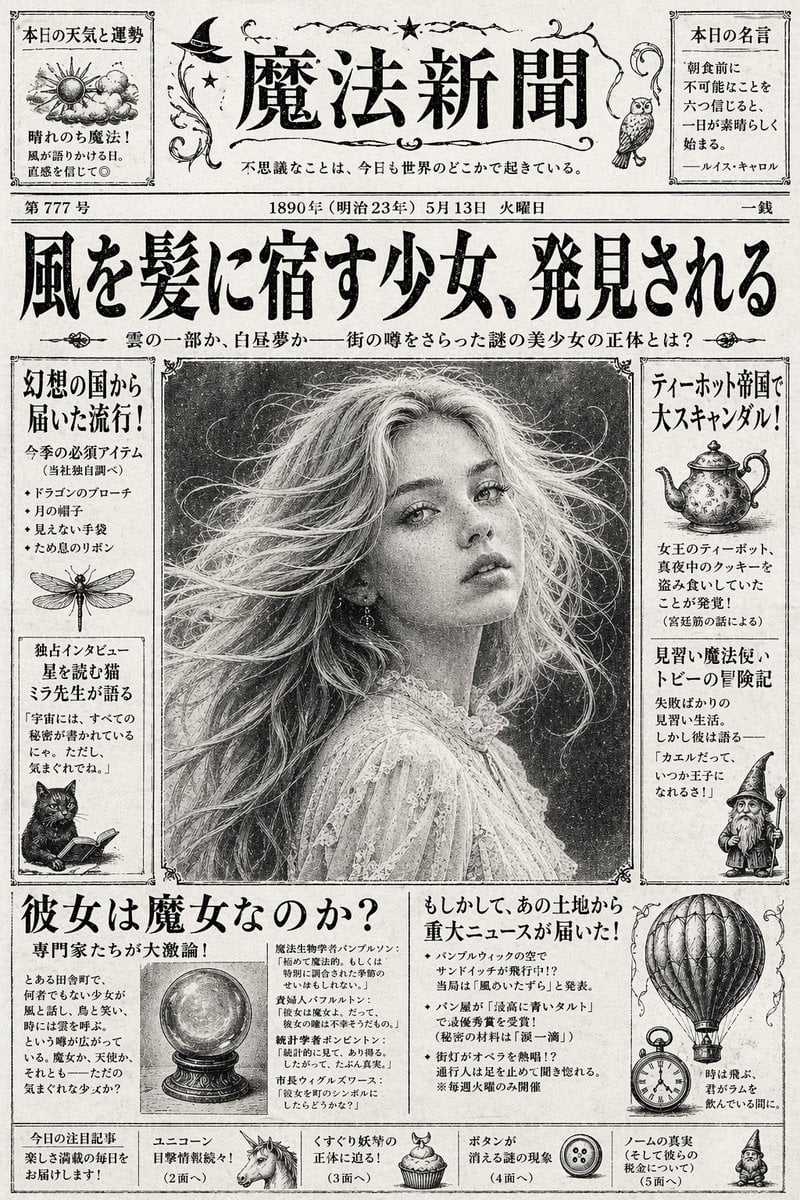
Vintage Japanese Fantasy Magic Newspaper
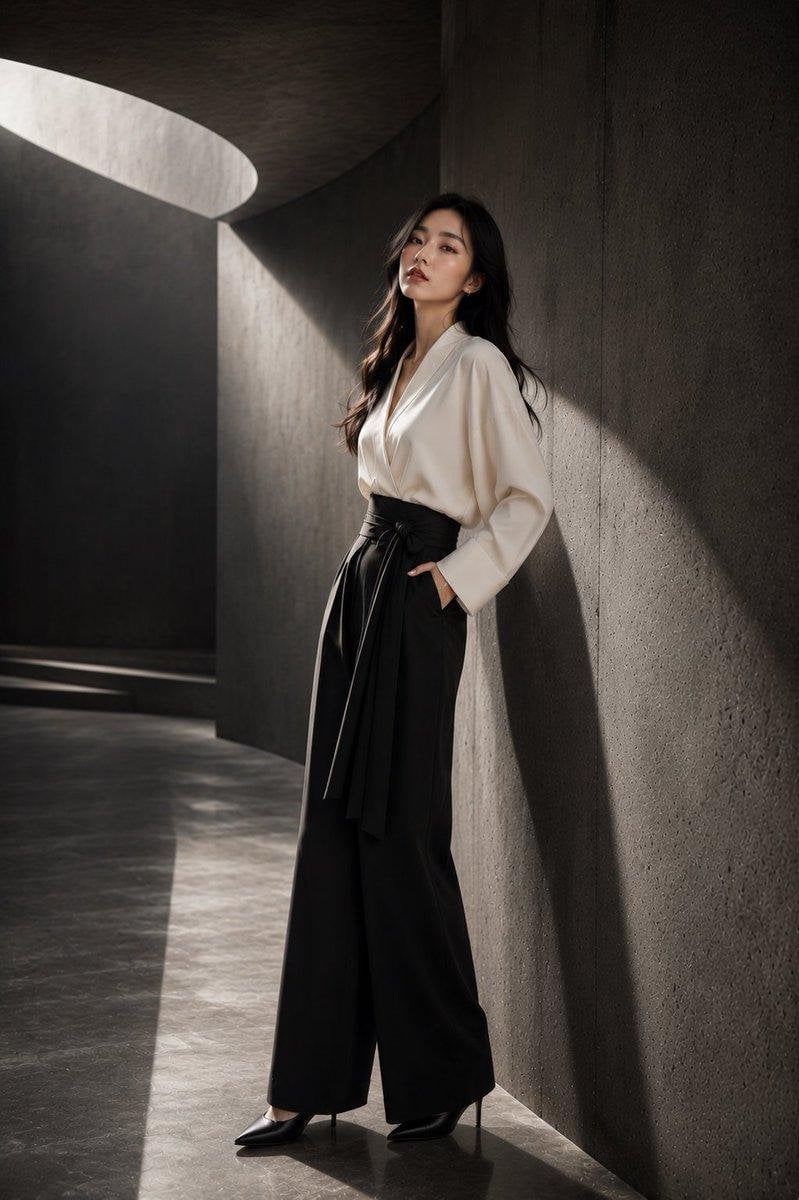
Japanese Architectural Concrete Studio Fashion Campaign
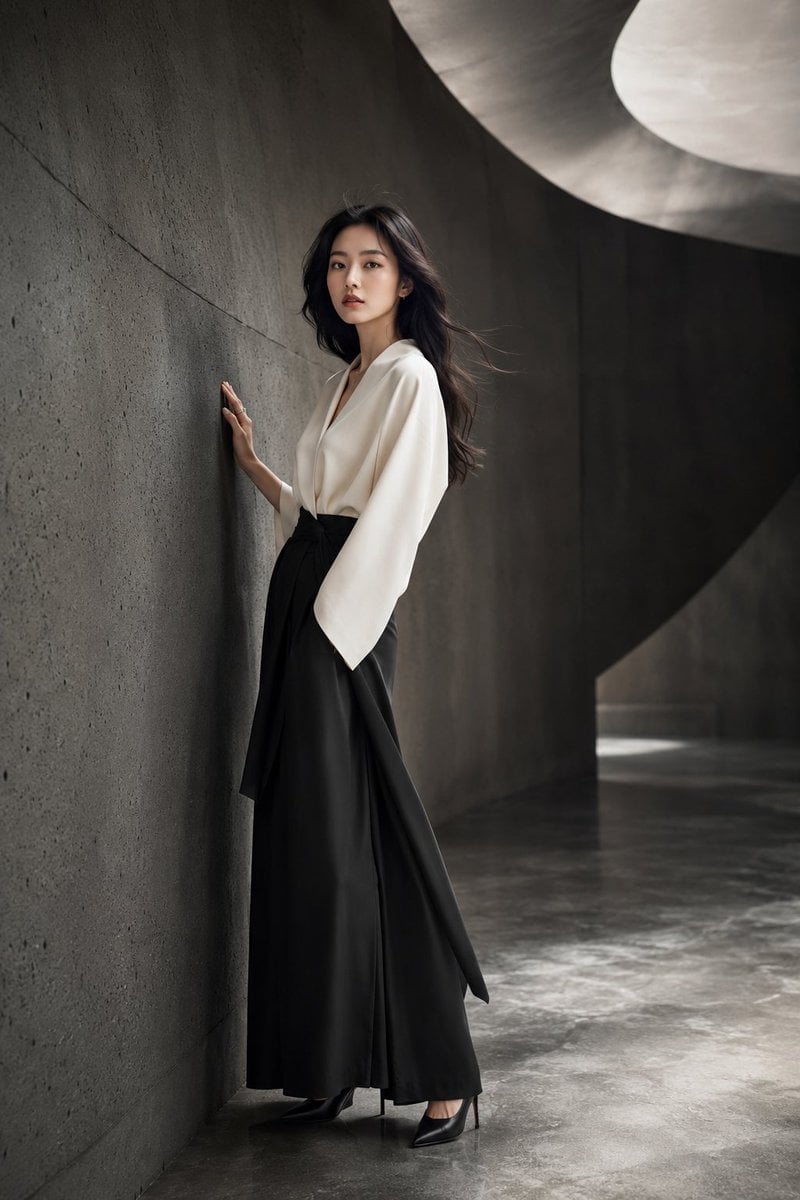
Japanese Minimalist Concrete Studio Fashion Editorial

Blue Backdrop Luxury Fashion Portrait Campaign

Anime Fantasy Celestial Movie Poster
Make it yours
Japanese AI Fantasy Image Comparison Slide works as-is. These are the safest ways to change it without losing the look.
Change one field
Copy a single group, rewrite it, and generate again so you can see what that field is doing.
Keep the frame, change the subject
Hold the composition and light of Japanese AI Fantasy Image Comparison Slide, then swap wardrobe, props or the person for a new take.
| If the result… | Why | Fix |
|---|---|---|
| The result drifts from the preview | Too many fields changed at once. | Reuse Japanese AI Fantasy Image Comparison Slide as-is first, then change one group — subject, light, or setting. |
| The model over-stylizes the scene | The prose prompt leaves finish and camera underspecified. | Add one camera or lighting sentence and stay on GPT Image 2. |
More GPT Image 2 templates
Other prompts made for GPT Image 2.

Six VTuber Japanese Logo Sheet

Realistic Portrait of Woman and Deer

The Vista Modular Condo Poster

AI Model Routing Comparison Infographic

2.5D Anime Art Board

Isometric Productivity Desk Scene

New York Double Exposure Poster

Four-Panel AI Landscape Comparison

Japanese Tatami Lifestyle Magazine Cover

NESCAFÉ Coffee Map Poster
More image prompts
Fresh picks from across the catalog.
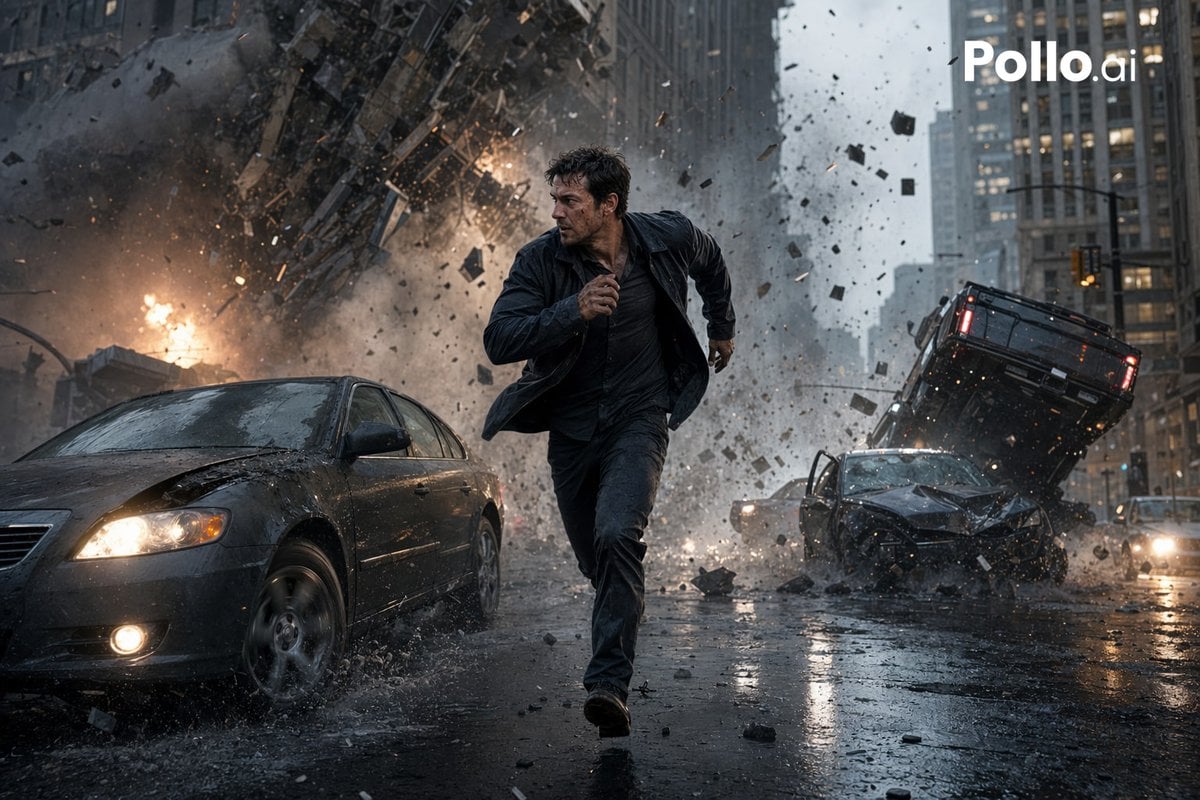
Cinematic City Explosion Chase
3D Isometric Miniature City Weather Map

Milky Pastel Chibi Music Camera Twins
Nike Surreal Poster From Reference
Cinematic Urban Night Portrait
Quiet Luxury Outdoor Editorial Portrait
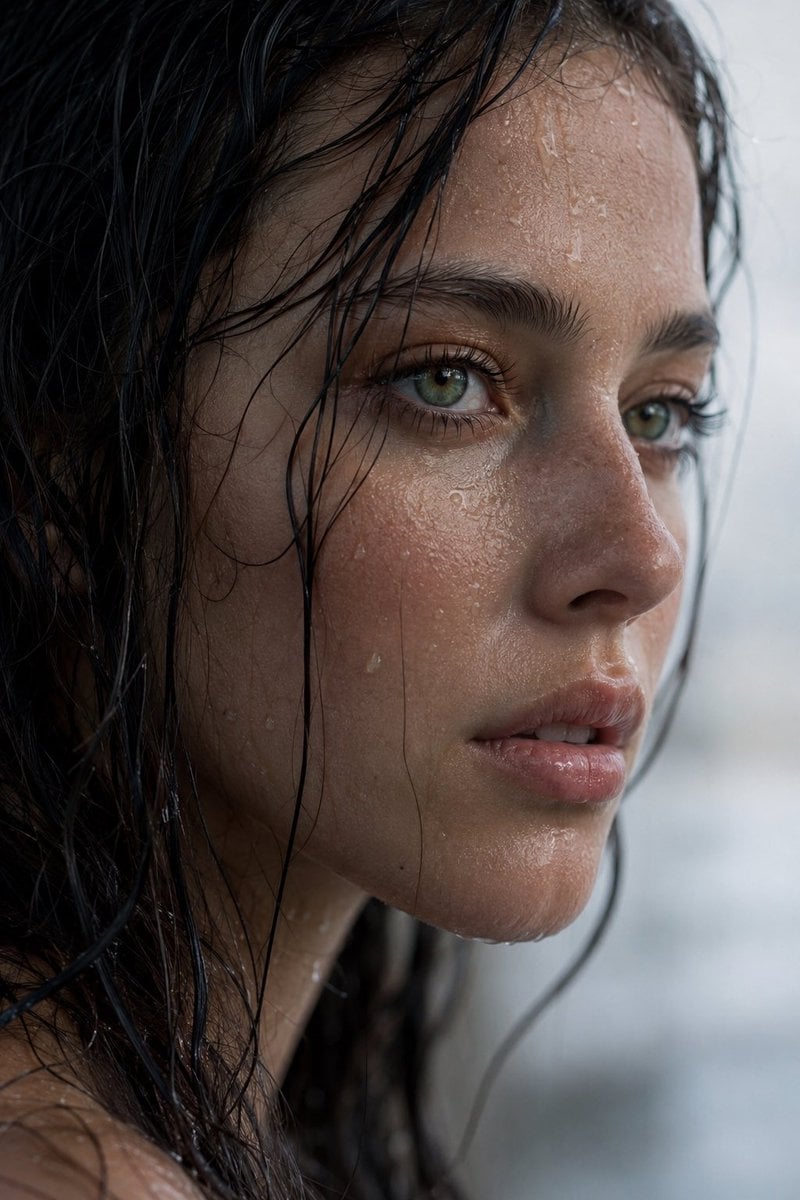
Realistic Wet Close-Up Portrait
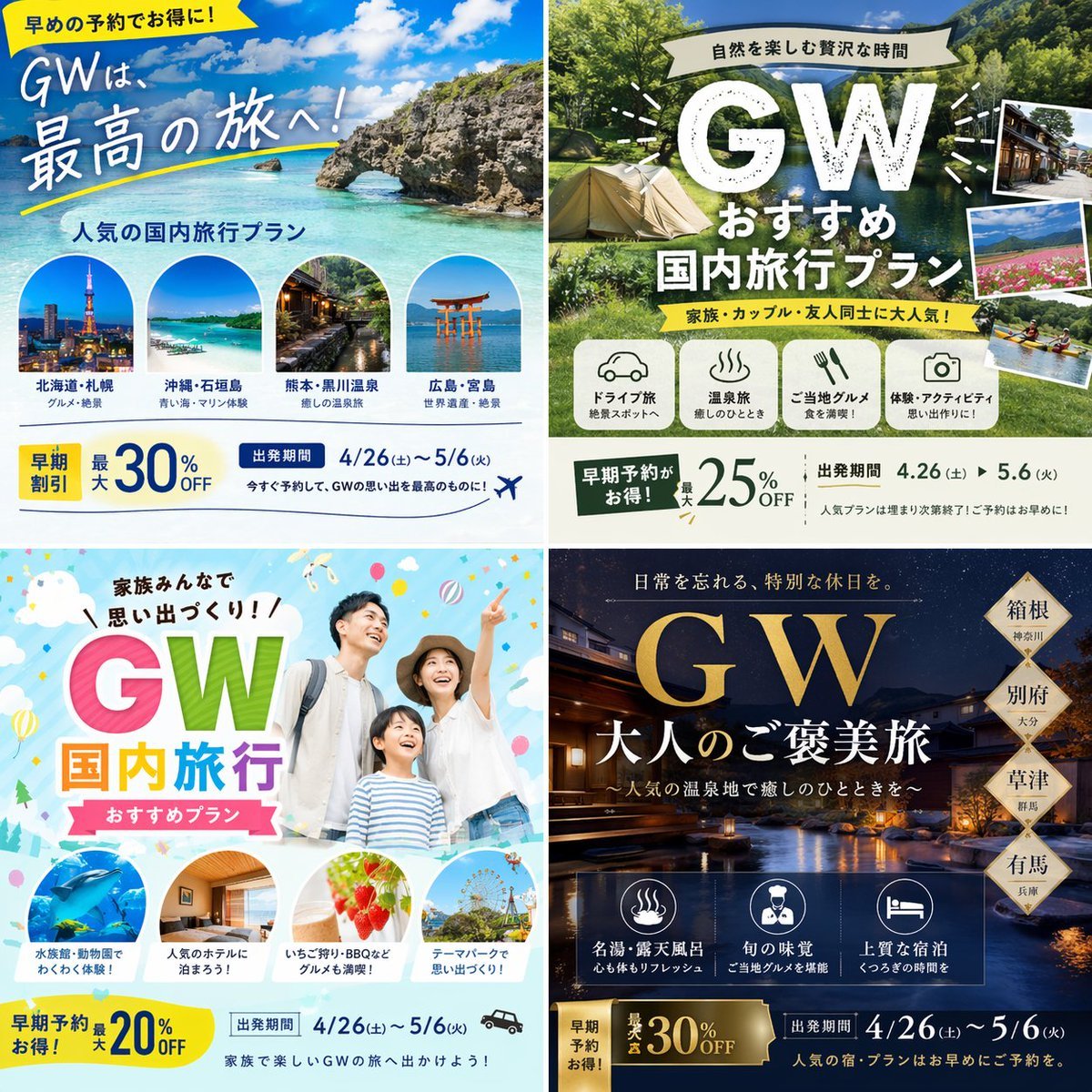
Research-Driven Ad Layout Designer
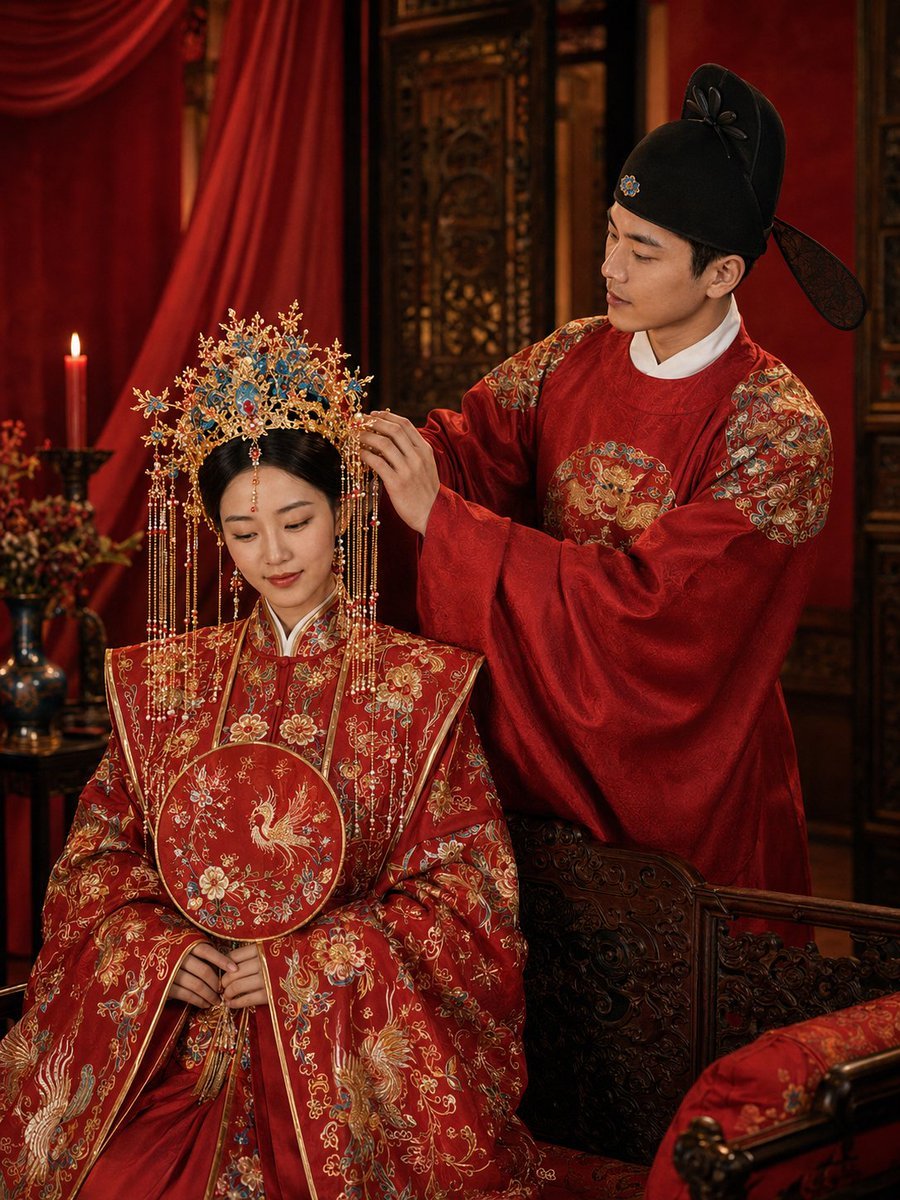
Ming Dynasty Hanfu Wedding Portraits

Photorealistic Concert Embrace Scene
Browse template categories
Japanese AI Fantasy Image Comparison Slide questions
How do I use the Japanese AI Fantasy Image Comparison Slide template?
Add your photo if the template asks for one, edit the prompt if you like — the template's model and format are already selected — and press Generate. Your version opens in PicX Studio.
Can I customize the Japanese AI Fantasy Image Comparison Slide template?
Yes. You can change the subject, setting, lighting, mood, format, and available model controls before creating your image.
Is the Japanese AI Fantasy Image Comparison Slide template free?
Opening and editing this template is free. Generating uses credits, shown on the Generate button when you are signed in.
Which AI model should I use?
Start with GPT Image 2, which is the model associated with this template. You can compare another compatible model for a different finish.
Looking for something else? Browse all templates.

Your photo, any look
Thousands of ready templates for every top image and video model, from one credit balance.