
AI Bubblegum Style Comparison Slide
Creates a square two-panel benchmark slide comparing expressive and controlled iridescent close-up bubblegum portraits with labels and caption text.
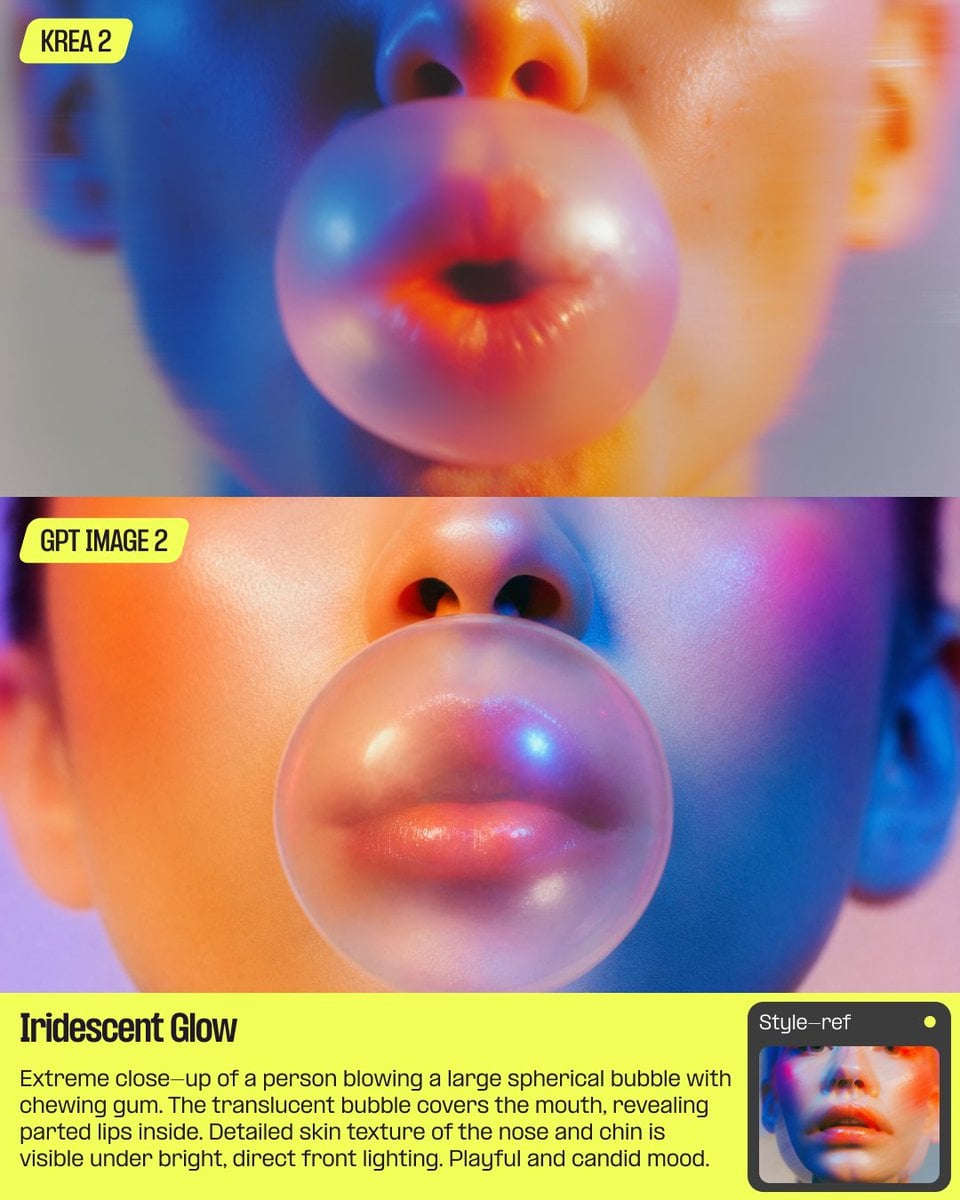
- Prompt included
- Model and format preset
- Premium template
The prompt behind this image
Copy the exact prompt behind AI Bubblegum Style Comparison Slide, or open it in the studio and make it yours.
Goal: Create a square social media comparison slide showing two stacked AI image outputs of the same concept, styled as a clean benchmark graphic about controlled versus expressive style transfer. Canvas: 768×768 square composition. Use a horizontal split layout with two large image panels stacked vertically and a bright informational caption band at the bottom. Overall look is glossy, high-saturation, retro-future editorial photography. Layout: Use exactly 2 photographic panels. Panel 1 fills the top half and is labeled “KREA 2” in the upper-left corner. Panel 2 sits directly below it and is labeled “GPT IMAGE 2” in the upper-left corner. Under the second panel, add a neon yellow-green text block spanning the full width. In the lower-right corner, place a small rounded rectangular overlay resembling a color/style thumbnail or UI card, partially covering the caption area. Image subject: Both panels show an extreme close-up portrait of a person blowing a large spherical translucent chewing-gum bubble. The frame crops tightly around the lower half of the face: nose, nostrils, lips, cheeks, part of the chin, and ears near the edges. The bubble covers the mouth, with parted lips visible through it. Skin texture is detailed and softly glossy under bright direct frontal lighting. The mood is playful and candid. Panel differences: In the top “KREA 2” panel, make the image more expressive, dreamy, and abstract, with a slightly softer face, stronger blur, intense orange, pink, blue, and purple lighting, and a bubble that looks more painterly and iridescent. In the bottom “GPT IMAGE 2” panel, make the face and bubble more controlled, realistic, centered, clean, and precise, with sharper skin detail, a smooth perfectly round bubble, and balanced neon orange-blue-magenta lighting. Text content: Use exactly 4 visible text elements: 1) top-left pill label “KREA 2”, 2) second-panel top-left pill label “GPT IMAGE 2”, 3) bottom headline “Iridescent Glow”, 4) bottom paragraph: “Extreme close-up of a person blowing a large spherical bubble with chewing gum. The translucent bubble covers the mouth, revealing parted lips inside. Detailed skin texture of the nose and chin is visible under bright, direct front lighting. Playful and candid mood.” Typography and labels: The two model labels should be black condensed bold text inside rounded neon yellow-green pill badges. The bottom caption area should use the same neon yellow-green background with black text. The headline is large, bold, condensed, and slightly editorial; the paragraph is smaller, readable sans serif. Visual style: Iridescent glow, glossy skin, translucent bubblegum, saturated cyan and orange rim lighting, magenta highlights, shallow depth of field, soft studio background, commercial fashion-photo polish, precise rectangular crop, no watermark. Customizable parameters: Replace the comparison labels with {argument name="top model label" default="KREA 2"} and {argument name="bottom model label" default="GPT IMAGE 2"}; replace the caption headline with {argument name="headline text" default="Iridescent Glow"}; keep the photographed concept as {argument name="photo concept" default="extreme close-up of a person blowing a large spherical translucent chewing-gum bubble"}; adjust the lighting palette with {argument name="lighting palette" default="iridescent cyan, orange, magenta, and purple glow"}.
How to use AI Bubblegum Style Comparison Slide in 3 steps
- 1Upload ImagePNG, JPG or paste
Add your photo
Upload the photo the template builds on. The prompt, model and format are already set.
- 2…a portrait of your subject in softgolden-hour light, 85mm…
Personalize
Edit the subject and creative details for your destination.
- 3Generate
Generate
Press Generate — your image is created in PicX Studio, so you can compare it with the original and refine one variable at a time.
More like this
Templates with the same subject, style or setup. Open one to see its prompt.

Skin Comparison Portrait — Nano Banana Pro
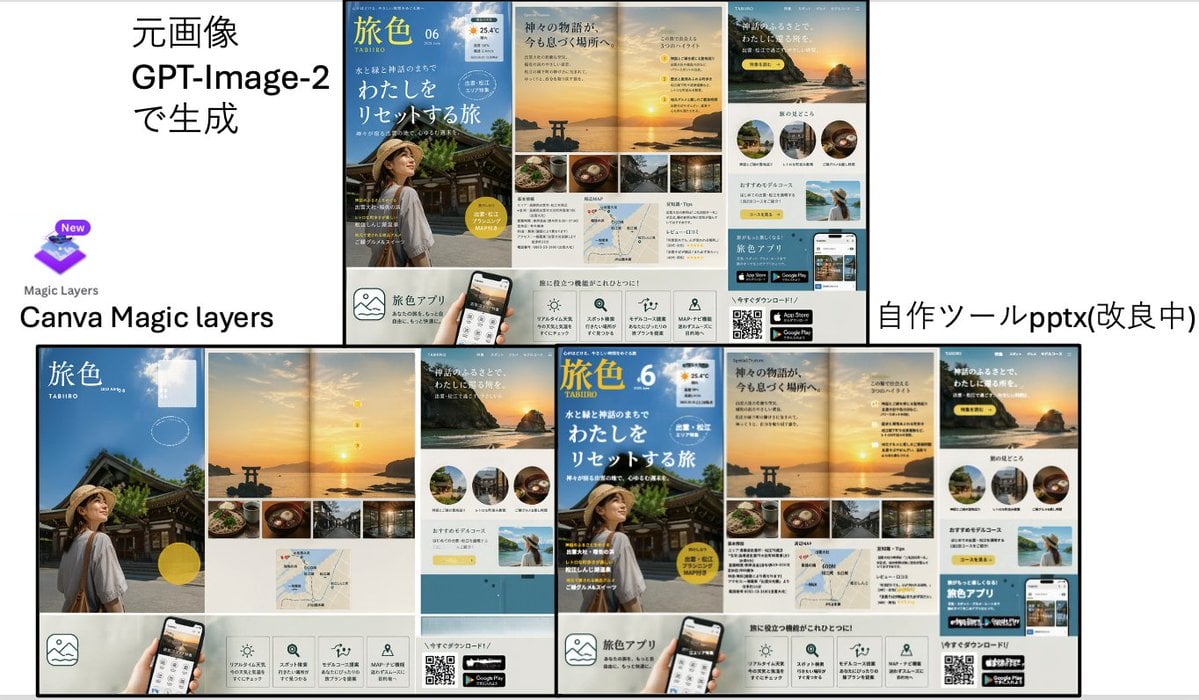
Travel Ad Conversion Comparison Slide
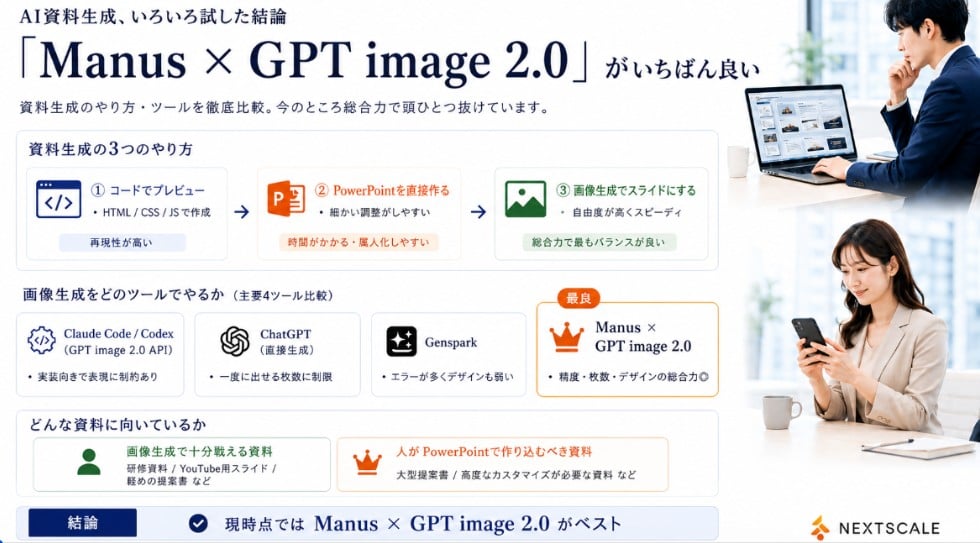
Manus GPT Image 2.0 Comparison Slide

Premium 4 3 presentation cover slide introducing Chronicle
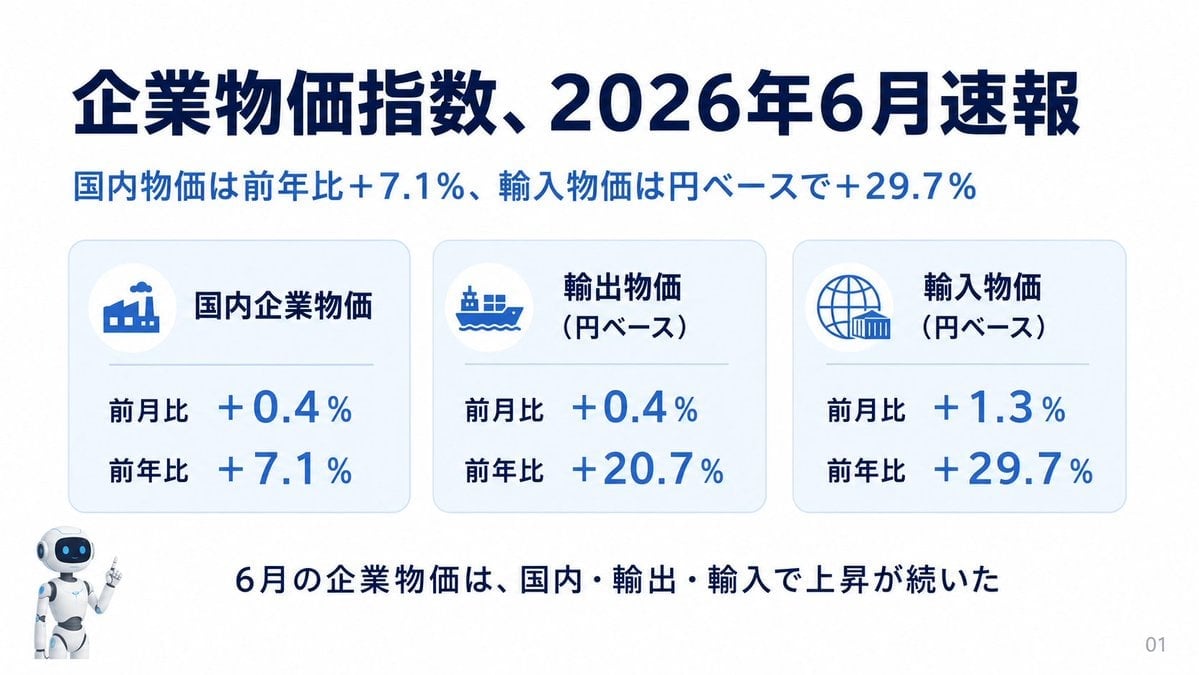
Japanese Corporate Price Index Slide
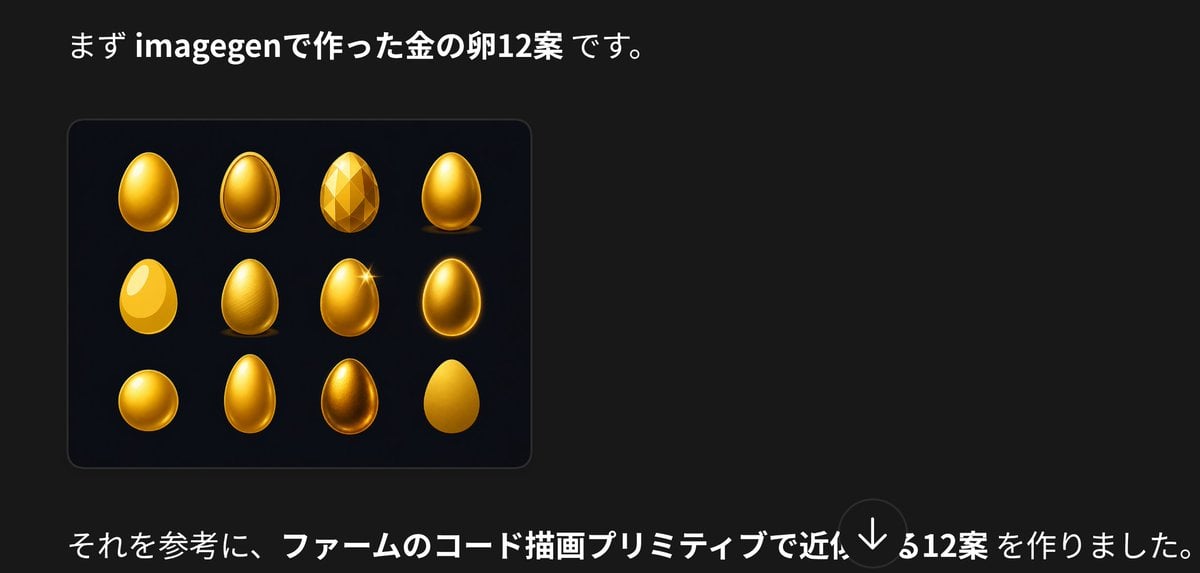
Japanese Golden Egg Design Slide

Z-Seven AI Product Matrix Slide
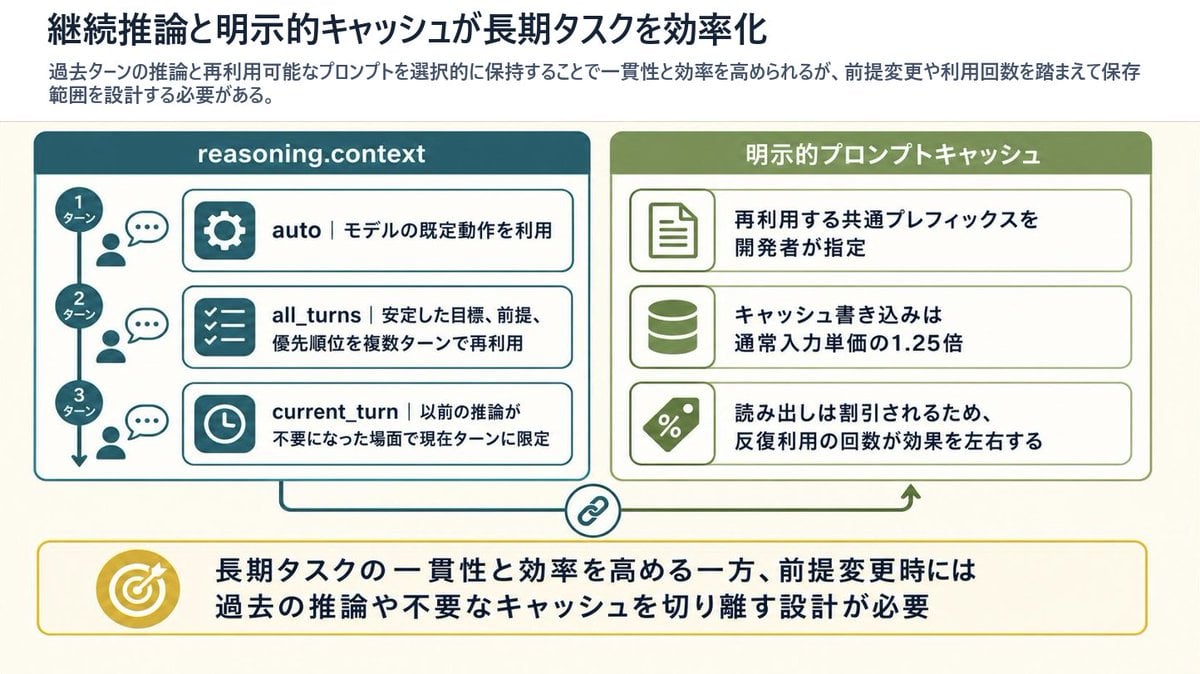
Reasoning Context and Prompt Cache Slide
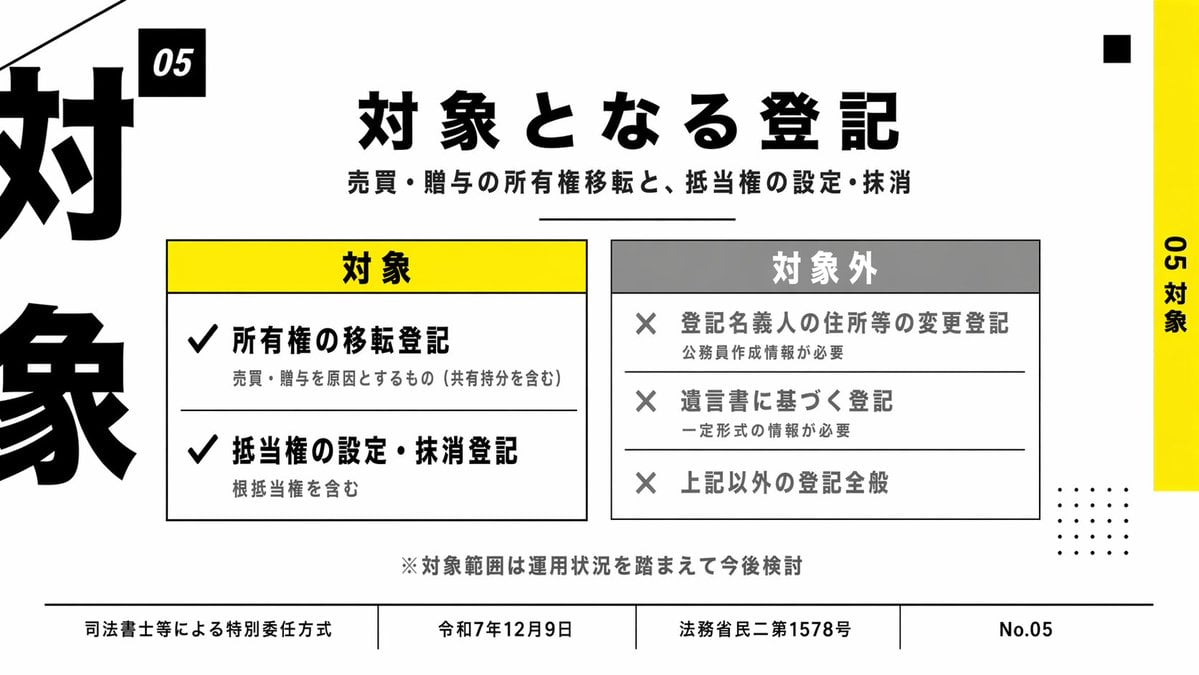
Japanese Corporate Scope Slide
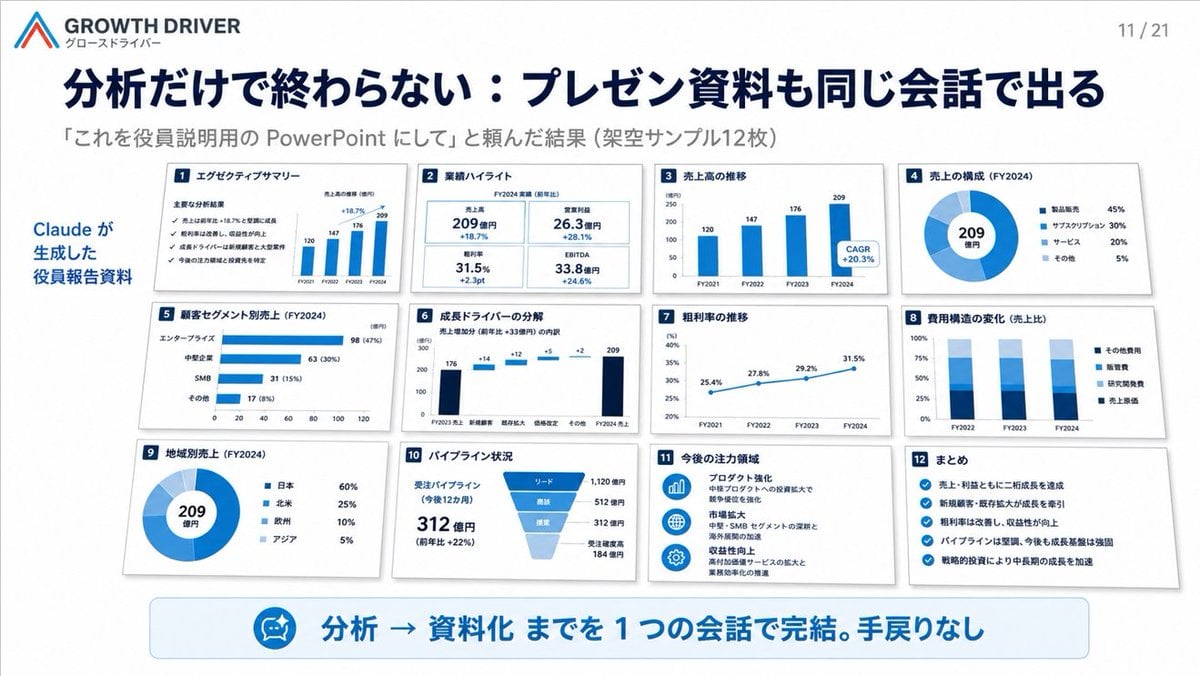
AI-Generated Board Report Slide

HIX.AI Slide Update Banner
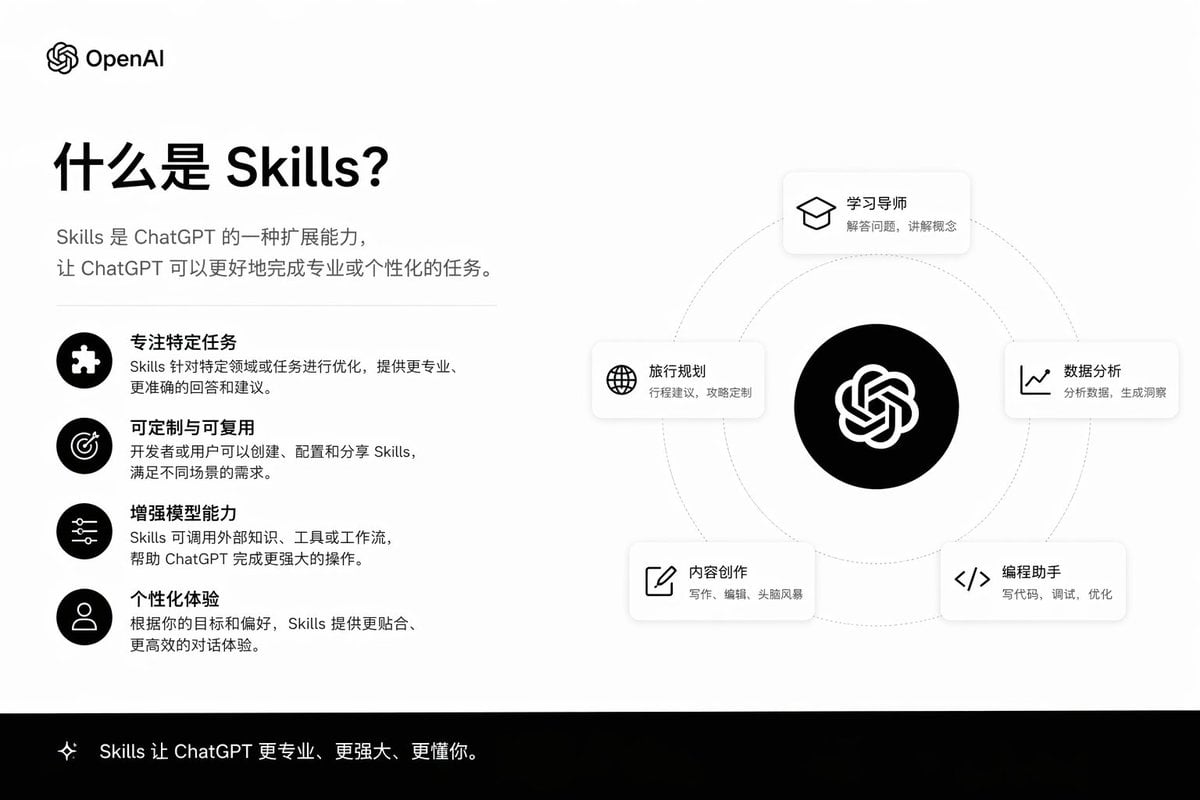
Skills Introduction PPT Slide
Make it yours
AI Bubblegum Style Comparison Slide works as-is. These are the safest ways to change it without losing the look.
Change one field
Copy a single group, rewrite it, and generate again so you can see what that field is doing.
Keep the frame, change the subject
Hold the composition and light of AI Bubblegum Style Comparison Slide, then swap wardrobe, props or the person for a new take.
| If the result… | Why | Fix |
|---|---|---|
| The result drifts from the preview | Too many fields changed at once. | Reuse AI Bubblegum Style Comparison Slide as-is first, then change one group — subject, light, or setting. |
| The model over-stylizes the scene | The prose prompt leaves finish and camera underspecified. | Add one camera or lighting sentence and stay on GPT Image 2. |
More GPT Image 2 templates
Other prompts made for GPT Image 2.

Six VTuber Japanese Logo Sheet

Realistic Portrait of Woman and Deer

The Vista Modular Condo Poster

AI Model Routing Comparison Infographic

2.5D Anime Art Board

Isometric Productivity Desk Scene

New York Double Exposure Poster

Four-Panel AI Landscape Comparison

Japanese Tatami Lifestyle Magazine Cover

NESCAFÉ Coffee Map Poster
More image prompts
Fresh picks from across the catalog.
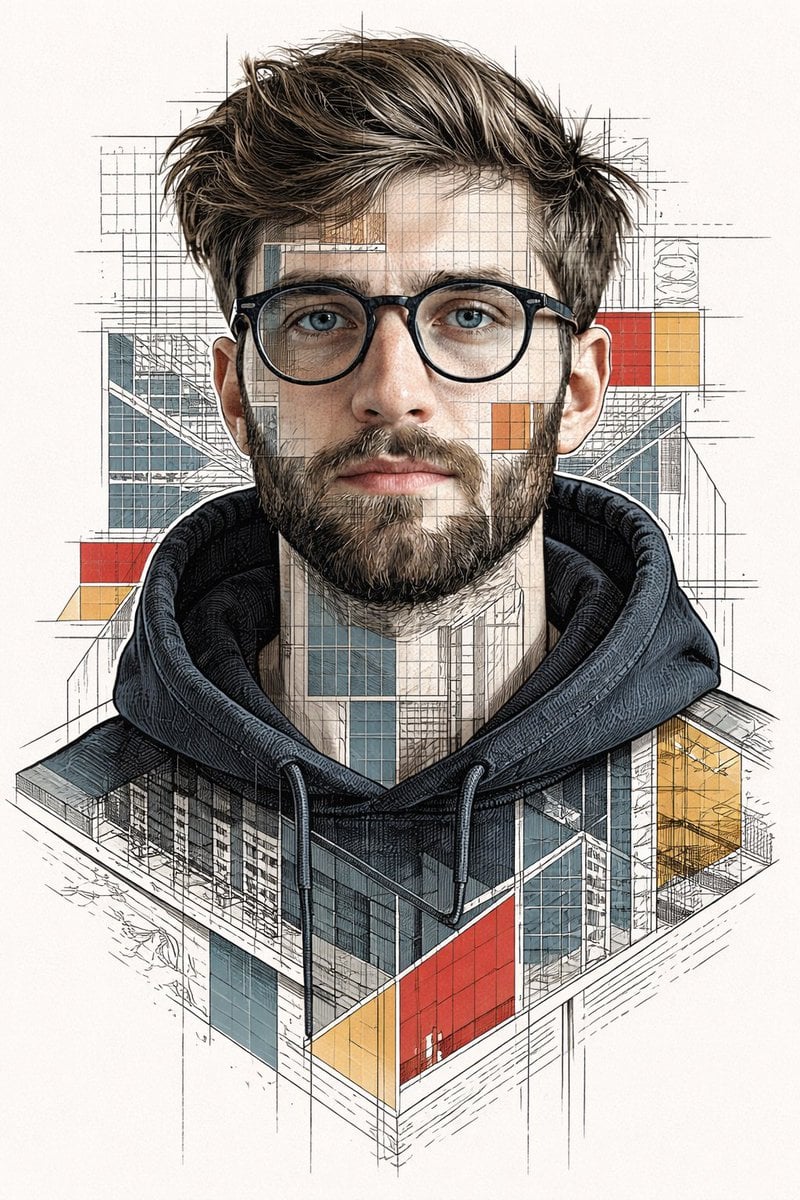
Architectural Blueprint Face Portrait
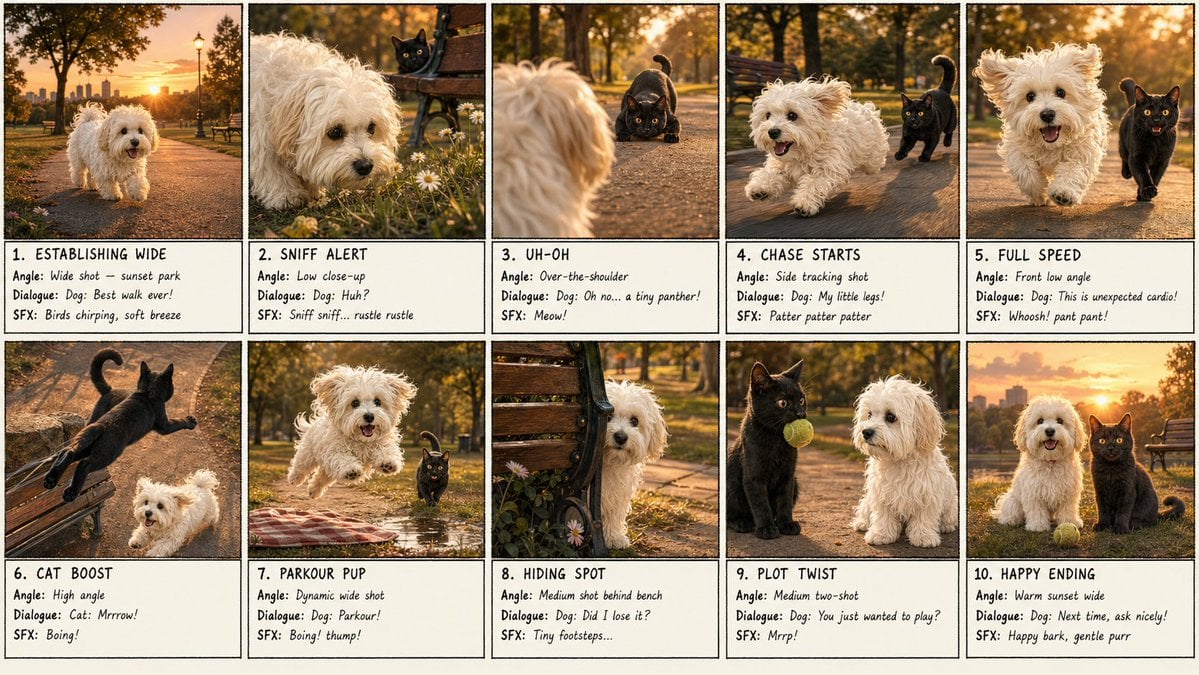
Panel Dog and Cat Park Storyboard
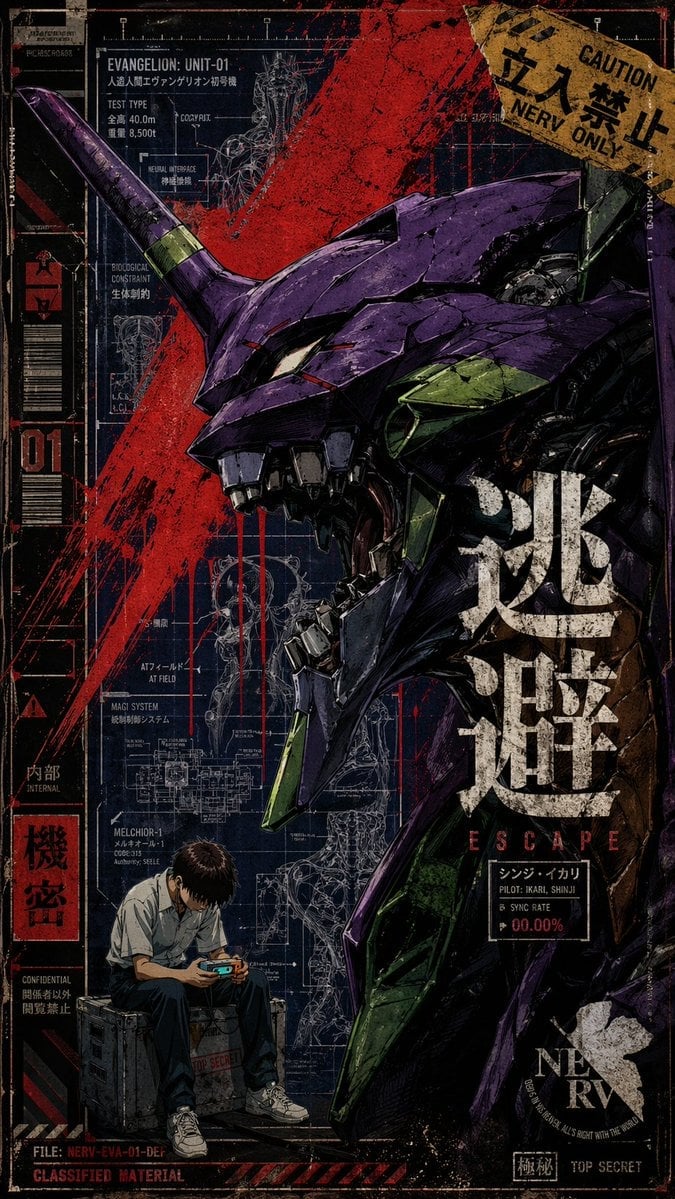
Gritty Evangelion Unit-01 Poster
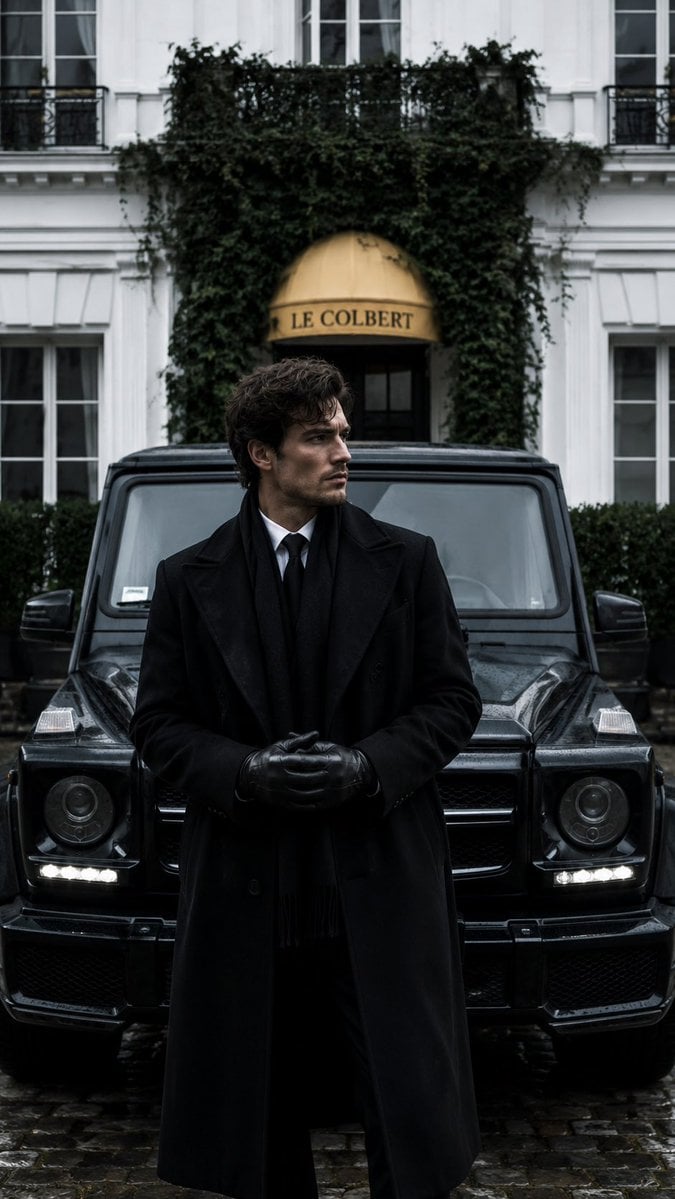
Monochrome Luxury Editorial Portrait
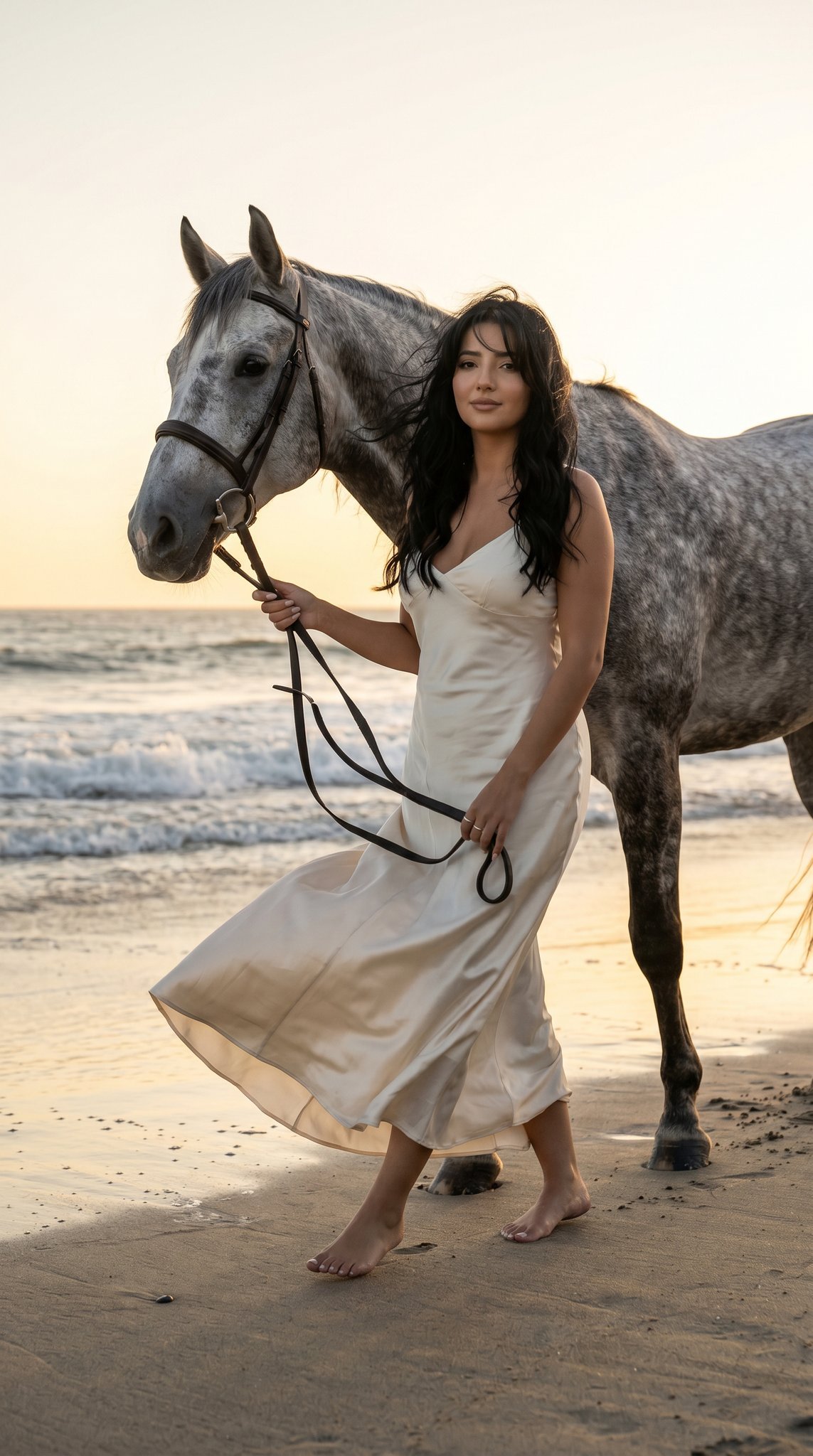
16 Malibu Beach Horse — California Series
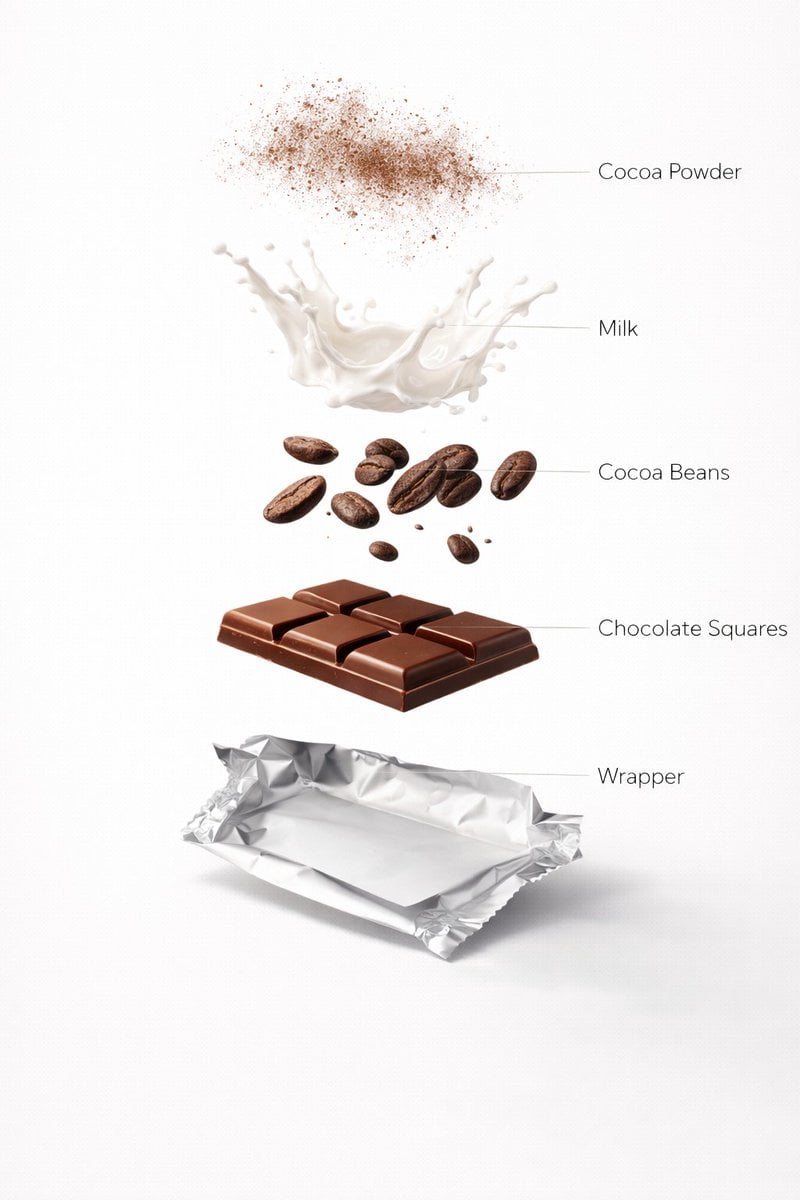
Ultra-Realistic Chocolate Bar Advertising Prompts (Motion and Exploded View)
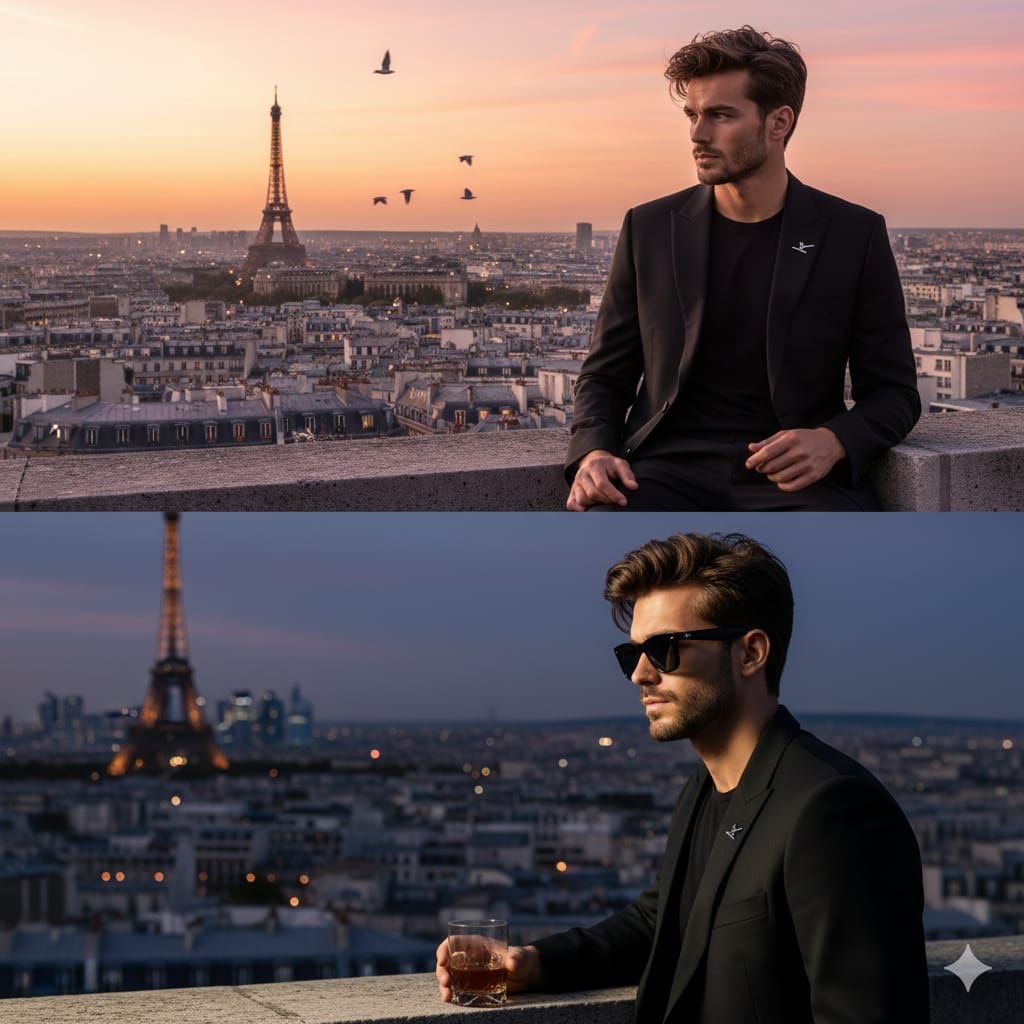
Cinematic Fashion Portrait on a Paris Rooftop
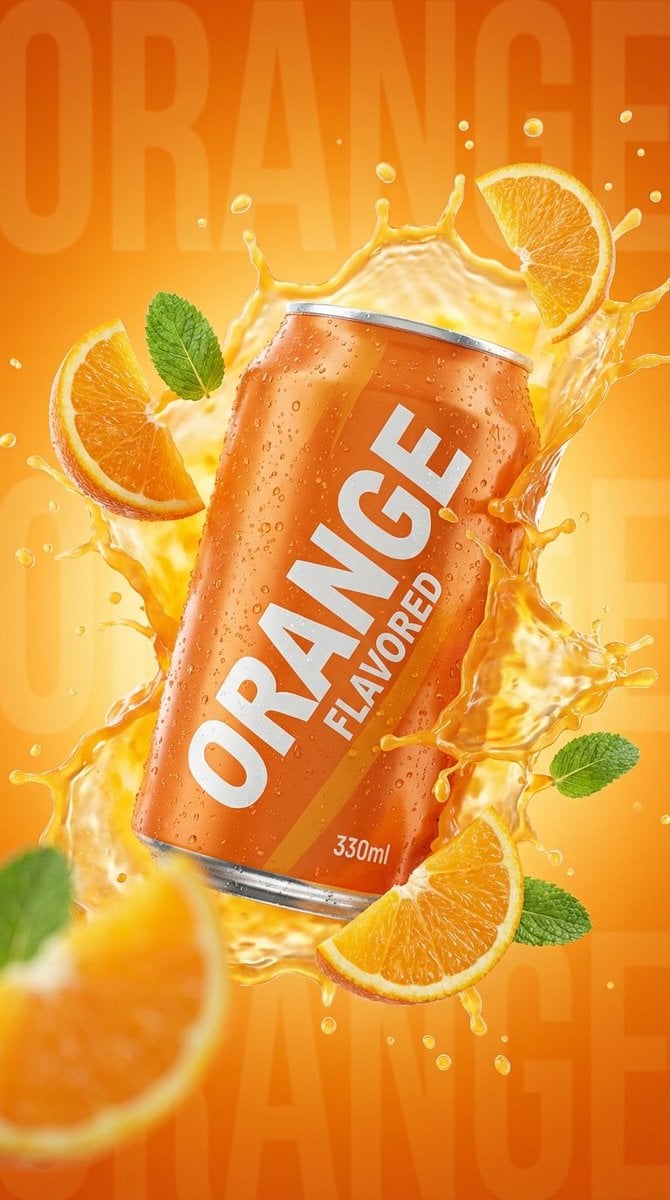
Commercial Product Photography: Orange Soda Can Splash
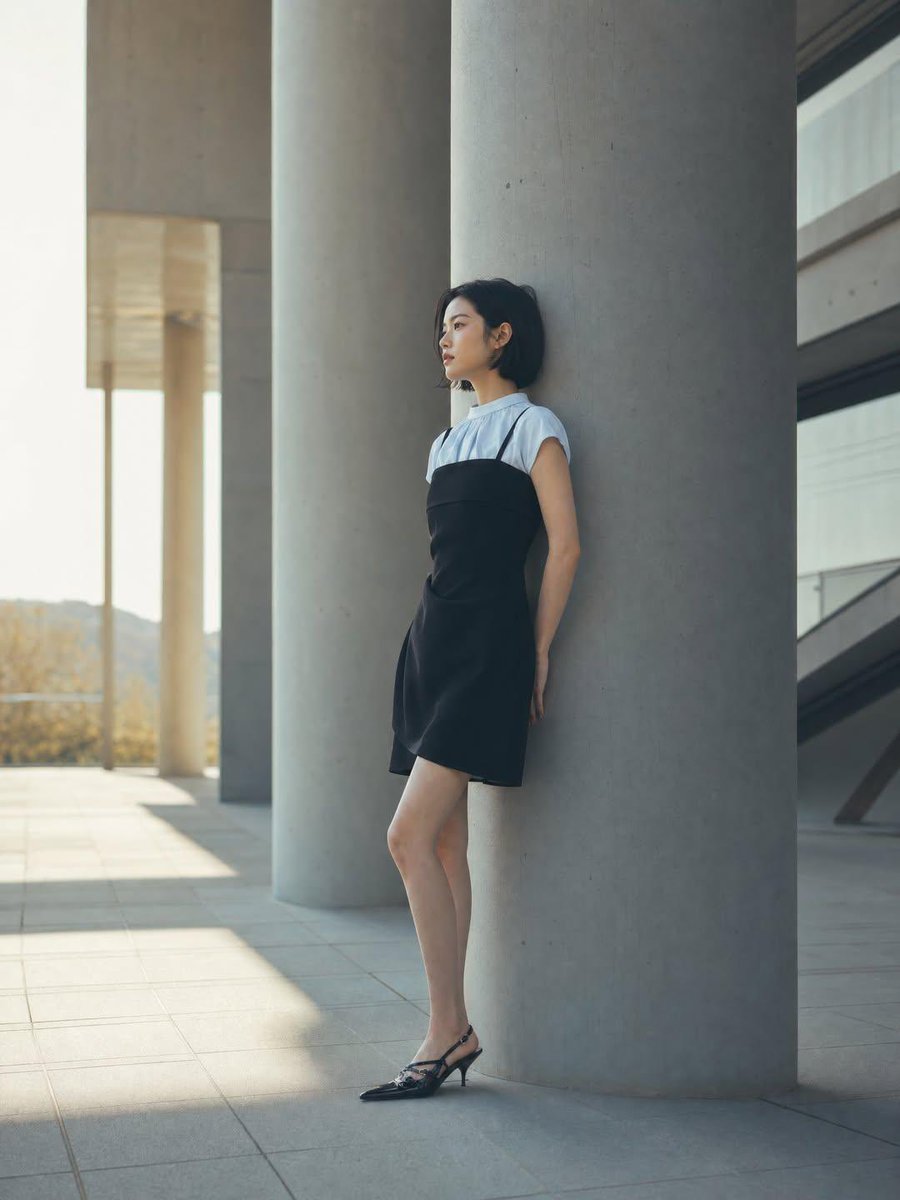
Minimalist Architectural Fashion Editorial
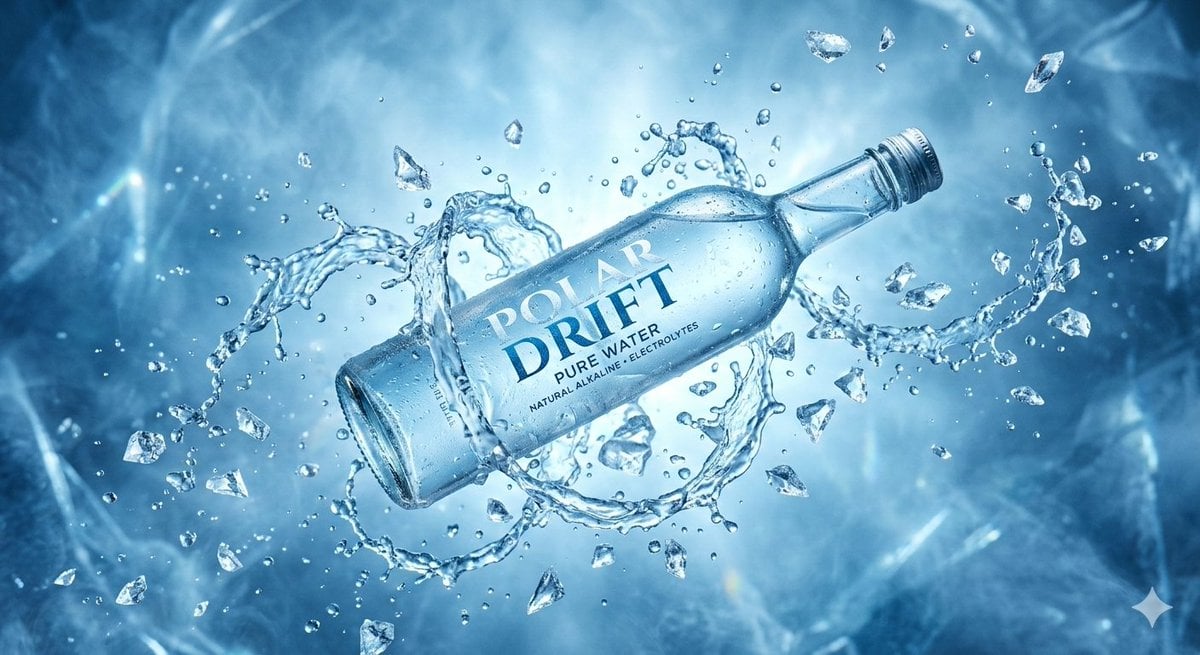
Levitating Bottled Water Commercial Prompt
Browse template categories
AI Bubblegum Style Comparison Slide questions
How do I use the AI Bubblegum Style Comparison Slide template?
Add your photo if the template asks for one, edit the prompt if you like — the template's model and format are already selected — and press Generate. Your version opens in PicX Studio.
Can I customize the AI Bubblegum Style Comparison Slide template?
Yes. You can change the subject, setting, lighting, mood, format, and available model controls before creating your image.
Is the AI Bubblegum Style Comparison Slide template free?
Opening and editing this template is free. Generating uses credits, shown on the Generate button when you are signed in.
Which AI model should I use?
Start with GPT Image 2, which is the model associated with this template. You can compare another compatible model for a different finish.
Looking for something else? Browse all templates.

Your photo, any look
Thousands of ready templates for every top image and video model, from one credit balance.