How do I use the 3D Anthropomorphic Snow Leopard Streetwear template?
Choose the primary action to open PicX Studio with the available template settings. Review the model and format, personalize the creative direction, and generate when ready.
A prompt for generating a hyper-realistic, ultra-detailed 3D render of an anthropomorphic snow leopard character wearing luxury modern streetwear (bomber jacket, techwear hoodie, utility pants). Change the subject, setting, or lighting one variable at a time.

Full-body ultra-detailed 3D anthropomorphic snow leopard character with semi-realistic anatomy and lifelike fur, wearing luxury modern streetwear: oversized charcoal bomber jacket, techwear hoodie, tailored utility pants, premium high-top sneakers, and minimalist metal accessories. Confident natural fashion pose, slight motion as if mid photoshoot. Clean modern studio with soft gradient backdrop and subtle floor reflections. Cinematic soft key light, rim light on fur, realistic fabric texture and shadows. Hyper-realistic 3D render, film-quality materials, depth-of-field, ray tracing, editorial fashion composition, ultra-high resolution. full-body, ultra-detailed 3D anthropomorphic dog character with semi-realistic anatomy and lifelike fur, wearing luxury modern streetwear
Choose the primary action to open PicX Studio with the available template settings. Review the model and format, personalize the creative direction, and generate when ready.
Yes. You can change the subject, setting, lighting, mood, format, and available model controls before creating your image.
This template is free to open and customize. Generation usage is shown in PicX Studio before you create.
Start with Nano Banana 2, which is the model associated with this template. You can compare another compatible model for a different finish.
© 2026 PicX Studio. All rights reserved.

Follow a topic to a crawlable collection of related PicX Studio templates.
43,474 public templates available. Verified via the PicX Studio public templates API; refreshed hourly.


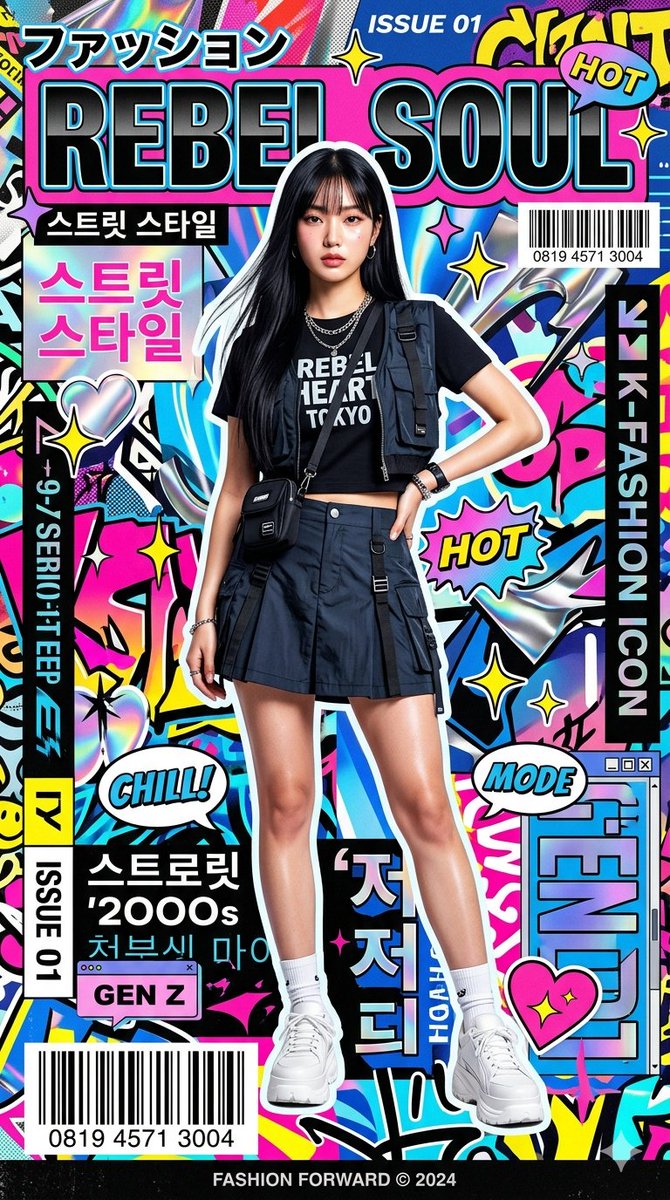



![Brand Ice Sculpture Product Photography — [BRAND NAME] luxury product still life. A large three-dimensional ice sculpture in the exact shape of the [BRAND NAME]](/_next/image?url=https%3A%2F%2Fcdn.picxstudio.com%2Fuploads%2Fmeigen_907cd03b2295_0e348d56-7cfb-4634-969d-dd59d09e75ca.jpg&w=828&q=100)


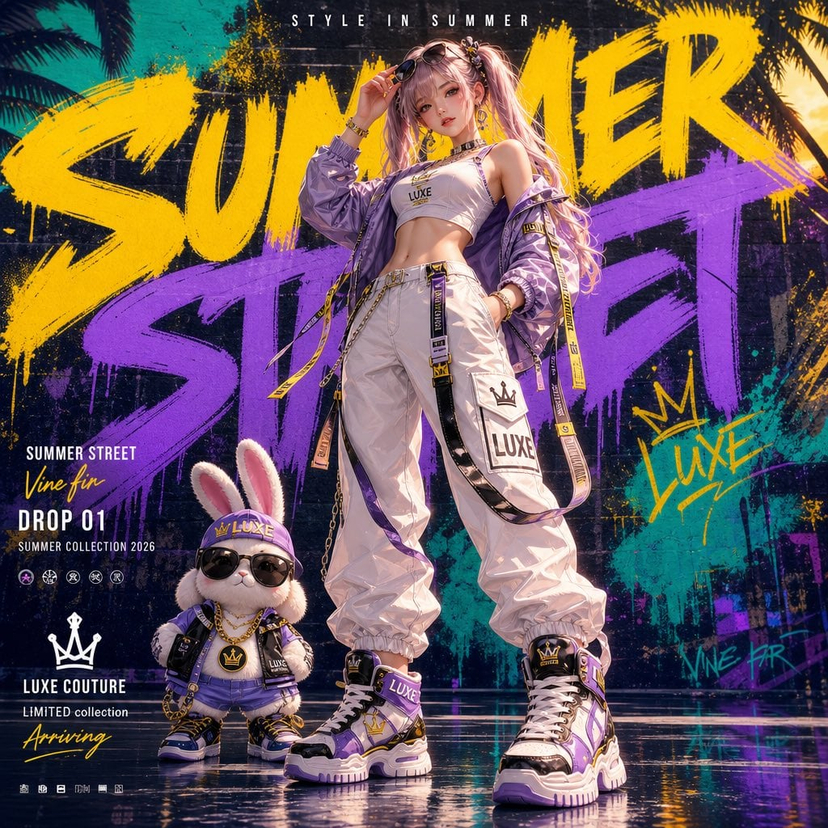



![Naive doodle-style subject illustration — A doodle-style {argument name="subject" default="[subject]"}, naive lines, humorous shape exaggeration](https://pbs.twimg.com/media/G6Wl2YxbsAARB2b.jpg)