Fictional Anime Movie Review Page
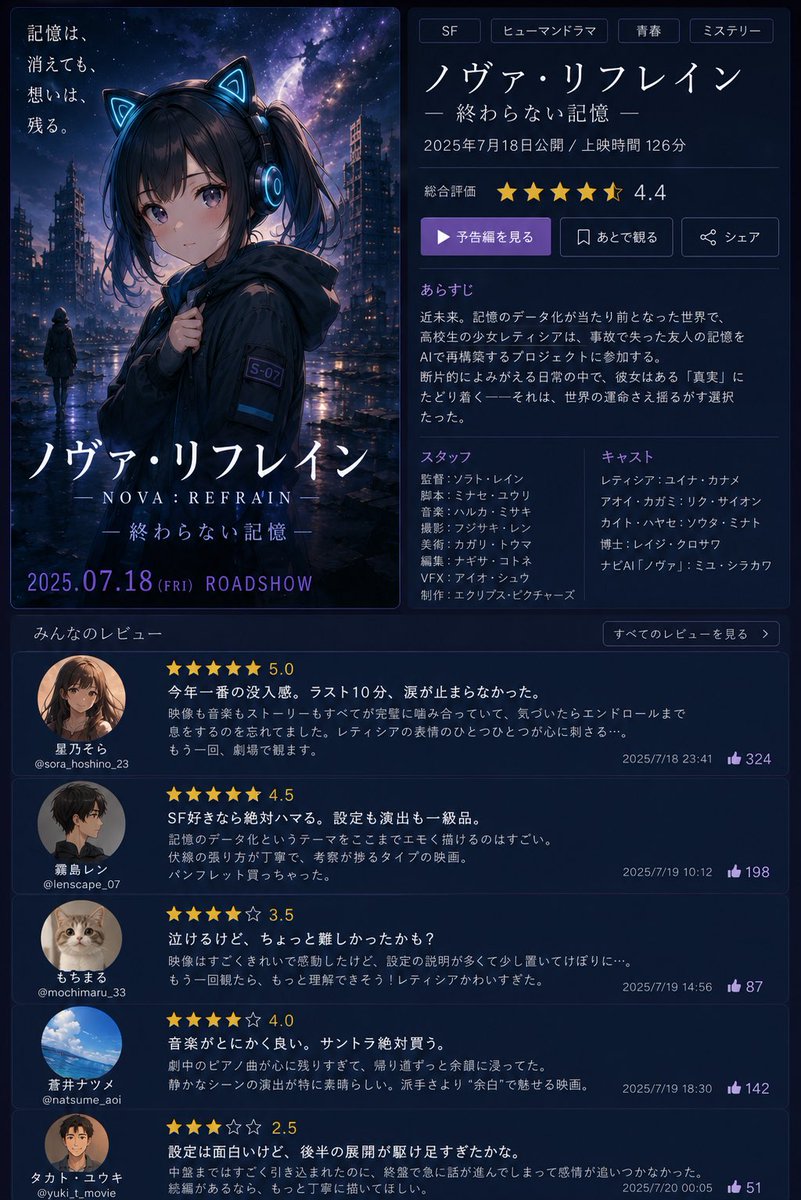
Goal: Create a fictional Japanese movie information page and poster for an anime sci-fi mystery film titled {argument name="movie title" default="ノヴァ・リフレイン"}, with the subtitle {argument name="subtitle" default="終わらない記憶"}. The design should look like a polished streaming/movie review website screenshot paired with theatrical key art.
Canvas: Vertical 3:4 composition, dark navy interface, approximately 768×1024. Use a two-column top layout and a full-width review feed below. Overall mood is futuristic, rainy, emotional, and cinematic.
Top-left poster: A tall theatrical anime poster with rounded corners and a thin blue border. Show a rainy cyberpunk city at night under a starry purple-blue galaxy sky. In the foreground is a teenage anime girl wearing a black hooded jacket, glowing cyan cat-ear headphones, dark twin-tail hair, and a small sleeve patch reading “S-07”. Her face is deliberately obscured by a soft square gray blur censor block. A small distant figure stands in the wet street behind her. Add Japanese tagline text at upper left: “記憶は、消えても、想いは、残る。” At the bottom of the poster, display the large title “ノヴァ・リフレイン”, beneath it “— NOVA: REFRAIN —”, then “— 終わらない記憶 —”, and at the very bottom “2025.07.18 (FRI) ROADSHOW” in purple-blue lettering.
Top-right movie details panel: Use a dark card with subtle borders and clean Japanese UI typography. Include exactly 4 genre tags at the top: “SF”, “ヒューマンドラマ”, “青春”, “ミステリー”. Below them show the title “ノヴァ・リフレイン” and subtitle “— 終わらない記憶 —”. Add the release line “2025年7月18日公開 / 上映時間 126分”. Show overall rating with exactly 5 gold star icons, the last star half-filled, and numeric rating “4.4”. Include exactly 3 action buttons: a purple play button labeled “予告編を見る”, an outlined bookmark button labeled “あとで観る”, and an outlined share button labeled “シェア”.
Synopsis section: Add heading “あらすじ” and a short Japanese synopsis about a near-future world where memory data has become normal, a high school girl named レティシア tries to restore the lost memories of a friend after an accident, and discovers a hidden “truth” that could alter the fate of the world.
Staff and cast section: Use two columns. Staff column title “スタッフ” with exactly 8 fictional staff lines: “監督:ソフト・レイン”, “脚本:ミサセ・ユウリ”, “音楽:ハルカ・ミサキ”, “撮影:フジサキ・レン”, “美術:カガリ・トウマ”, “編集:ナギサ・コトネ”, “VFX:アイオ・シュウ”, “制作:エクリプス・ピクチャーズ”. Cast column title “キャスト” with exactly 6 fictional cast lines: “レティシア:ユイナ・カナメ”, “アイオ:カガミ・リク”, “カイト:ハヤセ・ソウタ”, “博士:レイジ・クロサワ”, “ナビAI「ノヴァ」:ミユ・シラカワ”, plus one additional short fictional name if needed to fill spacing. Do not use real celebrity names.
Review feed: Below the top panels, create a section titled “みんなのレビュー” with a small button on the right reading “すべてのレビューを見る”. Include exactly 5 review cards stacked vertically, each with a circular avatar, reviewer display name, handle, gold star rating, bold Japanese review title/body, timestamp, and purple thumbs-up count. Reviews are:
1. Avatar: anime girl portrait. Name “星乃そら”, handle “@sora_hoshino_23”, rating “5.0” with 5 gold stars, title “今年一番の没入感。ラスト10分、涙が止まらなかった。” timestamp “2025/7/18 23:41”, likes “324”.
2. Avatar: dark-haired anime boy side profile. Name “霧島レン”, handle “@lenscape_07”, rating “4.5”, title “SF好きなら絶対ハマる。設定も演出も一級品。” timestamp “2025/7/19 10:12”, likes “198”.
3. Avatar: cute cat photo. Name “もちまる”, handle “@mochimaru_33”, rating “3.5”, title “泣けるけど、ちょっと難しかったかも?” timestamp “2025/7/19 14:56”, likes “87”.
4. Avatar: blue sky and clouds photo. Name “蒼井ナツメ”, handle “@natsume_aoi”, rating “4.0”, title “音楽がとにかく良い。サントラ絶対買う。” timestamp “2025/7/19 18:30”, likes “142”.
5. Avatar: anime portrait with face softly blurred. Name “タカト・ユウキ”, handle “@yuki_t_movie”, rating “2.5”, title “設定は面白いけど、後半の展開が駆け足すぎたかな。” timestamp “2025/7/20 00:05”, likes “51”.
Visual style: High-quality anime key visual combined with a modern dark-mode Japanese cinema database UI. Use neon cyan and purple accents, soft glow, rainy reflections, thin dividers, rounded cards, crisp legible Japanese text, gold stars, and a premium sci-fi drama atmosphere. Keep all names fictional and avoid real staff or cast.



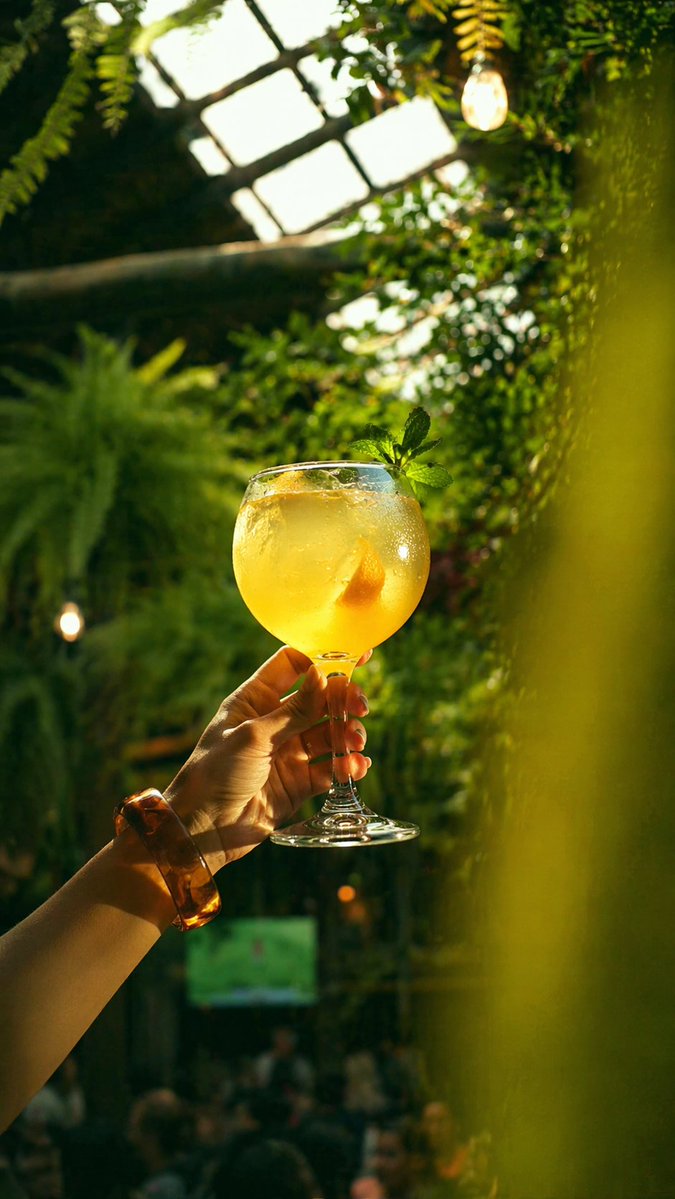
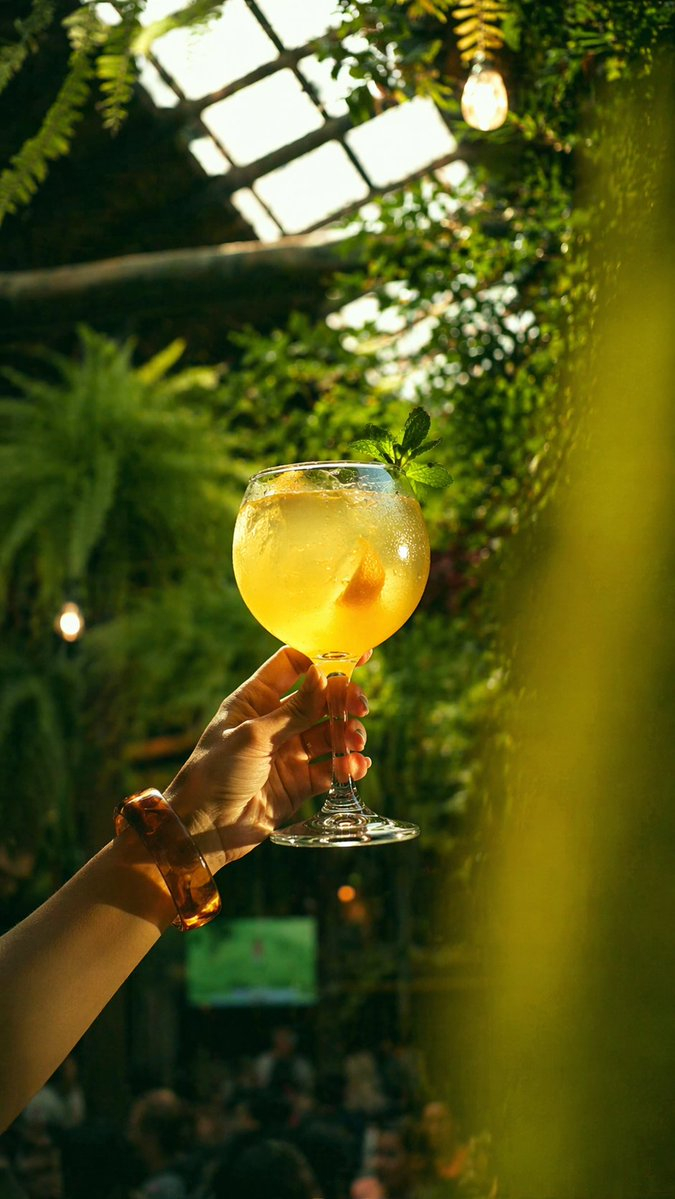
![Cocktail Studio Photography Tropical — A high-end studio photograph of a [YOUR COCKTAIL], shot from a high-angle slightly top-down perspective. The drink is ser](/_next/image?url=https%3A%2F%2Fcdn.picxstudio.com%2Fuploads%2Fmeigen_2010403834699685983_b85fed55-0d0f-4028-9223-891964141241.jpg&w=828&q=100)












![Naive doodle-style subject illustration — A doodle-style {argument name="subject" default="[subject]"}, naive lines, humorous shape exaggeration](https://pbs.twimg.com/media/G6Wl2YxbsAARB2b.jpg)