Editorial Menswear Portrait Analysis Prompt
{
"metadata": {
"image_type": "photograph",
"primary_purpose": "editorial"
},
"composition": {
"rule_applied": "center composition",
"aspect_ratio": "3:4",
"layout": "layered",
"focal_points": [
"Subject's face and eyes",
"Red polka dot tie"
],
"visual_hierarchy": "Viewer's eye is drawn first to the subject's face due to the highest contrast, moves down to the bright red tie, then explores the pinstripe suit, and finally takes in the background door",
"balance": "symmetric"
},
"color_profile": {
"dominant_colors": [
{
"color": "Navy Blue",
"hex": "#1A1F35",
"percentage": "50%",
"role": "primary subject"
},
{
"color": "Crisp White",
"hex": "#F4F4F4",
"percentage": "20%",
"role": "background/accent"
},
{
"color": "Deep Black",
"hex": "#0a0a0a",
"percentage": "25%",
"role": "background"
},
{
"color": "Burgundy Red",
"hex": "#6B2A30",
"percentage": "5%",
"role": "accent"
}
],
"color_palette": "split-complementary",
"temperature": "cool",
"saturation": "moderate",
"contrast": "high contrast"
},
"lighting": {
"type": "natural window/outdoor",
"source_count": "single source",
"direction": "front",
"directionality": "diffused",
"quality": "soft light",
"intensity": "bright",
"contrast_ratio": "low contrast (flat)",
"mood": "professional",
"shadows": {
"type": "soft gradual edges",
"density": "faint",
"placement": "under chin and along the right side of the jaw/neck",
"length": "short"
},
"highlights": {
"treatment": "preserved",
"placement": "on forehead, nose bridge, and lower lip"
},
"ambient_fill": "present",
"light_temperature": "neutral"
},
"technical_specs": {
"medium": "digital photography",
"style": "realistic",
"texture": "sharp",
"sharpness": "tack sharp",
"grain": "none",
"depth_of_field": "medium",
"perspective": "straight on"
},
"artistic_elements": {
"genre": "editorial",
"influences": [
"Classic menswear portraiture",
"Sartorialist street style photography"
],
"mood": "sophisticated",
"atmosphere": "Elegant, wealthy, and refined establishing a classic gentleman aesthetic",
"visual_style": "structured"
},
"typography": {
"present": false,
"fonts": [],
"placement": "none",
"integration": "none"
},
"subject_analysis": {
"primary_subject": "Young adult male model wearing a navy double-breasted pinstripe suit, striped shirt, and patterned tie",
"positioning": "center",
"scale": "medium",
"interaction": "isolated",
"facial_expression": {
"mouth": "closed neutral",
"smile_intensity": "no smile",
"eyes": "looking away",
"eyebrows": "neutral",
"overall_emotion": "serious",
"authenticity": "posed"
},
"hair": {
"length": "short",
"cut": "tapered",
"texture": "wavy",
"texture_quality": "thick",
"natural_imperfections": "flyaways visible on the left side against the dark background, slight unevenness in the wave pattern",
"styling": "styled",
"styling_detail": "heavily styled with pomade


![118-google-nano-banana-pro-skincare-product- — A professional skincare shot of a [product container] with [cap/lid], labeled [brand, product, descriptor, volume](/_next/image?url=https%3A%2F%2Fcdn.picxstudio.com%2Fuploads%2Fpost118_img0_332898b8-29ea-42a9-87ab-9ed746a3f944.jpg&w=828&q=100)
















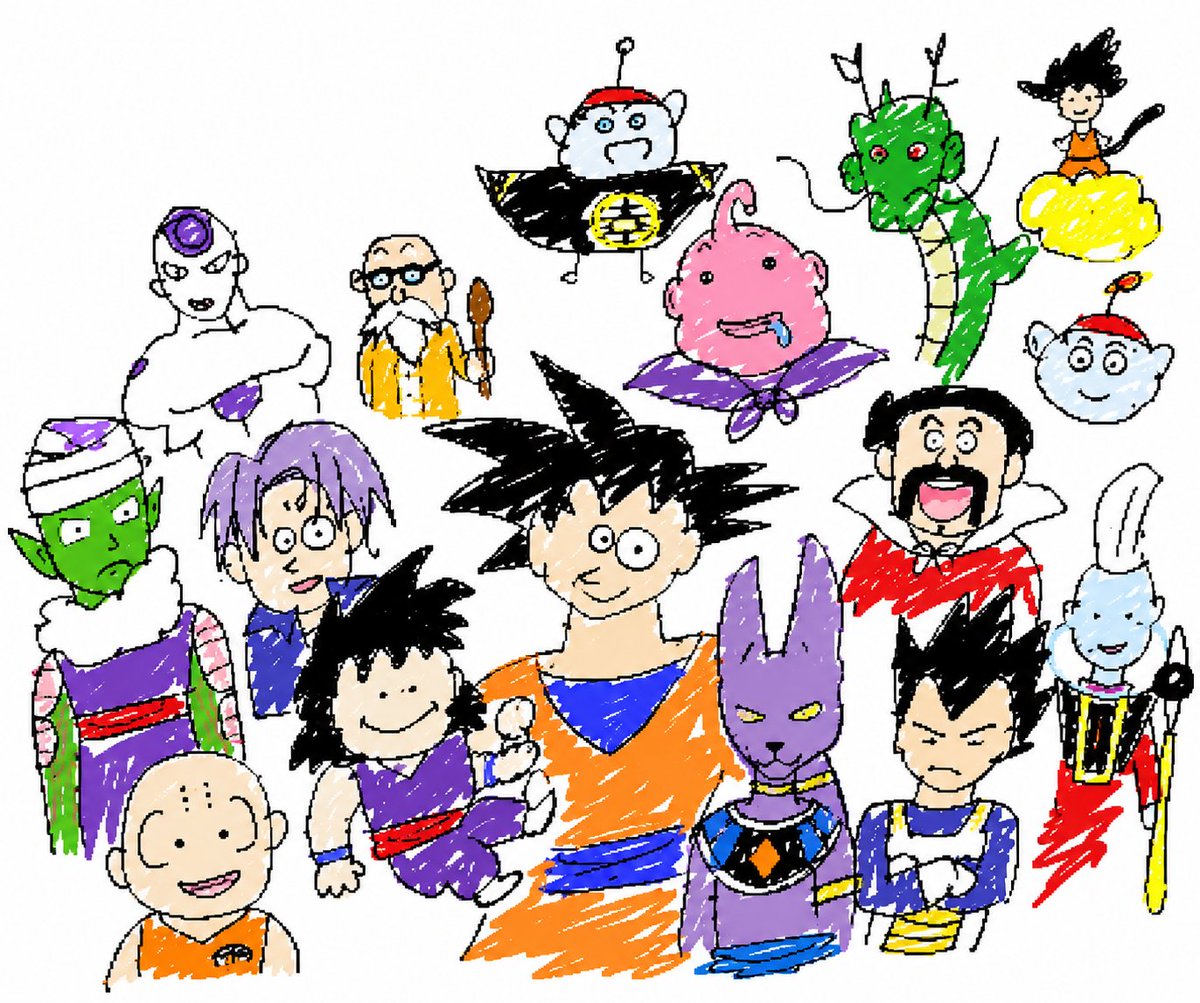
![Naive doodle-style subject illustration — A doodle-style {argument name="subject" default="[subject]"}, naive lines, humorous shape exaggeration](https://pbs.twimg.com/media/G6Wl2YxbsAARB2b.jpg)













![Ultra-detailed Thread Art Portrait Prompt — Ultra-detailed thread art portrait of {argument name="subject" default="[SUBJECT]"} front view, created entirely wit](https://pbs.twimg.com/media/HA5GqyOagAAvBZ2.jpg)