How do I use the Ana de Armas Cinematic Glamour Portrait Prompt template?
Choose the primary action to open PicX Studio with the available template settings. Review the model and format, personalize the creative direction, and generate when ready.
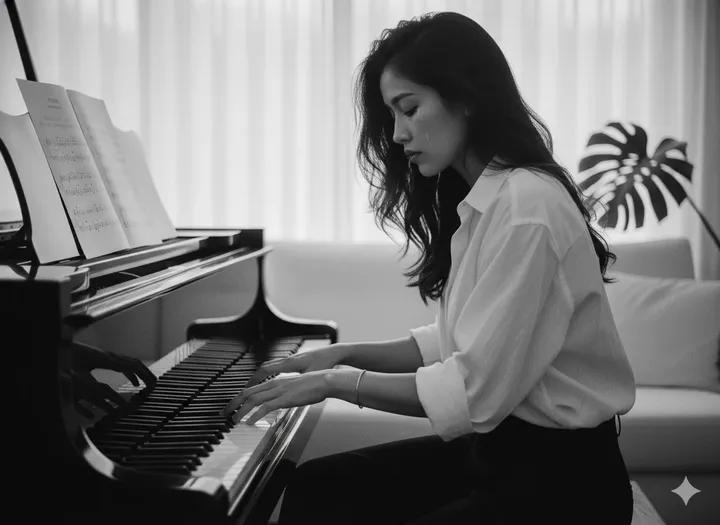
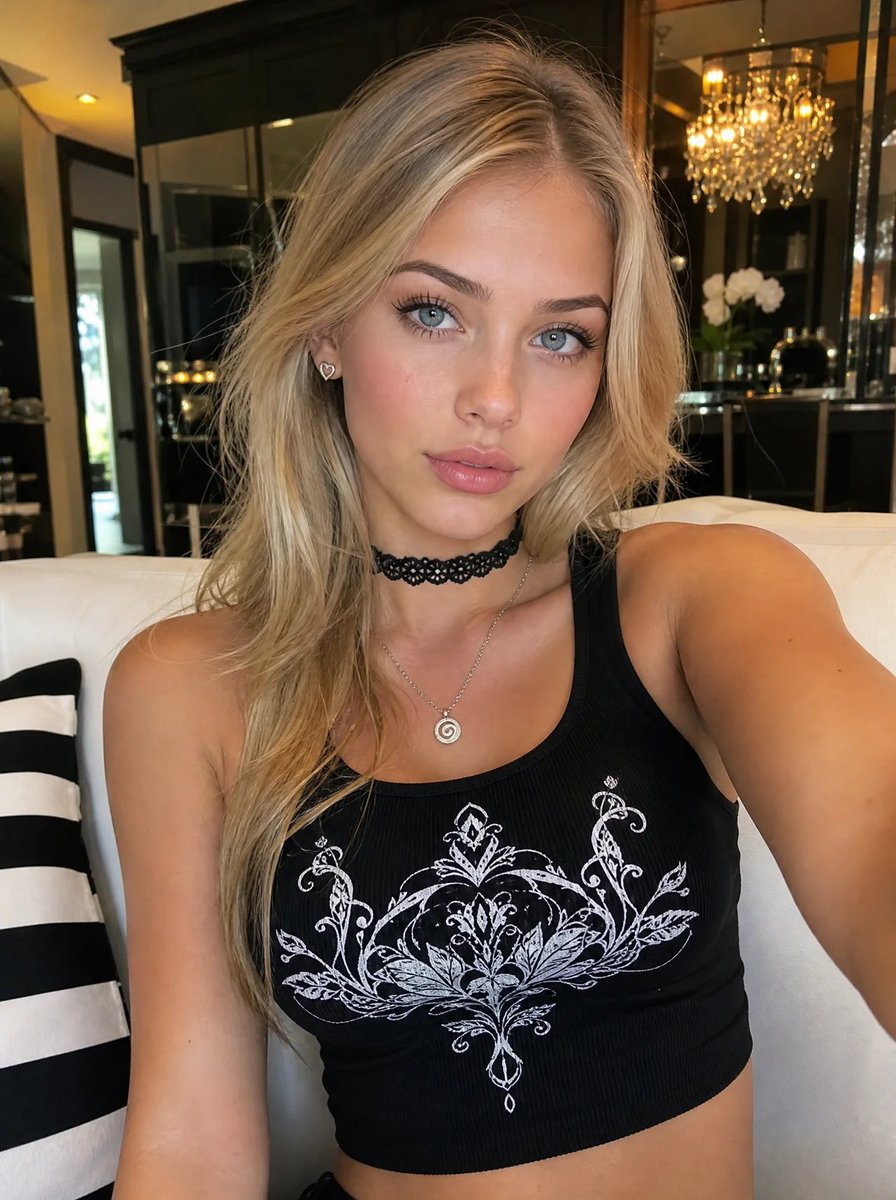
A highly detailed, structured prompt for generating a cinematic, photorealistic portrait of Ana de Armas in a luxurious European street setting at night. Change the subject, setting, or lighting one variable at a time.

{ "generation_parameters": { "type": "photorealistic_cinematic_portrait", "aspect_ratio": "3:4", "quality_preset": "ultra_high_definition", "model_reference": "{argument name="model name" default="Ana de Armas"}" }, "subject_breakdown": { "identity": { "name": "Ana de Armas", "facial_features": { "skin_texture": "hyper-realistic pore detail, soft natural skin sheen", "eyes": "deep hazel-green, intense eye contact, sharp focus, catching the light", "lips": "bold classic red lipstick, matte finish, perfectly defined", "expression": "alluring, mysterious, looking back over shoulder" }, "hair": { "color": "dark chocolate brown", "style": "long, loose waves cascading down the back", "texture": "silky, voluminous, high-shine" }, "physique": { "body_type": "curvy hourglass figure", "silhouette": "form-fitting, accentuated curves" } }, "attire_and_styling": { "main_garment": { "item": "maxi dress", "fit": "extremely tight, bodycon, second-skin fit", "material": "glittering metallic silver fabric, liquid metal effect, high reflectivity", "design_details": [ "dramatic open back", "thin criss-cross lace-up straps across the back", "deep thigh-high side slit", "floor-length hem" ] }, "accessories": { "jewelry": "large oversized crystal hoop earrings, diamond sparkle", "shoes": "strappy silver high heels (partially visible)" } } }, "environment_context": { "setting": { "location": "Luxurious Old European Street", "architecture": "Baroque facades, cobblestone pavement, vintage aesthetics", "atmosphere": "nightlife, sophisticated, romantic, moody" }, "background_elements": { "details": "blurred city lights, bokeh effect, historic buildings in shadow", "depth": "shallow depth of field to isolate subject" } }, "lighting_and_atmosphere": { "lighting_setup": { "primary_source": "warm golden street lamps", "ambient": "soft city glow", "accents": "rim lighting highlighting hair and shoulder profile", "shadows": "soft, cinematic contrast" }, "color_palette": { "tones": ["silver", "gold", "deep midnight blue", "crimson red"], "temperature": "warm vs cool contrast" } }, "technical_specifications": { "photography_style": "fashion editorial, cinematic glamour", "camera_settings": { "focal_length": "85mm portrait lens", "aperture": "f/1.8", "iso": "400", "shutter_speed": "1/125" }, "render_quality": [ "8k resolution", "unreal engine 5 style", "octane render", "ray tracing", "sharp focus on eyes" ] } }
Choose the primary action to open PicX Studio with the available template settings. Review the model and format, personalize the creative direction, and generate when ready.
Yes. You can change the subject, setting, lighting, mood, format, and available model controls before creating your image.
This template is free to open and customize. Generation usage is shown in PicX Studio before you create.
Start with Nano Banana 2, which is the model associated with this template. You can compare another compatible model for a different finish.
© 2026 PicX Studio. All rights reserved.

Follow a topic to a crawlable collection of related PicX Studio templates.
43,474 public templates available. Verified via the PicX Studio public templates API; refreshed hourly.

![118-google-nano-banana-pro-skincare-product- — A professional skincare shot of a [product container] with [cap/lid], labeled [brand, product, descriptor, volume](/_next/image?url=https%3A%2F%2Fcdn.picxstudio.com%2Fuploads%2Fpost118_img0_332898b8-29ea-42a9-87ab-9ed746a3f944.jpg&w=828&q=100)

















![Naive doodle-style subject illustration — A doodle-style {argument name="subject" default="[subject]"}, naive lines, humorous shape exaggeration](https://pbs.twimg.com/media/G6Wl2YxbsAARB2b.jpg)