How do I use the Extreme Close-Up Portrait with Foreshortening template?
Choose the primary action to open PicX Studio with the available template settings. Review the model and format, personalize the creative direction, and generate when ready.
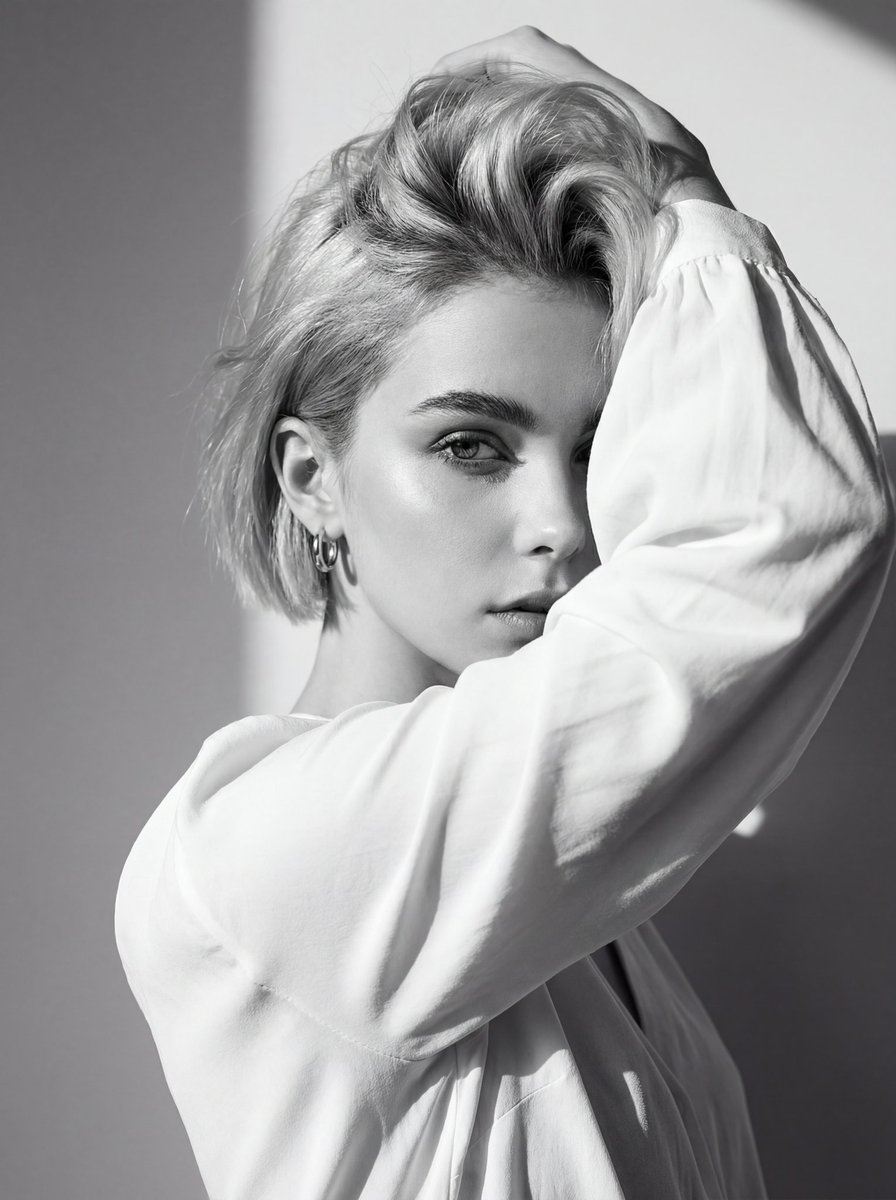
A hyper-realistic 8K prompt for an extreme close-up portrait, focusing on the likeness of Ana de Armas, featuring dramatic perspective distortion (foreshortening) on the hands making a 'hand-gun' gesture, with razor-sharp focus on the iris and a shallow depth of field. Change the subject, setting, or lighting one variable at a time.

{ "style": { "realism": "hyper-realistic 8k photography, photorealistic skin textures, high-fidelity digital art", "cinematic": true, "camera_angle": "eye-level, extreme close-up with dramatic perspective distortion", "aspect_ratio": "9:16 vertical portrait", "depth_of_field": "extremely shallow depth of field, foreground bokeh, sharp focal point on the iris" }, "subject": { "gender": "female", "appearance": { "skin_tone": "clear porcelain skin with natural luminosity and fine texture", "body_type": "slender and toned frame with elegant, thin neck and well-defined collarbones and shoulders", "facial_features": "likeness of {argument name="celebrity likeness" default="Ana de Armas"}, almond-shaped hazel-green eyes, delicate button nose, full lips with a slight smirk, high cheekbones, and a sharp, well-defined jawline", "hair": "dark brunette hair styled in a high, messy textured ponytail with curly, voluminous strands cascading down" }, "accessories": [ { "type": "earrings", "material": "polished silver cross pendants", "position": "dangling from earlobes" }, { "type": "necklaces", "material": "layered chunky silver chains and delicate links", "position": "around the neck" }, { "type": "top", "material": "black glittering sequined fabric", "position": "torso" } ] }, "pose": { "overall_posture": "playful and sultry, head slightly tilted, body angled slightly away while facing forward", "top_hand_gesture": { "position": "elevated and centered", "interaction": "forming a hand-gun gesture with thumb up and index finger pointing directly at the lens, heavily blurred due to proximity" }, "bottom_hand_gesture": { "position": "below the gun gesture, reaching toward camera", "interaction": "fingers splayed wide in an open-palm gesture, fingers blurred and elongated by extreme foreshortening" }, "expression": "sultry and charismatic gaze, slight smirk with lips closed" }, "framing": { "composition": "centralized, extreme foreshortening creating a 3D effect of hands emerging from the frame", "camera_position": "close-up macro perspective", "focus_progression": [ "blurred foreground fingertips", "soft-focus mid-ground hands", "razor-sharp focus on the subject's face and eyes" ] }, "environment": { "location": "minimalist professional photo studio", "objects": [ "solid sky-blue seamless backdrop" ] }, "visual_emphasis": [ "glittering reflection on black sequins", "metallic sheen on silver jewelry", "individual eyelash detail", "soft studio lighting with subtle rim light on the hair" ] }
Choose the primary action to open PicX Studio with the available template settings. Review the model and format, personalize the creative direction, and generate when ready.
Yes. You can change the subject, setting, lighting, mood, format, and available model controls before creating your image.
This template is free to open and customize. Generation usage is shown in PicX Studio before you create.
Start with Nano Banana 2, which is the model associated with this template. You can compare another compatible model for a different finish.
© 2026 PicX Studio. All rights reserved.

Follow a topic to a crawlable collection of related PicX Studio templates.
43,474 public templates available. Verified via the PicX Studio public templates API; refreshed hourly.




![69-untitled — FORMAT: 15s / 145 BPM / 14 SHOTS
SUBJECT: @[image1]
WARDROBE: Clean modern outfit
ENVIRONMENT: Street / indoor transitions
MOOD: Discovery → contr](/_next/image?url=https%3A%2F%2Fcdn.picxstudio.com%2Fuploads%2Fpost69_img0_d45faecf-38c3-4bcb-81a4-f6eb1cf42bb2.jpg&w=828&q=100)




![Extreme close-up macro of miniature city diorama on a solid base, held — Extreme close-up macro of miniature city diorama [CITY, COUNTRY] on a solid base, held](https://images.meigen.ai/tweets/2007777809712976297/0.jpg)







![118-google-nano-banana-pro-skincare-product- — A professional skincare shot of a [product container] with [cap/lid], labeled [brand, product, descriptor, volume](/_next/image?url=https%3A%2F%2Fcdn.picxstudio.com%2Fuploads%2Fpost118_img0_332898b8-29ea-42a9-87ab-9ed746a3f944.jpg&w=828&q=100)
![Naive doodle-style subject illustration — A doodle-style {argument name="subject" default="[subject]"}, naive lines, humorous shape exaggeration](https://pbs.twimg.com/media/G6Wl2YxbsAARB2b.jpg)