How do I use the Editorial Portrait of a Korean Woman template?
Choose the primary action to open PicX Studio with the available template settings. Review the model and format, personalize the creative direction, and generate when ready.
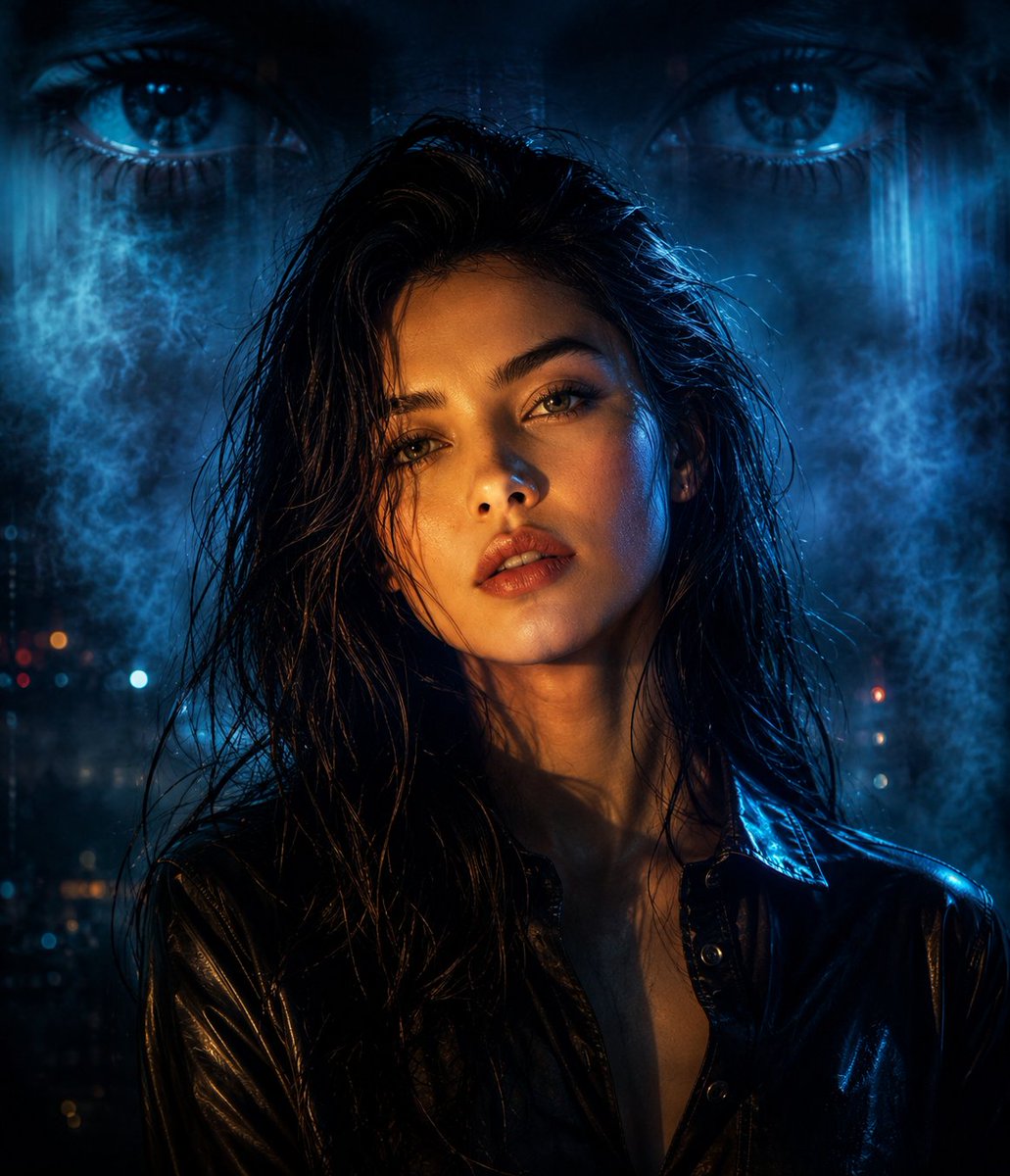
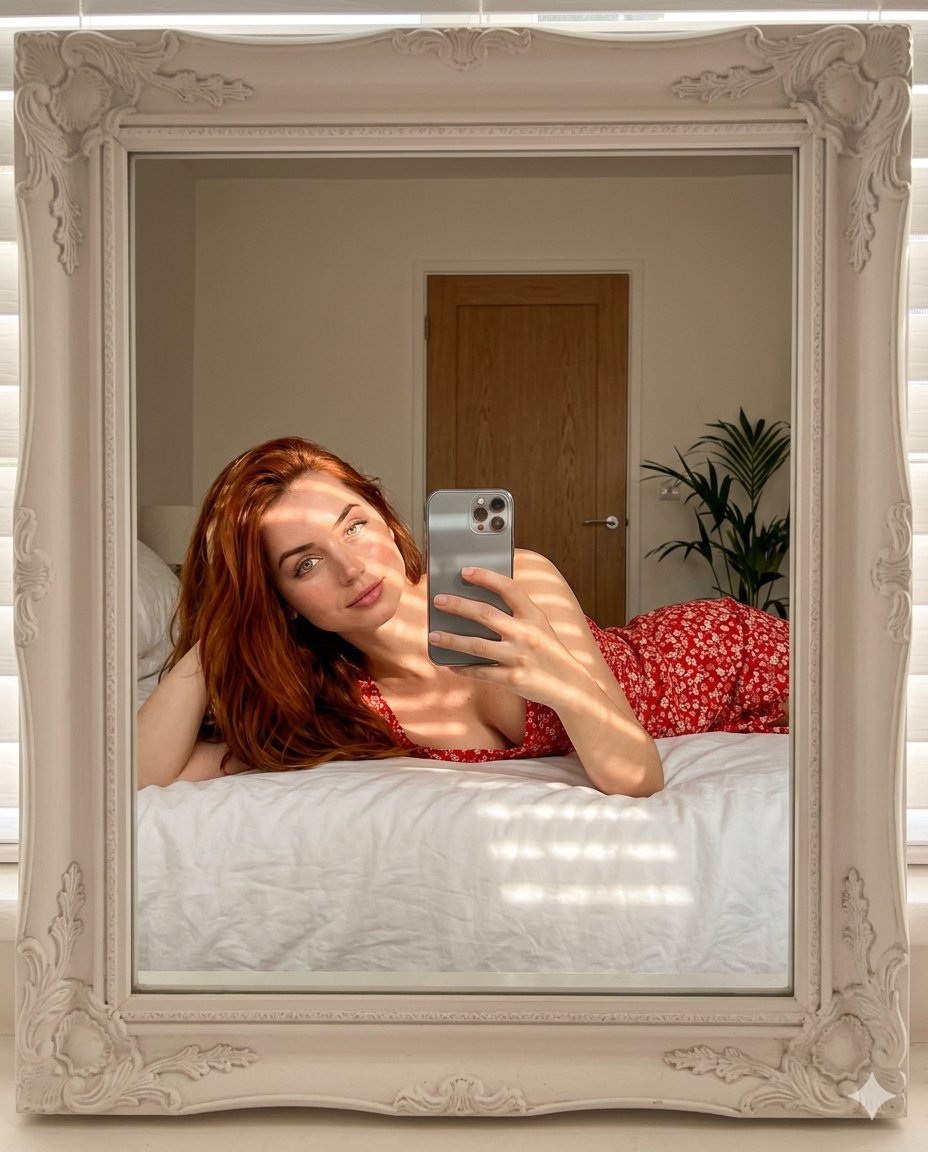
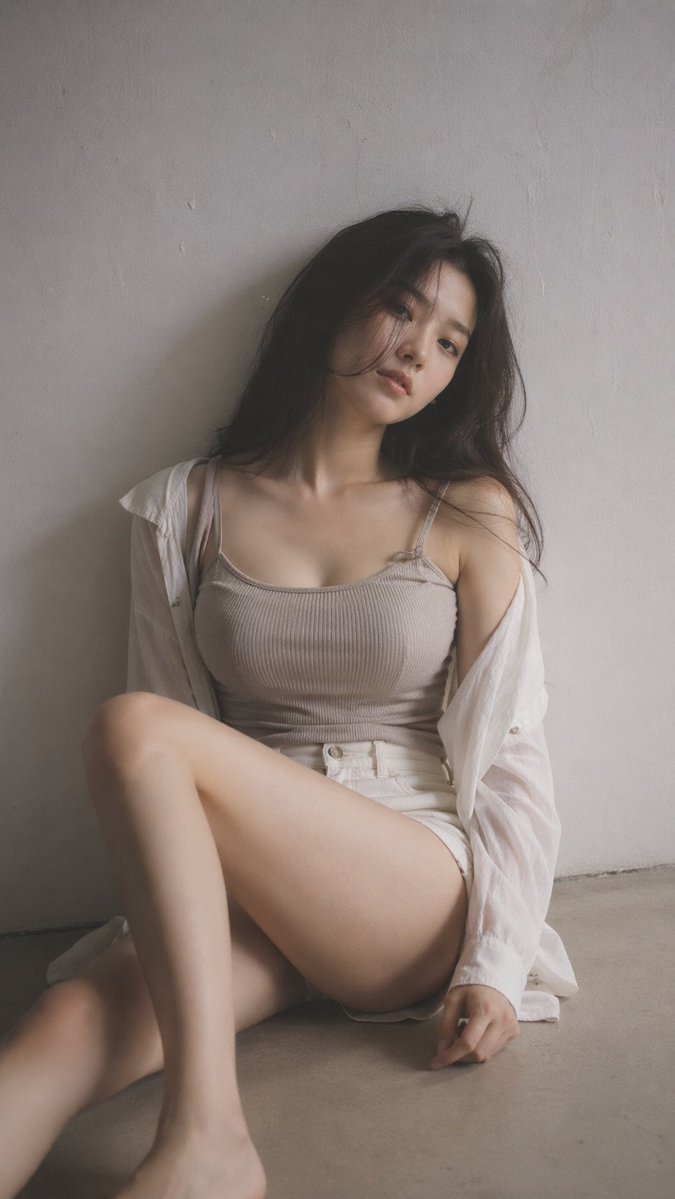
A detailed prompt for creating a quiet, editorial portrait of a Korean woman with soft atmospheric haze and desaturated tones using GPT Image 2. (free to use) — Free AI image template on PicX Studio.
9:16 vertical format, editorial portrait style, one subject only. Black mist effect applied lightly, soft atmospheric haze, gentle glow around highlights, tones muted and desaturated. Indoor space kept minimal and clean, background plain with subtle surface texture. {argument name="subject" default="Young Korean woman"}, very little makeup, natural skin visible. Clothes: {argument name="clothing style" default="ribbed knit fitted top or thin camisole under a loose open shirt, high-waist shorts or skirt"}; fabric drapes close to the body naturally, soft, not revealing. Hair casual and slightly messy with natural body. Pose: {argument name="sitting pose" default="sitting on the floor, one leg folded up, the other stretched out loosely"}; torso leans slightly, shoulders at different heights, head tilted to one side. Subject placed slightly off-center in frame, open negative space visible. Expression: relaxed and calm, eyes looking softly away, lips at rest. Light: gentle side lighting, shadows falling off gradually. Overall mood: quiet, understated, naturally sensual through relaxed body language rather than styling. Texture: fine grain, slight softness, photorealistic quality.
Use Editorial Portrait of a Korean Woman to plan an AI image around gpt-image-2 generation, themes such as en and gpt-image-2. Match the preview's composition first, then personalize the subject, setting, and mood for your own project.
Use the primary action to load the template settings in PicX Studio.
Adjust the subject and creative details for your destination.
Create the image, compare the result with the preview, and refine one variable at a time.
A continuous mix — similar concepts first, woven with same-model prompts and fresh picks from the catalog.
Choose the primary action to open PicX Studio with the available template settings. Review the model and format, personalize the creative direction, and generate when ready.
Yes. You can change the subject, setting, lighting, mood, format, and available model controls before creating your image.
This template is free to open and customize. Generation usage is shown in PicX Studio before you create.
Start with gpt-image-2, which is the model associated with this template. You can compare another compatible model for a different finish.
Follow a topic to a crawlable collection of related PicX Studio templates.
39,157 public templates available. Verified via the PicX Studio public templates API; refreshed hourly.
A continuous mix — similar concepts first, woven with same-model prompts and fresh picks from the catalog.