
Photoreal Cinematic Travel Editorial in
Photoreal Cinematic Travel Editorial in is a ready photo look for Nano Banana.
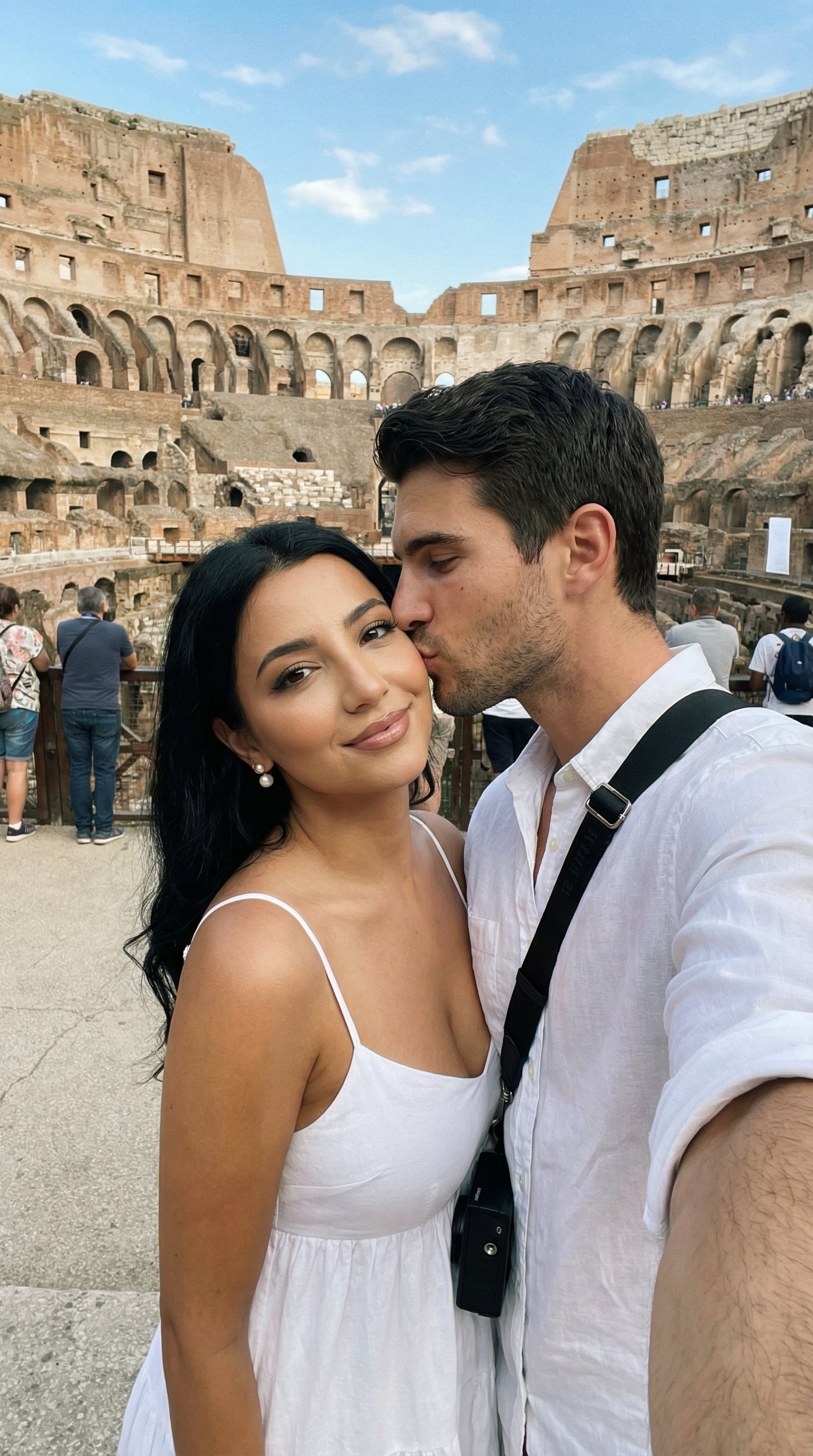
- Prompt included
- Model and format preset
- Free template
The prompt behind this image
Copy the exact prompt behind Photoreal Cinematic Travel Editorial in, or open it in the studio and make it yours.
- Generation Request › Meta Data › Tool
- NanoBanana Pro
- Generation Request › Meta Data › Task Type
- photoreal_cinematic_travel_couple_editorial
- Generation Request › Meta Data › Priority
- highest
- Generation Request › Meta Data › Language
- en
- Generation Request › References › Reference Image Faces › Source
- UPLOAD_REFERENCE_IMAGE (REQUIRED)
- Generation Request › References › Reference Image Faces › Purpose
- DUAL_FACE_IDENTITY_LOCK
- Generation Request › References › Reference Image Faces › Strict Lock
- true
- Generation Request › References › Reference Image Faces › Face Similarity Priority
- ABSOLUTE_MAX
- Generation Request › References › Reference Image Faces › No Identity Blending
- true
- Generation Request › References › Reference Image Faces › No Beautify
- true
- Generation Request › References › Reference Image Faces › No Age Shift
- true
- Generation Request › References › Reference Image Faces › Preserve Skin Texture
- true
- Generation Request › References › Reference Image Faces › Preserve Facial Proportions
- true
- Generation Request › References › Reference Image Faces › Lighting Independent Identity
- true
- Generation Request › Global Constraints › Rating
- PG-13
- Generation Request › Global Constraints › No Nudity
- true
- Generation Request › Global Constraints › No Explicit Sexual Content
- true
- Generation Request › Global Constraints › No Logos
- true
- Generation Request › Global Constraints › No Watermark
- true
- Generation Request › Global Constraints › No Readable Text
- true
- Generation Request › Output Settings › Aspect Ratio
- 4:5
- Generation Request › Output Settings › Orientation
- portrait
- Generation Request › Output Settings › Resolution Target
- ultra_high_res
- Generation Request › Output Settings › Render Style
- cinematic_photoreal_editorial
Raw JSON
{
  "generation_request": {
    "meta_data": {
      "tool": "NanoBanana Pro",
      "task_type": "photoreal_cinematic_travel_couple_editorial",
      "priority": "highest",
      "language": "en"
    },

    "references": {
      "reference_image_faces": {
        "source": "UPLOAD_REFERENCE_IMAGE (REQUIRED)",
        "purpose": "DUAL_FACE_IDENTITY_LOCK",
        "strict_lock": true,
        "face_similarity_priority": "ABSOLUTE_MAX",
        "no_identity_blending": true,
        "no_beautify": true,
        "no_age_shift": true,
        "preserve_skin_texture": true,
        "preserve_facial_proportions": true,
        "lighting_independent_identity": true
      }
    },

    "global_constraints": {
      "rating": "PG-13",
      "no_nudity": true,
      "no_explicit_sexual_content": true,
      "no_logos": true,
      "no_watermark": true,
      "no_readable_text": true
    },

    "output_settings": {
      "aspect_ratio": "4:5",
      "orientation": "portrait",
      "resolution_target": "ultra_high_res",
      "render_style": "cinematic_photoreal_editorial",
      "film_grain": "subtle_35mm",
      "dynamic_range": "natural_not_hdr",
      "skin_rendering": "real_texture_zero_retouch"
    },

    "creative_prompt": {
      "scene_summary": "Photoreal cinematic travel editorial of a couple inside the Colosseum in Rome. Ancient stone arches, circular arena structure, warm daylight, blue sky with soft clouds. Authentic tourist atmosphere but emotionally intimate.\n\nSubjects: ONE adult woman and ONE adult man. Facial identities must match the reference image EXACTLY. No facial stylization, no symmetry correction, no beauty enhancement.\n\nInteraction: the man gently kissing the woman on the cheek. Natural affection, candid moment, not posed.\n\nWoman: wearing a white spaghetti-strap summer dress, flowing lightweight fabric. Pearl stud earrings. Natural makeup, calm expression, soft smile.\n\nMan: wearing a crisp white button-up shirt, casually styled. Black crossbody camera bag. Relaxed posture, natural movement.\n\nCamera: handheld selfie perspective, slightly wide-angle, realistic arm extension visible. Authentic travel photography feel.\n\nLighting: natural daylight with soft shadows, realistic skin tones, no HDR look. Editorial realism, cinematic clarity. NO TEXT."
    },

    "negative_prompt": [
      "face mismatch",
      "identity drift",
      "beauty filter",
      "ai face",
      "plastic skin",
      "over smoothing",
      "face morphing",
      "extra fingers",
      "deformed hands",
      "warped anatomy",
      "cartoon",
      "illustration",
      "anime",
      "logos",
      "text",
      "watermark",
      "blur",
      "fashion studio lighting"
    ]
  }
}How to use Photoreal Cinematic Travel Editorial in in 3 steps
- 1Upload ImagePNG, JPG or paste
Add your photo
Upload the photo the template builds on. The prompt, model and format are already set.
- 2…a portrait of your subject in softgolden-hour light, 85mm…
Personalize
Edit the subject and creative details for your destination.
- 3Generate
Generate
Press Generate — your image is created in PicX Studio, so you can compare it with the original and refine one variable at a time.
More like this
Templates with the same subject, style or setup. Open one to see its prompt.

Nano Banana Pro Photoreal Playful Couple

Found Photograph: Us, 1970

80s Couple Studio Portrait

untitled

untitled

Cinema Date Popcorn Realistic By Nano Ba

Kids Crayon Travel Journal Illustration

Enchanted Forest Root Kiss Scene By Nano

Romantic Cinematic Still of a Couple in

Couple Goals from the Google Gemini Nano

Caution Tape Fashion — Industrial Editorial

Couture Fashion Editorial Woman and Drag
Make it yours
Photoreal Cinematic Travel Editorial in works as-is. These are the safest ways to change it without losing the look.
Swap the setting
Keep the rest of the prompt and replace the location block. The current setting is “4:5”.
Swap the light
One lighting change is enough to compare takes. Current light: “true”.
Change one field
Copy a single group, rewrite it, and generate again so you can see what that field is doing.
| If the result… | Why | Fix |
|---|---|---|
| The result drifts from the preview | Too many fields changed at once. | Reuse 19-photoreal-cinematic-travel-editorial-in- as-is first, then change one group — subject, light, or setting. |
| Nano Banana ignores part of the JSON | Some models flatten or skip nested keys. | Keep the same values and paste them as a short paragraph instead. |
More Nano Banana templates
Other prompts made for Nano Banana.










More image prompts
Fresh picks from across the catalog.
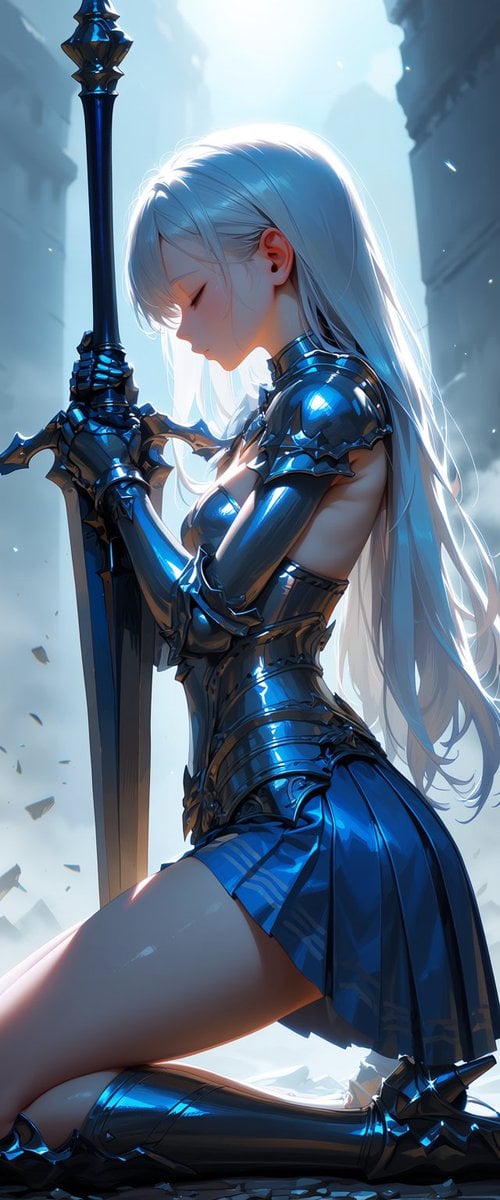
Kneeling Blue Armored Knight
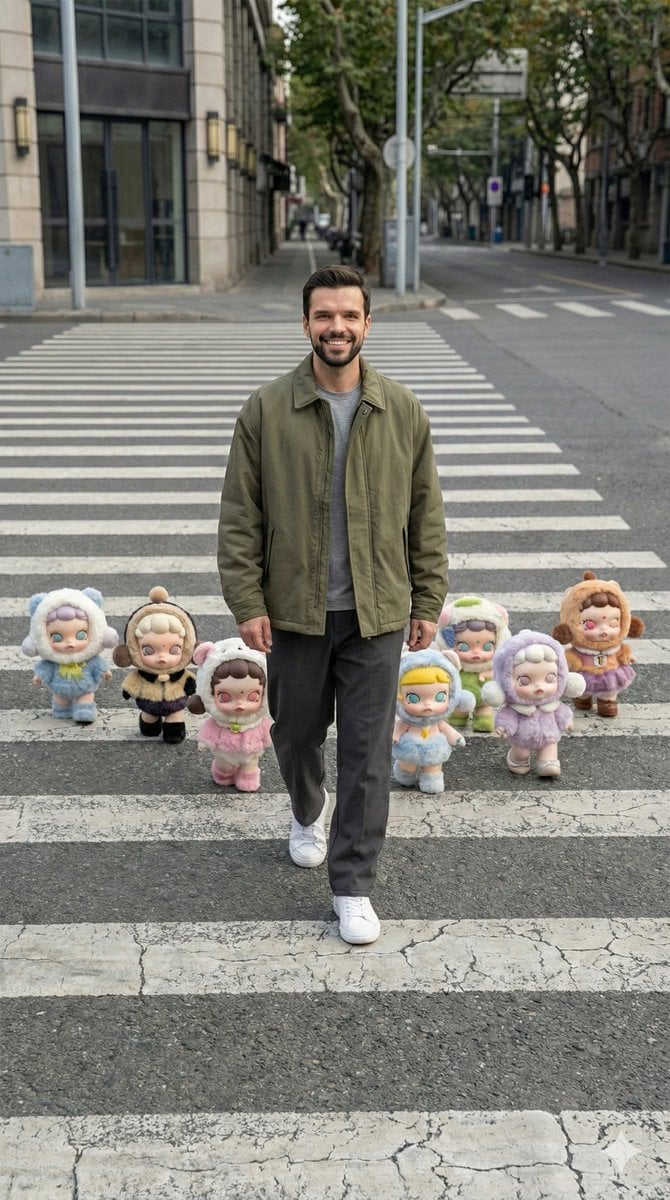
Hyper-Realistic Street Photography with Popmart Figures
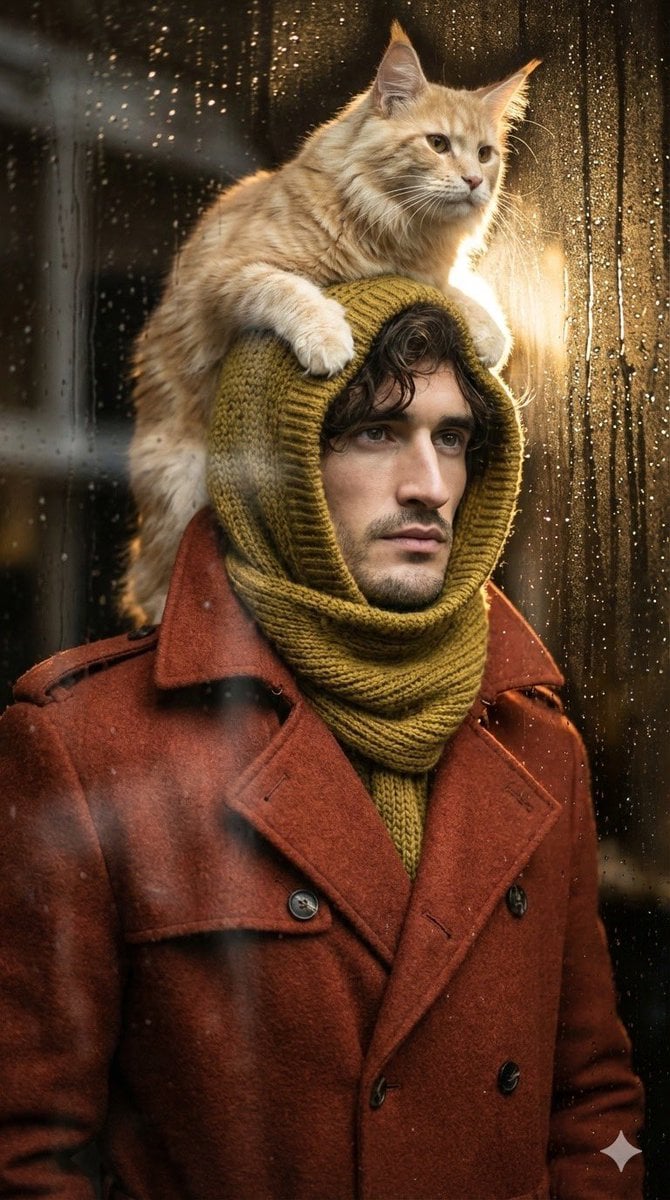
Low-angle man with hood scarf and cat on head
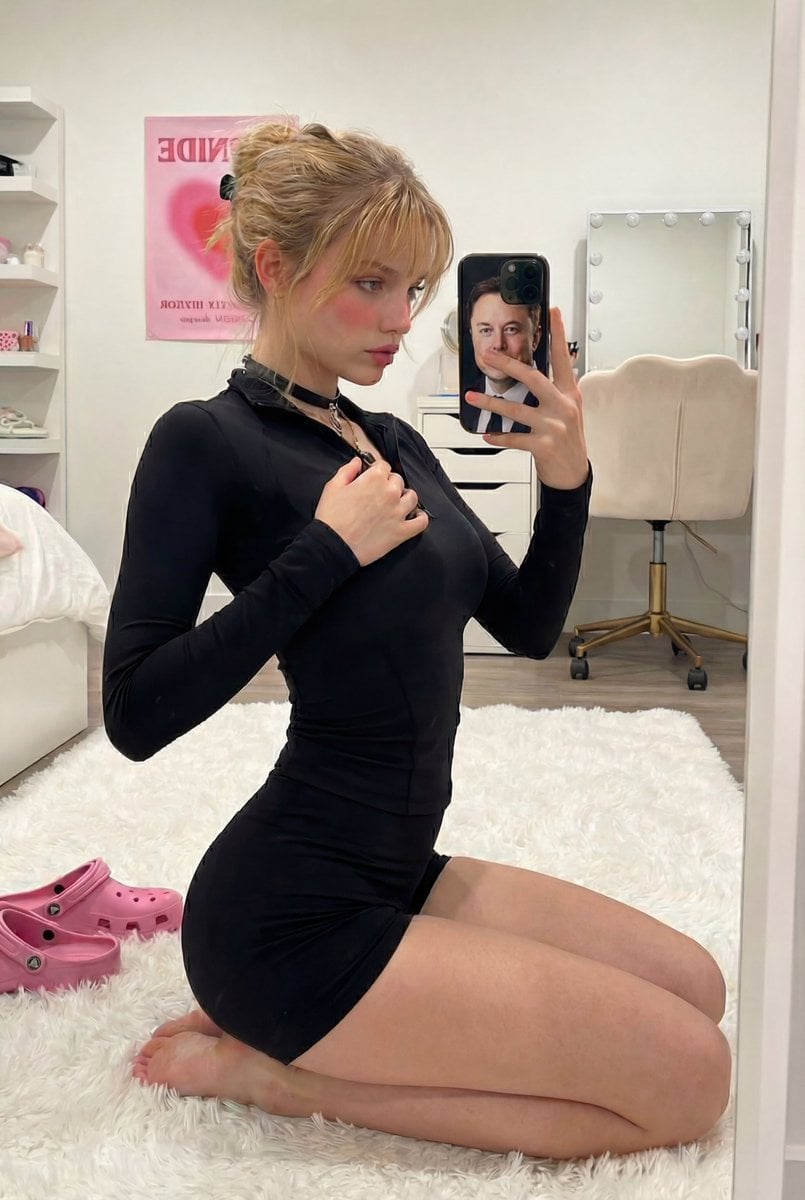
Mirror Selfie with Arched Back Pose Prompt

Minimalist Product Ad: PURE CRUNCH
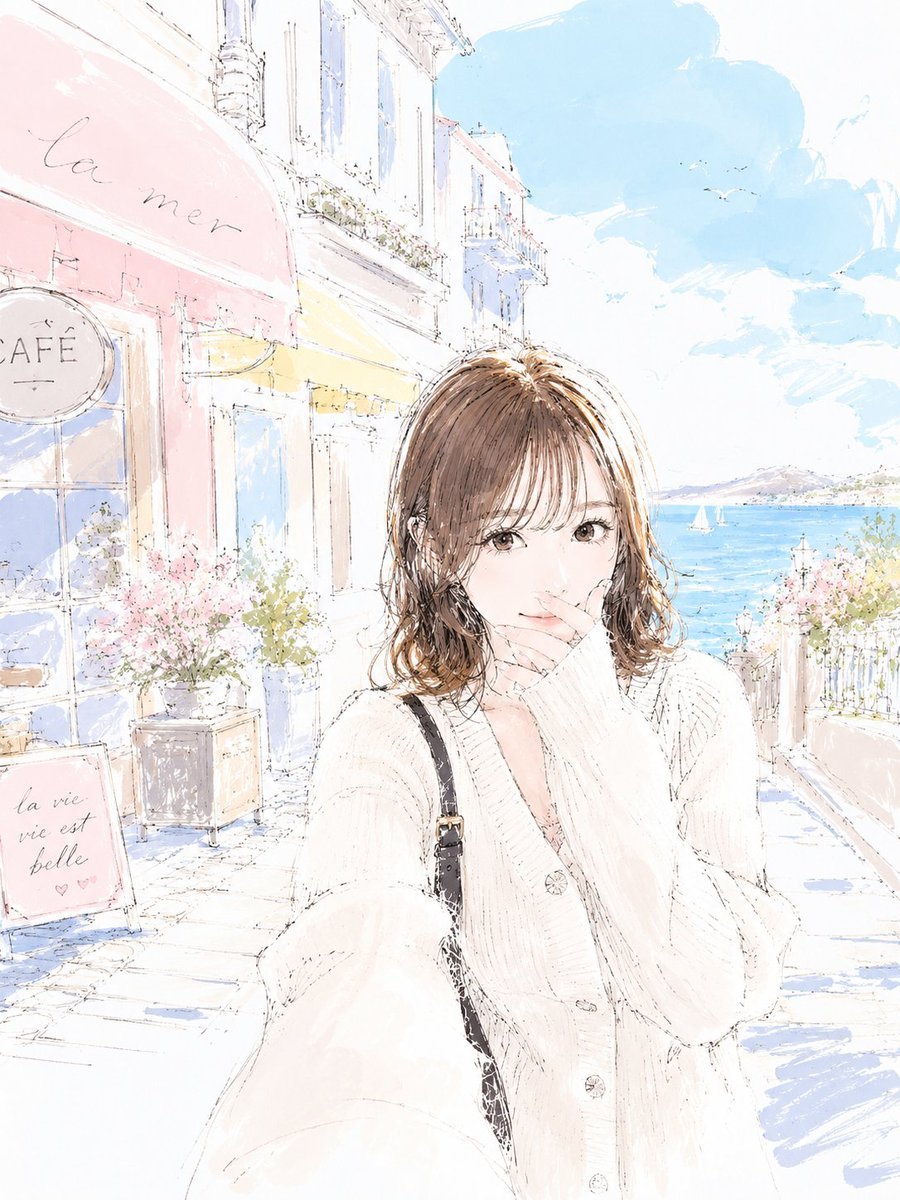
Pastel Sketch Animation Illustration
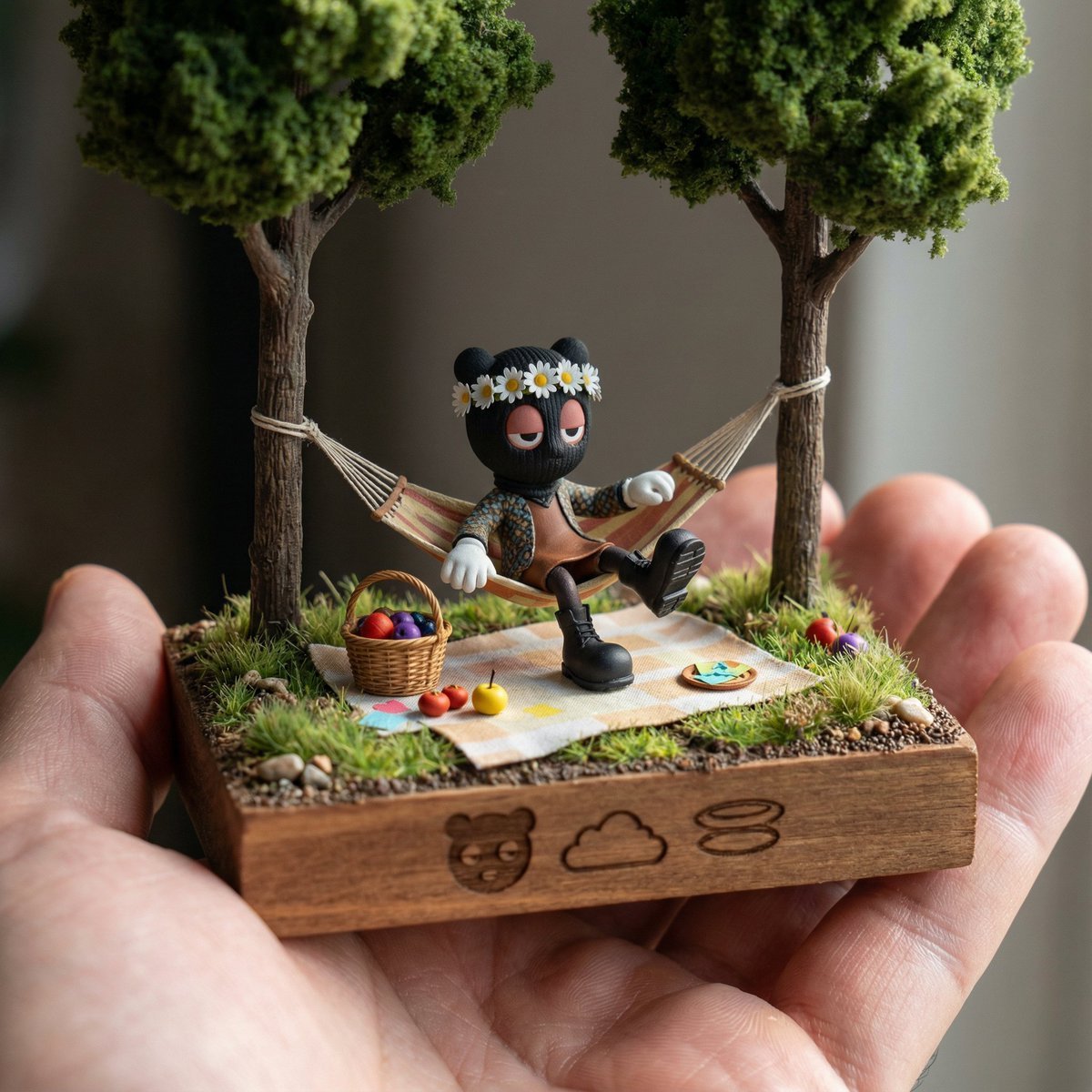
Diorama Reinterpretation Prompt

Anime ChatGPT Companion in Study

Cinematic Video of Woman on Phone (Image and Video Prompt)
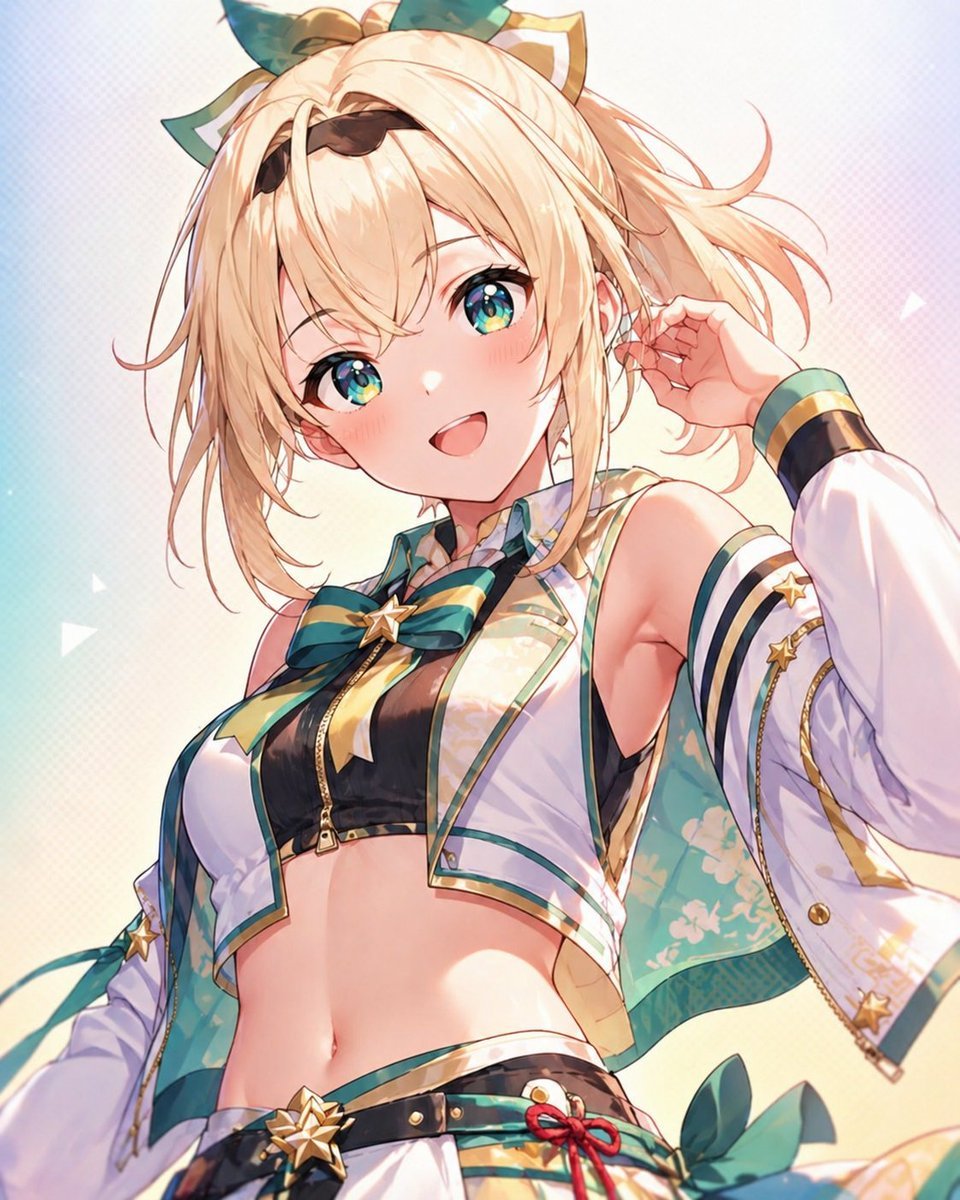
Censored Anime Idol Portrait
Browse template categories
Photoreal Cinematic Travel Editorial in questions
How do I use the 19-photoreal-cinematic-travel-editorial-in- template?
Add your photo if the template asks for one, edit the prompt if you like — the template's model and format are already selected — and press Generate. Your version opens in PicX Studio.
Can I customize the 19-photoreal-cinematic-travel-editorial-in- template?
Yes. You can change the subject, setting, lighting, mood, format, and available model controls before creating your image.
Is the 19-photoreal-cinematic-travel-editorial-in- template free?
Opening and editing this template is free. Generating uses credits, shown on the Generate button when you are signed in.
Which AI model should I use?
Start with Nano Banana, which is the model associated with this template. You can compare another compatible model for a different finish.
Looking for something else? Browse all templates.

Your photo, any look
Thousands of ready templates for every top image and video model, from one credit balance.