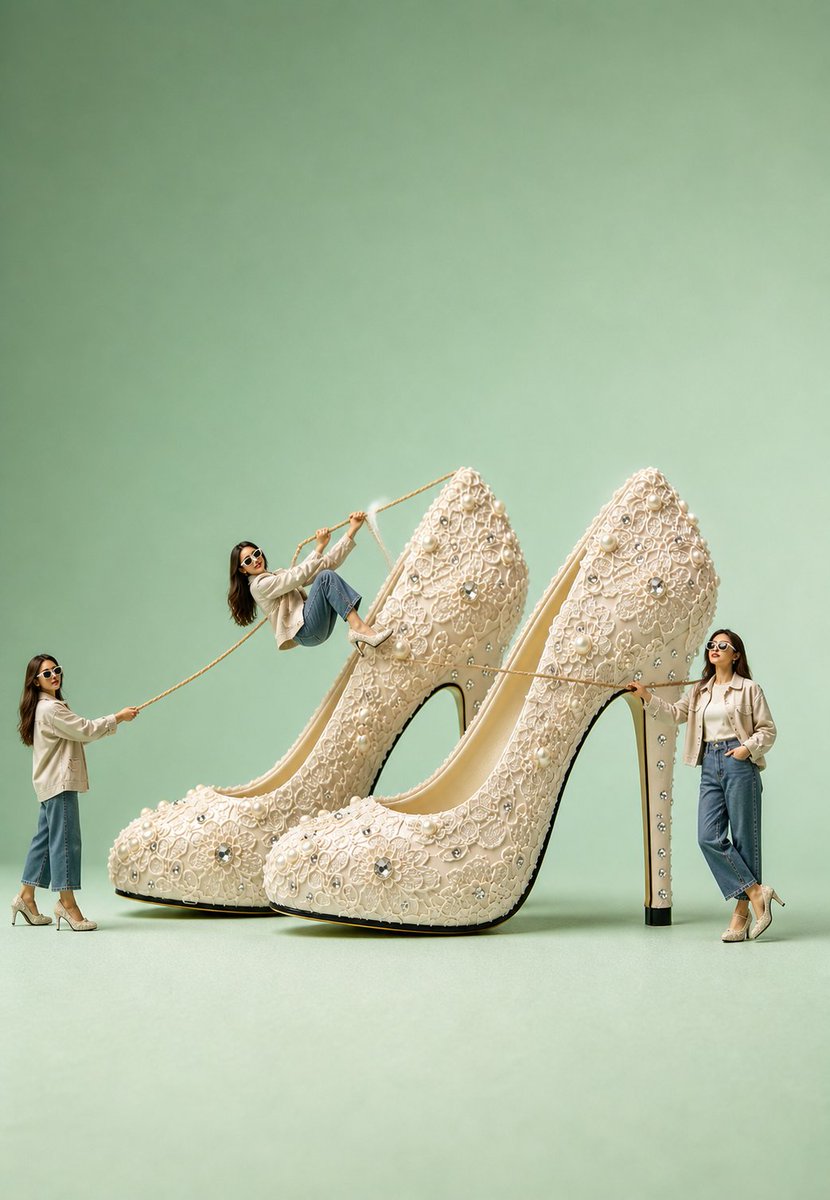
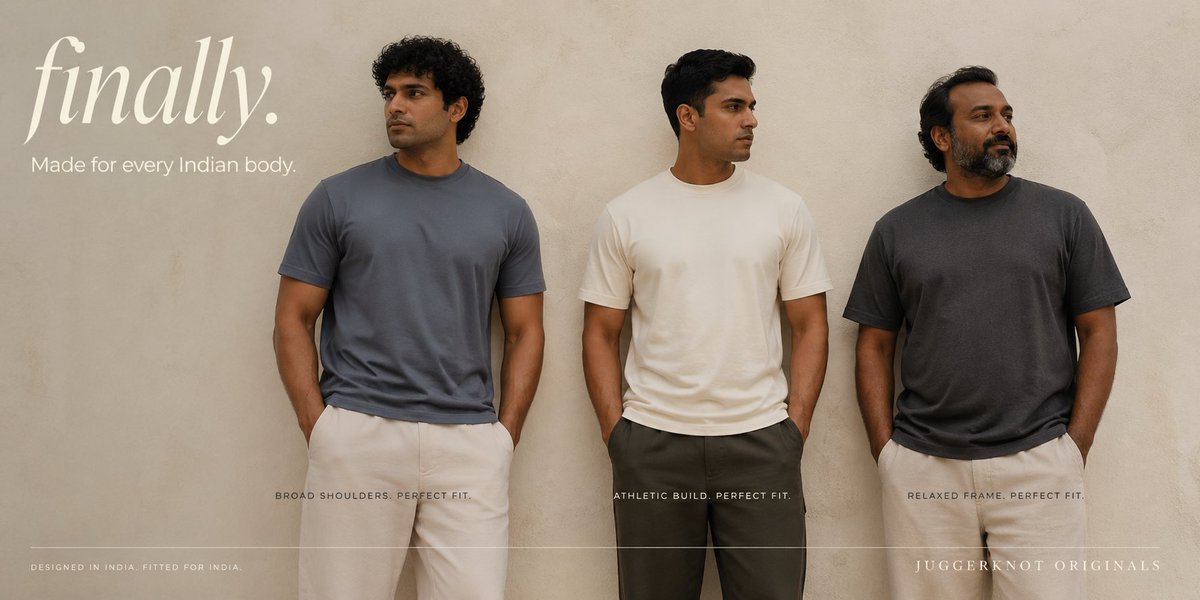
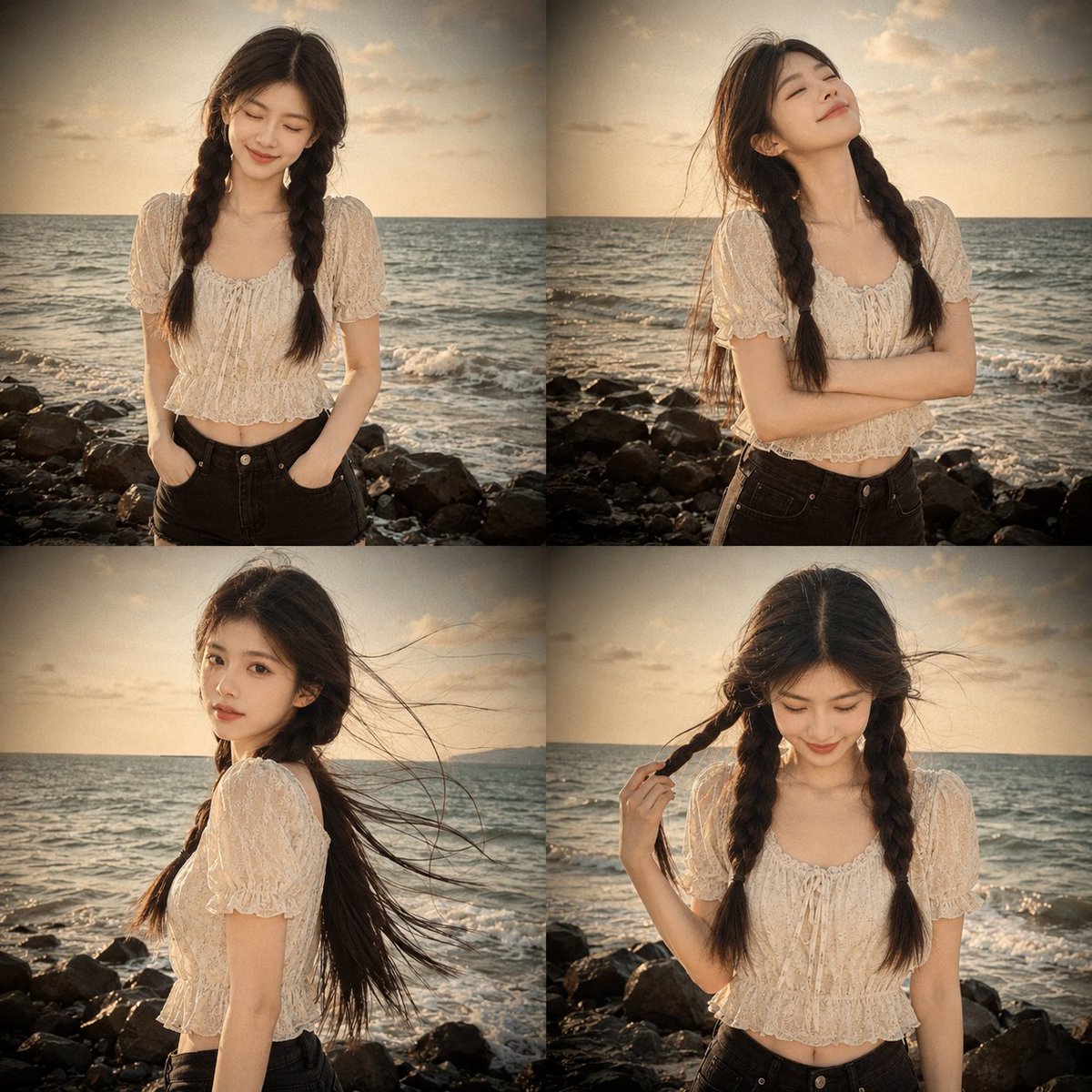
How do I use the Dual Gym Mirror Selfie (Social Media Aesthetic) template?
Choose the primary action to open PicX Studio with the available template settings. Review the model and format, personalize the creative direction, and generate when ready.
A detailed prompt for generating a photorealistic social media-style mirror selfie featuring two young, athletic women in matching pink scrunch-butt leggings in a modern fitness studio. Change the subject, setting, or lighting one variable at a time.

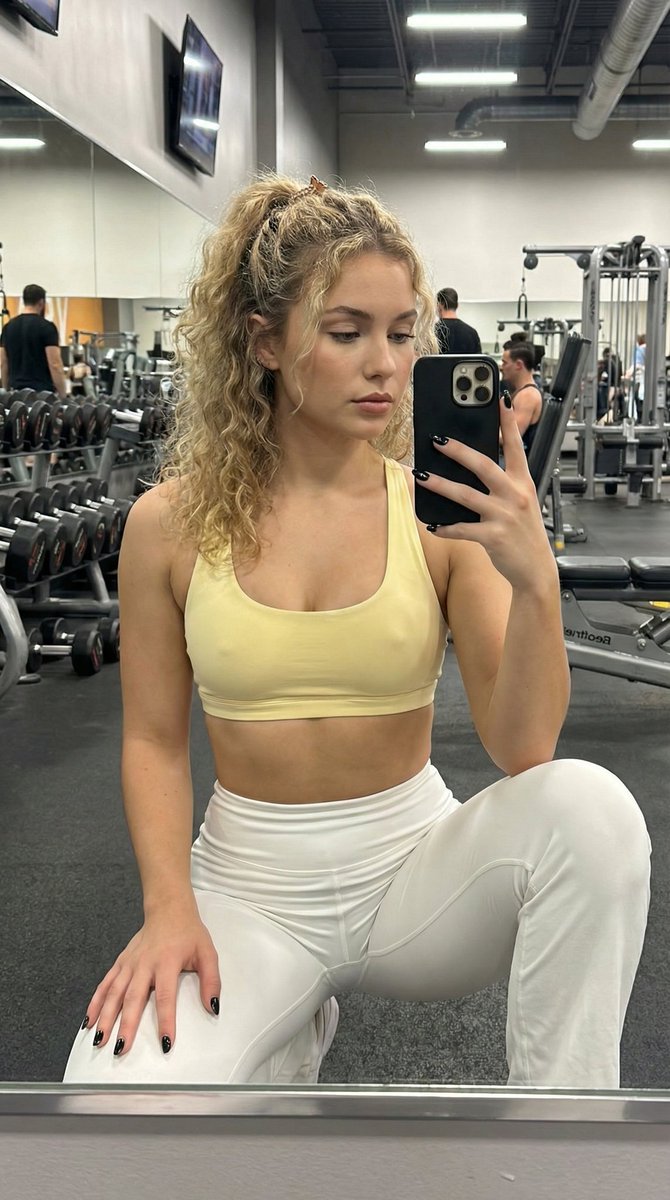
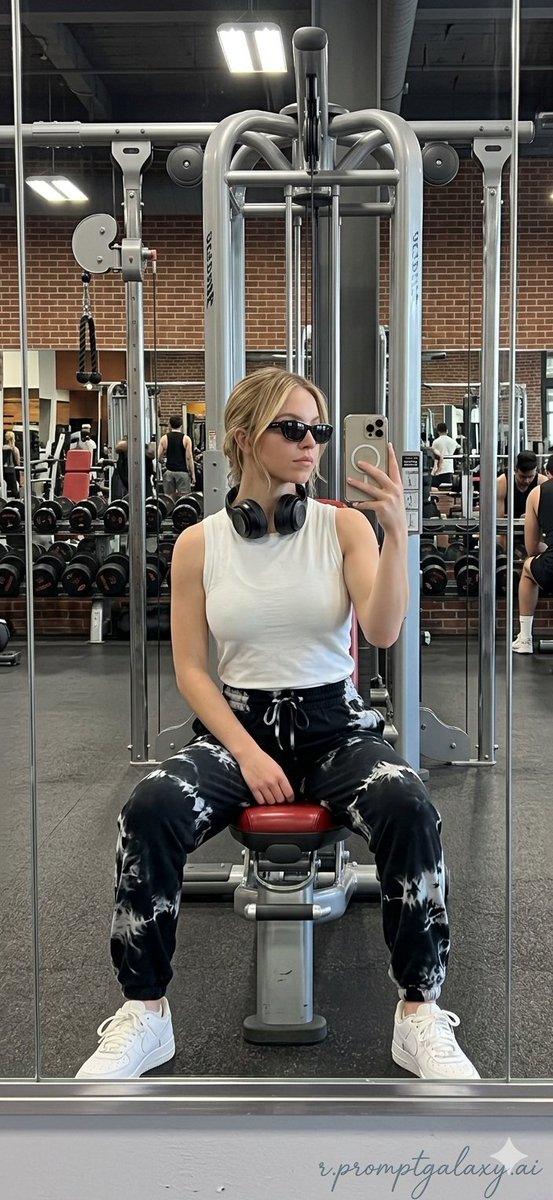
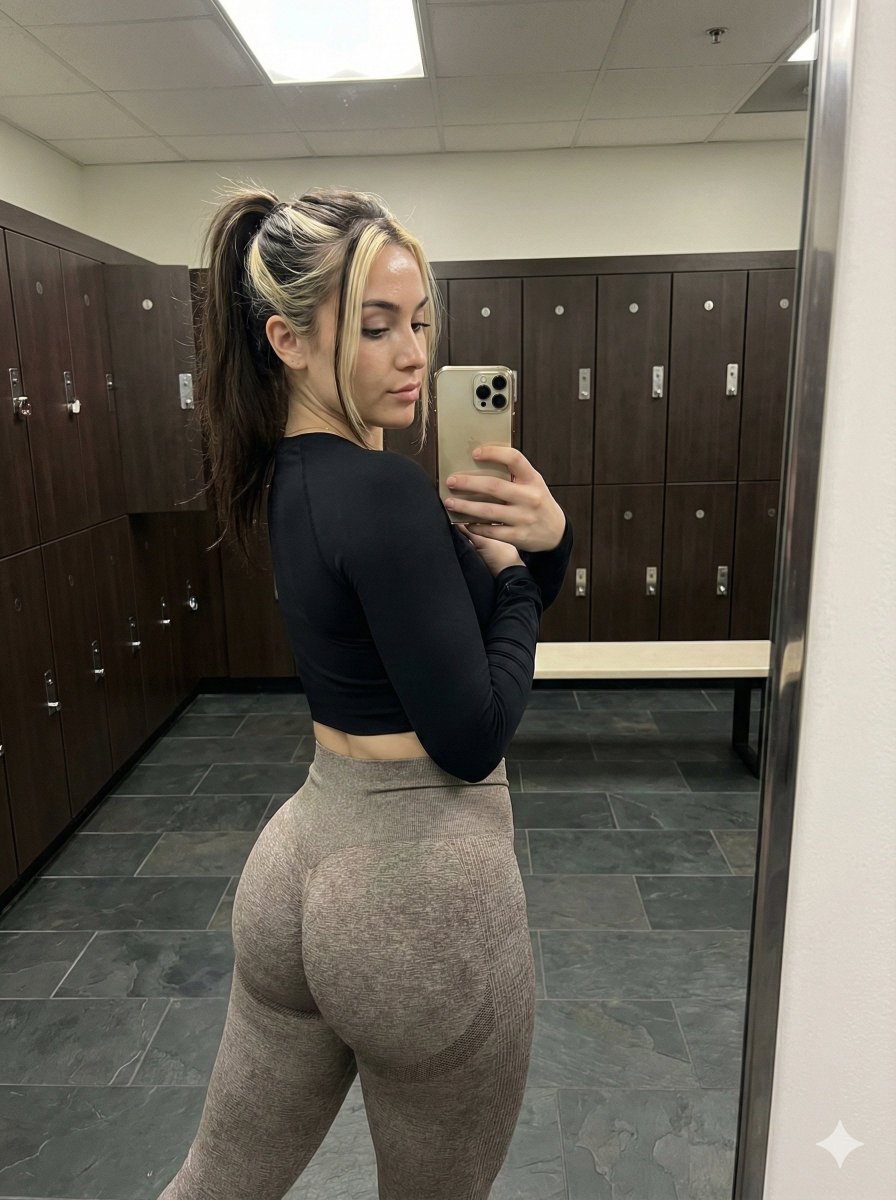
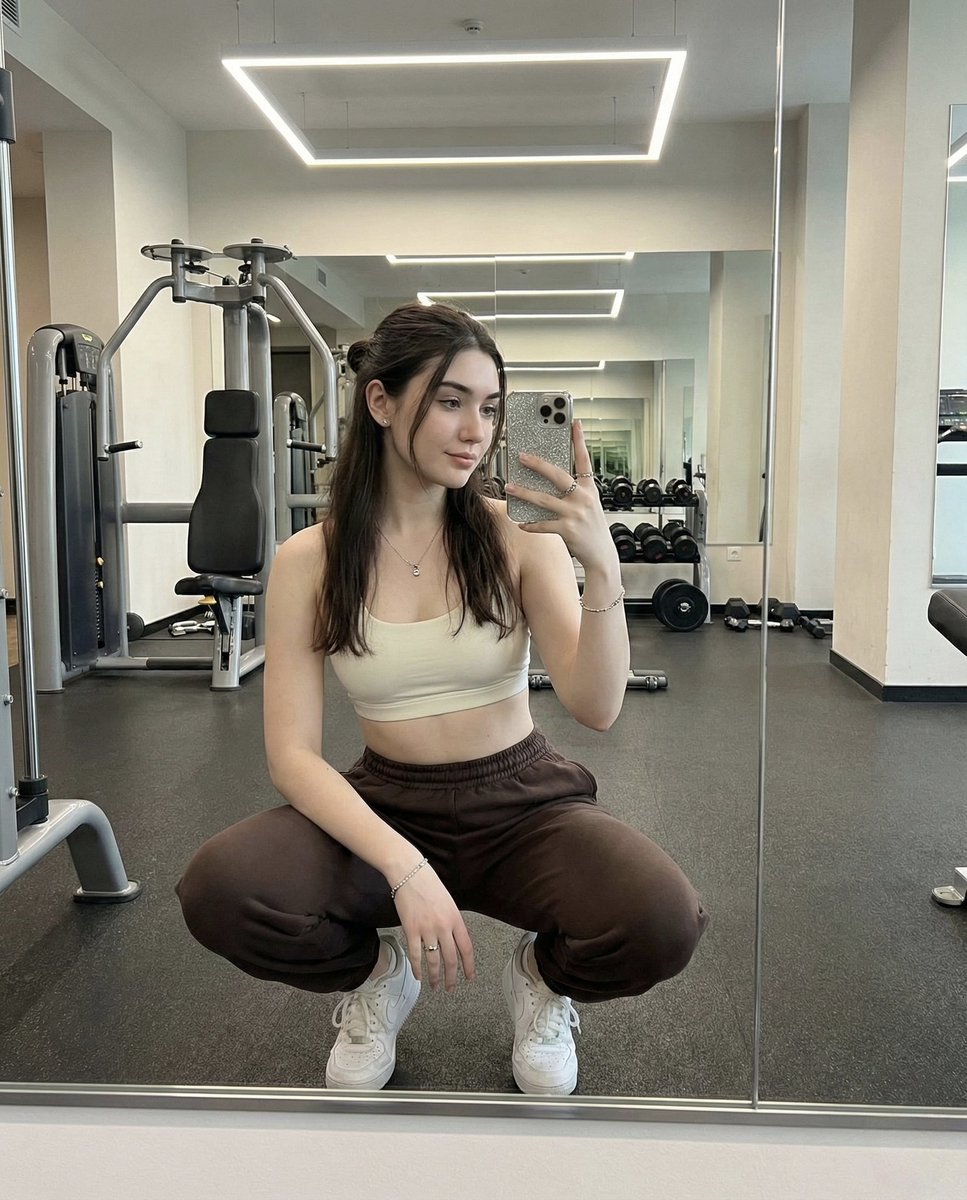
{ "image_generation_task": { "title": "Dual Gym Mirror Selfie", "version": "2.0", "target_style": "Photorealistic Social Media Aesthetic" }, "prompt_components": { "composition": { "type": "Mirror Selfie", "perspective": "Back view reflected in mirror", "framing": "Two-shot, standing side-by-side", "angle": "Slight wide-angle, chest-height phone position" }, "subjects": [ { "id": "subject_left", "demographics": { "age": "Early 20s", "build": "Fit, curvy, athletic, toned glutes" }, "appearance": { "hair_style": "High pigtails with loose strands", "hair_color": "Light brown / Blonde", "skin_tone": "Fair tanned, healthy glow" }, "apparel": { "top": "{argument name="top color" default="Bright pink"} long-sleeve crop top, thumb holes, subtle sheen", "bottom": "High-waisted seamless short scrunch-butt pink leggings", "accessories": ["White athletic socks"], "branding": "DFYNE logo on waistband" }, "pose": { "stance": "Relaxed athletic, hand on hip", "expression": "Slight smile visible in reflection", "body_language": "Back arched to emphasize curves" } }, { "id": "subject_right", "demographics": { "age": "Early 20s", "build": "Fit, curvy, athletic" }, "appearance": { "hair_style": "Loose ponytail or braids, natural volume", "hair_color": "Darker brown", "skin_tone": "Fair tanned" }, "apparel": { "top": "Light yellow halter-style sports bra, thin straps", "bottom": "High-waisted seamless short scrunch-butt {argument name="bottom color" default="pink"} leggings", "accessories": ["White athletic socks"], "branding": "None specified" }, "pose": { "stance": "Playful confident, hand on hip", "expression": "Subtle playful expression in reflection", "body_language": "Confident posture" } } ], "environment": { "location": "Modern Fitness Studio", "foreground": "Dark rubberized gym flooring, subtle texture", "midground": "Large wall-to-wall mirror", "background": { "elements": ["Cardio machines", "Weight equipment", "Exposed ceiling ducts"], "visibility": "Blurred (Bokeh effect)" } }, "lighting": { "style": "Cinematic / Moody", "ambient_color": "Deep blue and purple cool tones", "accents": "Neon strip lighting, overhead spotlights", "interaction": "Subtle rim lighting on hair, specular highlights on spandex fabric and skin" }, "technical_specs": { "resolution": "8k", "medium": "Digital Photography", "lens_characteristics": ["Slight wide-angle", "Sharp focus on subjects", "Soft background blur"], "textures": "
Choose the primary action to open PicX Studio with the available template settings. Review the model and format, personalize the creative direction, and generate when ready.
Yes. You can change the subject, setting, lighting, mood, format, and available model controls before creating your image.
This template is free to open and customize. Generation usage is shown in PicX Studio before you create.
© 2026 PicX Studio. All rights reserved.

Start with Nano Banana 2, which is the model associated with this template. You can compare another compatible model for a different finish.
Follow a topic to a crawlable collection of related PicX Studio templates.
43,474 public templates available. Verified via the PicX Studio public templates API; refreshed hourly.


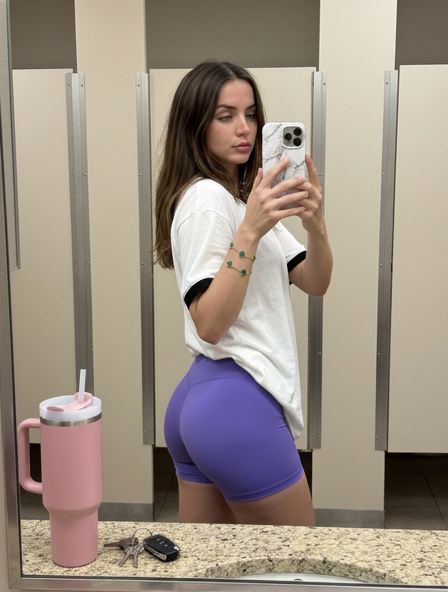









![Naive doodle-style subject illustration — A doodle-style {argument name="subject" default="[subject]"}, naive lines, humorous shape exaggeration](https://pbs.twimg.com/media/G6Wl2YxbsAARB2b.jpg)













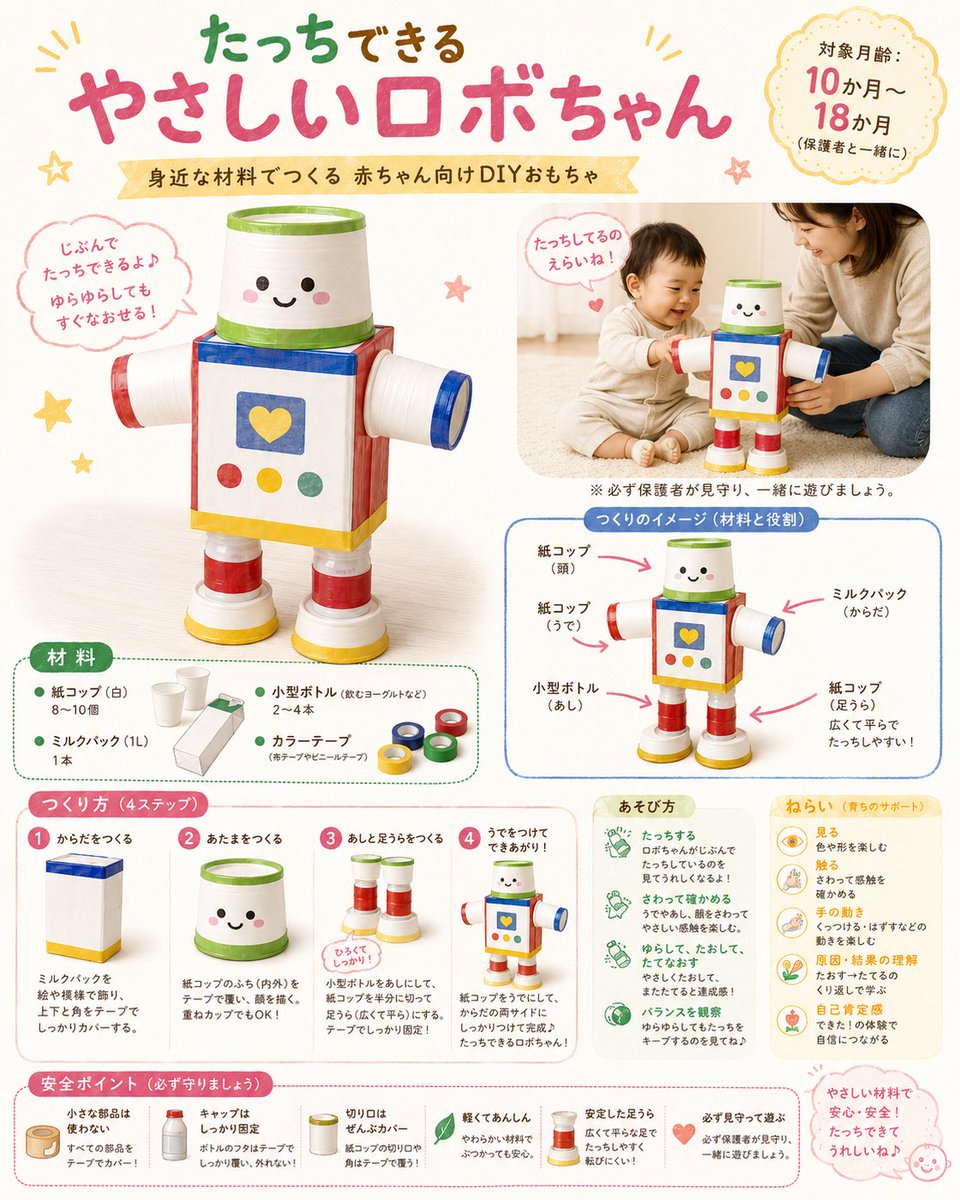





![Supermarket sale flyer in Japanese — スーパーマーケットの特売チラシを作って。{argument name="店名" default="[お店の名前]"}の名前も入れてください。](https://pbs.twimg.com/media/G6O7tn_acAECV3k.jpg)