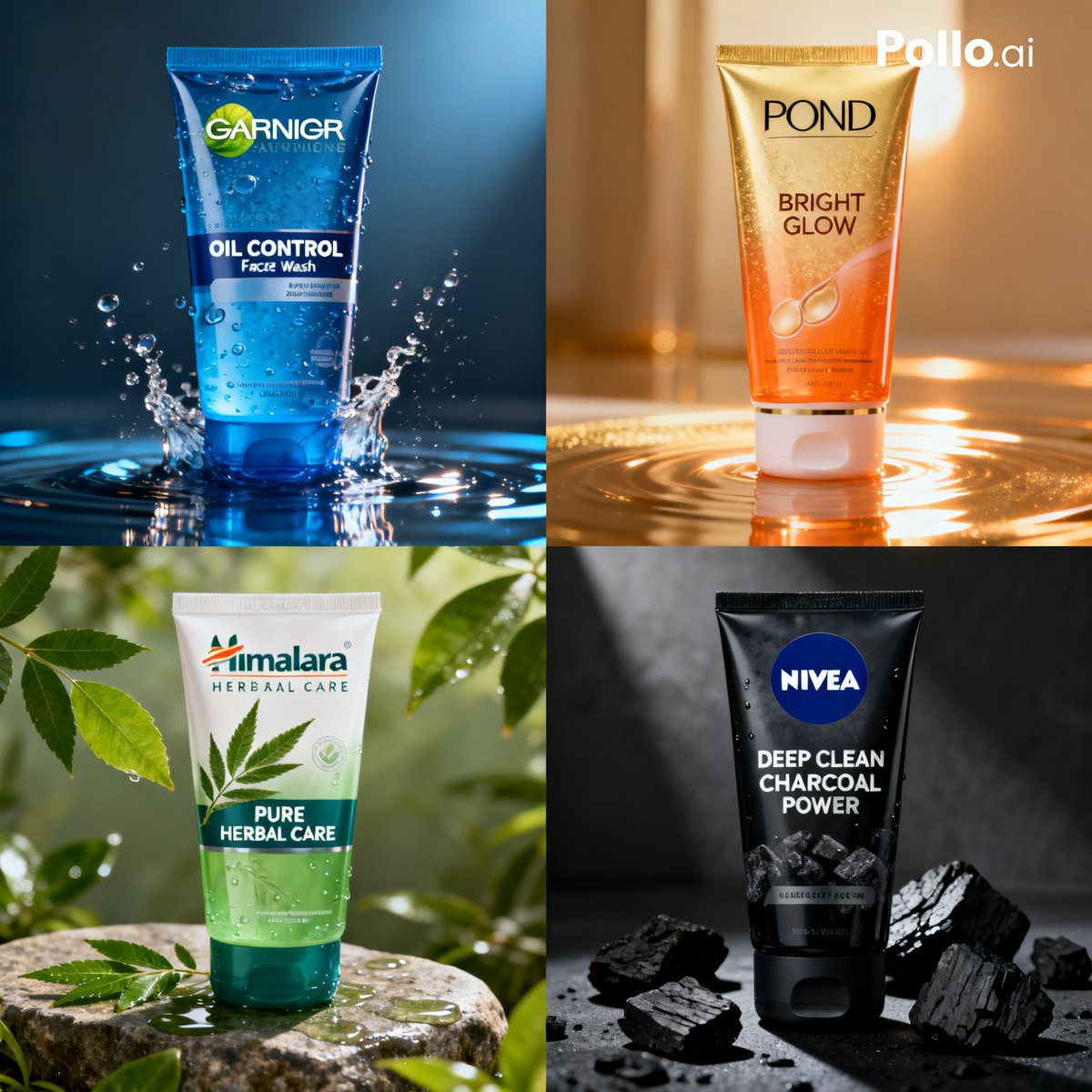
How do I use the High-Speed Water Splash Portrait template?
Choose the primary action to open PicX Studio with the available template settings. Review the model and format, personalize the creative direction, and generate when ready.
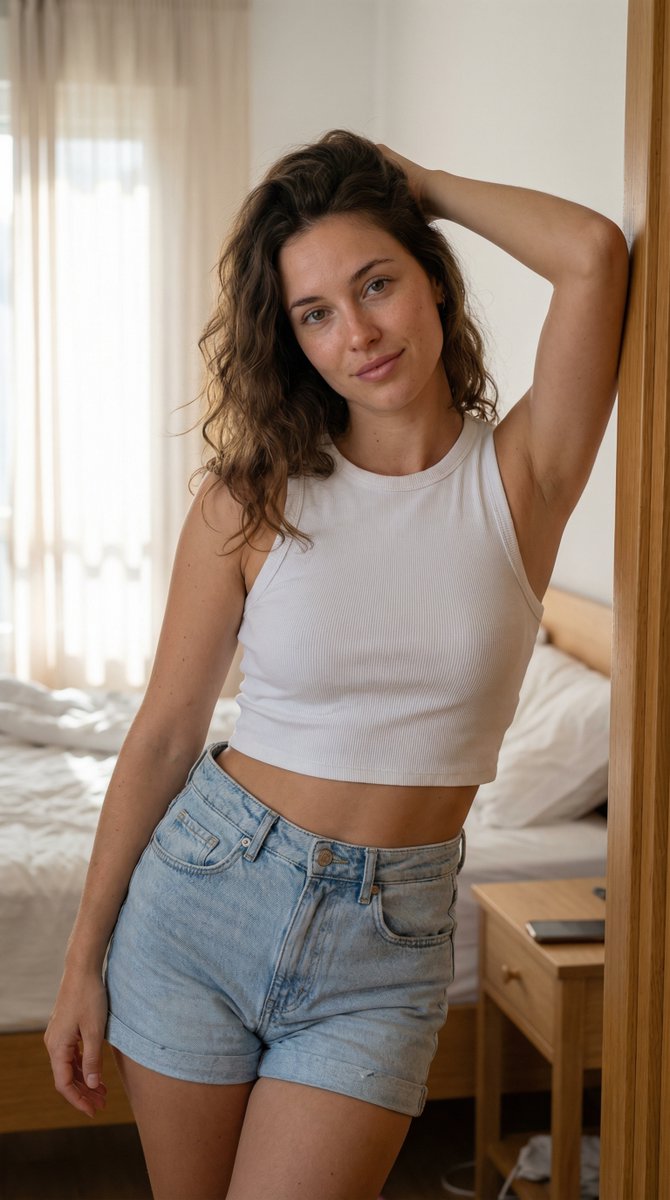
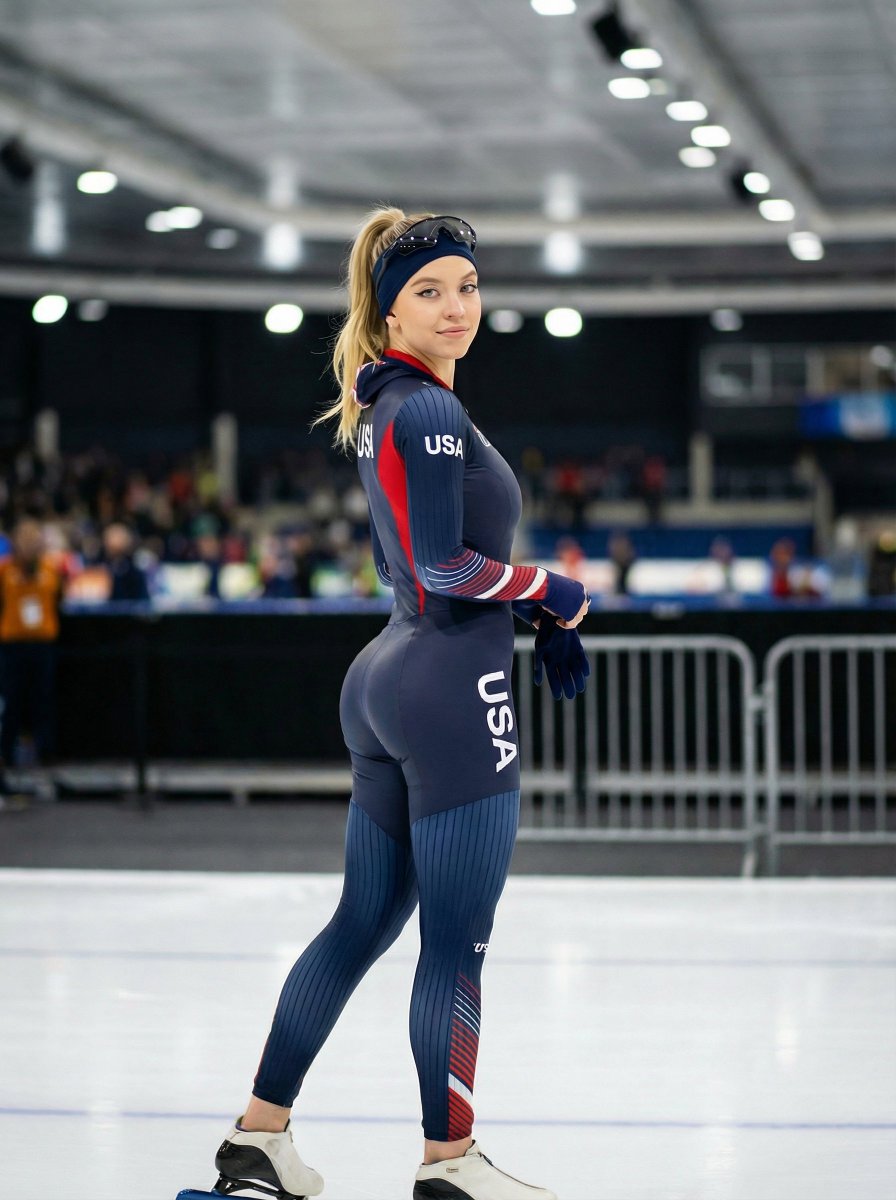
A highly technical prompt for generating a photorealistic, high-speed photograph of a subject (Sydney Sweeney is used as a placeholder) emerging from water. Change the subject, setting, or lighting one variable at a time.

{ "image": { "general": { "style": "Masterpiece", "quality": "Best", "photorealism": 1.4, "resolution": "8k", "aspect_ratio": "3:4" }, "lighting": { "type": "Caustic", "intensity": "Bright sunlight", "contrast": "High", "atmosphere": "Refreshing", "glistening_water": true }, "photography": { "type": "High-speed", "focus": "Sharp", "details": { "water_splash": true, "water_drops_freezing_in_air": true, "dynamic_splash": true } }, "water_effect": { "splash": { "intensity": 1.3, "dynamic": true, "droplets": { "freezing_in_air": true } } }, "background": { "color": "Turquoise blue", "type": "Blurred", "style": "Bokeh", "vibes": "Summer" } }, "subject": { "person": { "name": "{argument name="subject name" default="Sydney Sweeney"}", "pose": "Close-up portrait", "expression": "Serene", "eyes": { "status": "Open", "color": "Blue" }, "hair": { "color": "Blonde", "style": "Slicked back", "wet": true }, "skin": { "texture": "Natural", "freckles": true, "wet": true, "detailed_features": { "pores": true } }, "lips": { "status": "Wet" }, "body": { "shoulders": "Bare", "skin": "Wet" } } } }
Choose the primary action to open PicX Studio with the available template settings. Review the model and format, personalize the creative direction, and generate when ready.
Yes. You can change the subject, setting, lighting, mood, format, and available model controls before creating your image.
This template is free to open and customize. Generation usage is shown in PicX Studio before you create.
Start with Nano Banana 2, which is the model associated with this template. You can compare another compatible model for a different finish.
© 2026 PicX Studio. All rights reserved.

Follow a topic to a crawlable collection of related PicX Studio templates.
43,474 public templates available. Verified via the PicX Studio public templates API; refreshed hourly.








![Naive doodle-style subject illustration — A doodle-style {argument name="subject" default="[subject]"}, naive lines, humorous shape exaggeration](https://pbs.twimg.com/media/G6Wl2YxbsAARB2b.jpg)















![Paper Art Cutout Effect Prompt — [角色] = {argument name="角色" default="路飞"}
木质书桌上摆着一件充满奇趣的手工纸艺作品:将手绘的卡通 [角色] 从纸上剪下,折叠成一个立体的站立小人偶。[角色] [姿势]。在它身旁的纸面上,不仅有那个留下的空白剪影,](https://pbs.twimg.com/media/G7oBY0haEAAeYYc.jpg)

![Simple Silhouette Prompt — The silhouette of a basic outline of a {argument name="object" default="[PROMPT]"}. The background is bright yellow, and the silhouet](https://pbs.twimg.com/media/G8iasgJa8AAOl5Z.jpg)