How do I use the Streetwear Photography in Urban Alleyway template?
Choose the primary action to open PicX Studio with the available template settings. Review the model and format, personalize the creative direction, and generate when ready.
A detailed prompt for generating a high-resolution streetwear photograph. Change the subject, setting, or lighting one variable at a time.

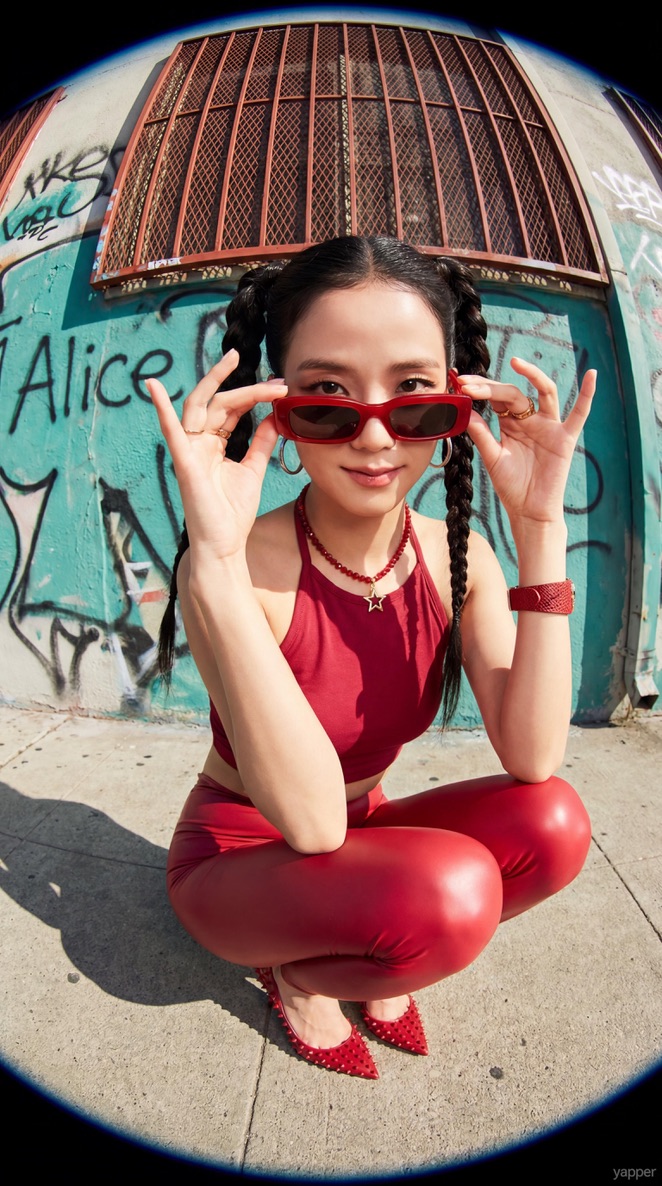
A full-body shot of a stylish young Asian man standing in a colorful urban alleyway. He is wearing an oversized {argument name="hoodie color" default="lavender"} zip-up hoodie over a light grey t-shirt, paired with bright mustard yellow cargo jogger pants and clean white sneakers. He has wavy black hair, wearing dark round sunglasses, and posing with hands in his pockets. The background features vibrant multi-colored walls in shades of orange, blue, and yellow. High-resolution streetwear photography, cinematic lighting, 8k, sharp focus
Choose the primary action to open PicX Studio with the available template settings. Review the model and format, personalize the creative direction, and generate when ready.
Yes. You can change the subject, setting, lighting, mood, format, and available model controls before creating your image.
This template is free to open and customize. Generation usage is shown in PicX Studio before you create.
Start with Nano Banana 2, which is the model associated with this template. You can compare another compatible model for a different finish.
© 2026 PicX Studio. All rights reserved.

Follow a topic to a crawlable collection of related PicX Studio templates.
43,474 public templates available. Verified via the PicX Studio public templates API; refreshed hourly.



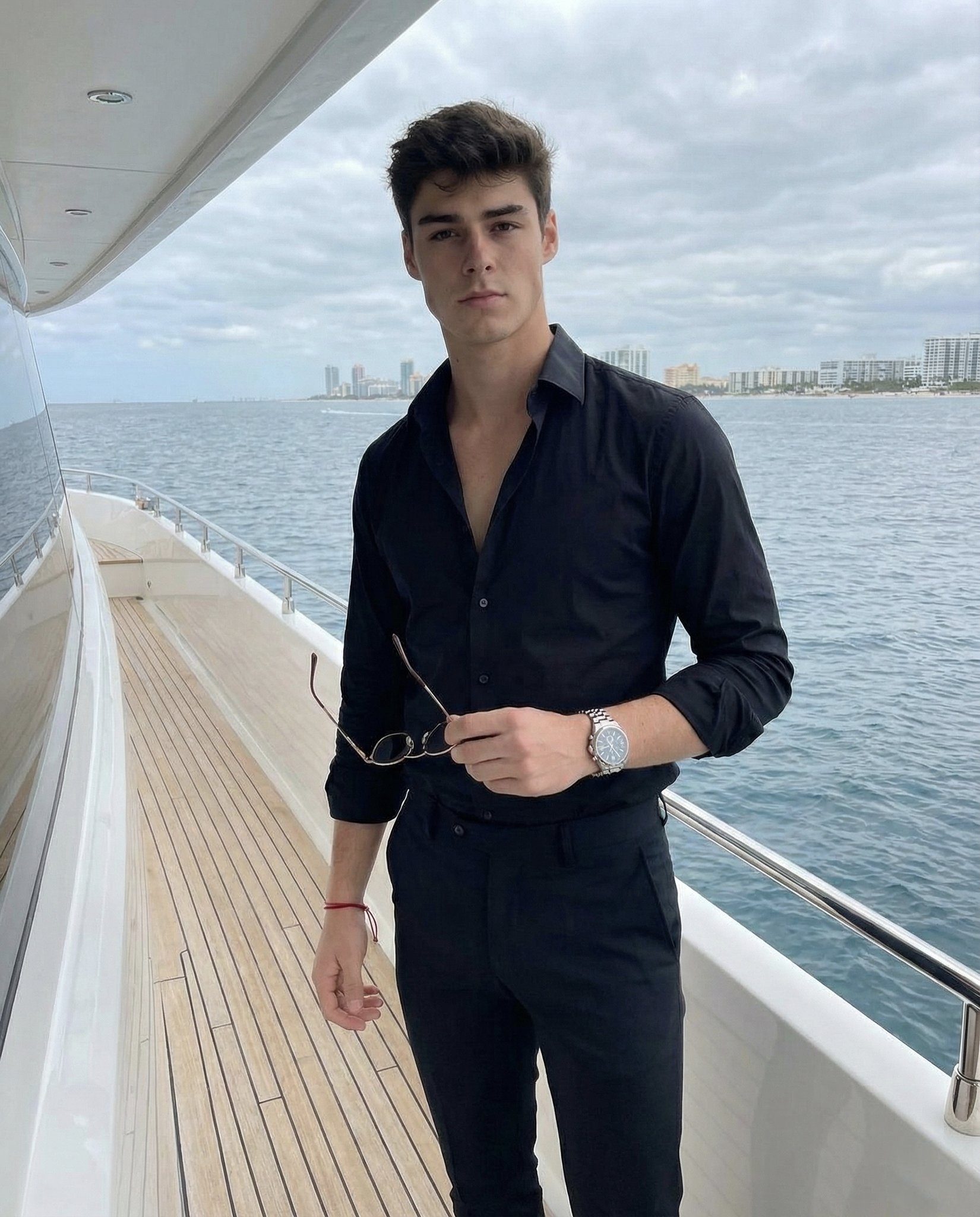



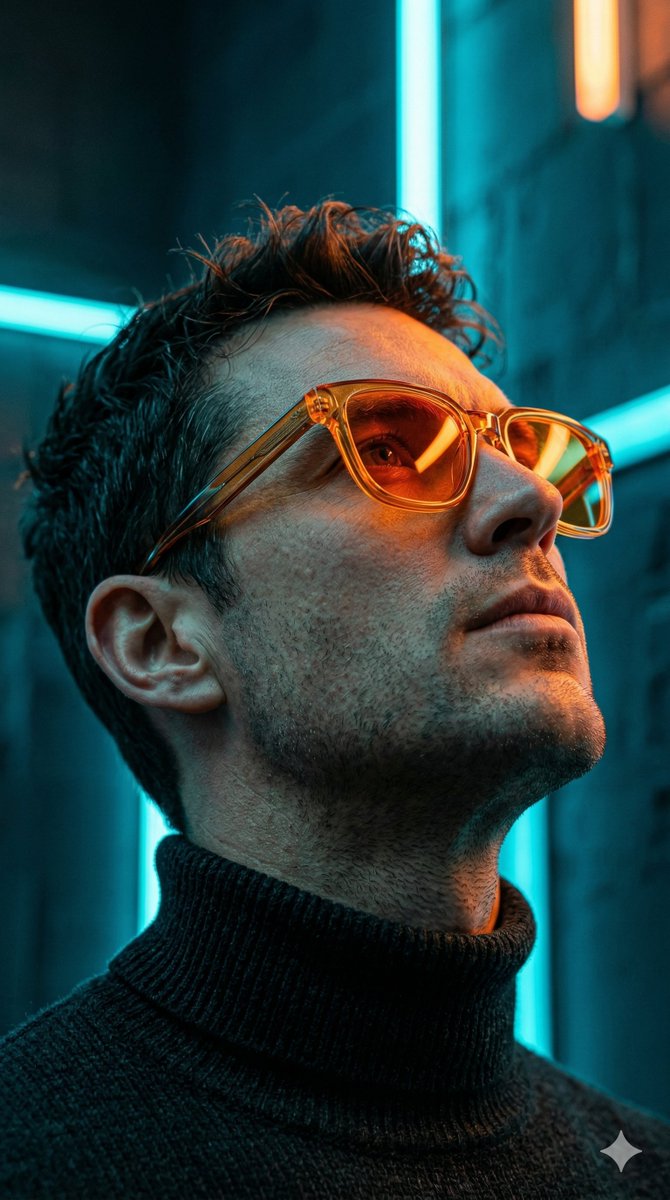
![This image into a 64K DSLR shot resolution of A stylish urban fashion — Transform this image [Upload Your Image] into a 64K DSLR shot resolution of A stylish ur](https://images.meigen.ai/tweets/2008470156146860416/0.jpg)



![Naive doodle-style subject illustration — A doodle-style {argument name="subject" default="[subject]"}, naive lines, humorous shape exaggeration](https://pbs.twimg.com/media/G6Wl2YxbsAARB2b.jpg)











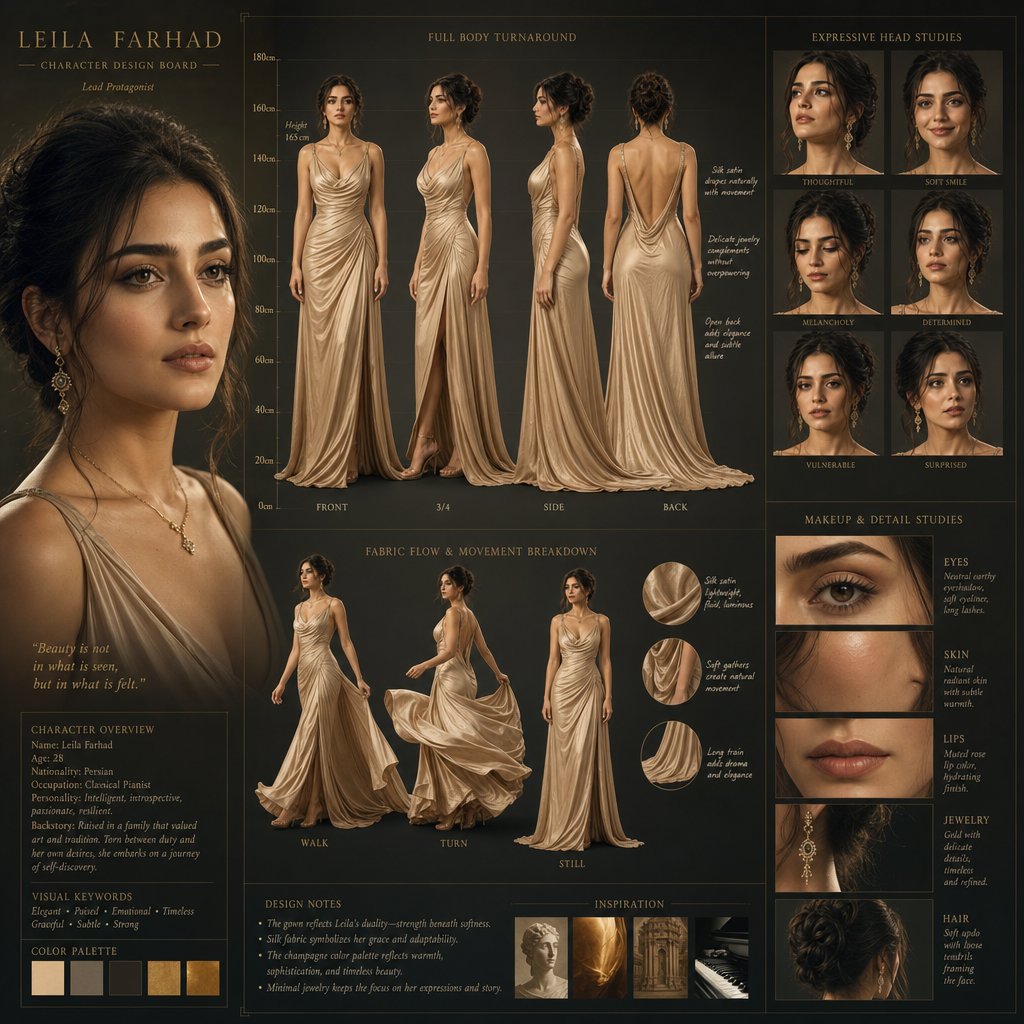
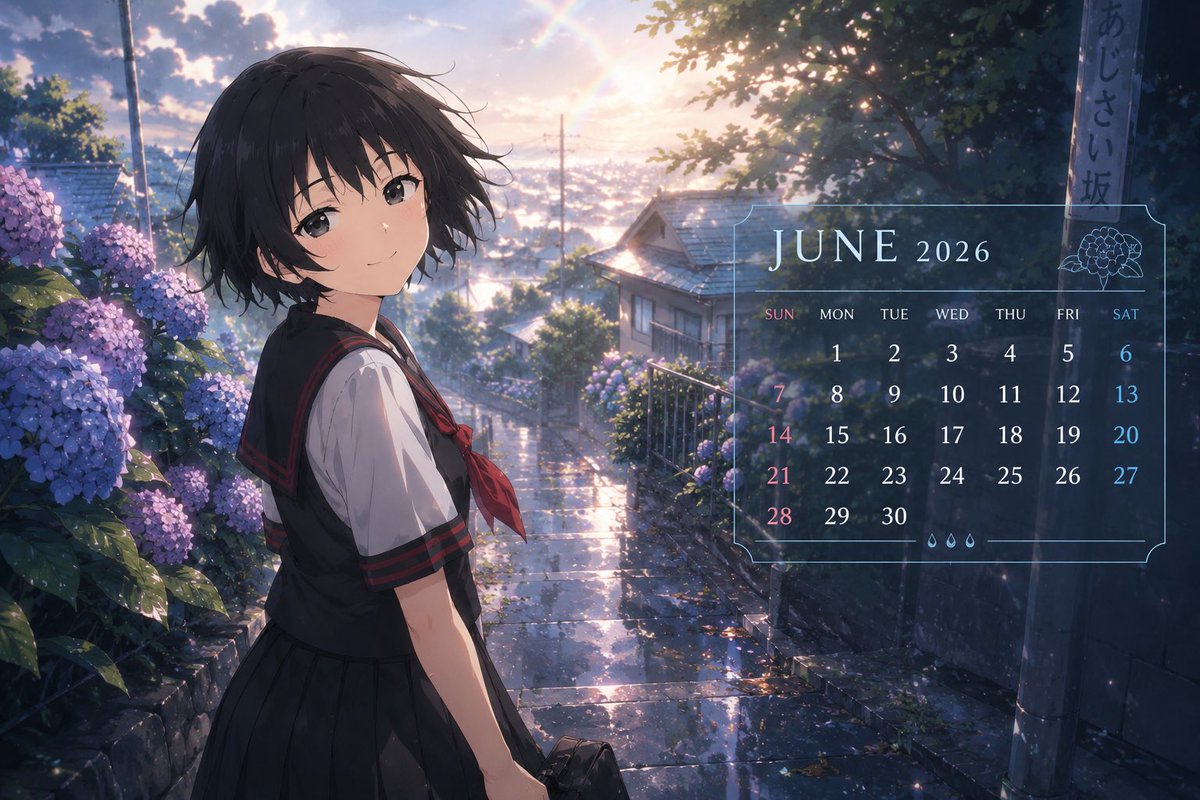


![3D Hagoita (Battledore) Prompt for Nano Banana Pro — #情報の入力: [ ] の中身を書き換えてください。
[参照画像のキャラクターの特徴]: {argument name="キャラクターの特徴" default="アニメスタイルの少女。茶色のミディアムヘア、赤い瞳](https://pbs.twimg.com/media/G9UNpa7bUAAmz6Z.jpg)



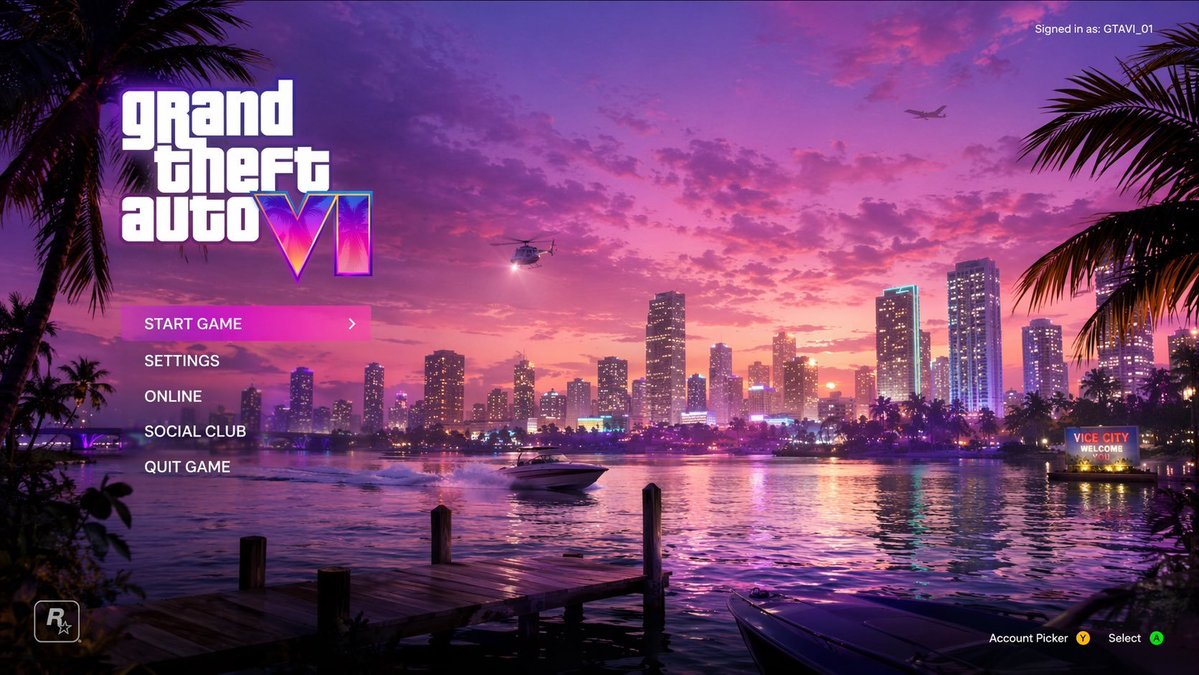
![85-80-year-old-rapper-mv-seedance-2-0-stree — 16:9 horizontal, street rap MV style, neon purple-blue cold color tone,燃炸酷飒氛围. Duration: 16 seconds.
[0-3s] Mediu](/_next/image?url=https%3A%2F%2Fcdn.picxstudio.com%2Fuploads%2Fpost85_img0_e893af71-4377-4ad8-a655-ec3aac33316c.jpg&w=828&q=100)