How do I use the Glamorous Night Out Influencer Snapshot Prompt template?
Choose the primary action to open PicX Studio with the available template settings. Review the model and format, personalize the creative direction, and generate when ready.
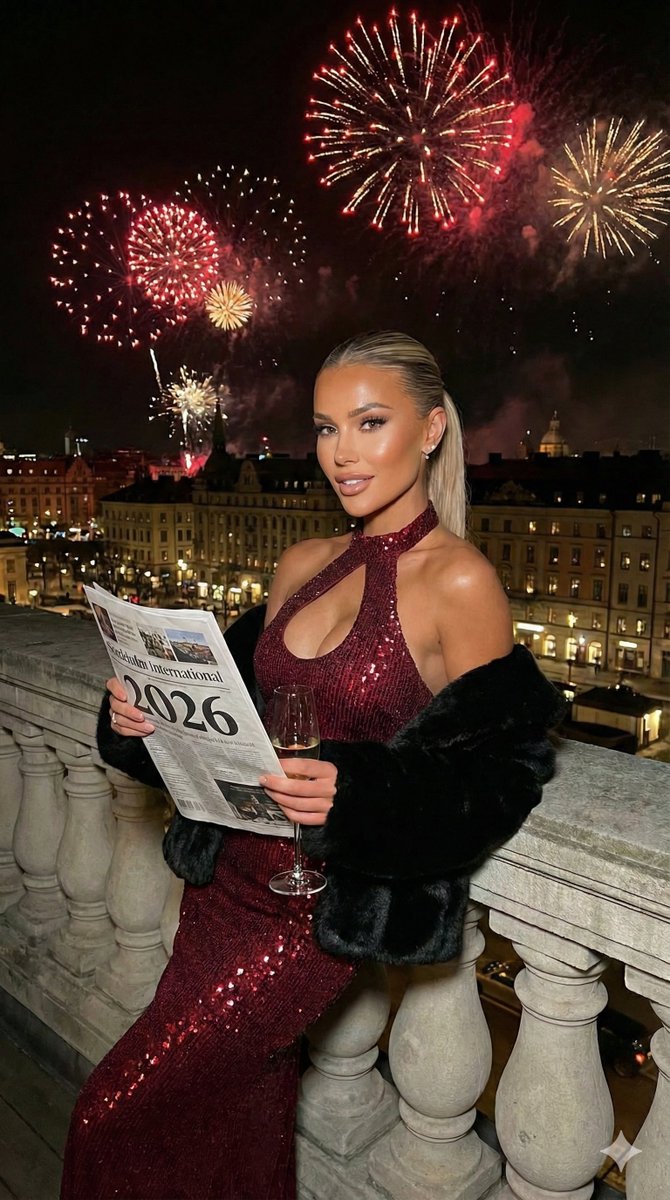
A structured JSON prompt for generating a glamorous, high-quality smartphone photograph of a woman wearing metallic and sequined attire on an upscale city street at night, featuring warm ambient lighting and a luxury lifestyle aesthetic. Change the subject, setting, or lighting one variable at a time.

{ "subject": { "description": "Young woman with long, wavy light brown hair.", "pose": "Standing facing the camera, smiling slightly, arms relaxed.", "expression": "Soft, confident, and engaging." }, "outfit": { "top": "Silver metallic chainmail halter top with a deep plunging neckline and a horizontal chain strap across the midriff.", "outerwear": "Large, plush white faux fur coat worn off the shoulders, draped around the elbows.", "bottoms": "Black sequined trousers or skirt, partially visible.", "accessories": "Silver metallic clutch or small handbag held in hand.", "jewelry": "Matching silver choker collar attached to the top." }, "environment": { "location": "Upscale city street at night (London implied by Union Jack flags).", "background_elements": [ "Grand building entrance with large stone columns.", "Union Jack flags hanging from the building facade.", "Ornate black metal gate.", "Large green hedge covered in warm white fairy lights.", "Parked black luxury car (Rolls-Royce style) on the street.", "City streetlights and blurred pedestrians in the distance." ] }, "lighting": { "type": "Nighttime ambient city lighting.", "qualities": "Warm glow from building and fairy lights, mixed with cool street lighting. Subject is well-lit, likely by a nearby street lamp or ambient store light." }, "style": { "aesthetic": "Glamorous night out, luxury lifestyle, influencer snapshot.", "perspective": "Eye-level, medium shot.", "camera_feel": "High-quality smartphone photography, slight night grain, candid but posed." } }
Choose the primary action to open PicX Studio with the available template settings. Review the model and format, personalize the creative direction, and generate when ready.
Yes. You can change the subject, setting, lighting, mood, format, and available model controls before creating your image.
This template is free to open and customize. Generation usage is shown in PicX Studio before you create.
Start with Nano Banana 2, which is the model associated with this template. You can compare another compatible model for a different finish.
© 2026 PicX Studio. All rights reserved.

Follow a topic to a crawlable collection of related PicX Studio templates.
43,474 public templates available. Verified via the PicX Studio public templates API; refreshed hourly.












![Naive doodle-style subject illustration — A doodle-style {argument name="subject" default="[subject]"}, naive lines, humorous shape exaggeration](https://pbs.twimg.com/media/G6Wl2YxbsAARB2b.jpg)